RTA963
Prototyping for the Web

Documenting the process is more important than final product.
UI
The User-Interface
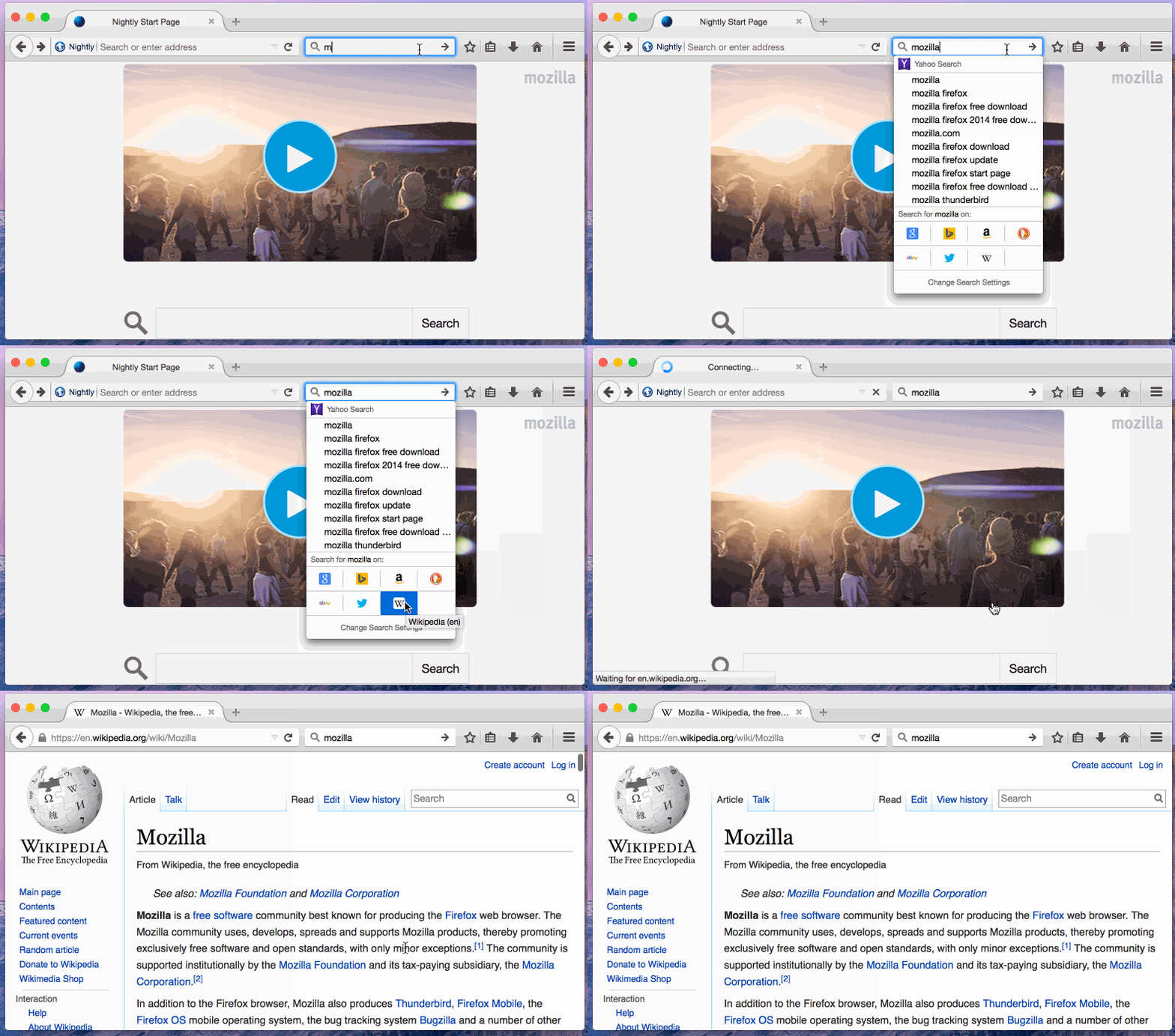
What Makes a Great UI?
- Usable vs useful
- Design patterns
- Logical
- Whitespace
- Power-users vs newbies
- Adaptable?
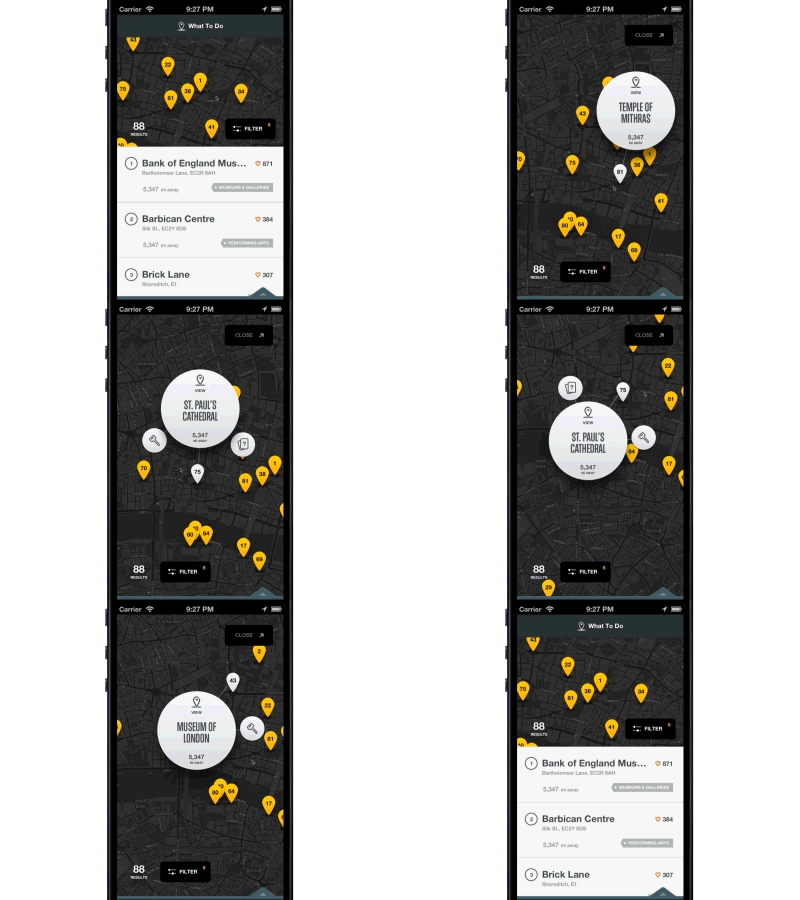
Source www.xtnd.it
Step 1: Mockups
Mockups
- List the requirements
- Sketch the interface (2+ times)
- Annotate
- Get feedback
Inspiration
- Branding
- Layouts (other sites)
- Competition
Wireframes
- Low fidelity
- Placeholders
- UI hints
Step 2: Prototype

Source: SamuelATX
Prototype
Step 3: Create
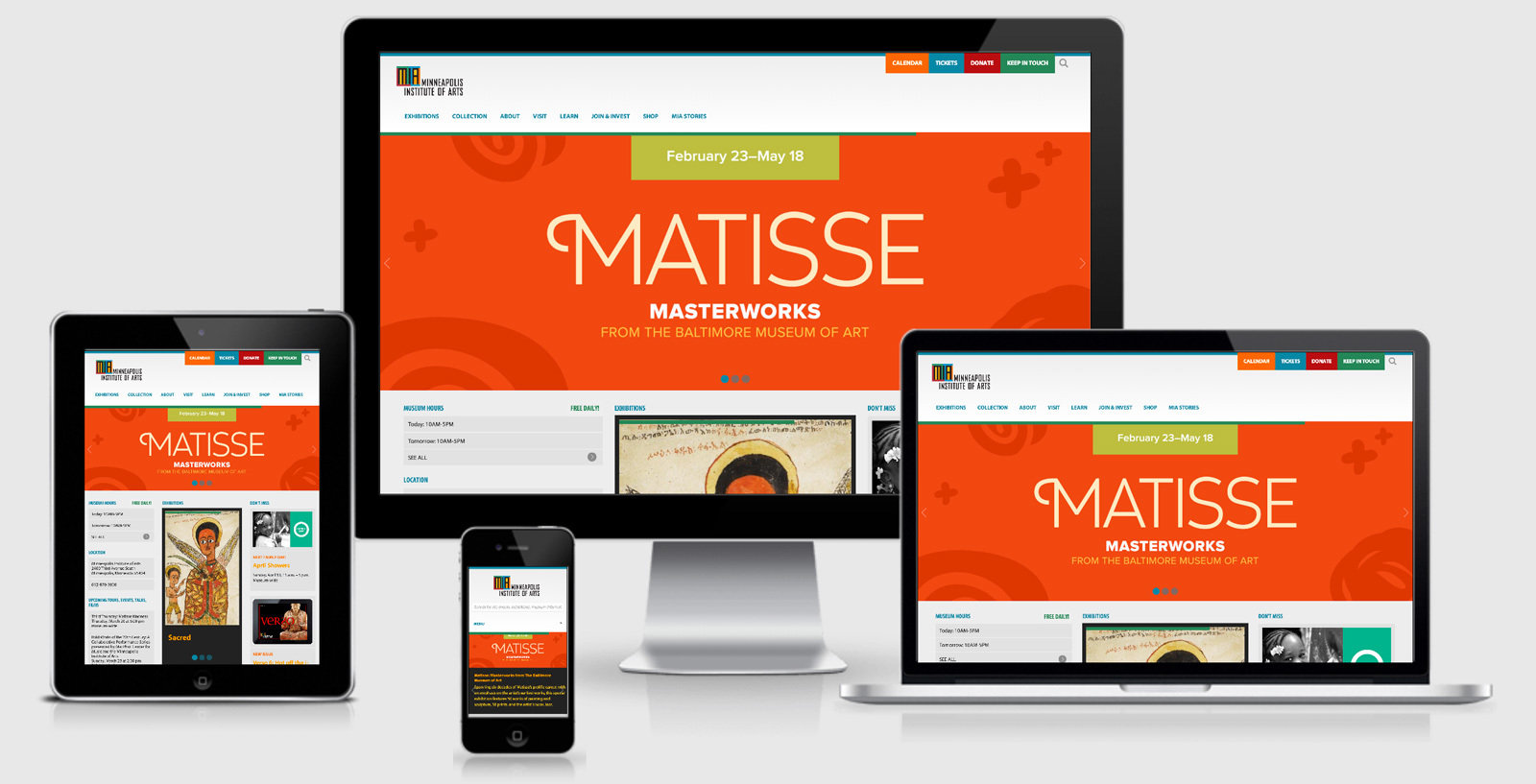
Conversion
- Create all elements in HTML/CSS/JS
- Frameworks
- Testing
- Upcoming weeks...

Placeholder Content
- placekitten, baconmockup, placehold.it
- Lorem Ipsum (lipsum.com)
- Zurb Foundation & Twitter Bootstrap