Infrastructure as Code (IaC)
def letsDoIt():
	print("Automate all the Things!")

letsDoIt()

Code:
About me

 Software Engineer - Cox Automotive
 Masters in Computer Science - Txstate
 ❤️ food & coffee ☕
👋 Hi
Workshop Agenda
- Chapter 0 -> all about IaC
- Chapter 1 -> hands on terraform 101 💻
- Chapter 2 -> hands on terraform 201 💻
Chapter 0
- Infrastructure as Code defined
- Core concepts
- Benefits of using IaC
IaC
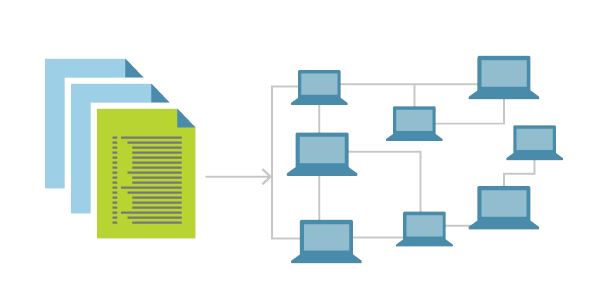
Provisioning infrastructure through software to achieve consistent and predictable environments.
Core Concepts
Defined in code
Stored in source
control
Imperative vs Declarative
Idempotent and Consistent
Push or Pull
Core Concepts
Defined in code
Stored in source
control
Imperative vs Declarative
Idempotent and Consistent
Push or Pull
Core Concepts
Defined in code
Stored in source
control
Imperative vs Declarative
Idempotent and Consistent
Push or Pull

# Software make me a taco

get shell
get beans
get cheese
get lettuce
get salsa

put beans in shell
put cheese on beans
put lettuce on cheese
put salsa on lettuce
Imperative
#Make me a taco

food taco "bean-taco" {
ingredients = [
"beans", "cheese", "lettuce", "salsa"
] }
Declarative
Core Concepts
Defined in code
Stored in source
control
Imperative vs Declarative
Idempotent and Consistent
Push or Pull

Idempotent
make me a taco
Here's a
taco



Idempotent
make me a taco
Umm...I already gave a taco
Core Concepts
Defined in code
Stored in source
control
Imperative vs Declarative
Idempotent and Consistent
Push or Pull
Push
Thanks! :)
Take this
taco
Pull
Give me
the taco
Sure!
Infrastructure as Code Benefits

Automated deployment
Consistent environments
Repeatable process
Reusable components (D.R.Y)
Documented architecture
Tools for IaC config
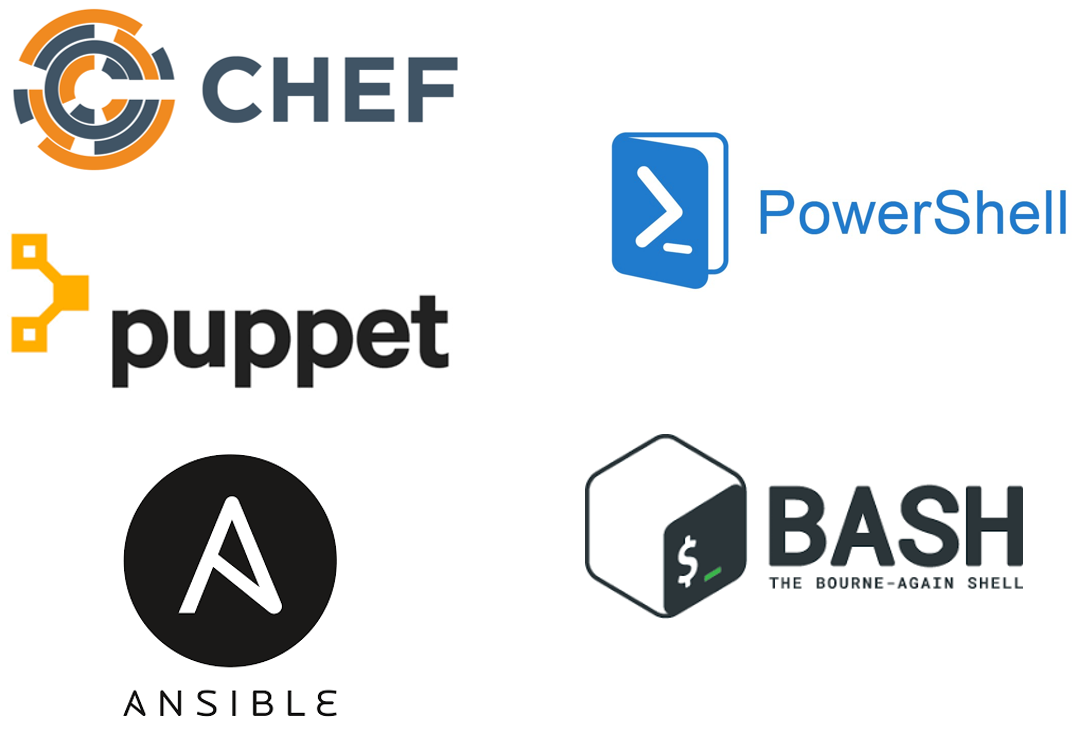
These tools work well for configuring the operating system and application.

But, They are not purpose-built for provisioning cloud infrastructure and platform services.
Terraform enables you to safely and predictably create, change, and improve infrastructure.
Terraform is quite literally infrastructure as code. So you describe servers, switches, DNS records, anything you would imagine i.e anything that would be in a "data center" to run an application. You put it into a text file, you tell Terraform to make it for you, and it does by stitching together a variety of APIs from cloud providers and SaaS providers and so on.
- Mitchell Hashimoto
Creator of
Summary
- Infrastructure as code is fun
- Manual processes are error-prone
- When in doubt have a taco ;)
- Coming up:
- Deploy a terraform configuration

Chapter 1
Terraform - 101 💻
Code:
Overview
- Automating infrastructure
- Terraform basics
- Tf "Hello World"
Automating Infrastructure Deployment


Provisioning
Resources
Planning
Updates
Using Source
Control
Reusing
Templates
How to Provision an AWS VM
Let's look at a few different ways you could provision a new AWS Virtual Machine.
Before we start we'll need to gather some basic information including:
-
Virtual Machine Name
-
Operating System (Image)
-
VM Size
-
Geographical Location
-
Username and Password
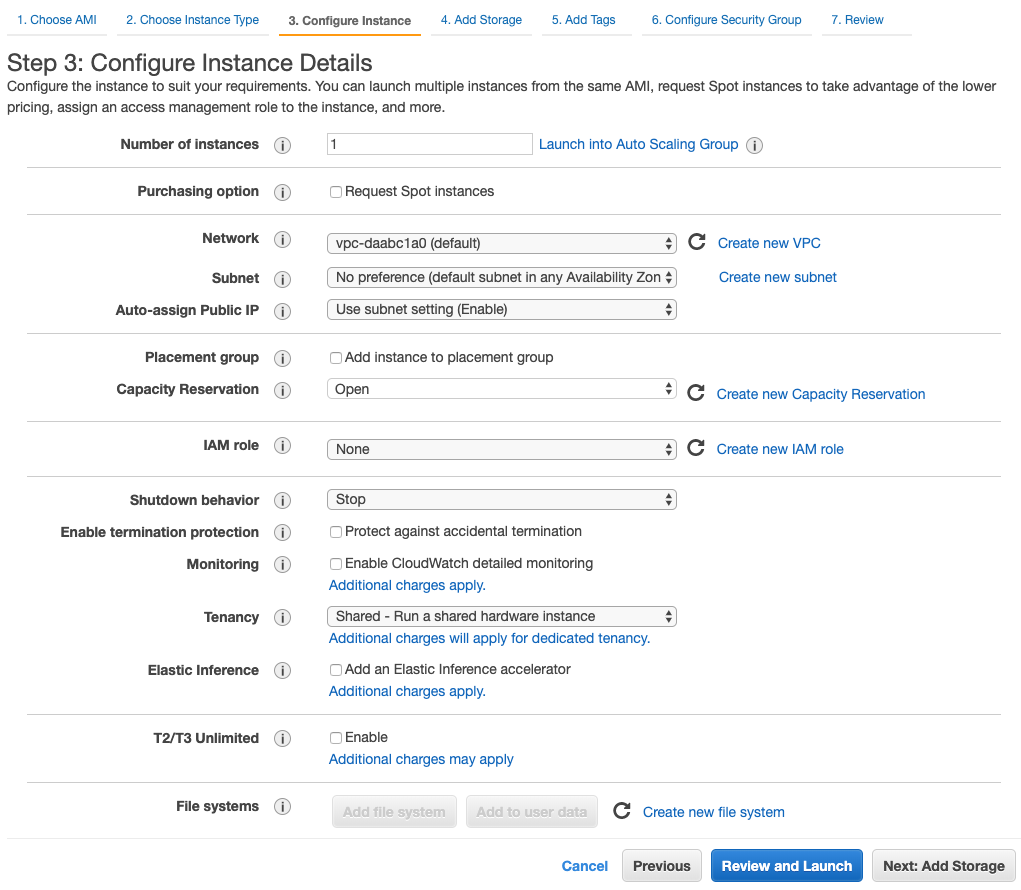
Method 1: AWS Console (GUI)
Text
Method 2: AWS CloudFormation
{
...
"Resources" : {
    "EC2Instance" : {
      "Type" : "AWS::EC2::Instance",
      "Properties" : {
        "InstanceType" : { "Ref" : "InstanceType" },
        "SecurityGroups" : [ { "Ref" : "InstanceSecurityGroup" } ],
        "KeyName" : { "Ref" : "KeyName" },
        "ImageId" : { "Fn::FindInMap" : [ "AWSRegionArch2AMI", { "Ref" : "AWS::Region" },
                          { "Fn::FindInMap" : [ "AWSInstanceType2Arch", { "Ref" : "InstanceType" }, "Arch" ] } ] }
      }
    },
    "InstanceSecurityGroup" : {
      "Type" : "AWS::EC2::SecurityGroup",
      "Properties" : {
        "GroupDescription" : "Enable SSH access via port 22",
...
Text
CloudFormation templates provide a consistent and reliable way to provision AWS resources. JSON is easy for computers to read, but can be challenging for humans to edit and troubleshoot.
Method 3: Provisioning with Terraform - HCL
# Sample terraform config for building an AWS virtual machine

resource "aws_virtual_instance" "web" {
  ami                    = "ami-11e84107"
  vpc_security_group_ids = ["sg-e8592829c"]
  instance_type          = "t2.micro"
  key_name               = "MySSHKey"
  tags = {
    Name = "MyFirstVM"
  }
}
Why Terraform?
- Executable Documentation
- Human and machine-readable
- Easy to learn
- Test, share, re-use, automate
- Works on all major cloud providers (AWS, Azure, GCP cloud☁️)
resource "aws_instance" "nginx" {
  ami                    = data.aws_ami.aws-linux.id
  instance_type          = var.server-size
  key_name               = var.sshkey
  vpc_security_group_ids = [aws_security_group.allow_ssh.id]

  tags = {
    Name = "${local.env_name}-nginx"
  }

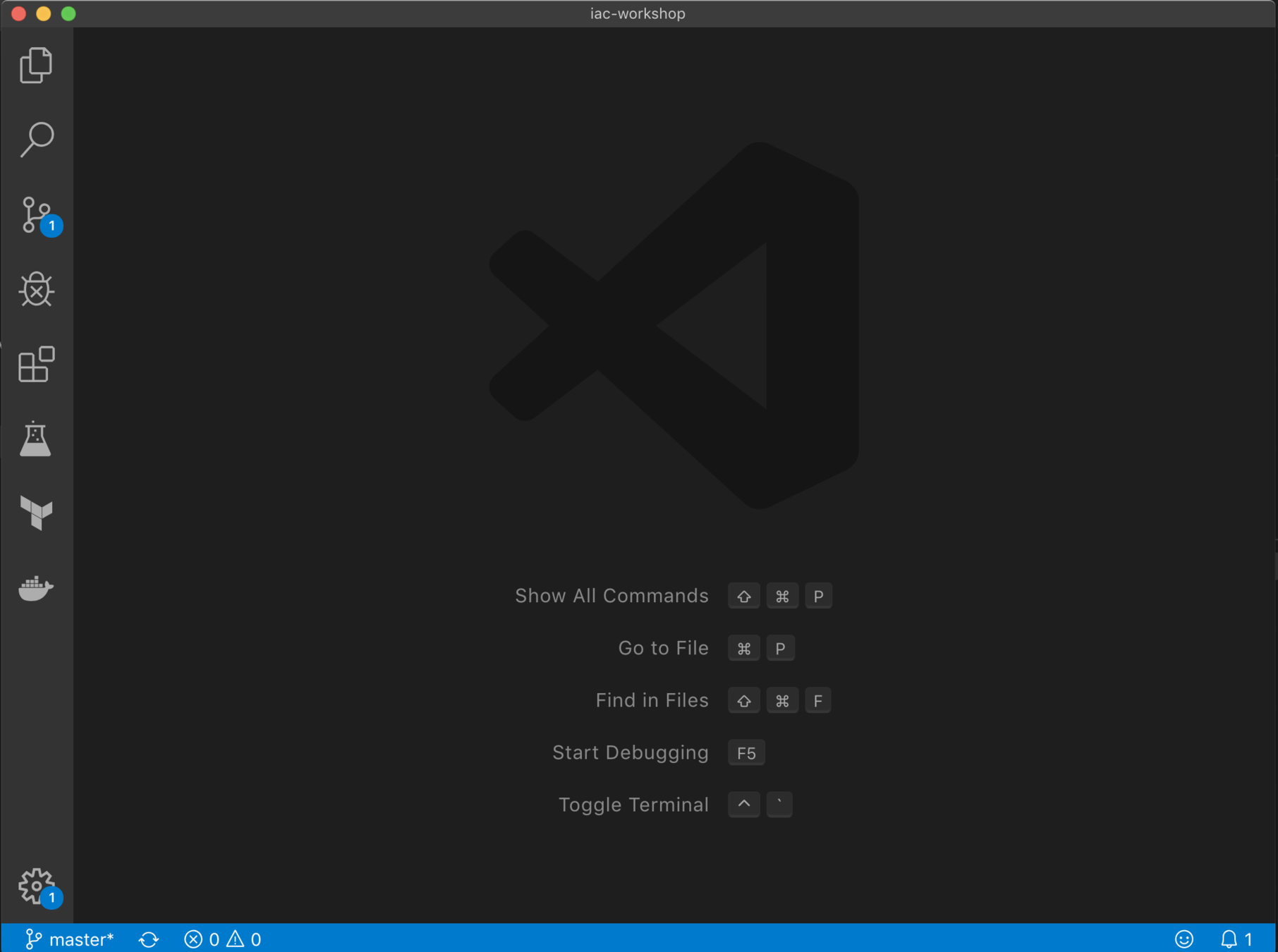
Open Visual Studio Code or any IDE
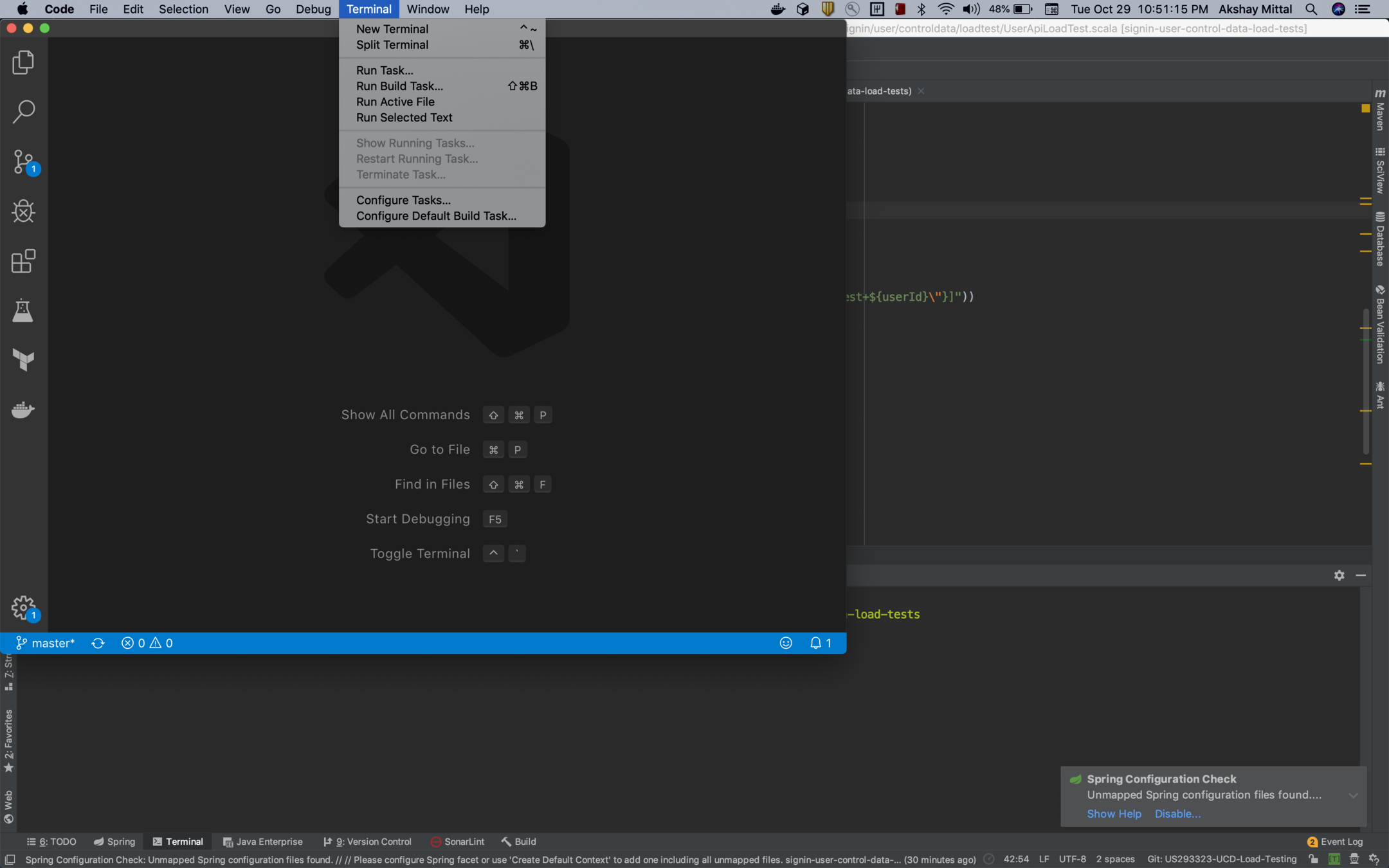
Open the Integrated Terminal
Clone the workshop repo
git clone https://github.com/akshaymittal143/iac-workshop.git
cd iac-workshop
docs/config.sh

#might take around 2-3mins

code -n .

terraform -v

#getting started link
https://bit.ly/2BUZtIV
variable "aws_access_key" {}
variable "aws_secret_key" {}
variable "aws_region" {
default = "us-east-1"
}
provider "aws" {
access_key = "var.access_key"
secret_key = "var.secret_key"
region = "var.aws_region"
}Variables
Terraform getting started
Provider
data "aws_ami" "alx" {
  most_recent = true
  owners = ["amazon"]
  filters {}
}


resource "aws_instance" "dev" {
  ami = "data.aws_ami.alx.id"
  instance_type = "t2.micro"
}


output "aws_public_ip" {
  value = "aws_instance.dev.public_dns"
}
Data
Output
Resource
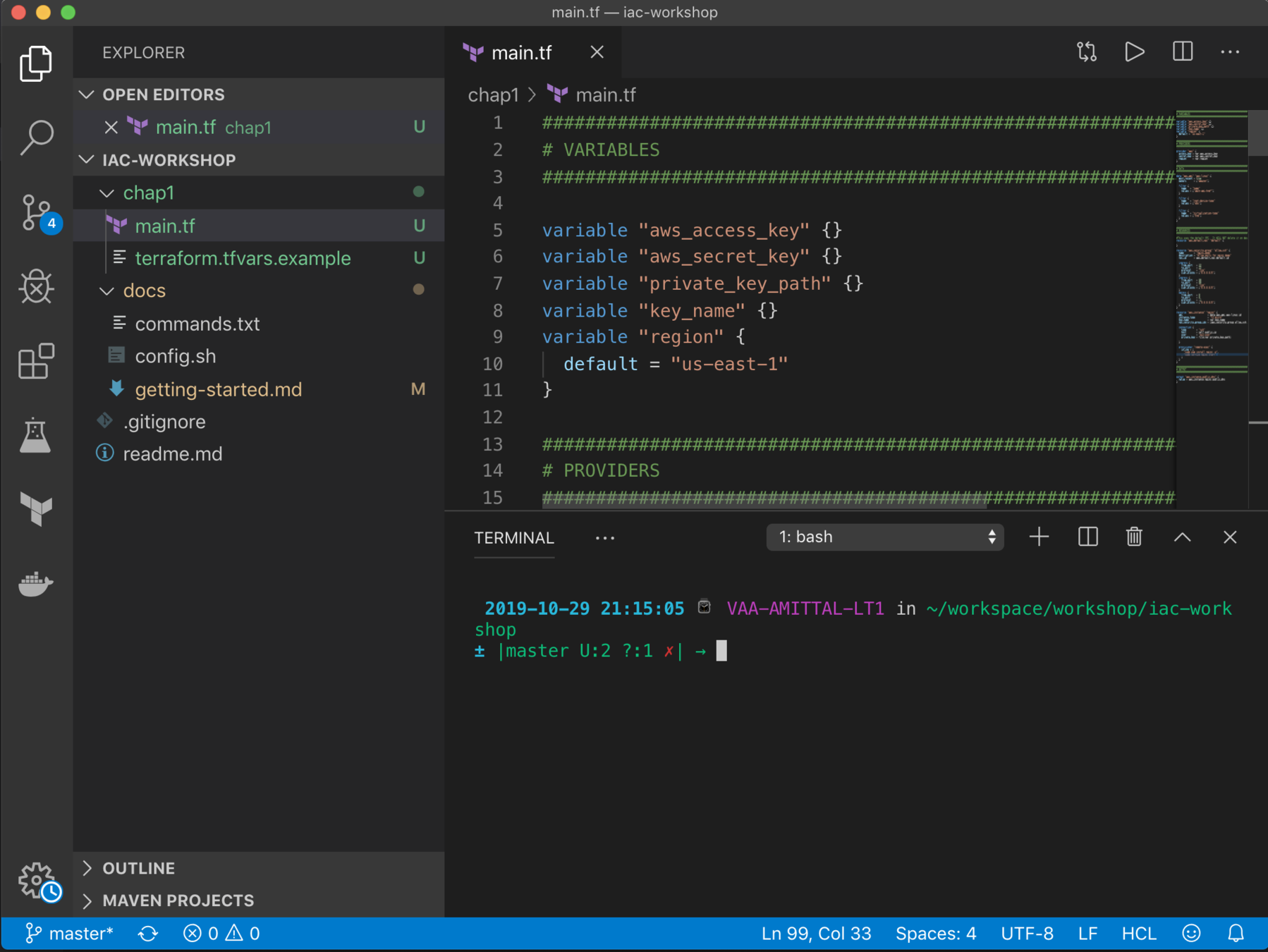
Explore Visual Studio Code
- Left side: File browser, search, version control & more.
- Lower right: Integrated terminal. Run all commands here.
- Upper right: Open and edit multiple files in tabs.
Chapter 1 demo
cd chap1

terraform init

#AWS_ACCESS_KEY_ID & AWS_ACCESS_KEY_ID in terraform.tfvars
terraform plan

# deploy
terraform apply

# open aws console and verify the deployment
# https://console.aws.amazon.com/console/home
# clean up

terraform destroy
- Examine the configuration
- Deploy the configuration
- Review the results
Chapter Review
In this chapter we:
- Setup workshop code in VS Code
- Ran the terraform init command
- Ran the terraform plan command
- Ran the terraform apply command
- Deployed configuration to AWS
- Ran the terraform destroy command
Summary
- Key components of a Terraform file
- Deploying infrastructure
- Repeatable
- Consistent
- Coming up
- Adding resources
- Planning updates
Chapter 2
Updating your config with more resources

Overview
- Terraform state
- Planning updates
- Evolving our configuration
Terraform State
- JSON format (Do not touch!)
- Resources mappings and meta data
- Locking
- Location
- Local
- Remote: AWS, Azure, NFS, TF cloud
- Workspaces
State File
{
	"version": 4,
  	"terraform_version": "0.12.5",
  	"serial": 30,
	"lineage": "",
	"outputs": {},
	"resources": []
}
First rule of Terraform?
Make all changes in Terraform.

Terraform Planning
-
Inspect state
-
Dependency graph
-
Additions, updates, and deletions
-
Parallel execution
-
Save the plan
The Scenario
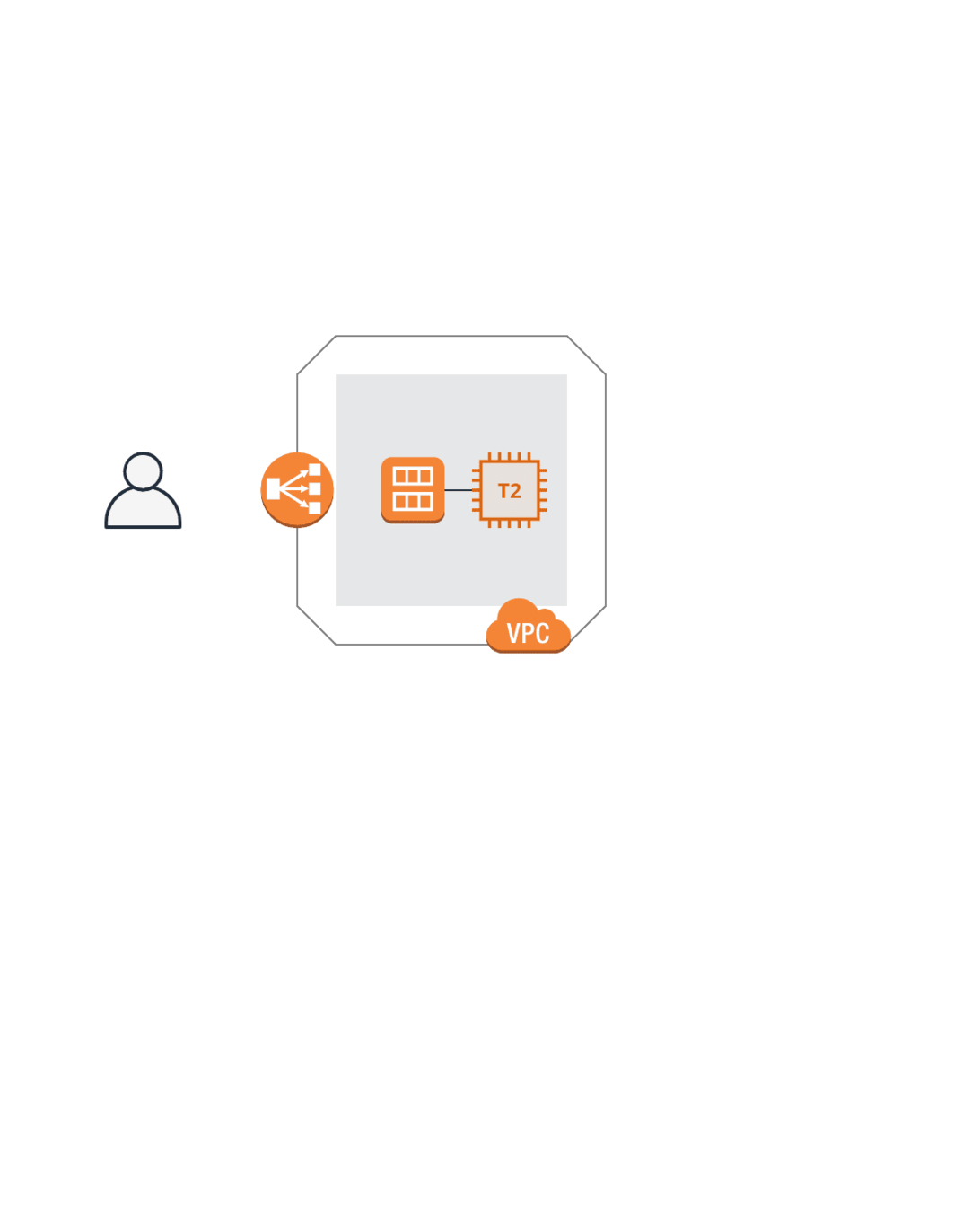

Adding a VPC
resource "aws_vpc" "vpc" {}

resource "aws_internet_gateway" "igw" {}

resource "aws_subnet" "subnet1" {}

resource "aws_route_table" "rtb" {}

resource "aws_route_table_association" "rta-subnet1" {}
Demo time
cd ../chap2

#examine the config
#copy aws_access_key & aws_secret_key
#region: us-east-2

sh run.sh
# this script will create and download ec2 key pair
# AWS Access Key ID [****************AT5J]:[your key]
# AWS Secret Access Key [****************oSoN]:[your secret]
# Default region name [us-east-2]:us-east-2

terraform init
terraform plan
terraform apply

# verify the results in the console
# copy the public ip and paste in the browser

terraform destroy
Summary
-
Terraform updates and state file
-
Data sources
-
VPC
-
Load balancer and security
Workshop Summary
-
Build infrastructure automagically
-
Ensure consistent repeatable deployment
-
Reuse existing configurations
-
Increase your productivity
-
Make your job better or find a better job! ;)

Go build something great ;)

Thank you for attending :)
@akshaymittal143