Progressive Image Library

built on Enonic XP platform
Alan Semenov


Lead UX Developer









PWA?
What I'm NOT going to talk about
- Introduction to PWA
What I'm going to talk about
- Personal experience turning an existing app into a PWA
- What I learned during development
- Goals, challenges and solutions
- Surviving the frustration
(because you're supposed to know this by now)
- Code snippets copy-pasted from the Google sites
- Your First Progressive Web App
Why choose PWA?
- You can build a mobile application without being a native app developer (yay!)
- Easier to develop and debug (once you have made peace with the Chrome Dev Tools panel)
- Easier to deploy and maintain (think about deploying your app to the AppStore)
- Faster engagement: save user time of finding, downloading, installing and opening your app
- Your website will have 100% app-like look/feel, will look great on any device and work in any browser
- Better user experience (instant response, improved navigation, push notifications, responsiveness)
- Better security (service workers require HTTPS)
Still not convinced?
Traditionally native features that PWAs can also use
- Working offline
- Push notifications
- Adding an icon to the home screen
- Launching in full-screen
- Clipboard access
- Persistent auto-login
- Hardware-accelerated 2D/3D graphics
- Accessing the filesystem and reading user-selected files in any browser
- Really slick, smooth UIs with support for animations
Before you start development
1. Identify your users and their needs
2. Decide what to cache (don't cache too much -- mind the quota!)
4. Choose storage
- If data doesn't change often (f.ex. static assets) -- cache it.
- If data changes frequently -- still cache it, but use "cache then network" approach.
3. Decide what to show on the first load before fresh data becomes available - either fake or previously cached data.
- window.localStorage is built-in but synchronous and slow
- Consider APIs: IndexedDB, SimpleDB (promise-based)
Things you need to know
1. Service worker is the motor of your app vehicle
2. Know your promises - service worker is promise-driven
5. Service worker must be served via HTTPS (or localhost)
4. Chrome Dev Tools - "Application" tab
8. "start_url" from the manifest file must always load, even offline
6. Responsiveness and app-like design and navigation
7. Valid manifest.json with your app metadata
9. Thumbnails, favicons, splash screen
3. Cache API, Fetch API
What is that Service Worker thing again?
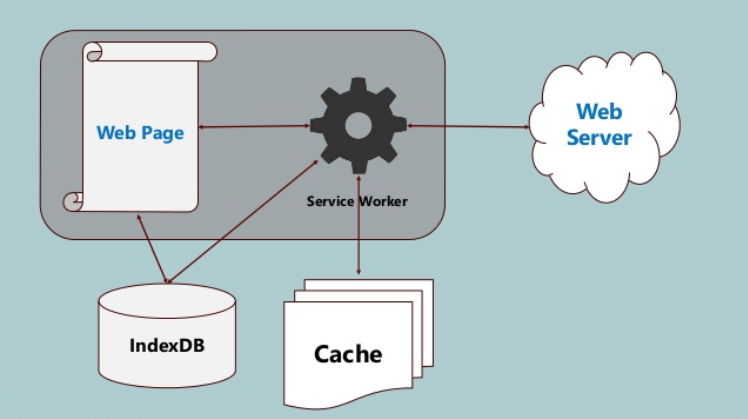
- A JavaScript file that your browser runs in the background, separate from a web page, enabling features that don't need user interaction or access to DOM
- Is essentially a programmable network proxy, allowing you to control how network requests from your page are handled.
- Terminated when not in use, and restarted when it's needed
- Won't take effect until registered
- Once registered, will start reacting to certain events (install, activate, fetch) and will be able to hijack requests within its scope
Service Worker in a nutshell
Service Worker - "install"
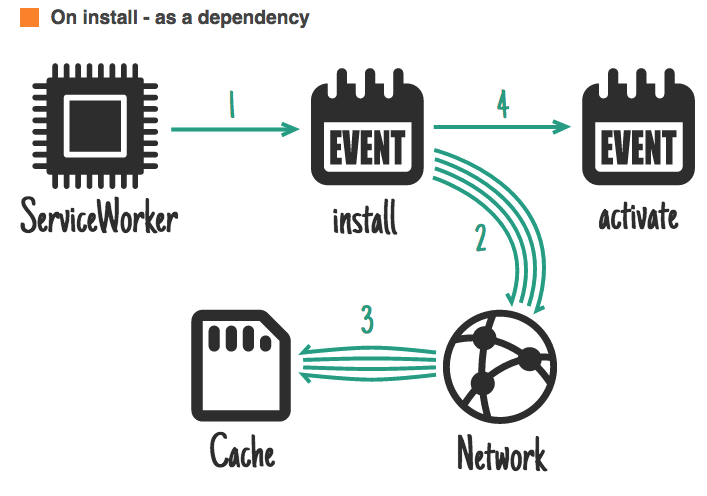
Service Worker - "activate"
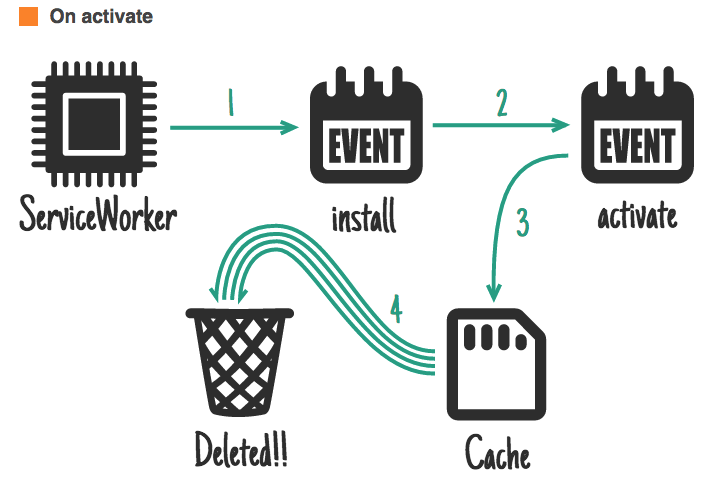
Handling requests
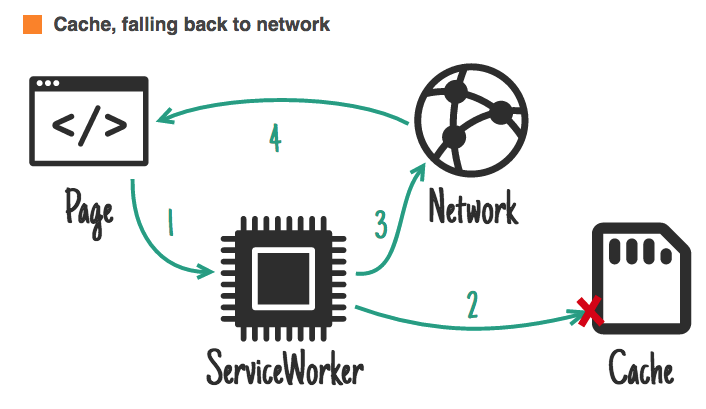
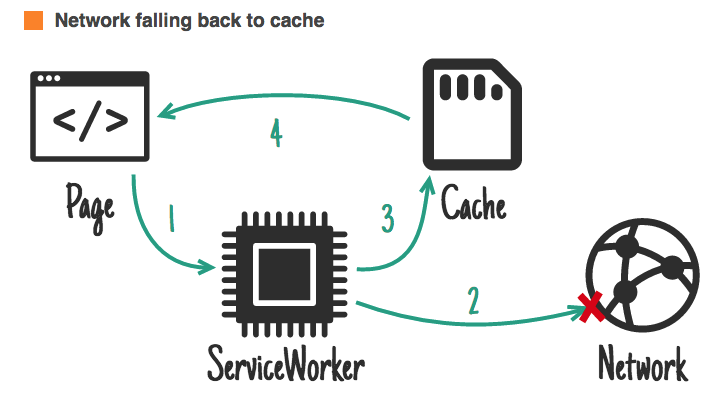
Handling requests
Handling requests
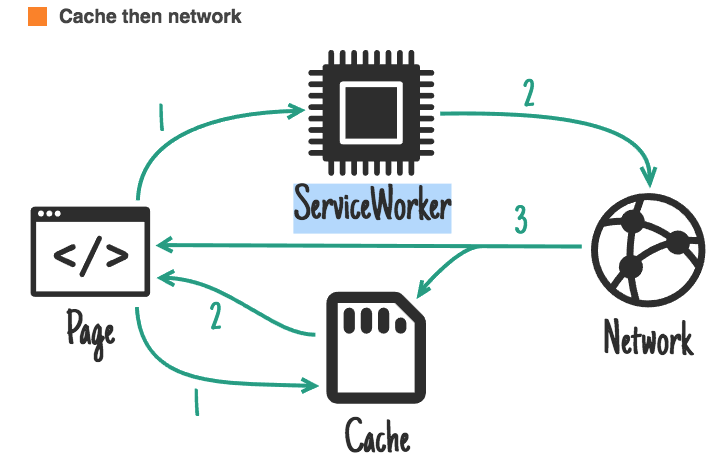
CHALLENGES


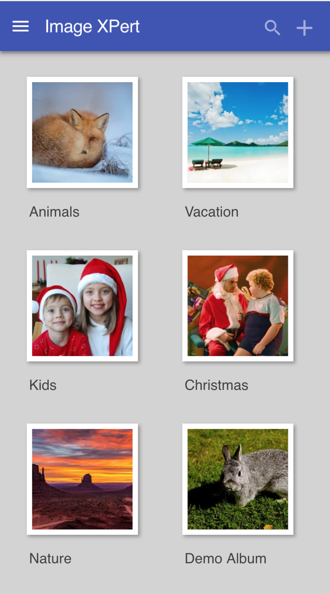
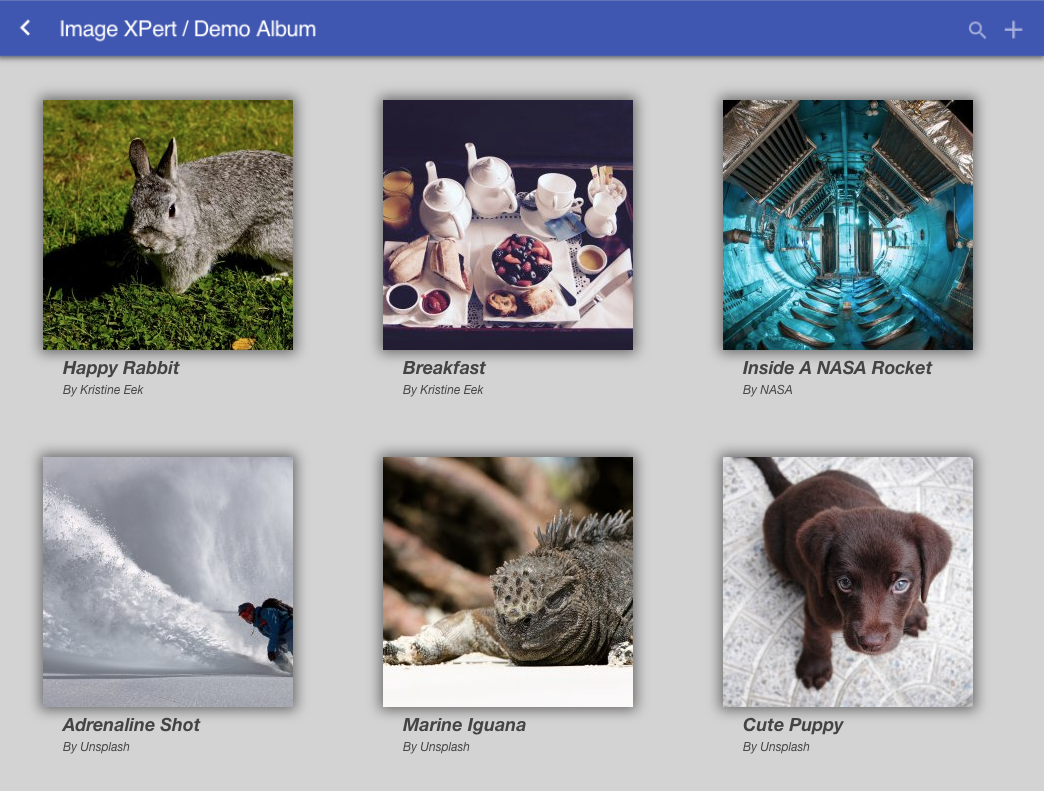
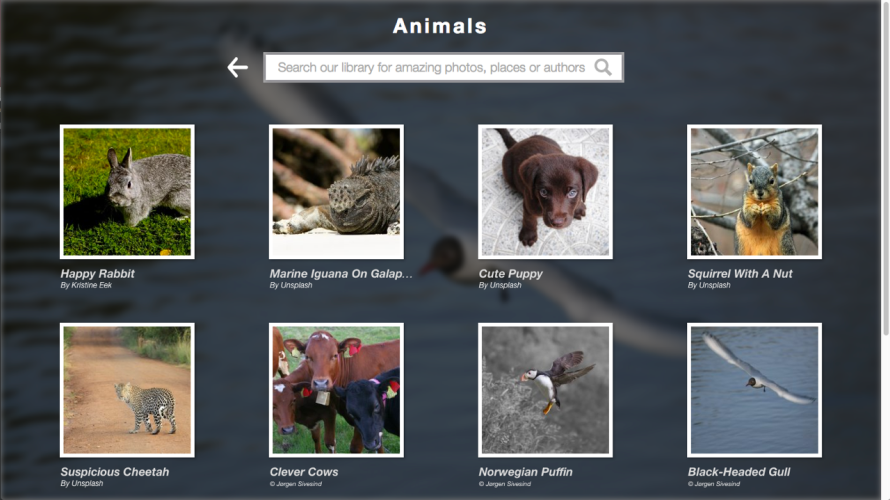
Image XPert 1.0
-- Build up a collection of images
-- Create albums and categorize images
-- Edit image caption, author and tags
-- Search by image caption, author or tags,
inside selected album or in the entire library
-- Fullscreen preview of an image
-- See geolocation of where image was taken
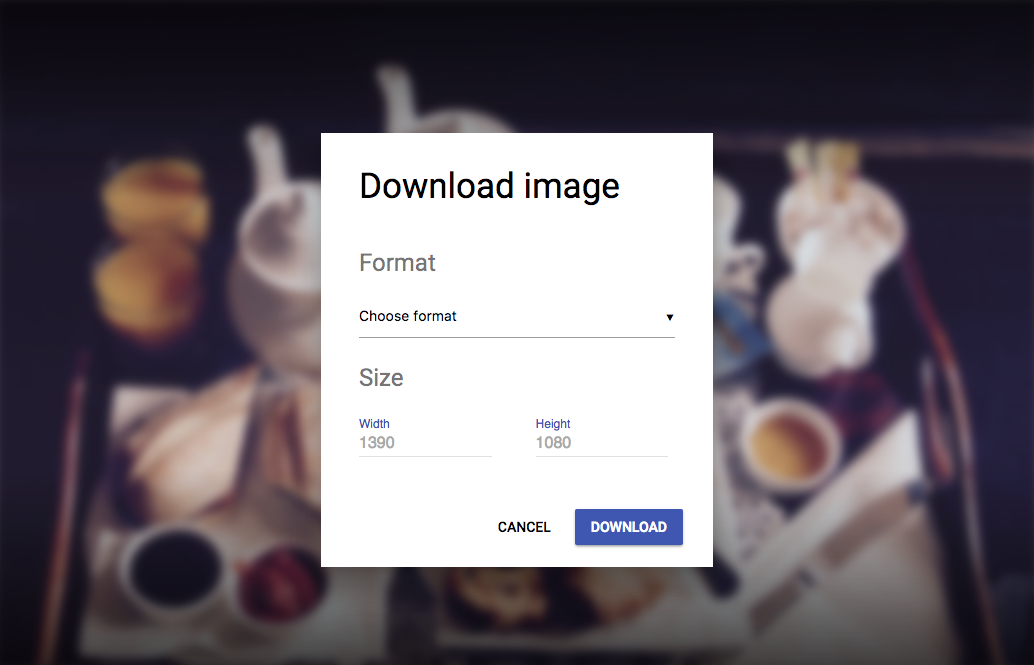
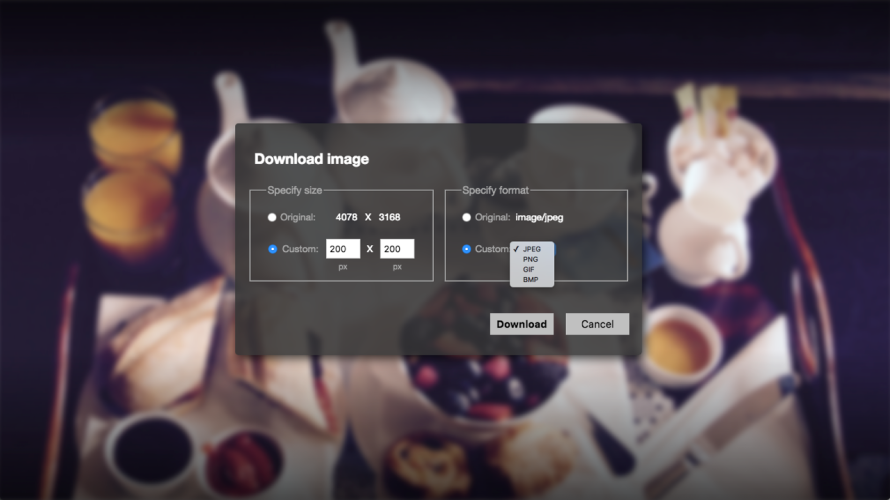
-- Download selected image with instant
conversion of format and size
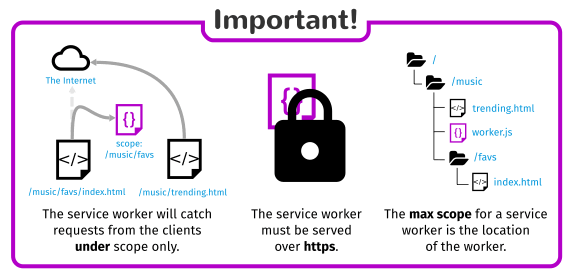
In order to cache site assets, service worker must be placed in the root

<mappings>
    <mapping controller="/assets/request-controller.js">
      <pattern>/service-worker.js</pattern>
    </mapping>
</mappings>
Solved with request mapper:
var ioLib = require('/lib/xp/io');

exports.get = function() {
    var res = ioLib.getResource('/assets/service-worker.js').getStream();

    return {
        body: res,
        contentType: 'application/javascript'
    }
};
request-controller.js:

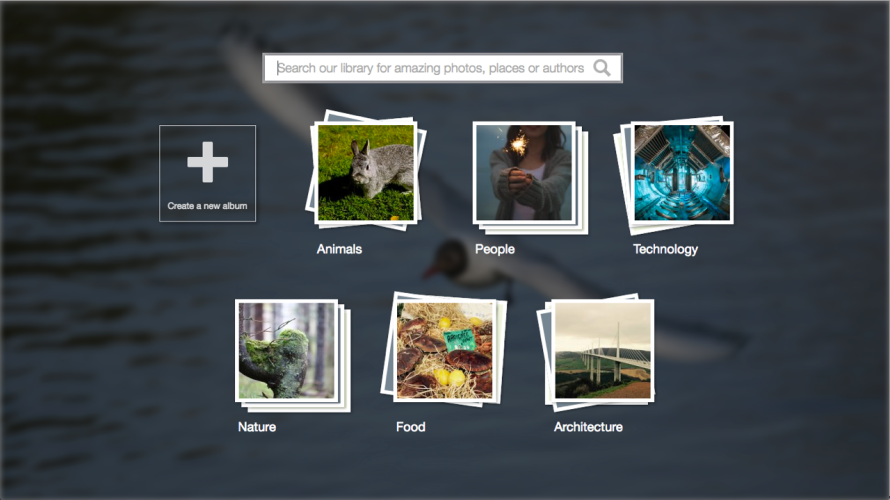
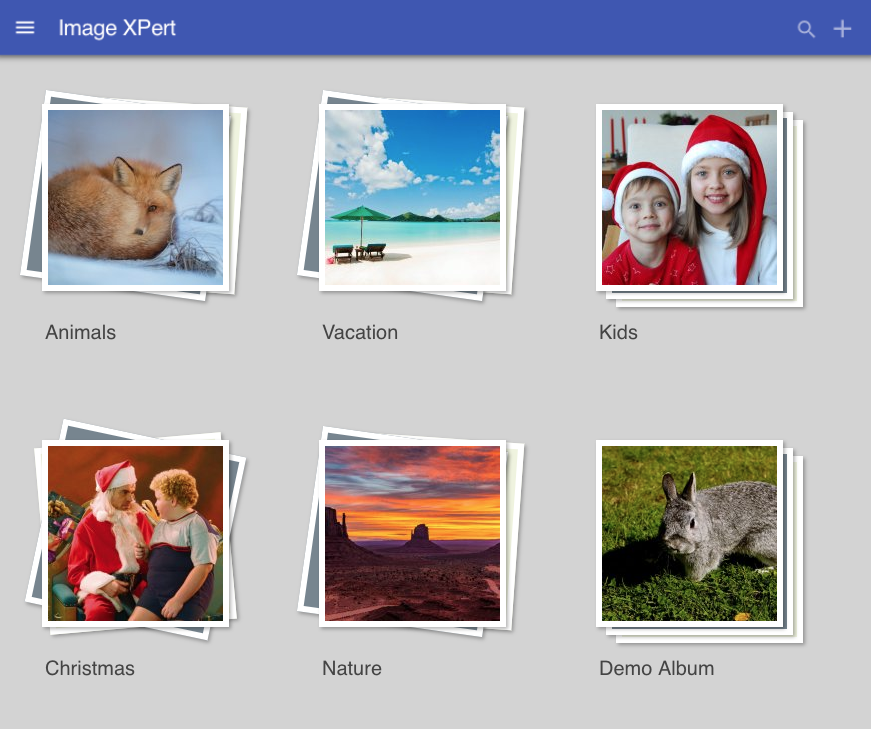
Before
After
Before
After
Before
Before
After
Before
Almost there!
- Handle the case when network is down and request is not cached - fallback to static pages
- Add integration with IndexedDB and use it for temporary storage of albums and images created while offline
- Check for new albums - not only images
- Check for new version of the app and reload it dynamically
- Handle requests that cannot be cached - for example, POST requests
- Implement PUSH API to notify user about fresh data
Demo Time!