HubSpot Pricing Pages
Re-architecting to enable reliability, rapid experimentation, and localization.
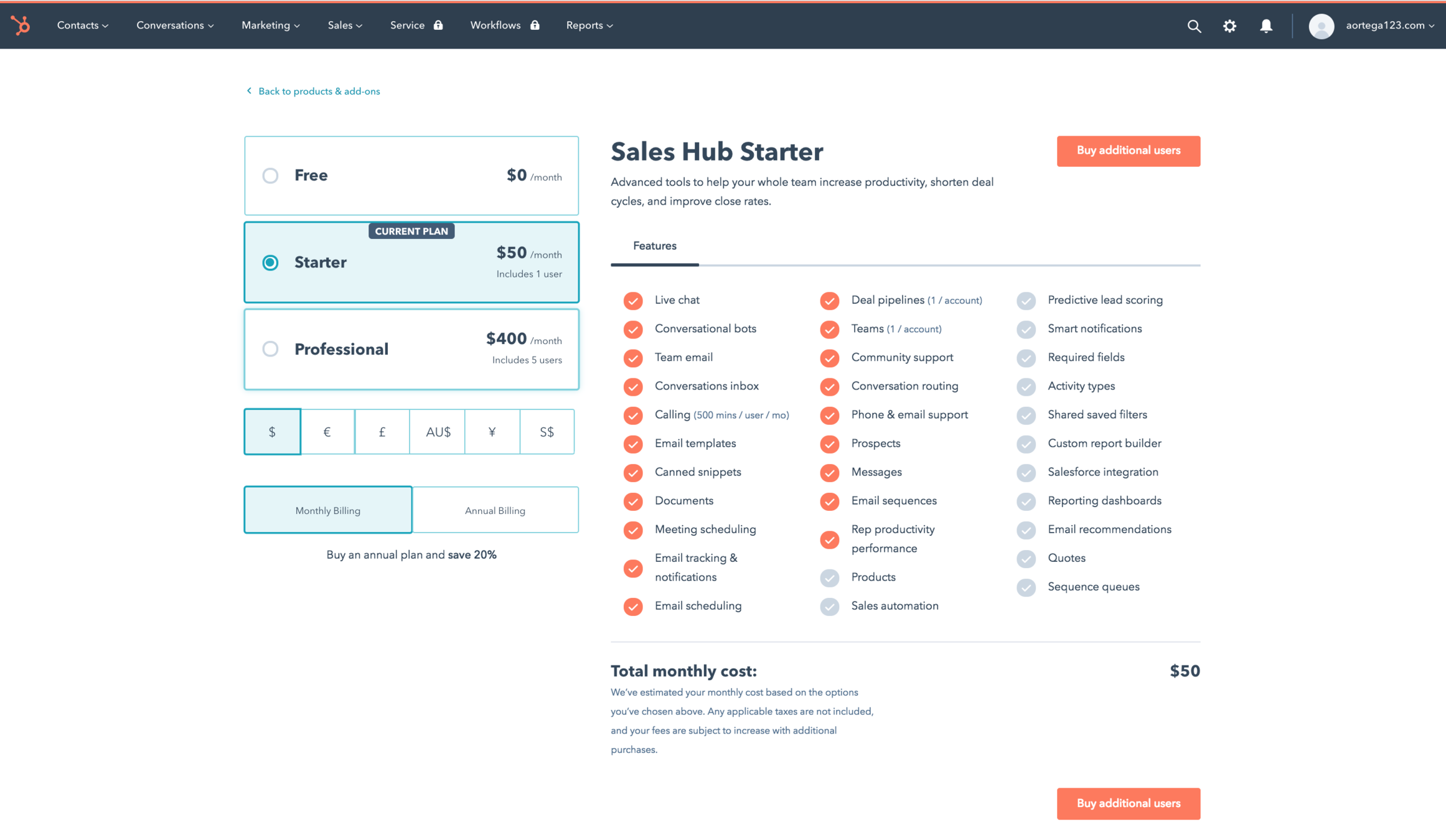
What did the business need from these pages?
Flexible enough to experiment with different prices and UI based on demographic and customer information
Opinionated enough to make complex changes very quickly
High level of reliability and availability
What did the codebase look like?
render() {
  if (isMarketingStarter) {
     return this.renderStarterPurchaseButton();
  }

  return this.renderProfessionalPurchaseButton();
}
MarketingPricingPage.js
Imperatively written view layer:
"We're releasing a new Marketing SKU in a month and we need to add it to the pricing page"
if (product === 'salesPro') {
  if (billingTerm === 'annual') {
    return 200 - (200 * 0.2);
  }

  return 200;
}
PriceSelector.js
Critical business logic tied to ever-changing constants
"We're renaming Sales Pro to Sales Professional and updating the price"
Complicated data flow made it impossible to make changes to a purchase after page load
{
  upgrade: {
    products: {
      SALES_STARTER: {
        annual: {
          purchaseOrderId: 123
        }
      }
    }
  }
}
Deeply nested response
// CheckoutButton.js
<CheckoutButton productName="service-starter">

// PurchaseOrderSelector.js
const purchaseOrderSelector = (state, productName) => {
  const purchaseOrder = {
    term:
  };

  if (productName === 'salesStarter') {
    return state.upgrade.products.SALES_STARTER[term].purchaseOrder;
  }
}
Unique characteristics about a product were at the bottom of the data flow
"We need to allow a user to buy two products in a single purchase"
How did I fix this?
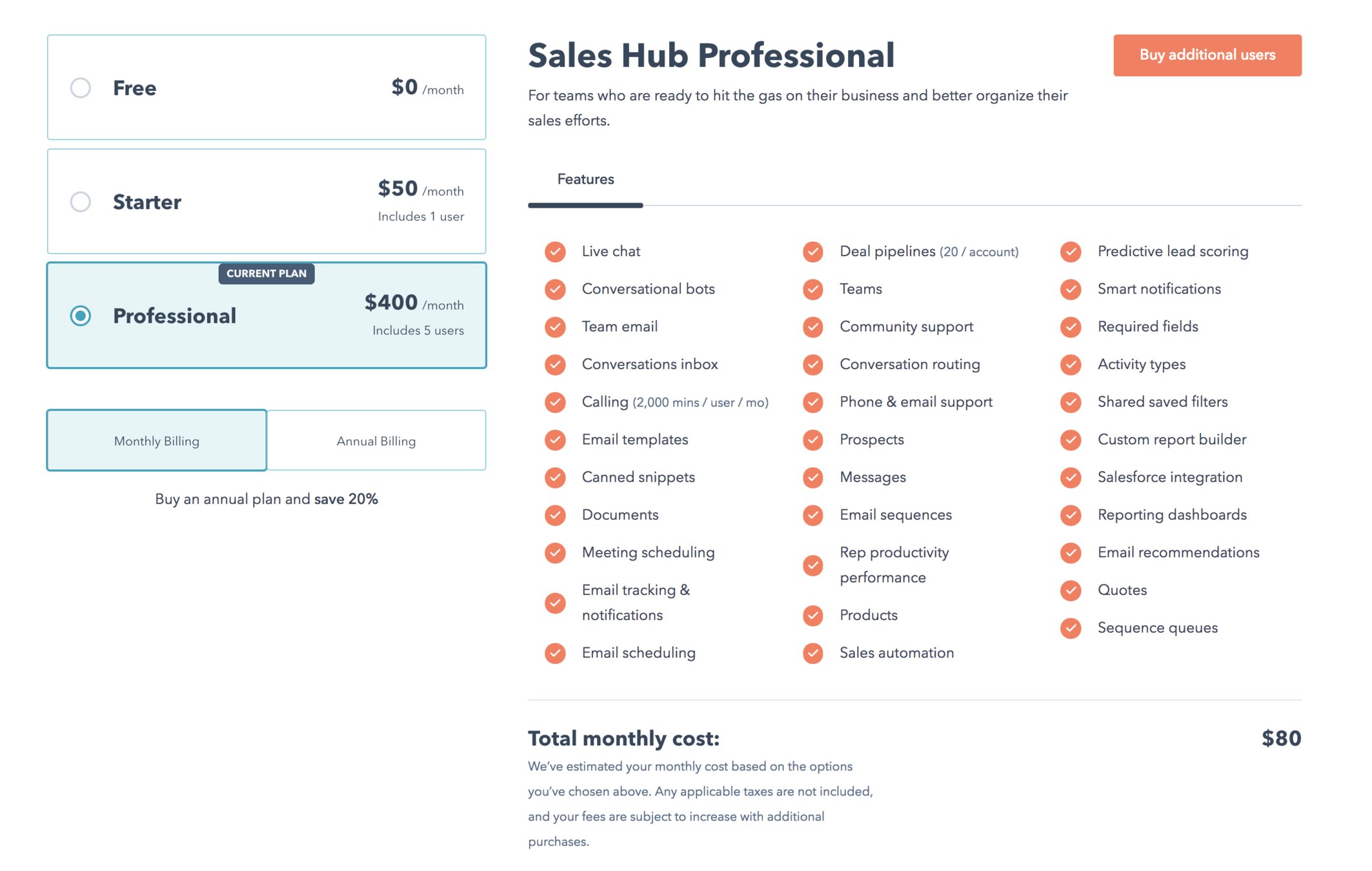
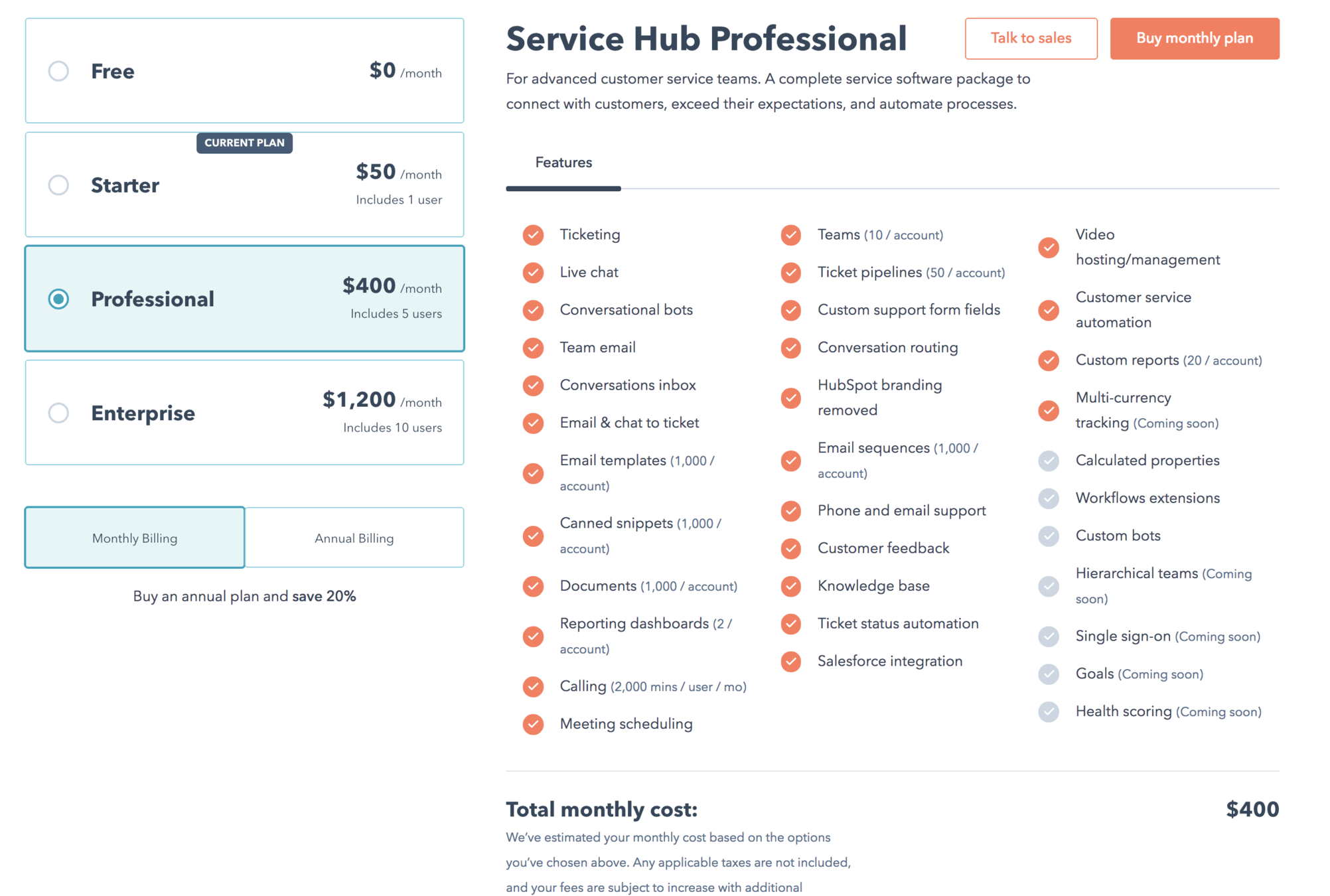
Finding the right abstraction
What stays the same?
Layout
What changes?
SKUs
Terms that a user could purchase a SKU on (monthly or annually)
Discounts that the user could receive
Required additional quantities of a different SKU
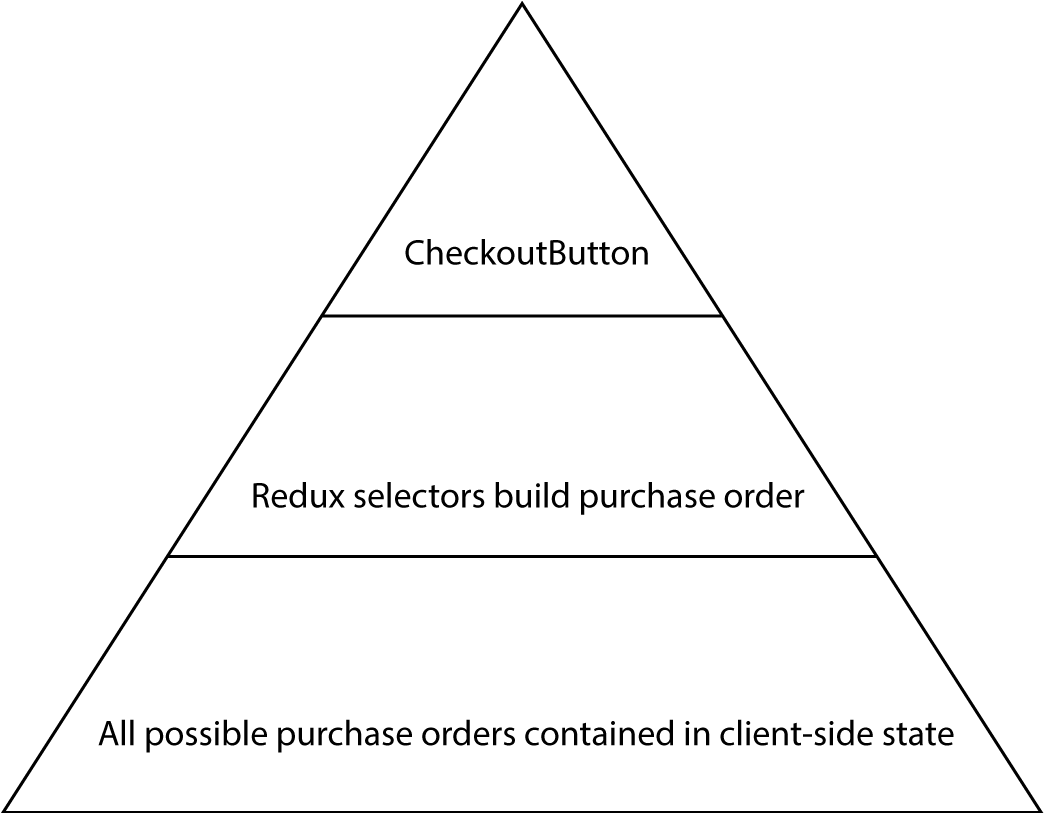
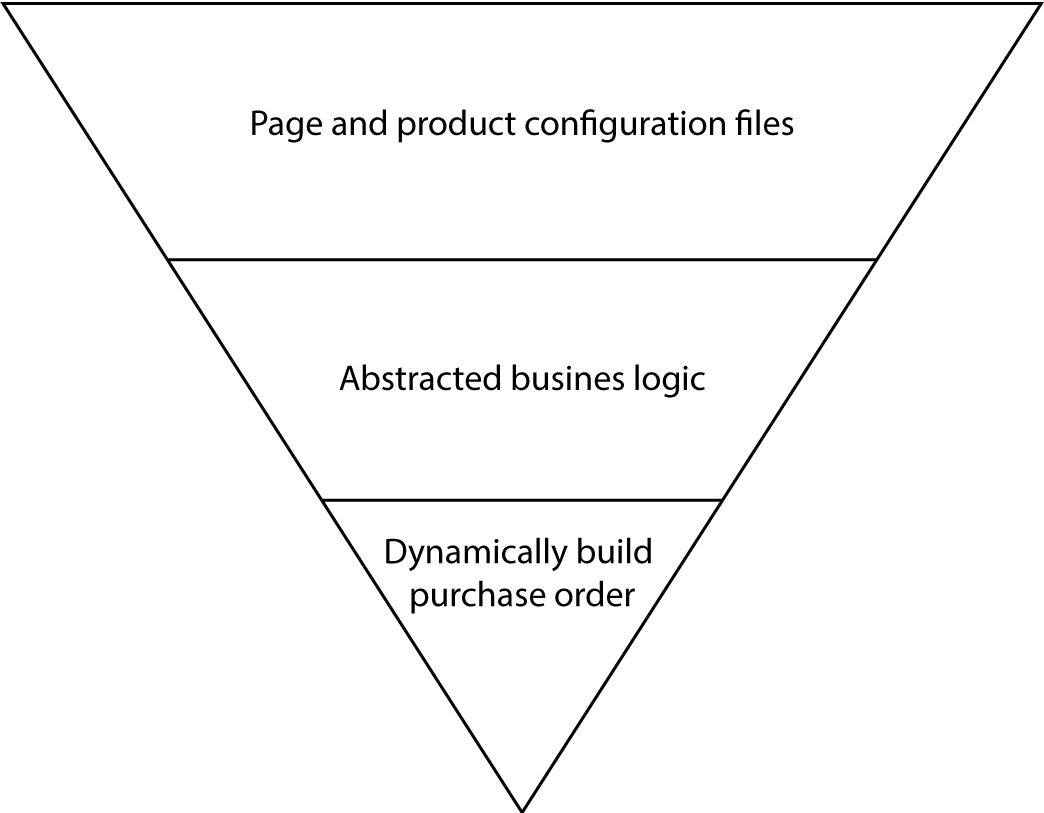
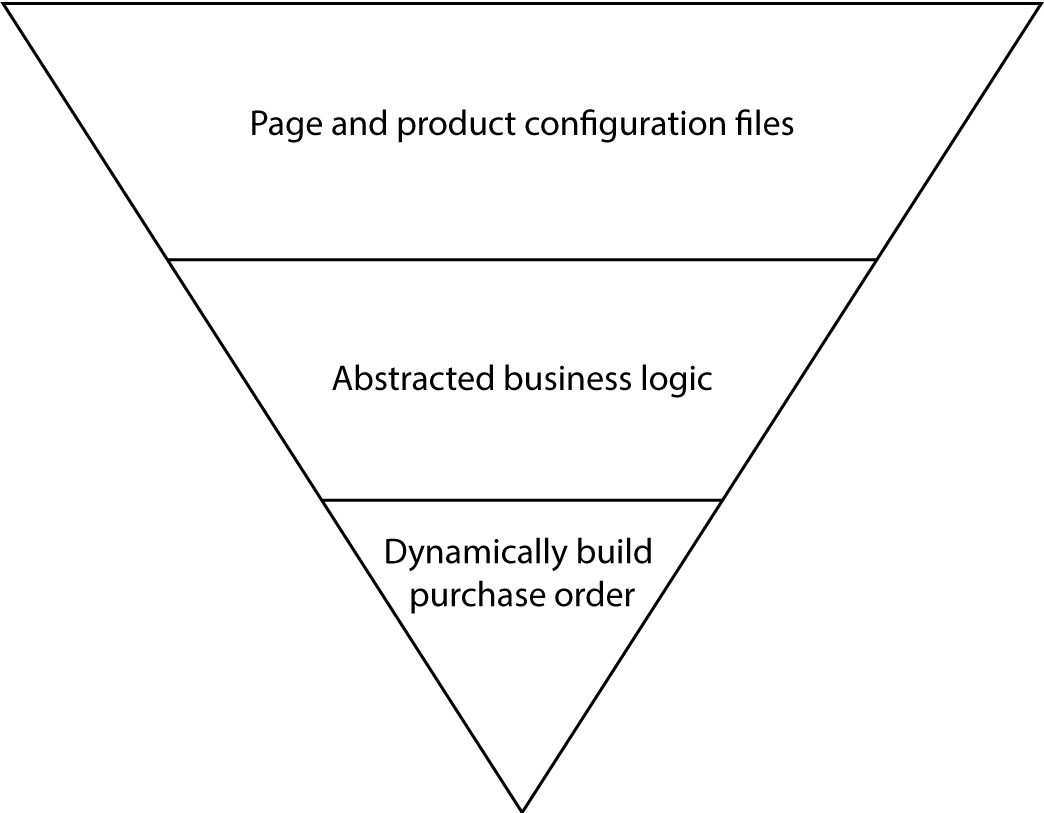
Core Data Flow
Pass in the one product you want to buy
Selectors go and find the data associated with that key in the response from purchase endpoint
Core Data Flow
View Layer Abstraction
Common layouts === Templates
Complex templates only work if they are agnostic to the data being passed into them.
Imperative and configuration over convention
Declaritive and convention-ish over configuration
Imperative and configuration over convention
Move everything that's different about each page/product to the top of the data flow
Sales
Starter
Config.js
Sales
Professional
Config.js
Sales
Page
Config.js
Multiple
Products
Page.js
Sales
Enterprise
Config.js
Pure function
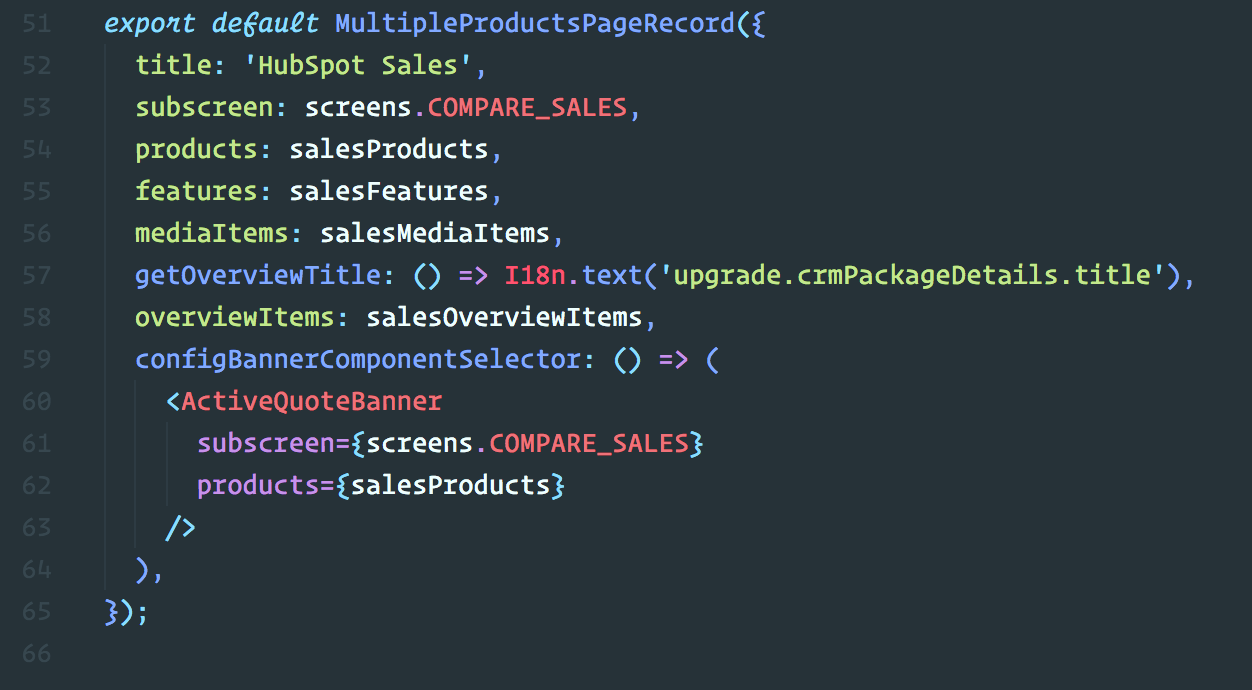
SalesPageConfig.js
SalesProducts.js
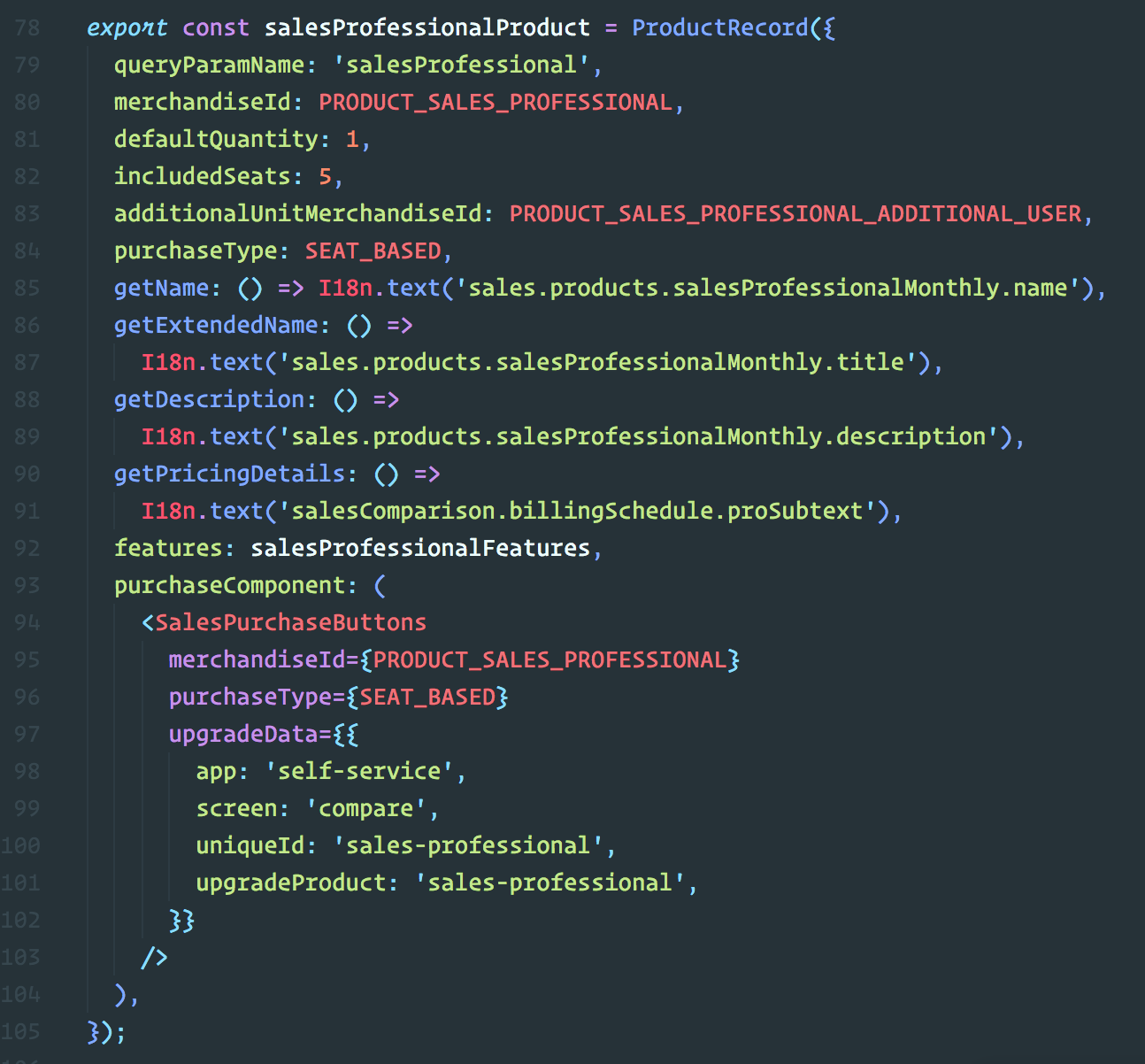
Declaritive and convention-ish over configuration
"We want to give a larger discount for users in Brazil"
Redux selectors as a property
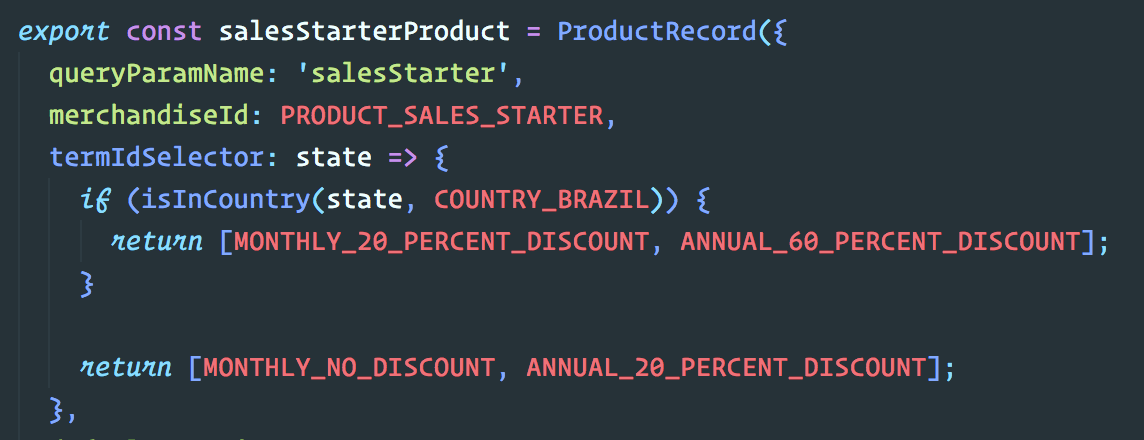
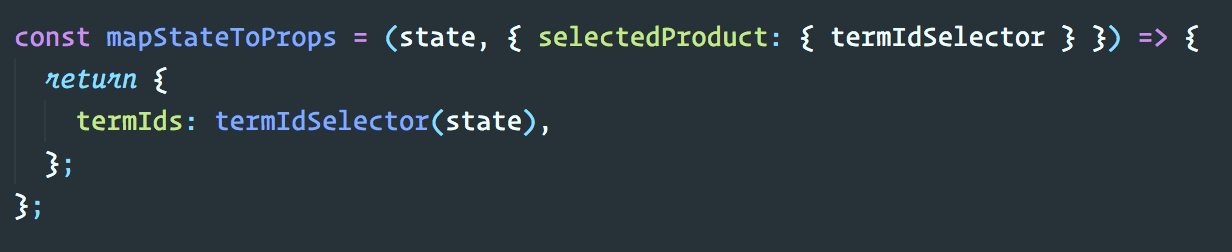
Allows us to declaratively create unique render logic for each product based on any data point we want. Imperative code is abstracted away from components.
Business Logic Abstraction
View Layer
Business logic
pricing-pages-ui
View Layer
Business logic
pricing-pages-ui
View Layer
Business logic
pricing-pages-
self-service-api
View Layer
Any other HubSpot app
pricing-pages-ui requirements
Needs to show pricing information for many products
The queries on this information needs to be synchronous and fast
pricing-pages-ui implementation
Query all pricing information and store it on the client
Use a grab bag of selector-like functions to lookup the needed information and query the bulk information
Exported functions of self-service-api
fetchProductInformation
calculatedPriceAdapter, availableCurrenciesAdapter, etc
fetchProductInformation
A fetch to our product catalog endpoint that returned pricing information for all products.
Consumers of the function could then store this however they choose.
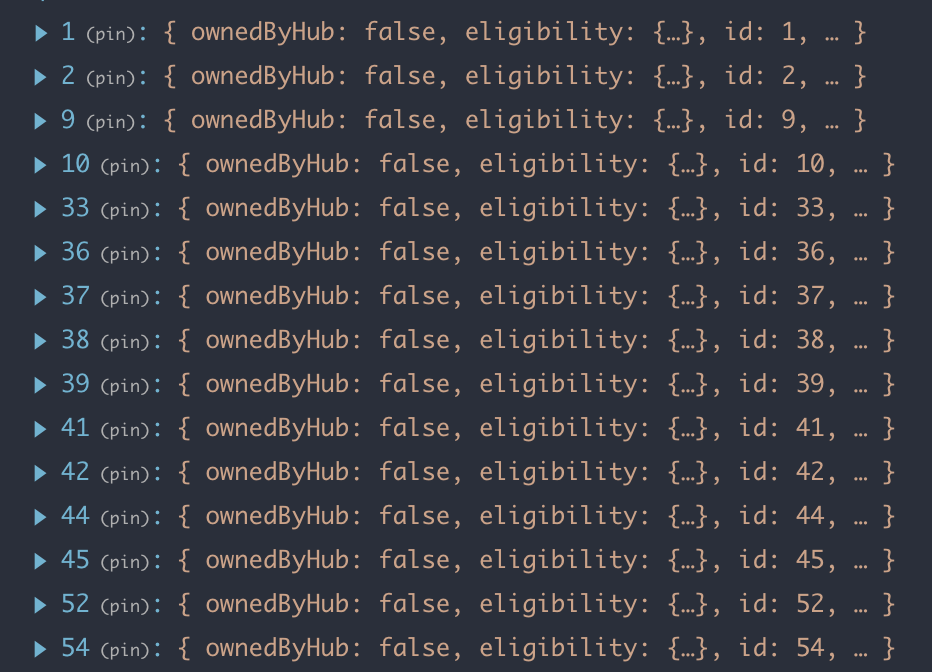
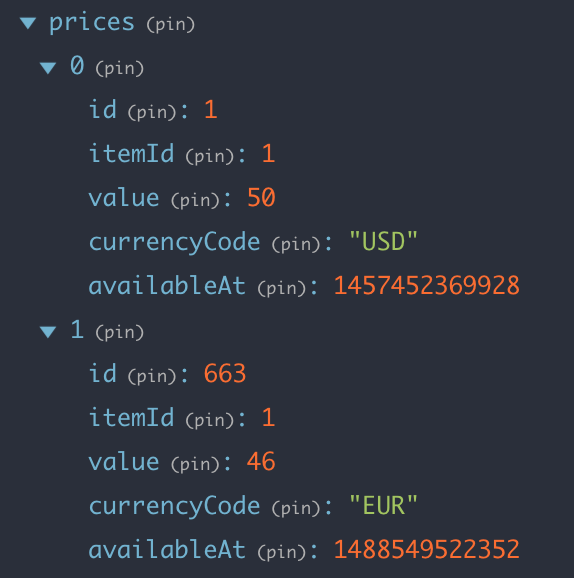
Adapter functions
Takes the response of fetchProductInformation as the first argument and a purchaseConfiguration as the second.
Returns requested data.
const purchaseConfiguration = {
  termId: MONTHLY_NO_DISCOUNT,
  merchandiseIds: [PRODUCT_SALES_STARTER],
  currencyCode: CURRENCY_USD
}

const calculatedPrice = calculatedPriceAdapter(products, purchaseConfiguration)

// {
//    monthly: 100,
//    annually: 1200
// }
const purchaseConfiguration = {
termId: MONTHLY_NO_DISCOUNT,
merchandiseIds: [PRODUCT_SALES_STARTER],
currencyCode: CURRENCY_USD
}
const calculatedPrice = calculatedPriceAdapter(products, purchaseConfiguration)
// {
// monthly: 100,
// annually: 1200
// }const purchaseConfiguration = {
termId: MONTHLY_NO_DISCOUNT,
merchandiseIds: [PRODUCT_SALES_STARTER],
currencyCode: CURRENCY_USD
}Hooking everything up
Fetch product info and store response in Redux state
Create lightweight Redux selectors that pass the stored response to the adapter functions.
const calculatedPriceSelector (state, purchaseConfig) => {
  validatePurchaseConfig(purchaseConfig);

  return calculatedPriceAdapter(state.products, purchaseConfig);
}
Pass properties on each product configuration directly to the selectors from components
const PriceDisplay = ({ priceInfo }) => {
  return <p>{priceInfo.monthly}</p>
}

const mapStateToProps = (state, ownProps) => {
  const { selectedProduct } = ownProps;
  const purchaseConfiguration = {
    termId: ownProps.termId,
    merchandiseId: ownProps.merchandiseId,
    currencyCode: state.currencyCode
  };

  priceInfo: priceInformationSelector(state, purchaseConfiguration)
}

export default connect(mapStateToProps)(PriceDisplay);
How did we benefit from this?
Unique product characteristics
View Layer
Business Logic
React is composed of components that are pure functions of passed in props
Our view layer and business logic functions are a pure functions of the configuration passed in.