Npm Babel Eslint
Npm

(Node package manager)
package.json
File where you store all "meta" data about your package
// init package.json
npm init

// init with default settings
npm init --yes
Add package to your project:
npm install [PACKAGE_NAME]


// alias
npm i [PACKAGE_NAME]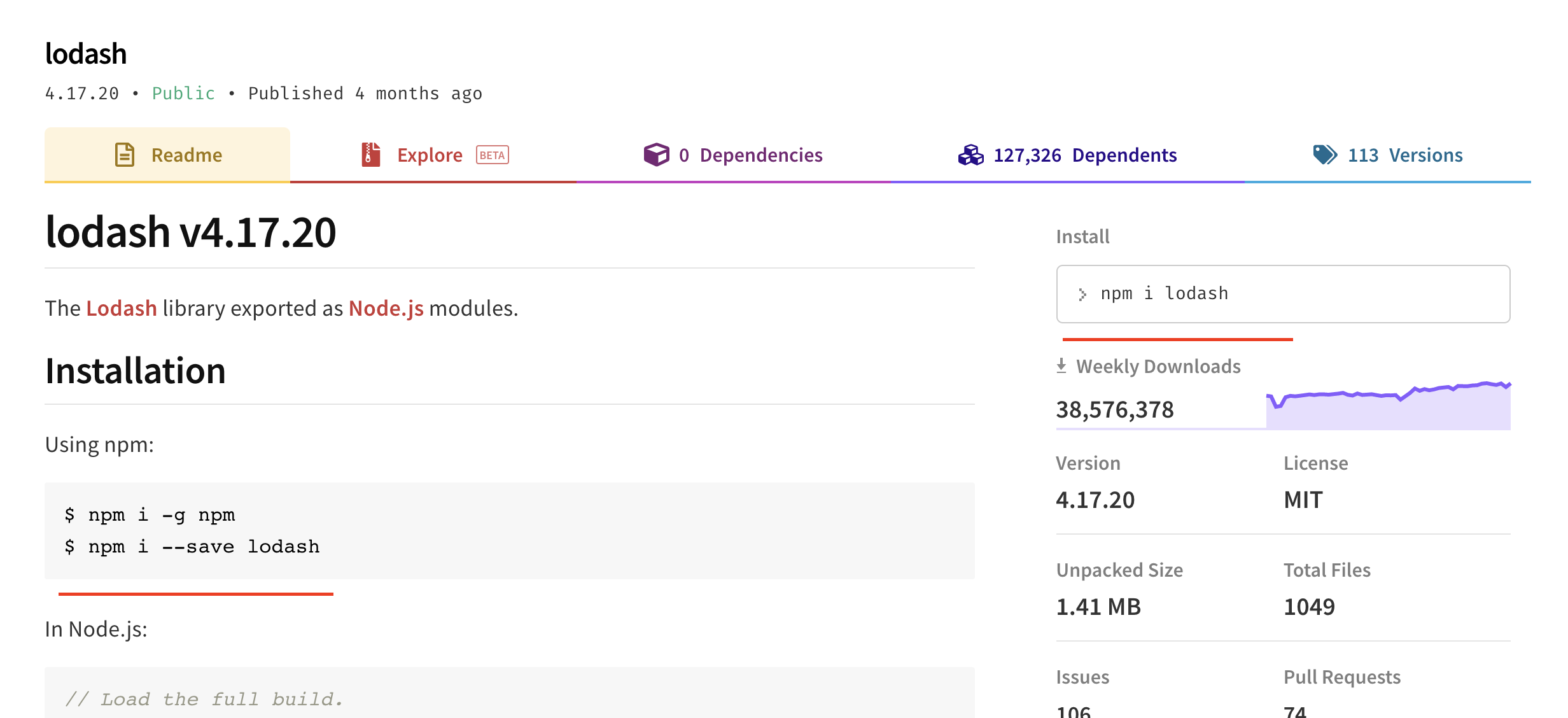
Add package to your project:
npm install --save [PACKAGE_NAME]npm install --save-dev [PACKAGE_NAME]
npm install --global [PACKAGE_NAME]Save to dependencies:
Save to dev dependencies:
Save to global dependencies:
In global mode (ie, with -g or --global appended to the command), it installs the current package context (ie, the current working directory) as a global package.
The difference between these two is that devDependencies are modules that are only required during development, while dependencies are modules which are also required at runtime.
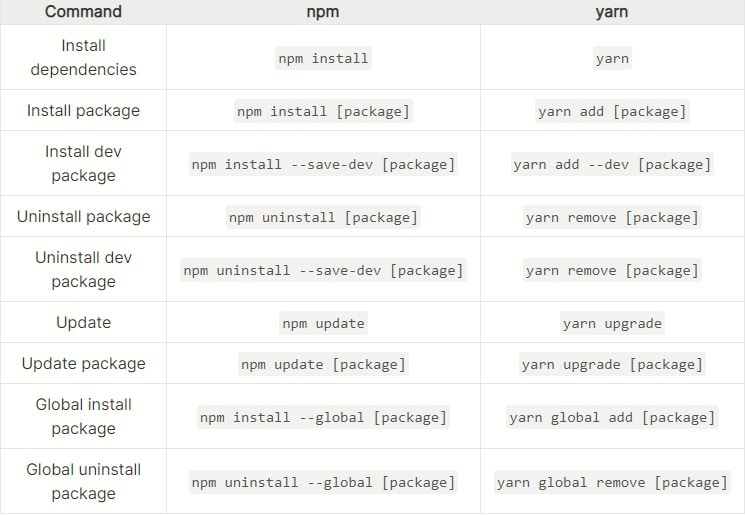
Yarn

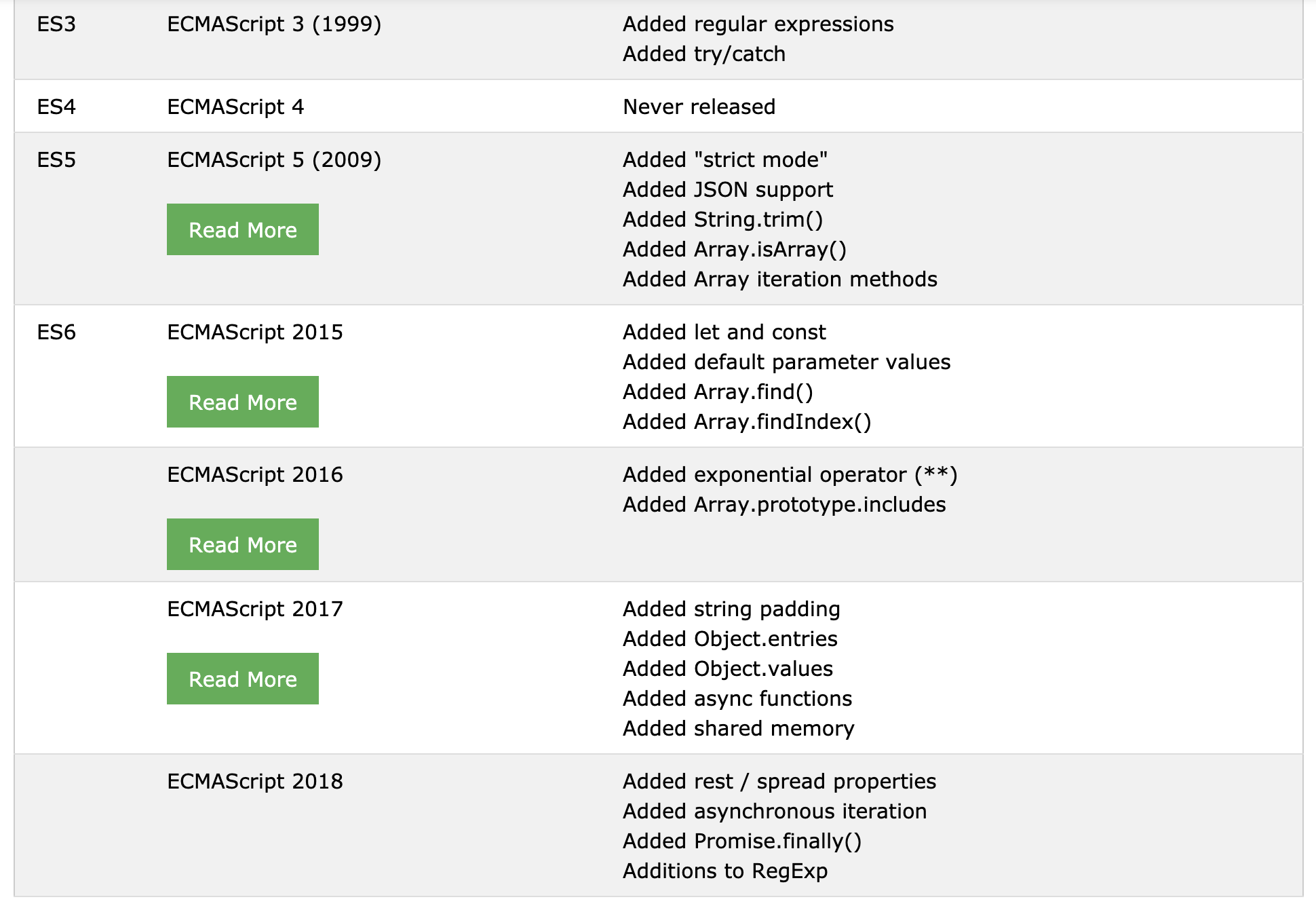
JS
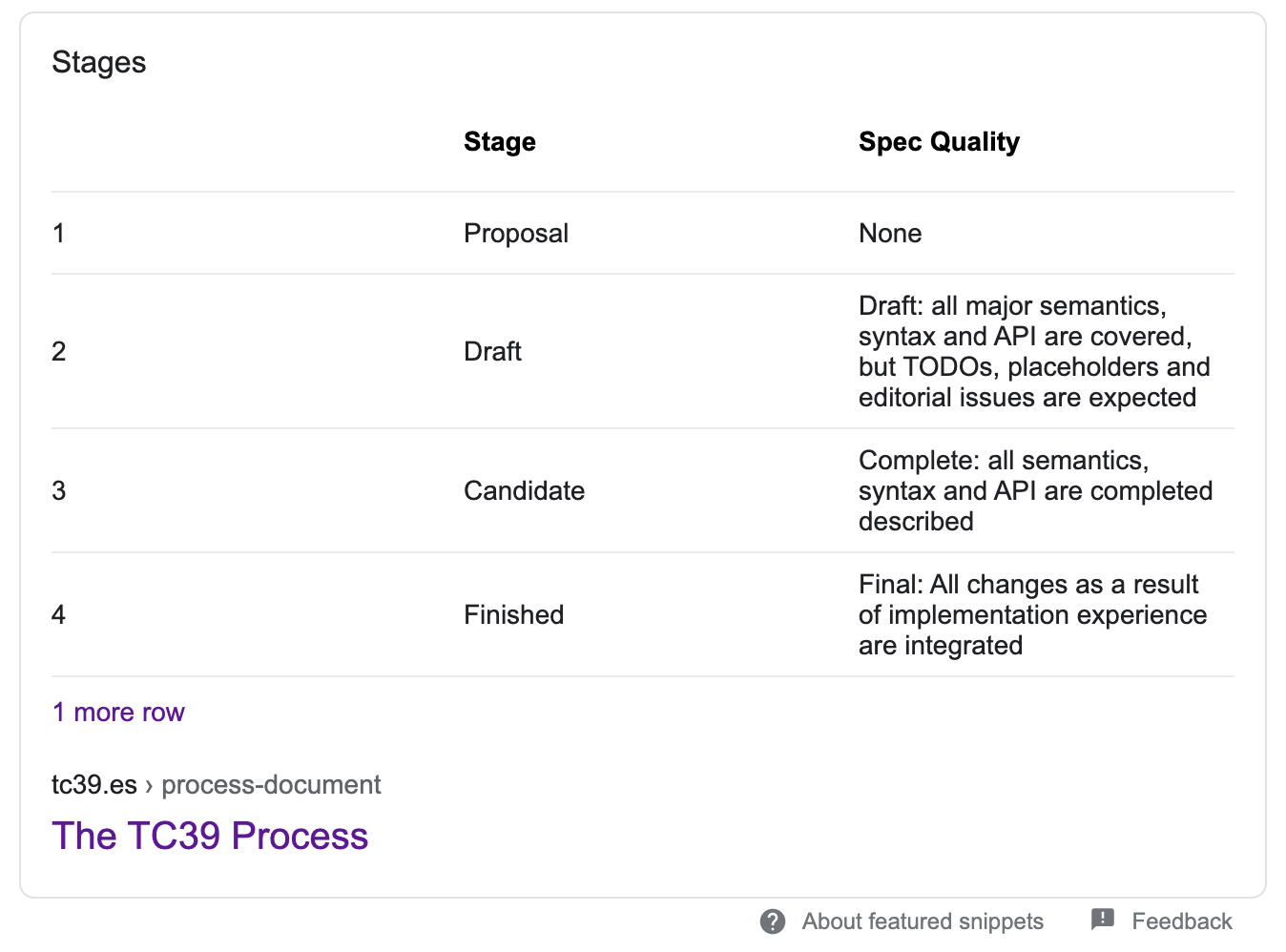
Babel

Babel is a JavaScript compiler
Eslint

Find and fix problems in your JavaScript code
Install
npm install eslint --save-dev

# or

yarn add eslint --dev
Init
$ npx eslint --init

# or

$ yarn run eslint --init
Run
$ npx eslint yourfile.js

# or

$ yarn run eslint yourfile.js
Popular style guieds:
- Airbnb (https://github.com/airbnb/javascript)
- Standard (https://github.com/standard/standard)
- Google (https://github.com/google/eslint-config-google)
Change rule
{
    "rules": {
        "semi": ["error", "always"],
        "quotes": ["error", "double"]
    }
}
The names "semi" and "quotes" are the names of rules in ESLint. The first value is the error level of the rule and can be one of these values:
- "off" or 0 - turn the rule off
- "warn" or 1 - turn the rule on as a warning (doesn't affect exit code)
- "error" or 2 - turn the rule on as an error (exit code will be 1)
The three error levels allow you fine-grained control over how ESLint applies rules (for more configuration options and details, see the configuration docs).
Husky

You can use it to lint your commit messages, run tests, lint code, etc... when you commit or push (or some other hook).