Deploy to the App Store in a single command line

About me
Alexandre Moureaux
Developer at



@almouro
github.com/almouro
Have you ever published an iOS App?
Have you ever published an iOS App?
It went a bit like this for me the first time
Have you ever published an iOS App?
It went a bit like this for me the first time
Why such a disaster?
Many steps
Create app identifier
Get a certificate
Get a provisioning profile
Archive your app
Publish it
Ever had one of these?
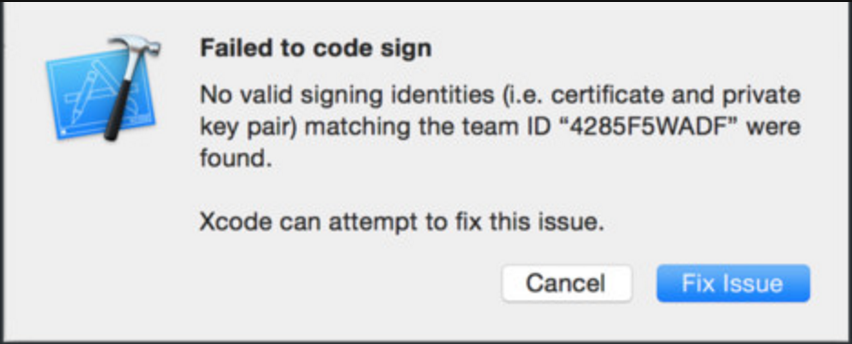
Ever had one of these?
Legend has it you can click everywhere randomly in Xcode
and it ends up working!
Why such a disaster?
Many steps
Time consuming
Error prone
Not beginner friendly
Why such a disaster?
Many steps
Time consuming
Error prone
Not beginner friendly

Fastlane to the rescue
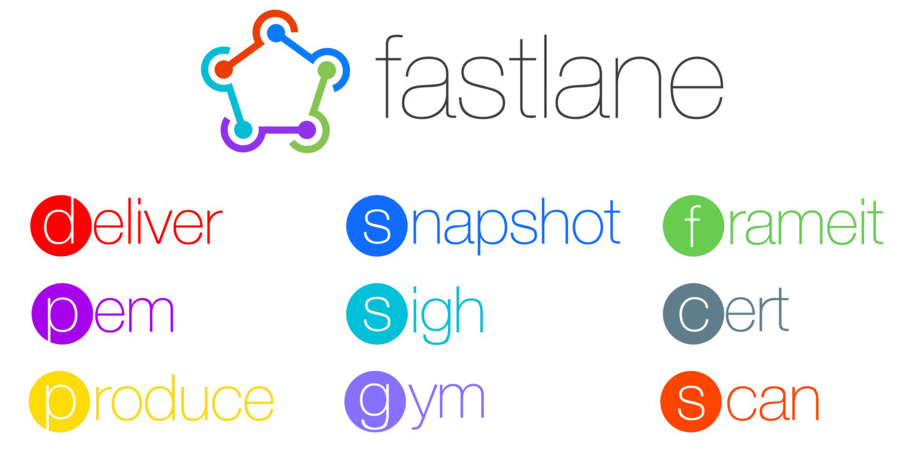
Install it
$ gem install fastlaneLet the Goodness come to you
Try it
$ produceCreate App Id

Try it
$ sighAutomatically download / generate provisioning profiles

Lots of useful actions






Create App Id
Create certificate
Create / Download provisioning
Archive app -> IPA
Upload to testflight
Update itunes metadata
Orchestrate it all with Fastlane
$ fastlane initUses produce
Generates a fastlane folder
Add your app info in the Appfile
# The bundle identifier of your app
app_identifier "fr.bamlab.almouro.test"

# Your Apple email address
apple_id "moureaux@live.com"

# Developer Portal Team ID
team_id "Z445H6455F"

# iTunes Connect Team ID
itc_team_id "118116212"
Add your lanes in the Fastfile
lane :testflight do
  sigh
  gym
  pilot
end
Where to go from here?
$ fastlane actionsThe docs are great!
Constantly improving
Android support is getting better and better