
PhpStorm
is a commercial, cross-platform IDE for PHP, built by the Czech Republic-based company JetBrains.
PhpStorm provides an editor for PHP, HTML and JavaScript with on-the-fly code analysis, error prevention and automated refactorings for PHP and JavaScript code.
PhpStorm's code completion supports PHP 5.3, 5.4, 5.5, 5.6, 7.0, 7.1, 7.2, 7.3, 7.4, 8 (modern and legacy projects), including generators, coroutines, the finally keyword, list in foreach, namespaces,
closures, traits and short array syntax.

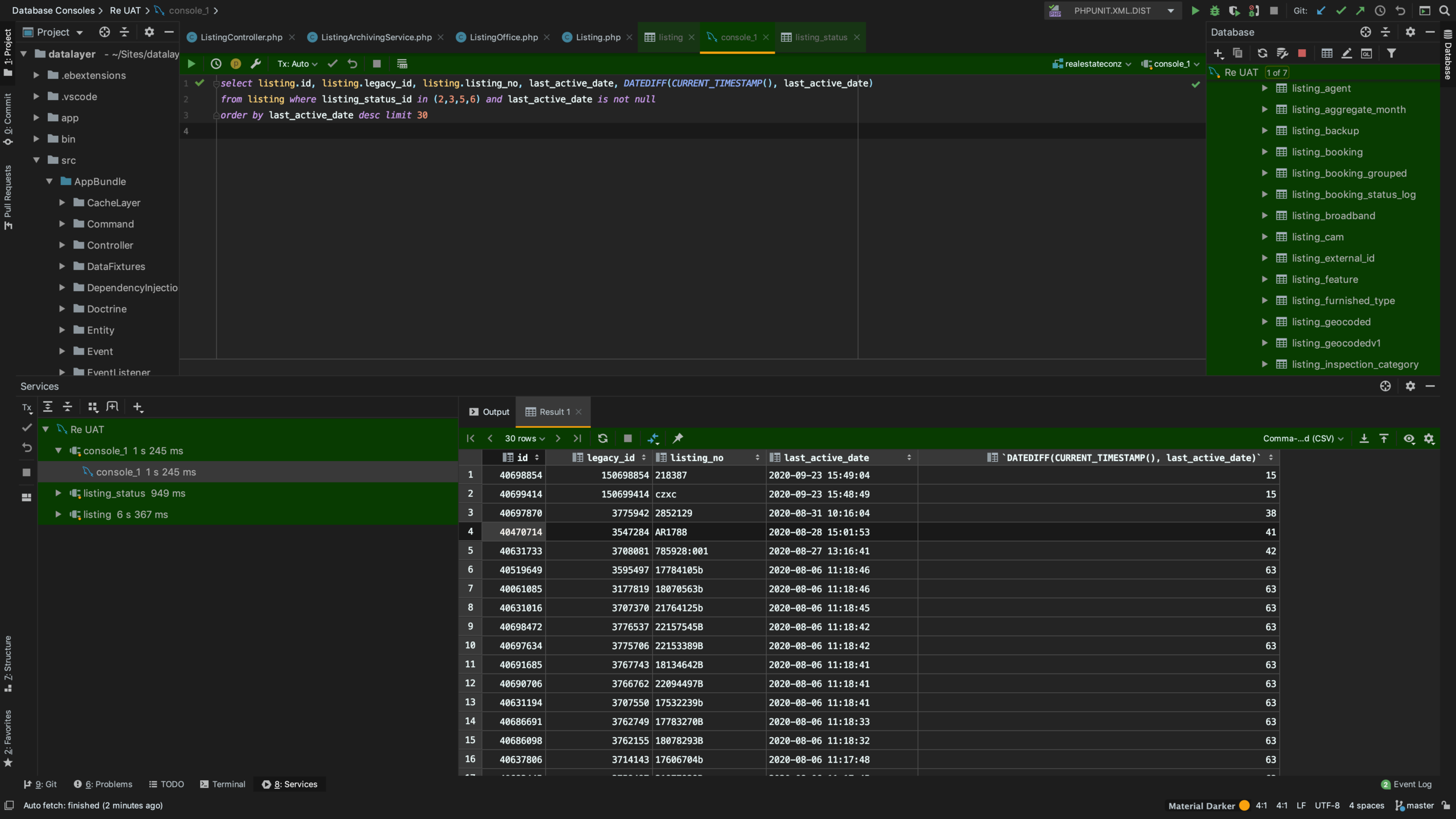
It includes a full-fledged SQL editor with editable query results.
Command Line Exec
-
Add to the PATH:
- /Applications/PhpStorm.app/Contents/MacOS/
-
Run it now
-
$ phpstorm /folder
-
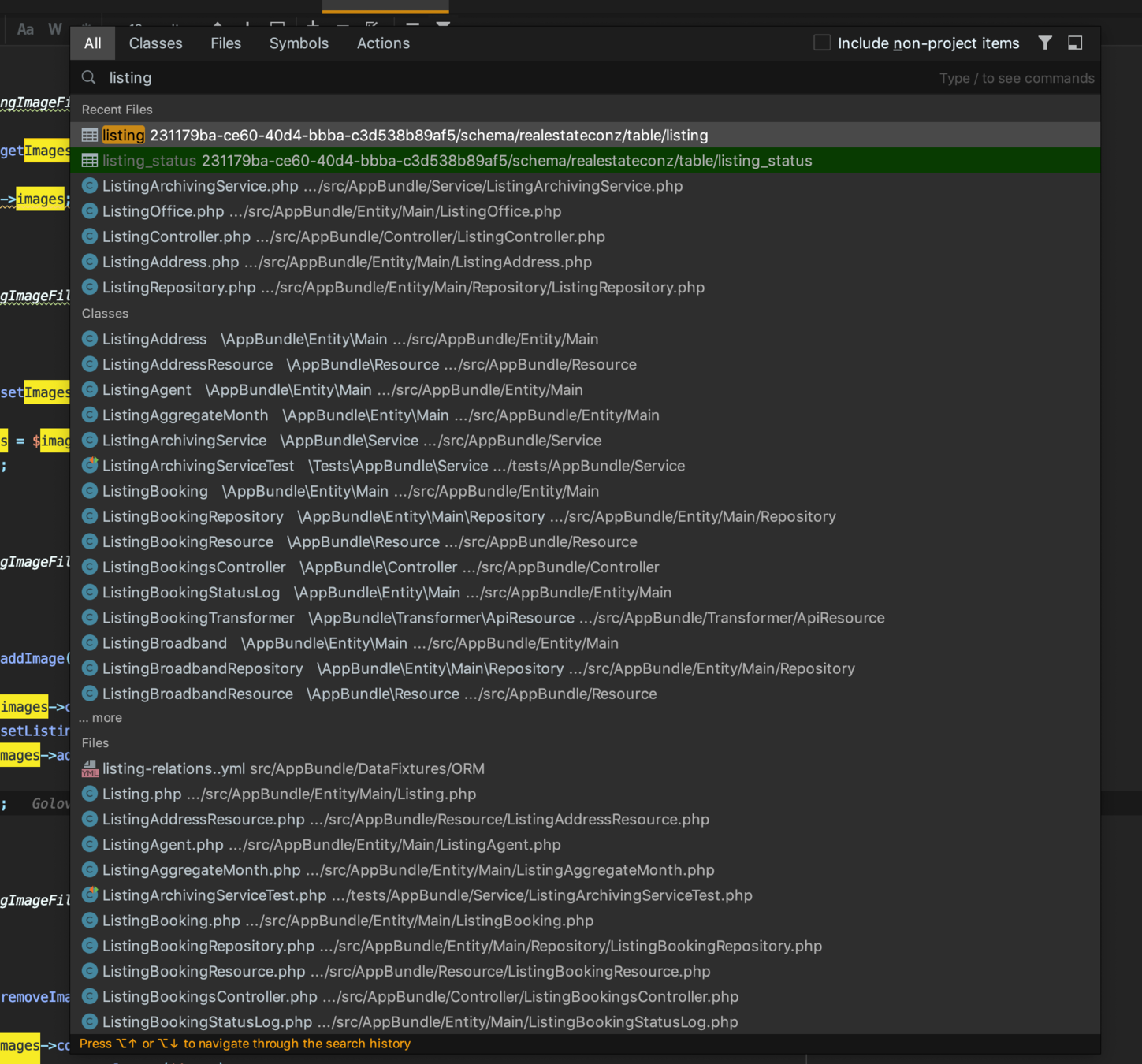
Shift Shift (Search Everywhere)
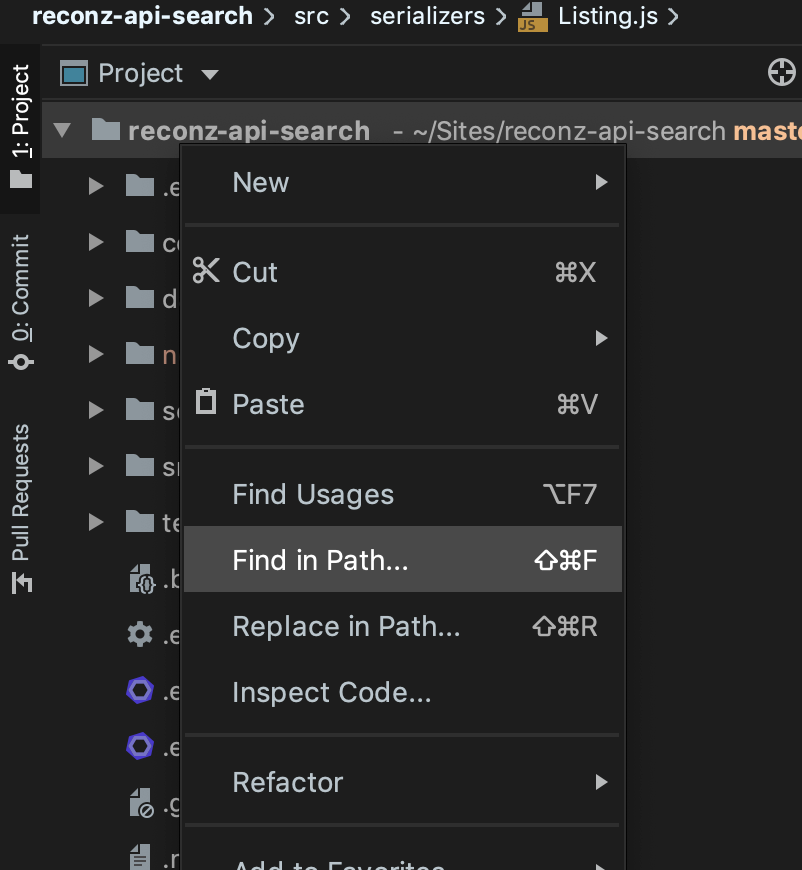
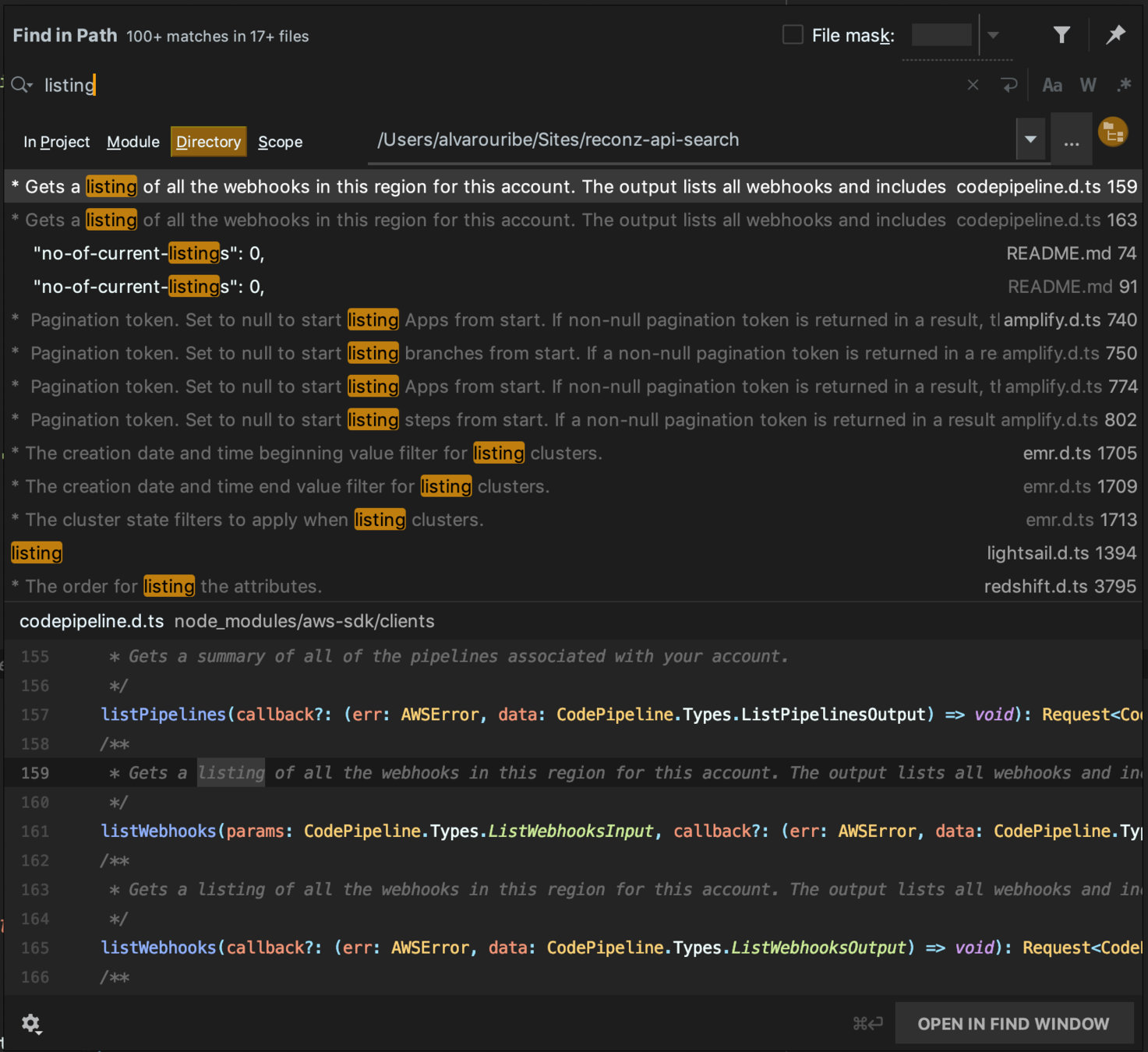
Find in Path
Embeded Database Client
Tab Aid
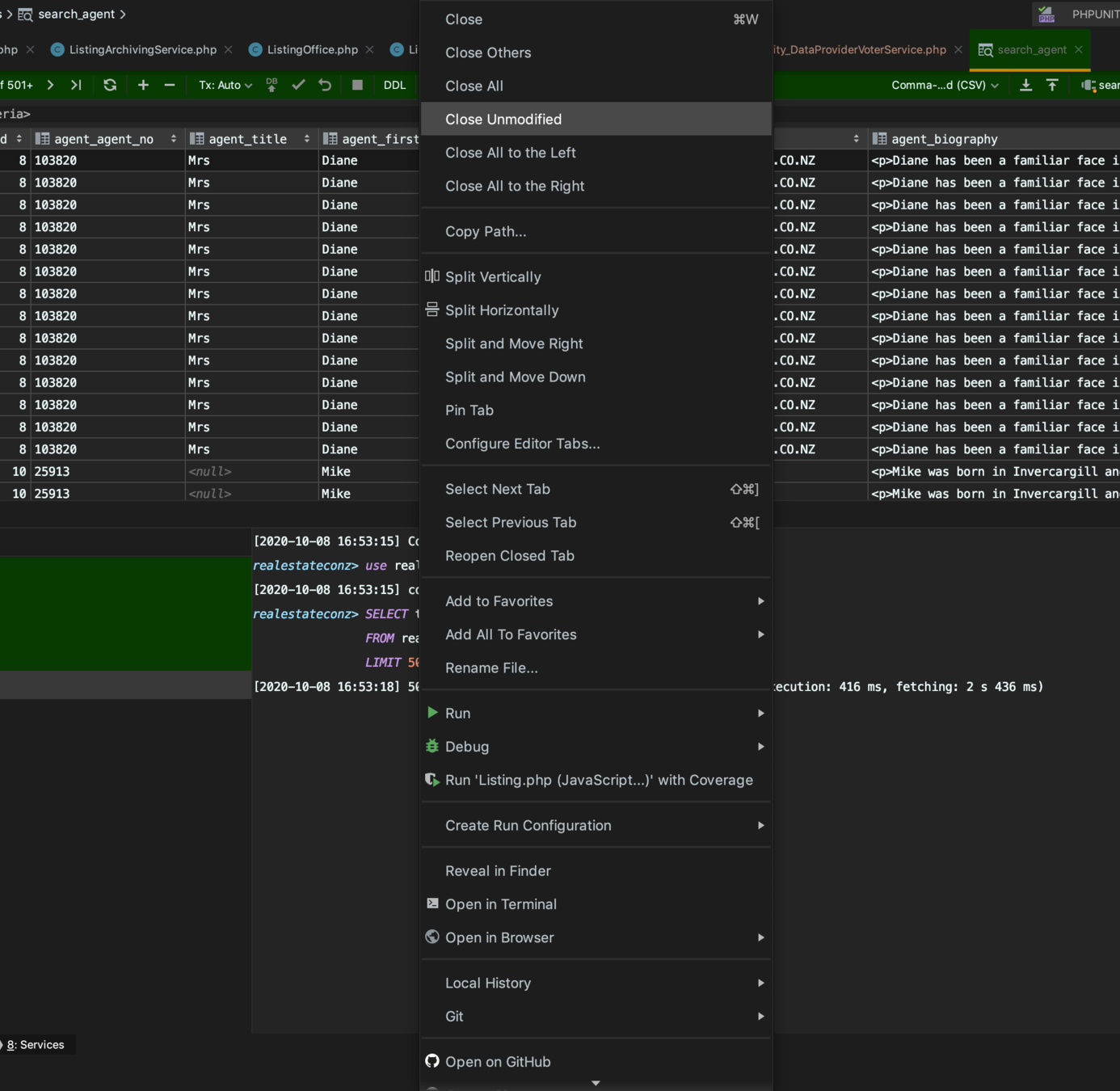
Git Visual Tools
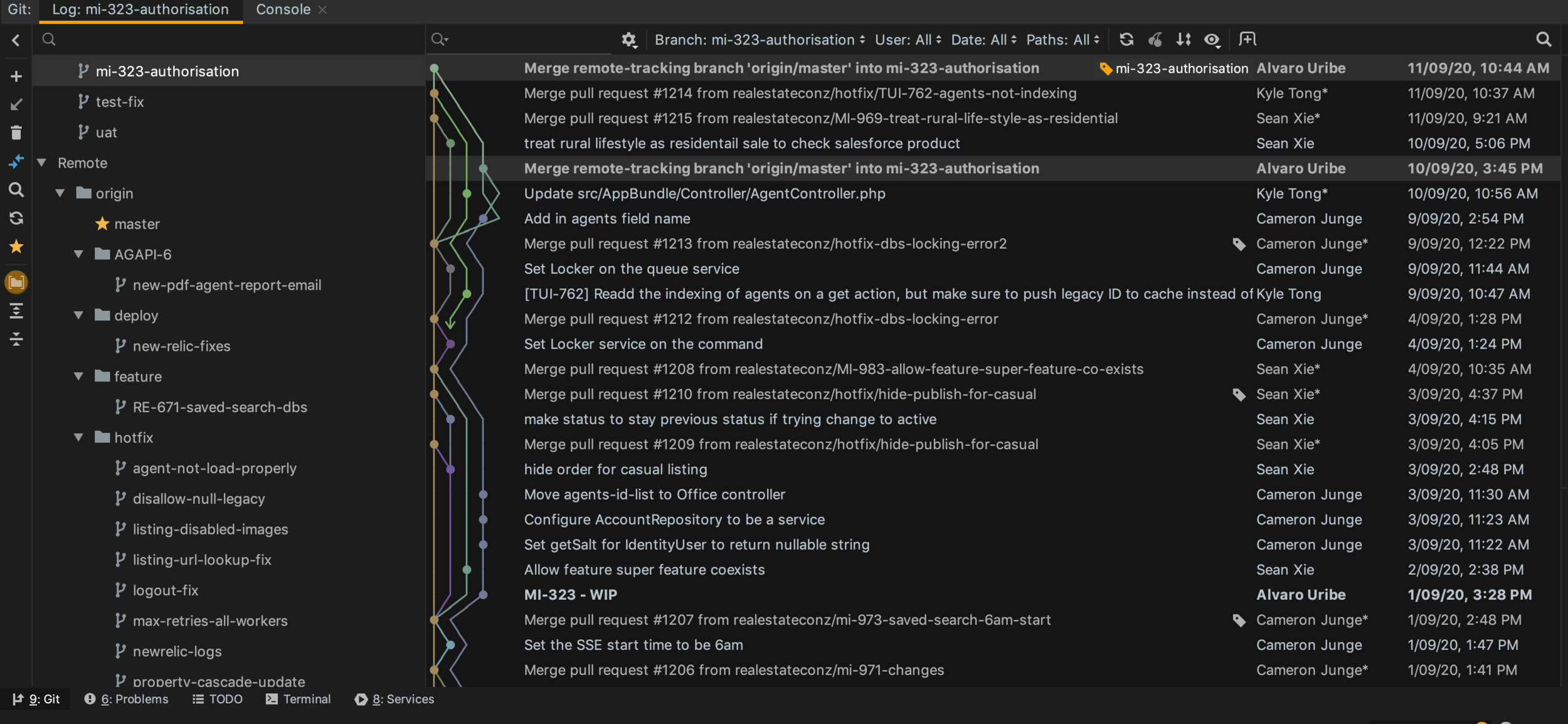
Git Visual Tools
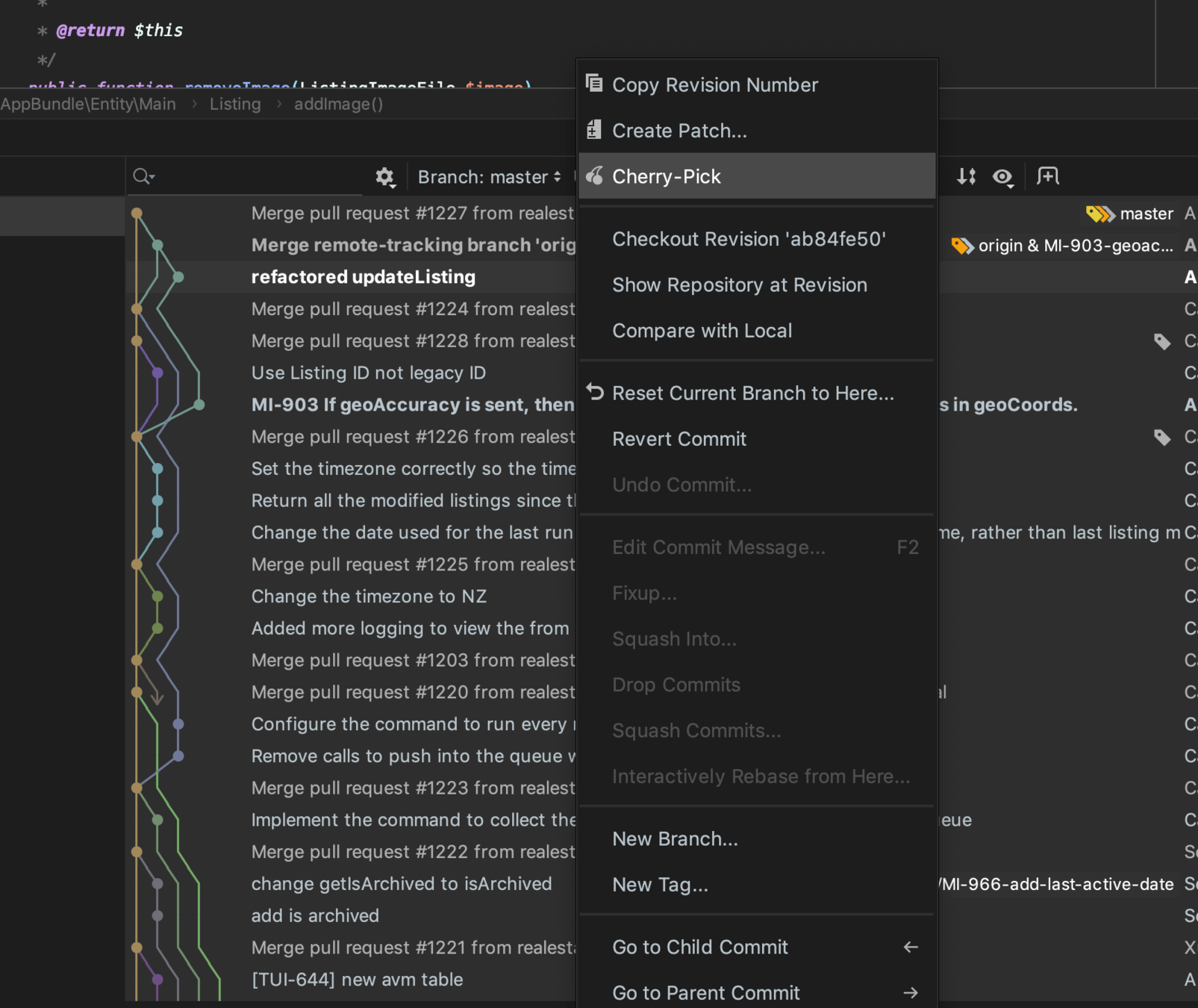
Multicursor
Alt + Clic
Alt + Shift + Clic
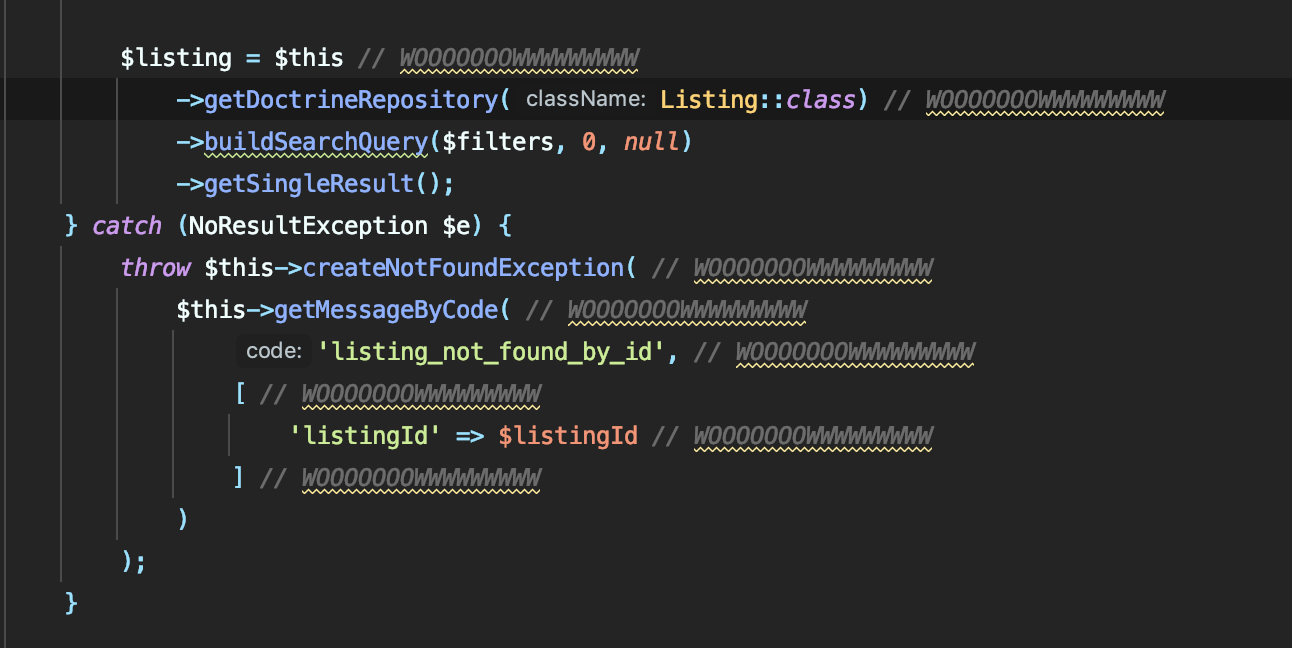
Find Usage
Cmd + Clic

Check History
Alt + Cmd + ⬅️➡️

Automatic Refactor
Quick Demo in Datalayer - ListingController.php
(Lines 200 - 269)
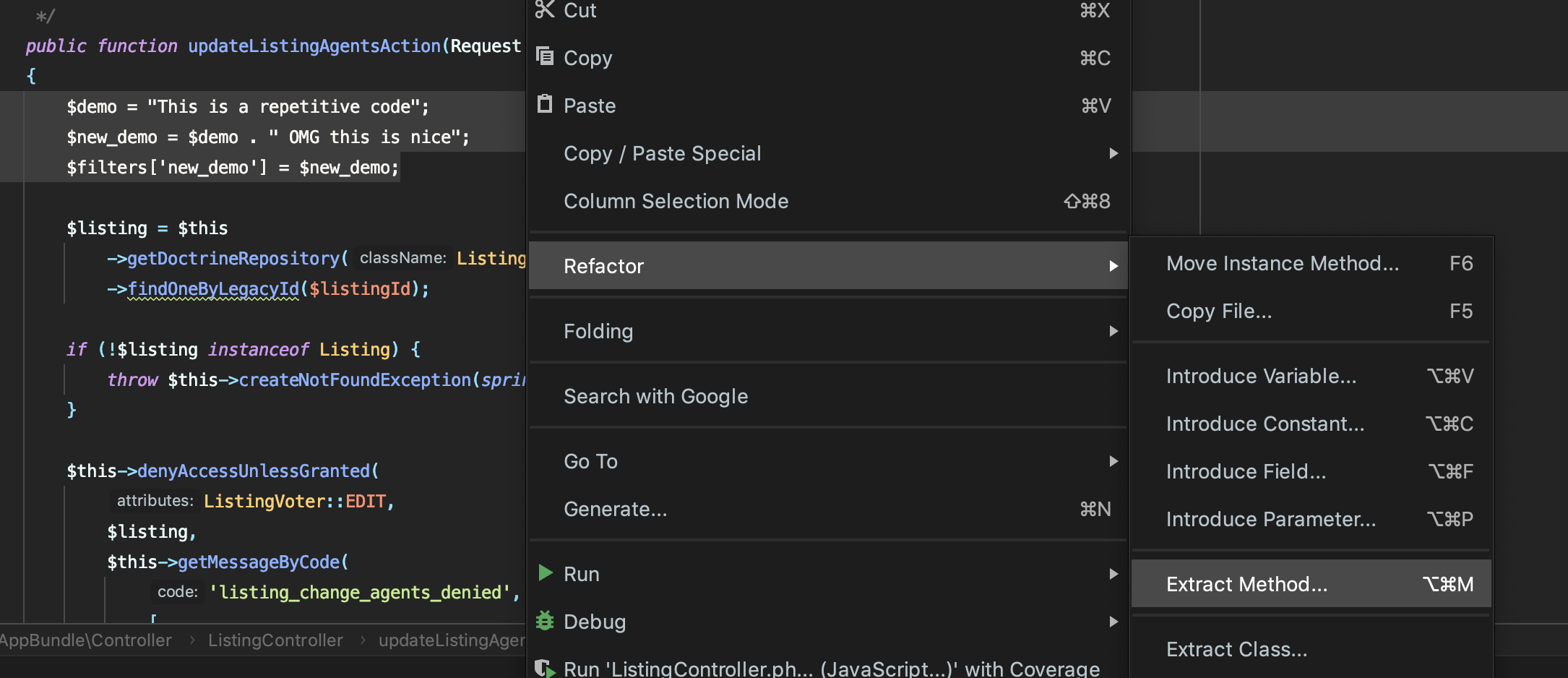
Cmd + Alt + M (extract Method)
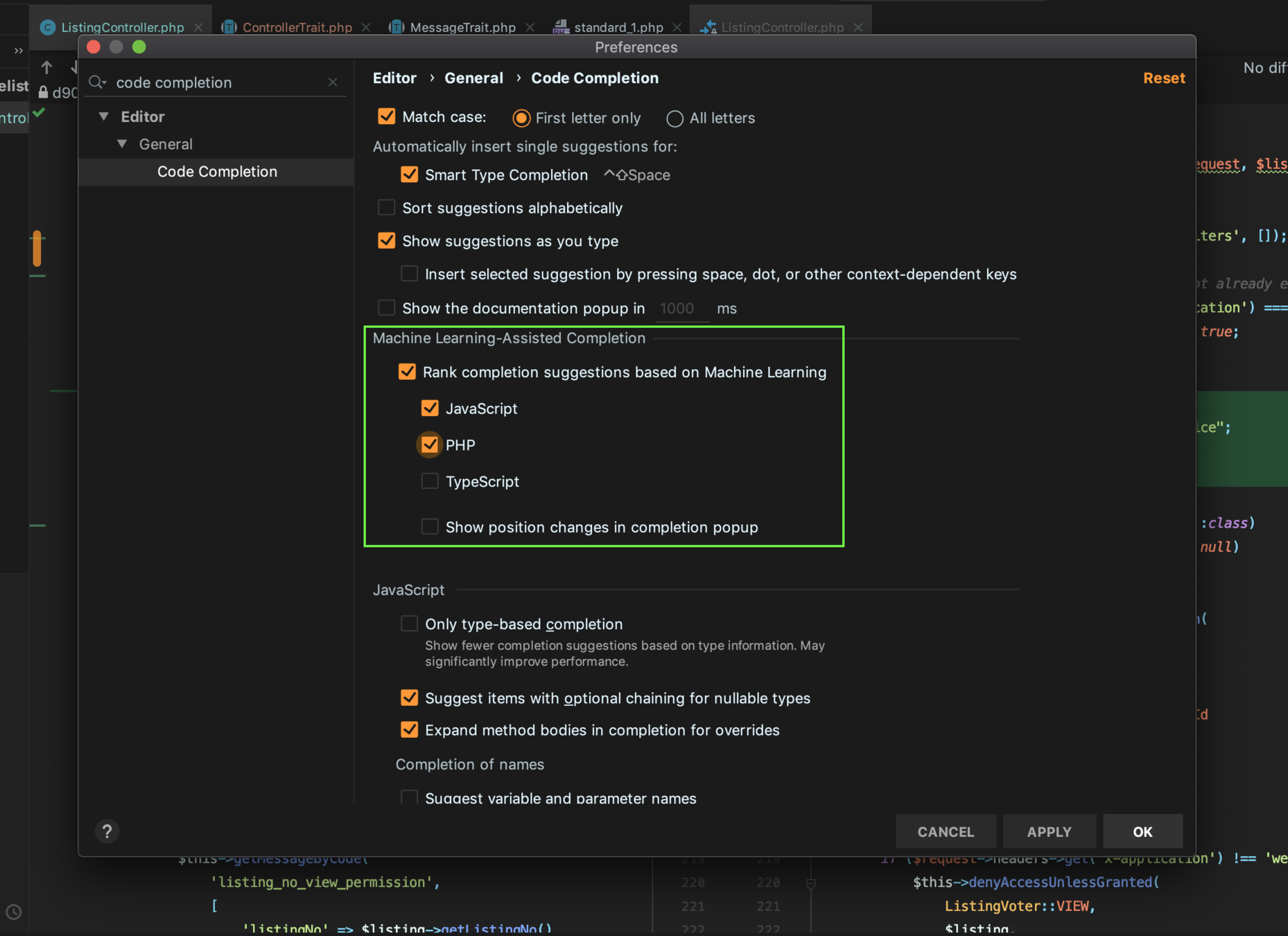
Machine Learning Autocompletion
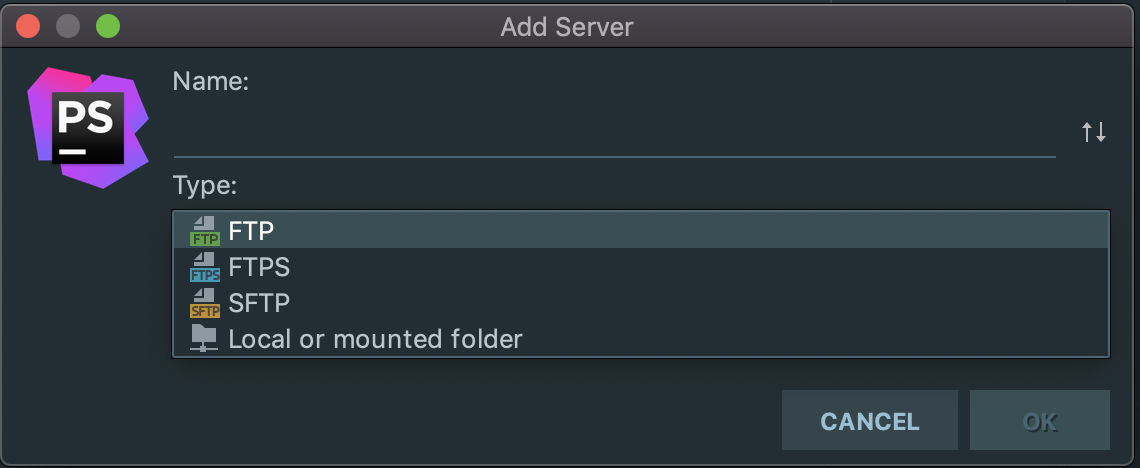
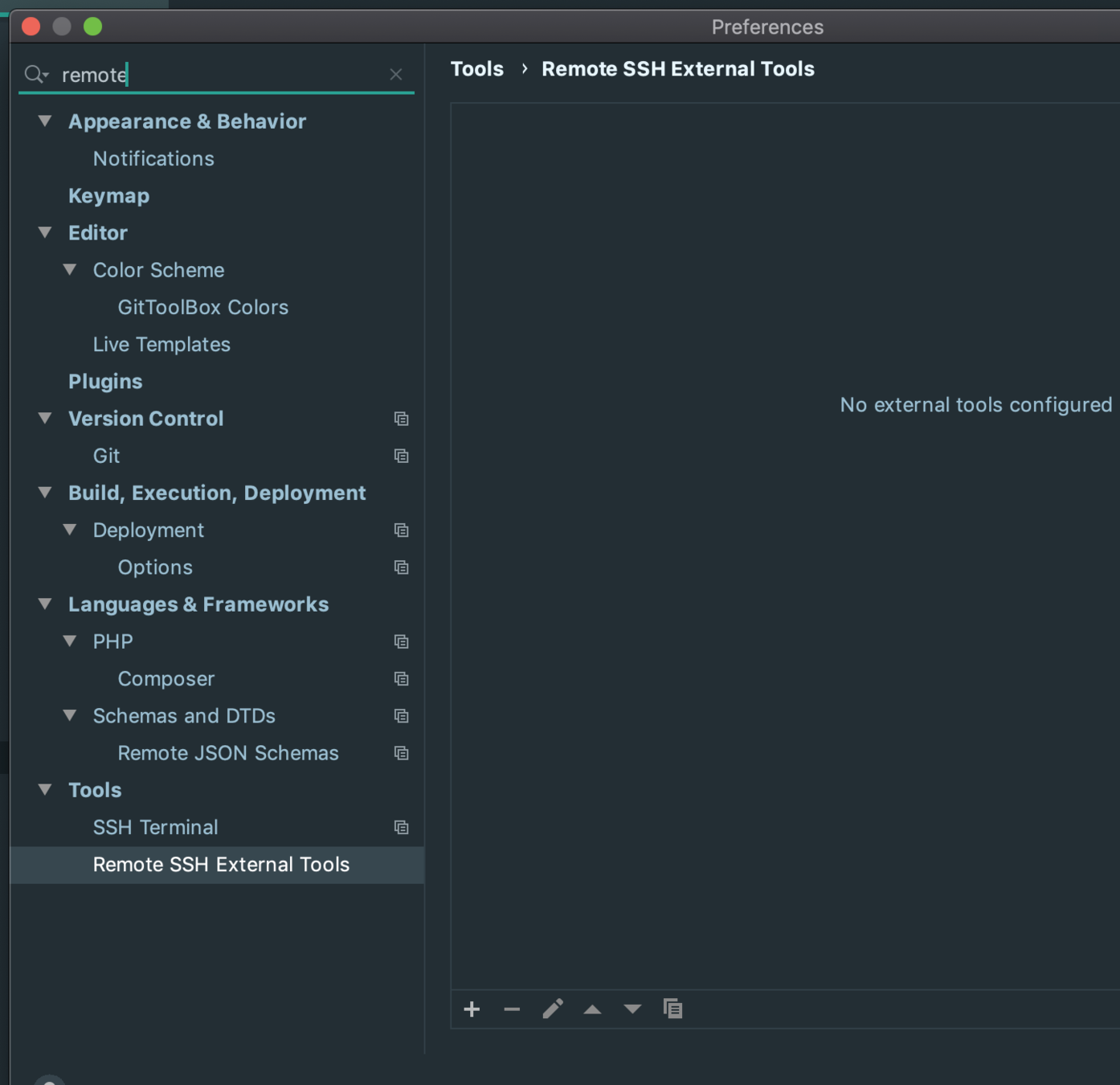
Remote Ftp + SSH Terminal
Docker & Xdebug
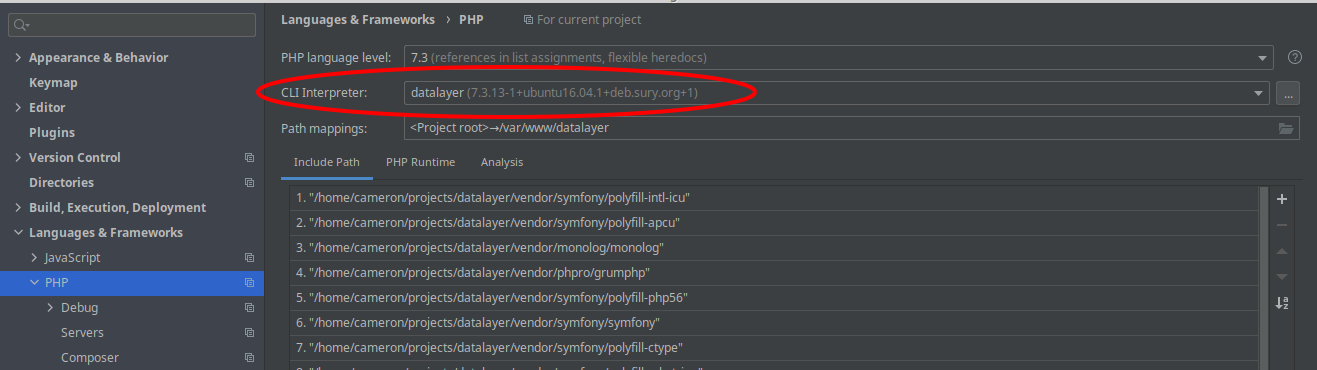
First step to integrate Docker & Xdebug is to set up an "interpreter". Clicking on the ... will allow creating a new interpreter
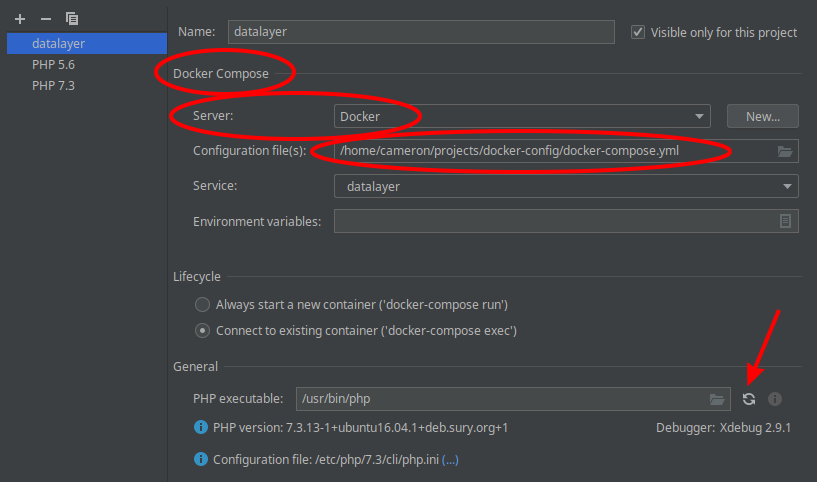
Create a new Docker Composer interpreter, and set the configuration file to use the docker-compose.yml in the docker-config project
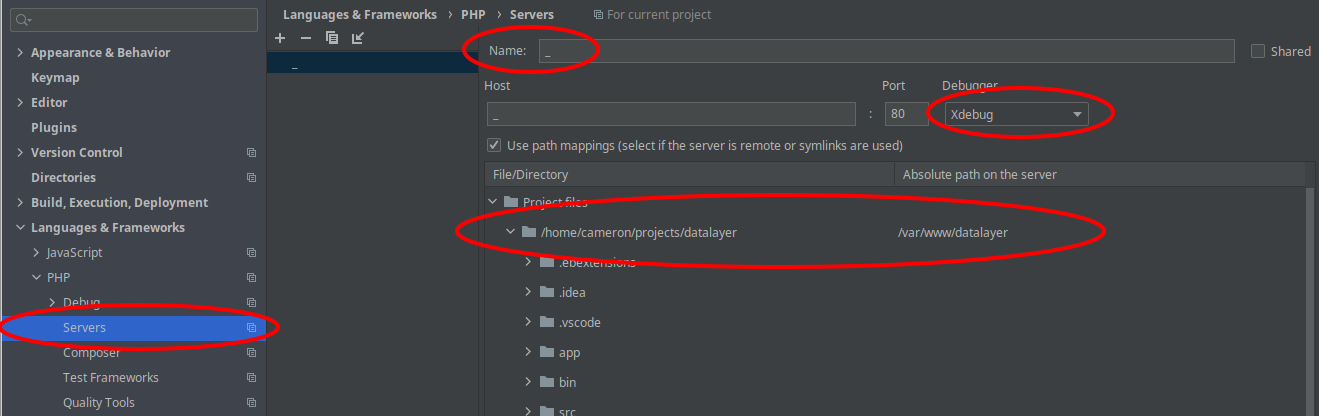
Create a new "server" in the Servers section, take note of the name you use, as it's used in the Xdebug config.
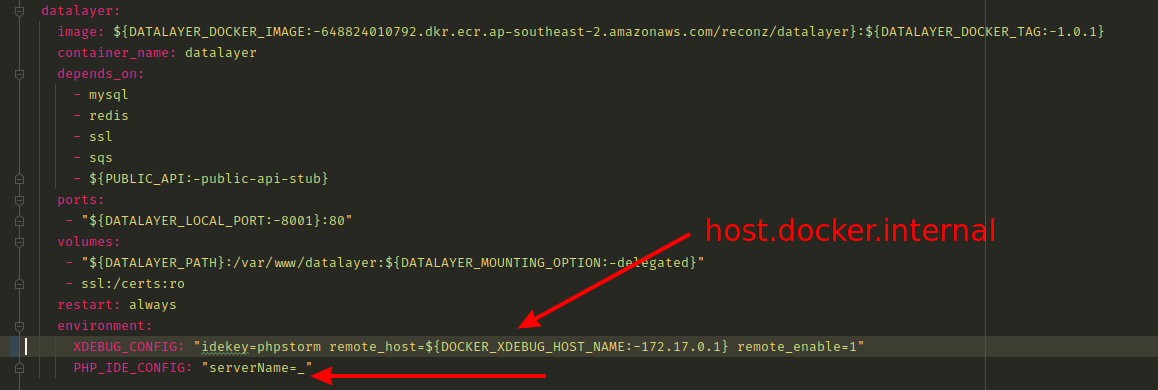
Edit the docker-compose.yml to use the same server name as you set in the servers
Also set a parameter in the .env for DOCKER_XDEBUG_HOST_NAME. Macs will need to use host.docker.internal
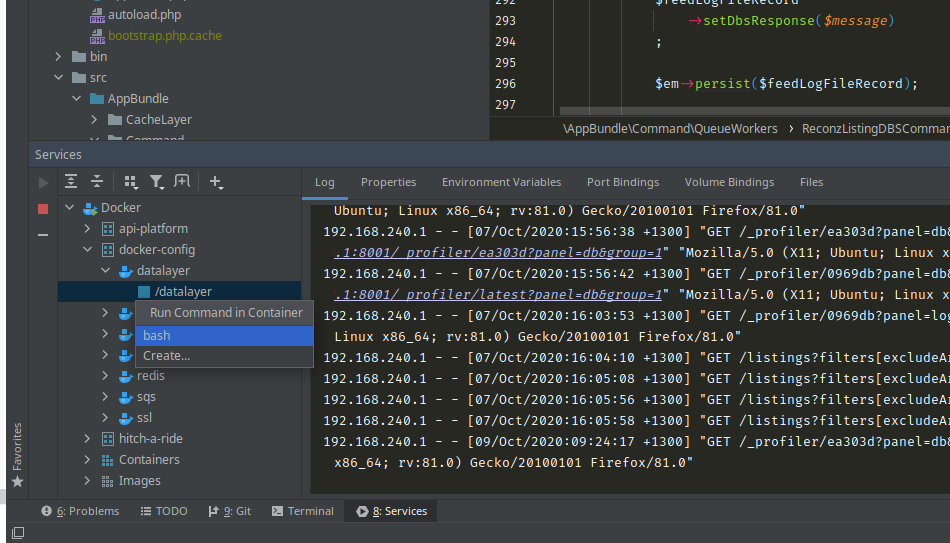
Once all set up, can access your docker containers from the Services tab, and can run commands inside the container easily


💥