Cordova + Monaca
Killer mobile app development
Andreas Argelius
Jun 22, 2015 @ Angular U

Andreas Argelius
Engineer originally from Sweden who is currently living and working in Japan.
Working on the hybrid app development platform Monaca and a hybrid app UI component library called Onsen UI.
Enjoys studying Japanese, eating good food and drinking beer.

@aargelius

Hybrid Apps
Hybrid apps are mobile apps implemented using web technologies.
The app lives inside a native WebView and gets access to native functions through a native bridge.
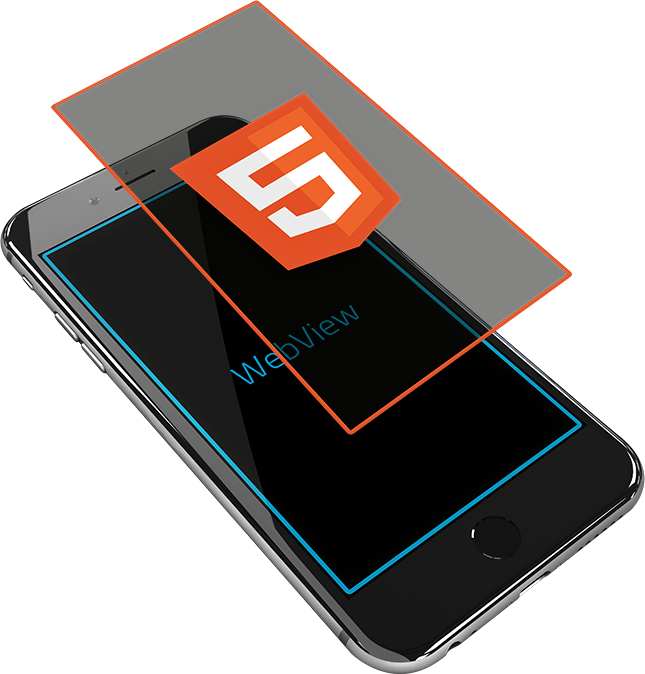
Why Hybrid?
- Cross platform support.
- Develop using already acquired skills like HTML, JavaScript and CSS.
- Access native functionality with JavaScript.

Hybrid vs Native
When I'm introspective about the last few years I think the biggest mistake that we made, as a company, is betting too much on HTML5 as opposed to native...
—Mark Zuckerberg, 2012
It hardly worked for anyone in 2010 because phones were too slow, so the HTML/JS underpinnings meant worse performance, and users didn’t like that. But times have changed. Modern phones are incredibly fast...
—DHH, creator of Ruby on Rails, 2014
From design, code, debug, deployment to backend support.
Cordova development with
Monaca
Monaca workflow
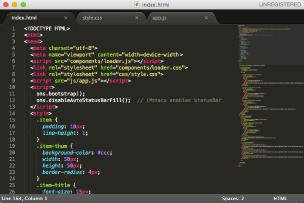
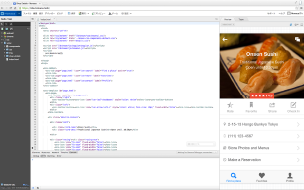




Develop in your local editor
Develop in the browser
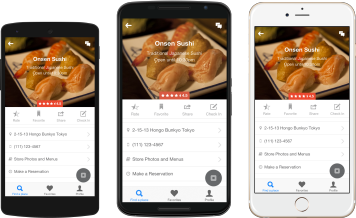
Debug in actual devices
Build in the Cloud
Submit to the store
Test
Code
Build
Deploy
Demo time!
Where's does Angular come in?

Angular based UI framework for hybrid apps
What is Onsen UI?
- Hybrid App UI Framework
- Composable custom HTML tags
- Built on AngularJS
<ons-page>
  <ons-toolbar>
    <div class="center">Some of my favorite things</div>
  </ons-toolbar>

  <ons-list>
    <ons-list-item>Cream colored ponies</ons-list-item>
    <ons-list-item>Crisp apple strudels</ons-list-item>
    <ons-list-item>Doorbells</ons-list-item>
    <ons-list-item>Sleigh bells</ons-list-item>
    <ons-list-item>Schnitzel with noodles</ons-list-item>
    ...
  </ons-list>
</ons-page>
Official website: onsen.io
The code on the previous page will be displayed like this in a browser or inside a hybrid app.
Example
Why Onsen?
Onsen = 温泉
- Japanese for "hot spring"
- Can also be translated as SPA
S
ingle
P
age
A
pplication
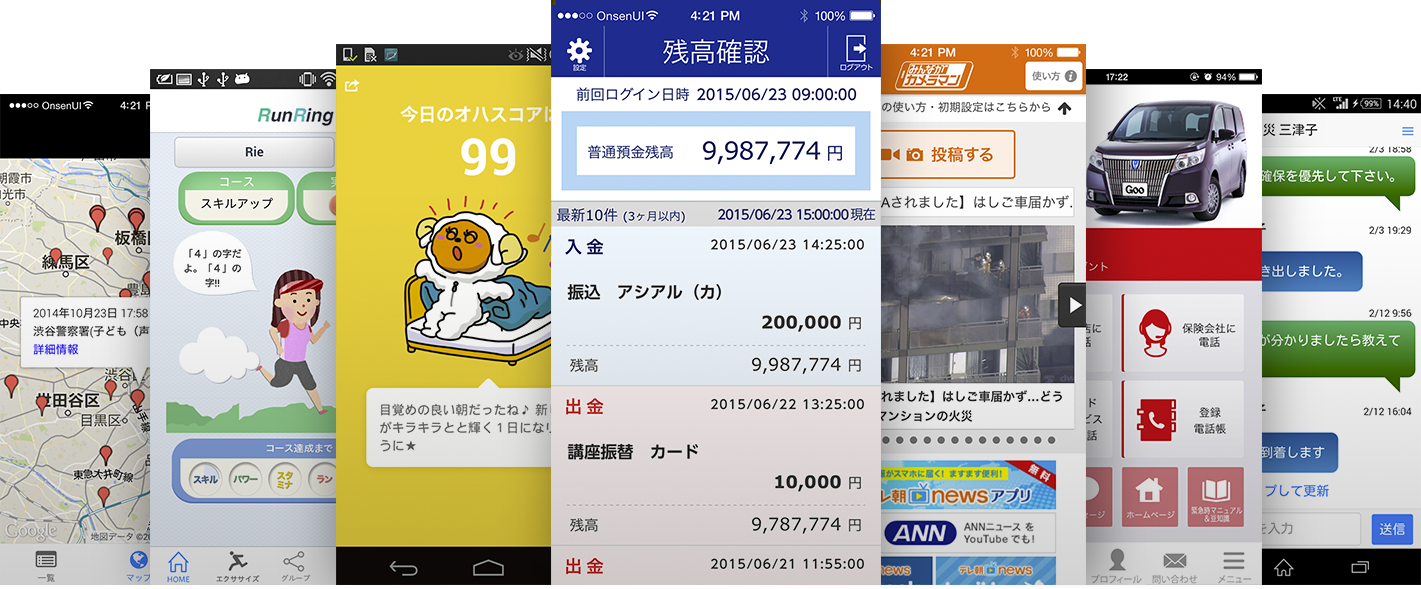
We're big in Asia!
No wonder you don't know about us
AngularJS
Onsen UI components are implemented as AngularJS directives.
Just load the library and use "onsen" as a dependency in your app.
<ons-page>
  <ons-toolbar>
    <div class="center">Settings</div>
  </ons-toolbar>
  <ons-list>
    <ons-list-item>
      Push notifications are
      {{ push ? 'activated' : 'not activated' }}.
      <ons-switch
        ng-model="push"
        modifier="list-item">
      </ons-switch>
    </ons-list-item>
 </ons-list>
</ons-page>
The Future of Onsen
Onsen 2.0
Onsen 2.0
- Built on Web Components
- Framework Agnostic
- Minimalistic core
- Implemented in ES6
Onsen 2.0 Structure









Why Web Components?
- A simpler, more lightweight API than Angular 1.x directives
- Web Components play well with Angular 2.0.
- Gives us a chance to reimplement and reinvent components in a better way, using knowledge we gained while developing Onsen 1.x.
- We can support several frameworks with a shared core codebase.

Onsen 2.0 with Angular 1.x
<ons-navigator var="myNav">
  <ons-page>
    <ons-toolbar>
      <div class="center">Home</div>
    </ons-toolbar>

    <ons-list>
      <ons-list-item
        modifier="tappable"
        ng-repeat="item in items"
        ng-click="myNav.pushPage('details.html', {item: item})">
        {{ item.name }}
      </ons-list-item>
    </ons-list>
  </ons-page>
</ons-navigator>
Onsen 2.0 with Angular 2.0
<ons-navigator #myNav>
  <ons-page>
    <ons-toolbar>
      <div class="center">Home</div>
    </ons-toolbar>

    <ons-list>
      <ons-list-item
        modifier="tappable"
        *ng-for="#item of items"
        (click)="myNav.pushPage('details.html', {item: item})">
        {{ item.name }}
      </ons-list-item>
    </ons-list>
  </ons-page>
</ons-navigator>
Almost identical markup helpful when migrating an Onsen app from Angular 1.x to 2.0.
Current Progress
- Onsen 2.0 is work in progress.
- Currently most components have been implemented as Web Components.
- Directives for Angular 1.x are implemented and currently being tested.
- Components and Directives are currently being developed for Angular 2.0.
Simple App
- This app is a simple proof of concept.
- Angular is still in alpha so we won't release anything before Angular 2.0 is in beta.
We need your help!
- Angular 2.0 is as new to us as it is to you. There are many things we don't yet know.
- We want to make creating Angular 2.0 apps with Onsen UI as good an experience as we possibly can.
- To do that we need your help!
How to Help
- Try out the latest build:
http://onsen.io/download.html - Report bugs and request new features on GitHub.
- We love getting Pull Requests!