G11_C5
Understanding and creating the game loop

| Activity Flow | Slide No. | Topic | Time |
|---|---|---|---|
| TA | 3 | Ice-breaker | 1 min |
| 5-10 | Programming Intro | 2 min | |
| 11-16 | Object Oriented Programming | 3 min | |
| 17-22 | Introduction to Python + Spyder + Pygame | 3 min | |
| 23-28 | TA - Coding | 15 | |
| SA | 29-31 | SA | 5 min |
| Wrap - Up | 32-36 | Quiz | 1 min |
| 38 | Additional Activity | 5 min |

| Slide No. | Topic |
|---|---|
| 11 | Random number code |
| 23-25 | Basic pygame code |
| 31-32 | Making rectangles |
| 36 | SA Code- Creating enemy rect. |
| 45 | Additional Activity- Code |
Class Structure
Preparation and Reference
Pre-Requisites
FOR TEACHER
FOR STUDENTS
1. Computer with an Internet connection.
2. The latest browser installed.
3. Spyder IDE.
4. Projector to present the screen.
1. Computer with an Internet connection.
2. The latest browser installed.

(WARM-UP QUIZ)
x=5
for i in range(3):
  x*=5
  print(x)
62525
125
625125
Try to predict the output for the following code:
C
Q.1


A
B
C
loop begins
x=5
loop ends
printed
printed
printed
| loop no. | i is: | x becomes: |
|---|---|---|
| 1 | 0 | 5*5=25 |
| 2 | 1 | 25*5=125 |
| 3 | 2 | 125*5=625 |
5x=5
for i in range(3):
x*=5
print(x)
625125Try to predict the output for the following code:
A
Q.2
A
B
C
loop begins
x=5
loop ends
x=625
(printed)
| loop no. | i is: | x becomes: |
|---|---|---|
| 1 | 0 | 5*5=25 |
| 2 | 1 | 25*5=125 |
| 3 | 2 | 125*5=625 |

B

Do you remember the problem we encountered in brick-ball collisions?
Let's revise
Do you remember how we created the brick wall in the previous class?


The mystery of the brick reappearance
What am I missing?

import pygame
pygame.init()
screen = pygame.display.set_mode((600, 600))
pygame.display.set_caption("Breakout Game")
paddle=pygame.Rect(300,500,60,10)
ball=pygame.Rect(200,250,10,10)
ballx=-1
bally=-1
paddlex=2
carryOn = True
while carryOn:
    for event in pygame.event.get():
            if event.type == pygame.QUIT:
                  carryOn = False
    screen.fill((36,90,190))
    if event.type == pygame.KEYDOWN:
        if event.key == pygame.K_RIGHT:
            if paddle.x<540:
                paddle.x+=paddlex
        if event.key == pygame.K_LEFT:
            if paddle.x>0:
                paddle.x-=paddlex

    pygame.draw.rect(screen,(0,176,240),paddle)
    ball.x=ball.x+ballx
    ball.y=ball.y+bally
    if ball.x>=590:
        ballx=-ballx
    if ball.x<=10:
        ballx=-ballx
    if ball.y>=590:
        bally=-bally
    if ball.y<=10:
        bally=-bally
    if paddle.collidepoint(ball.x,ball.y):
        bally=-bally

    pygame.draw.rect(screen,(255,255,255) ,ball)

    for i in range(7):
     brick=pygame.Rect(10 + i* 100,60,80,30)
     pygame.draw.rect(screen,(255,0,0),brick)
    for i in range(7):
     brick=pygame.Rect(10 + i* 100,60,80,30)
     pygame.draw.rect(screen,(255,100,0),brick)
     if brick.collidepoint(ball.x,ball.y):
      pygame.draw.rect(screen,(36,90,190),brick)


    pygame.display.flip()
pygame.quit()
Unexplored code!
What going on here?
carryOn = True
while carryOn:
    for event in pygame.event.get():
            if event.type == pygame.QUIT:
                  carryOn = False
                  pygame.quit()
Some déjà vu !
We have learned this already!
carryOn = True
while carryOn:
    for event in pygame.event.get():
            if event.type == pygame.QUIT:
                  carryOn = False
                  pygame.quit()
Something new!
This looks new!!





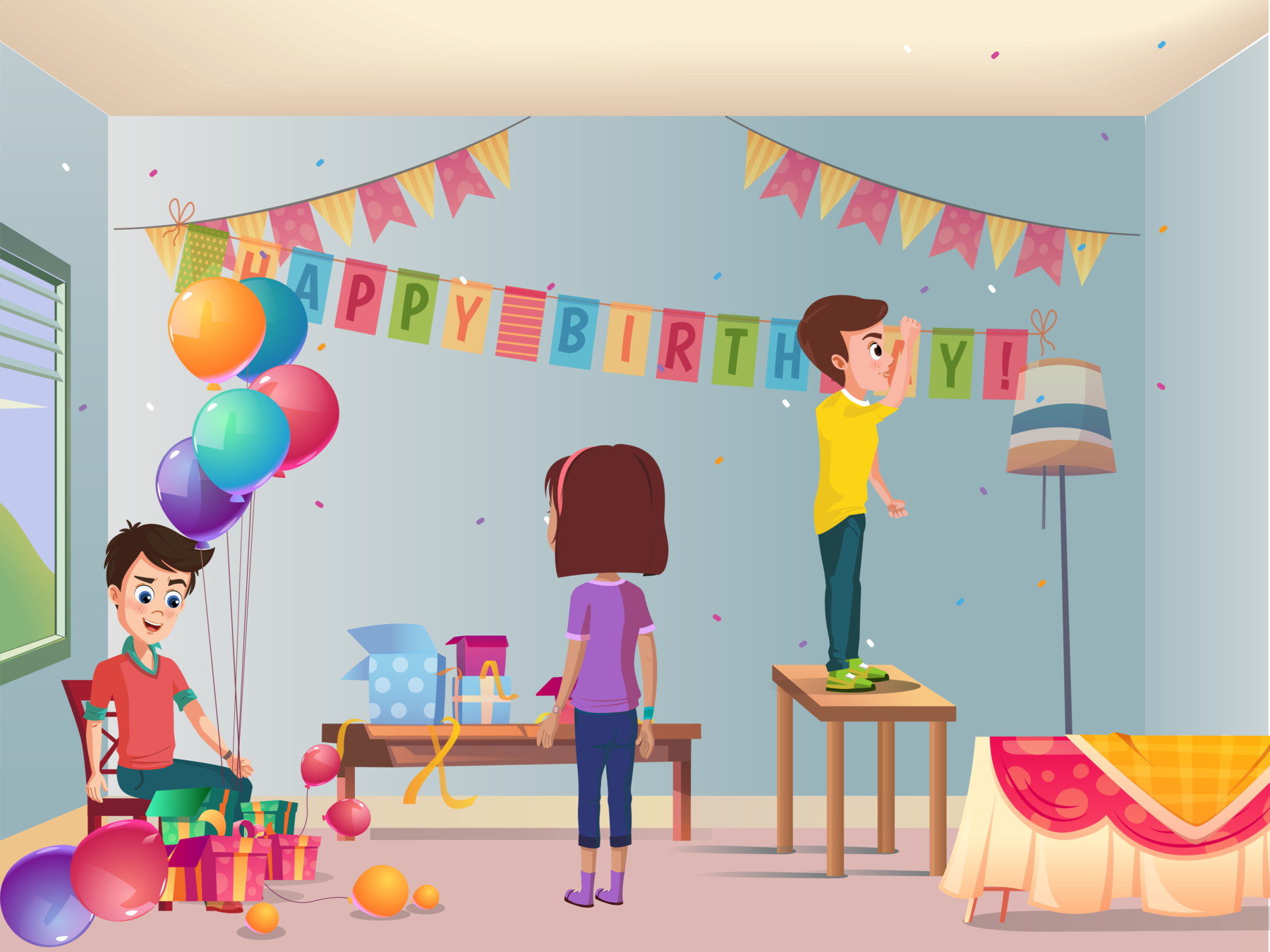
Is friend busy?
YES
NO! She is coming this way!!

Let's keep decorating
Continuous decision making
colon
tab
space
maria_busy=True
while maria_busy:
  print("Keep decorating!")
  maria_busy=False
print("Get ready to surprise!")

How does the computer do this?
maria_busy=True
while maria_busy:
  print("Keep decorating!")
  maria_busy=False
print("Get ready to surprise!")
It's getting clearer!!
carryOn = True
while carryOn:
    for event in pygame.event.get():
            if event.type == pygame.QUIT:
                  carryOn = False
                  pygame.quit()
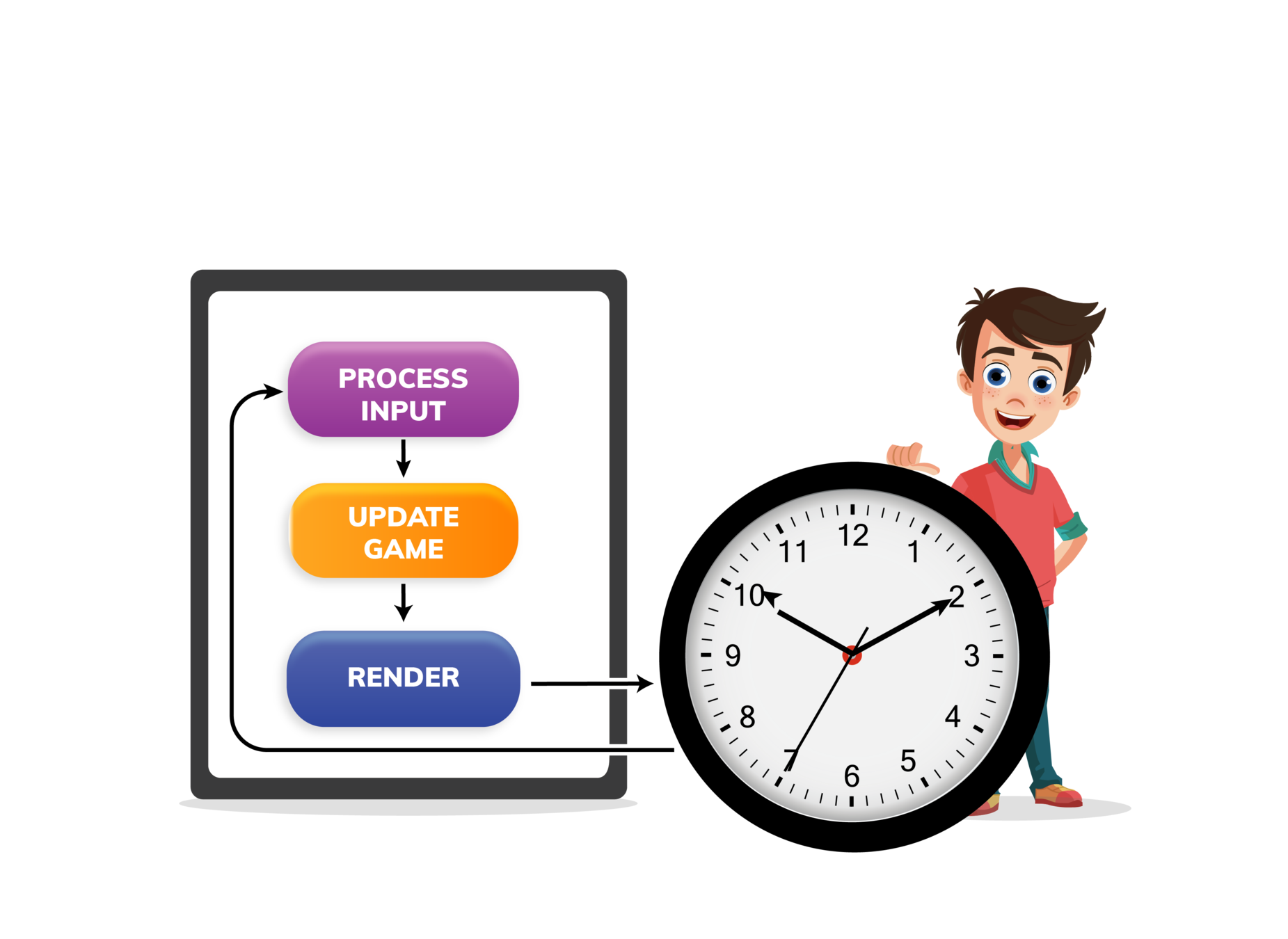
Flow of the while loop in the game

for i in range(5):
  #Execute task
| i=0 | Execute task once |
| 1 | Execute once more |
| 2 | Execute again |
| ... | ... |
| 4 | Execute for the 5th time |
Creating a while loop

Let us try to recreate the output of this for loop using a while loop

i=0
while i<5:
  print(i)
  i=i+1
GREAT!
Some more new things!!
carryOn = True
while carryOn:
    for event in pygame.event.get():
            if event.type == pygame.QUIT:
                  carryOn = False
                  pygame.quit()
What is an event?
!!
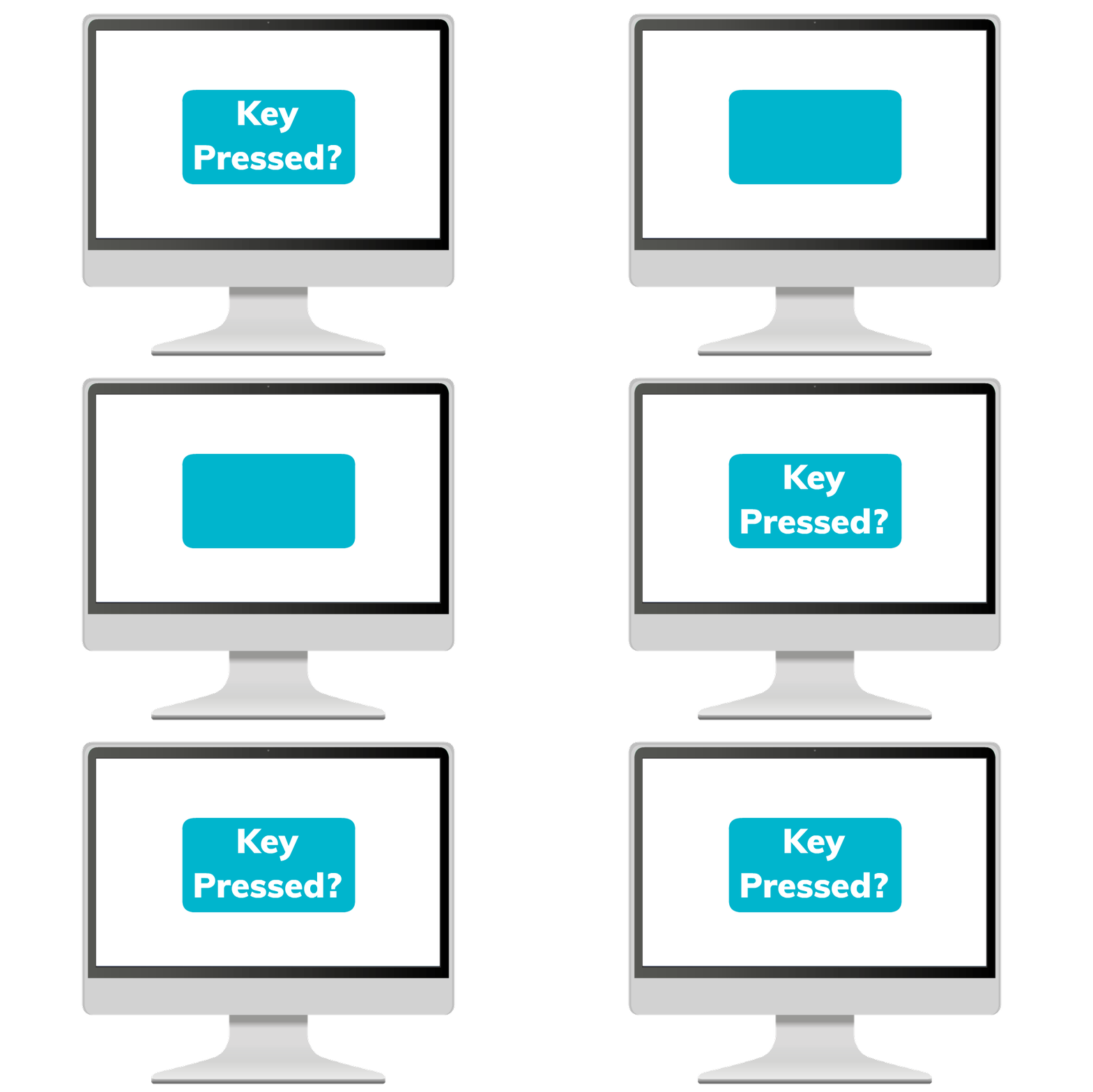

Let me press a key!!
Wow!! the paddle moved!






Let's recall

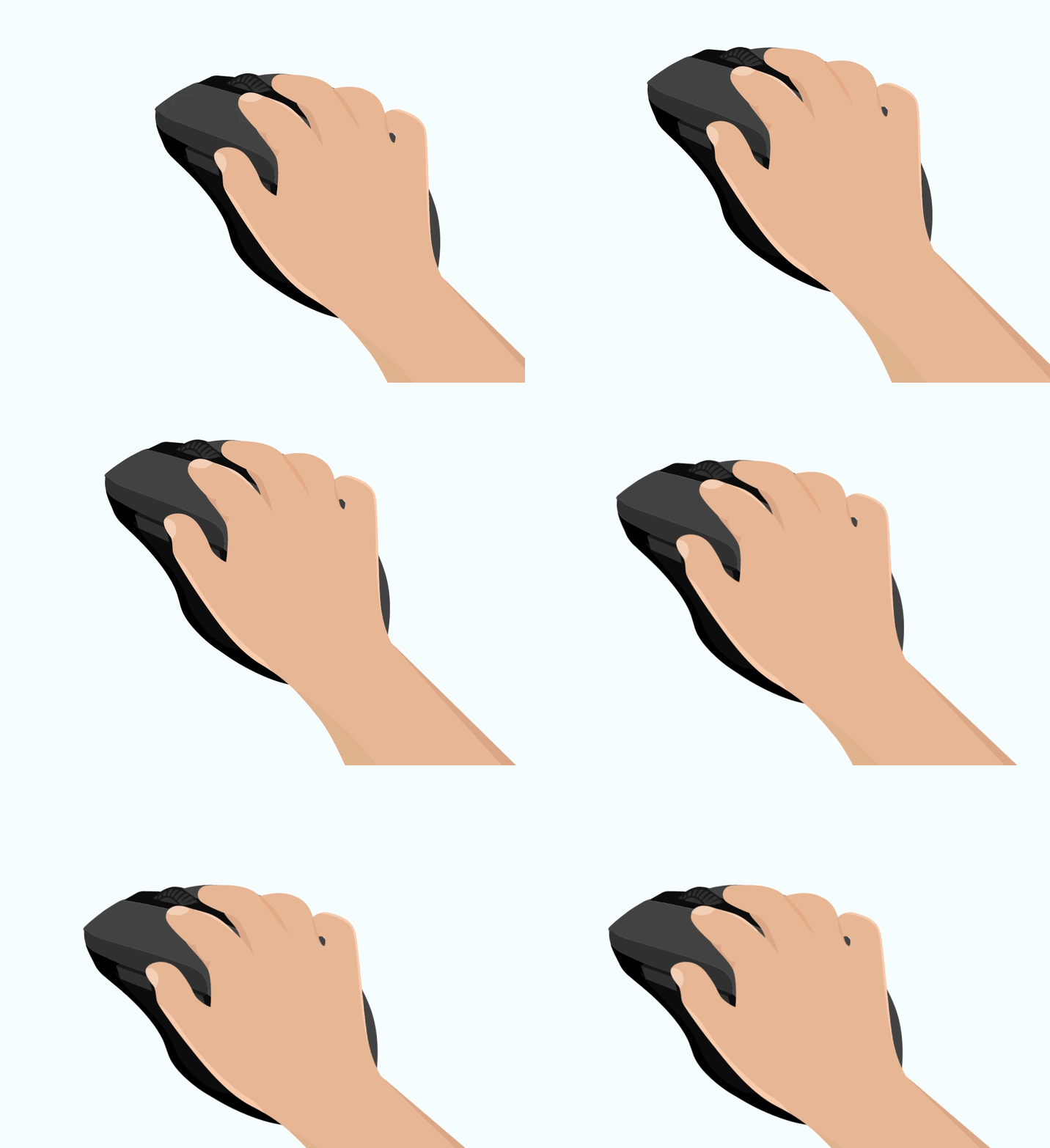
Key is pressed
Mouse is clicked
Perform some tasks
Perform some tasks
Events in pygame
How does the computer understand user has clicked / pressed something?
Queue of events
Event 1
Event 2
Event 3
.
.
.
Getting Events
But how do i know what exactly the user did??
Queue of events
for event in pygame.event.get()Determining the type of the event
Event 1
Event 2
Event 3
.
.
.
carryOn = True
while carryOn:
    for event in pygame.event.get():
            if event.type == pygame.QUIT:
                  carryOn = False
                  pygame.quit()
Now I am an expert!
Some more new things!!
Let us begin creating the game from scratch now!
Try to code!

Hints:
import pygame
pygame.init()
screen = pygame.display.set_mode((600,600))
paddle=pygame.Rect(300,500,60,10)
ball=pygame.Rect(200,250,10,10)
ballx=1
bally=1
paddlex=2
Let create the game loop now!
Creating the game loop
Hints:
import pygame
pygame.init()
screen = pygame.display.set_mode((600,600))
paddle=pygame.Rect(300,500,60,10)
ball=pygame.Rect(200,250,10,10)
ballx=1
bally=1
paddlex=2

carryOn = True
while carryOn:
    for event in pygame.event.get():
            if event.type == pygame.QUIT:
                  carryOn = False
                  pygame.quit()
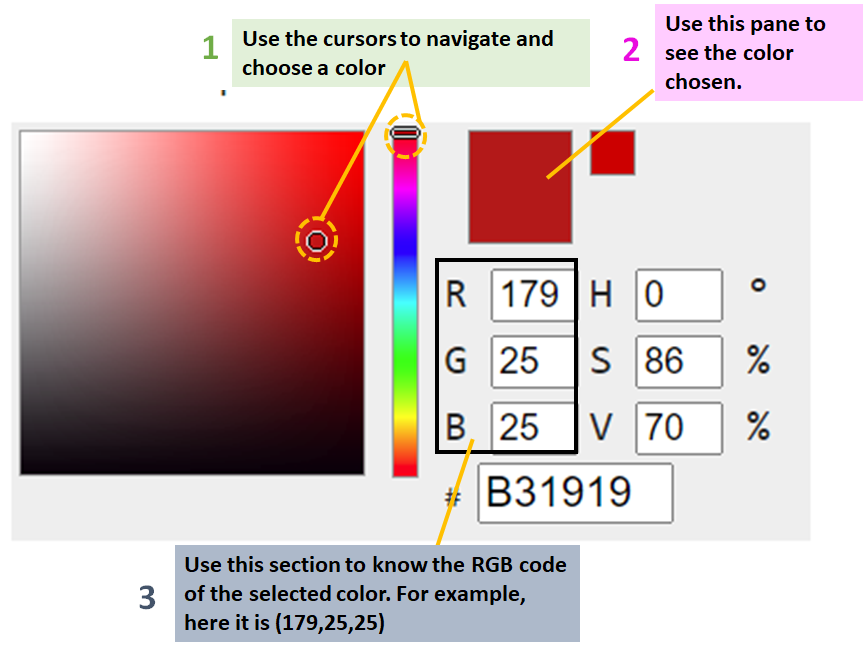
Filling the screen
Hints:
Now fill the screen with a color of your choice
import pygame
pygame.init()
screen = pygame.display.set_mode((600,600))
paddle=pygame.Rect(300,500,60,10)
ball=pygame.Rect(200,250,10,10)
ballx=1
bally=1
paddlex=2

carryOn = True
while carryOn:
    for event in pygame.event.get():
            if event.type == pygame.QUIT:
                  carryOn = False
    screen.fill(0,176,240)
x=10
while False:
  x=x+100
print(x)10110ErrorTry to predict the output for the following code:
C
Q.1
A
B
C
While loop set to false by default
x=10
10 is printed
No Change in x
x=5
i=0
while i<3:
  x*=5
  print(x)
i=i+162525
125
625125Try to predict the output for the following code:
C
Q.2
A
B
C
loop begins
x=5
loop ends
printed
printed
printed
| loop no. | i is: | x becomes: |
|---|---|---|
| 1 | 0 | 5*5=25 |
| 2 | 0+1=1 | 25*5=125 |
| 3 | 1+1=2 | 125*5=625 |
Try to code
Hints:
Let's create a game
| Activity | Activity Name | Link |
|---|---|---|
| Teacher Activity 1 | Space Invader game demo | https://replit.com/@ShubhamVerma9/DemoSpaceInvaders#main.py |
| Teacher Activity 2 | Space Invader 0.5 |
https://bit.ly/3uePVRU |
| Student Activity 1 | Space Invader -0 |
https://bit.ly/3va7RhO |
| Additional Activity 1- Solution | Space Invader 0.5 + AA |
https://bit.ly/2SeaAZ2 |