G11_C1_ForTeacherReference
Introduction to Programming with Python


| Activity Flow | Slide No. | Topic | Time |
|---|---|---|---|
| TA | 4 | Ice-breaker | 1 min |
| 5-12 | Programming Intro | 2 min | |
| 13-16 | Object Oriented Programming | 3 min | |
| 17-22 | Introduction to Python + Spyder + Pygame | 3 min | |
| 23-34 | TA - Coding | 15 min | |
| SA | 35-38 | SA | 5 min |
| Wrap - Up | 39-42 | Quiz | 1 min |
| SA | 43 | Additional Activity | 5 min |
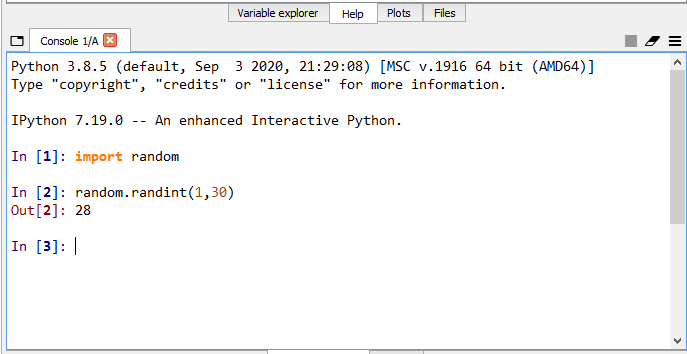
Class Structure
| Slide No. | Topic |
|---|---|
| 12 | Random number code |
| 24-26 | Basic pygame code |
| 32 | Making rectangles |
| 37 | SA Code- Creating ball rect. |
| 44 | Additional Activity- Code |
Preparation and Reference
Prerequisites
FOR TEACHER
FOR STUDENTS
-
Computer with an Internet connection.
-
The latest browser installed.
-
Spyder IDE.
-
Projector to present the screen.
1. Computer with an Internet connection.
2. The latest browser installed.
What is your favourite video game?
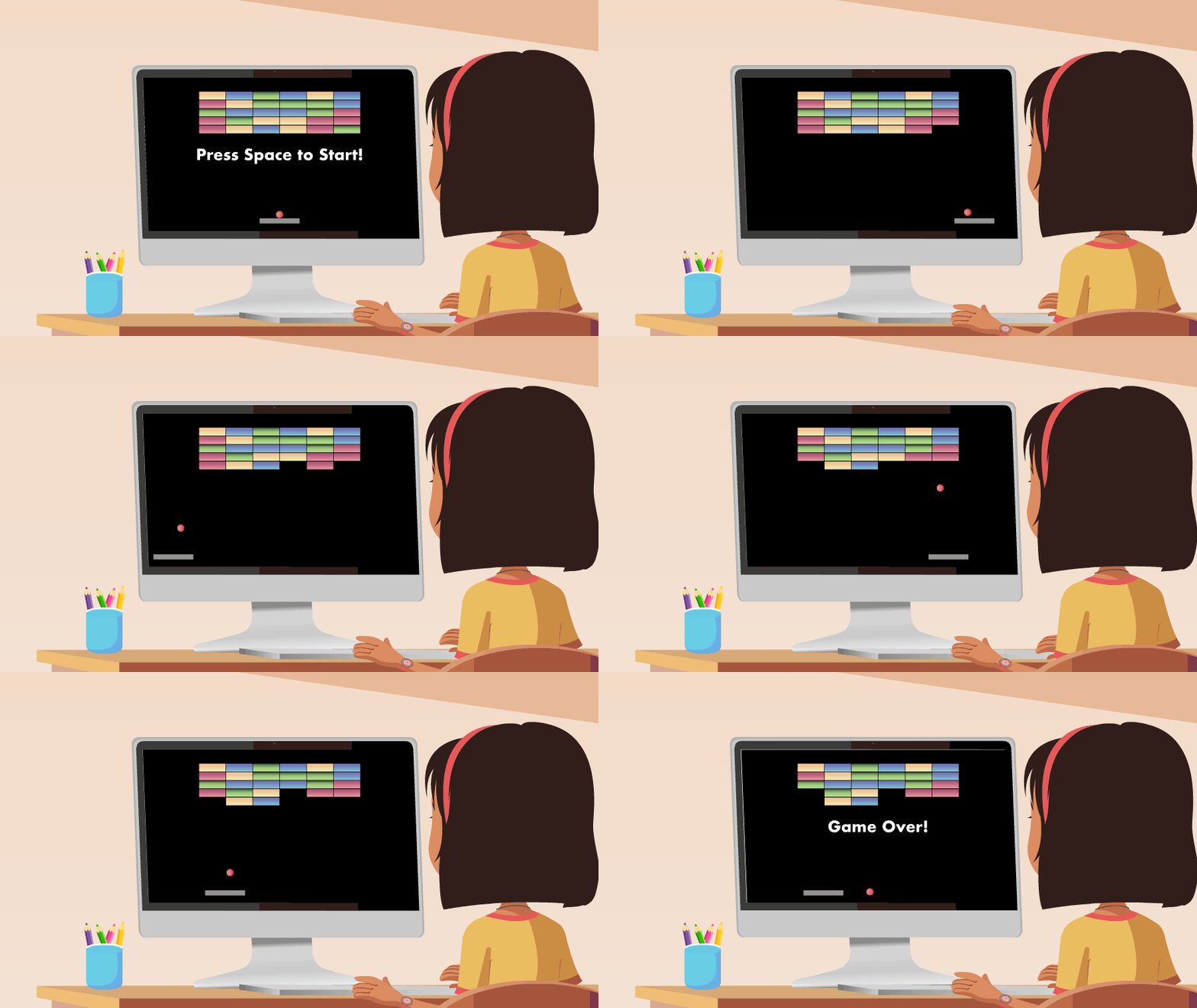
Let's play a game

Learning a new skill

The correct way to learn
Instructing a bot
Human vs Computer
B
Programming Languages
B

Learning Programming
B
Learning to Program

Learning how to program
B
Object-Oriented Programming
B
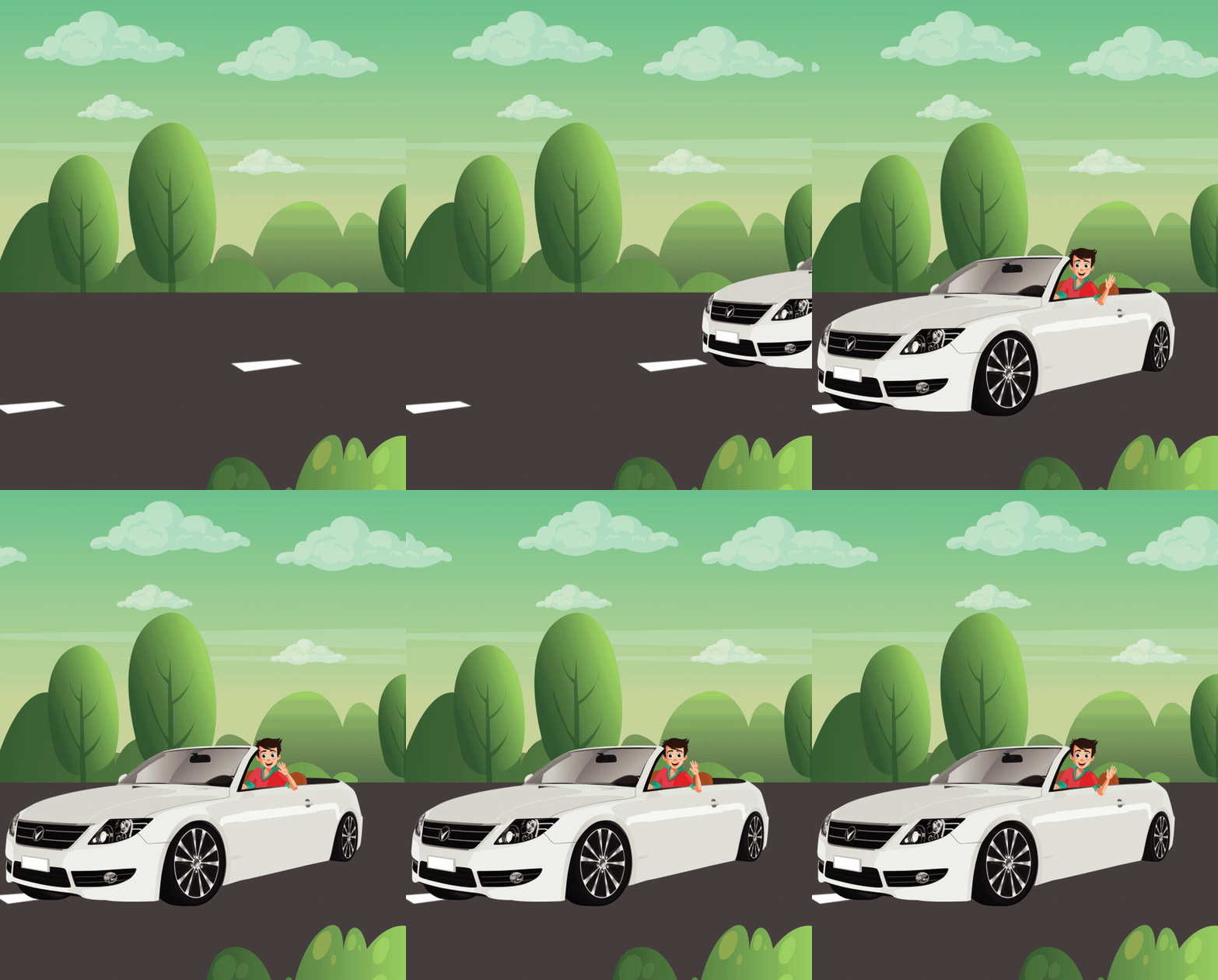
Can you guess the Properties
and Functions of a car?
B
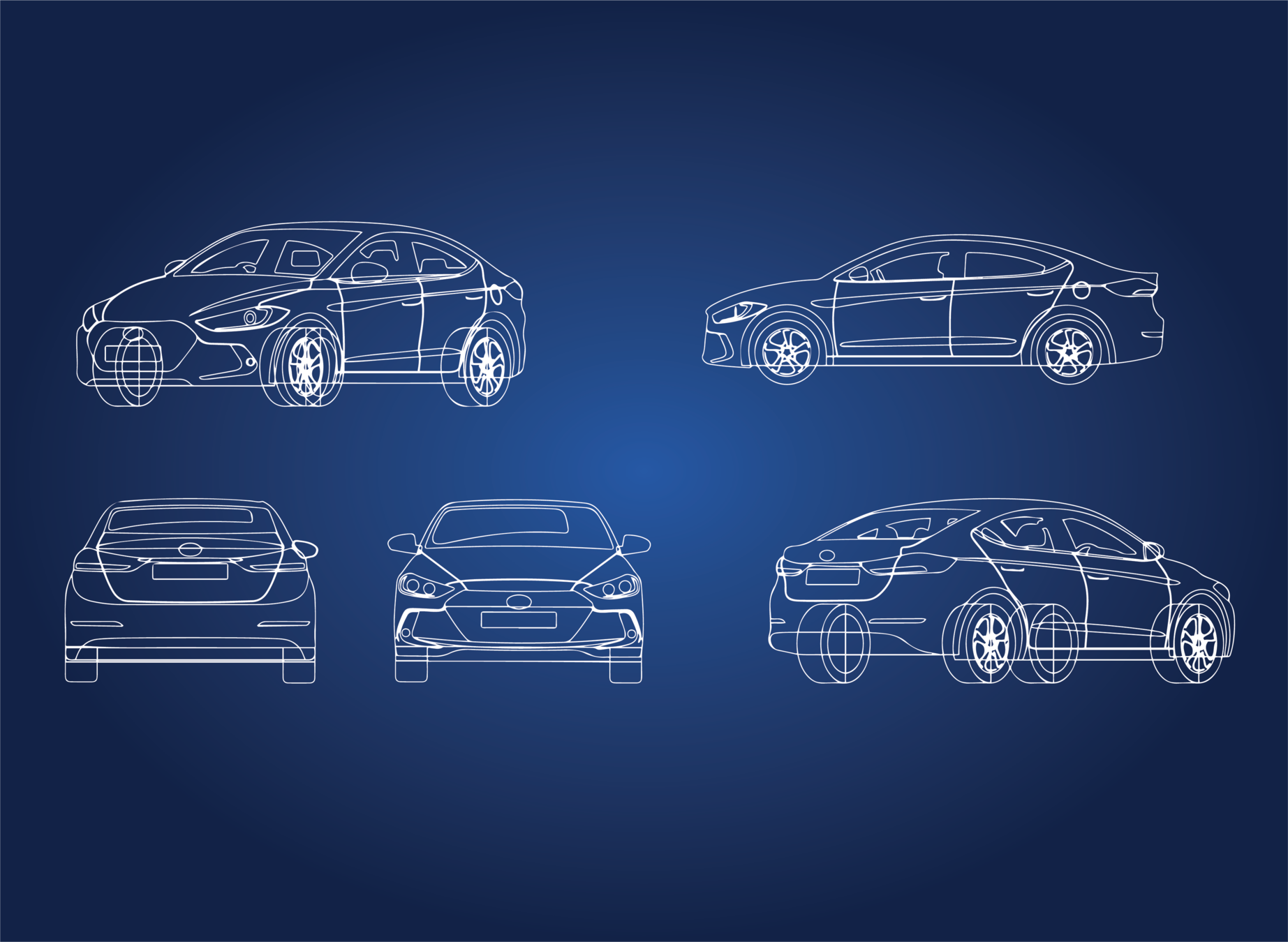
Properties
Color
Name
Tyres
Functions
Drive()
Break()
Horn()
Guess the object in this game!
B
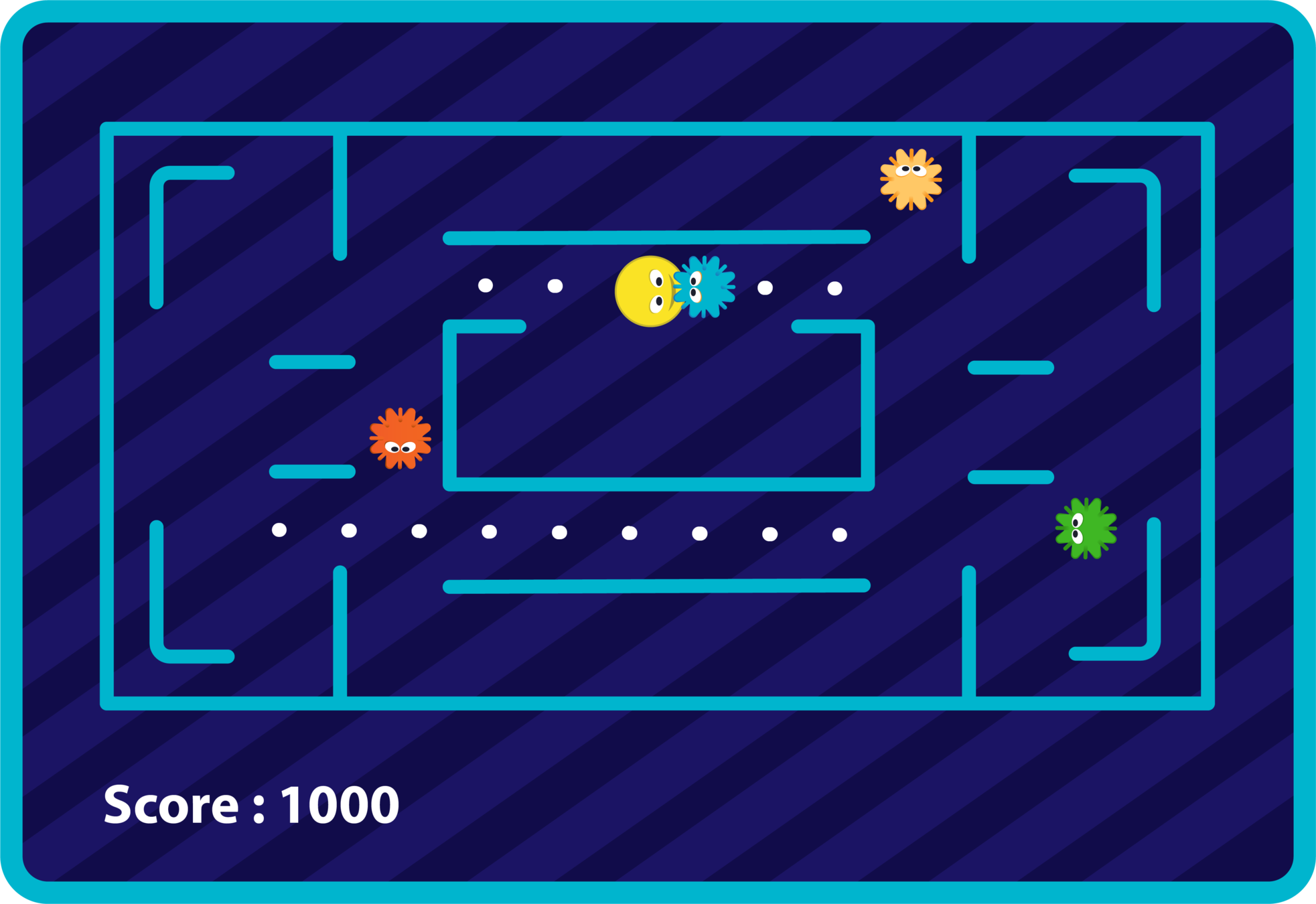
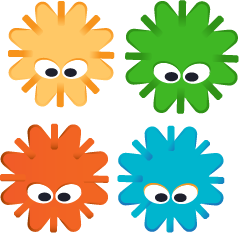
Player
Four enemies
Food
Power Food

GREAT!

We will be creating lots of
new and different games
B
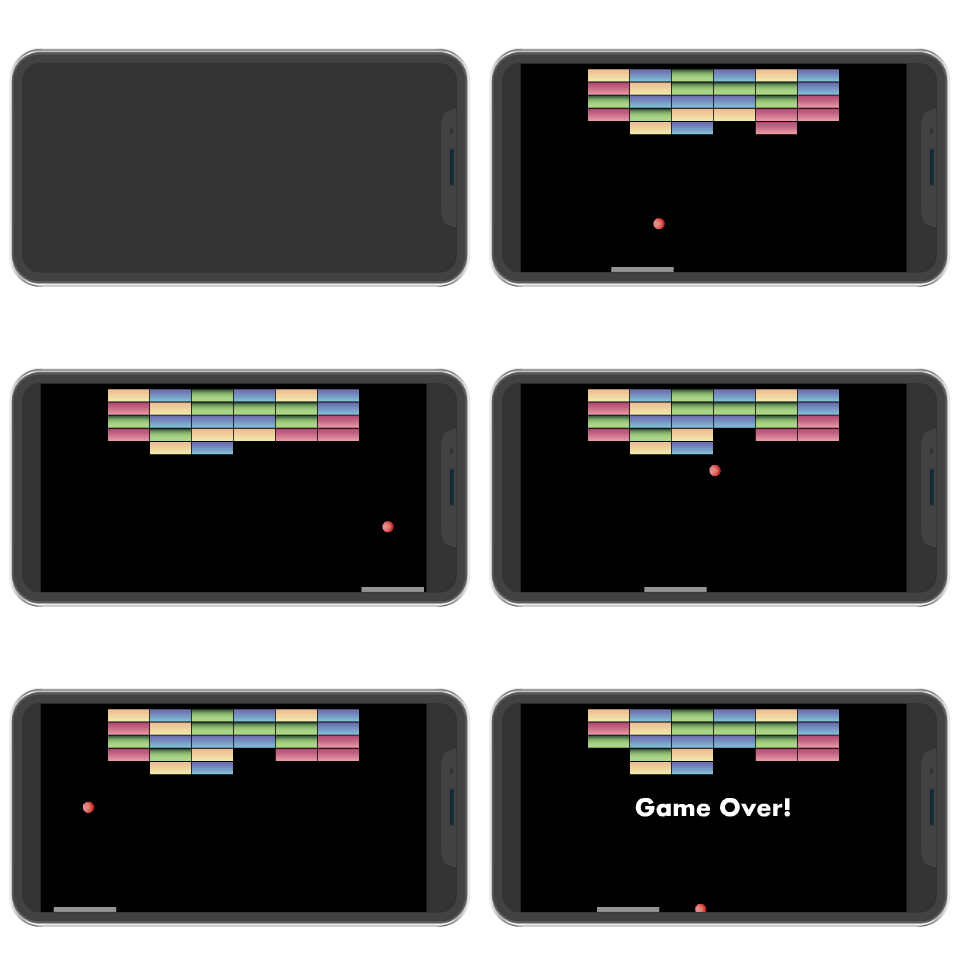
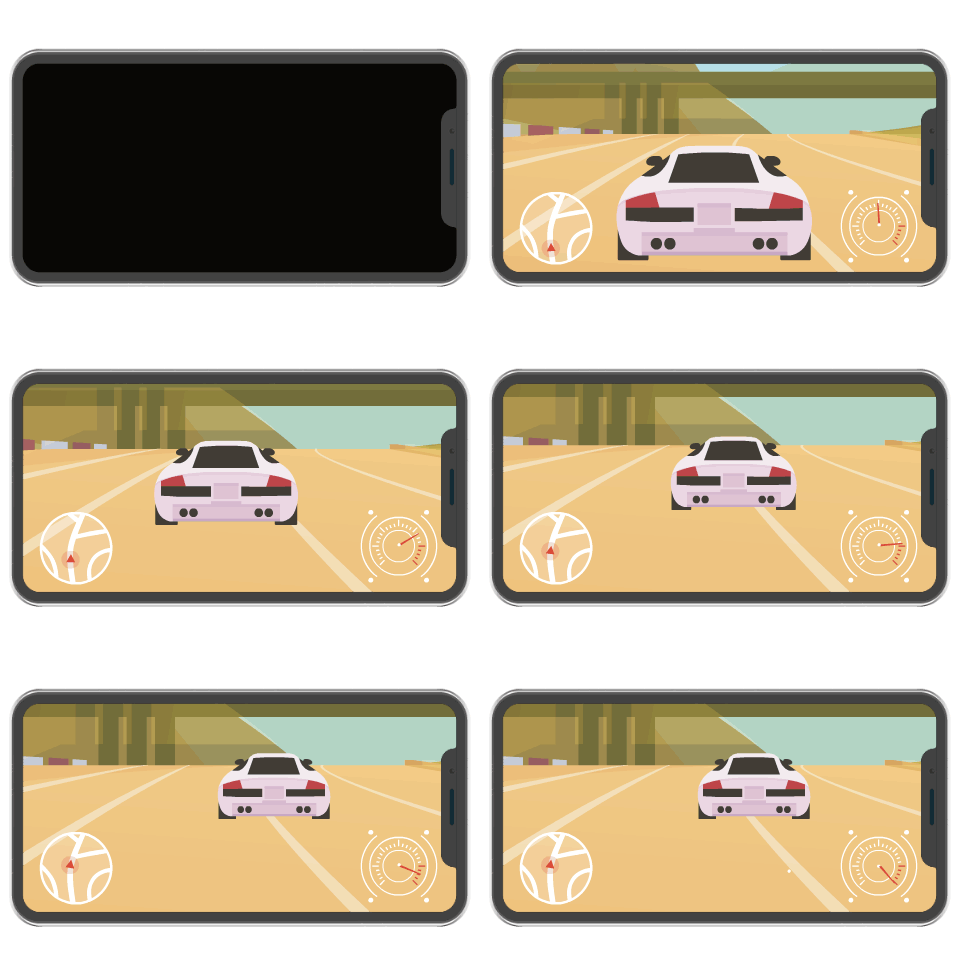
Breakout game
B
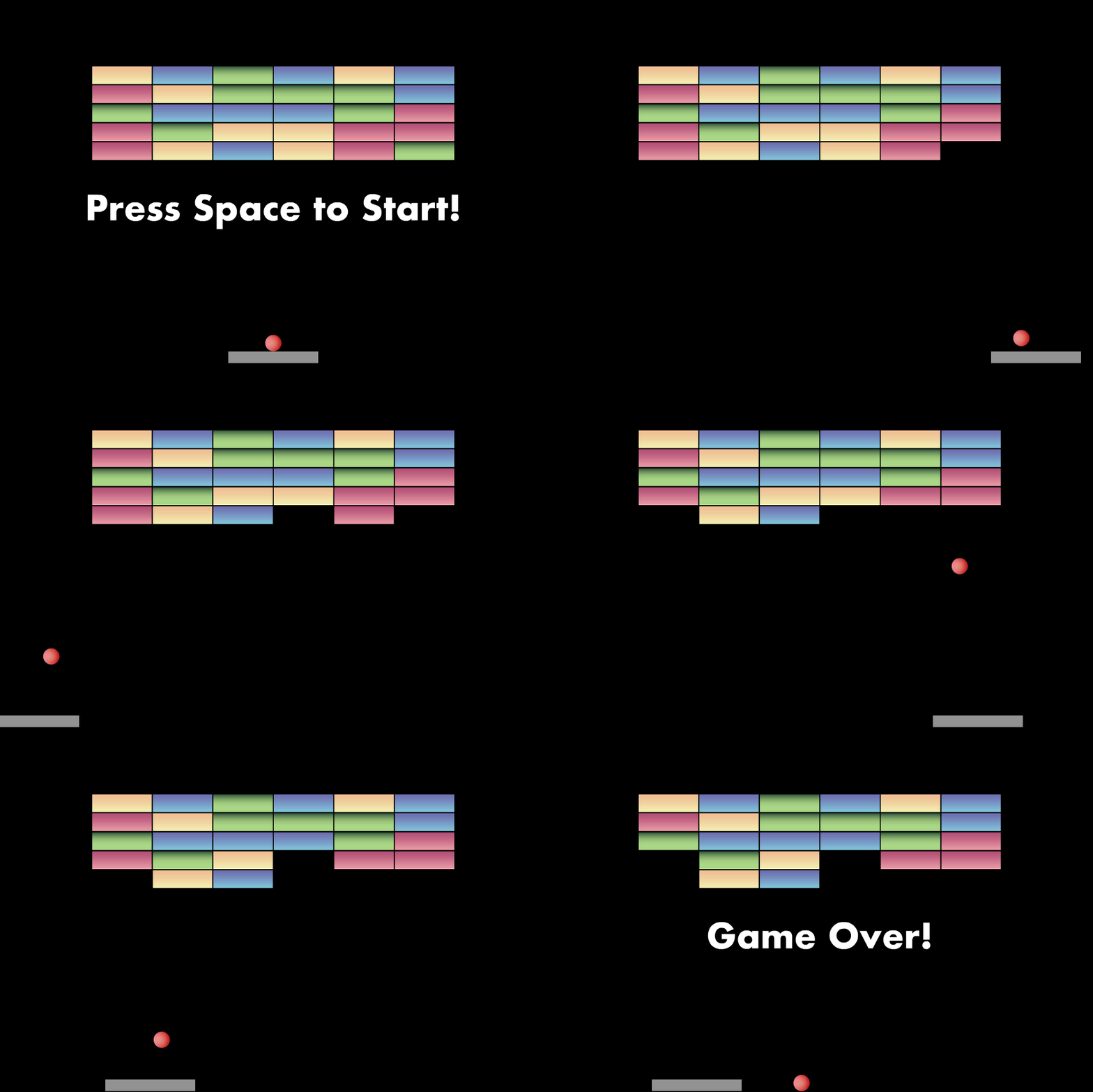
Complex game! Let's break it down
B
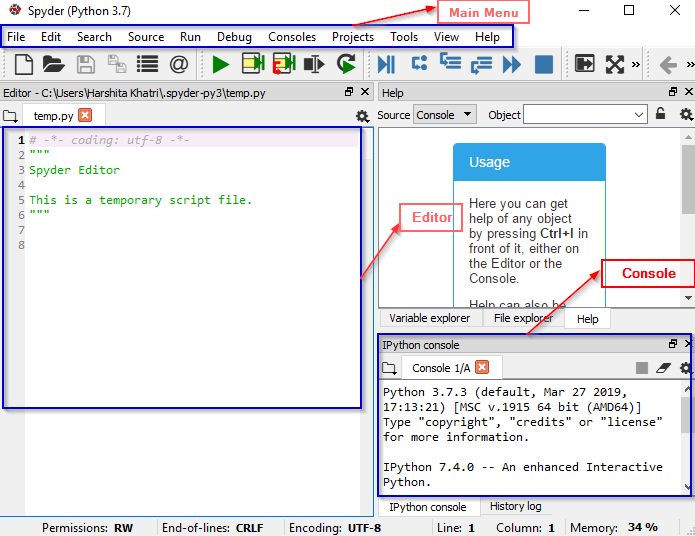
Integrated development environment (IDE)
Python + Spyder
B
B
Pygame Library

B
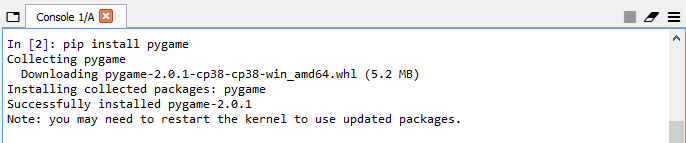
import pygame
Step 1: Download and install the "pygame" library
Step 2: Create a new file in Spyder and save it as "breakout.py"
Step 3: Import the "pygame" library to your code
B
Step 4: Initialize the "pygame"
Step 5: Use "pygame" to create a window
Output:
import pygame

pygame.init()
import pygame
pygame.init()
screen = pygame.display.set_mode((400,600))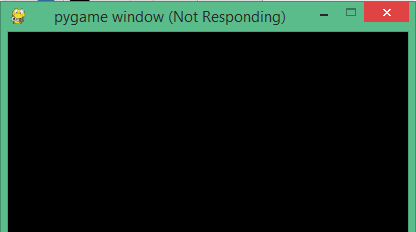
B
Step 6: Add a game loop
Output:
import pygame

pygame.init()
screen = pygame.display.set_mode((400,600))
while True:
for event in pygame.event.get():
if event.type == pygame.QUIT:
pygame.quit()
sys.exit()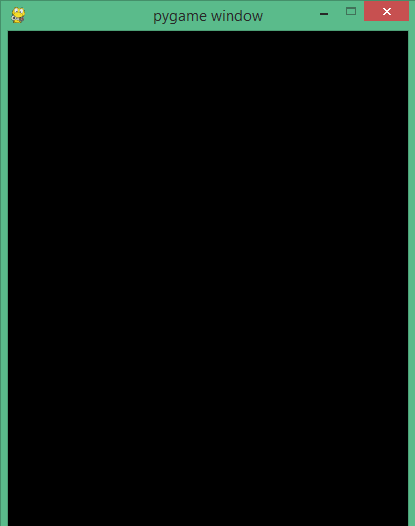
B
Coordinate system in pygame
y
x
500
width
height
pygame.Rect(200,500,30,10)
x
y
width
height
0,600
400,0
400,600
0,0
200
(10)
(30)
B
Step 7: Use "pygame.Rect()" to make a rectangle
import pygame

pygame.init()

screen = pygame.display.set_mode((400,600))

paddle=pygame.Rect(200,500,30,10)

while True:
    for event in pygame.event.get():
        if event.type == pygame.QUIT:
            pygame.quit()
            sys.exit()
B
Guess why character
is not displayed?
B
pygame.draw.rect(surface, color, rect)
Drawing !


B
(Red, Green, Blue)
Red color -> (255, 0, 0)
B
Step 8: Draw the rectangle on the screen
Step 9: Update the screen
import pygame

pygame.init()

screen = pygame.display.set_mode((400,600))

paddle=pygame.Rect(200,500,30,30)

while True:
    for event in pygame.event.get():
        if event.type == pygame.QUIT:
            pygame.quit()
            sys.exit()

    pygame.draw.rect(screen,(23,100,100),paddle)

    pygame.display.update()
B
Output :
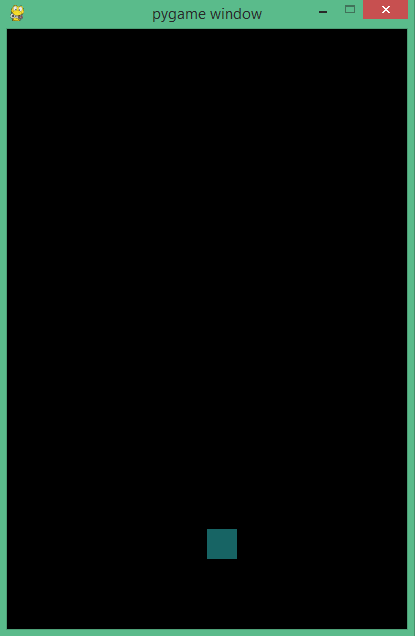
B
Student activity
Student activity
Hints:
Create the rectangle object: pygame.Rect
Draw the created rectangle: pygame.draw.rect
B
Step 10: Create another rectangle named "ball" and draw it on the screen
import pygame

pygame.init()

screen = pygame.display.set_mode((400,600))

paddle=pygame.Rect(200,500,30,30)
ball=pygame.Rect(70,50,10,10)

while True:
    for event in pygame.event.get():
        if event.type == pygame.QUIT:
            pygame.quit()
            sys.exit()

    pygame.draw.rect(screen,(23,100,100),paddle)
    pygame.draw.rect(screen,(255,255,255),ball)

    pygame.display.update()
What will be the output of the following code:
B
Color,Surface,Rect
Surface,Color,Rect
Rect,Color,Surface
Q.1
A
Surface,Color,Rect
B
C
We first pass the surface, then the color, and then the name of the rectangle

What does RGB stand for?
B
Red-grey-blue
Red-green-blue
Red-green-black
Q.2
A
Red-green-blue
B
C
RGB stands for red green blue. Each color that we use can be represented as a combination of these 3 colors in varying percentages.
B
Student activity
SAA 1
Hints:
Create the rectangle object: pygame.Rect
Draw the created rectangle: pygame.draw.rect
RGB for orange:255,69,0
Creation of Orange ball
B
Create another rectangle named "ball" and draw it on the screen
import pygame

pygame.init()

screen = pygame.display.set_mode((400,600))

paddle=pygame.Rect(200,500,30,30)
ball=pygame.Rect(70,50,10,10)

while True:
    for event in pygame.event.get():
        if event.type == pygame.QUIT:
            pygame.quit()
            sys.exit()

    pygame.draw.rect(screen,(23,100,100),paddle)
    pygame.draw.rect(screen,(255,69,0),ball)

    pygame.display.update()
| Activity | Activity Name | Link |
|---|---|---|
| Teacher Activity 1 | Random Number Generation | |
| Teacher Activity 2 | Paddle creation | |
| Teacher Activity 2 (Solution) | Paddle creation | |
| Student Activity 1 | Ball creation | |
| Student Activity 1 (Solution) | Ball creation | |
| Student Additional Activity 1 | Ball creation_AA | |
| Student Additional Activity 1(Solution) | Ball creation_AA |