CMSC389L
Week 4
CloudFront + EC2
February 16 , 2018
CloudFront
CloudFront Concepts
-
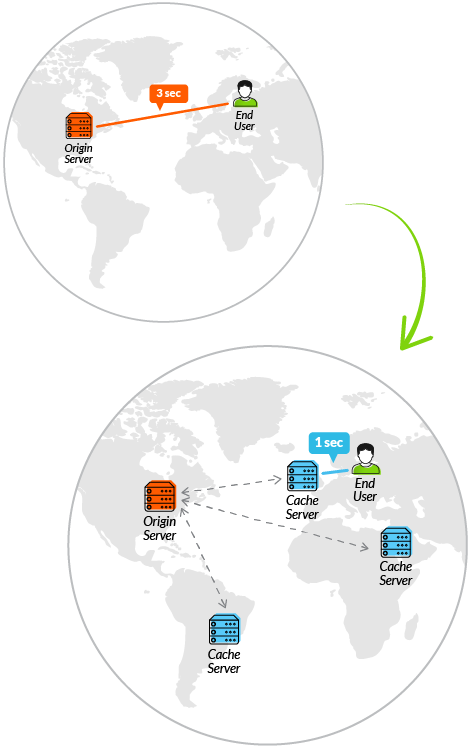
Content Delivery Networks (CDN): a globally-distributed network of proxy servers which cache content
- Use cases: web streaming, static content acceleration
CDN Metrics
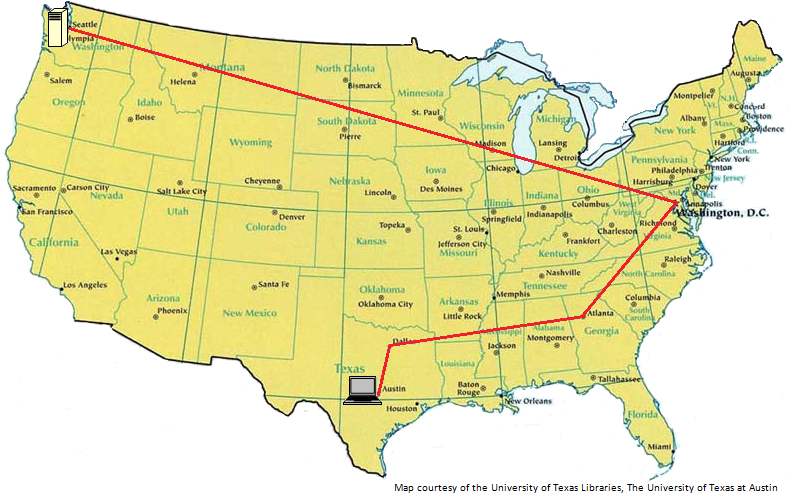
- Latency: Time taken until the first byte is downloaded
- Data Transfer Rates: Rate at which data is transferred to the client
- Cache Hit Ratio: The percent of requests where the data can be retrieved from the cache
CloudFront Concepts
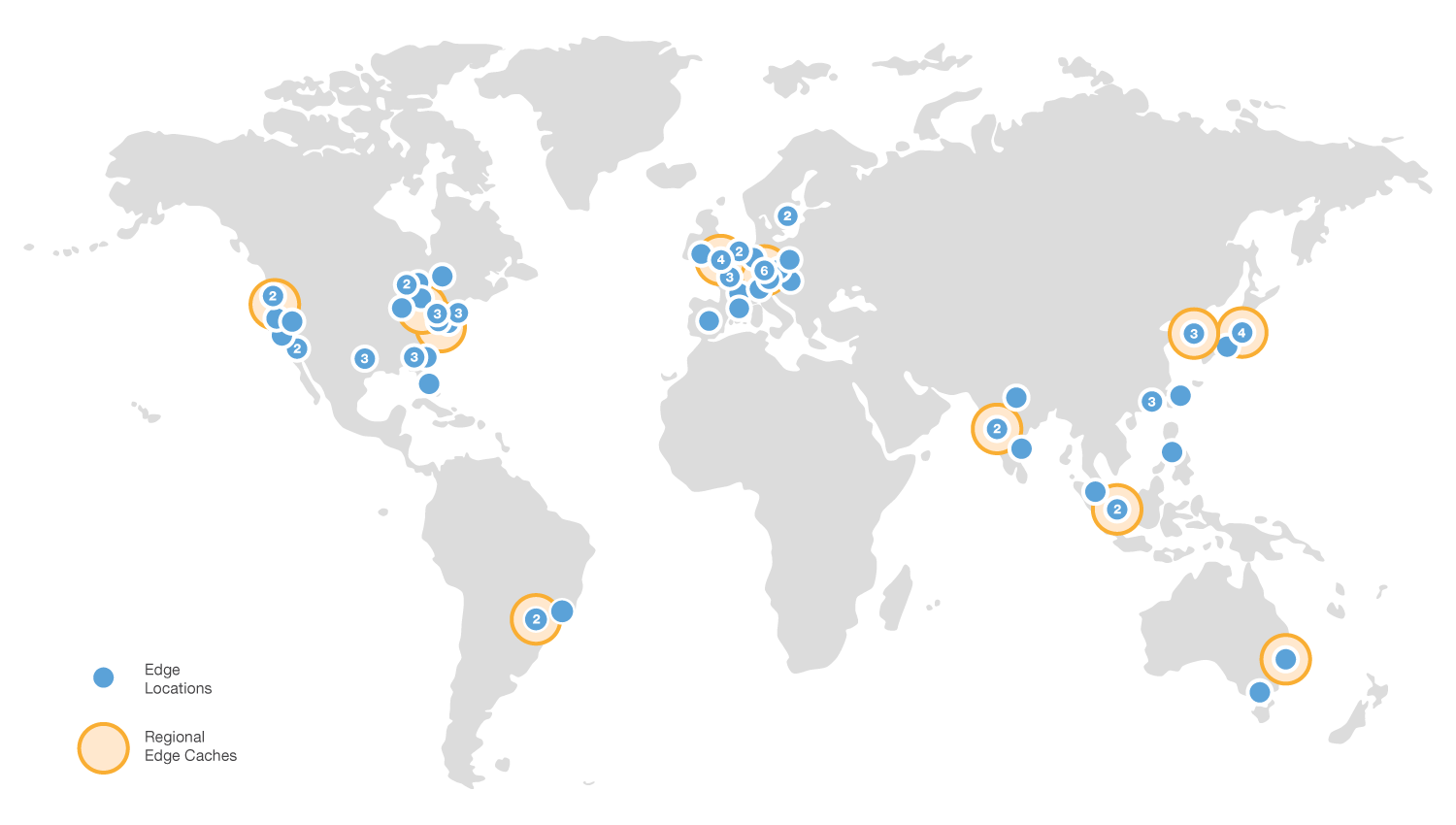
- Edge Locations: Proxy server in the CloudFront network
- Regional Edge Caches: Proxy servers that intermediates between origin server and edge locations.
CloudFront Concepts
- Origin Server: The definitive store of content that CloudFront will accelerate (f.e., S3 or EC2 web server)
-
Distribution: Configuration specifying your origin server, cache invalidation rules, etc.
- Shared with edge locations
CloudFront Costs
- Transfer from CloudFront to Internet: $0.085 / GB
- Varies by region and throughput
- Drops to $0.020 / GB
- Varies by region and throughput
- Transfer from AWS (S3, etc.) to CloudFront: Free
- Per-request fee: $0.01 / 10k requests
EC2

EC2 Concepts
-
EC2: Elastic Compute Cloud
- Secure and resizable compute capacity
- Enables you to run arbitrary computer programs
- Cheap because of multi-tenancy.
Multi-Tenancy
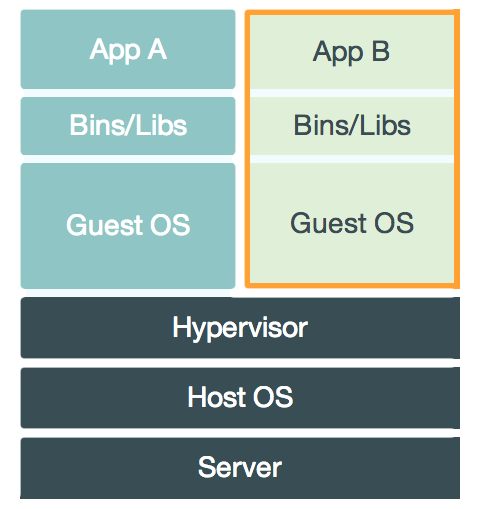
- Multi-Tenancy: Multiple VMs running on a single server.
-
Hypervisors manage these VMs
- f.e. VirtualBox (AWS uses Xen)
- Similar to OS supervisors (which manage processes)
- Provides VM isolation
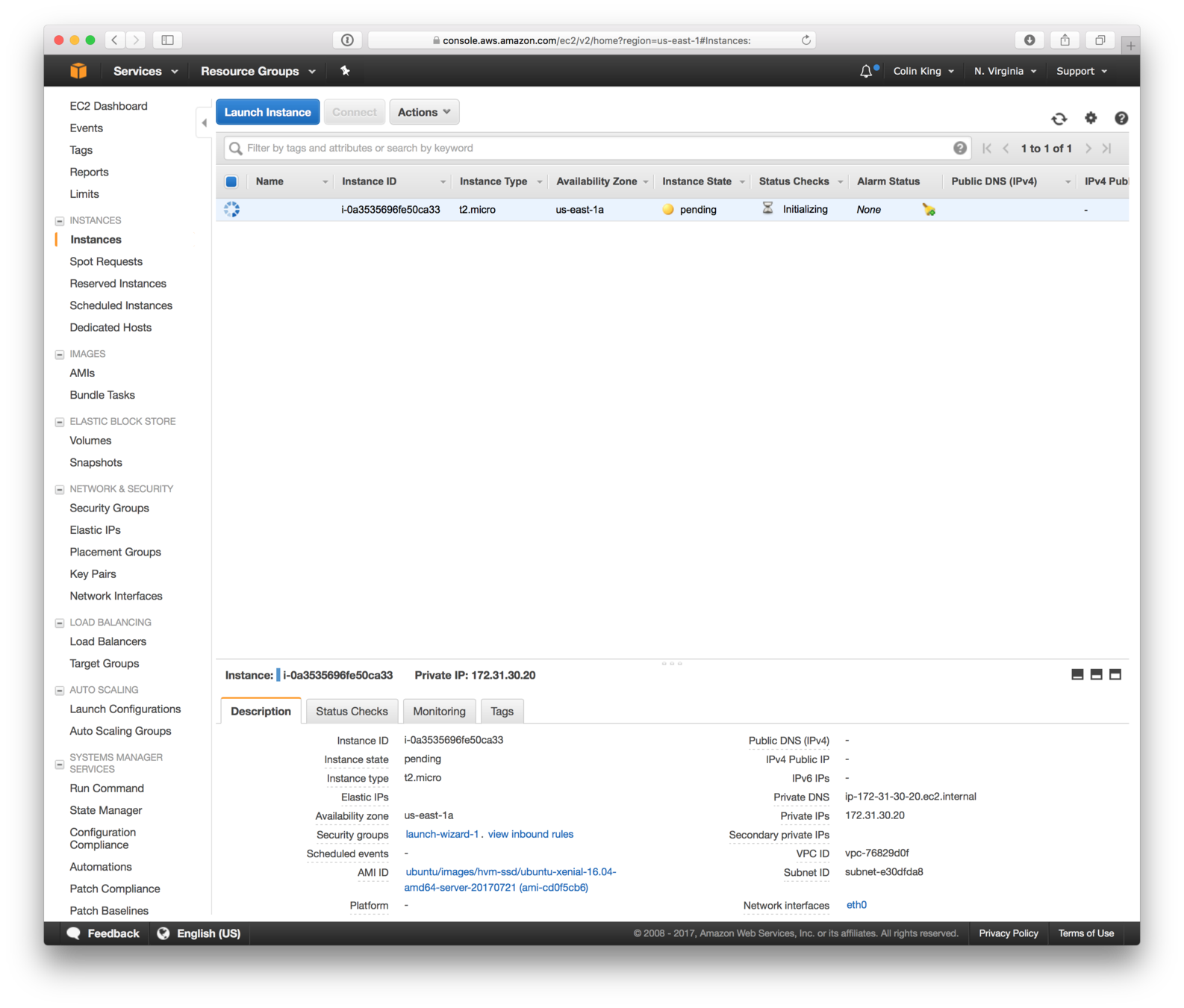
- Instances: Virtual Machines
Launch an EC2 Instance
Machine Images
-
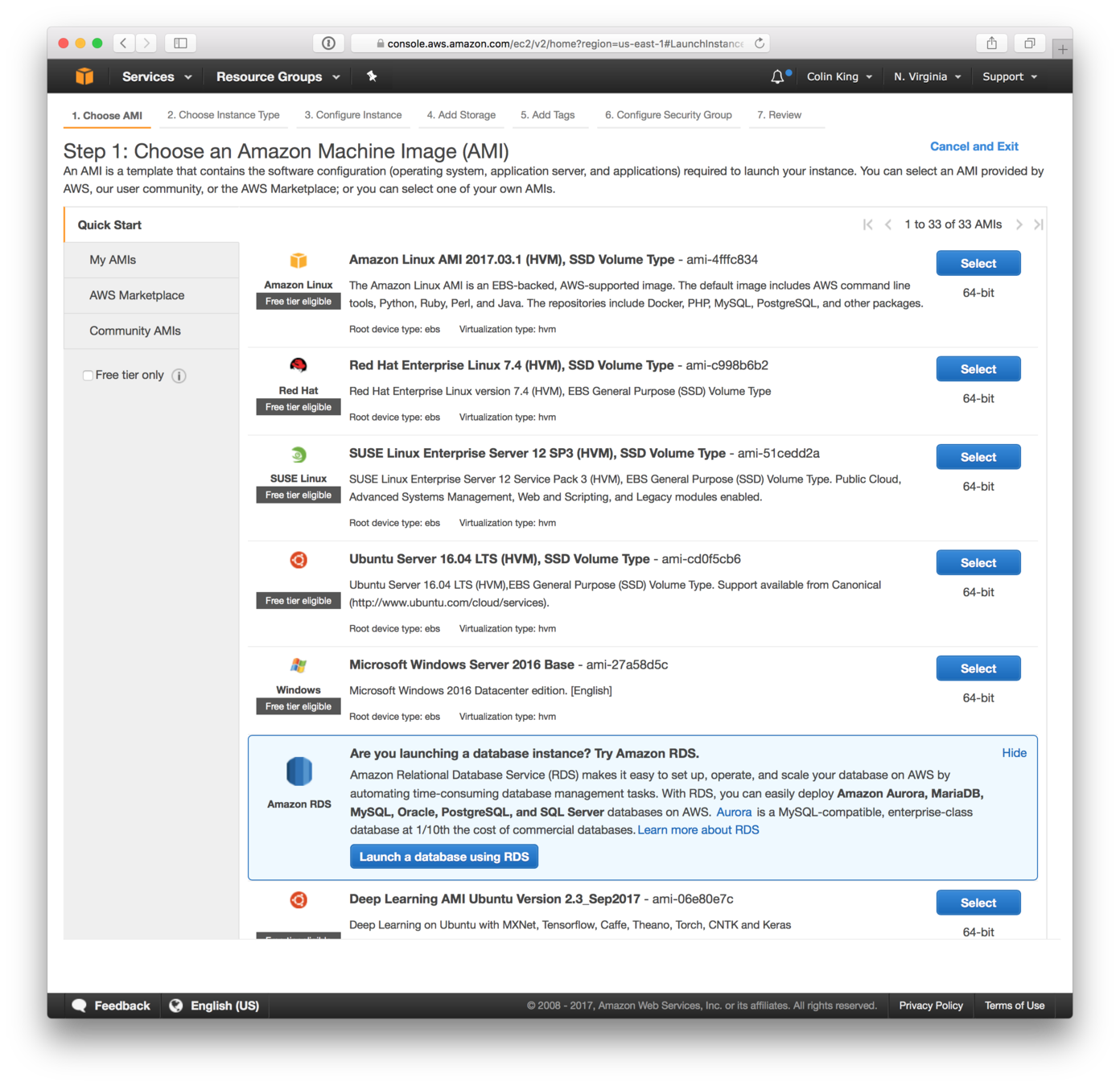
AMI: Amazon Machine Images
- Snapshot of a VM
- Vary by OS, CPU architecture, libraries, etc.
- You can/will create custom AMIs
Instance Types
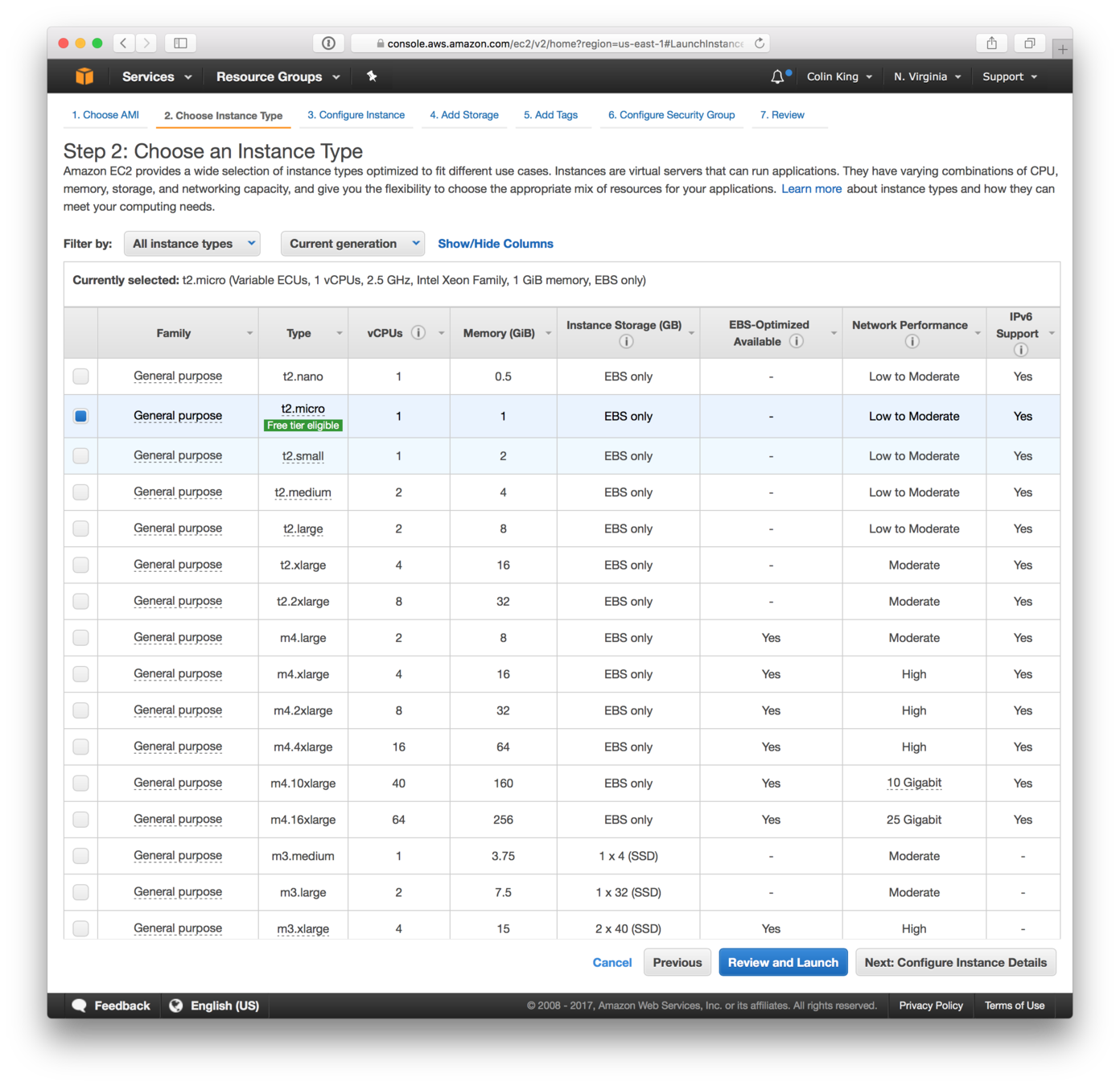
- Variety of hardware options
-
Instance families:
- General Purpose
- Compute Optimized
- Extra vCPUs
- Memory Optimized
- RAM
- Storage Optimized
- Large instance storage
- Accelerated Computing
- GPUs
Storage
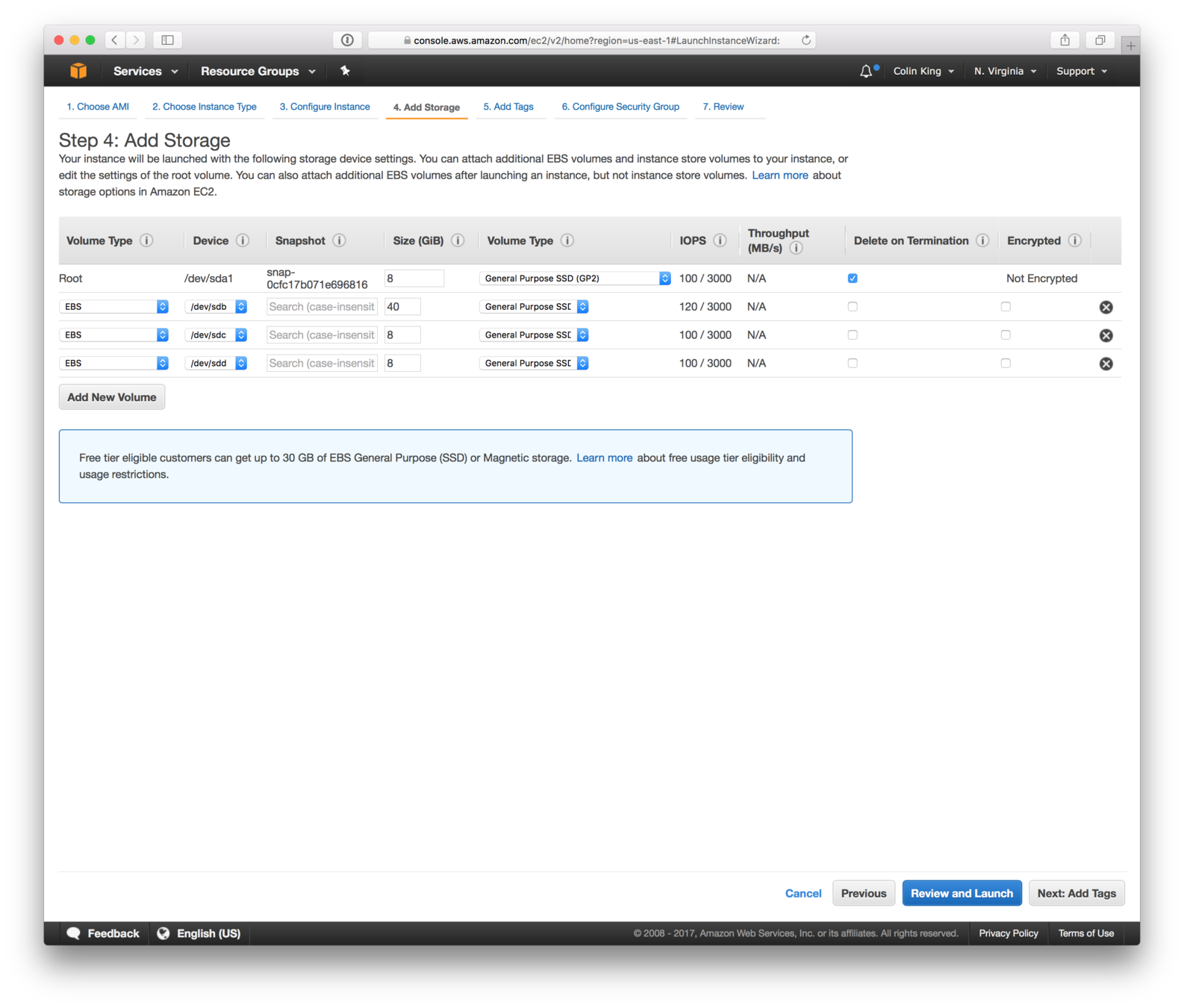
- Instance Storage: ephemeral storage attached to a specific instance
-
EBS: Elastic Block Storage
- Primitive is a file system block, instead of an object like S3
- Can create EBS volumes and attach them to EC2 instances to make them available.
Firewall: Security Groups
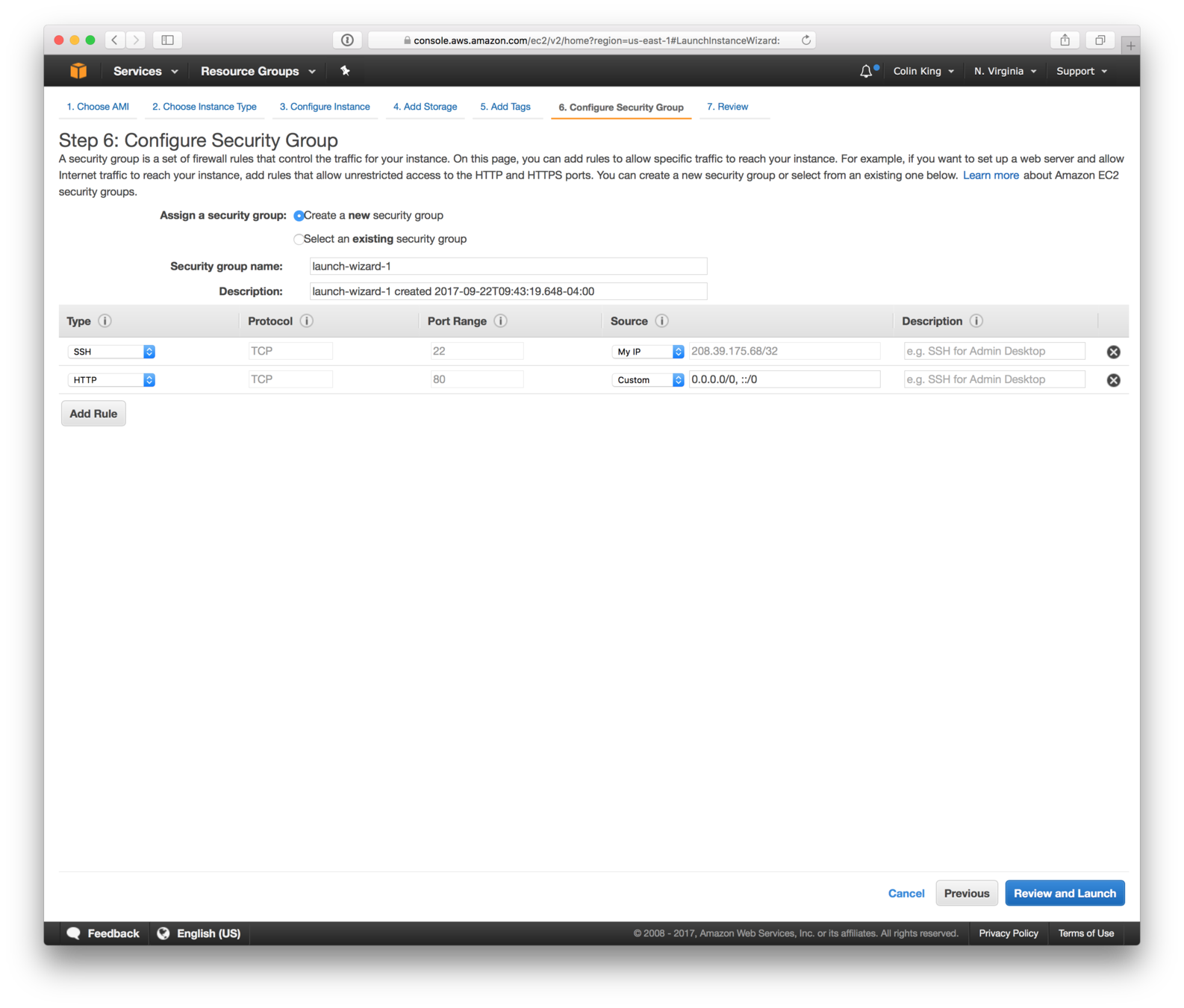
- Firewalls: Network-level system for whitelisting/blacklisting traffic based on security rules
- Security Groups: EC2 firewall allows whitelisting inbound traffic based on IP and port
- IP Address: Unique identifier of computer machines on a network (ex. 34.224.85.207)
- Port: Numbers that identify network services on a host.
SSH: Key Pairs
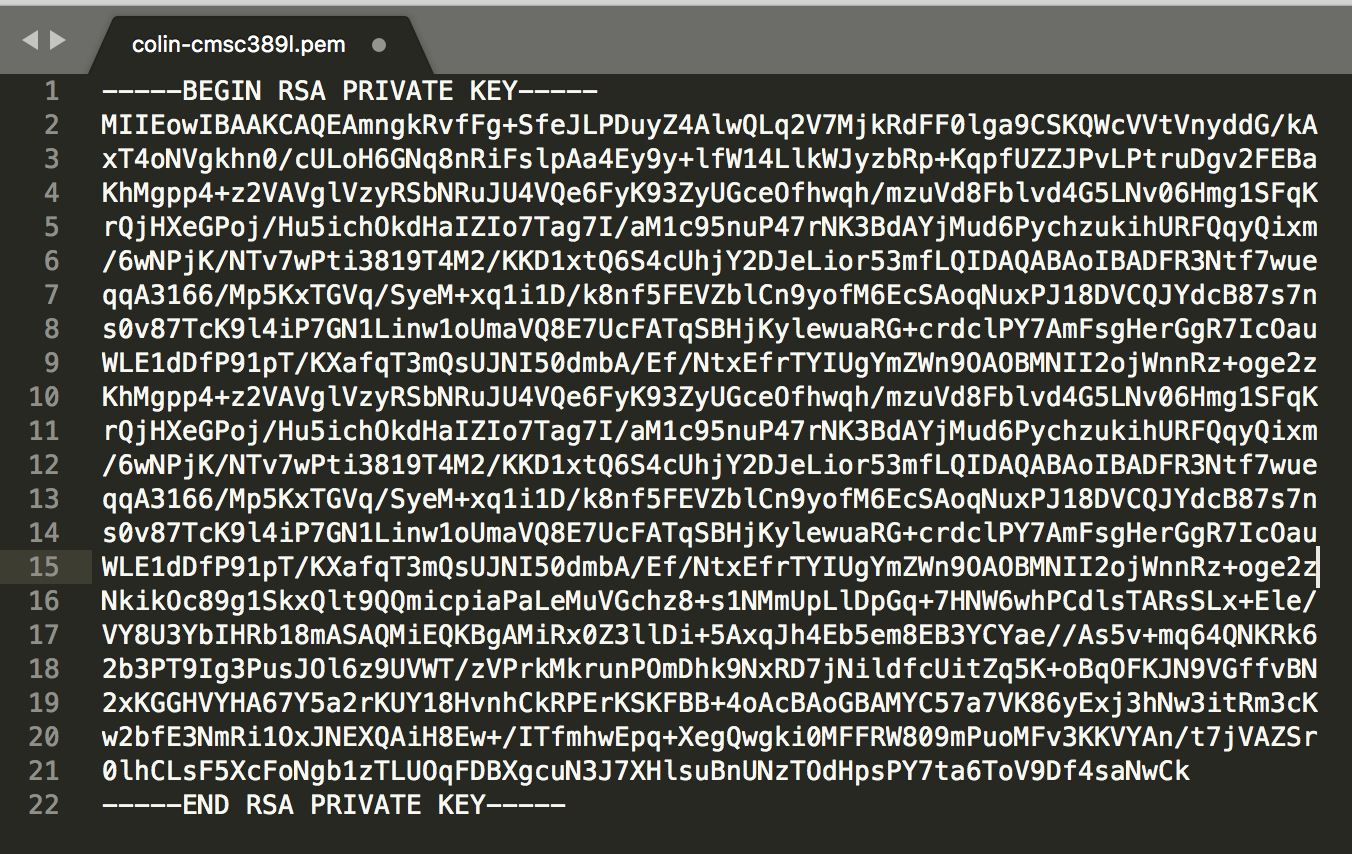
- EC2 server rely on key-based authentication.
-
Authentication: Verify that you are who you say you are.
- Idea: use a secret that only you know
- How can others verify that the secret is correct without having access to your secret key?
- Use Public / Private Key Cryptography
Done!
EC2 Demo
Worksheet: EC2
Complete the worksheet on EC2.
Week 4 Feedback