Developing UI Components with Ember
Alex Zirbel
Welcome!

Component Libraries
-
Isolated parts of your app
-
Date picker
-
Select
-
Table
Goals
-
Show Addepar's Open Source components
-
Discuss Ember component principles
-
Build a personal finance tool
Open Source
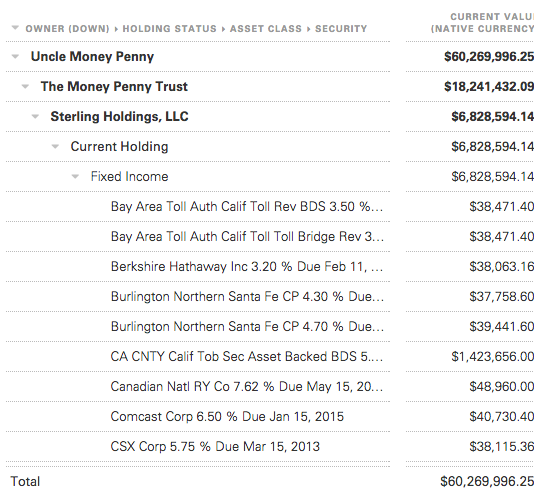
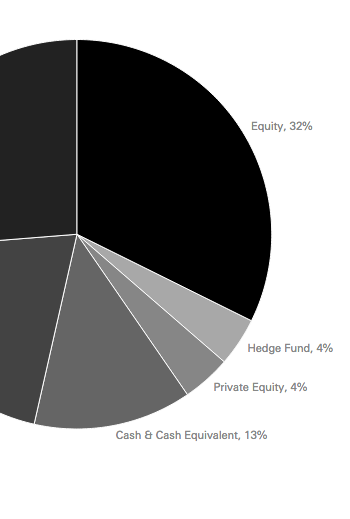
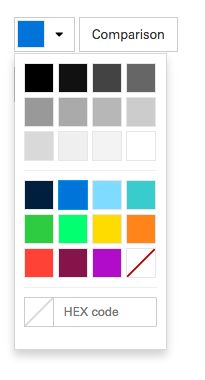
Charts
Table
Widgets

ember new minipar
Pass Everything In
transactions: func() {
  get('tx').filter(
    ...);
}.property('tx'),


{{table-component
  hasFooter=false
  columns=columns
  content=transactions
}}
{{table-component
  hasFooter=false
  columns=columns
  content=transactions
  filterText=filter
}}
More Functionality?
ExtraAdvancedTableComponent =
Ember.Table.EmberTableComponent.extend({
  filterText: null
  ...
});

{{extra-advanced-table
  hasFooter=false
  columns=columns
  content=transactions
  filterText=filter
}}
Example from Addepar
Addepar.ReportHtmlTableComponent =
Ember.Table.EmberTableComponent.extend({
  render: function(buffer) {
    // Render HTML
    // We don't even use Ember Table's
    // main feature, lazy rendering!
  }
});
Two-Way Binding
{{table-component
  columns=columns
  content=transactions
  selection=selectedTransaction
}}


{{select-component
  content=categories
  selection=selectedTransaction.category
}}
Two-Way Binding
-
Great while your app is simple
-
Great for text fields
-
Great for forms
Two-Way Binding
-
Not so great when things get complex
Two-Way Binding
-
Example 1: Selected Row
-
This is internal table state
-
What happens when it is bound to 10 different components?
Two-Way Binding
-
Example 2: Invalid Input
-
When do you verify input?
-
What happens when an invalid value triggers errors elsewhere in your app?
Ask, Don't Tell
{{table
  selection=selectedRow
}}
Ask, Don't Tell
{{table
  on-change="updateSelection"
  selection=selectedRow
}}
Ask, Don't Tell
{{table
  on-change="updateSelection"
  selection=selectedRow
}}
Data Down
Ask, Don't Tell
{{table
  on-change="updateSelection"
  selection=selectedRow
}}
Data Down
Actions Up
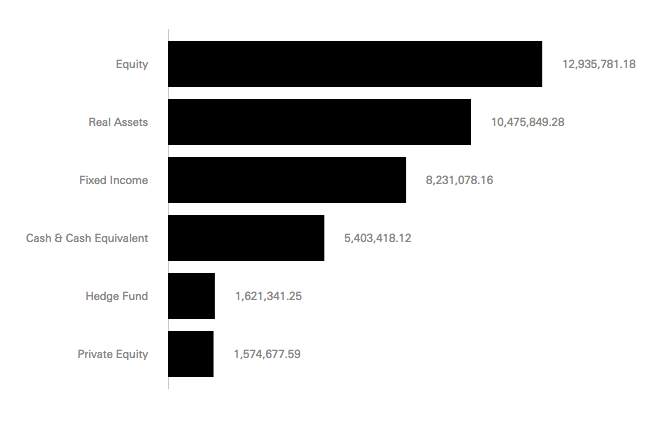
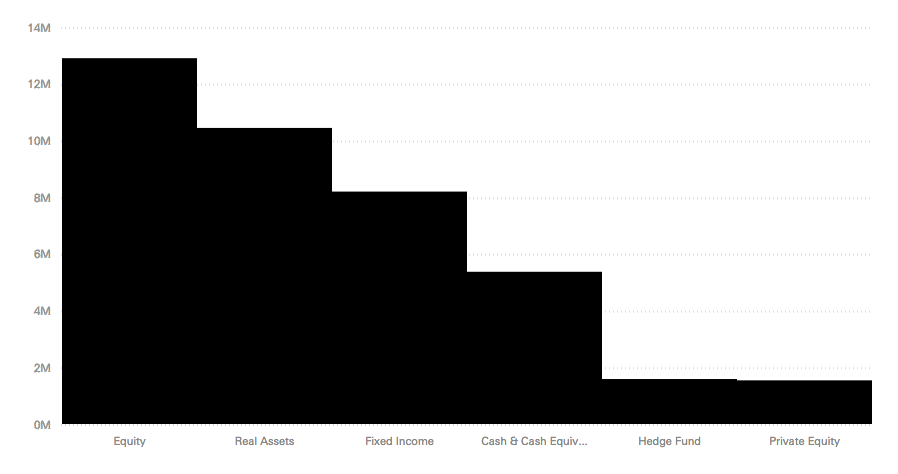
API Consistency
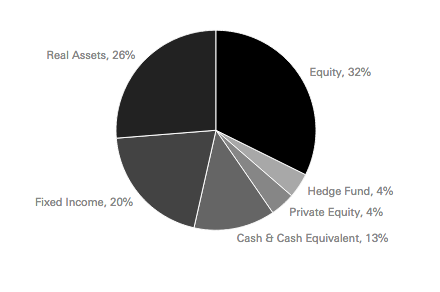
API Consistency
{{horizontal-bar-chart
  data=content
}}

{{vertical-bar-chart
  data=content
}}

{{pie-chart
  data=content
}}
API Consistency
{{horizontal-bar-chart
  data=content
}}

{{vertical-bar-chart
  data=content
}}

{{pie-chart
  data=content
}}
{{bar-chart
  data=content
  orientation="h.."
}}
// OR

{{grouped-chart
  data=content
  type="pie"
}}
Thanks!

We're hiring
Contact & Info
Addepar