Automated
Frontend Testing
Über mich
Wie werden Browser überhaupt testbar?
- Variante 1: Headless Browser, z.B. PhantomJS. SlimerJS, aber kein Endnutzerbrowser
- Variante 2: Automatisierung echter Browser über WebDriver etc., oft abstrahiert durch Selenium (Firefox, IE, Chrome, Safari, Edge)
- Optionen für das Aufsetzen von Selenium:
- selbst aufsetzen (evtl. aufwändig)
- Docker-Images für Firefox und Chrome
- mieten (Browserstack, Saucelabs, Testingbot)
Erfahrungen mit der Zuverlässigkeit von Tests
- zuverlässig: Auslesen von Elementen, grundsätzliche Seitennavigation
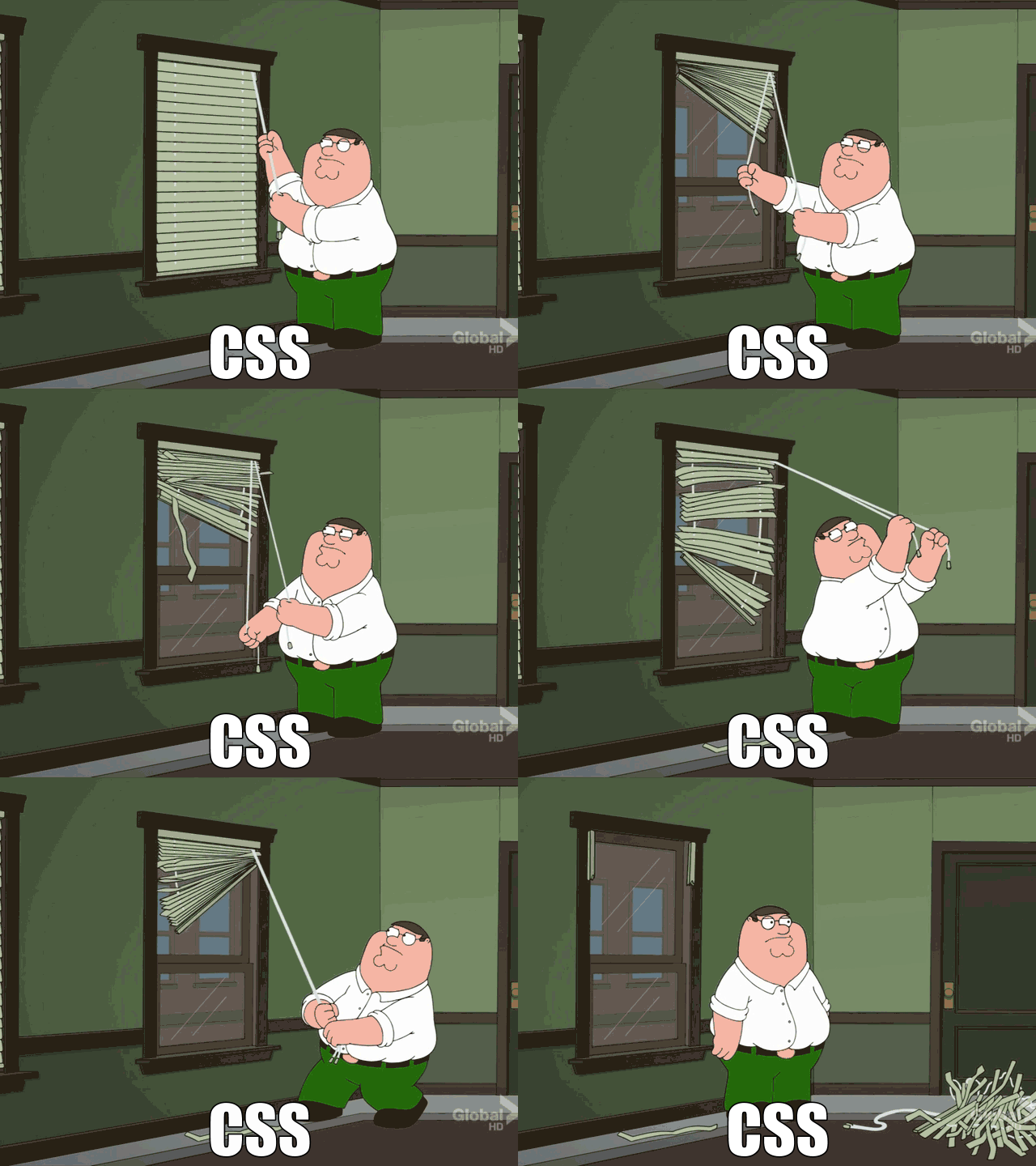
- meistens zuverlässig: CSS-Eigenschaften
- potenziell unzuverlässig: Auswerten von CSS-Eigenschaften, z.B. Element sichtbar, warte bis Element sichtbar
- potenziell unzuverlässig: Benutzerinteraktionen
Functional Testing
- Den Browser etwas machen lassen und sehen,
ob das Richtige dabei raus kommt
Tools: The Intern
- Node.js
- Selenium
- API deckt die üblichen Funktionen des WebDriver ab
- CLI-Integration, Reports
- zusätzlich Unit Tests
- hilfreich: Recorder für Tests als Chrome-Extension
Alternativen: Webdriver.io (Selenium),
NightwatchJS (Selenium)
define(function (require) {
	var registerSuite = require('intern!object');
	var assert = require('intern/chai!assert');

	registerSuite({
		name: 'index',

		'greeting form': function () {
			return this.remote
				.get(require.toUrl('index.html'))
				.setFindTimeout(5000)
				.findByCssSelector('body.loaded')
				.findById('nameField')
					.click()
					.type('Elaine')
					.end()
				.findByCssSelector('#loginForm input[type=submit]')
					.click()
					.end()
				.findById('greeting')
				.getVisibleText()
				.then(function (text) {
					assert.strictEqual(text, 'Hello, Elaine!',
						'Greeting should be displayed when');
				});
		}
	});
});
Tools: Behat
- Framework für Behaviour Driven Development
- PHP
- Selenium
- Besonderheit: Tests in einer Art Prosa
- spezifische Interaktionen können zum Vokabular hinzugefügt werden
- CLI-Integration, Reports
# features/blog.feature
Feature: Blog
  In order for our website to be awesome
  As a visitor
  I need to be able to read published posts

  Scenario: As a user with the editor role I can publish blog posts
  Given I am logged in as "editor-qa"
  When I follow "Posts"
  And I follow "Add New"
  And I press "Text"
  And I fill in "post_title" with "My Awesome Blog Post"
  And I fill in "content" with "This post was made by robots."
  And I press "Publish"
  Then I should see "Post published"
Visual Regression Testing
- Idee: Abweichung zum Idealzustand feststellen und hervorheben
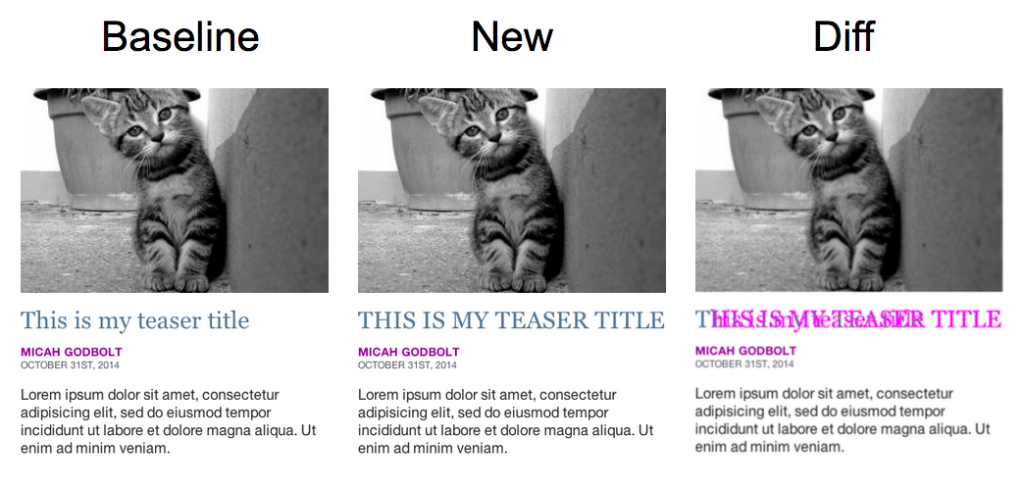
Tools: BackstopJS
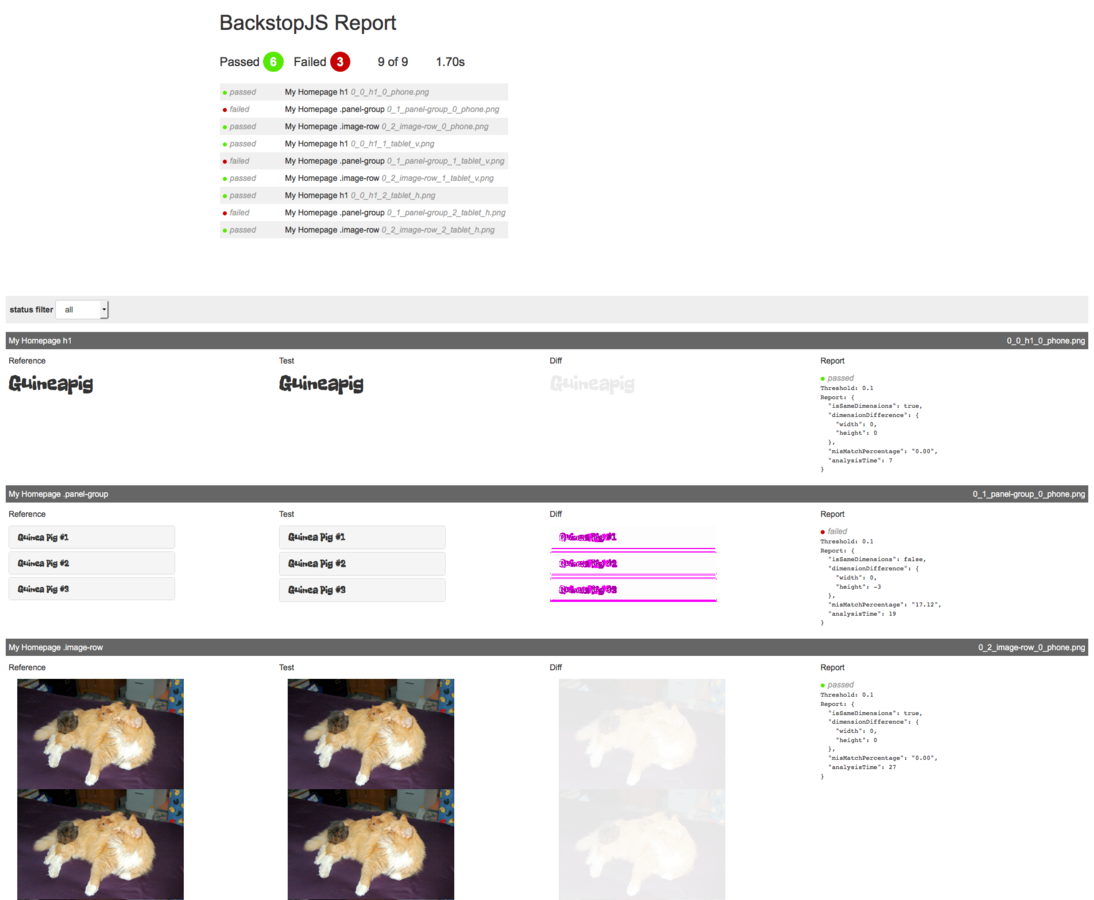
- Node.js
- PhantomJS oder SlimerJS, kein Selenium
- mehrere Viewports möglich (= responsive)
- Auswahl bestimmter kritischer Elemente
- relativ vollständiges Testing Tool
Alternativen: PhantomCSS (Selenium), WebdriverCSS (Selenium)
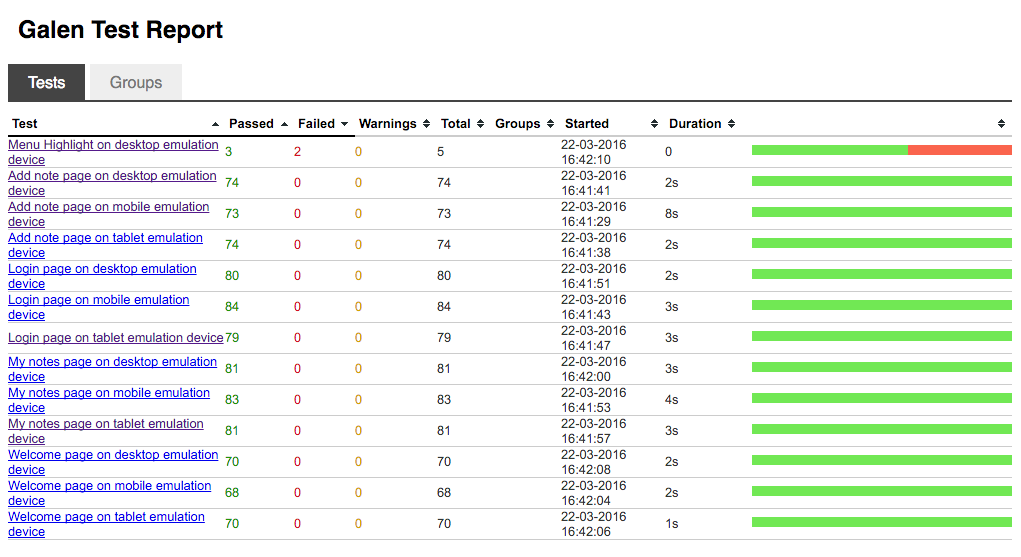
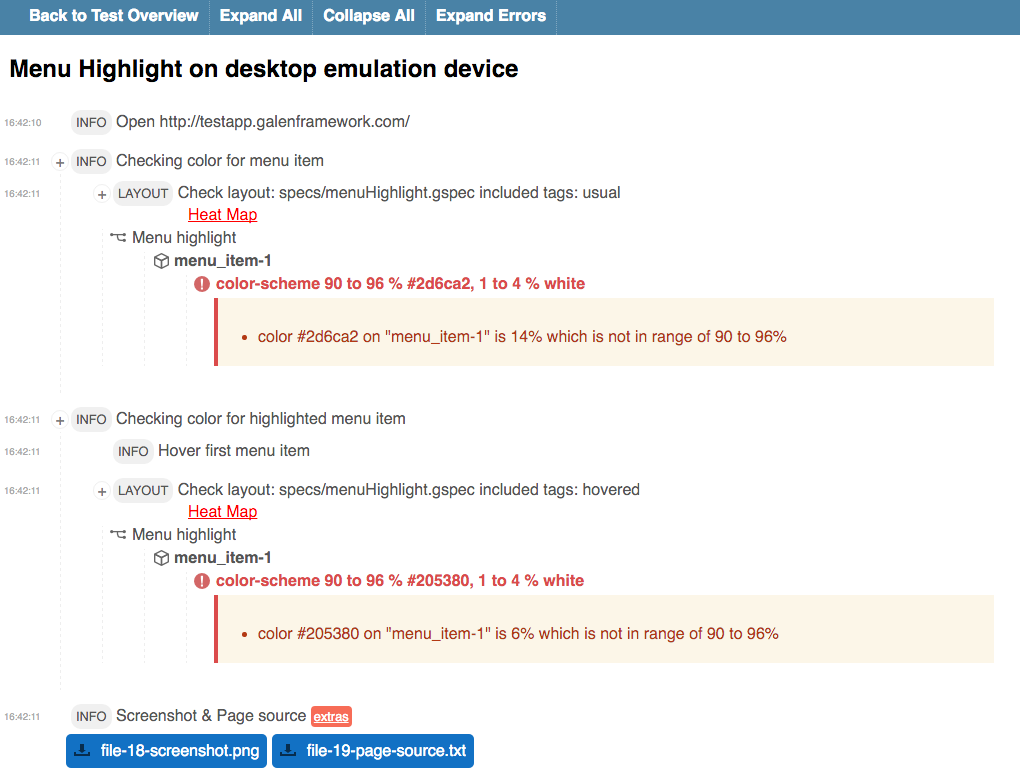
Tools: Galen
- Visual Spec Testing
- ermöglicht das Testen von Webseiten gegen visuelle Spezifikationen
- Selenium
- mehrere Viewports möglich (= responsive)
- umfangreiche Spec-Beschreibung mit Abhängigkeiten
- CI-Integration
@objects
    comments            #comments
    article-content     div.article

= Main section =
    @on mobile, tablet
        comments:
            width 300px
            inside screen 10 to 30px top right
            near article-content > 10px right

    @on desktop
        comments:
            width ~ 100% of screen/width
            below article-content > 20px