Less Painful Testing

Hi, I'm Casey Vega






(CDN) Content Delivery Network







We're hiring, Come check us out!
-
Orchestration basics
-
Config Management basics
-
CI basics
-
Part 1
Part 2
-
Test case management
-
Code Analysis
-
Test tools in the clouds
-
Test tools for UX and API

Consistency is the key to success
Orchestration

The automated arrangement, coordination, and management of complex computer systems - Wikipedia
Orchestration basics
-
Bring your platform online
-
Install your stack
-
Install and configure your app

-
Simple to get going
-
Cloud providers
-
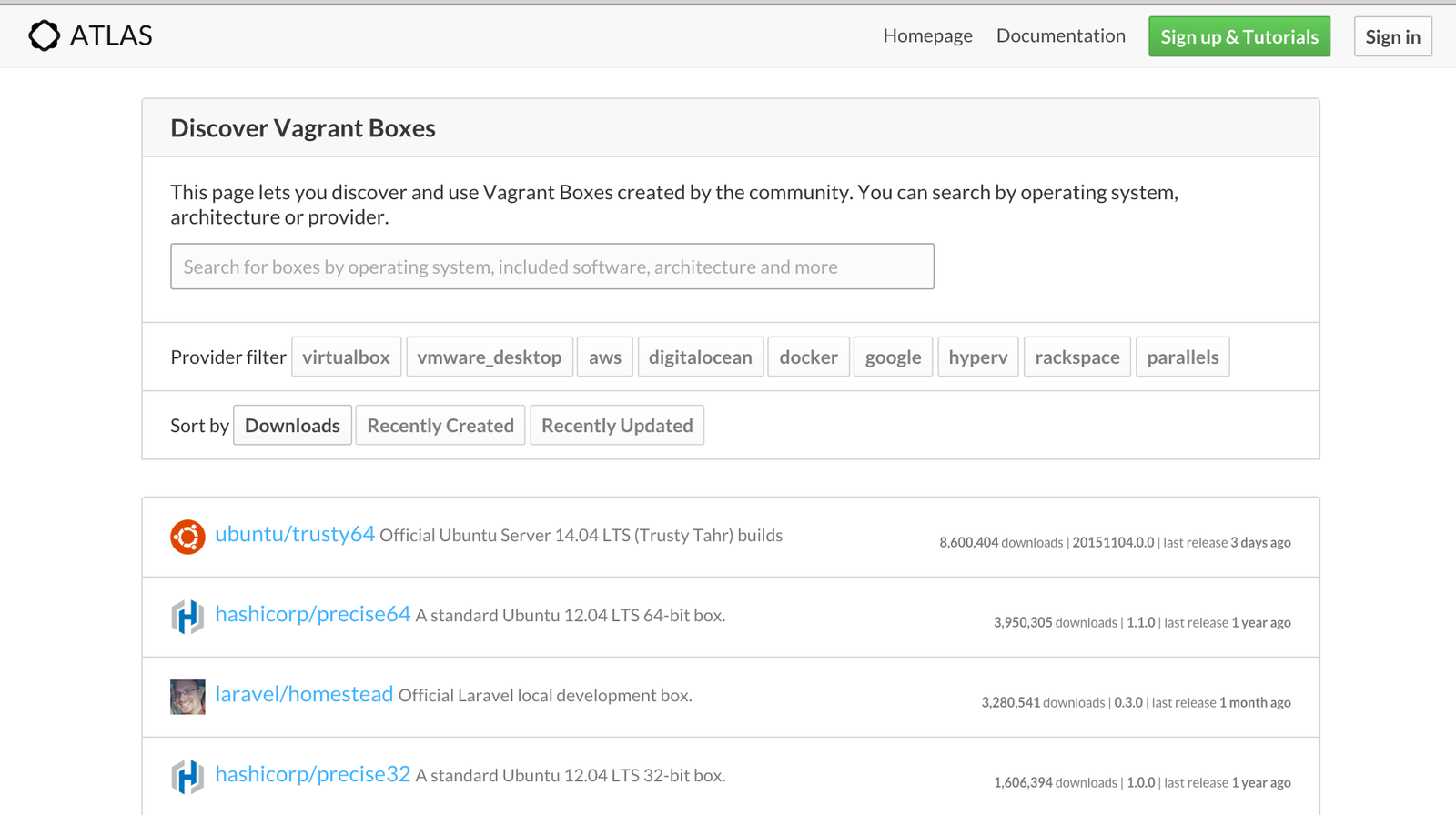
Image repository (Atlas)
-
Runs everywhere
$ vagrant init centos/7
$ vagrant up
$ vagrant ssh
$ vagrant destroy
Vagrant.configure("2") do |config|
config.vm.define "vagrant-windows-2012"
config.vm.box = "windows_2012"
config.vm.communicator = "winrm"
$ vagrant up --provider aws
config.vm.provider :aws do |aws, override|
  aws.access_key_id = "YOUR KEY"
  aws.secret_access_key = "YOUR SECRET KEY"
  aws.keypair_name = "KEYPAIR NAME"
  override.ssh.private_key_path = "PATH TO YOUR PRIVATE KEY"
done
Configuration Management
A systems engineering process for establishing and maintaining consistency... - Wikipedia


-
Open Source
-
Simple config files (YAML)
-
Cloud Support
-
Runs everywhere
http_server:
  pkg:
    - installed
    - pkgs:
      - nginx
      - python
      - mysql
mssql:
12.0.4100.1:
installer: 'salt://win/repo/sql/setup.exe'
full_name: Microsoft SQL Server 2014 Setup (English)
reboot: False
install_flags: ' /ACTION=install /IACCEPTSQLSERVERLICENSETERMS /Q'
cache_dir: True$ salt '*' pkg.install 'mssql' version=12.0.4100.1-
Vagrant can bootstrap Salt
-
No Salt master required
-
Use your own images
-
Build VM images
-
Lifecycle Management
-
Runs EVERYWHERE







{
  "variables": {
    "aws_access_key": "",
    "aws_secret_key": ""
  },
  "builders": [{
    "type": "amazon-ebs",
    "access_key": "{{user `aws_access_key`}}",
    "secret_key": "{{user `aws_secret_key`}}",
    "region": "us-east-1",
    "source_ami": "ami-de0d9eb7",
    "instance_type": "t1.micro",
    "ssh_username": "ubuntu",
    "ami_name": "packer-example {{timestamp}}"
  }]
}-
Consistent environments
-
Push button model
-
Infrastructure as code
-
Replica of production
Continuous Integration
Organisations using CI typically use a build server to implement continuous processes of applying quality control - Wikipedia

CI basics
-
Poll your version control
-
Build each commit
-
Test and measure code


-
Simple to get started
-
Plugins Galore
-
Scalable
-
Runs everywhere

-
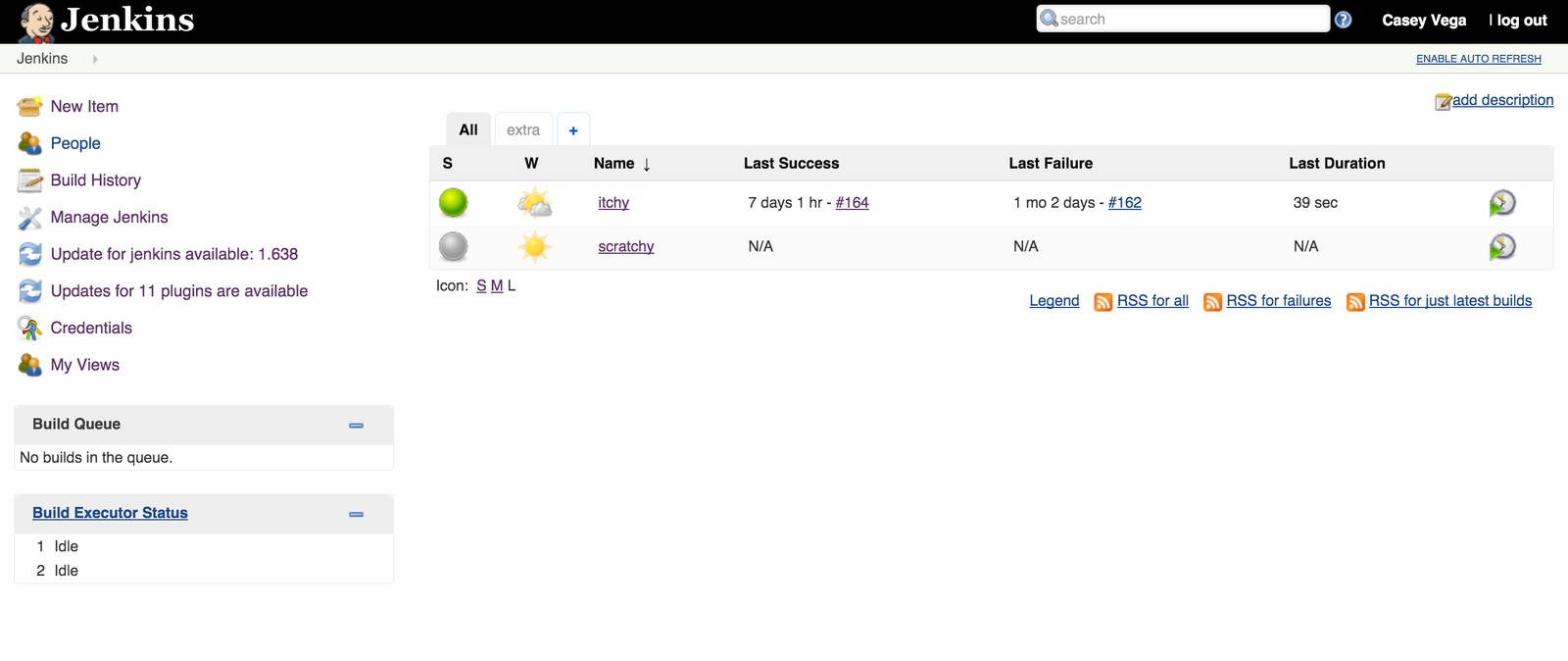
Push notifications to Jenkins
-
Build is initialized
-
Pre and Post build steps
-
Status and reporting

-
Source Code Management
-
Build Triggers
-
Build Environment
-
Post build jobs


-
Github
-
S3 storage
-
Green balls
-
Status Badges
-
Checkstyle
-
JUnit
-
Build trigger
-
Per branch build
Yes!

-
Build environments and code
-
Per platform builds
-
Workflow and deployment
-
Building plugins in Java

Testing leads to failure, and failure leads to understanding - Burt Rutan

Testing
-
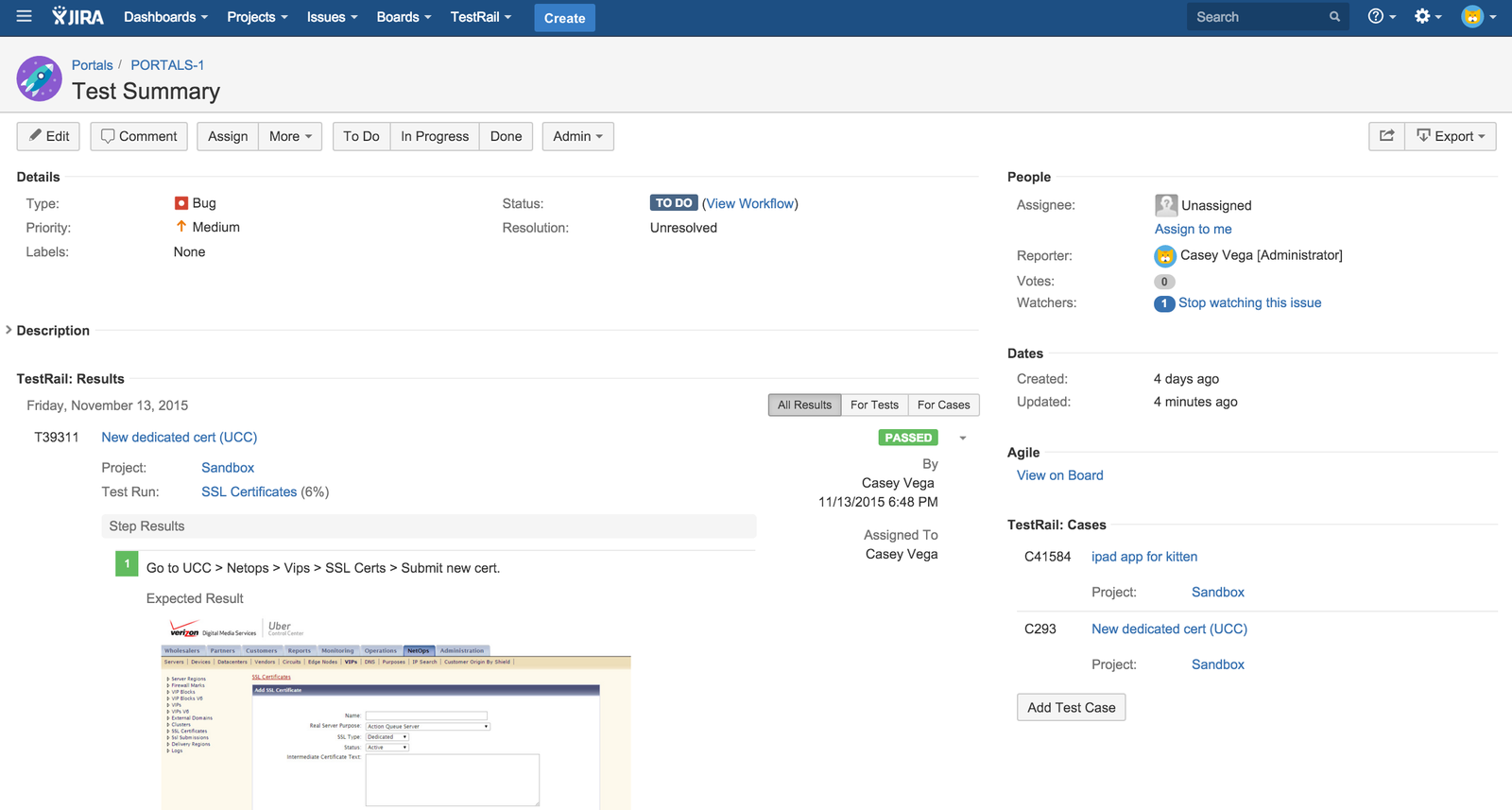
Test case management
-
Code analysis
-
Test tools in the cloud
-
Test tools for frontend and API
Test case management
-
Keep organized
-
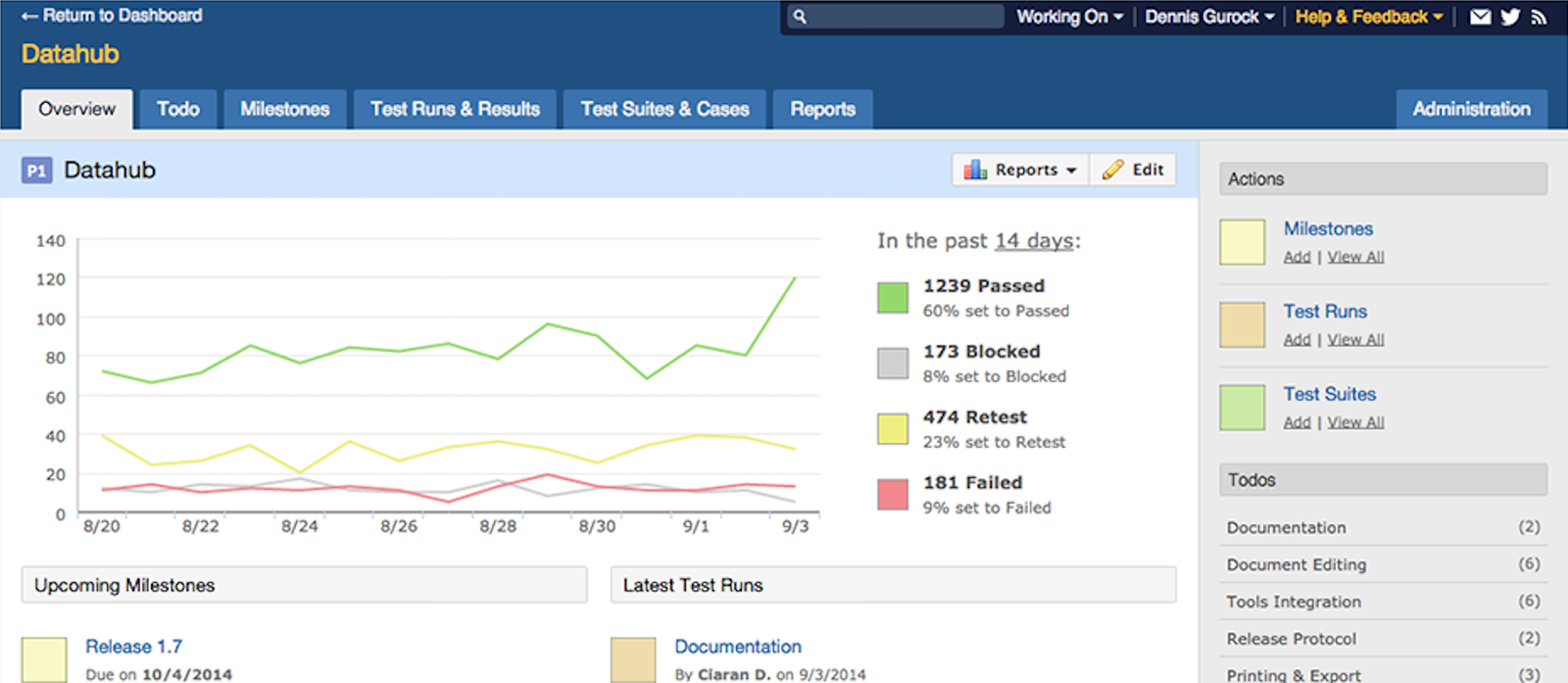
Track results
-
Reporting and metrics
-
Productivity

-
Commercial
-
On-premises or Cloud
-
Web based with API
-
Runs everywhere (PHP)

-
Projects
-
Milestones or builds
-
Test cases and suites
-
Test runs and plans
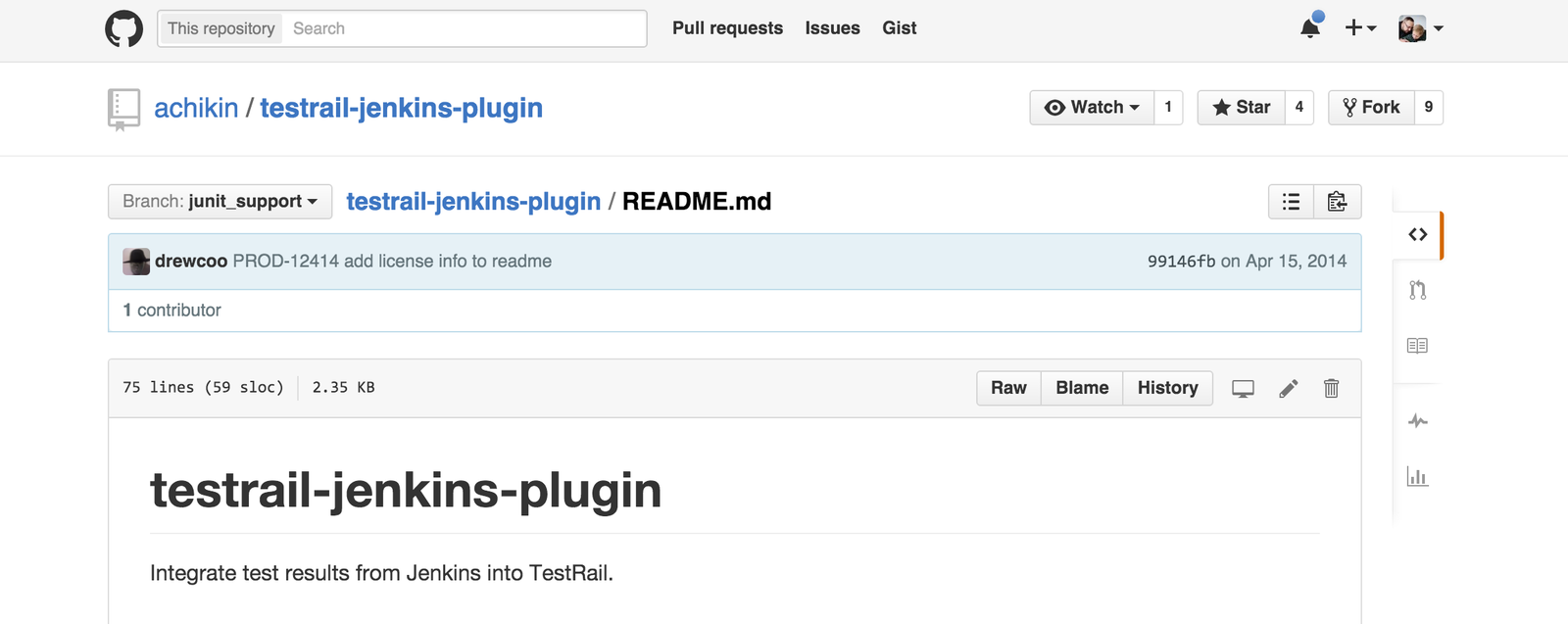
APIClient client = new APIClient("http://<server>/testrail/");
client.User = "..";
client.Password = "..";
JObject c = (JObject) client.SendGet("get_case/4");
Console.WriteLine(c["title"]);
client = APIClient('http://<server>/testrail/')
client.user = '..'
client.password = '..'
case = client.send_get('get_case/1')
pprint(case)
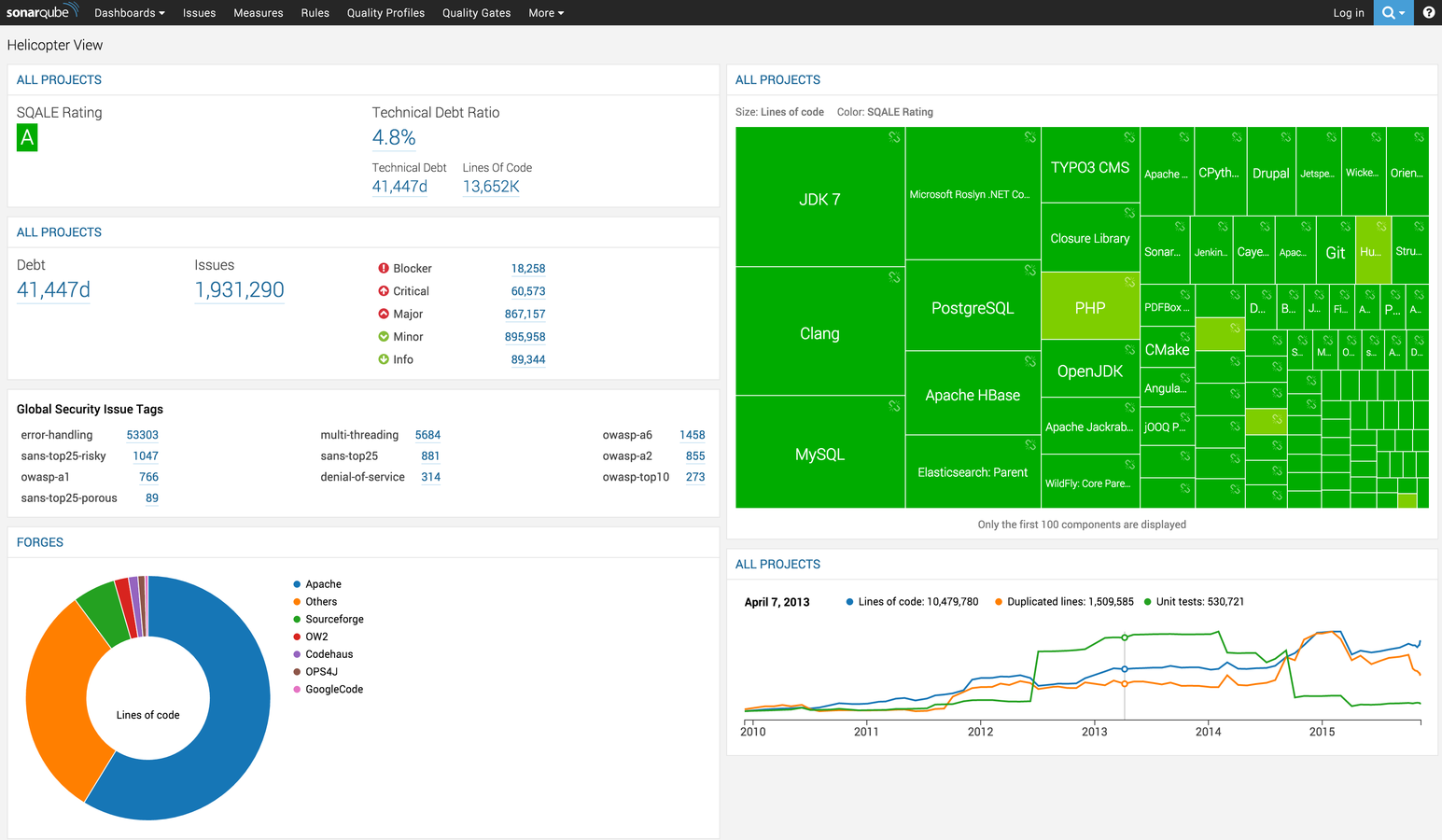
Static code analysis
-
Continuous Inspection
-
Technical Debt
-
Code quality over time
-
Coverage (tree map)


Yup
Test tools in the cloud
-
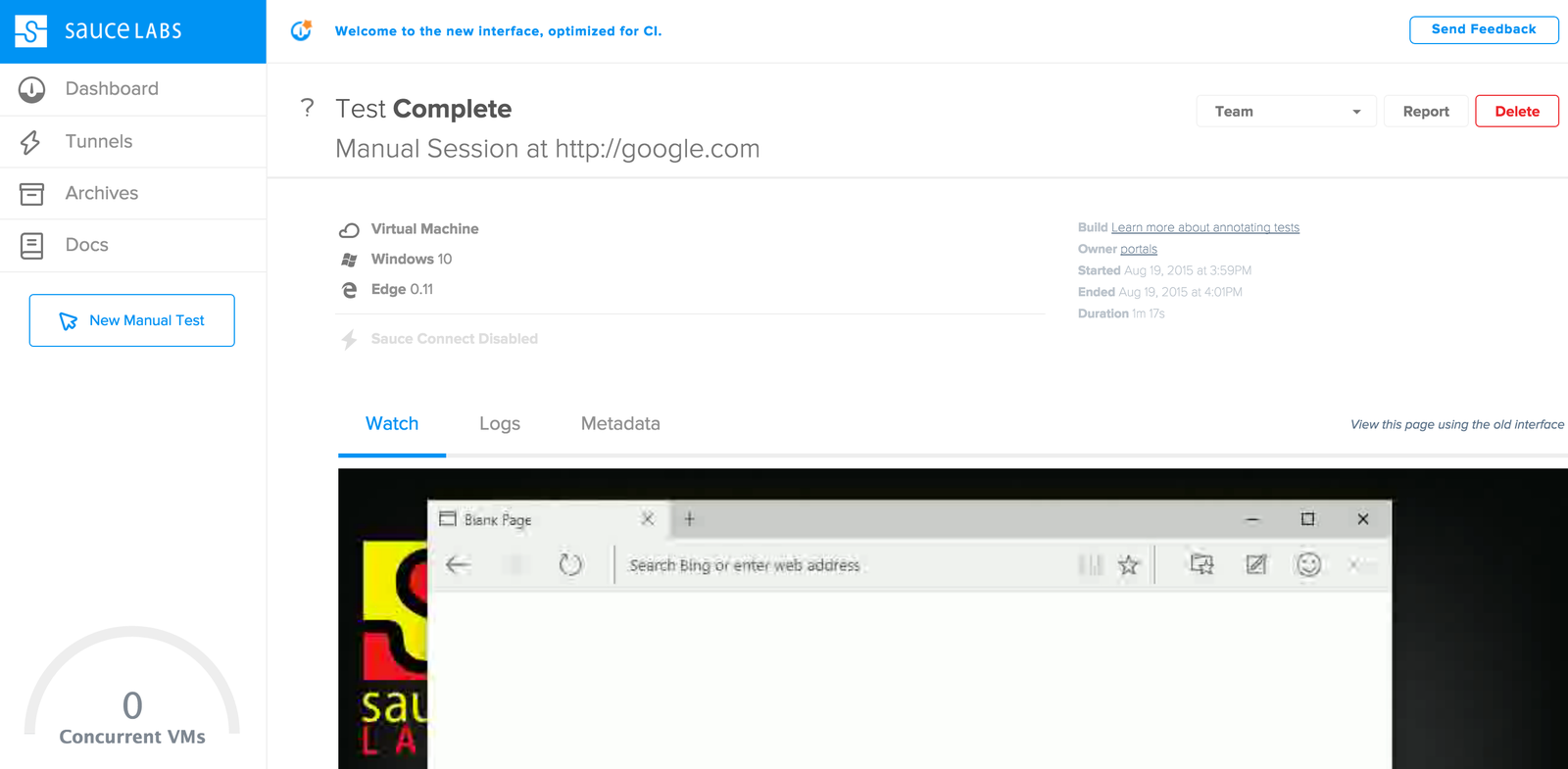
Automated selenium runs
-
Platform, OS, and browsers
-
Codeless validation
-
Perceptual differences


-
Commercial
-
Multiple plans (time)
-
Parallel runs
-
701 platform configurations
-
Video of each run
-
Screenshots
-
Logs
-
Secure tunnel
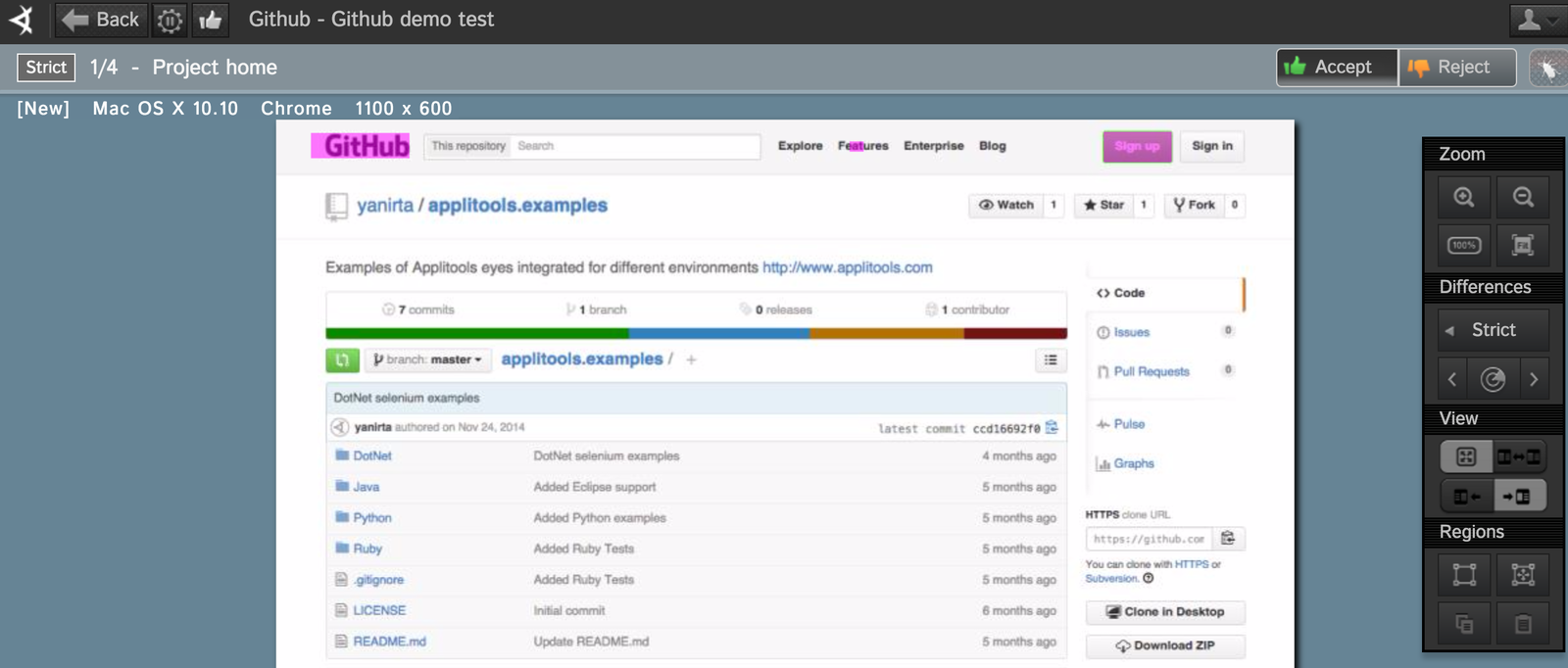

-
Commercial
-
Pricing per validation
-
eyes API
-
Chrome plugin
-
Even if it's a pixel
-
Platform agnostic
-
Any resolution
-
Visual logs
You better believe it
Test tools for UX and API
-
Mocha
-
FrisbyJS (IcedMocha)
-
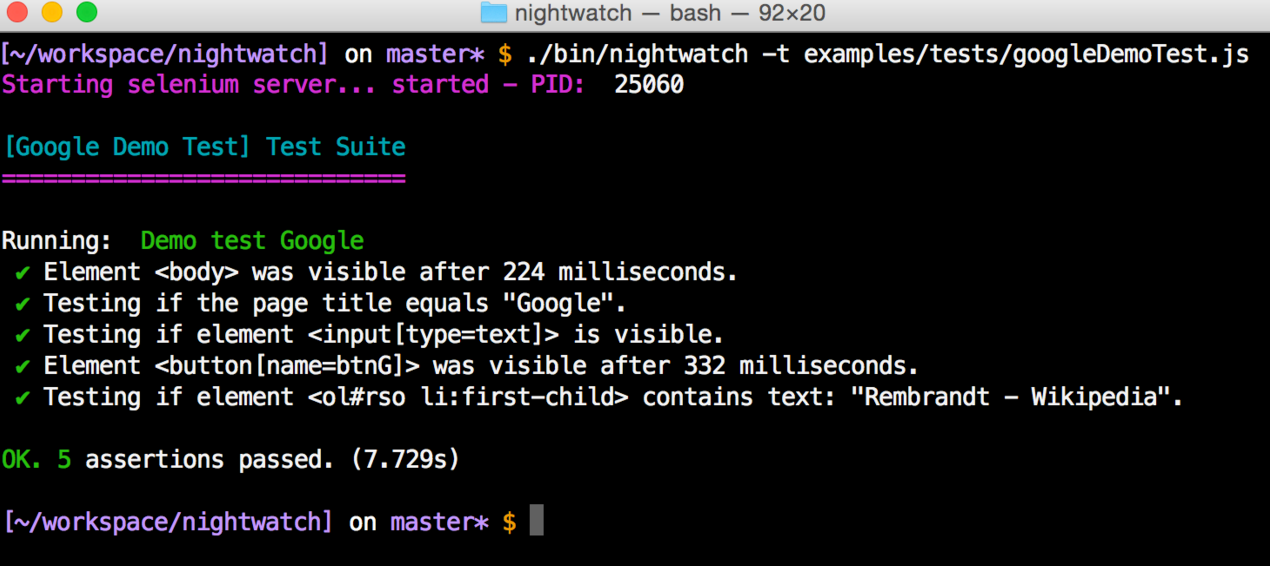
NightWatchJS
-
Istanbul

-
Unit testing
-
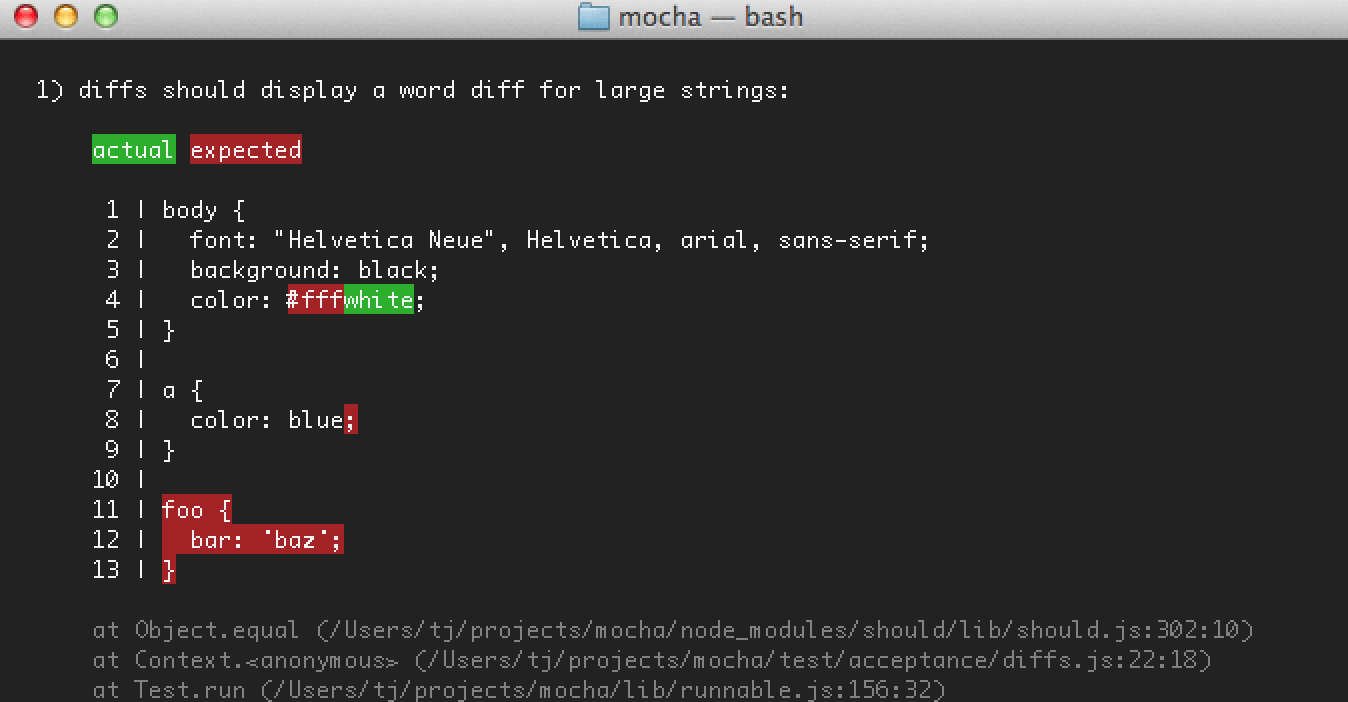
Test reporters
-
Configurable
-
Many more features

$ npm install -g mochadescribe('hooks', function() {
before(function() {...}); // before all tests
after(function() {...}); // after all tests
beforeEach(function() {...}); // before each test
afterEach(function() {}); // after each test
// test cases
});

-
Rest API testing
-
Insanely Simple

frisby.create('Ensure we are dealing with a teapot')
  .get('http://httpbin.org/status/418')
    .expectStatus(418)
.toss()
frisby.create('Ensure Twitter has at least one list that is "NBA"')
.get('https://api.twitter.com/1/lists/all.json?screen_name=twitter')
.expectStatus(200)
.expectHeader('content-type', 'application/json')
.expectJSON('?', {
name: "NBA",
full_name: "@twitter/nba-7",
id_str: "42840851",
description: "All verified NBA players on Twitter",
mode: "public"
})
.toss();.expectJSONTypes('*', {
id_str: String,
retweeted: Boolean
});.expectJSON({
args: {
foo: 'bar',
bar: 'baz'
}
});frisby.create('First test')
.get('http://httpbin.org/get?foo=bar')
afterJSON(function(json) {
// Now you can use 'json' in additional requests
frisby.create('Second test, run after first is completed')
.get('http://httpbin.org/get?bar=' + json.args.foo)
.toss()
});
.toss()
-
End to end testing
-
Selenium (Webdriver)
-
Simple syntax
-
Framework
module.exports = {
  'Demo test Google' : function (client) {
    client
      .url('http://www.google.com')
      .waitForElementVisible('body', 1000)
      .assert.title('Google')
      .assert.visible('input[type=text]')
      .setValue('input[type=text]', 'rembrandt van rijn')
      .waitForElementVisible('button[name=btnG]', 1000)
      .click('button[name=btnG]')
      .pause(1000)
      .assert.containsText('ol#rso li:first-child',
        'Rembrandt - Wikipedia')
      .end();
  }
};
Istanbul
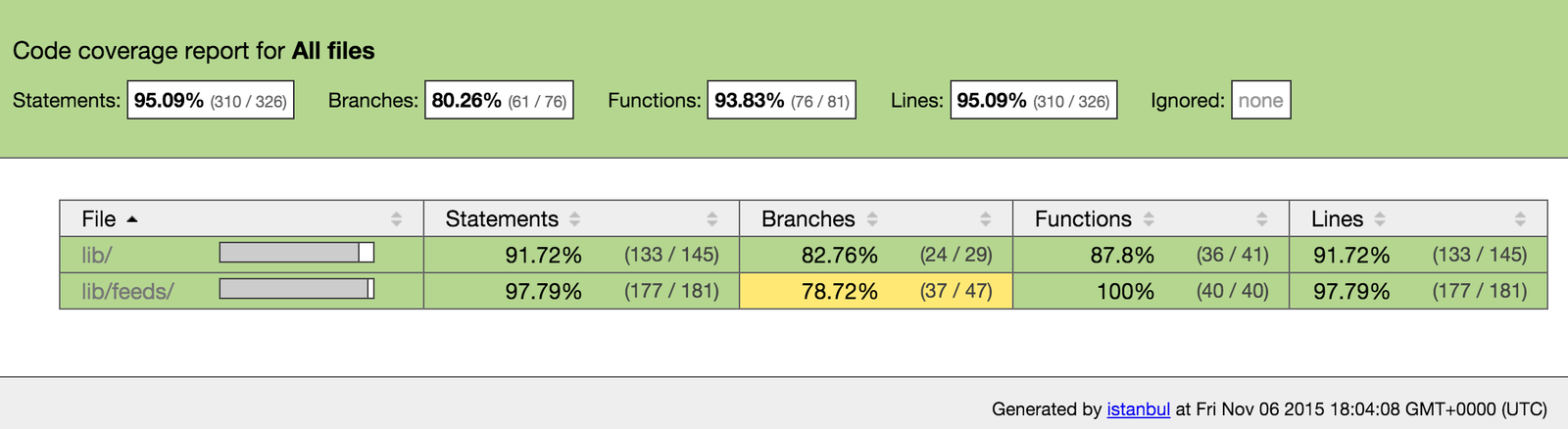
JSDocs

Create an ecosystem of reproducibility

Please rate my talk
If you get a chance
Thank you for coming