Where is my load? | FMS Mobile Tracking

How Tracking works?
- Each load can have different requirements of tracking
- Tracking can be done using third party apps/devices
- Tracking can be recorded using FMS Mobile App
FMS Mobile Tracking
FMS Mobile App Tracking
- Apps starts
- Task is registered to run every
5 min, and try to get user loads.
- Task is registered to run every
- Driver/OO logs in in the App
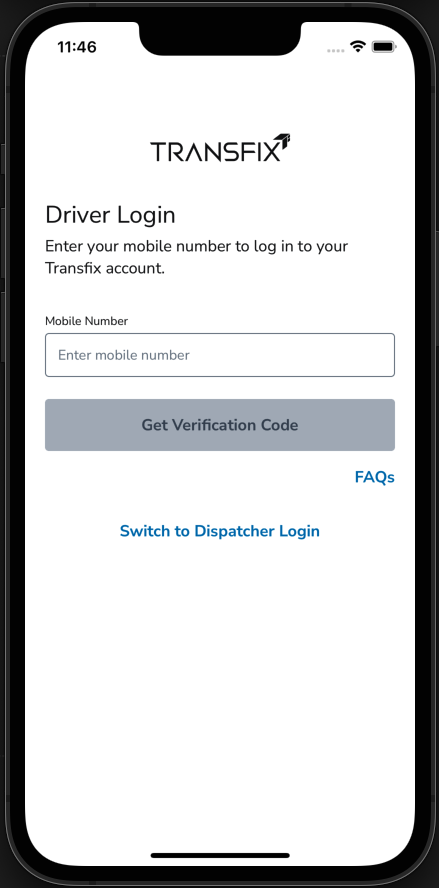
FMS Mobile App Tracking
- Driver/OO gives permission to the
app to get location in their device.
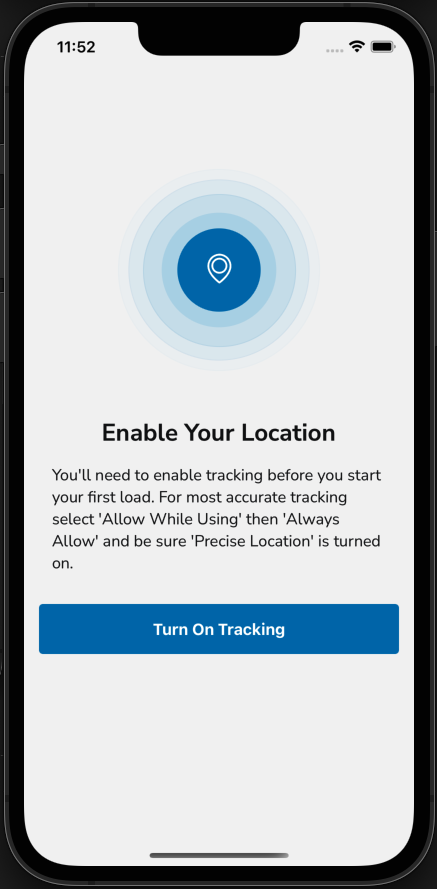
FMS Mobile App Tracking
- Active loads gets fetched from API
in My loads screen
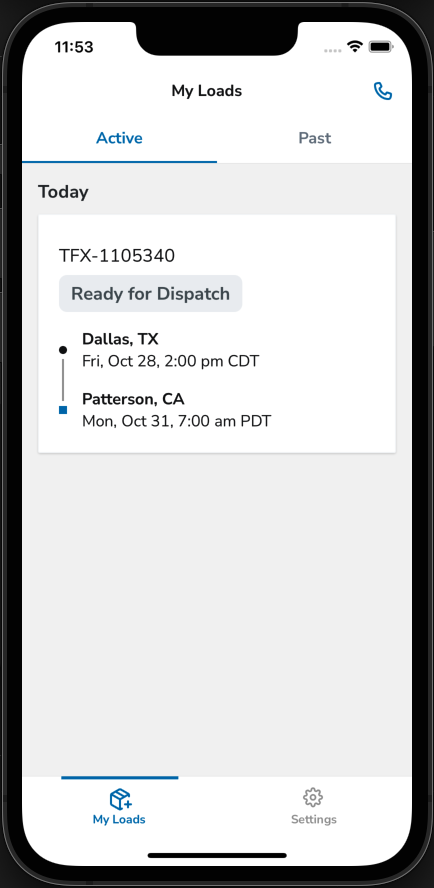
FMS Mobile App Tracking
- Is there any ongoing load?
- Ready for Dispatched
- first pickup in the next 2 h
- Dispatched
- In Transit
- At Pickup
- At Dropoff
- Ready for Dispatched
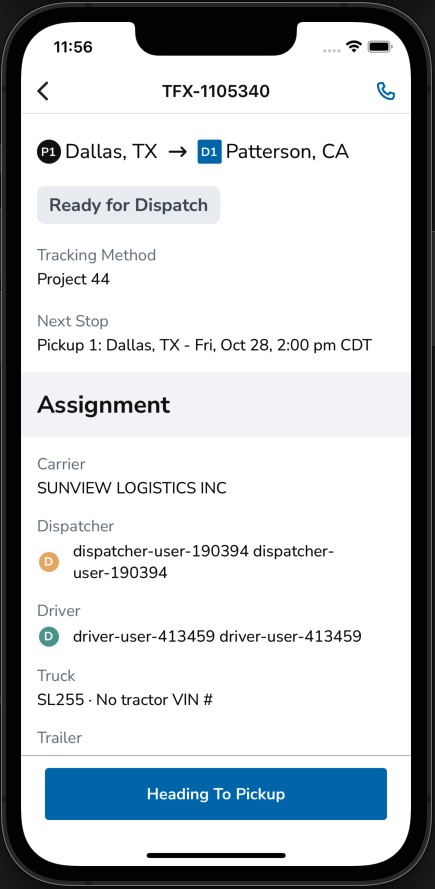
FMS Mobile App Tracking
- Tracking starts
- Records every 1 min position
- Sends position to the Back end
- Position is visible in stark
FMS Mobile App Tracking
- Background task for getting loads is
still running, if we get back that the
load was delivered we stop tracking
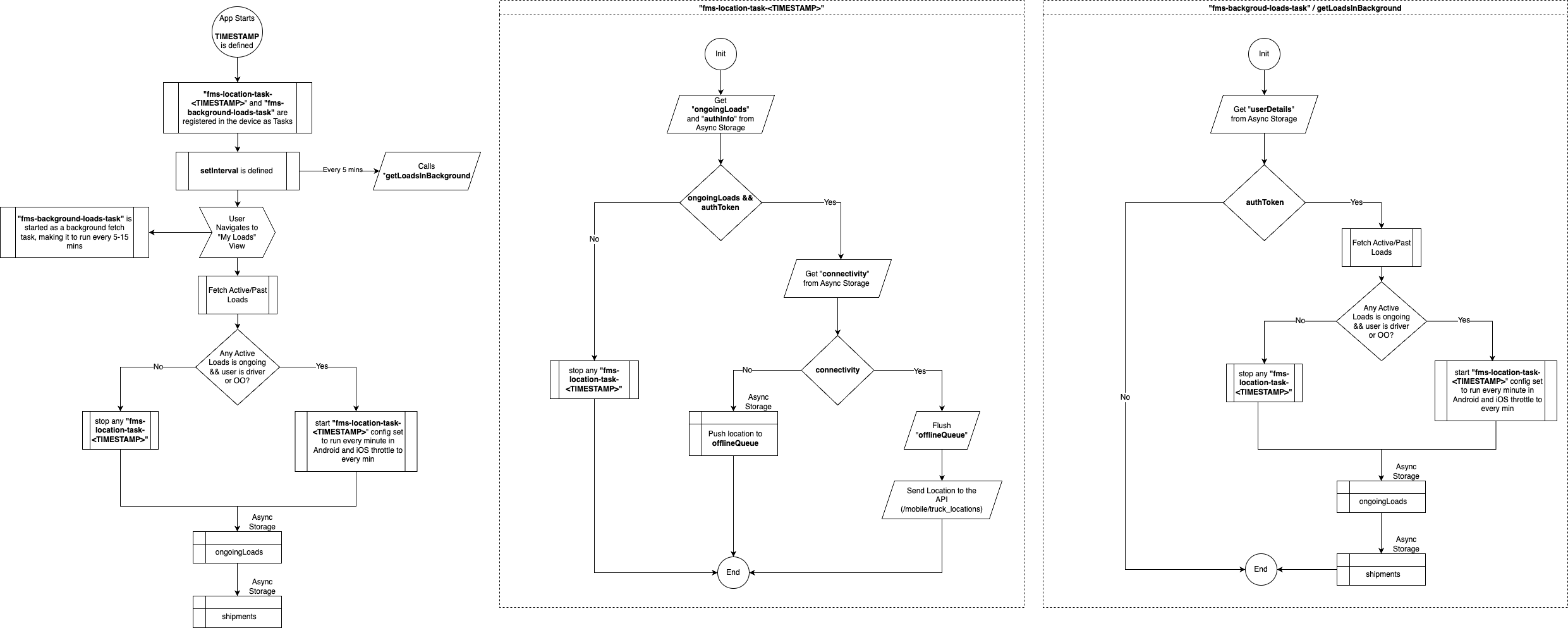
Let's see the diagram
Thanks!