Wildfire
How to add
“From a little spark may burst a flame.”
— Dante Alighieri, Paradiso

Wildfire
to your website?
Wildfire
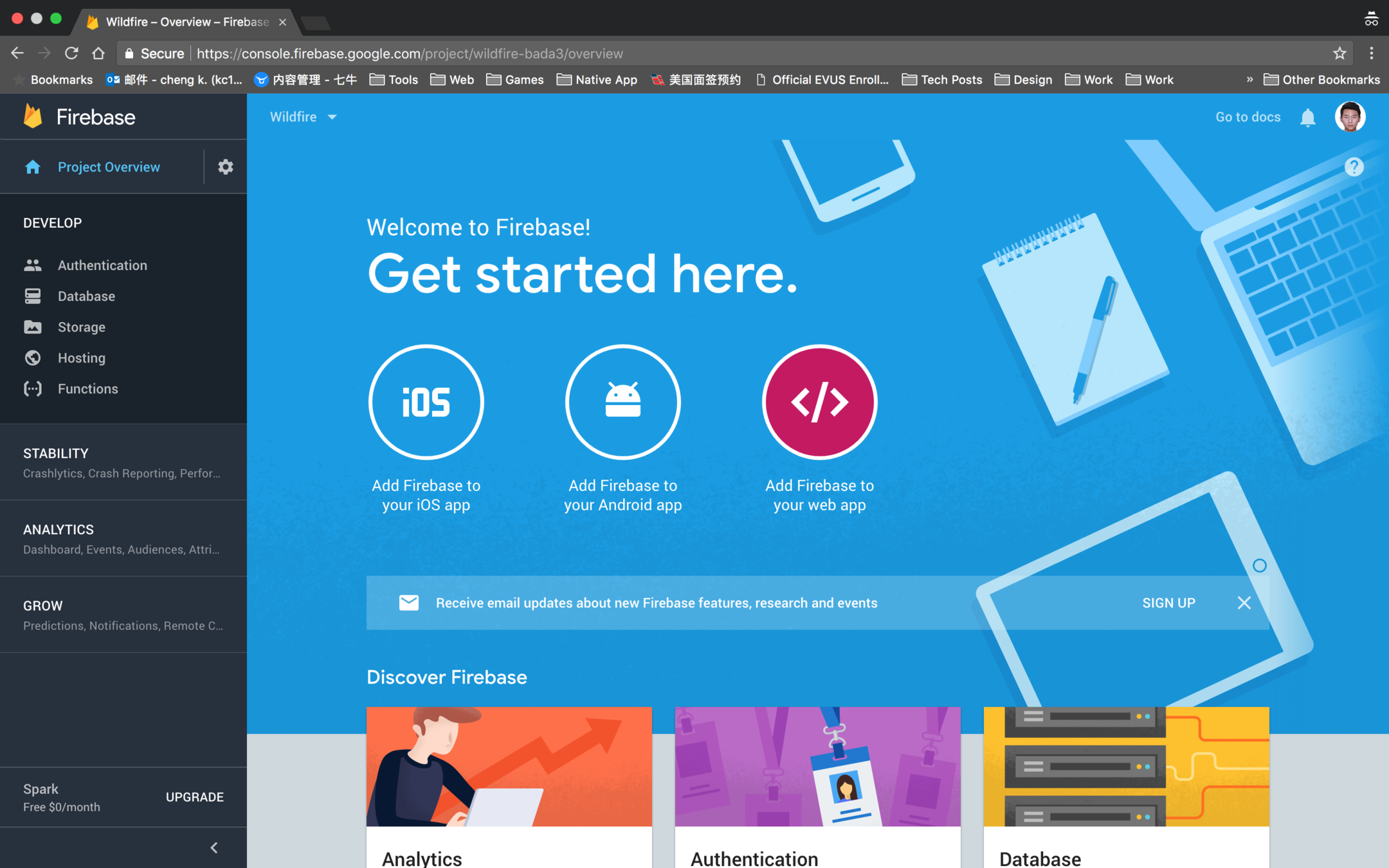
Go to your Firebase project console, and click on "Add Firebase to your web app".
1. Get your Firebase project configs
Wildfire
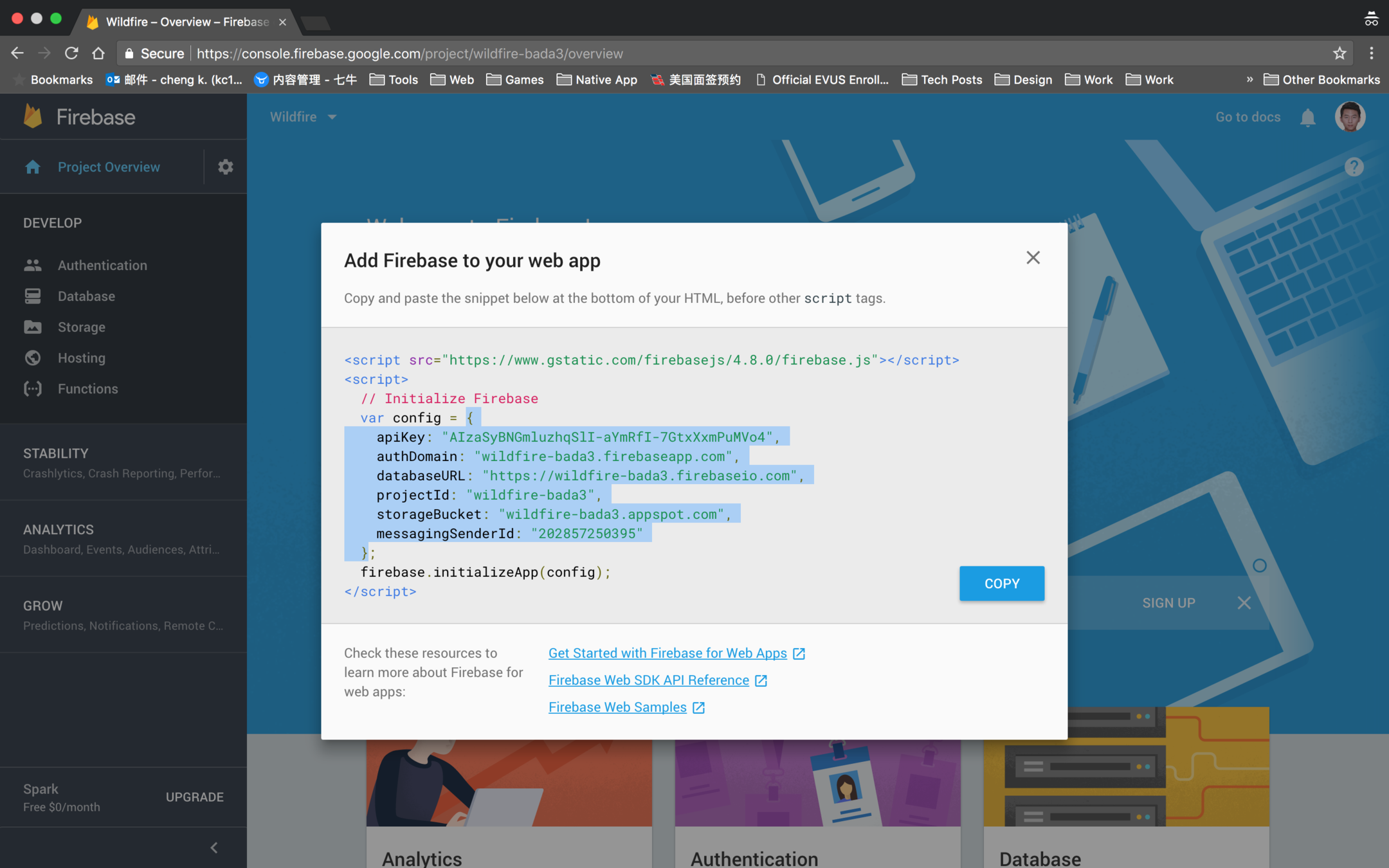
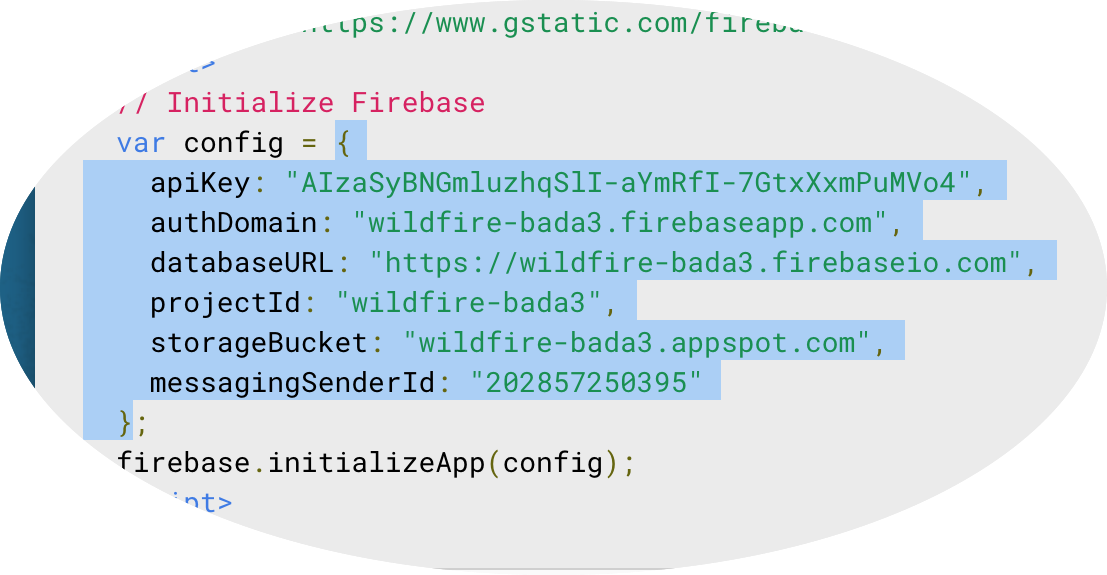
Select and copy only the config object string.
1. Get your Firebase project configs
Wildfire
2. Set up Wildfire in your website
- Use "wildfire.auto.js"
<div class="wildfire_thread"></div>

<script>
  // Replace the configs with your own configs
  //
  // databaseProvider: (String) 'wilddog' or 'firebase'
  // databaseConfig: (Object) the config object copied from your database console
  // pageURL(optional): (String) default value is current URL
  // pageTitle(optional): (String) default value is current document title
  // theme(optional): (String) 'light'(default) or 'dark'
  // locale(optional): (String) 'en'(default) or 'zh-CN'
  // defaultAvatarURL(optional): (String) default avatar is a cute fire fighter :-D
  //
  var wildfireConfig = () => ({
    databaseProvider: 'firebase',
    databaseConfig: YOUR_DATABASE_CONFIG,
    // pageURL: YOUR_PAGE_URL,
    // pageTitle: YOUR_PAGE_TITLE,
    // theme: 'light',
    // locale: 'en',
    // defaultAvatarURL: 'https://image.flaticon.com/icons/svg/621/621863.svg'
  })
</script>
<script src="https://unpkg.com/@chengkang/wildfire/dist/wildfire.auto.js"></script>
Replace `YOUR_DATABASE_CONFIG` with the configs you just copied.
Customize other configuration options to fit your website.
A live demo is available at Wildfire Example: CDN (wildfire.auto.js).
Wildfire
2. Set up Wildfire in your website
<div id="app">
  <header>
    <h1>Wildfire Example</h1>
    <h3>Use Wildfire as Vue component with `script` tag.</h3>
  </header>
  <wildfire></wildfire>
</div>
<script src="https://unpkg.com/vue"></script>
<script src="https://www.gstatic.com/firebasejs/4.6.2/firebase.js"></script>
<script src="https://unpkg.com/@chengkang/wildfire/dist/firebase/wildfire.min.js"></script>
<script type="text/javascript">
  wildfire.default.install(Vue, {
    // databaseProvider: 'firebase',
    databaseConfig: {
      apiKey: 'AIzaSyB39UJBnIUYAQxu3zKkpyzjTZDDfHt7lzc',
      authDomain: 'wild-fire-ee770.firebaseapp.com',
      databaseURL: 'https://wild-fire-ee770.firebaseio.com',
      projectId: 'wild-fire-ee770',
      storageBucket: 'wild-fire-ee770.appspot.com',
      messagingSenderId: '655484997793'
    }
  })
  var app = new Vue({
    el: '#app',
    data: {
      message: 'Hello Vue!'
    }
  })
</script>
Since `Wildfire` is developed with `Vue.js`, you can use it as a Vue component.
This code snippet shows an example.
A live demo is available at Wildfire Example: CDN (firebase/wildfire.min.js).
(2) Use "wildfire" as Vue component
Wildfire
Check the examples on GitHub.
And more...
Wildfire
🎉🎉🎉HOORAY!
You've just successfully set up Firebase for Wildfire.
Hope you will enjoy it!