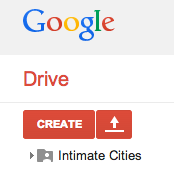
//shared space
1// create a google account
2// sign in to google
3// goto moodle
4// browse to intimate cities
5// add "intimate cities" to your drive
6// you are now able to ad material
1//google
2 // sign in
make sure your signed in

3 // moodle
log in to moodle
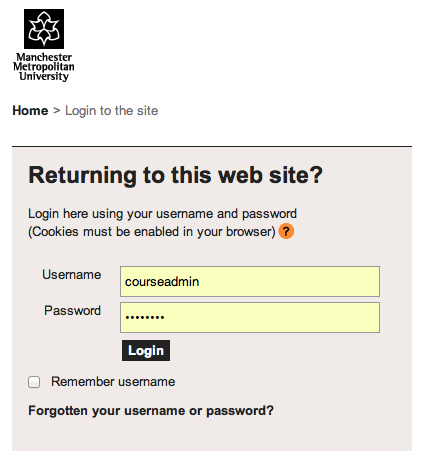
4 // browse ic
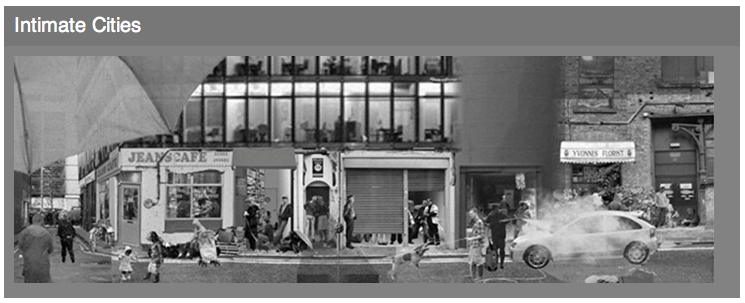
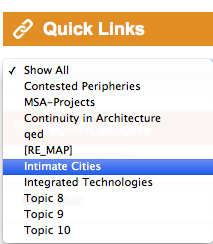
browse to intimate cities
5 // + ic
add intimate cities to your google drive

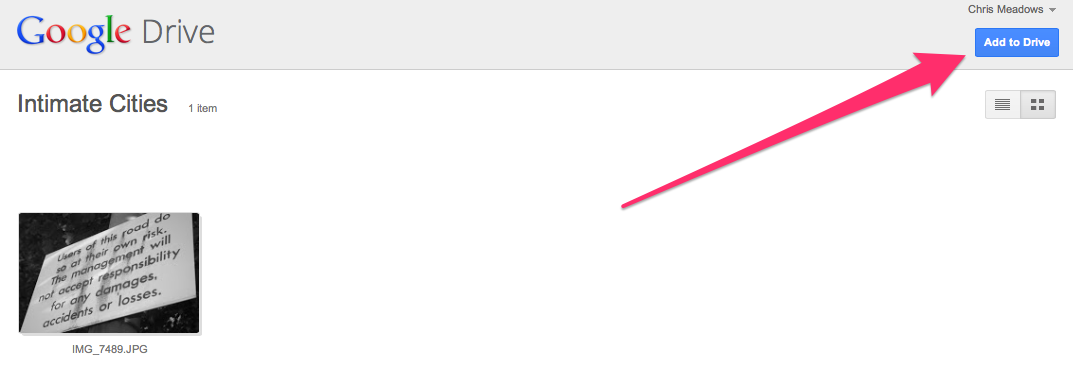
6 // + to ic
the intimate cities google folder should be in your drive
allowing you to collaborate by adding and viewing material