Digital art
Introduction to

for comics
WHAT is it?
"Digital art is just art made in a digital age."
- Margot Bowman, 15 Folds
"Digital art is an artistic work or practice that uses digital technology as part of the creative or presentation process. "
- Wikipedia
"The first use of the term digital art was in the early 1980s when computer engineers (led by Harold Cohen) devised a paint program [...] became known as AARON,
a robotic machine designed to make large drawings on sheets of paper placed on the floor."
- Tate
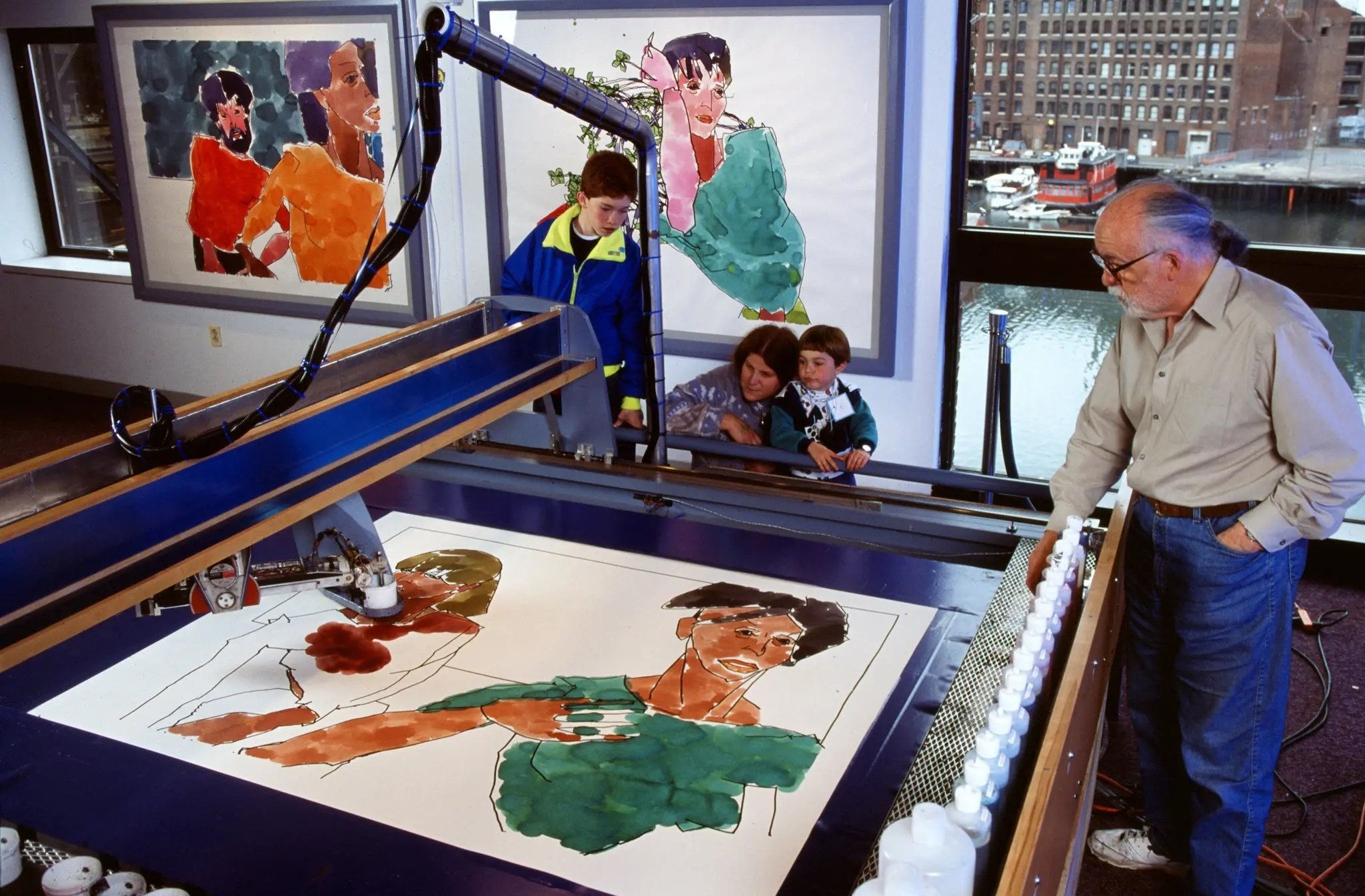
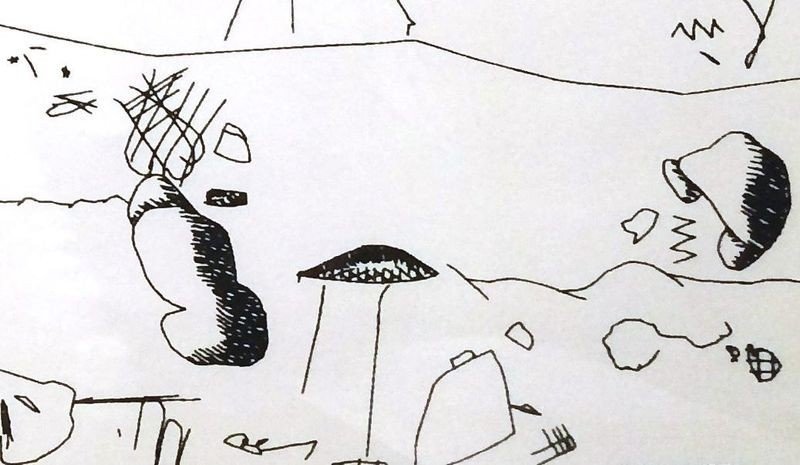
Left: Harold cohen and a recent version of "AARON", with colour.
Source: New York Times
Right: Detail from an untitled AARON drawing, ca. 1980.
Source: computerhistory.org
VIDEO
ANIMATION
INTERACTION
DRAWINGS
ROBOTICS
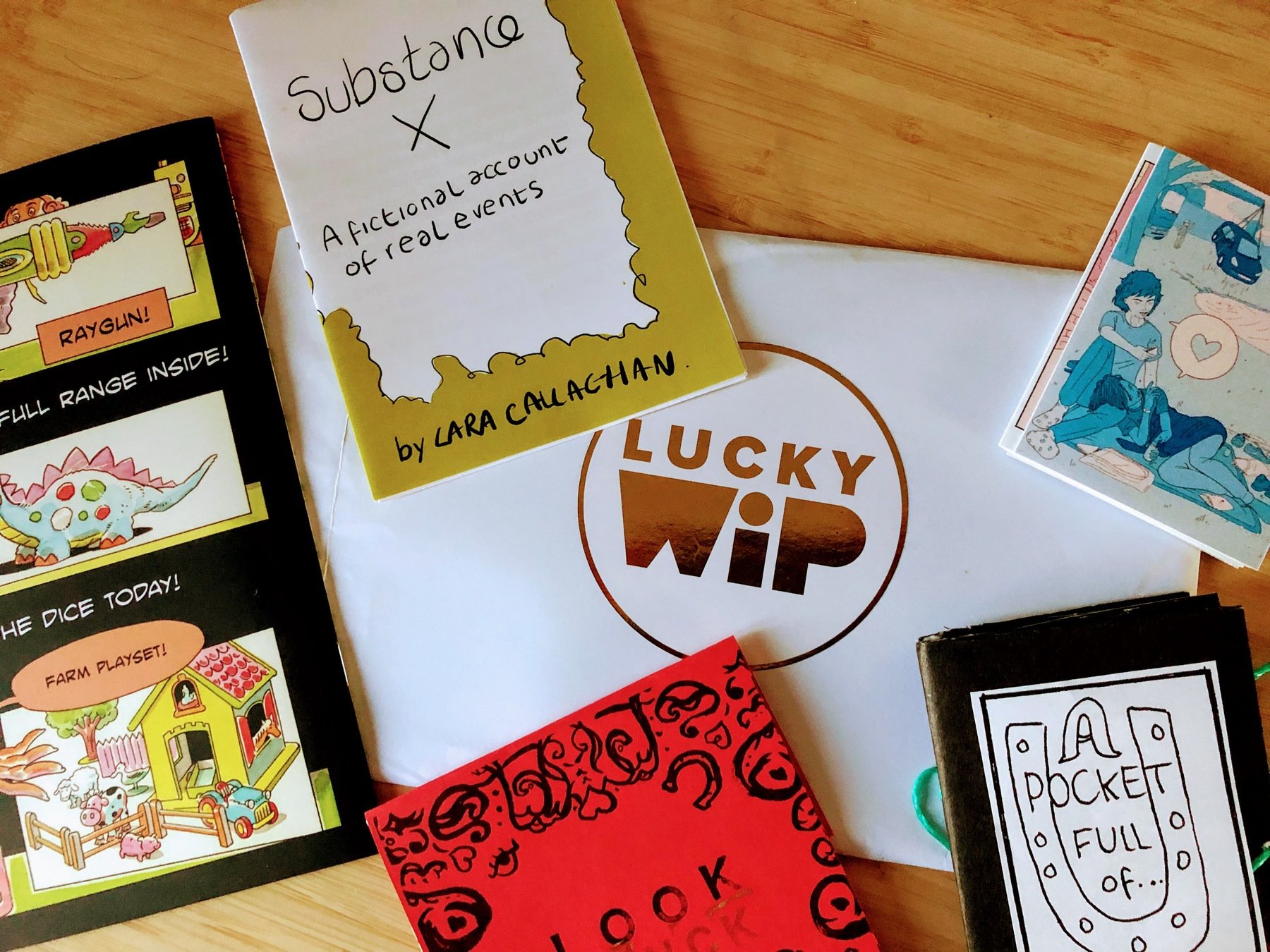
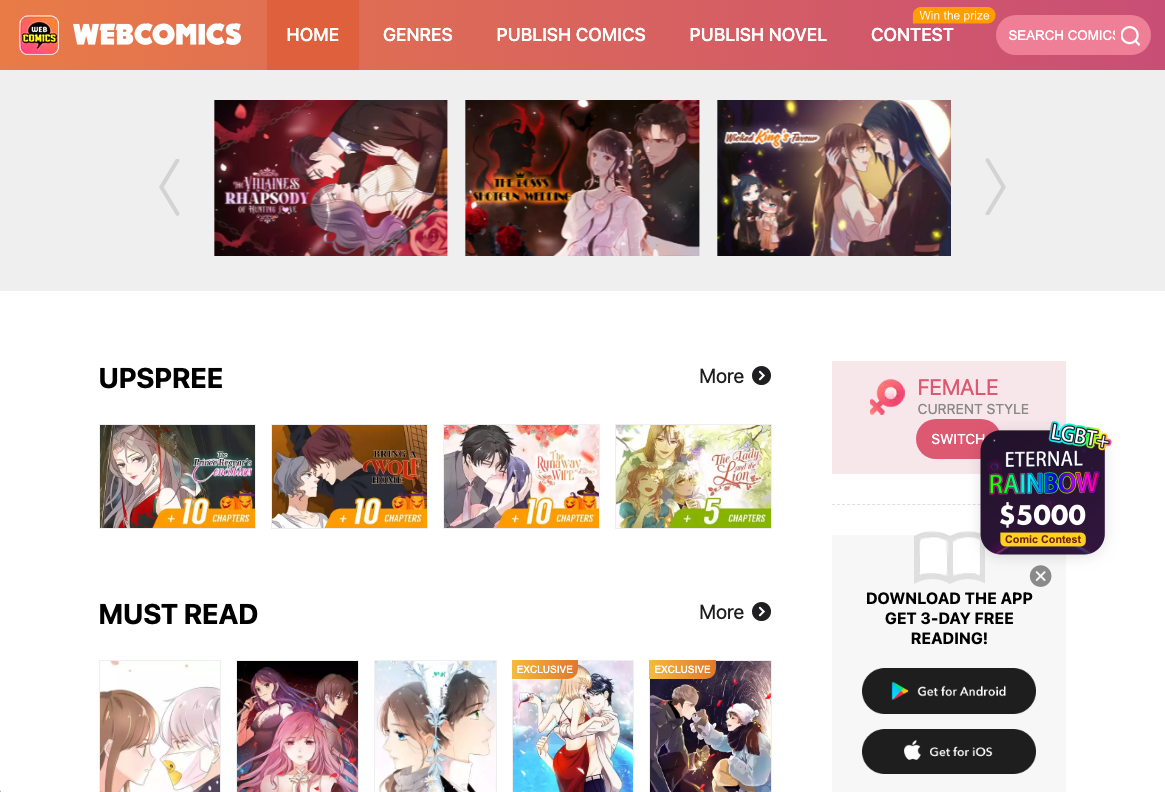
But I came here for Comics!...
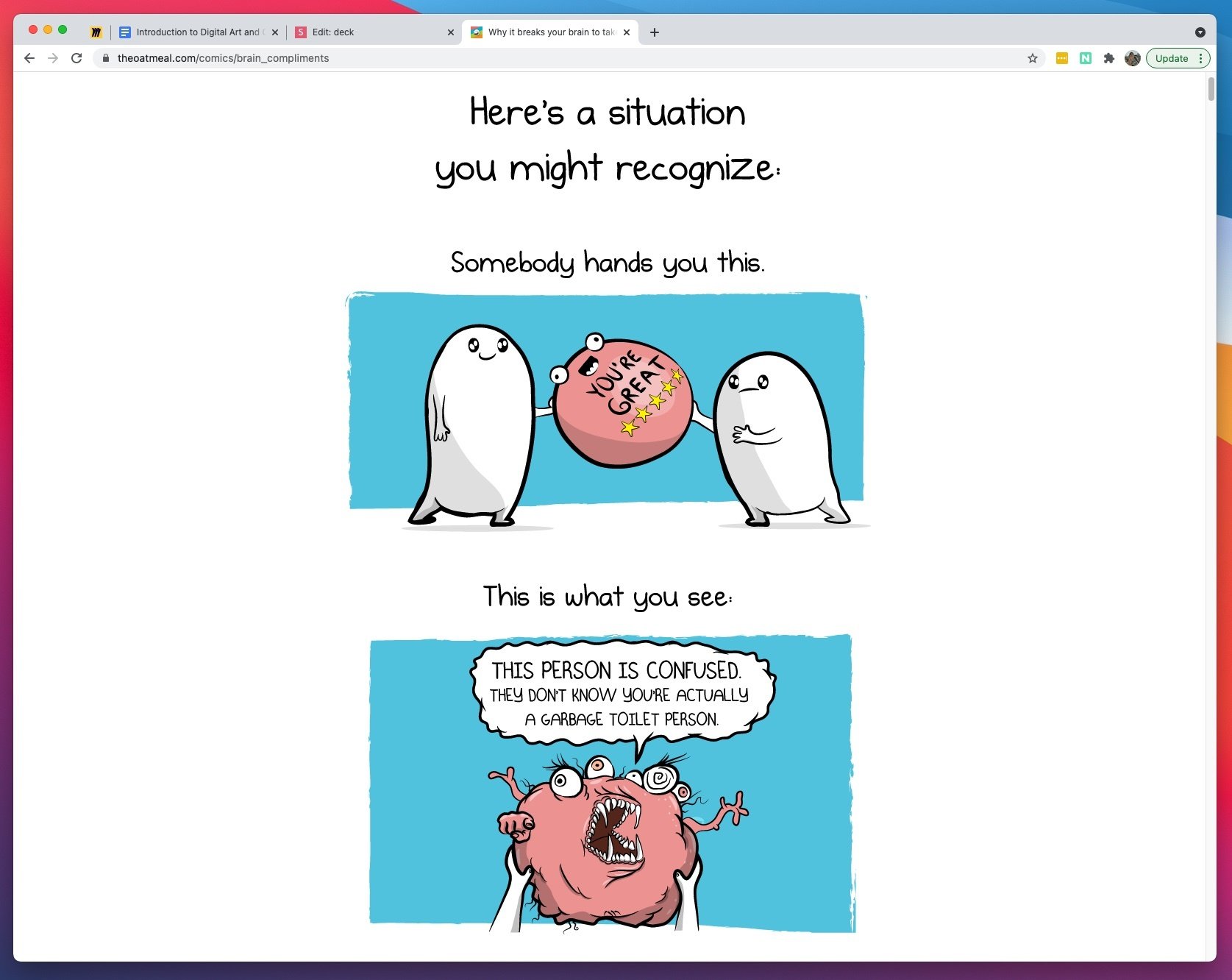
Why it breaks your brain to take a compliment - theoatmeal.com
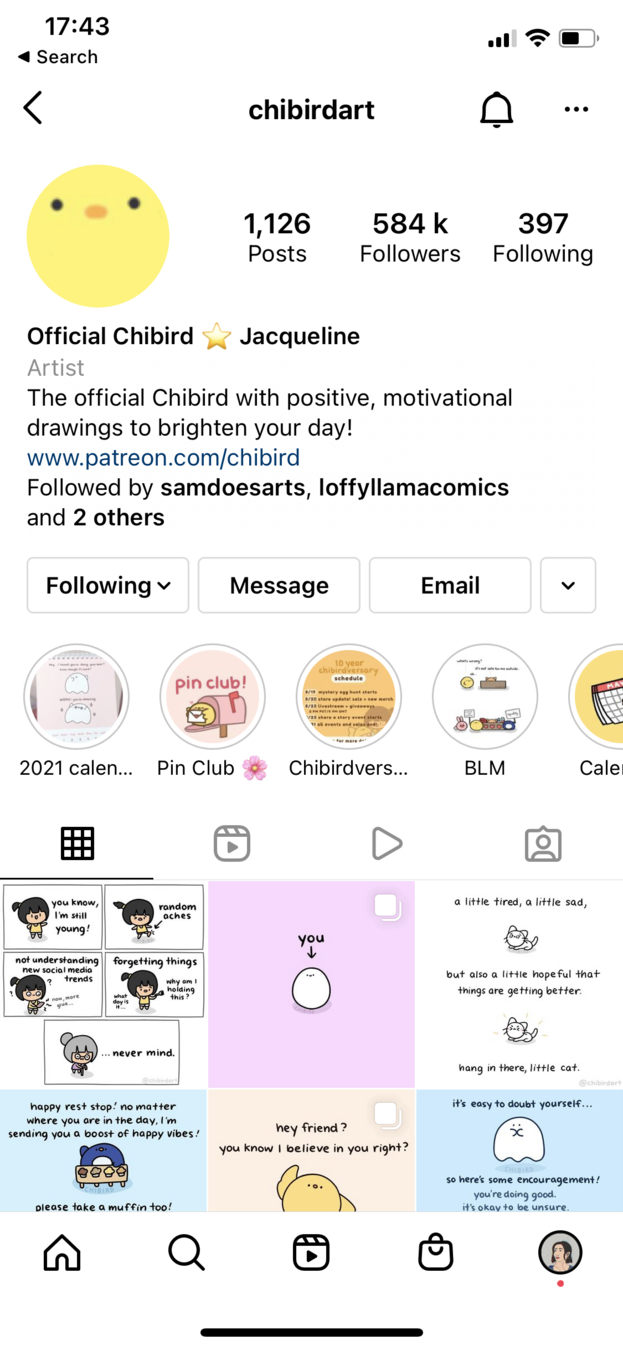

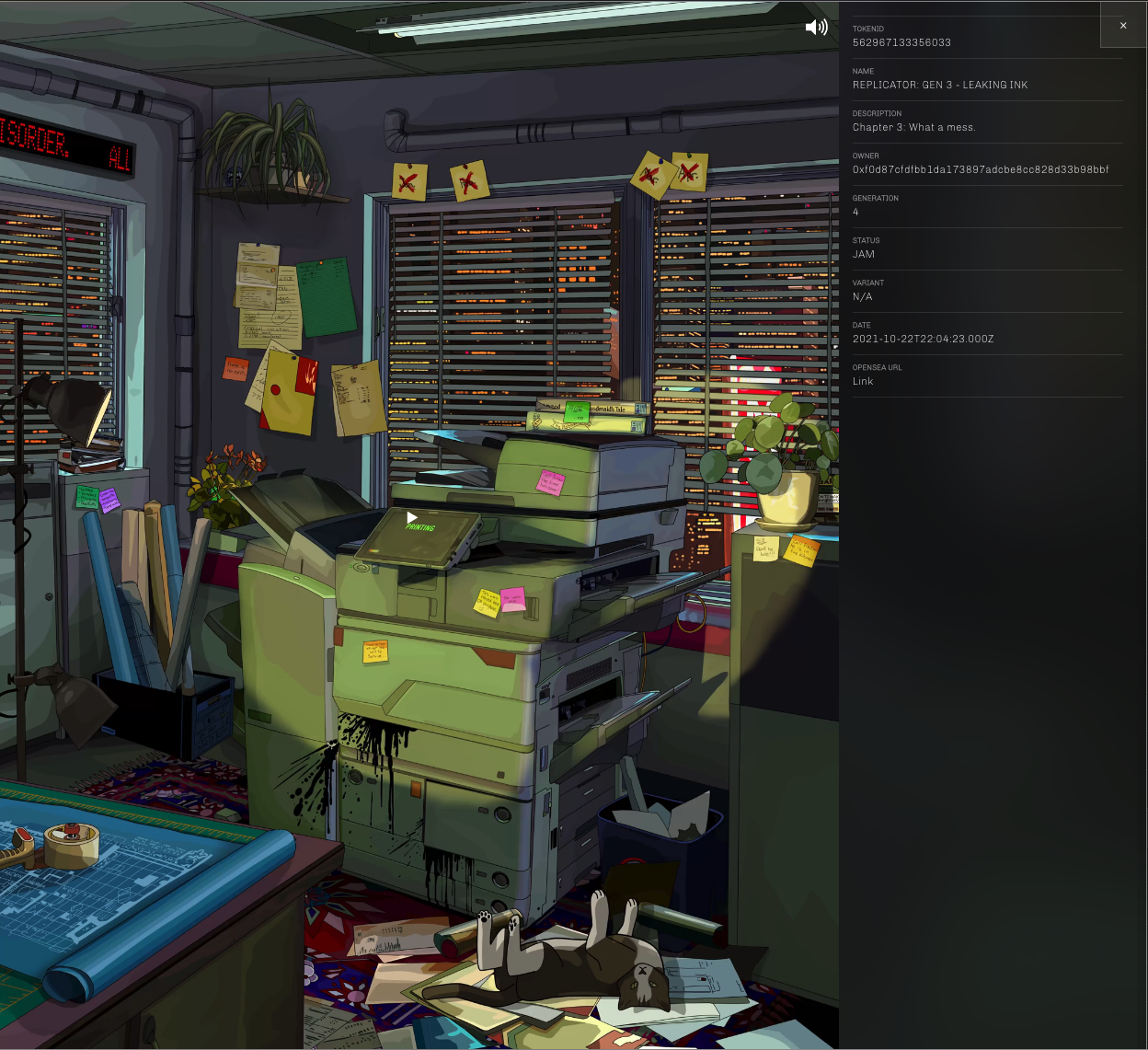
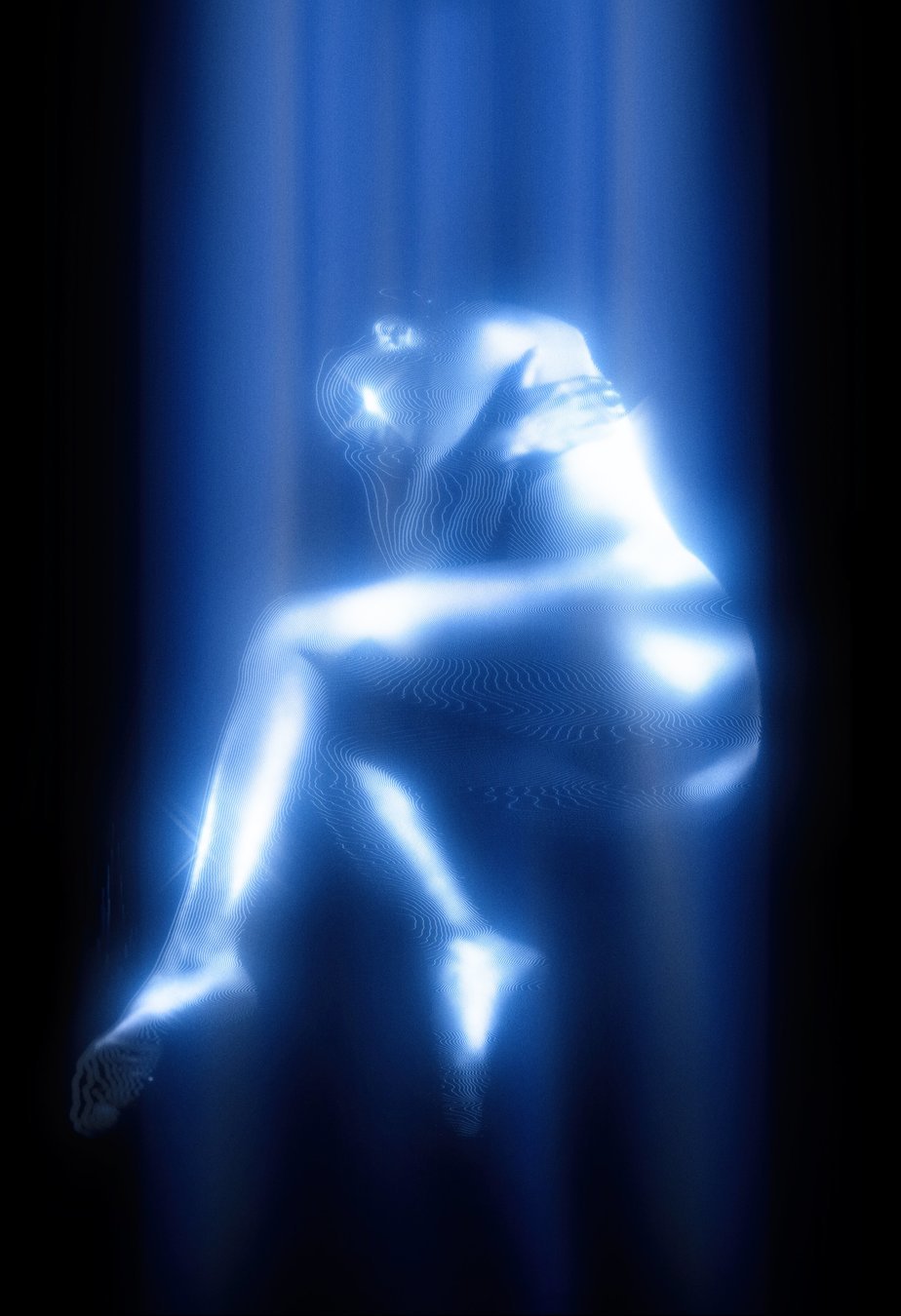
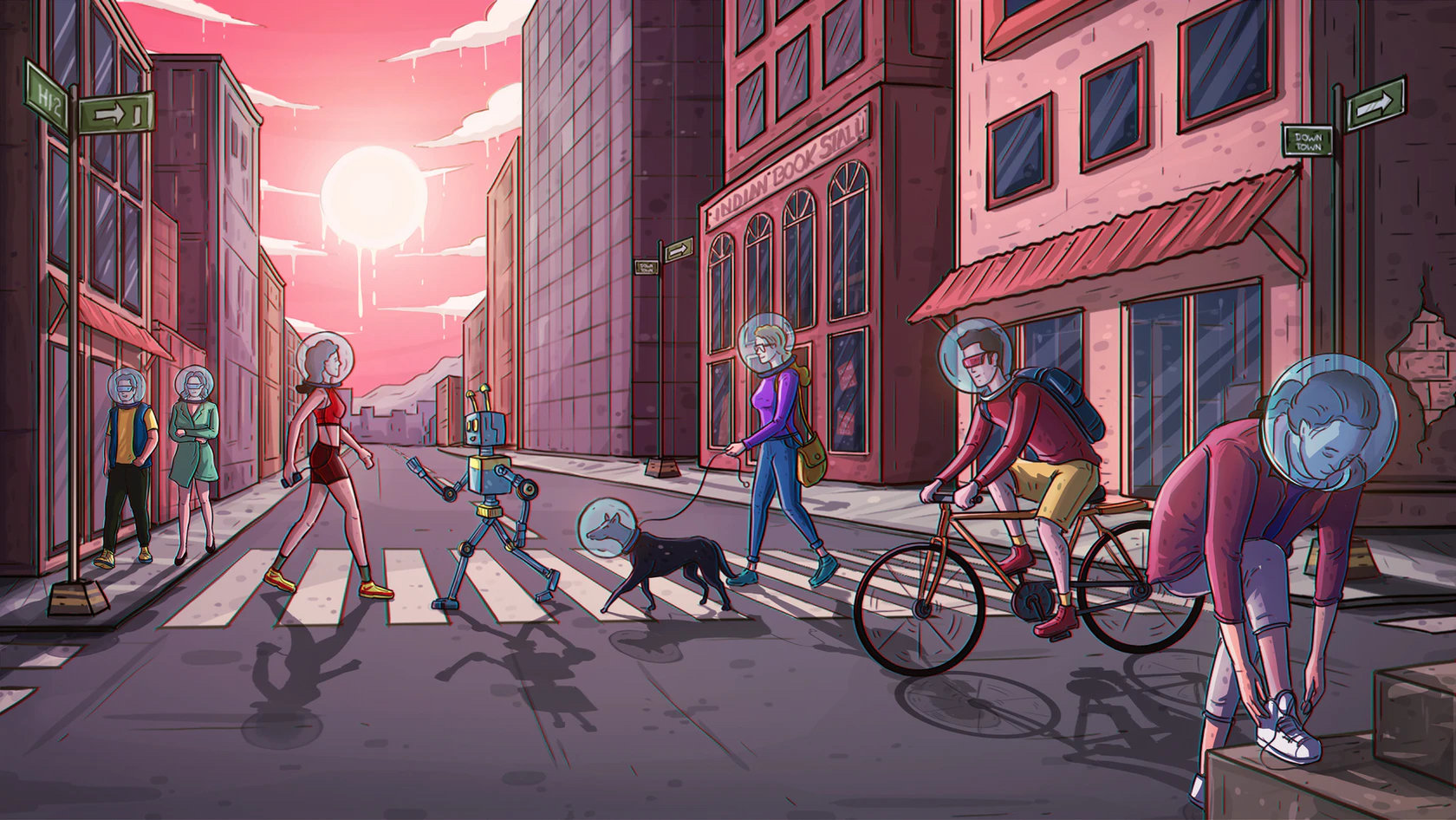
Social Media
NFT
Term - Digital Art (Tate):
https://www.tate.org.uk/art/art-terms/d/digital-art
What is Digital Art? (British Council Arts):
https://www.youtube.com/watch?v=2RWop0Gln24
Digital Art (Wikipedia):
https://en.wikipedia.org/wiki/Digital_art
AARON: Art from the Machine (Wired):
https://www.wired.com/2001/05/aaron-art-from-the-machine/
Digital Art - Examples and Artists (ditdot):
https://www.ditdot.hr/en/digital-art-examples-and-artists
Top NFT artists (Be in Crypto):
Let's focus on digital comics then!
Common MISCONCEPTIONS
It's expensive
It's an inferior experience for the artist
It's easier than paper
It's not "real" art
It's expensive
There are METHODS for all budgets, as long as you have a computer
Drawing on screen
Using the mouse
Scanning images
Photo collage
Pen tablets
iPads / Samsung / Microsoft / etc tablets
It's an inferior experience
It's just different
Digital comics allow you to explore different parts of your art and stories.
And if you use mixed media, for example, some parts physical and others digital, you can have the best of both worlds.
It's easier than paper
It depends on what you do
For basic things, it helps you focus on your drawing instead of struggling with certain aspects.
In other cases, digital tools bring different techniques that you can use, which yield different results than if you were not using computers.
It's not "Real ART"
Types of
Digital comics
From scratch
Lettering
Touching up
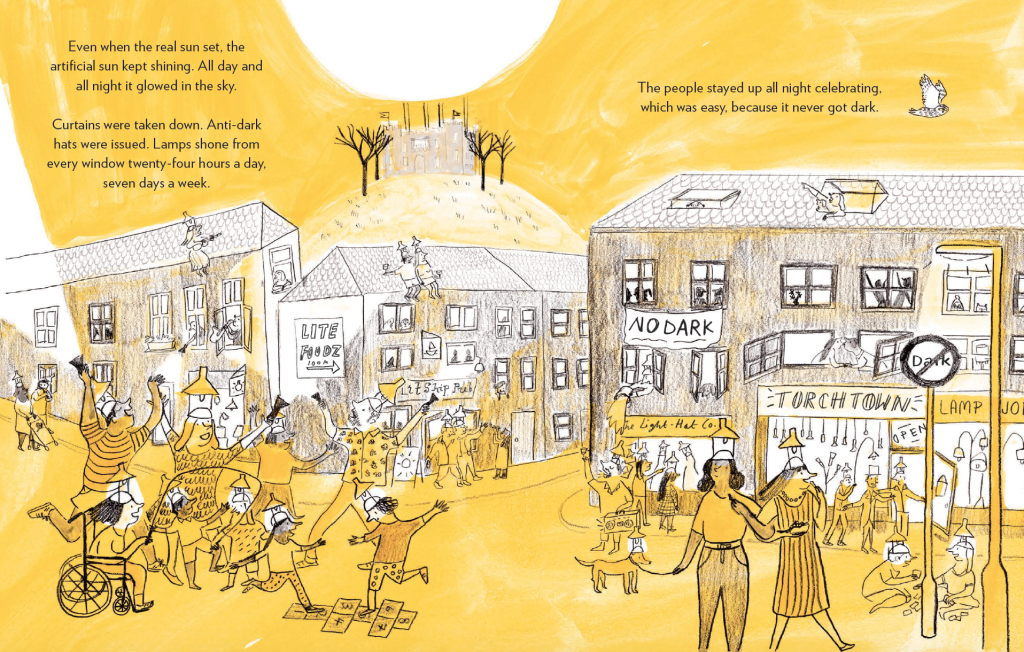
from The King Who Banned the Dark, by Emily Haworth-Booth
Mixed Media
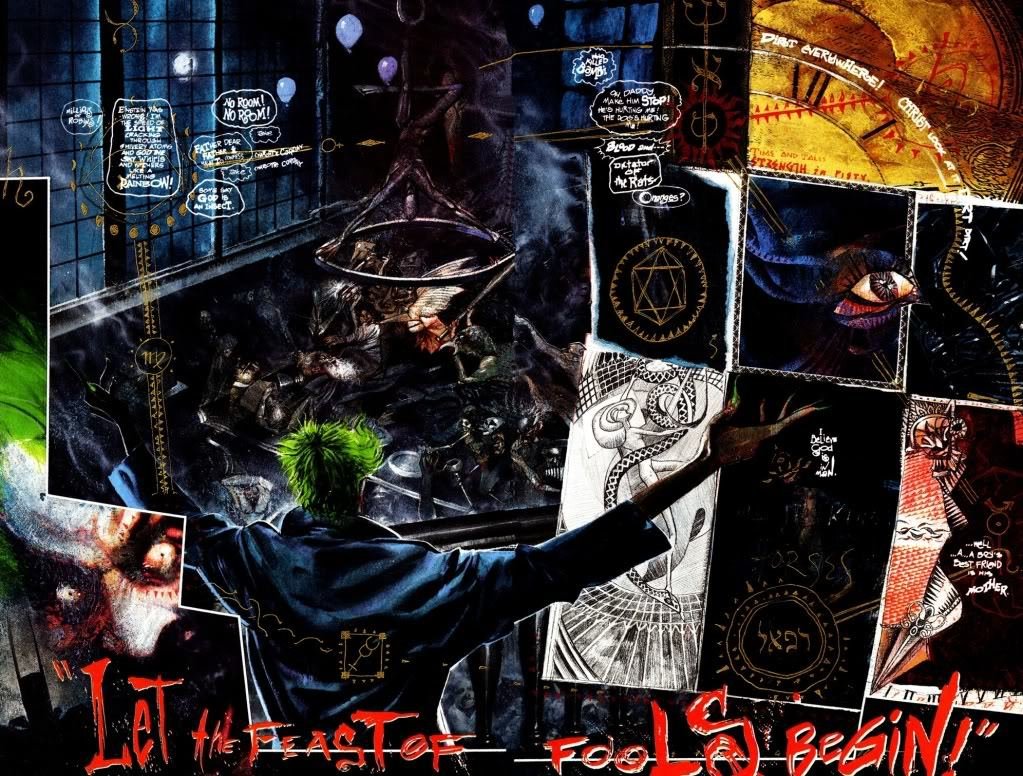
from Arkham, by Dave McKean
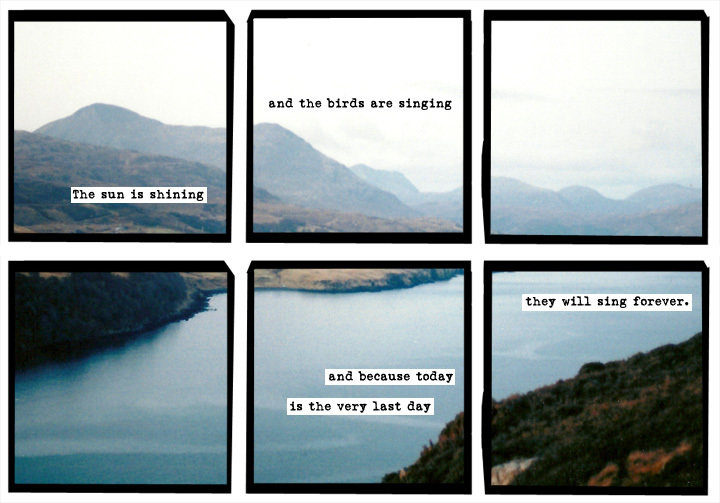
Photos
from asofterworld.com, by Emily Horne and Joey Comeau
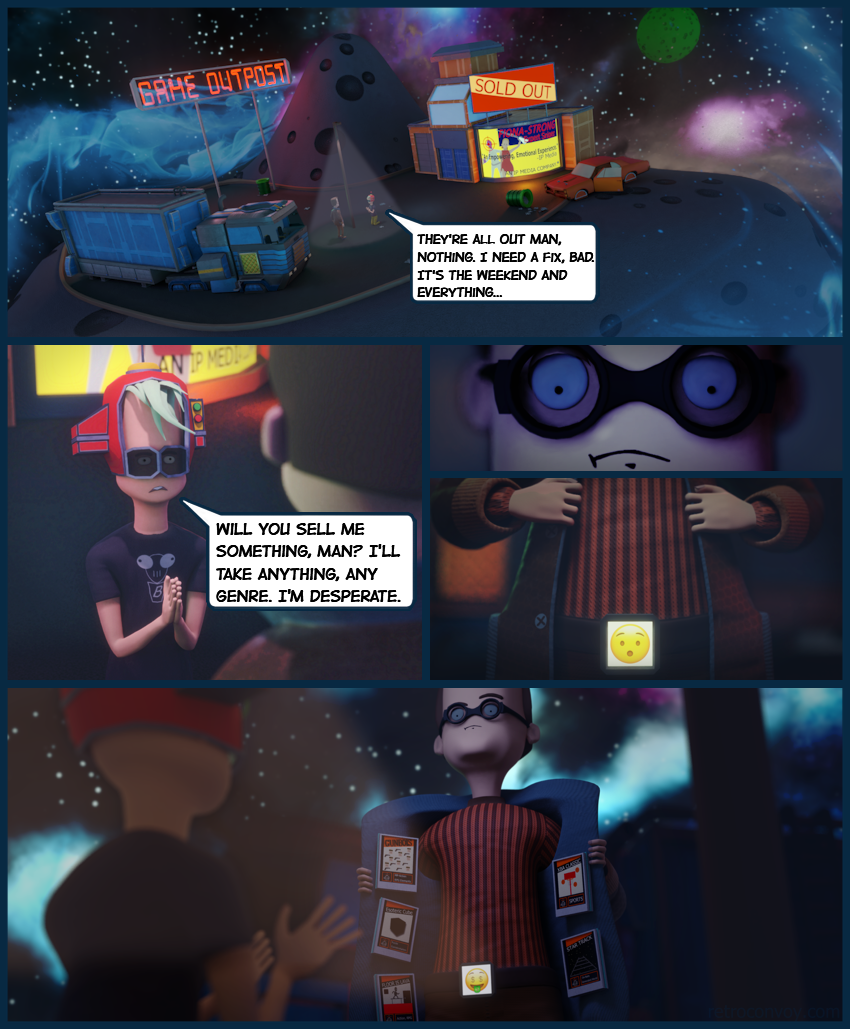
3D
WIP in blenderartists.org, by Kelthor
The King Who Banned the Dark (Emily Haworth-Booth)
https://emilyhaworthbooth.com/?p=503
A Softer World (photo comics)
Serkworks Art Labs (Making Comics 101)
Discussion
10 mins
Do you already make art digitally? If so, what’s your preferred method?
And if you don’t, has any of the slides piqued your interest? How would you incorporate the ideas in your work?
Let's talk Tools
Physical tools
(hardware)
Pen Tablets
You draw on a separate surface
Are usually smaller
Perfect for getting started on a budget
Are much cheaper
Some artists prefer them
Pen Displays
You draw directly on the screen
Come in many sizes
Better if you're used to drawing on large surfaces
Usually preferred when drawing for longer periods
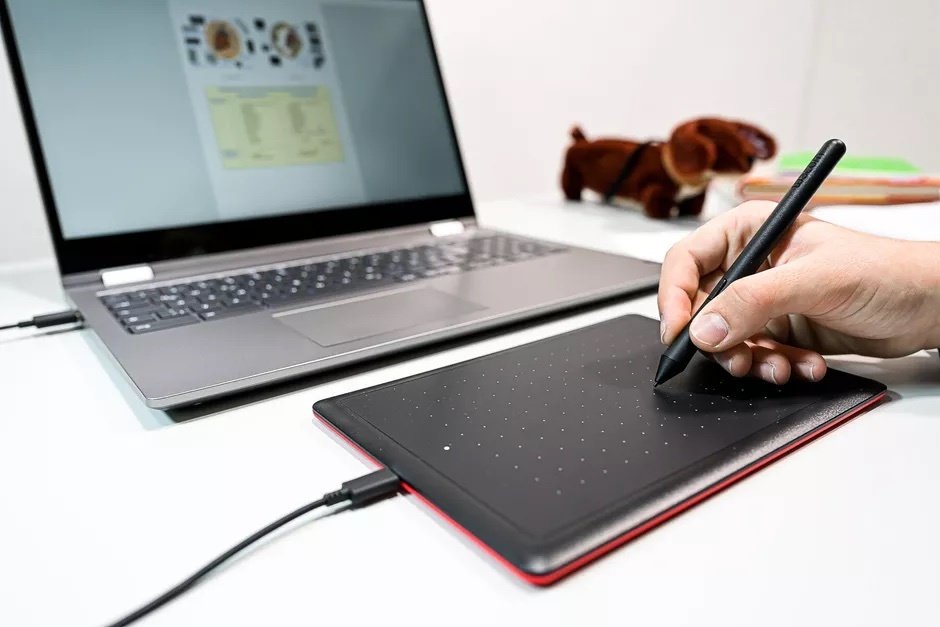
source: cnet
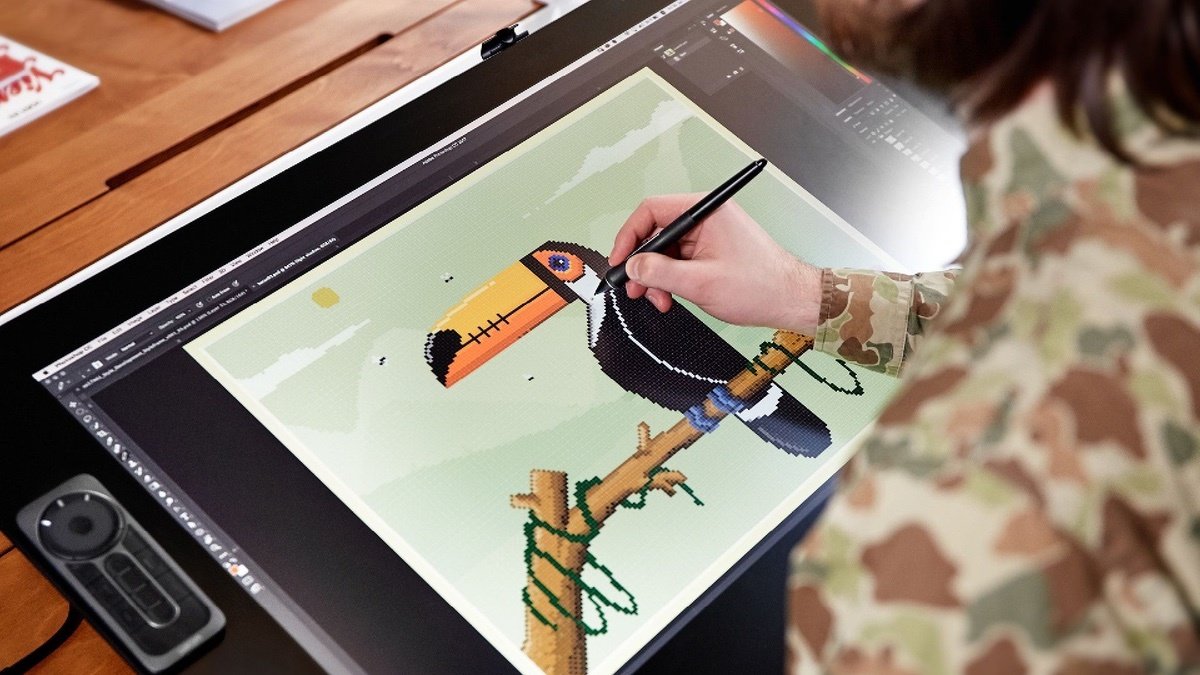
source: reviewgeek
Brand Suggestions



Portable Tablets
May have cheaper drawing software (Procreate, Infinity Painter)
Perfect if you enjoy drawing on the go
Comparatively, can be less expensive than buying a screen
Serve other purposes besides drawing
Large adoption by hobbyists
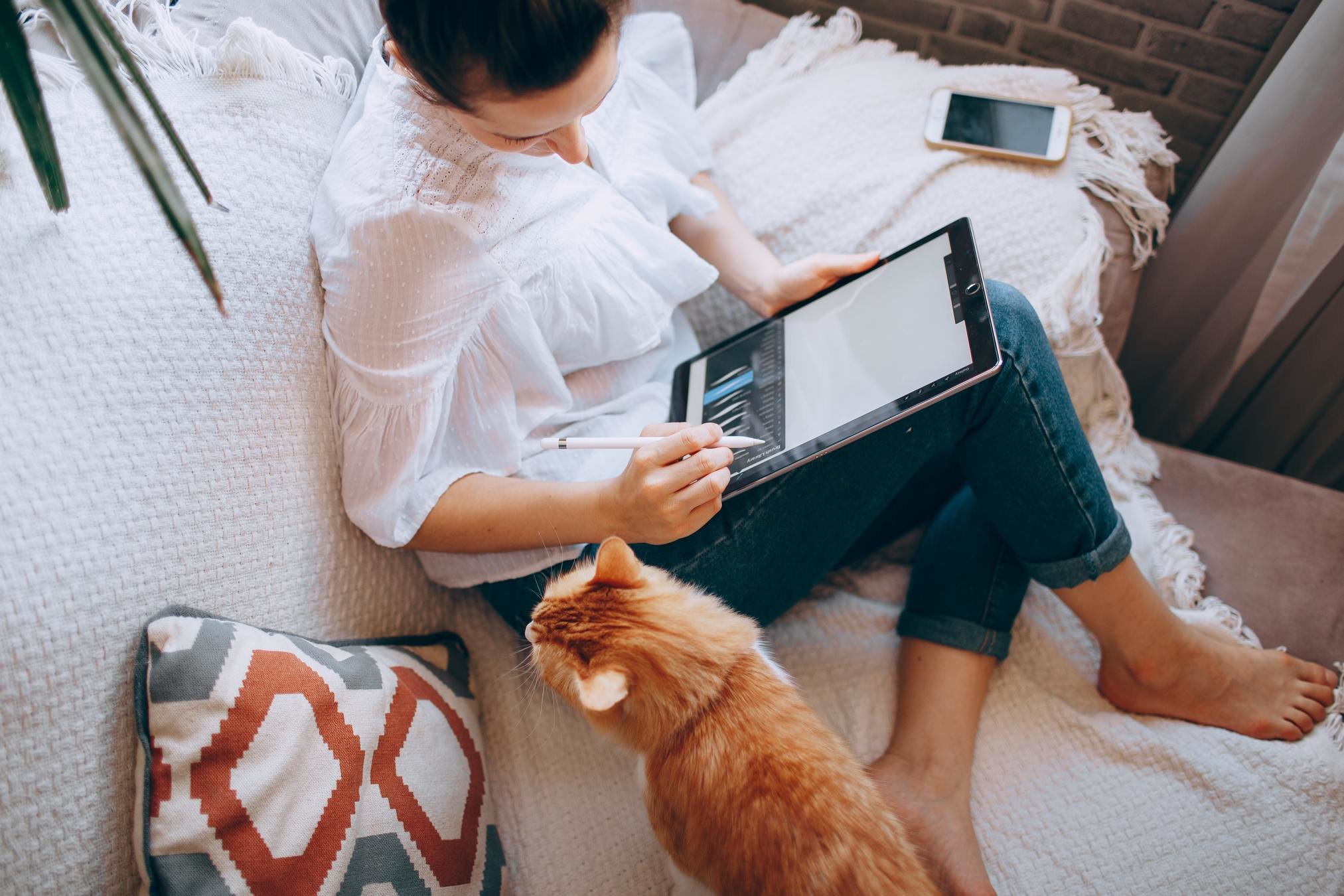
image source: Helena Lopes, unsplash.com
Suggestions
iPad (iOS)
Microsoft Surface Book (Windows)
Wacom Mobile Studio Pro
Samsung Galaxy Tab (Android)
One more thing
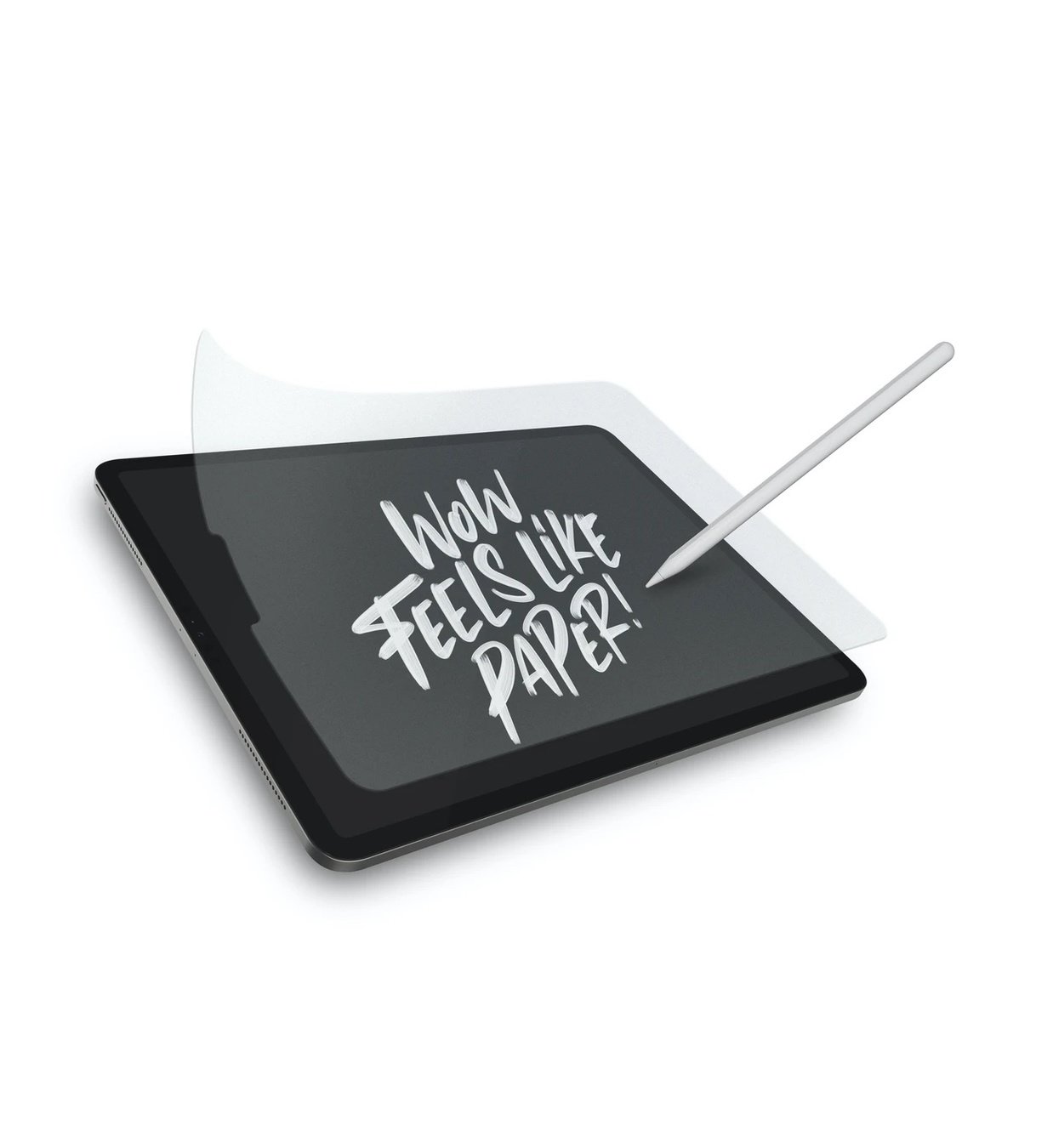
Paperlike™️ screen protectors add friction to the screen, giving it a more comfortable feeling
SmartPads & Paper tablets
More adequate for notes, but can be useful for sketching
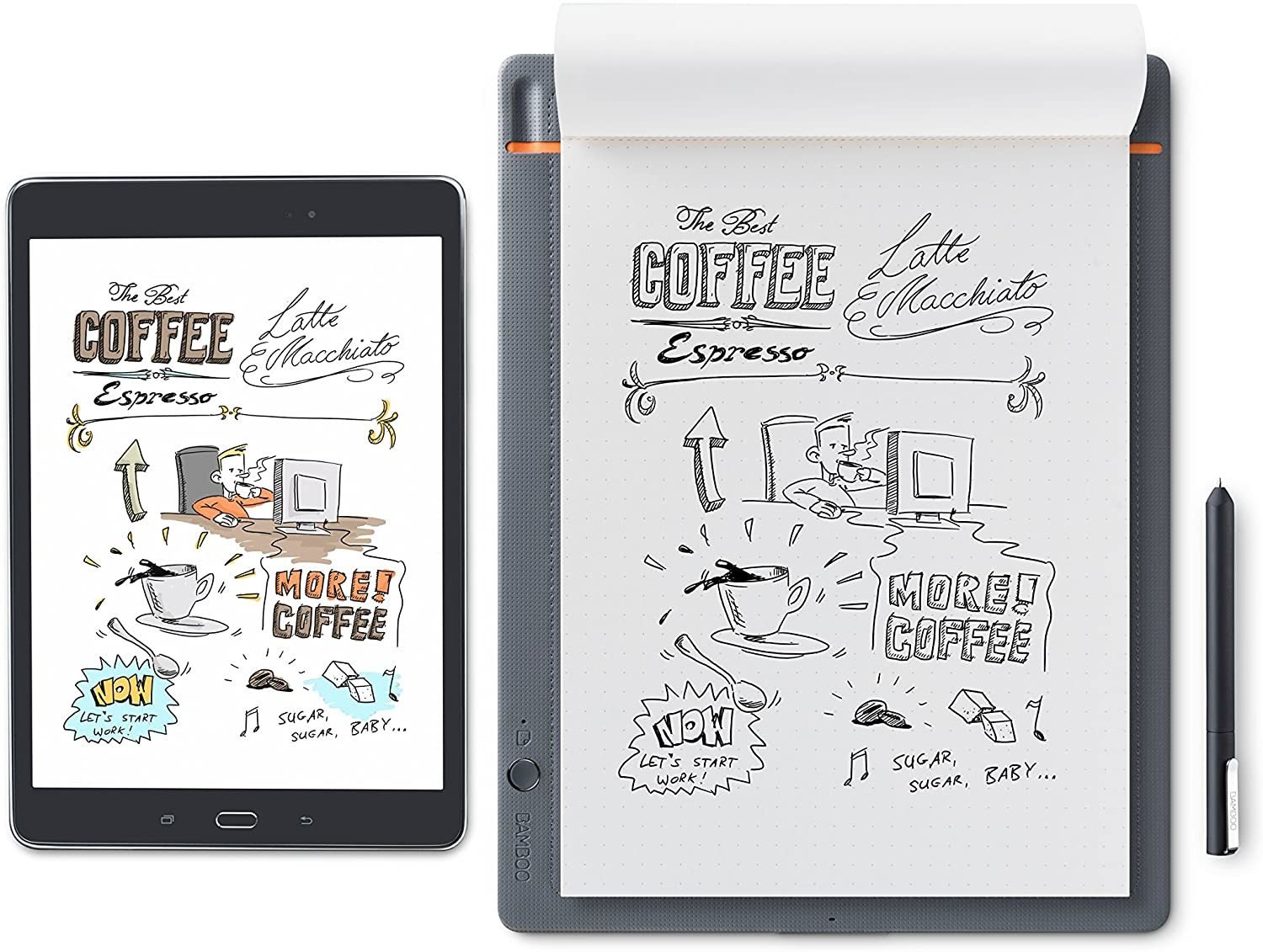
image source: wacom.com
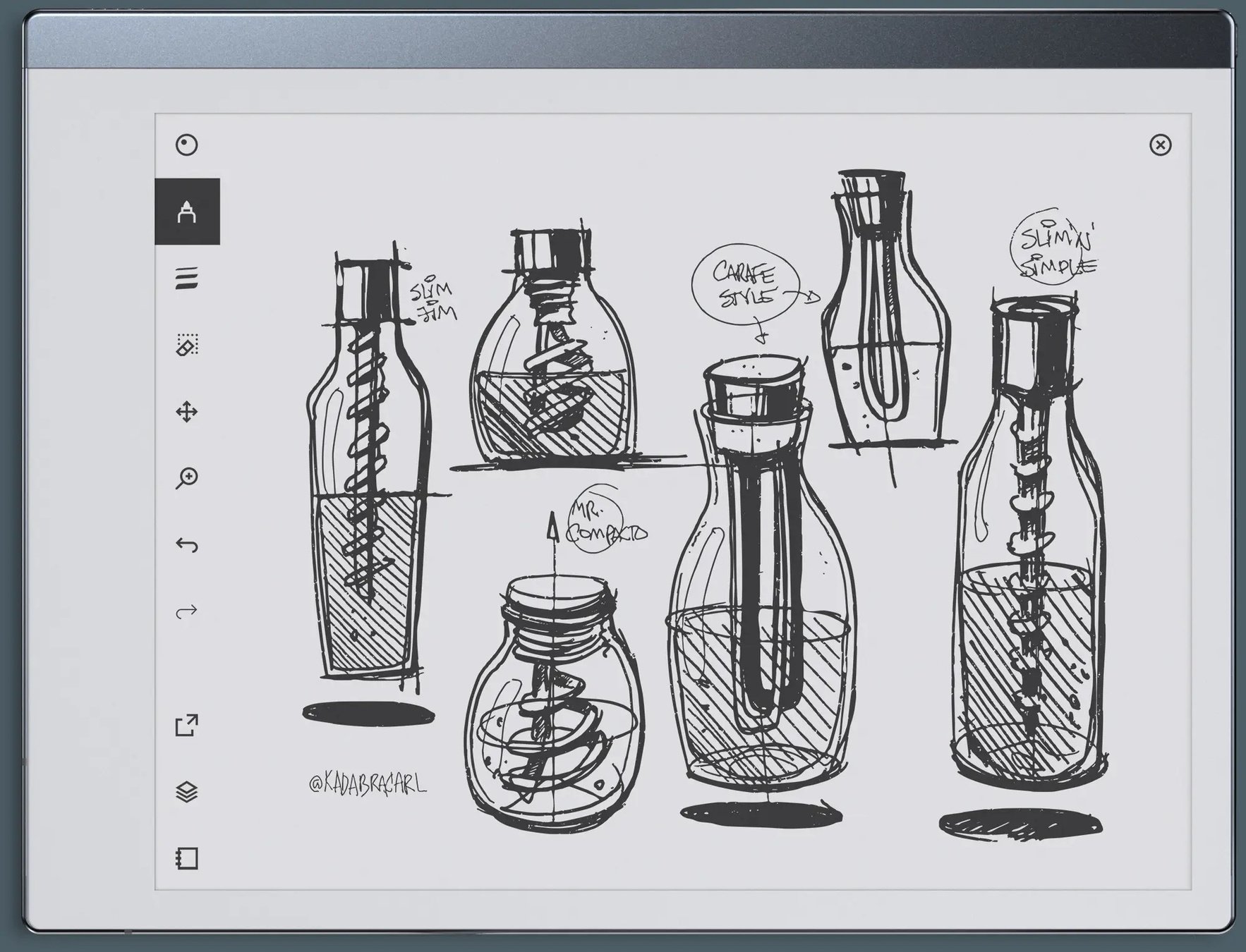
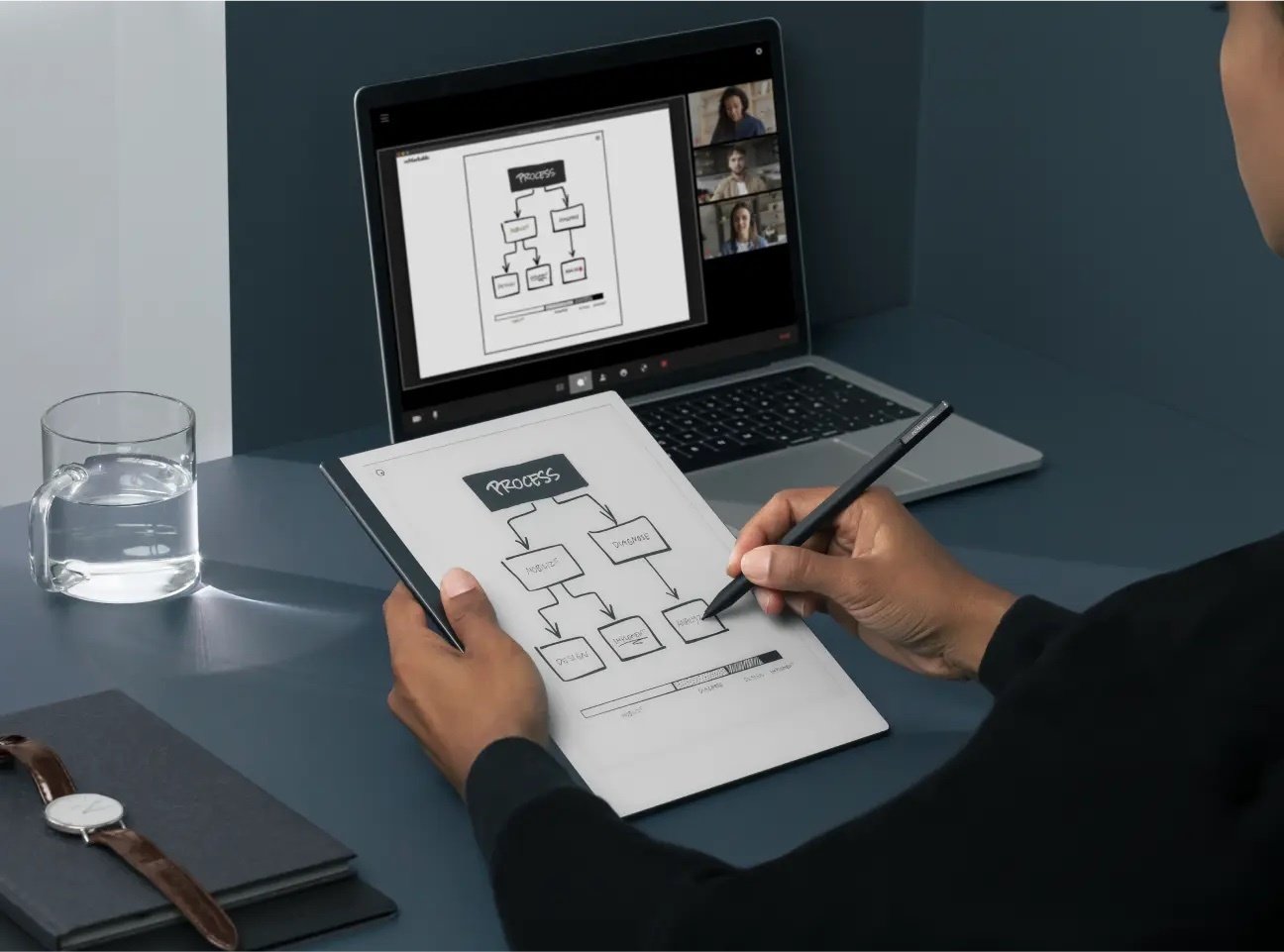
image source: remarkable.com
Suggestions
Wacom Bamboo Slate
ReMarkable
RePaper
Mouse
Pick a mouse with wheels and buttons that let you move around the canvas
Vectorial apps (which we'll cover briefly later) are ideal for mouse drawing
You can definitely use a mouse for drawing, so if it's all that you can afford, don't let it stop you
when picking your equipment
Your budget
Your usage requirements
Warranty and support
Your familiarity with the technology
Check artists using it on YouTube
things to consider
Apps
(SOFTware)
PC / Laptop - BITMAP
More commonly used sketching / painting / most digital drawing, really!

free
free
made for comics
Photoshop
Clip Studio Paint
Krita
Sketchbook
iPad
free

made for comics
made for comics
Procreate
Infinite Painter
Sketchbook
Clip Studio Paint
Comic Draw
Affinity Designer
Android
free
free
free
made for comics
Clip Studio Paint
Infinite Painter
Sketchbook
Huion Sketch
Ibis Paint X
Have you picked an app?
before we continue
source: proformablog.com
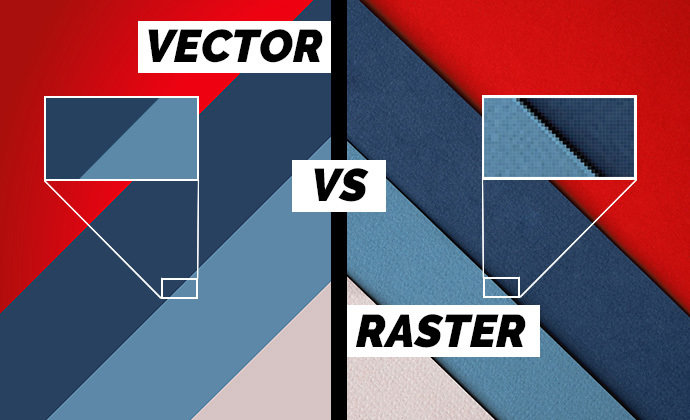
PC / Laptop - VECTOR
Drawings can be zoomed in and not look pixelated, but it can be less intuitive and have limitations
free

Illustrator
Affinity designer
Corel draw
Inkscape
Microsoft Excel!!
3D
PC / Laptop only
free

Blender
Cinema 4D
Z Brush
Activity
5 mins
Choose one of the drawing apps and install it in your preferred device.
If you already do digital drawing regularly and have a favourite app, pick another one.
Don't choose vectorial unless you know more or less what it is and are curious.
Basic functionality
Brushes
Sketching
Inking
Painting
Vectorial drawing
Layers
Select / move / resize / rotate
Asset libraries / speech bubbles
Activity
15 mins
In the app that you have installed, try the following:
- Create a new file / canvas (any settings will do, don't overthink it!)
- Choose a brush to sketch, ink or paint
- Change the size and colour of your brush
- Find where the layers panel is and create a new layer
- Draw / experiment / explore if you have time left
Creating a new file
Was it easy? What did you observe?
Things to consider
Is it for printing or is it for screens?
Do you want to draw panels individually or all together?
Do you want to record a timelapse of your work?
Printing
Color space: CMYK
Units: cm / mm
Resolution: 300dpi+
What size is your page? Is it a double spread or individual?
SCREEN
Color space: RGB
Units: pixels
Resolution: 72dpi
Consider that your image may need to be re-adjusted for different social networks / websites.
drawing ENTIRE page
Create a file with the size of your page
You can lay out your panels all the the same time and have them relate with each other more easily
It may be more difficult to export panels individually if needed
drawing PANEL by PANEL
Ensure that the size of the images / proportion of the panels are the same, to avoid discrepancies in line art
More adequate for social media than for printing
More difficult to make panels that connect to each other
Timelapse recording
Some apps, like Procreate, Infinite Painter and Clip Studio Paint, record timelapses of your work, that you can export to video later.
If you're not planning to use it, turn it off to save disk space.
Helpful Tools
for comic artists
Colour Palettes
Auto generate palettes
(Procreate)
Autofill
Pages
(Clip Studio Paint, Procreate, Comic Draw)
Panels
(Clip Studio Paint, Comic Draw, Ibis Paint X)
Perspective grids
guides
Reference images
3D assets
(Clip Studio Paint, Procreate 5.2)
Ideas to explore
Creating your own font
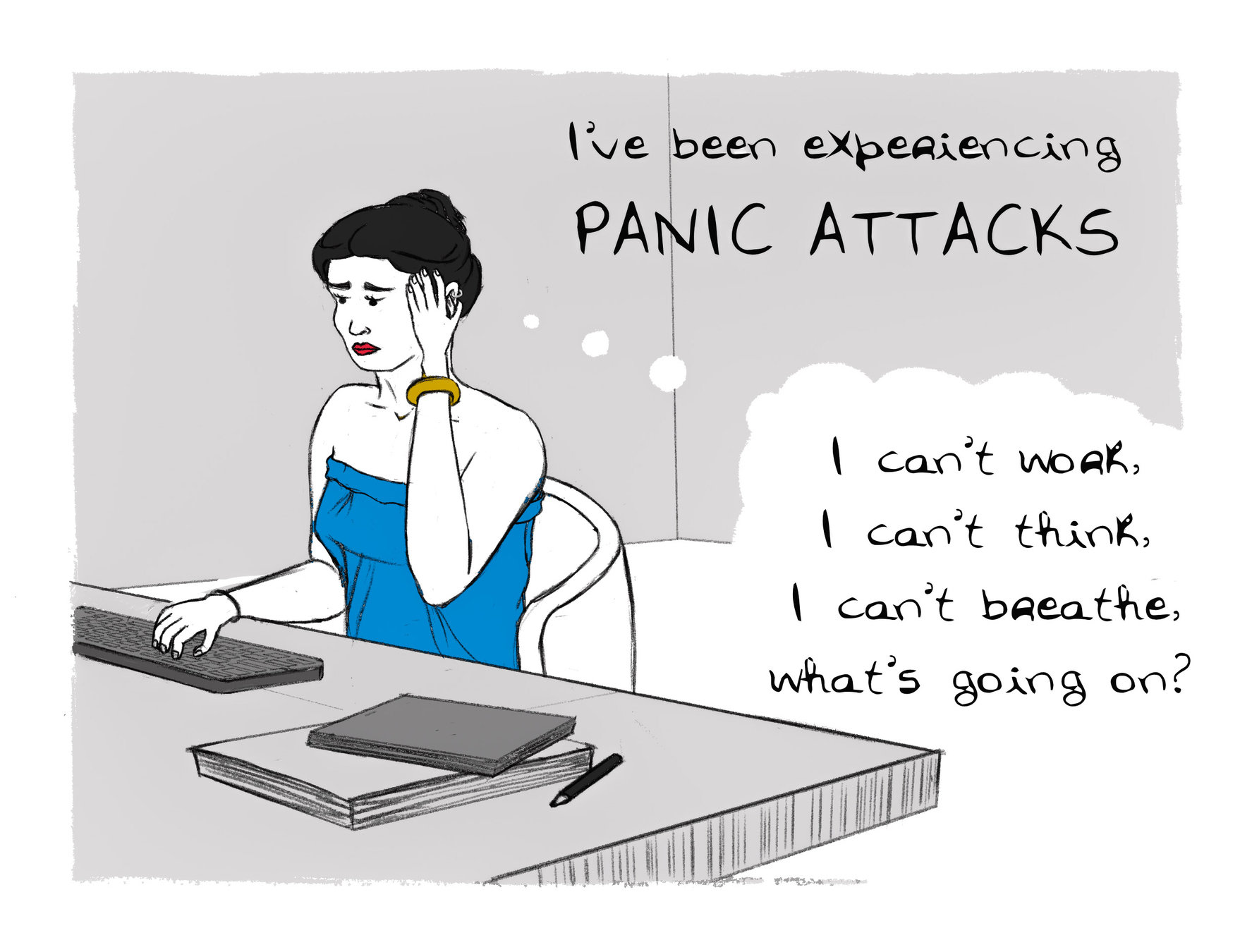
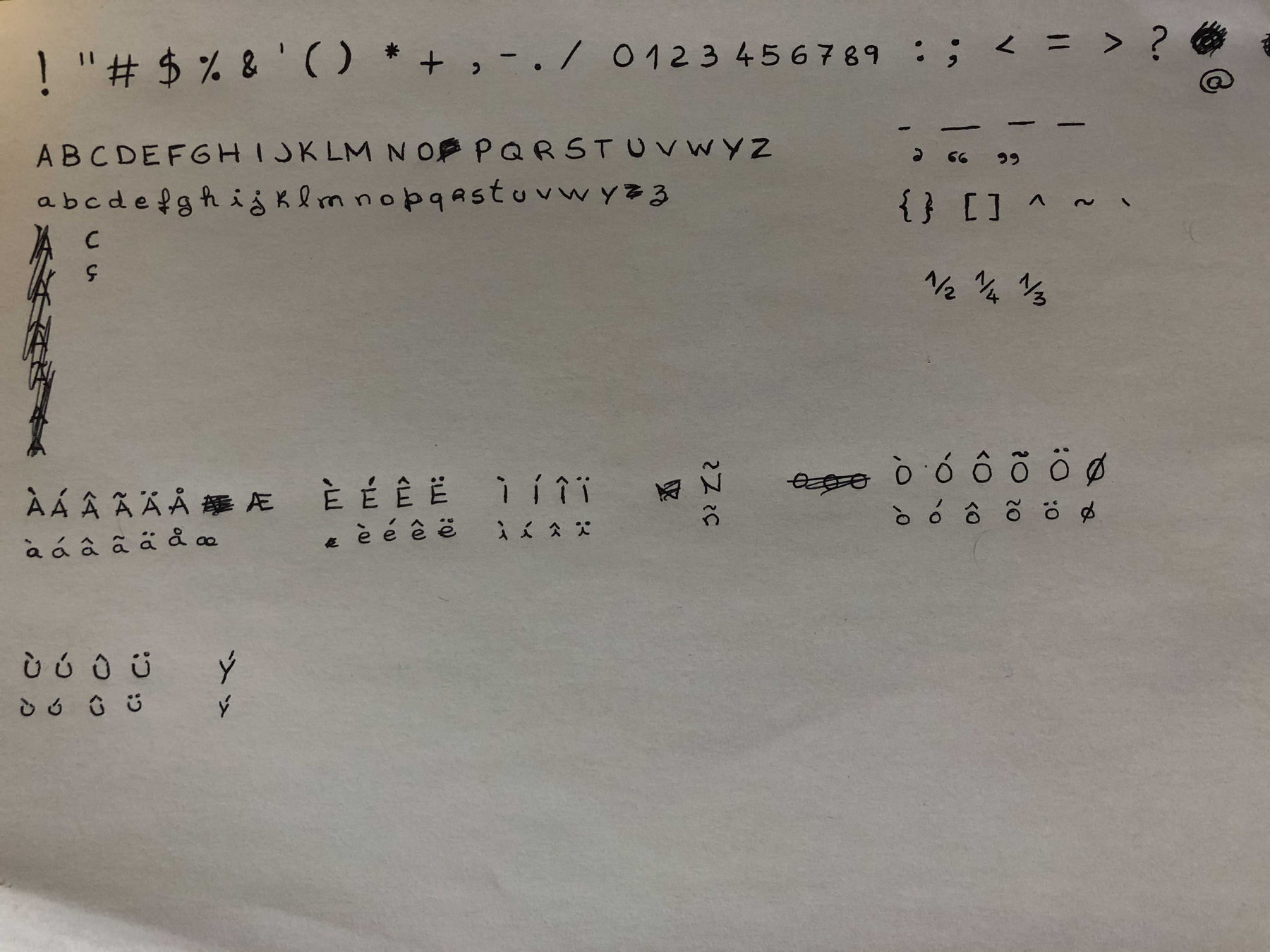
How it started
How it ended
animated comics
from Bottom of the Ninth 01, by Ryan Woodward
Neon Wasteland, by Rob Shields
Augmented reality
Mental canvas
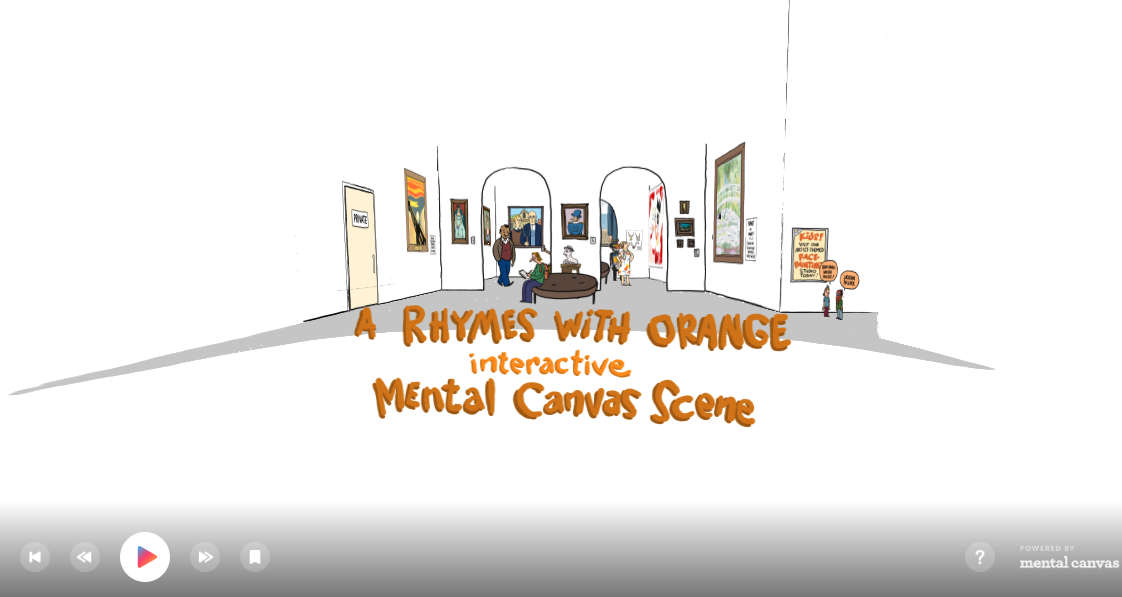
Creating interactive comics with Mental Canvas (webinar)
www.youtube.com/watch?v=758RrsFqFuU
How to make your own font using Illustrator
https://makeitcenter.adobe.com/en/blog/how-to-make-your-own-font.html
Create your own font (in 6 simple steps)
https://www.elegantthemes.com/blog/tips-tricks/create-your-own-font
Screendiver - Directory of Interactive Comics
Discussion
10 mins
Share your experiences from today.
Did you get around to trying a drawing app?
What was most difficult / more intuitive to you?
Did you discover anything new?
How did it feel?
Did you get stuck?
From the tools that you have seen, is there anything that you’d improve on? Is your process different?
I'm overwhelmed!!
You don't need to use all the tools at a time
Add new things to your workflow as you learn and get comfortable with them
Creating scarcity for each piece (for example, choosing only a couple of colours) will make it easier for you to create something beautiful
Just like "Normal" ART
Digital art is Whatever the F* you want
Serkworks Art Labs (Making Comics 101)
https://www.youtube.com/channel/UCU07LASWn81x-eufsWQXQvg
Marc Brunet - Great tips for learning to draw from memory
https://www.youtube.com/channel/UCKtu_JtQCY0yryIy6zK4ZCg
Sam Does Arts - More relaxed art channel, tips on digital painting and social media