05/16/2026
Exp 05/16/2027
cypurr@protonmail.com
cypurr.org
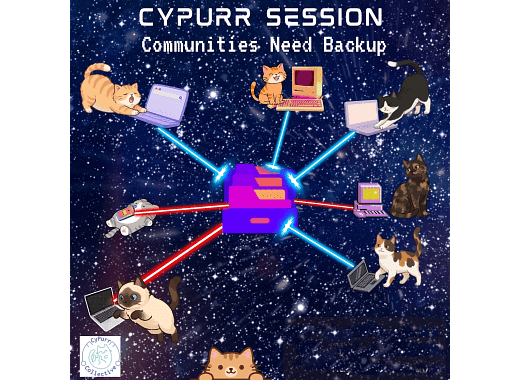
Outline:
- Intro
- Archivist Panel
- Q&A
- 10 m Break
- Reclaim Your Data Workshop

Ground Rules


We DO NOT tolerate language or behavior meant to demean or harm folks based on their identity
Security is scary, let’s be gentle.
Step up; Step Back
Privacy:
-
We’re in public! Keep it general.
-
Stories Stay. Lessons Leave.
-
Journalists, Researchers, etc make yourselves known!
Intros
- Name (Pronouns)
What's something you wish you backed up?
(or)
Any files you like to hoard?

Who are we?
We are Cypurr Collective
Cat enthusiasts hosting beginner-friendly cybersecurity events with a holistic approach. Teaching to build community self-defense


Next open meeting
(info via email list)
6/17 @7pm
Introducing...
Olivia M. Ross
2025-2026 Archival Resident at Performance Space and a maintainer of the Cyberfeminism Index
Ven Qiu
Archivist and creative technologist, creator of Dump Site
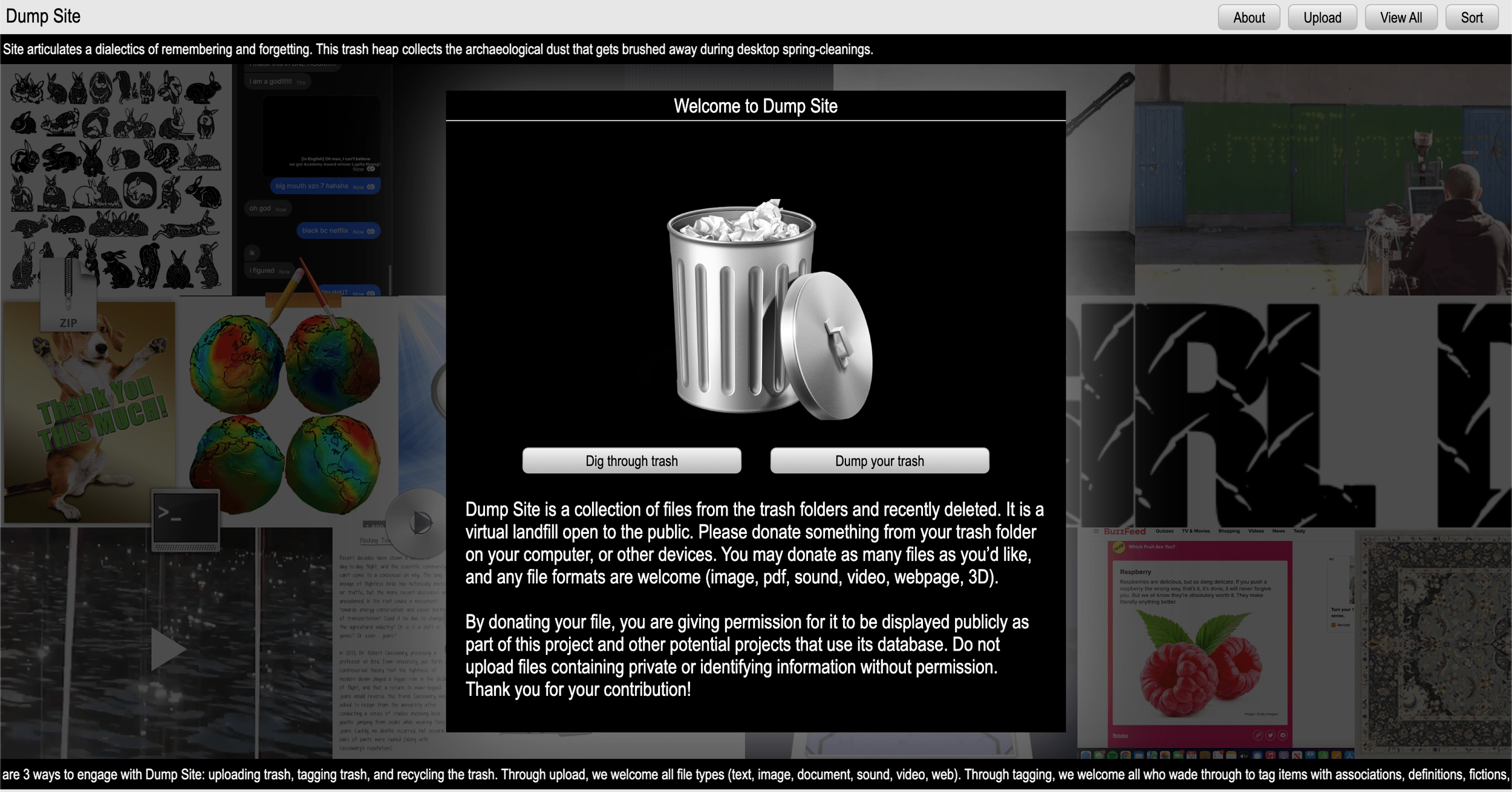


Take back
Your Data
Breach Control
- Export
- Backup
- (optional) Migrate

Export
- Most sites let you download your data
- Usually not data you view
- You might want `scraping` tools
- Scope -- What do you want to save?
- Frequency -- Is this one-off or ongoing?
- Sensitivity -- do local backups introduce new risks?

Twitter/X
Has a data export option!
- ~3 day wait
- Only your data
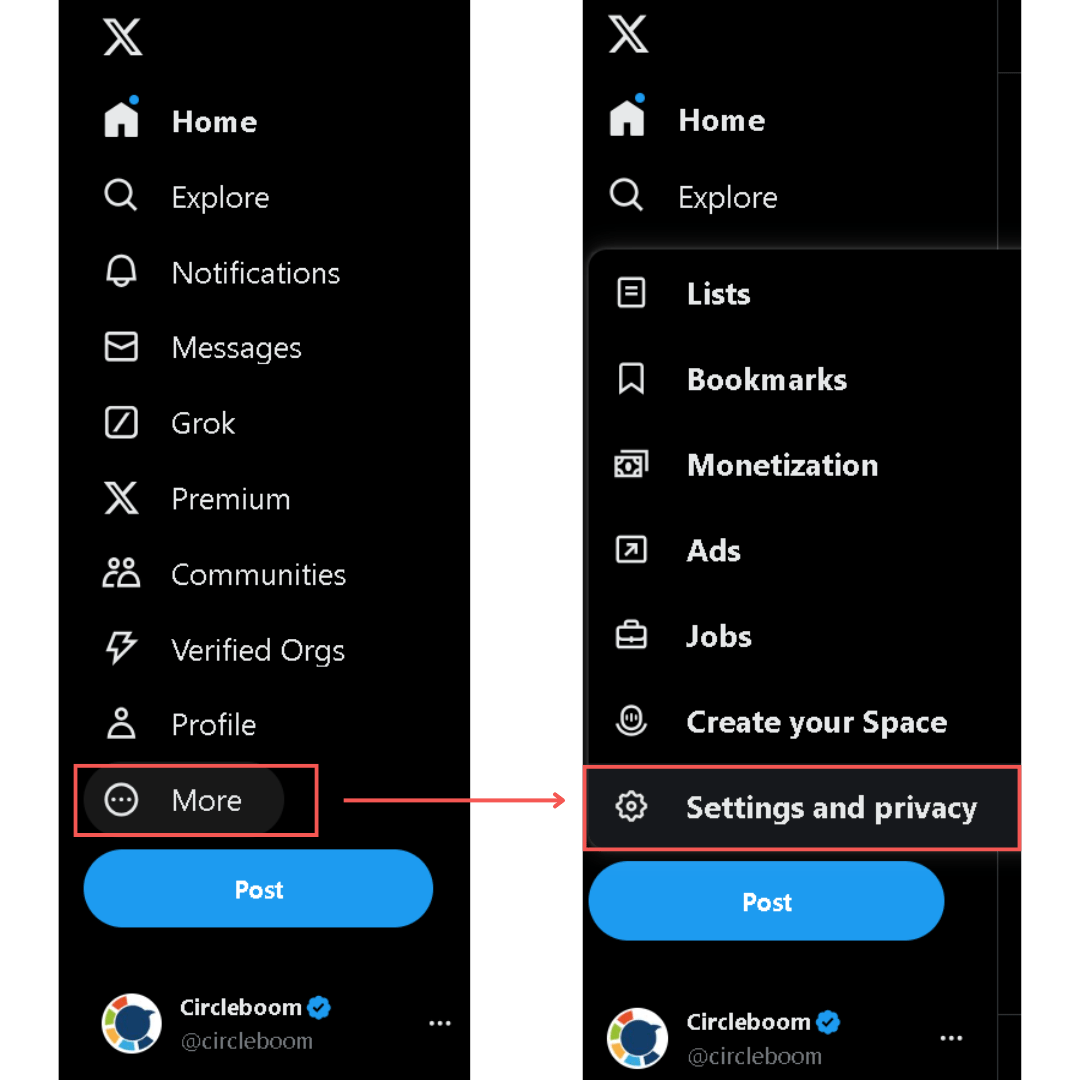
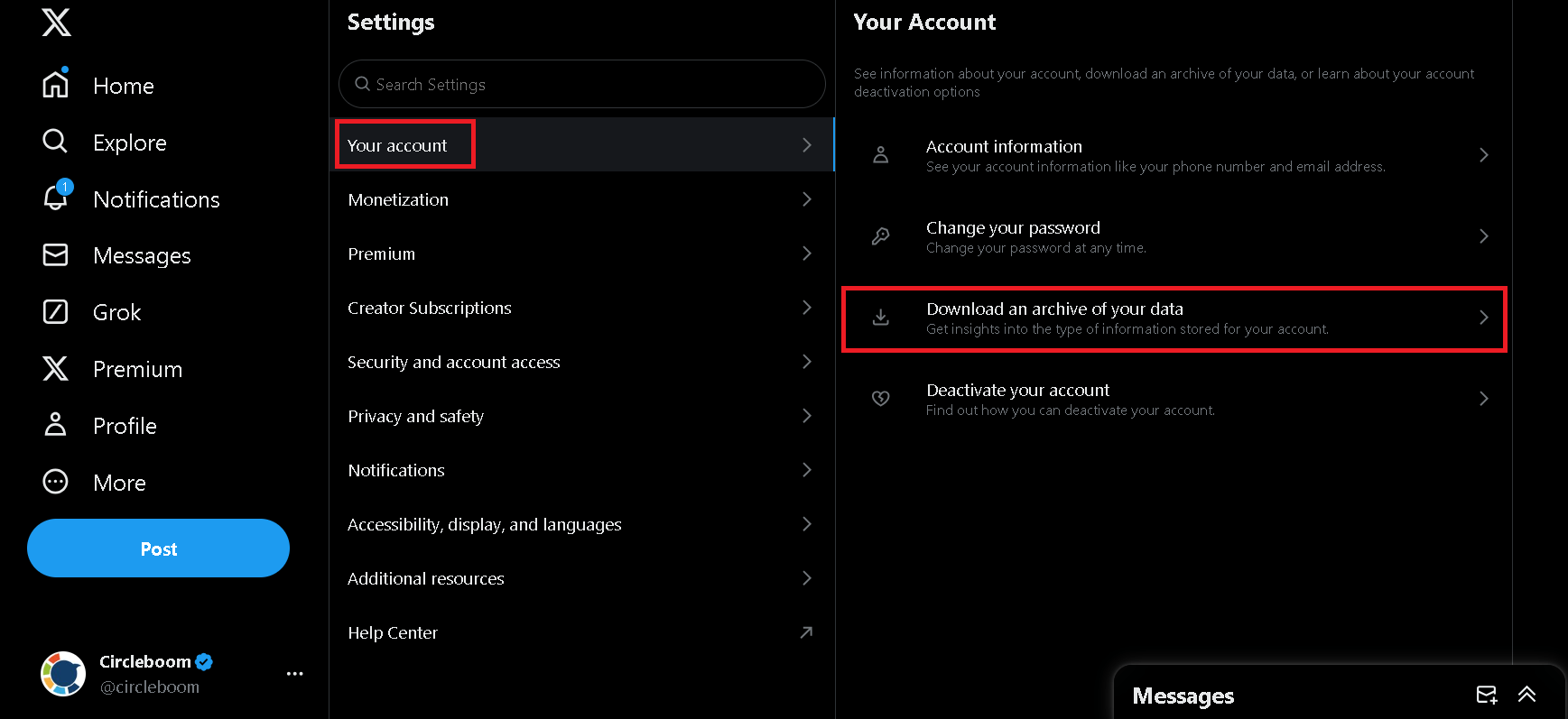
Has a data export option!
- ~3 day wait
- Only your data
Other accounts?
RSS from xcancel.com
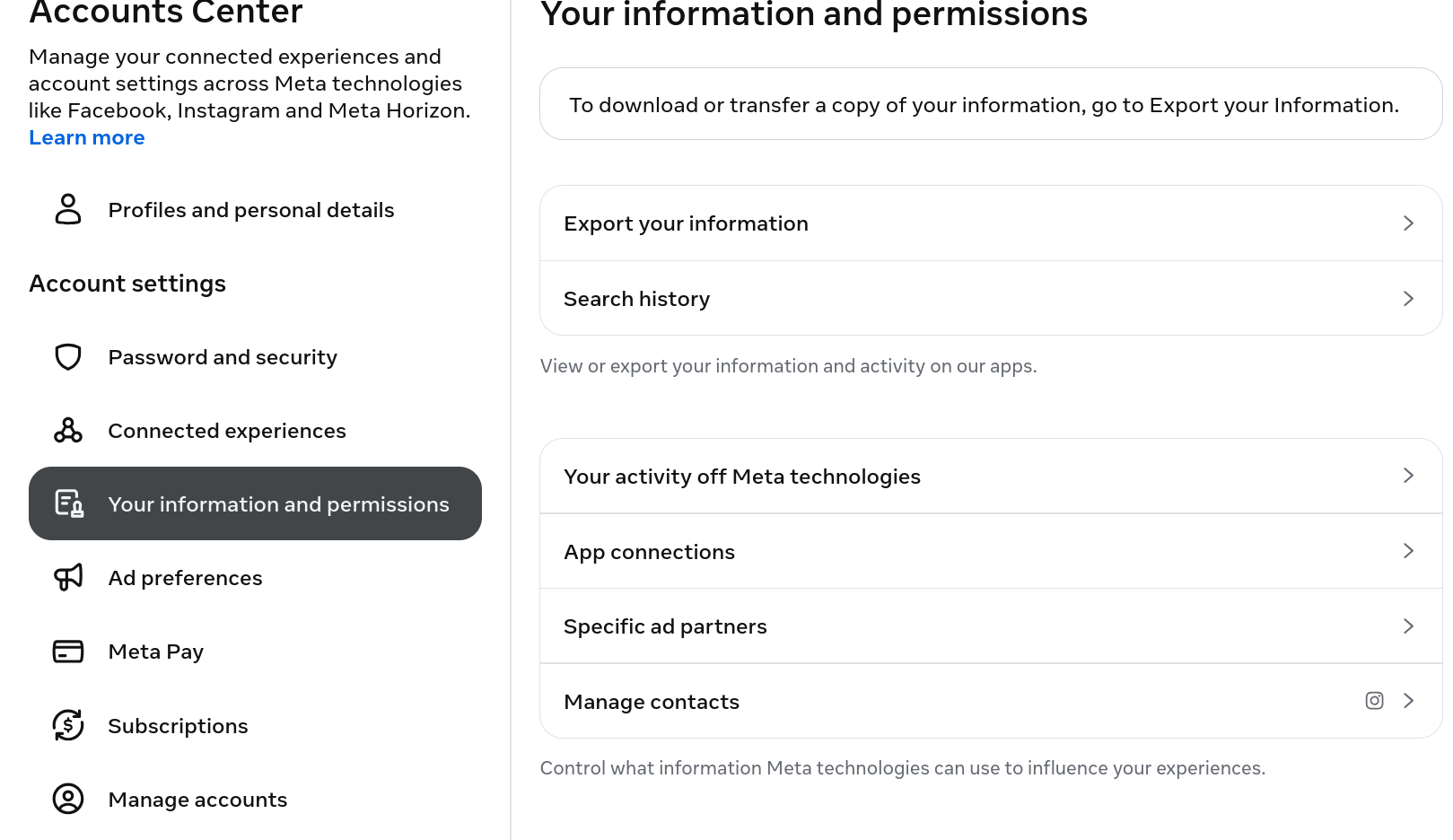
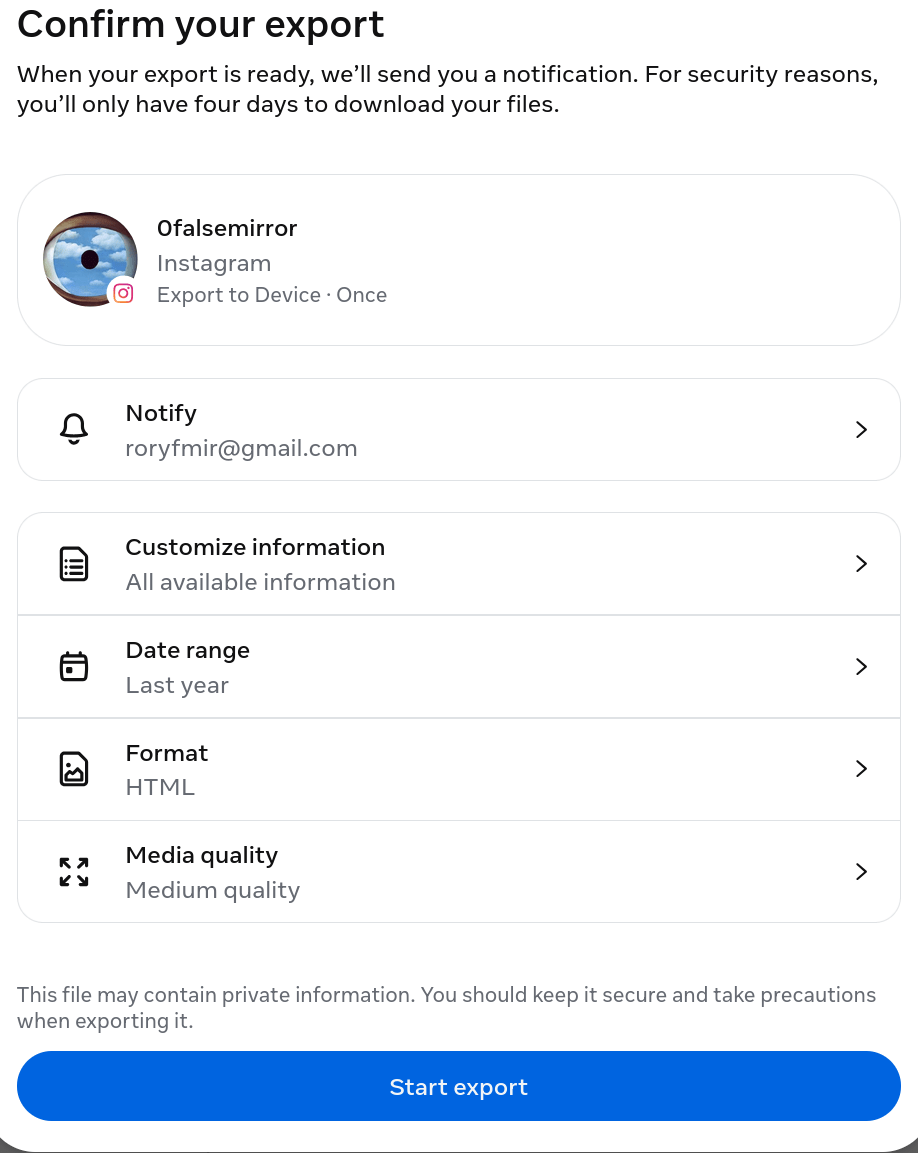
Instagram/FB
https://accountscenter.instagram.com
https://accountscenter.facebook.com
Other accounts? Feedbro web extension
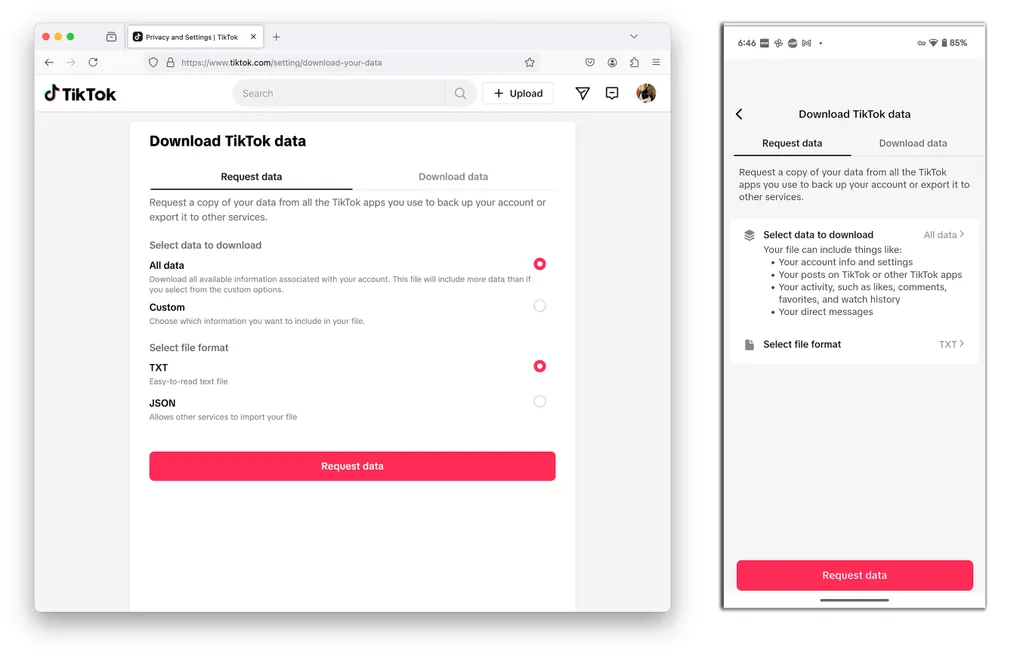
TikTok
Profile page
> Three-lined menu icon (upper-right)
> Settings and Privacy
> Account
> Download Your Data
Other Accounts?
Browser extension "myfaveTT"
(can browse downloaded videos)
Google/Youtube
https://takeout.google.com
- There's a lot! try separate exports per service
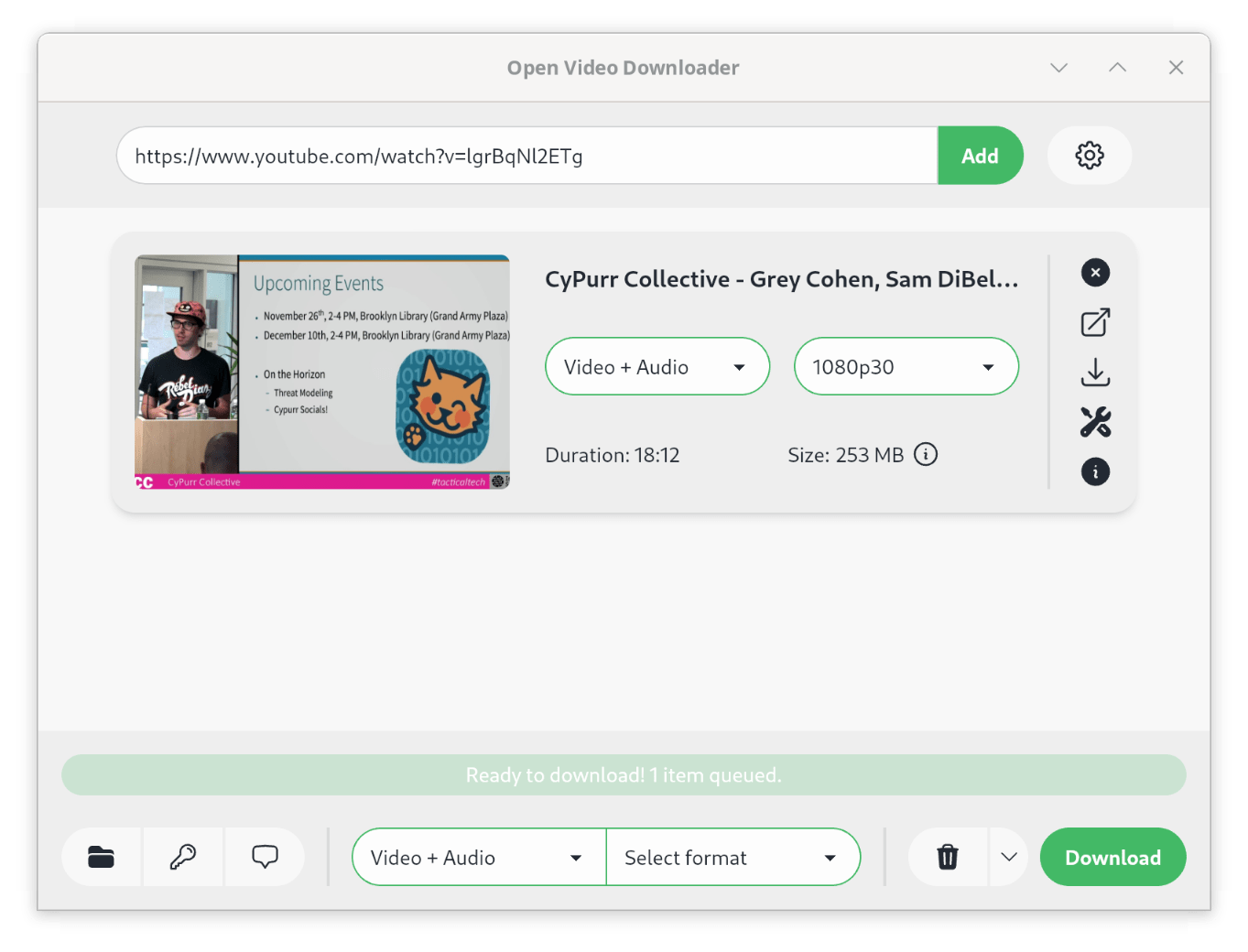
youtube-dl tools:
"Open Video Downloader"
View/Clean up
Exports are usually hard to look through!
Many on-device programs which help view/sort


Google Photos
Migrate (optional)
'Easier' Social Transfers
X -> Bluesky
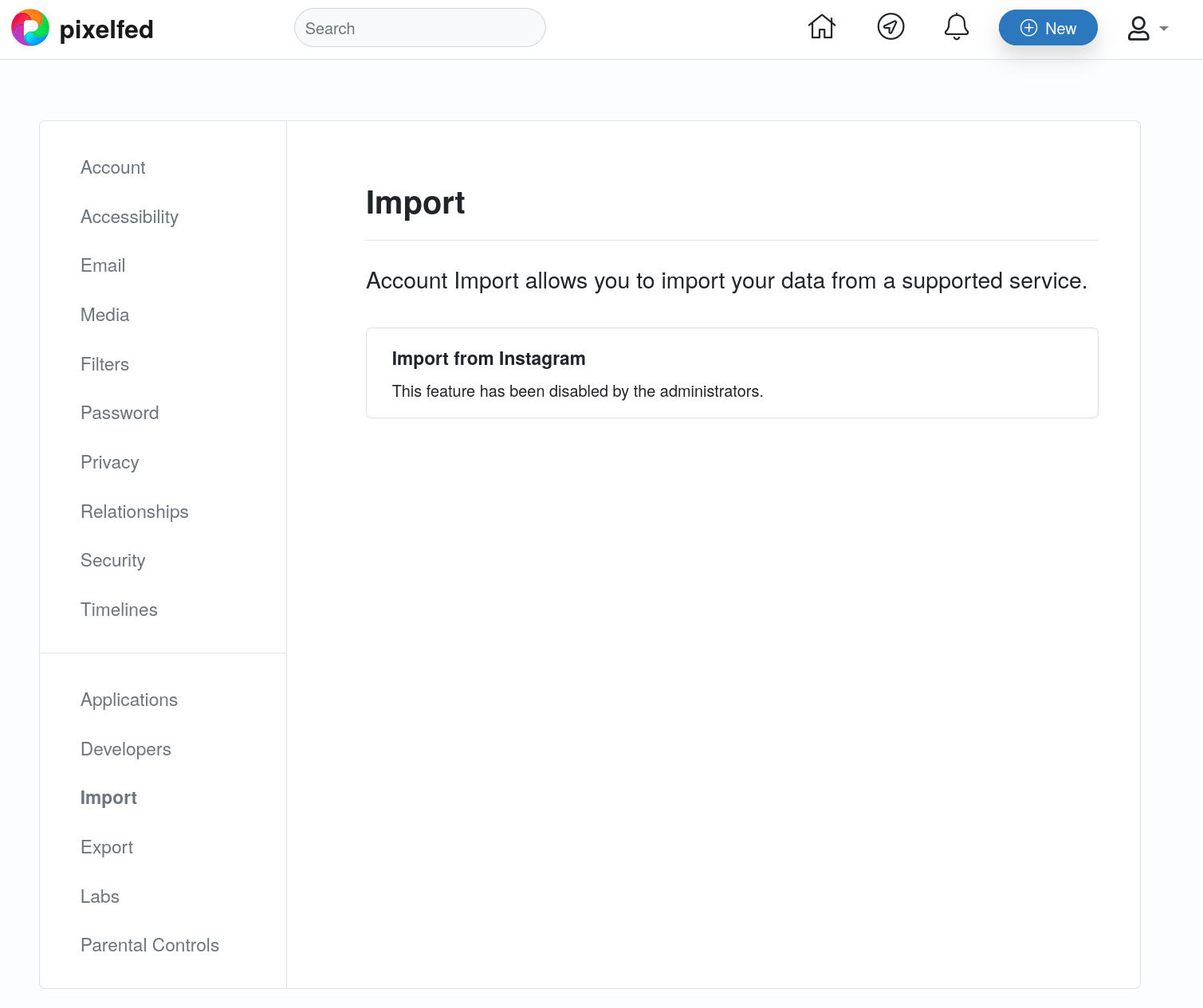
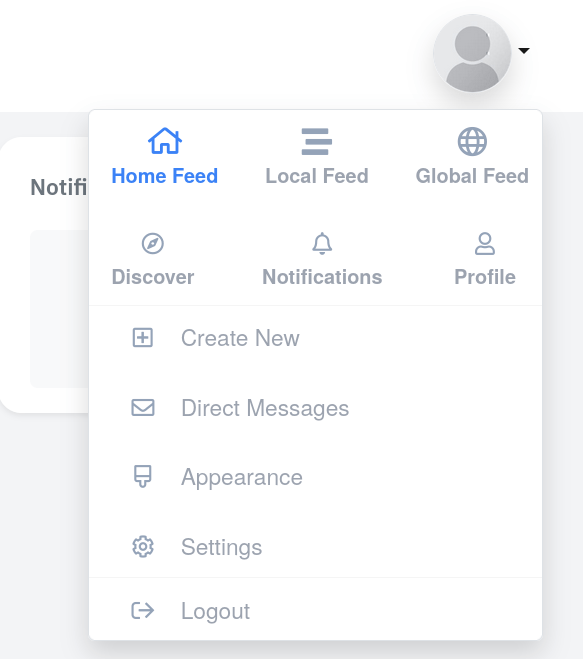
Insta -> Pixelfed
Gmail -> Protonmail
Youtube -> Newpipe






Well supported
- blog to blog
- storage to storage
Trickier
- Moving "social graphs"
- Features/settings



Migrate to
Follows:
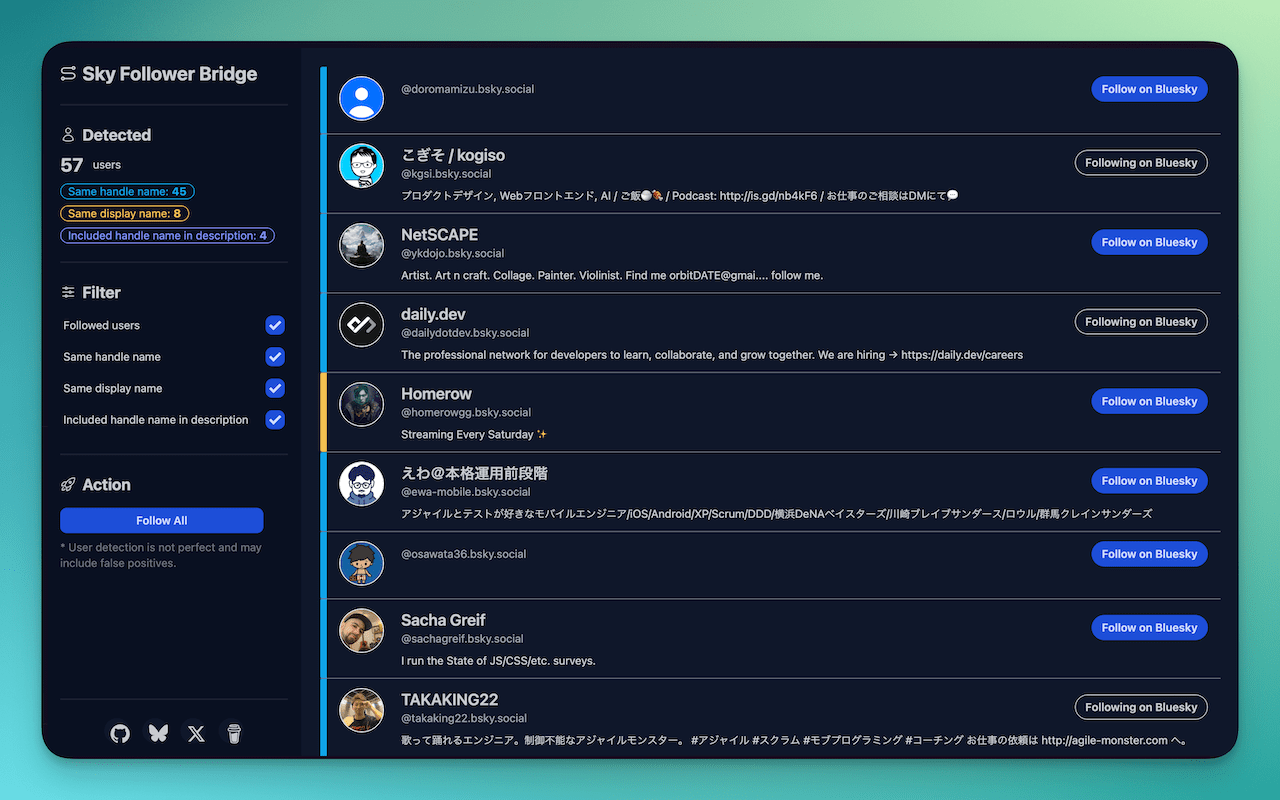
- Extension "Sky Follower Bridge"
- Find people from 𝕏, Threads, Instagram, TikTok, Facebook
- Tip: put your new handle in your old X profile
Your Timeline:
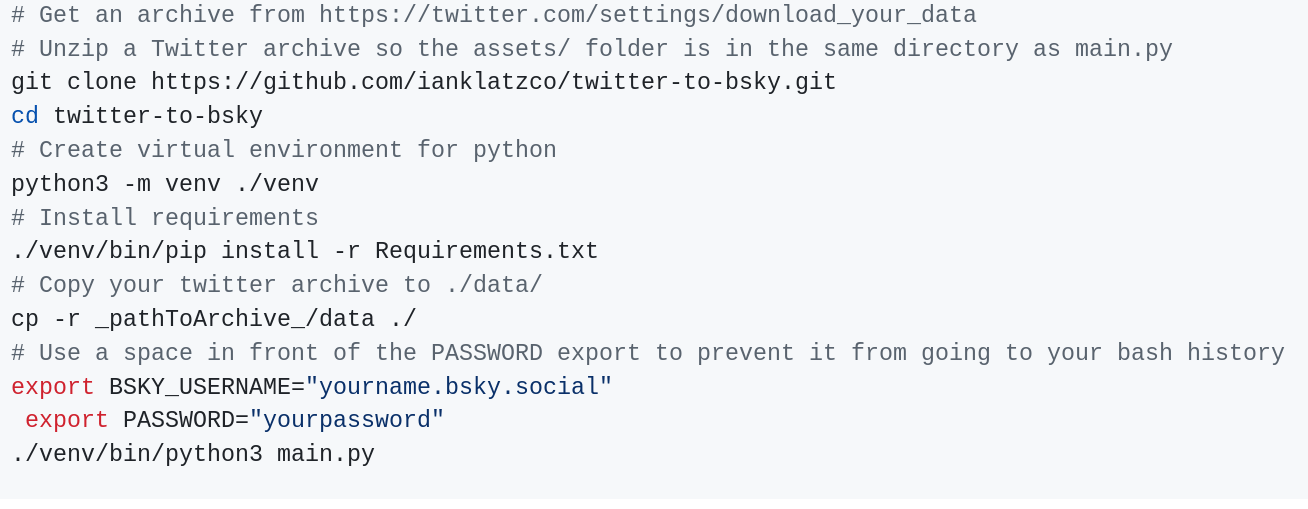
- `twitter-to-bsky`
Migrate to
Must export instagram data as `json`
Only posts, not followers
Migrate to
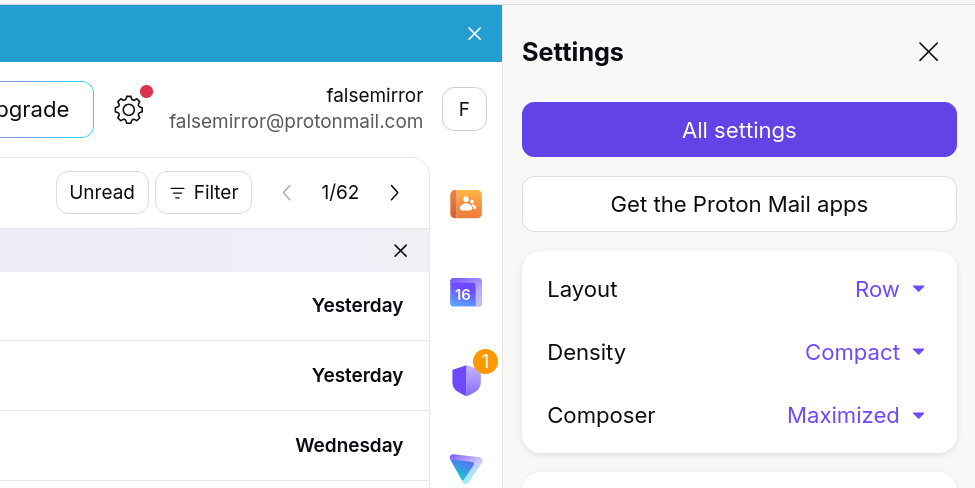
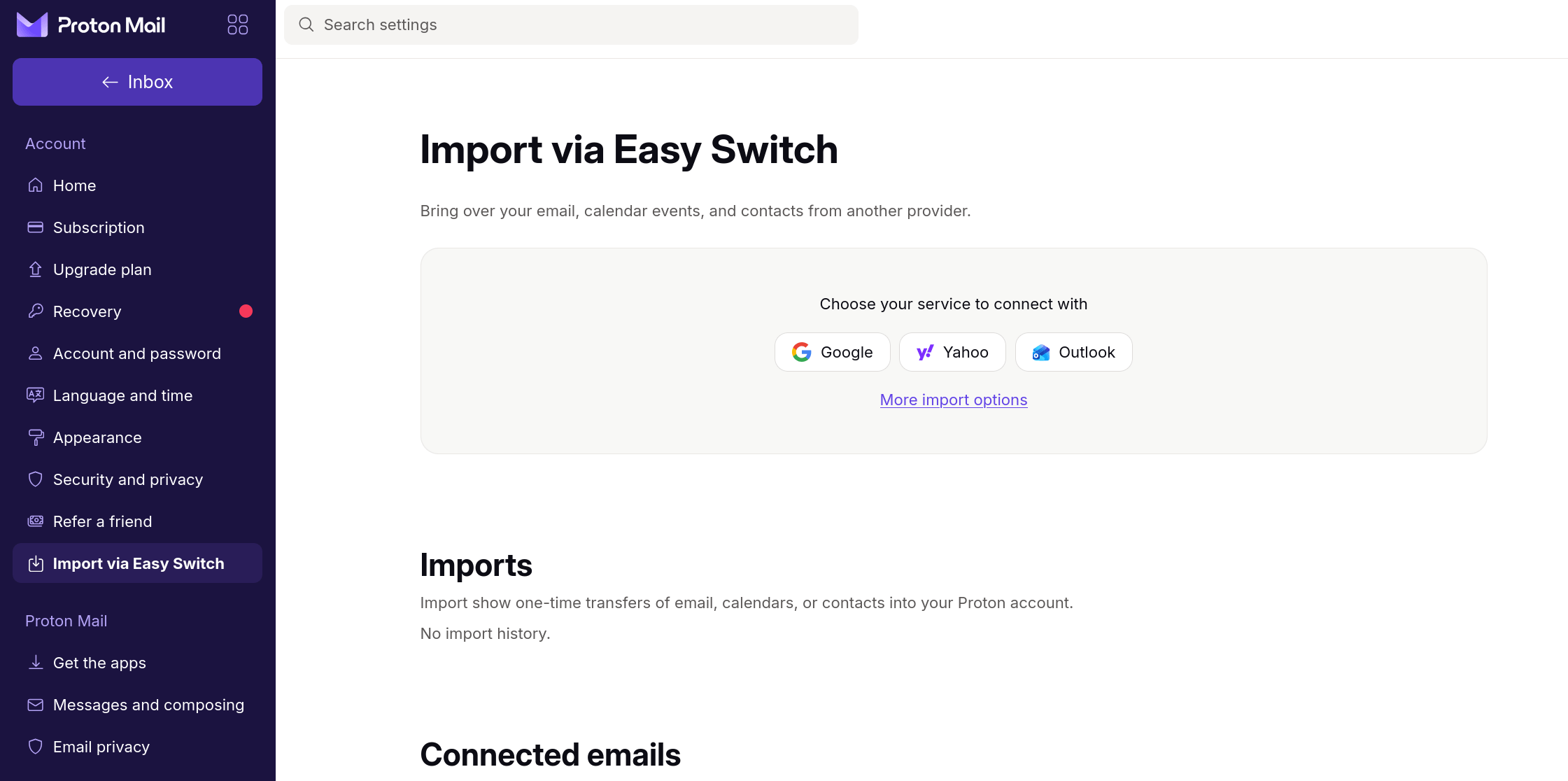
Can skip the export!
- Contacts
- Calendar
Forwards future mail
Backup!
(modified) 3-2-1-1 Backup
- 3 Copies
- >2 storage "types"
- Paper
- Harddrive (i.e. hot drive)
- Thumbdrive (i.e. cold drive)
- DVD
- Cloud
- 1 offsite
- Includes the cloud
- 1 "cold" backup

Easy Examples?




Private Backups

Cryptomator
Encrypts data before putting it on the cloud

Built in? (Time Machine, Windows Backup)
Time Machine has an encryption option, Windows needs file encryption :/
VeraCrypt
Encrypts data for local storage

Kopia
Automatic backups, encrypted, local or cloud

Discussion & Support

Thanks!
cypurr.org
cypurr@pm.me
