WebOctave
What is Octave?
Octave is a Open Source Software , which allows the user to perform typical numerical calculations, such as finding solutions to systems of nonlinear equations, scientific visualization, etc.
What is Weboctave?
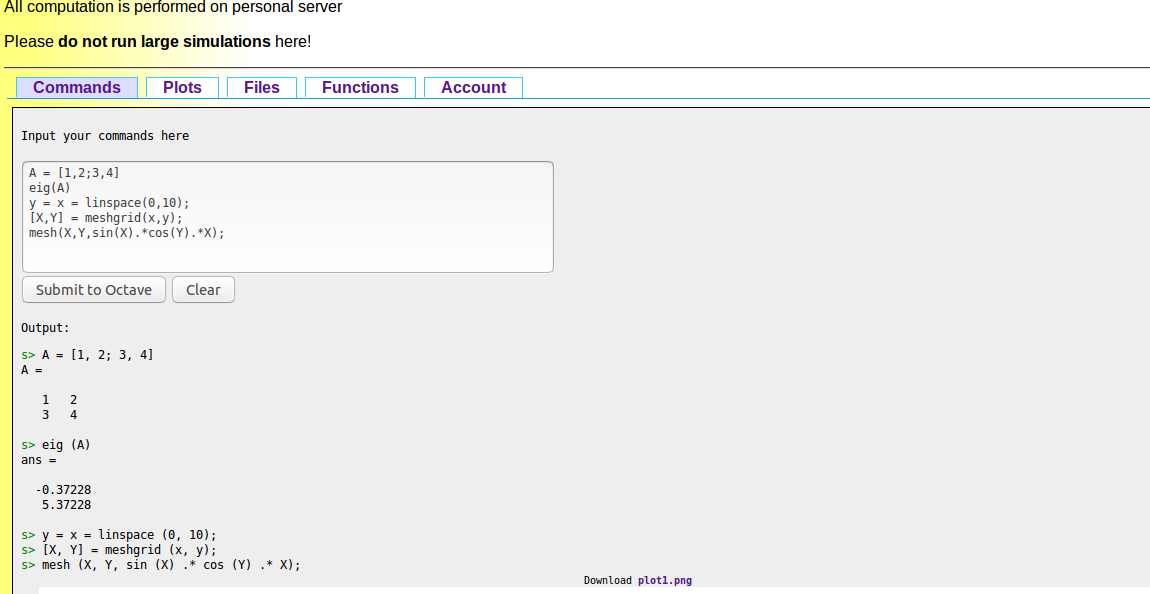
Web Interface to Octave lets people use Octave remotely. The user sends the commands to a remote server, next all required computation is done on the server, and finally the user is presented with the results (text or graphics).
Features
- Functionality of Octave.
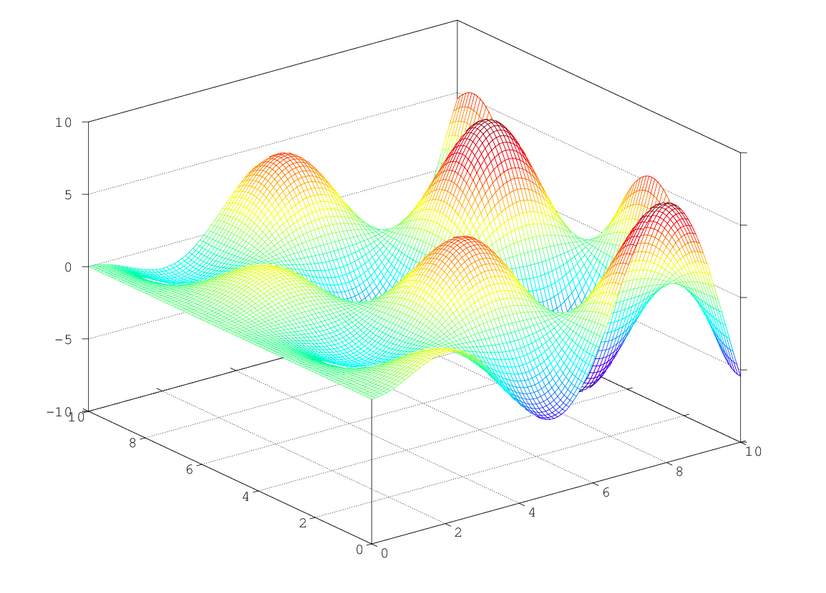
- Making plots and downloading them.
- The user can define custom functions.
- Creating account and accessing files and functions.
- Every user is granted a separate workspace.
About the Project
The project was based on the ideas from a similar web service, which contained a web interface Octave, written in CGI.
The project aimed at adding more features to what was already available and switching from CGI to PHP.
History
Version 0.0.1:
May 2007. Pre-release intended as a feasibility demonstration. Only basic functionality: text-based input/output and only one-plot capability.
Oct 2007. Huge rewrite of the previous version. Fixed user accounts and improved session management.
Version 0.1.0 :Nov 2008.
Interface lifting. Extension of capabilities, HTML cleanup. Better handling of graphics files. First public release at SourceForge.
Sep 2008. Graphical functionality extended.
Apr 2008. Included as a project on SourceForge.
History
History
Version 0.1.1
Development release
Developers
So far, all development was conducted by a group of enthusiasts originating from Students' Numerical Research Group associated with the Faculty of Mathematics, Informatics and Mechanics, University of Warsaw
Necessary Softwares
1) WWW server with PHP>=5 support (ex. Apache)
2) SQL server (ex. MySQL, may be remote)
3) Octave>=3.0.0
The code is available at
https://sourceforge.net/projects/weboctave/
Installation
1) Unpack weboctave archive to a directory available to be accessed by WWW server. Depend on your permission policy, you may have to change premissions, in order to files be accessible by WWW server.
Particularly, you have to change permissions to directories "data"and "Logs" to be writeable by WWW server.
2) Create database to be used by WebOctave.
3) Set database entries. Use "setup/db.sql" script, but edit it first
to supply the database name.
Installation
4) Copy "config/config.php.example" to "config/config.php".
5) Edit "config/config.php" and set your preferences.
You have to set database data.
Now your WebOctave environment is ready to work and should be
accessible by any web browser.
Modifications
- Adding php in beginning of the tag in the index.php file.
- Renaming octave-cli to octave.
- Adding dispatch.m file to the octave.
- For furthur improvement, Making dispatch class.
Command to Weboctave