3 of 3 OpenStack provisioning
Victor Morales
@electrocucarach
OpenStack is a cloud operating system that controls large pools of compute, storage, and networking resources throughout a data center, all managed through a dashboard …
Requirements:
- Functional OpenStack Instance
- Keystone credentials
- Application details
- Functional OpenStack Instance
- Keystone credentials
- Application details
Public Clouds



















- Functional OpenStack Instance
- Keystone credentials
- Application details
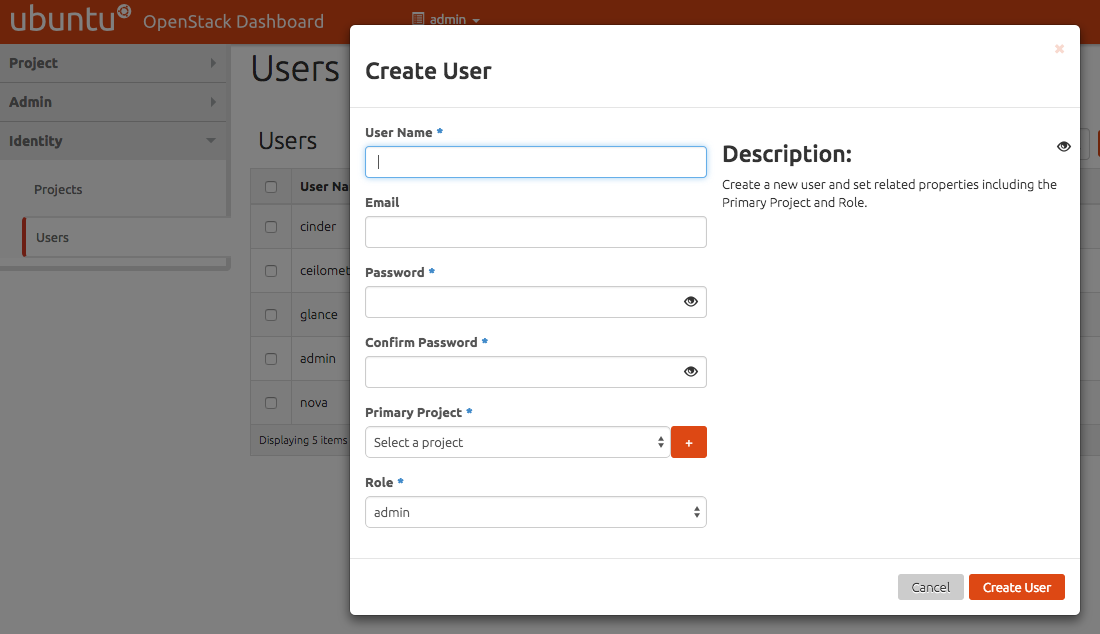
User & Tenant access
- Functional OpenStack Instance
- Keystone credentials
- Application details
Details
- Availability Zone
- Instance Name
- Flavor
- Instance Count
-
Instance Boot Source
- Image
- Snapshot
- Volume
Ways:
- Command Line Interface (python-novaclient)
- Web Interface (horizon)
- RESTful Webservices
- Command Line Interface (python-novaclient)
- Web Interface (horizon)
- RESTful Webservices
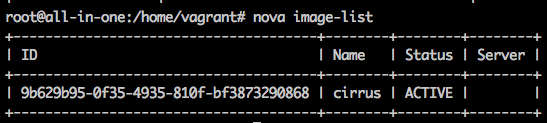
Command Line Interface
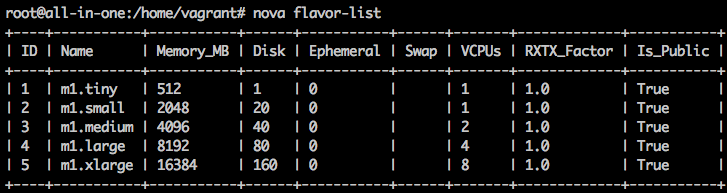
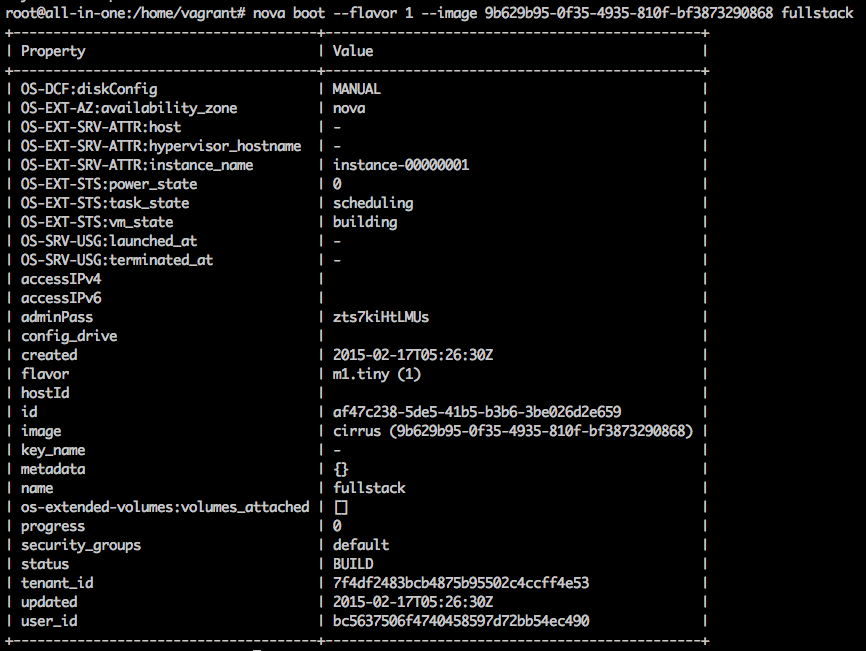
- Command Line Interface (python-novaclient)
- Web Interface (horizon)
- RESTful Webservices
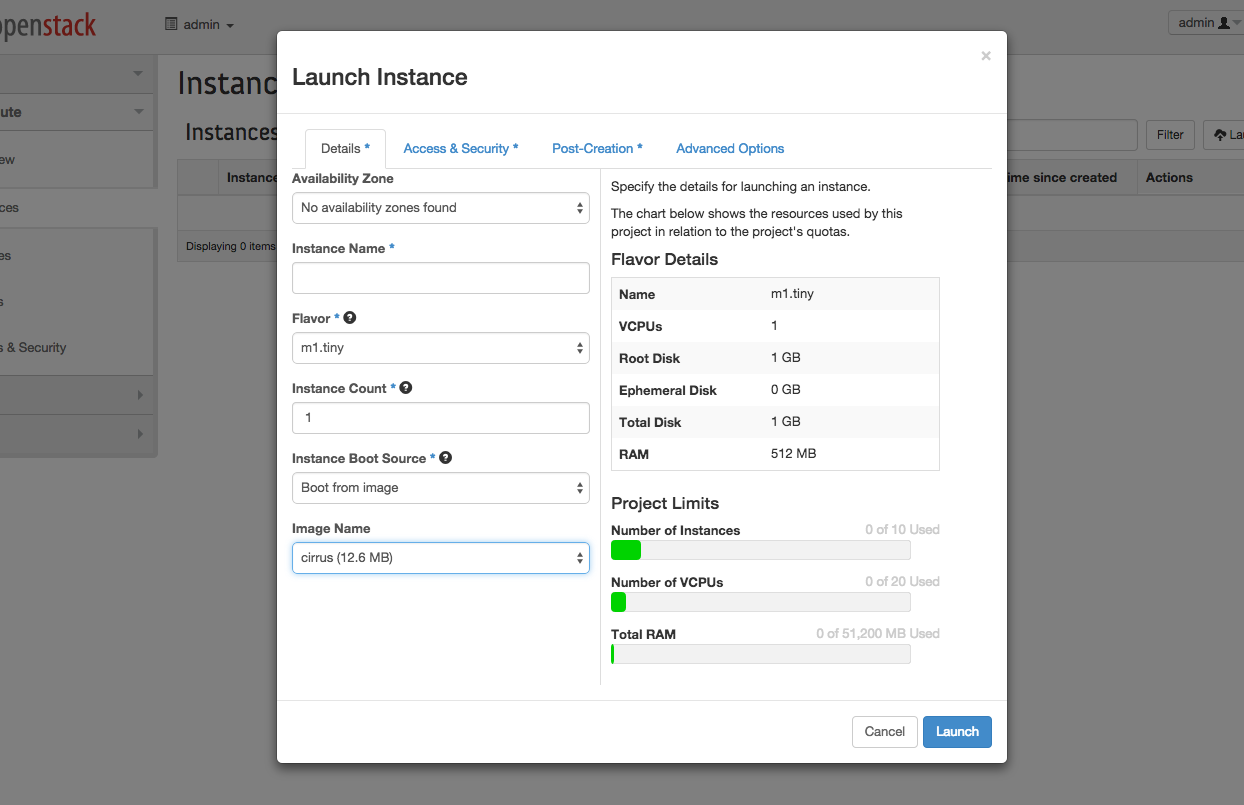
- Command Line Interface (python-novaclient)
- Web Interface (horizon)
- RESTful Webservices
cURL - OpenStack APIs

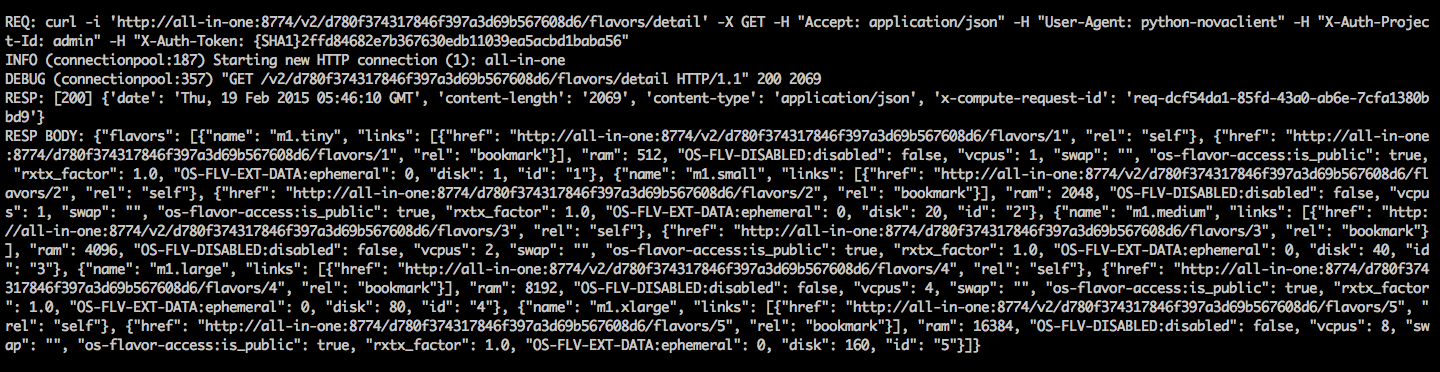
http://developer.openstack.org/api-ref.html
Provisioning:
-
Custom image building
-
User-data boot scripts and cloud-init
-
Configuration management tools
Custom image:
-
No need to download and install anything.
-
Can be verified before released.
-
A number of tools are available(diskimage-builder, imagefactory)



User data is the mechanism by which a user can pass information contained in a local file to an instance at launch time.


To do something useful with the user data, the virtual machine image must be configured to run a service on boot that retrieves the user data from the metadata service and take some action based on the contents of the data. The cloud-init package was designed to do exactly this.
http://bazaar.launchpad.net/~cloud-init-dev/cloud-init/trunk/files/head:/doc/examples/
Configuration Management