

How to create custom ESLint rules
github.com/JohnnyEstilles
twitter.com/JohnnyEstilles
linkedin.com/in/johnnyestilles



Johnny Estilles
johnny@freelancer.com

What this talk IS NOT about ...
- ES2015+ Primer
- Linting Primer
- Abstract Syntax Trees (AST) deep dive
What this talk IS about ...
- Why custom rules
- What you need to know before you start
- How to develop custom rules
- How to use custom rules
Why custom rules
Why do we use linters?
- Code quality
- Homogenous styling
- Error/code smell detection
- Design pattern enforcement
- Automation (CI/CD)
Existing Style Guides
- ESLint Recommended (https://eslint.org/docs/rules/)
- Google (https://google.github.io/styleguide/jsguide.html)
- Airbnb (https://github.com/airbnb/javascript)
New Rule: No more underscore!
import * as _ from 'underscore';

_.mapObject({start: 5, end: 12}, function(val, key) {
  return val + 5;
});
What you need to know before you start
Abstract Syntax Trees
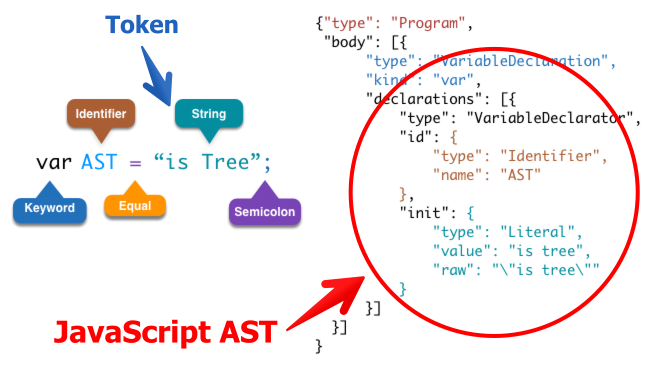
The Art of the AST
Is there a standard?
Sort of ... The ES Tree Spec
The Visitor Pattern
How to develop custom rules
ESLint Custom Rules
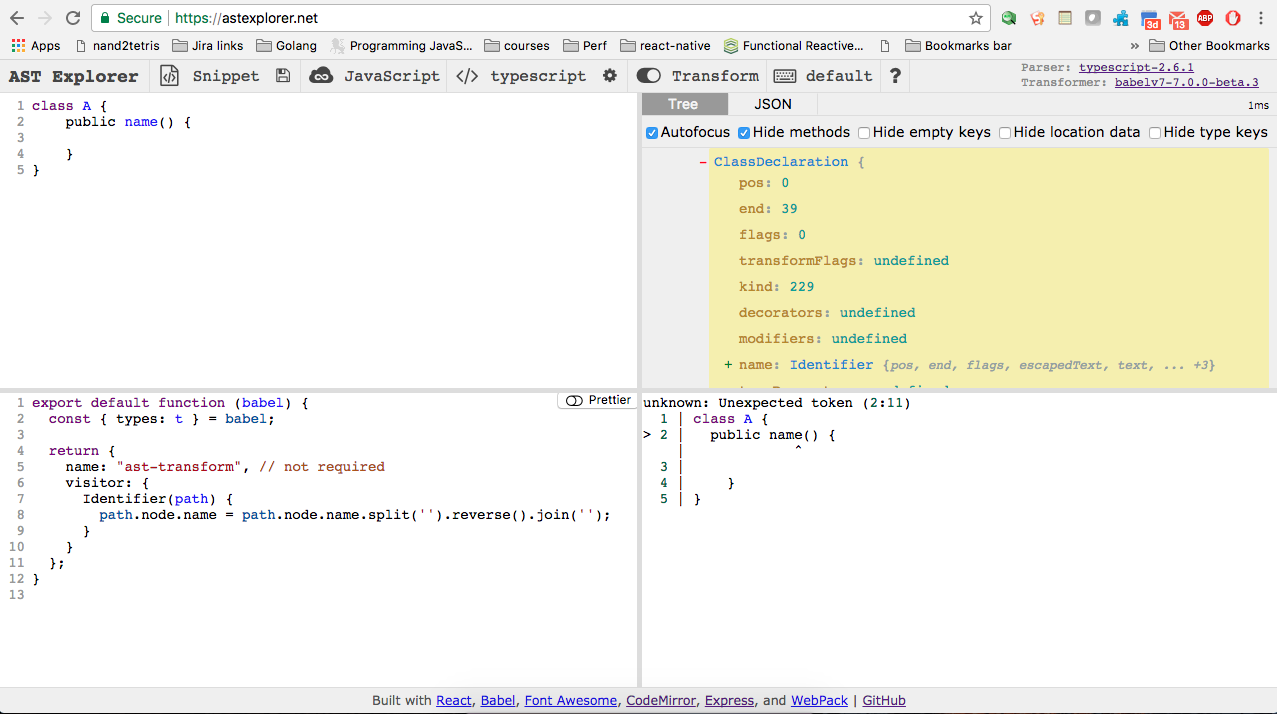
Demo Time
How to use custom rules
Install ESLint in your project
$ npm install --save-dev eslintStore rules in a folder
module.exports = {
  meta: {
    messages: {
      shortName: "Function parameter name too short: '{{ name }}'"
    }
  },
  create(context) {
    return {
      FunctionDeclaration(node) {
        node.params.forEach(identifier => {
          if (identifier.name.length < 3) {å
            context.report({
              node: identifier,
              messageId: 'shortName',
              data: {
                name: 'foo'
              }
            });
          }
        });
      }
    };
  }
};
rules/no-short-params.js
Configure ESLint
{
  "parserOptions": {
    "ecmaVersion": 6
  },
  "rules": {
    "no-short-params": 1
  }
}
.eslintrc
Run ESLint
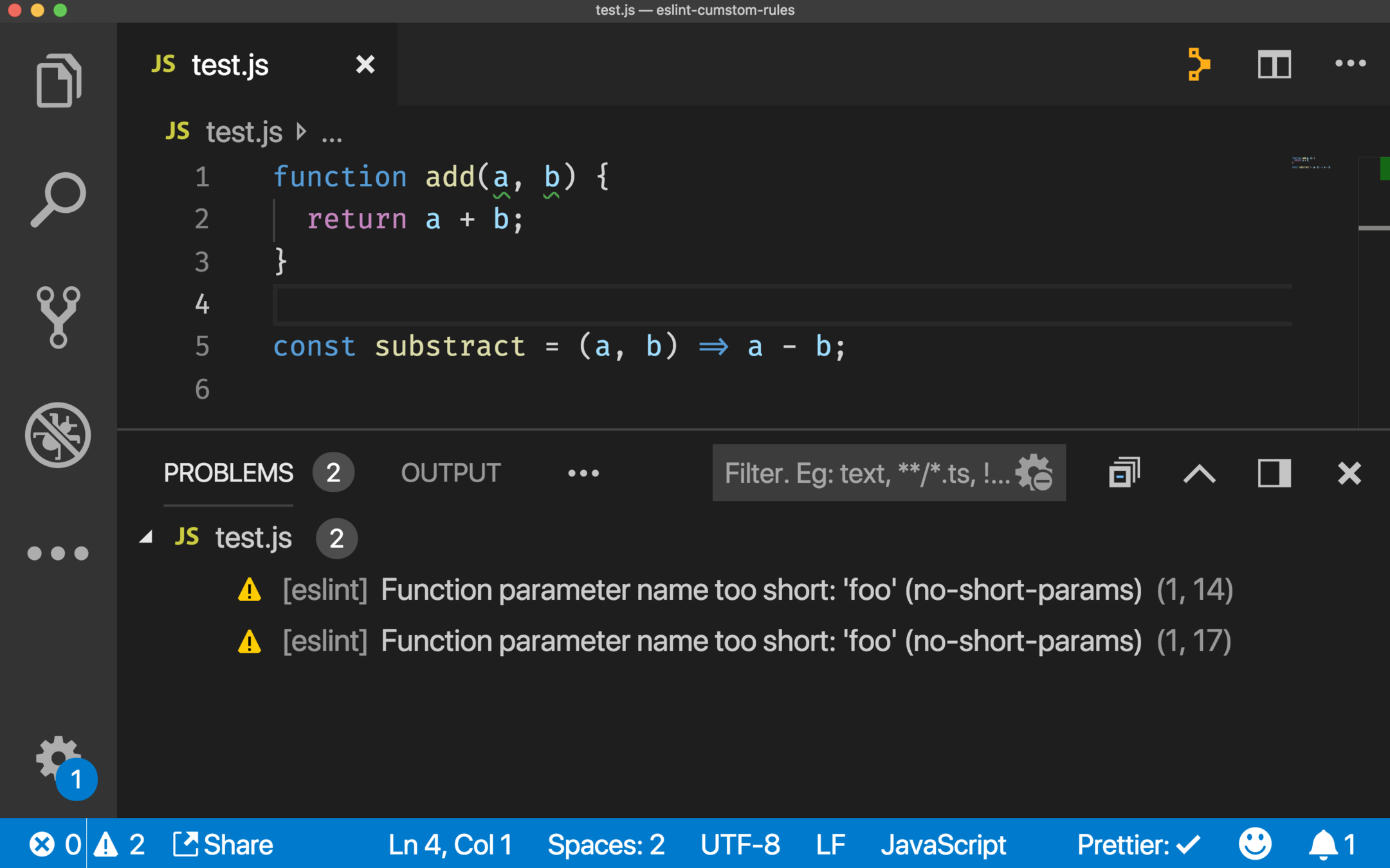
node_modules/.bin/eslint --rulesdir=./rules test.js

/Users/johnnyestilles/Training/eslint-cumstom-rules/test.js
  1:14  warning  Function parameter name too short: 'foo'  no-short-params
  1:17  warning  Function parameter name too short: 'foo'  no-short-params

✖ 2 problems (0 errors, 2 warnings)
Text
Configure VSCode
Install the VS Code ESLint extension
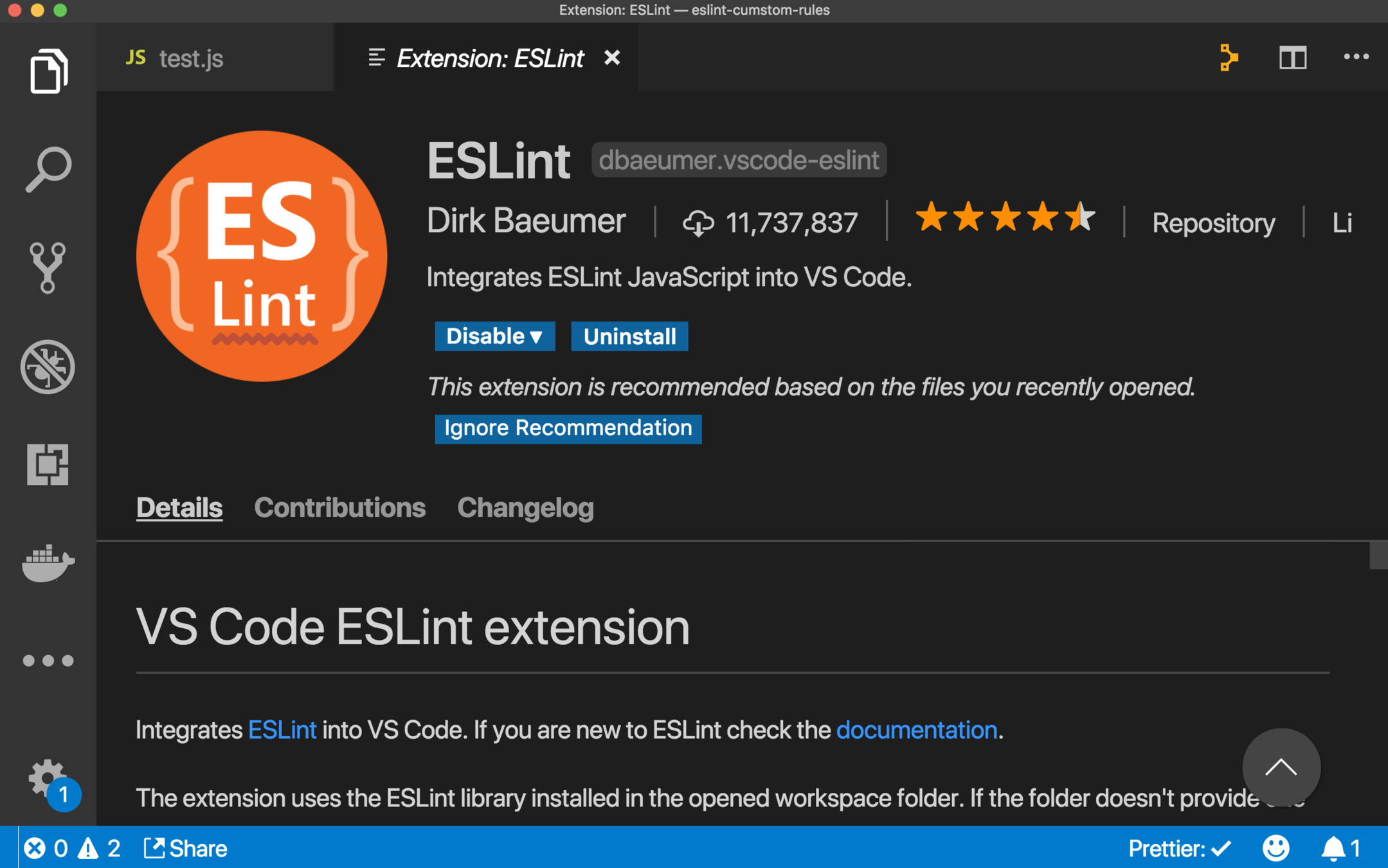
Configure VSCode
{
  "eslint.options": {
    "rulePaths": ["./rules"]
  }
}
.vscode/settings.json
Voilà!
References
Questions?