MouseEvents in Flash:
dogMC.addEventListener(MouseEvent.CLICK, bark);
(Does this statement look like gibberish to you?)
The Second Commandment of using FLASH

Thou SHALT know how to make MouseEvents
Dot Notation
- Dot notation describes objects (Properties)
- Dot notation gives instructions (Functions)
-
Standard used in structured languages (Java, C++...etc)
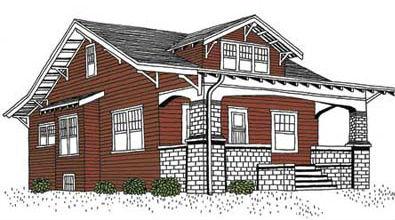
The house has two bedrooms.
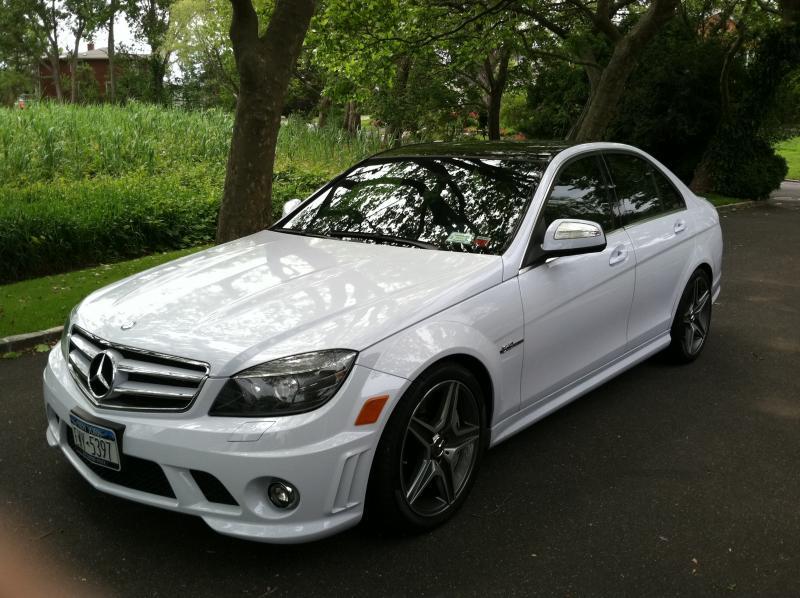
The car has four doors.
The car gets 23mpg.
The car is a white color.
house.bedrooms = 2;
car.doors = 4;
car.mpg = 23;
car.color = white;
Note: Just like a period ends a sentence,the semi-colon ends an Actionscript statement.
doors, mpg, color are properties of the car.

car.turnLeft();
car.reverse();
dog.bark();
dog.sit();
dog.playDead();
Dot Notation - Giving Instructions to an Object
Functions contains a list of instructions or code.
There are built-in functions like:
stop(); gotoAndPlay(); addEventListener();
There are custom functions we need to create.
http://goo.gl/0fHZSg
Anatomy of a Function
// list of Actionscript Code
}
Black box analogy:
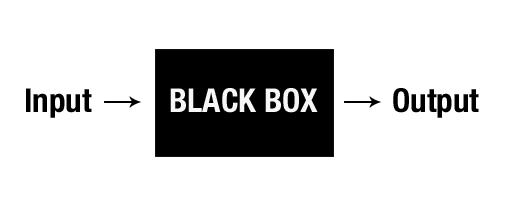
Some functions have no input/output:
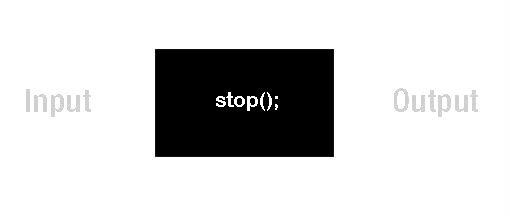
Some built-in functions expect an Input value-
gotoAndPlay(10); gotoAndStop("rollover");
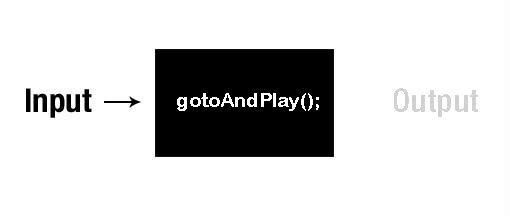
Some functions can require input for an expected output:
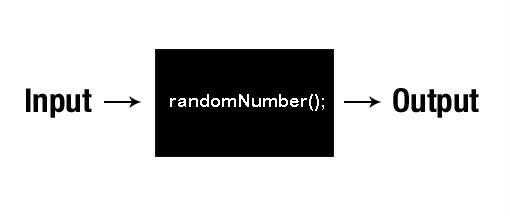
So this example custom function could be used like this:
carMC.width = randomNumber(20,50);
we could set the width of a car movieClip to the output of a function -> a random number between 20 and 50.
For this semester we will just create functions
without any output values. So we use :void
}
Putting the () to good use.
more detailed instructions to the functions.
brake (); --> Pressure
bark (); --> volume
Creating a custom function with input parameters
}
function Name - declares a function
(variable:type) - tells a function to expect an input type
:void - no function output
{} - container of all the actionscript commands.
The input parameters inside the () use variable:type pairs.
Creating a custom function with input parameters
dogMC.gotoAndPlay("Bark");
dogMC.scaleX = vol;
dogMC.scaleY = vol;
}
if we call function bark(2);
--> we give instructions to the dogMC object
Creating a custom function with input parameters
carMC.gotoAndPlay(speed);
}
if we call the function drive("slow");
--> we give instructions to the carMC object
Using Mouse Events to trigger custom functions.
dogMC.addEventListener(MouseEvent.CLICK, bark);
The () says we're giving an instruction to the dogMC object.
Look! addEventListener is a function with 2 input parameters
Somewhere inside flash this function exists:
function addEventListener(EventType, FunctionName):void{
// list of coded instruction
}
Using Mouse Events to trigger custom functions.
dogMC.addEventListener(MouseEvent.CLICK, bark);
addEventListener expects 2 input parameters.
The first is an Event Type - MouseEvent
MouseEvent.CLICK means its a CLICK type Mouse Action
dogMC.addEventListener(MouseEvent.CLICK, bark);
addEventListener expects 2 input parameters.
The second is a custom Function Name- bark
There needs to be a custom bark() function defined somewhere.
function bark():void{
}
MouseEvents in Flash:
dogMC.addEventListener(MouseEvent.CLICK, bark);
(Does this still look like gibberish?)
digital versions of the pop-up books.
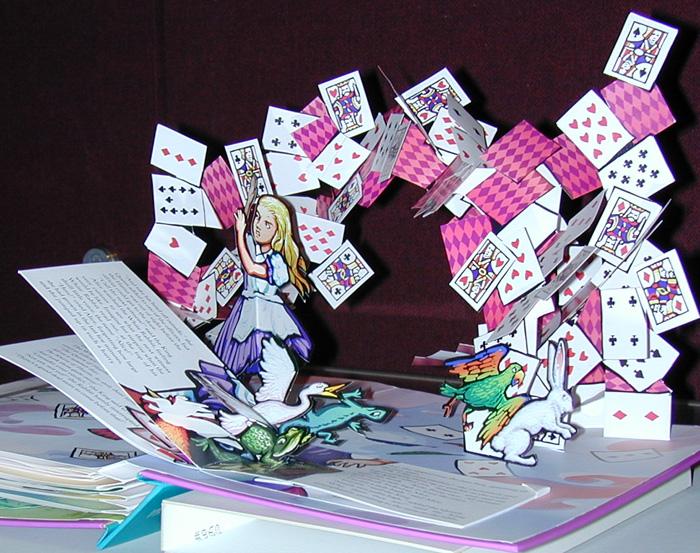

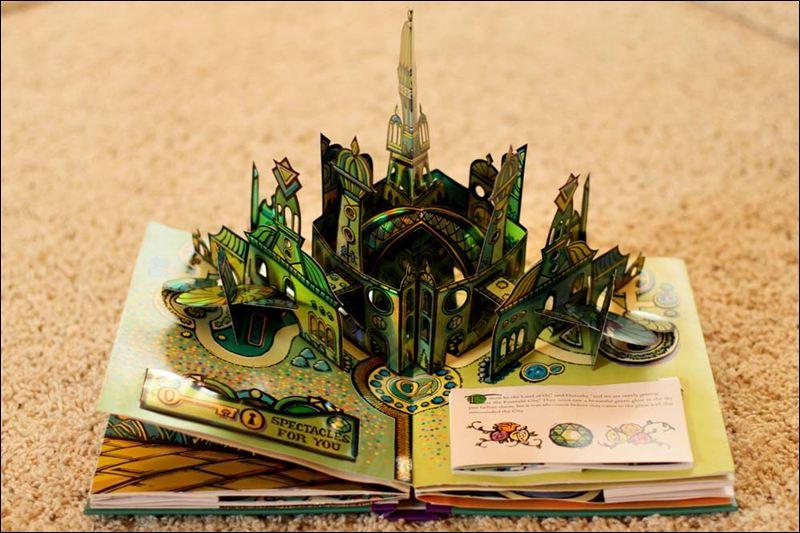
Interactive Storybooks using Flash
Animations + MouseEvents.
http://goo.gl/bAKqv
http://goo.gl/g6hlQP
http://goo.gl/50kb7o
http://goo.gl/mFJYG
Class Assignment - Due Apr 2 & Apr 9
Create an Interactive Storybook in Flash
of a folktale/fairytale. Using the story Text + Images.
Make 3-8 screens to tell part of the story.
Due the April 2nd.
Part 2 --> Bring the screen designs into Flash and design at least
eight (8) different animations or visual effects using
MouseEvents.
Due the April 9th.
Interactive Storybooks using Flash
Animations + MouseEvents.
Walk-through creating a simple example.
http://goo.gl/HyMMXJ