


No one is better than a NINJA to protect your XEM
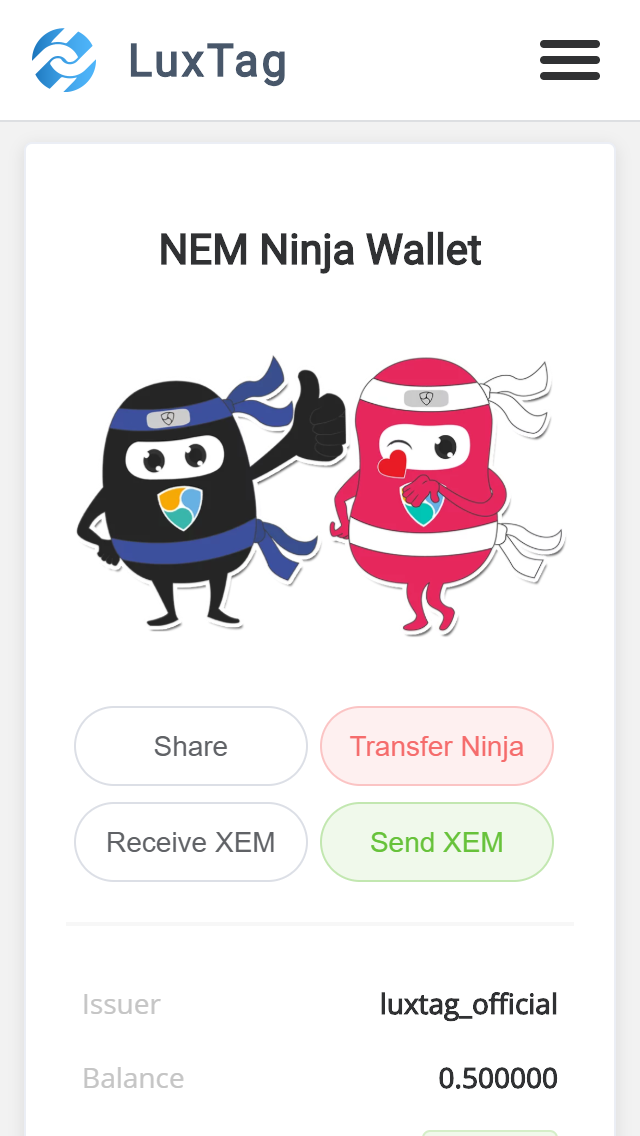
How does it look like?
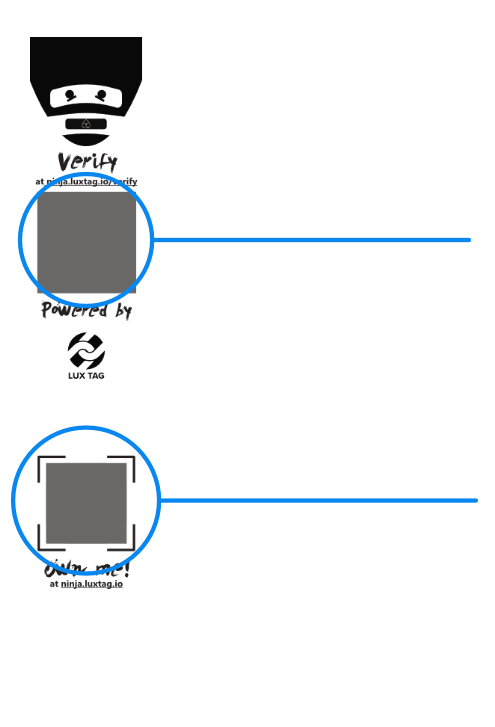
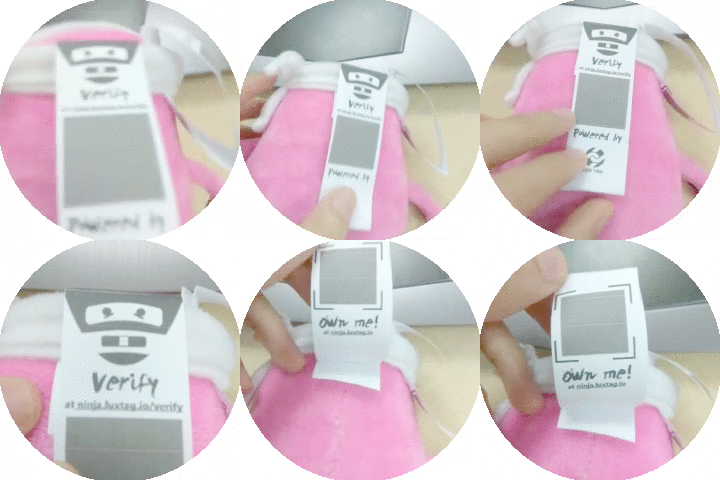
Verification
Claim
Verification
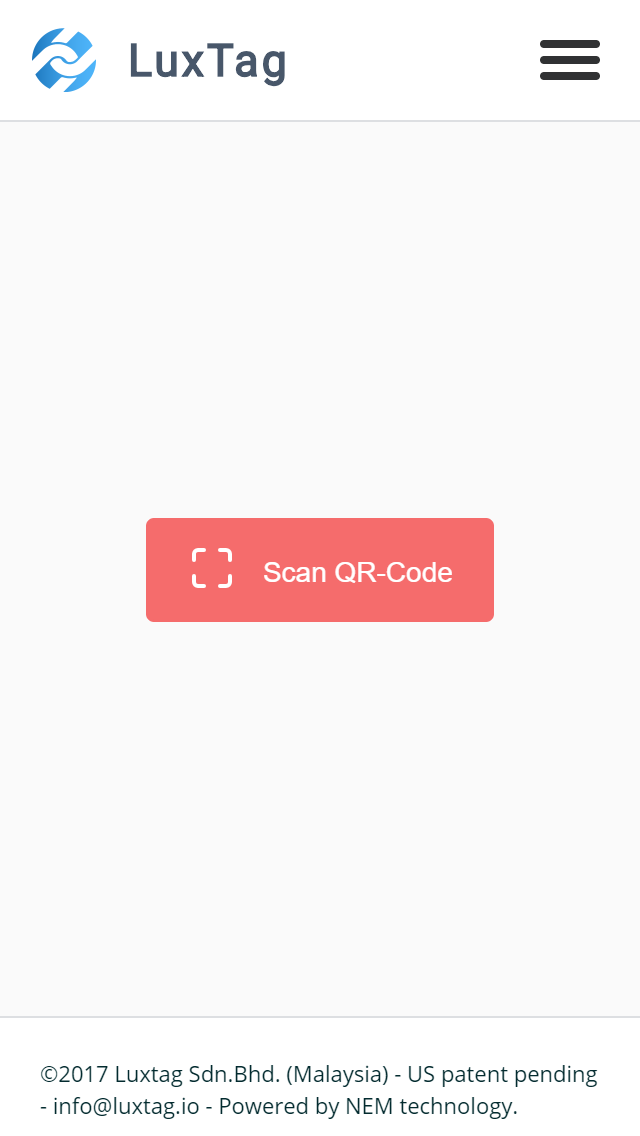
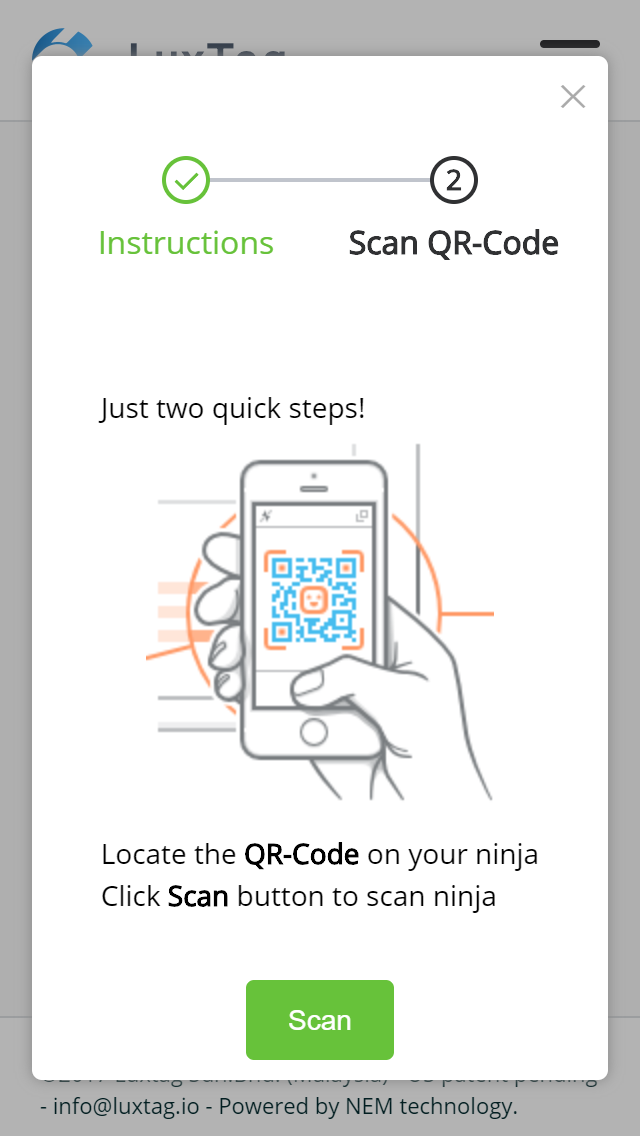
Verification
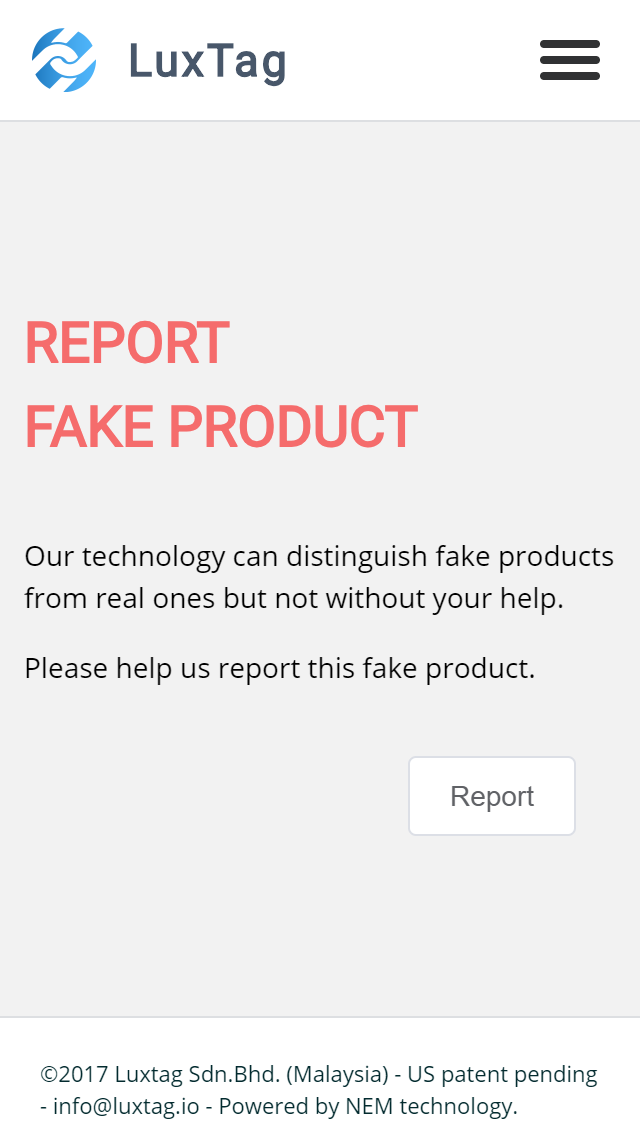
Authenticity
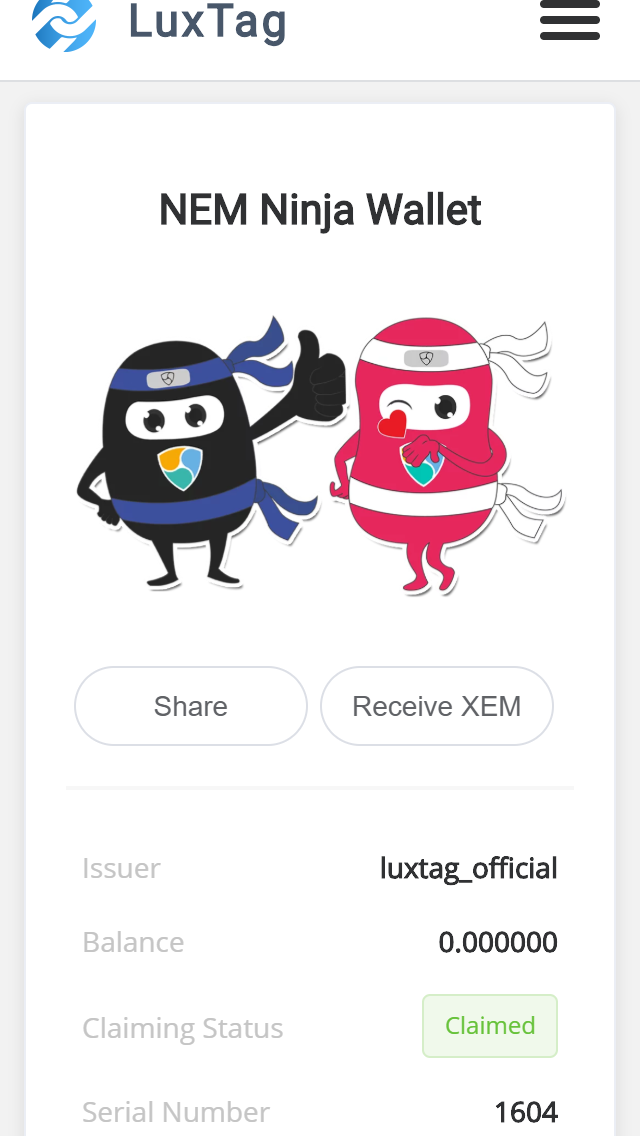
Claim status and meta data
Notes
- there is an option to enter the raw data of the QR code "I don't have a camera"
- You can tip the ninja before it's claimed (very good for a gift)
Claim
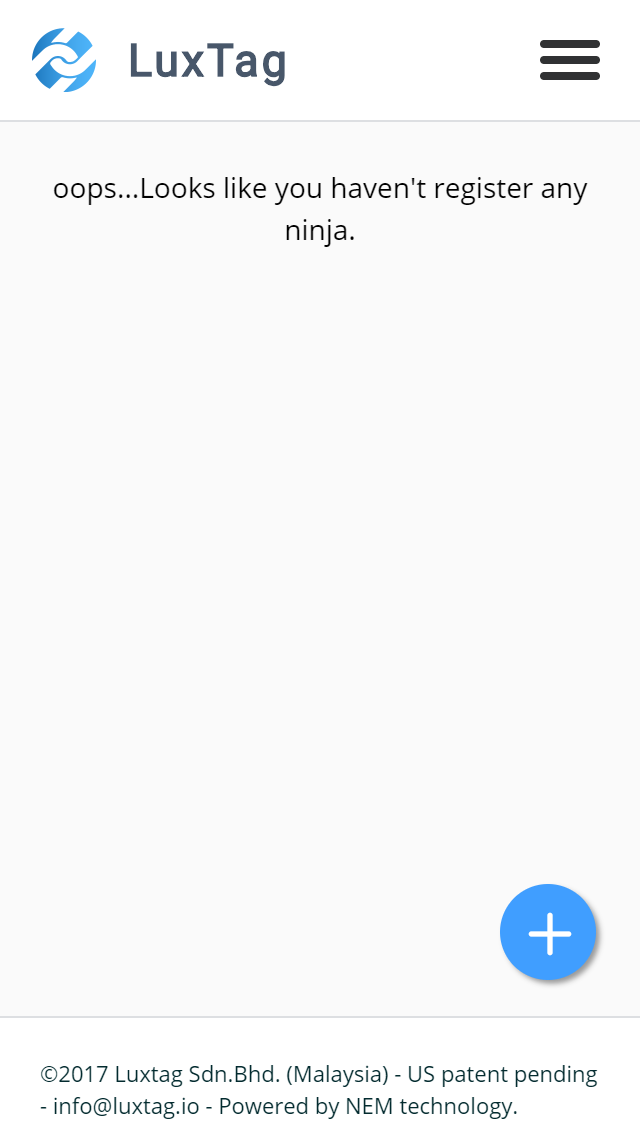
- create an account and log in
- click on the plus button
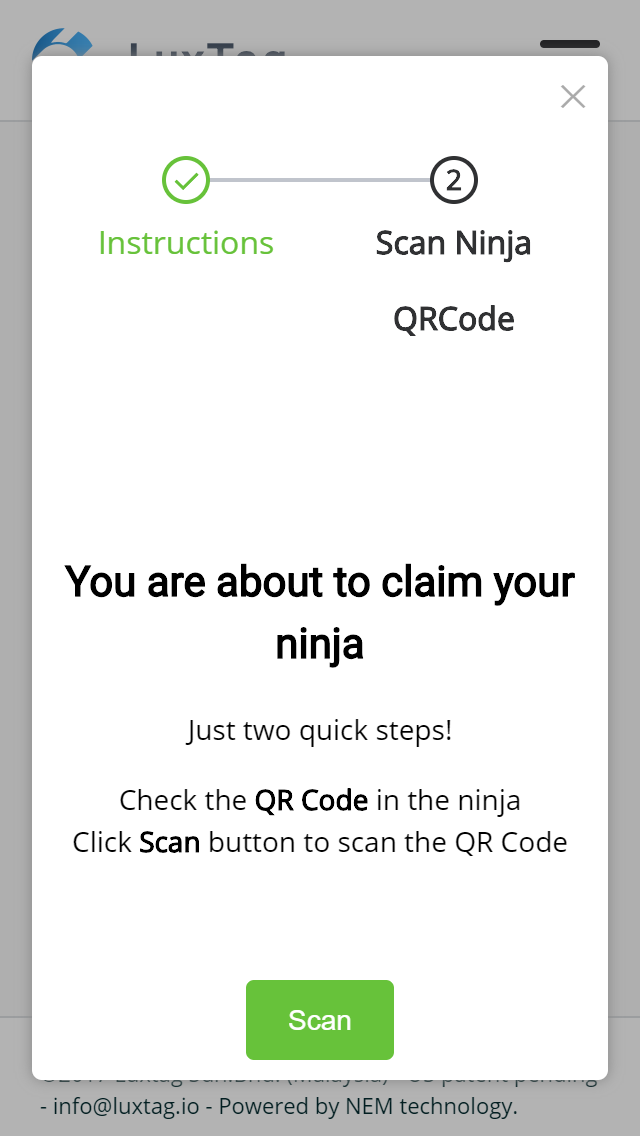
Scan the claim QR
Claim
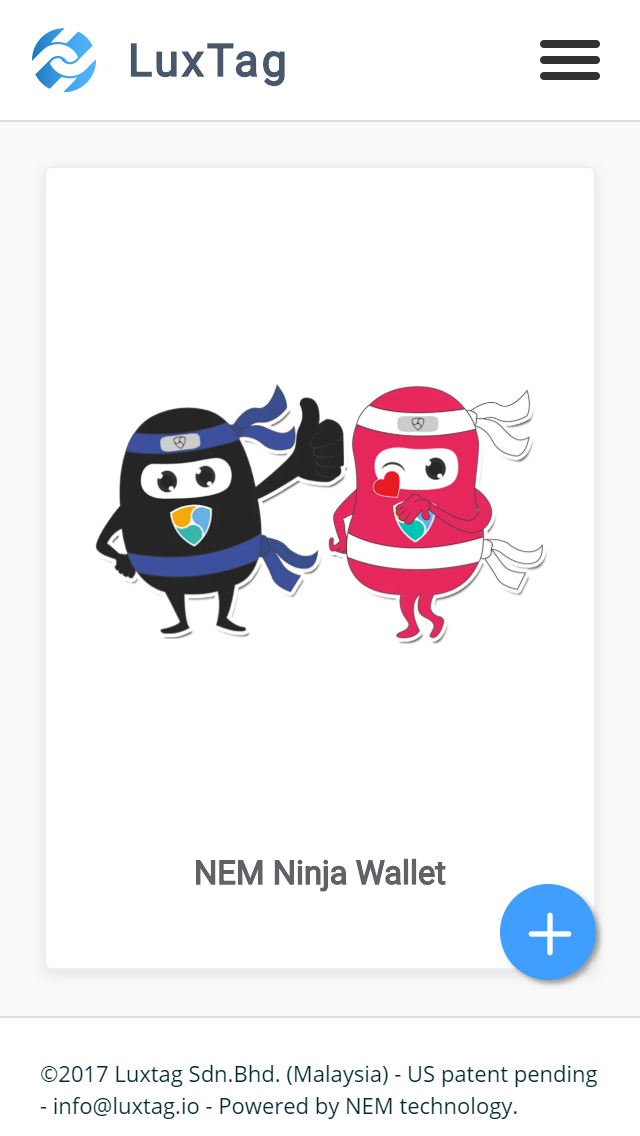
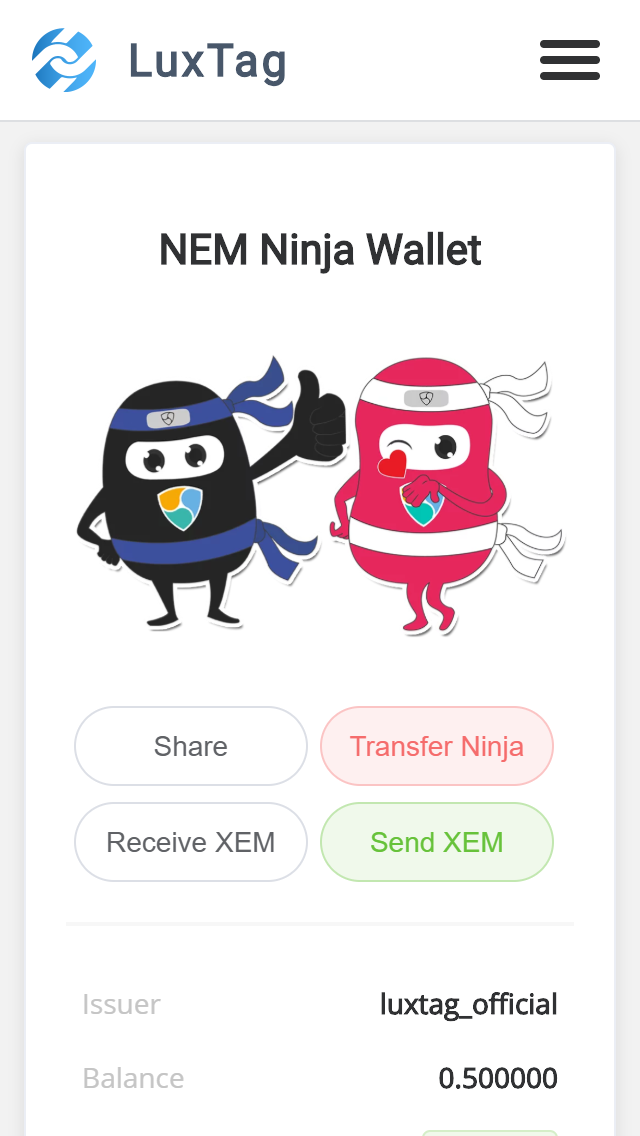
ninja claimed appears in the dashboard
Now the ninja can send and receive XEMS
Notes
- there is an option to enter the raw data of the QR code "I don't have a camera"
- The claim can happen only once
- The receive QR works with NEM mobile wallet
- Messages attached are plain text only
- the fees are multisig fees since the ninja is owned by a multisig contract
Receive and Transfer
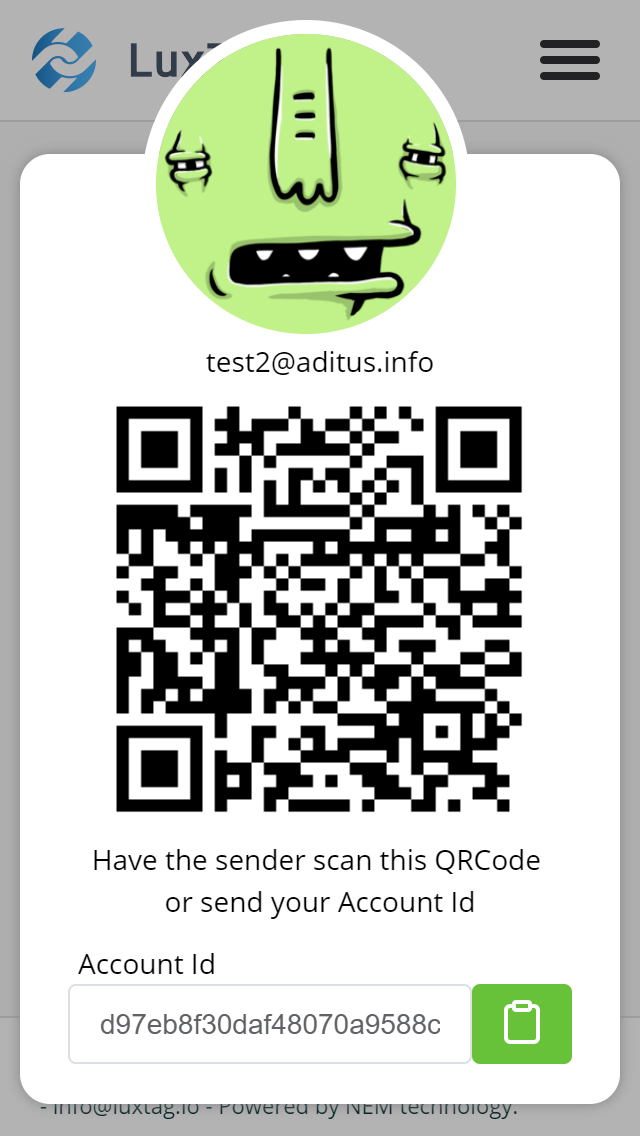
anyone with an account can receive a ninja from someone
Receive and Transfer
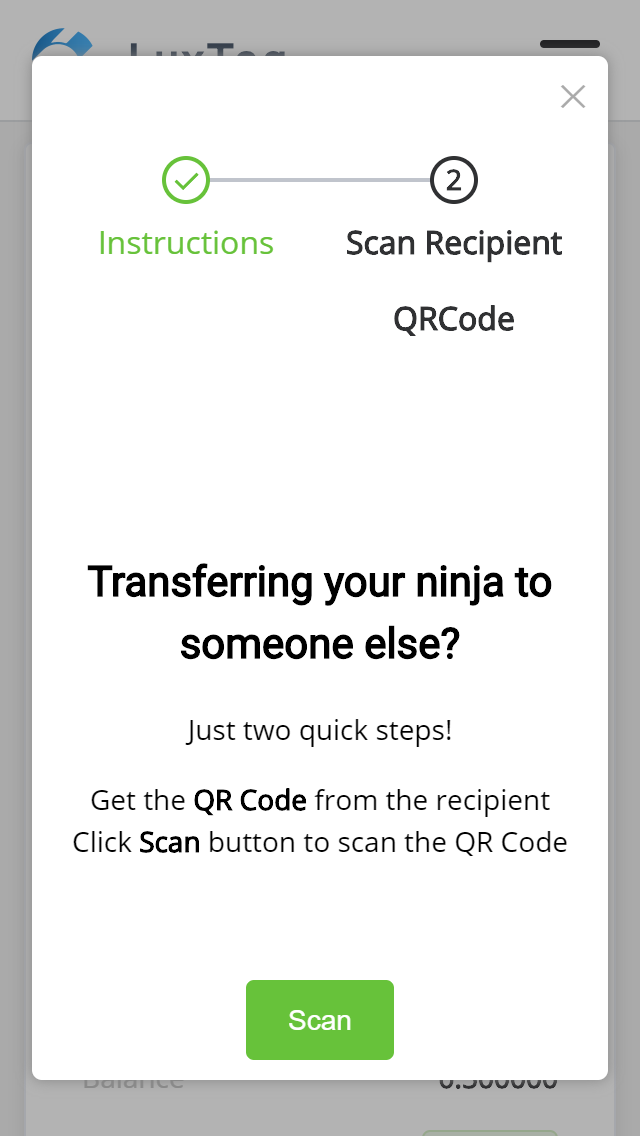
The transfer button is used to transfer ownership
transferring can be done by scanning the QR code
Notes
- there is an option to enter the raw data of the QR code "I don't have a camera"
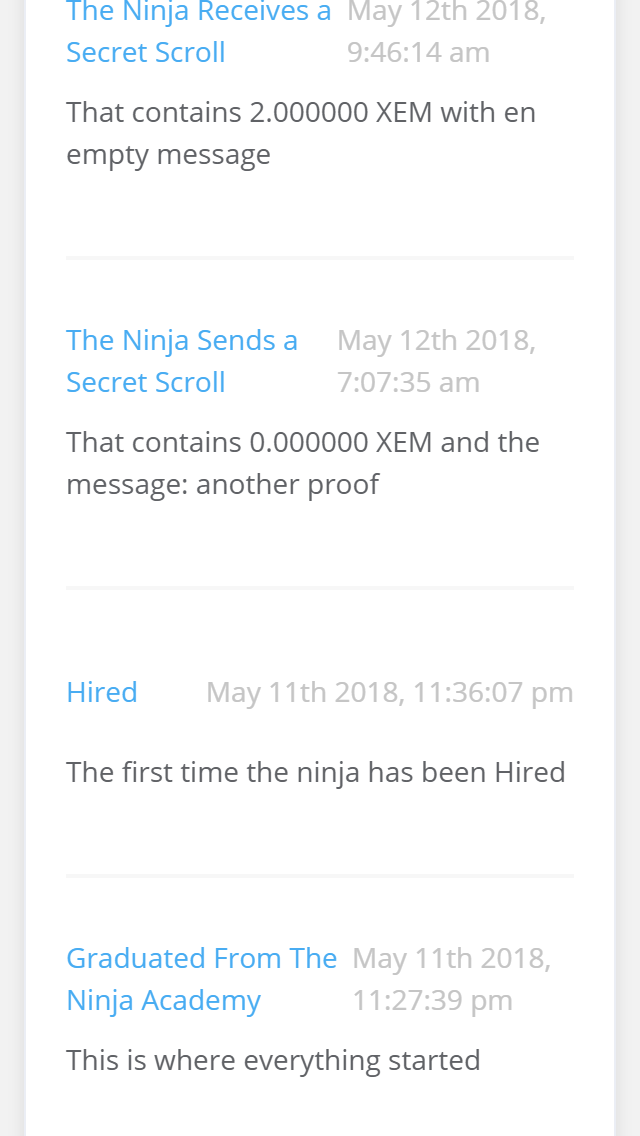
History
Everything your ninja does is recorded on the blockchain
Don't forget
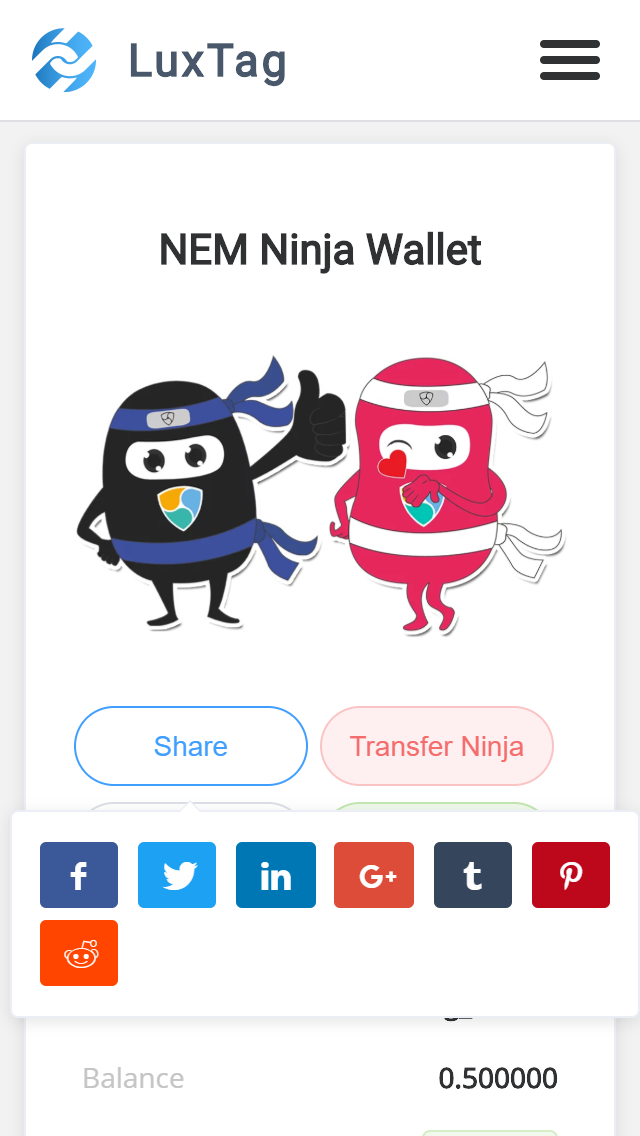
share
And tell us what you think!