Android Accessibility
DO or DO
@GlafiraZhur for the DevFest Berlin
November 2023
Glafira Zhur
Twitter: @glafirazhur



Accessibility Lead
GDE for Web

Accessibility Club Minsk
Digital Accessibility Course

PC Member



Unlabelled
Double-tap to activate
Unlabelled
Double-tap to activate
Unlabelled
Double-tap to activate
Glafira
Currently learning
Current, 0
disabled
Previous record, 41
disabled
Streak calendar
Double-tap to activate
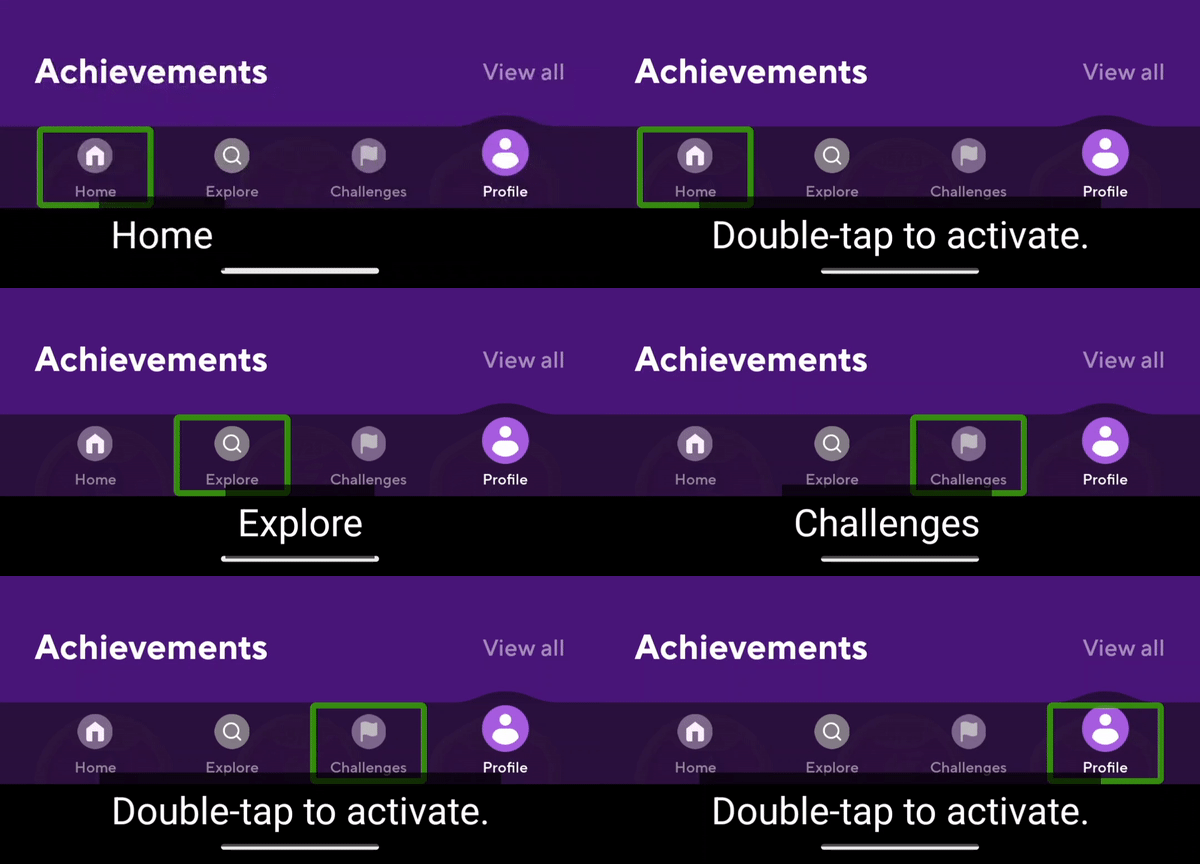
Home
Double-tap to activate
Explore
Double-tap to activate
Challenges
Double-tap to activate
Profile
Double-tap to activate
Streak
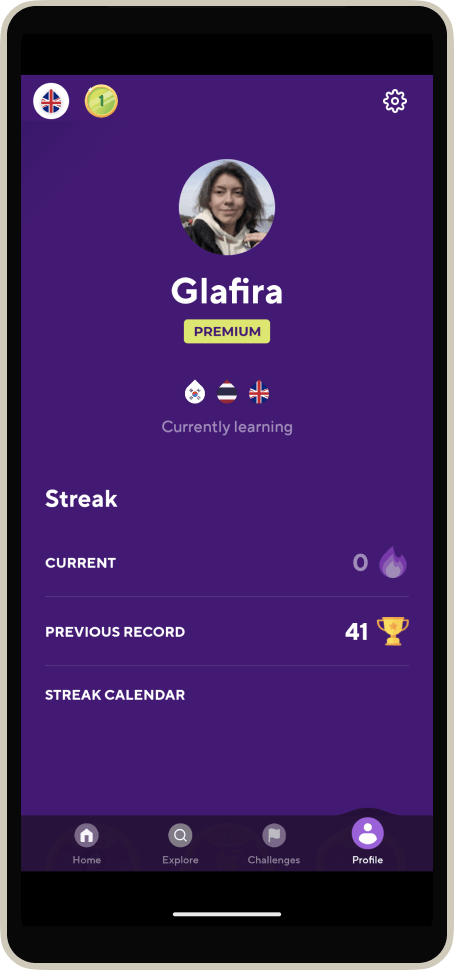
Unlabelled
Double-tap to activate
Unlabelled
Double-tap to activate
Unlabelled
Double-tap to activate
Glafira
Currently learning
Current, 0
disabled
Previous record, 41
disabled
Streak calendar
Double-tap to activate
Home
Double-tap to activate
Explore
Double-tap to activate
Challenges
Double-tap to activate
Profile
Double-tap to activate
Streak
People With Disabilities
15% of population
1,211,238,211
Earth population
8,074,921,408
15%
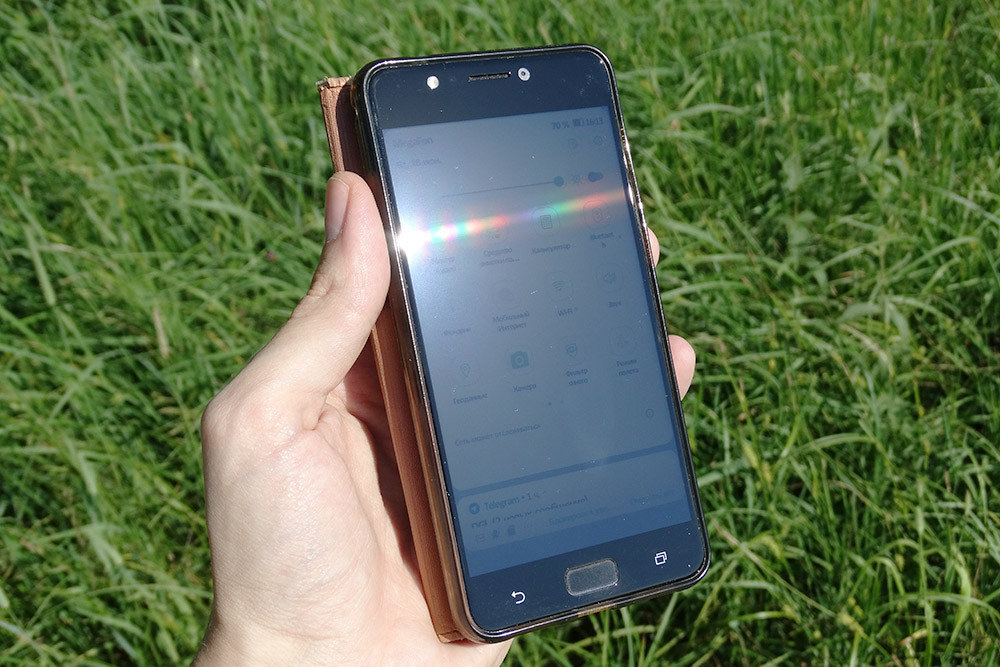




Temporary disabilities and external conditions are
NOT INCLUDED
Legislation
- USA: Section 508, ADA (now)
- EU: European Accessibility Act (2025)
- Canada: AODA (2021)
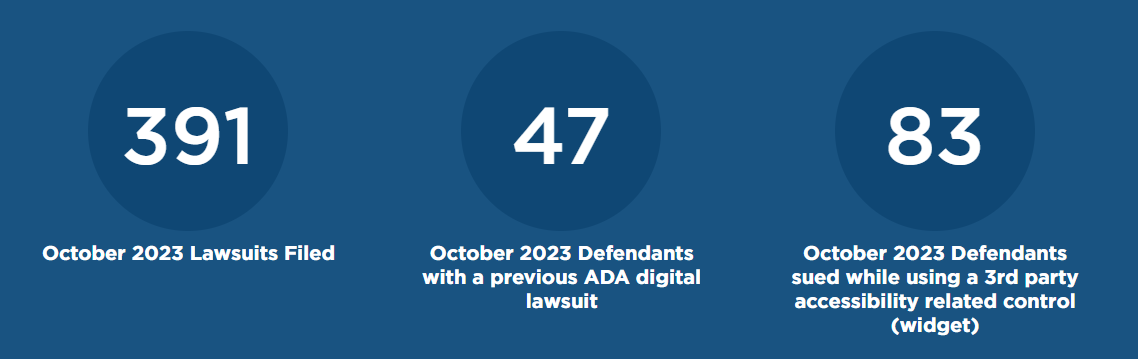
Statistics (US)
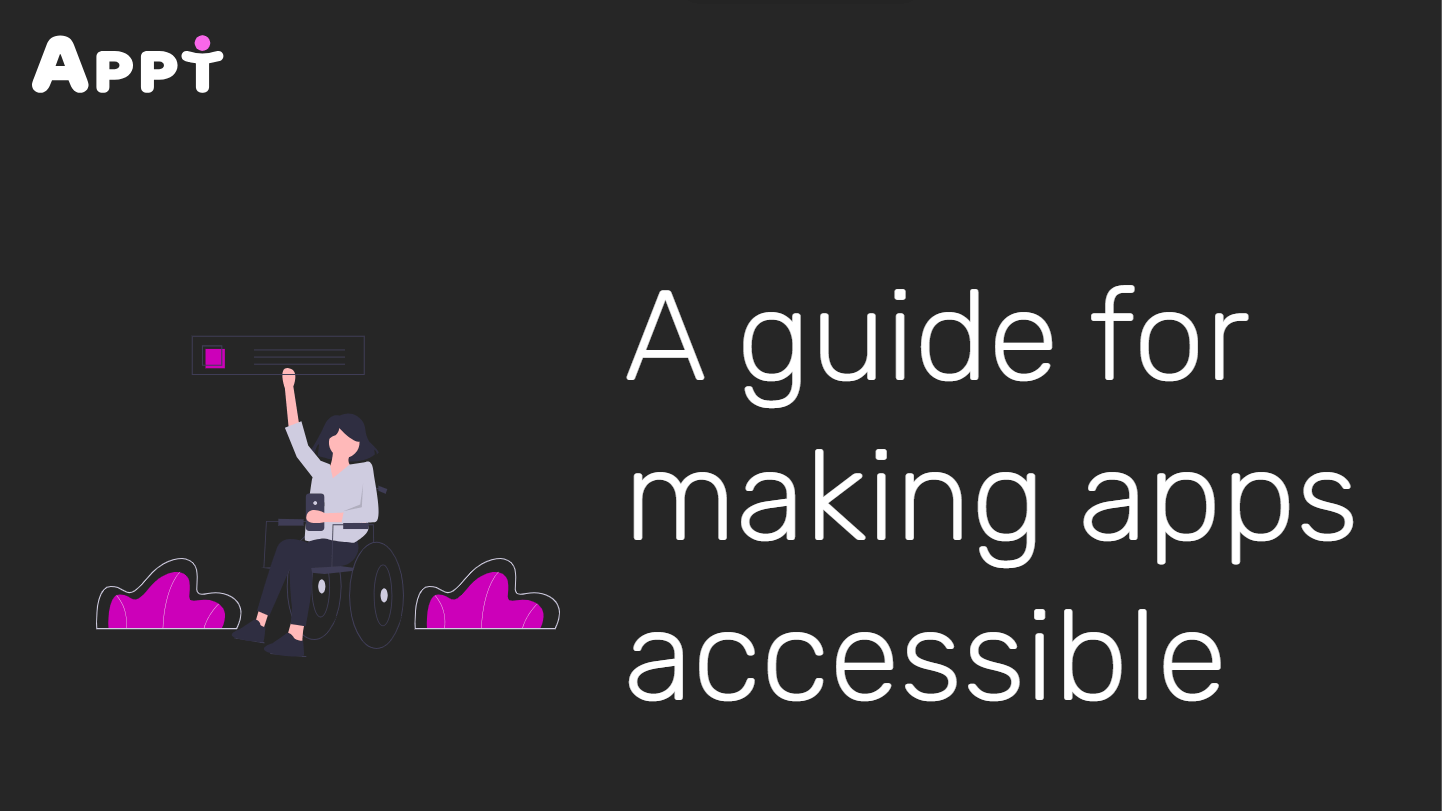
Accessibility Settings
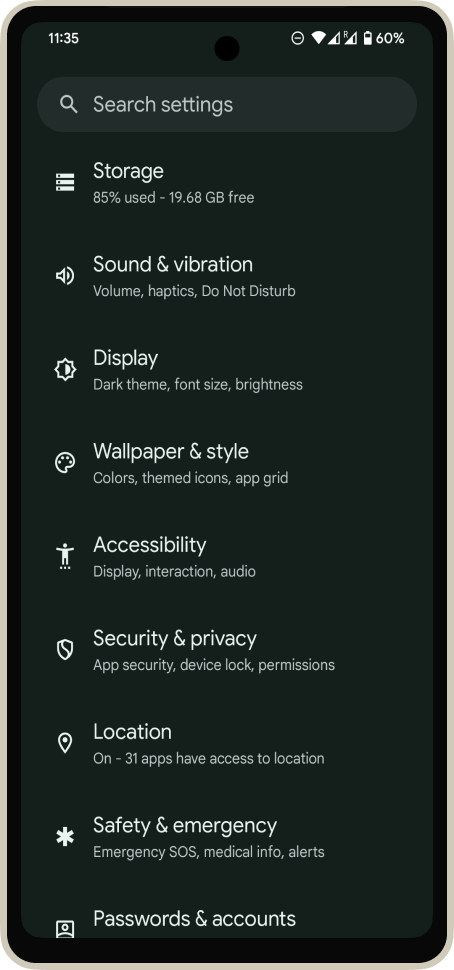
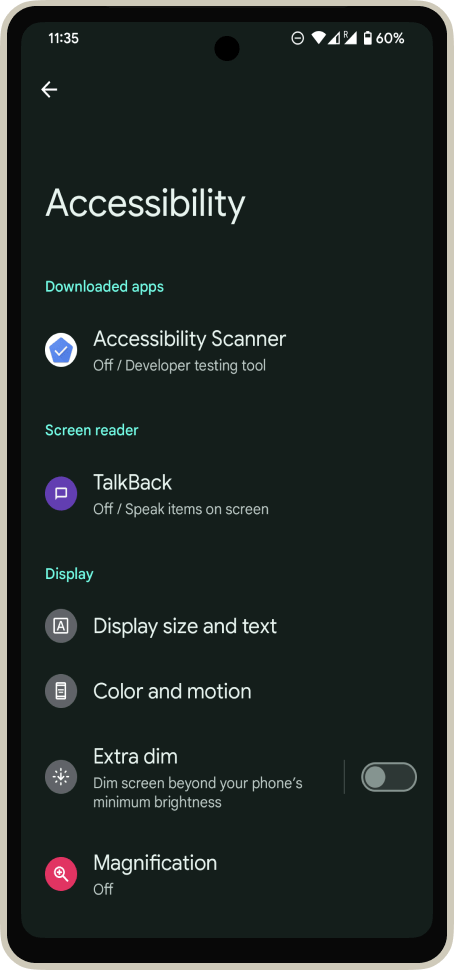
59%
22%
have at least one setting turned on
have at least two settings turned on
Screen Reader
0.01%
use Talkback on Android
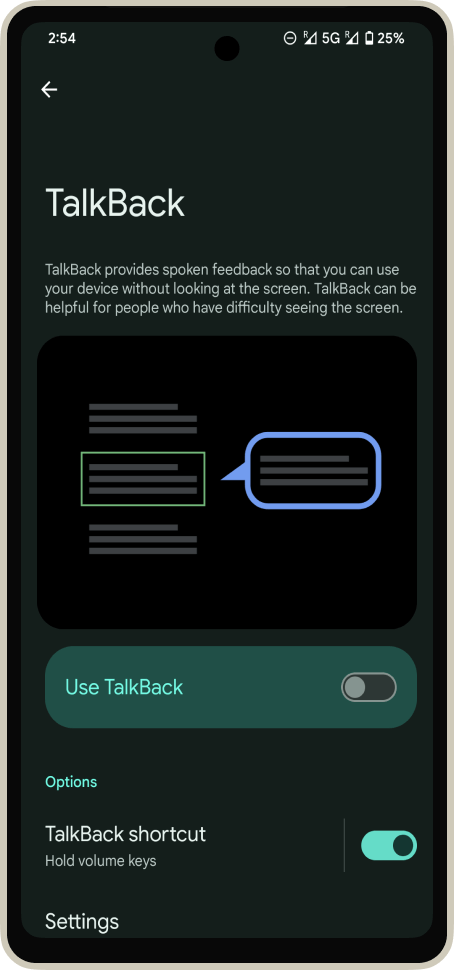
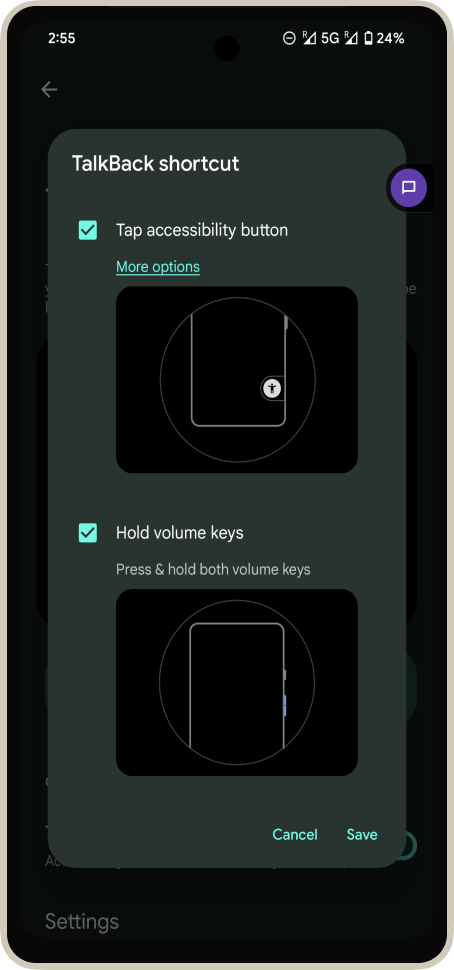
Turn on TalkBack
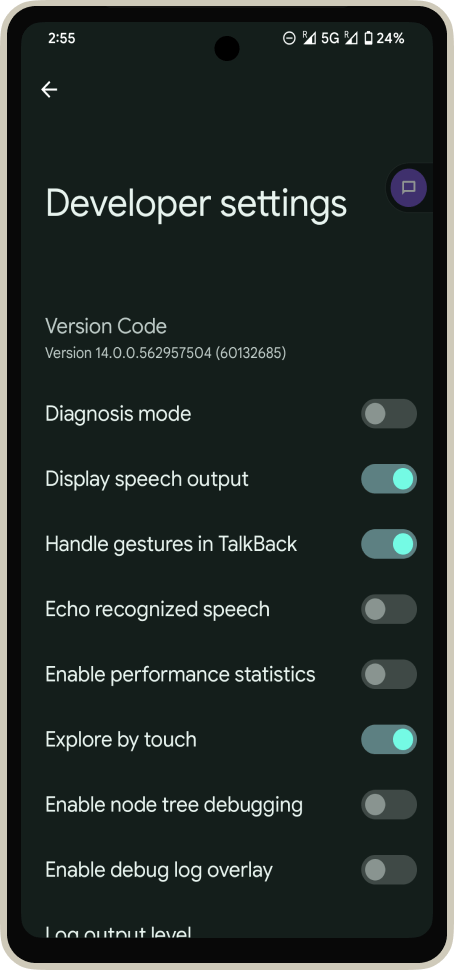
TalkBack → Settings →
Advanced Settings → Developer Settings
Turn on speech output
Current language: English
Double-tap to activate
Settings
Double-tap to activate
Double-tap to activate
Button
Button
Button
Language Level 1
Unlabelled
Unlabelled
Unlabelled
Double-tap to activate
Settings
Button
@Composable
private fun ShareButton(onClick: () -> Unit) {
  IconButton(onClick = onClick) {
    Icon(
      imageVector = Icons.Filled.Share,
      contentDescription =
      			stringResource(R.string.label_share)
    )
  }
}
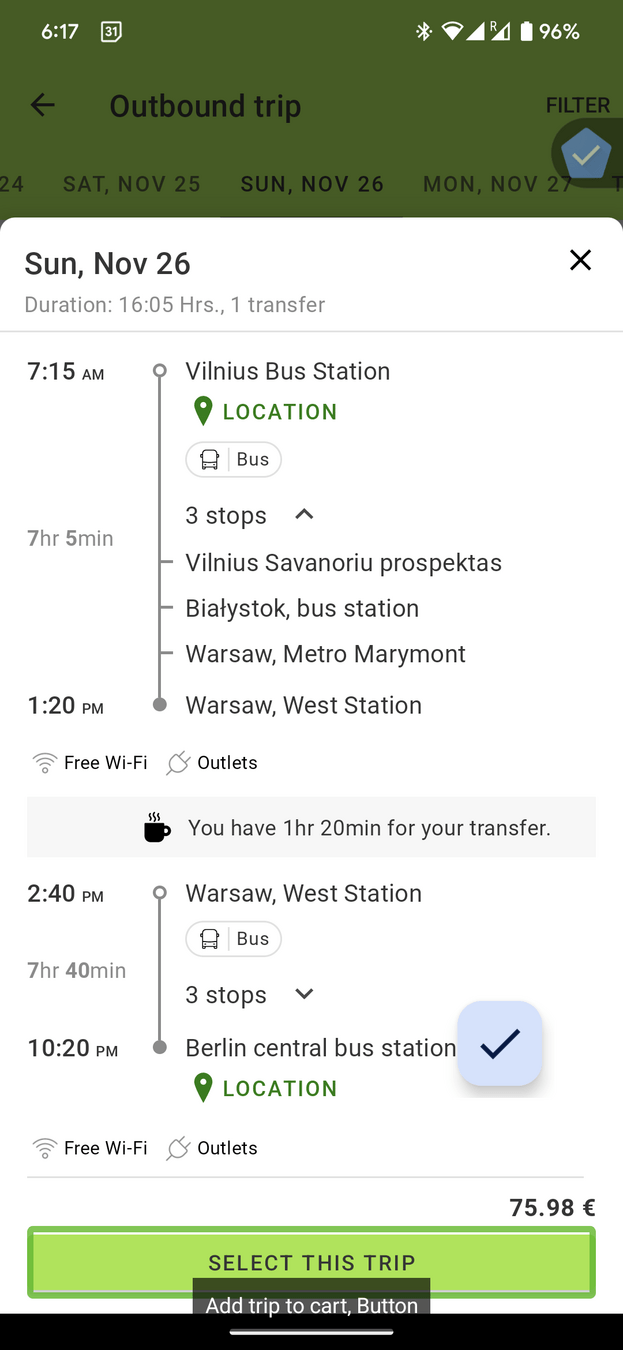
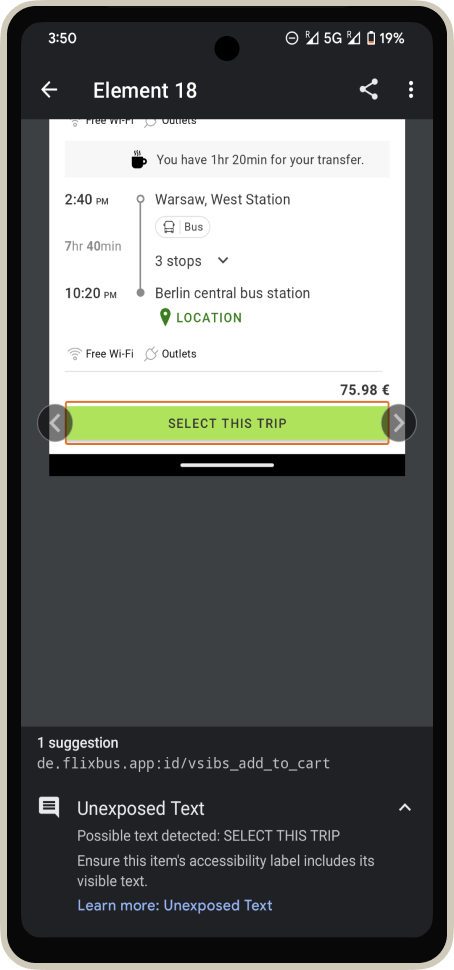
Don't use contentDescription
for the items which have a visible text
‼️
Glafira
Heading
Currently learning: Korean, Thai, English
Premium
Previous record: 41 days
disabled
Streak
Heading
Current:
0 days in streak
disabled
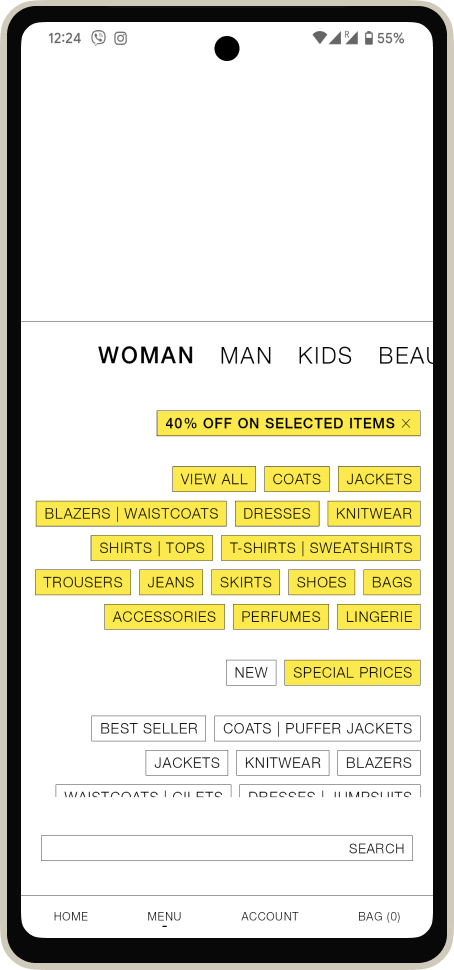
Display size and text
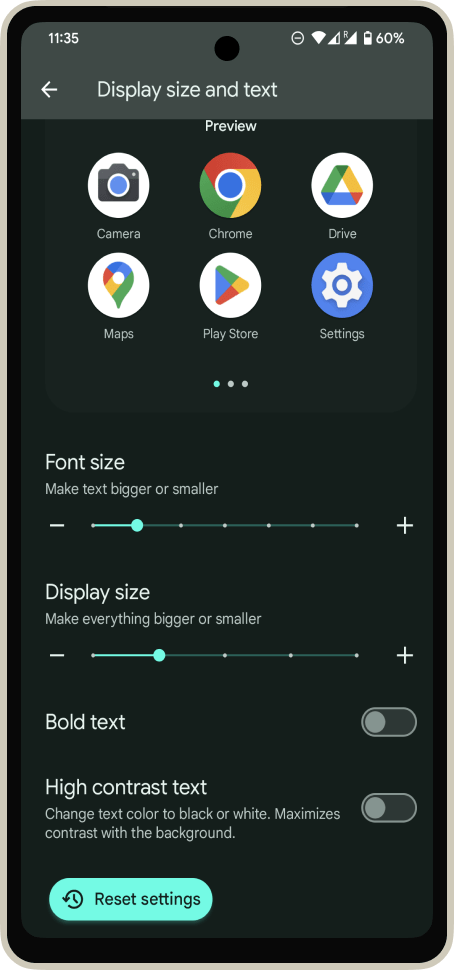
Font Size
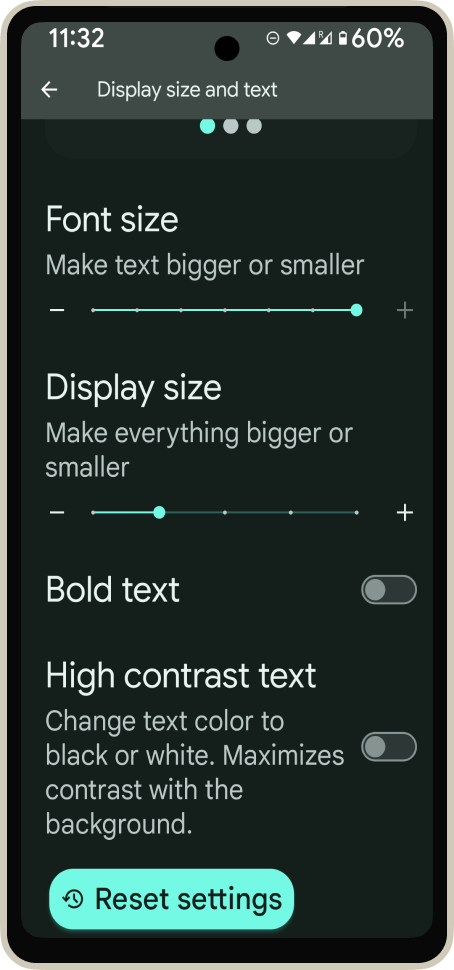
37%
adjust text size
Font Size
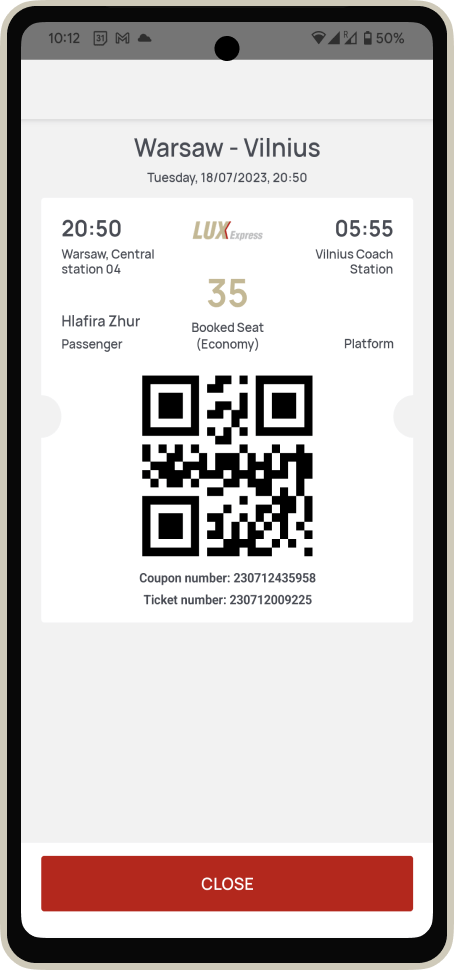
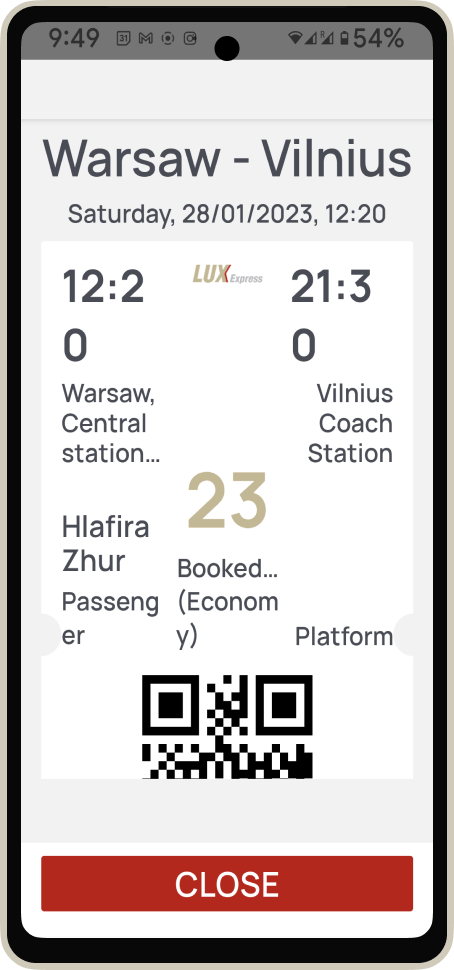
Elements are going out of the container
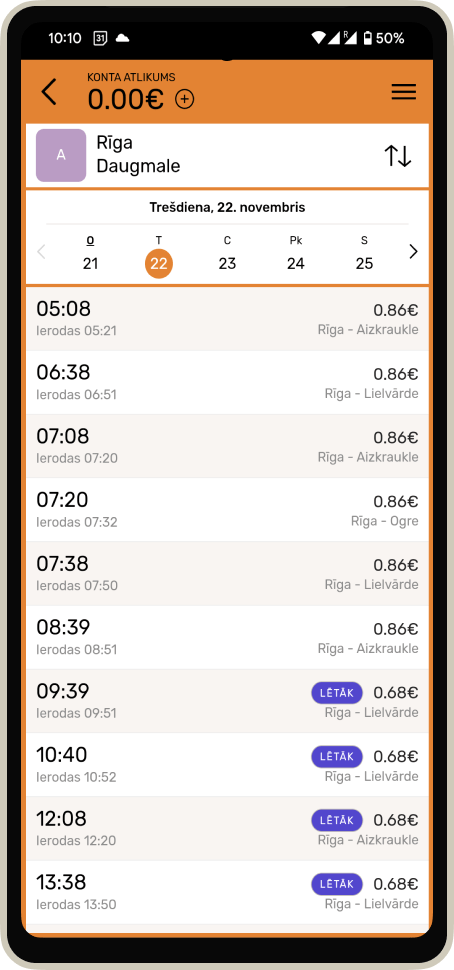
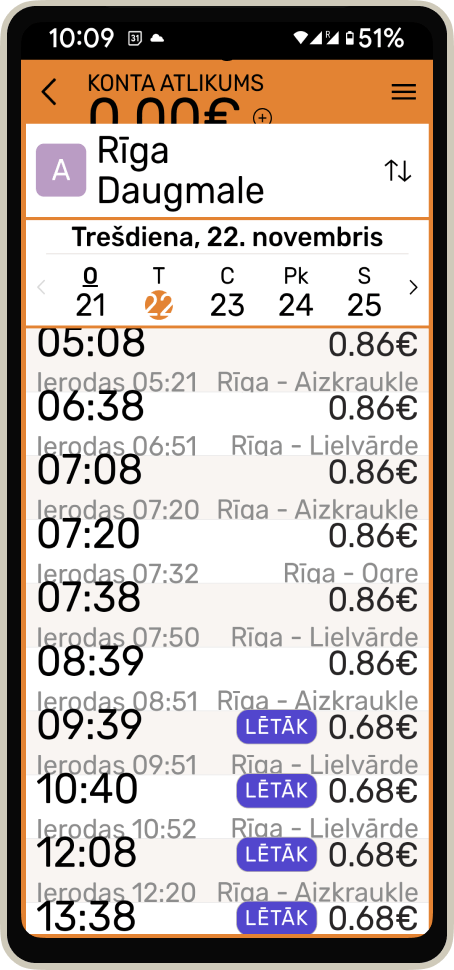
Font Size
Elements can not be used because of the overflow
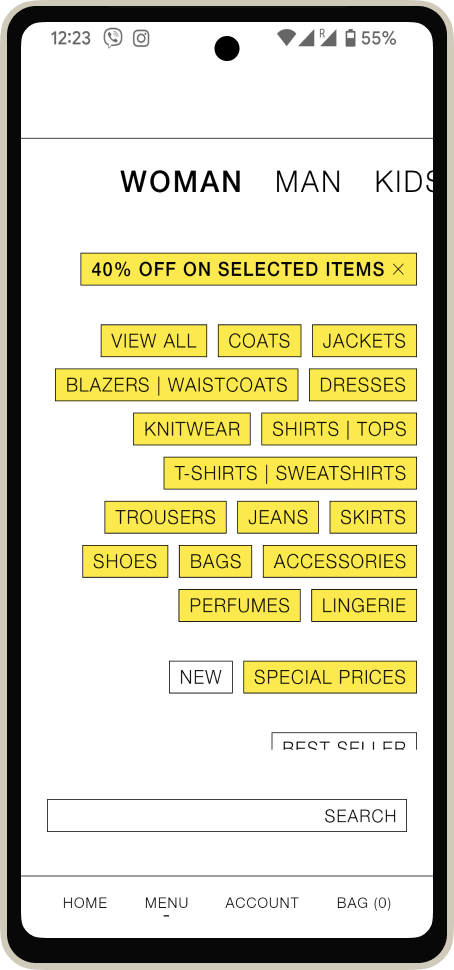
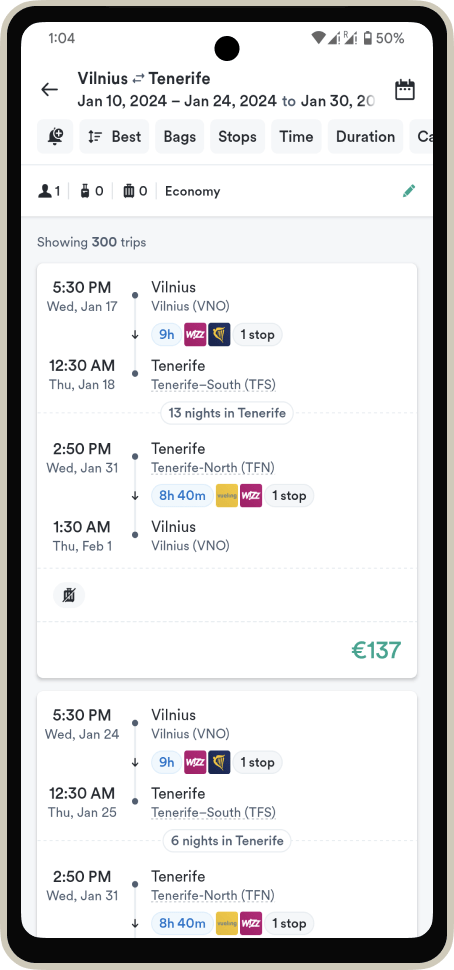
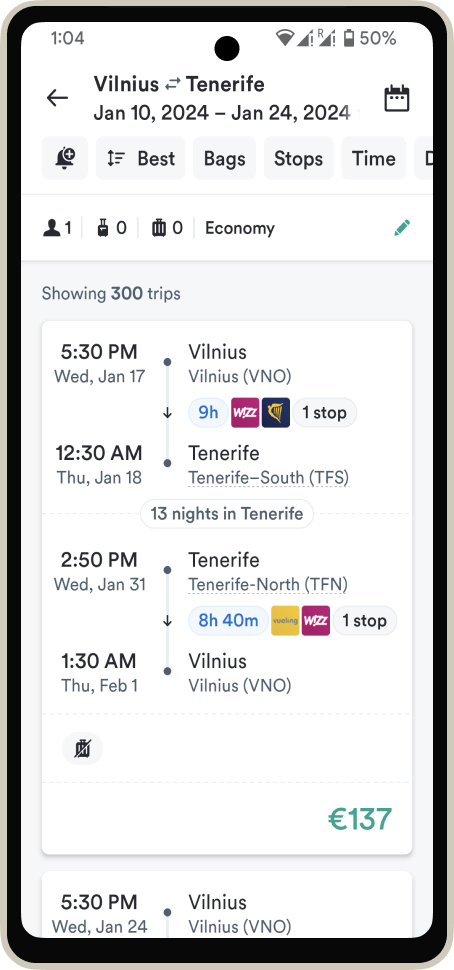
Display Size
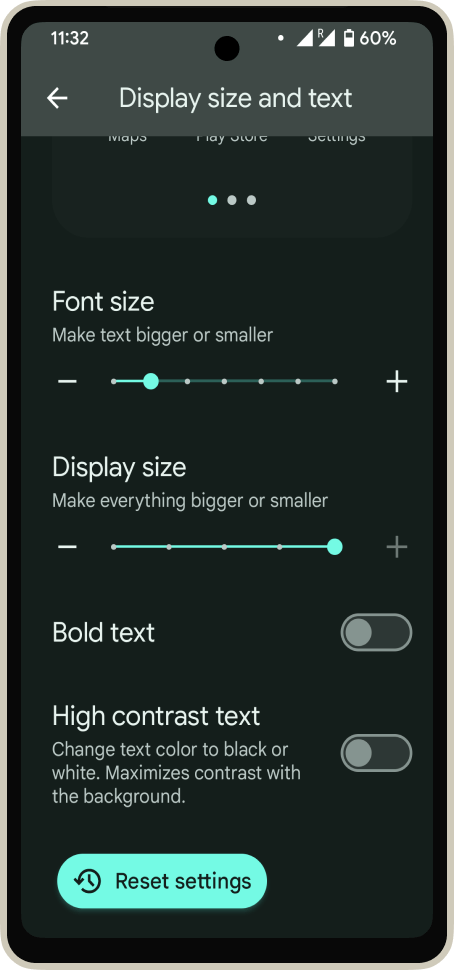
16%
use a bigger display size
Display Size
Text Size
Display Size
In most cases it does not break anything
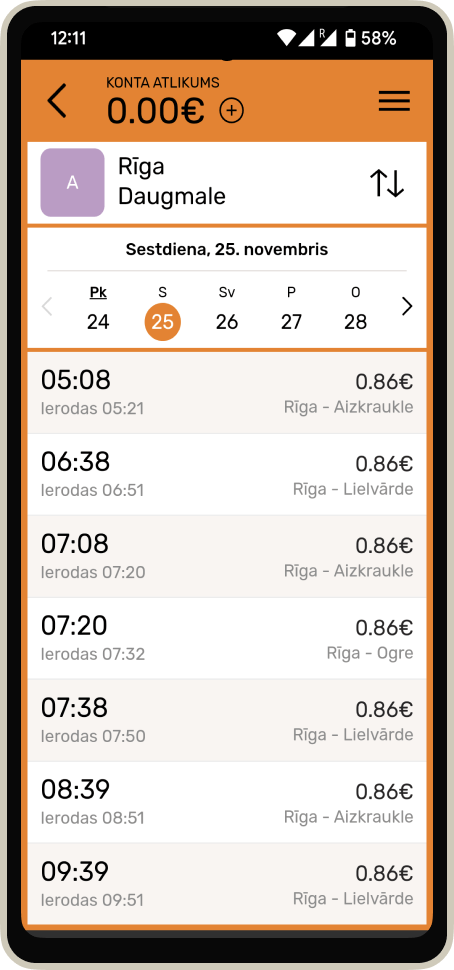
Display Size
Sometimes it feels like an essential functionality 😅
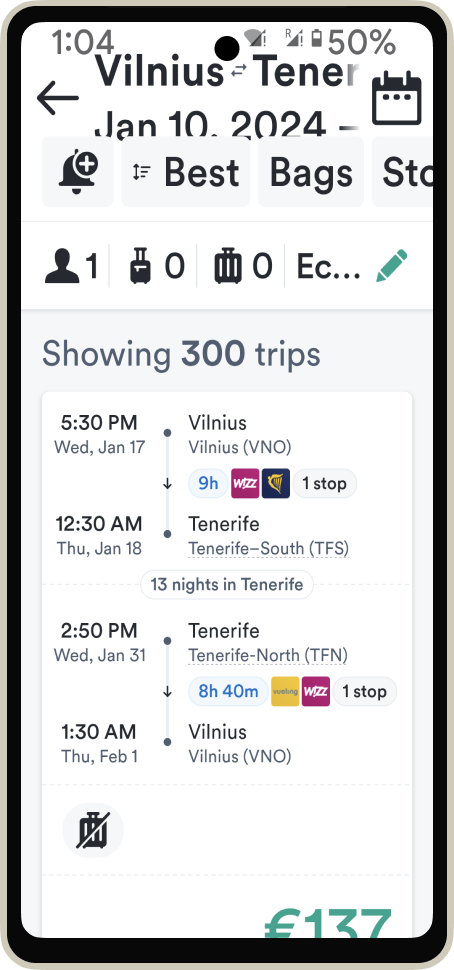
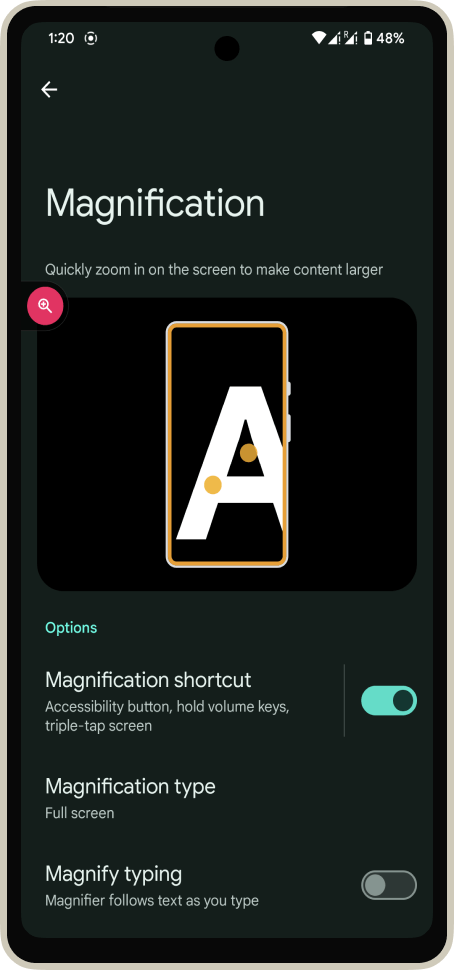
Magnification
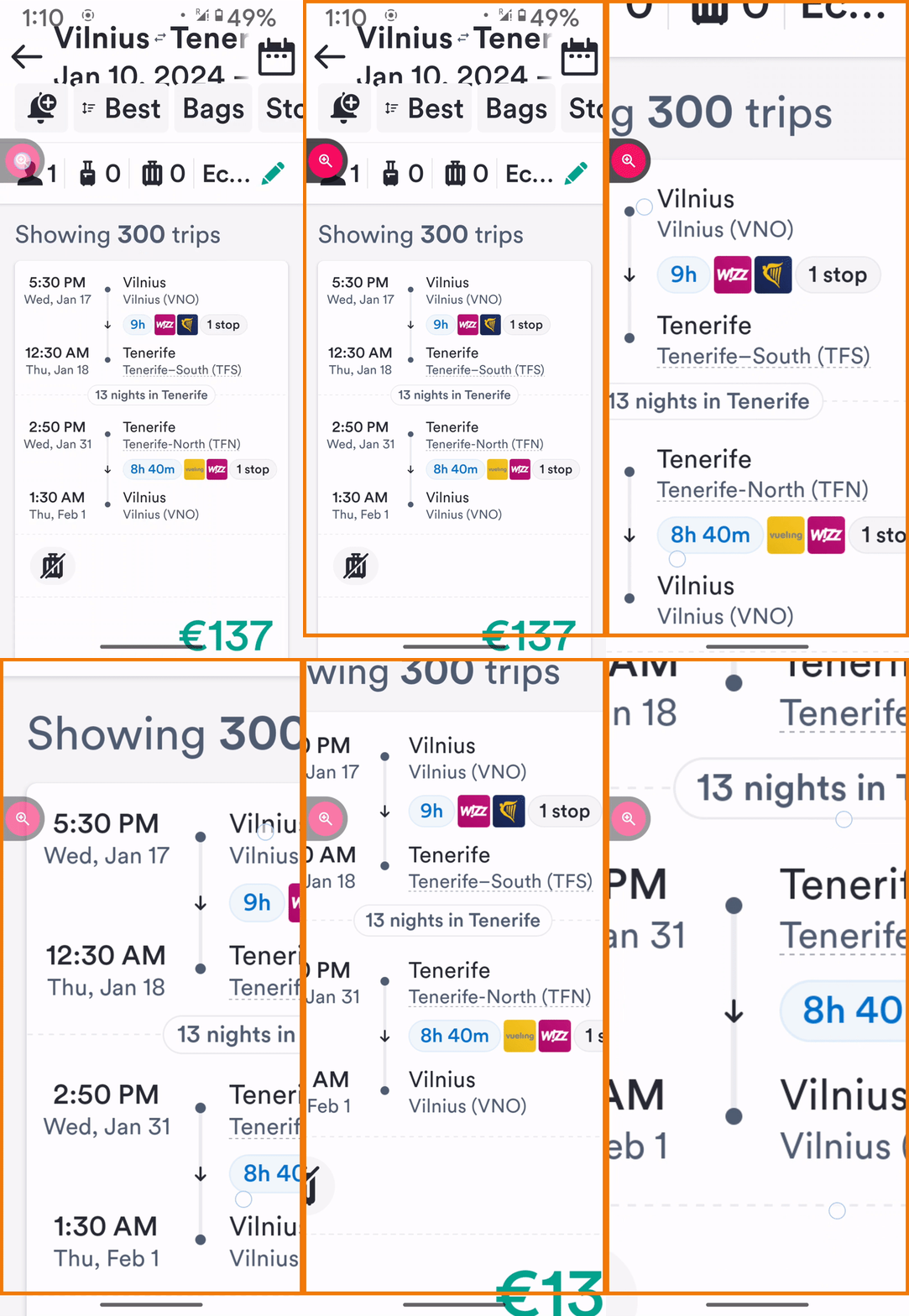
How to support Font size and Display size
✅ Font size 200%
✅ Zoom 200% - 400%
✅ Do not fix the height of the elements
✅ Use relative units (like dp, sp)
Design
Development
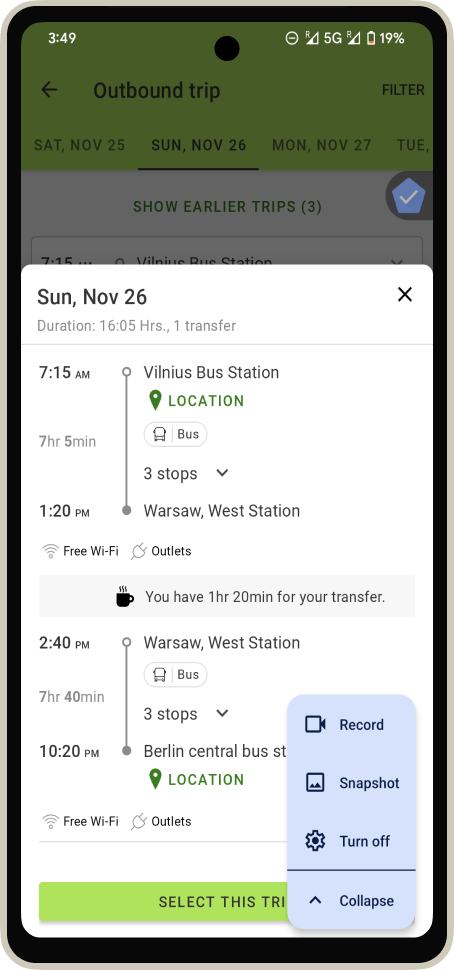
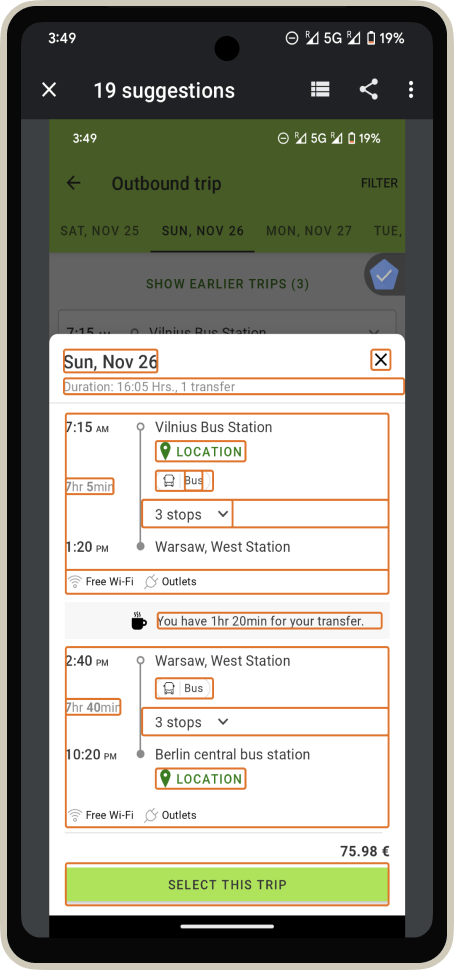
Accessibility Scanner
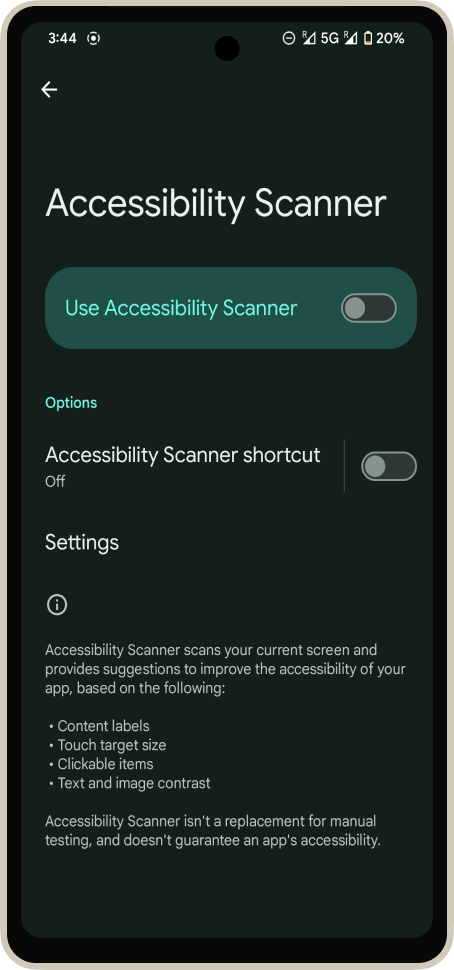
Build accessible apps
Glafira Zhur
Twitter: @glafirazhur
Thank you!

Learn accessibility!