先來裝編輯器吧
www.sublimetext.com/2

練習範例:github.com/hannahpun/aftg
hi, I am hannahpun
hannahpun.com/blog/

其實最近有點少更新...顆顆
燒烤HTML醬大明蝦

html
<!DOCTYPE html> <!-- 我要開始寫網頁囉 -->
<html lang="en"> <!-- 語系設定 -->
<head>
	<meta charset="UTF-8"> <!-- 字源編碼 -->
	<title>這裡是標題</title>
</head>
<body>
	這裡是內容
</body>
</html>
html
<!DOCTYPE html>
<html lang="en">
<head>
	<meta charset="UTF-8">
        <!-- 當用手機responsive時 可以看到原始尺寸大小 -->
        <meta name="viewport" content="width=device-width,
        initial-scale=1">

        <title>這裡是標題</title>
        <!-- 這裡是連接css file的地方 -->
        <link rel="stylesheet" href="css/main.css">
</head>
<body>
	這裡是內容
<script> //script here </script>

</body>
</html>
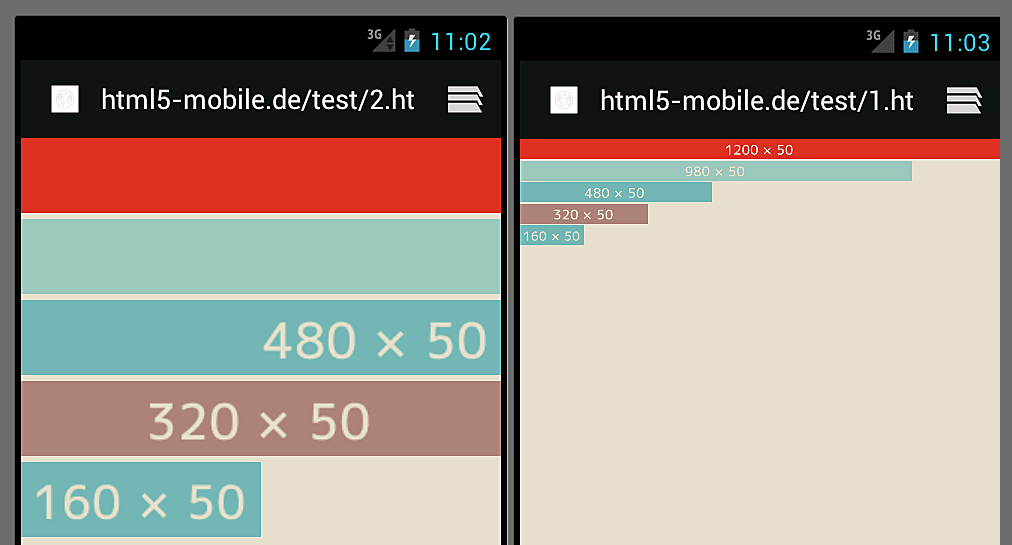
<meta> viewport
html wrapper

practice
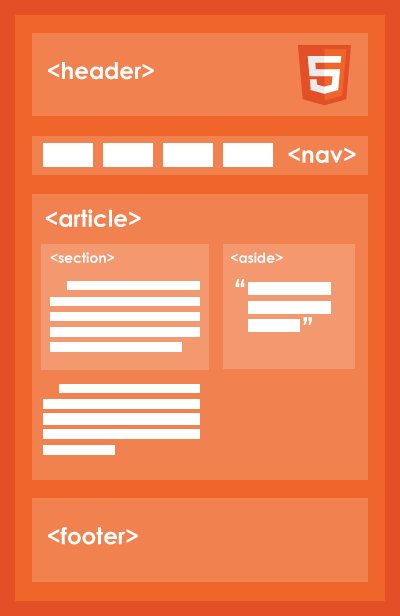
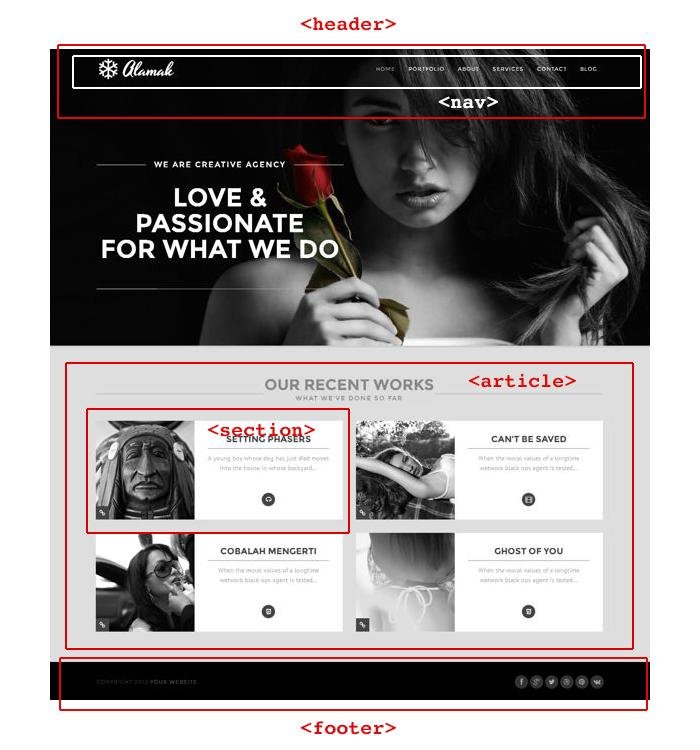
<div class="header">Welcome</div>
    <div class="nav">
	<ul>
	    <li><a href="#">About</a></li>
	    <li><a href="">Portfolio</a></li>
	</ul>
    </div>
    <div class="article">
	<div class="section">repeat</div>
	<div class="section">repeat</div>
    </div>
<div class="footer">copyright</div>
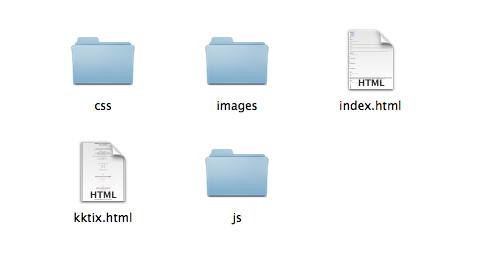
Path
CSS佐小羔羊排
3 ways to insert css
<head>
        <!-- 1.External Style -->
        <link rel="stylesheet" href="css/main.css">

        <!-- 2.Internal -->
        <style>
    	    body{
    		background-color: gray;
    	    }
        </style>
</head>
<body>
        <!-- 3.Inline -->
	<div style="background-color:gray"></div>
</body>
CSS Tips
-
搞清楚id 和 class
-
有意義的命名
-
階層不要超過三層
-
多看看人家怎麼寫
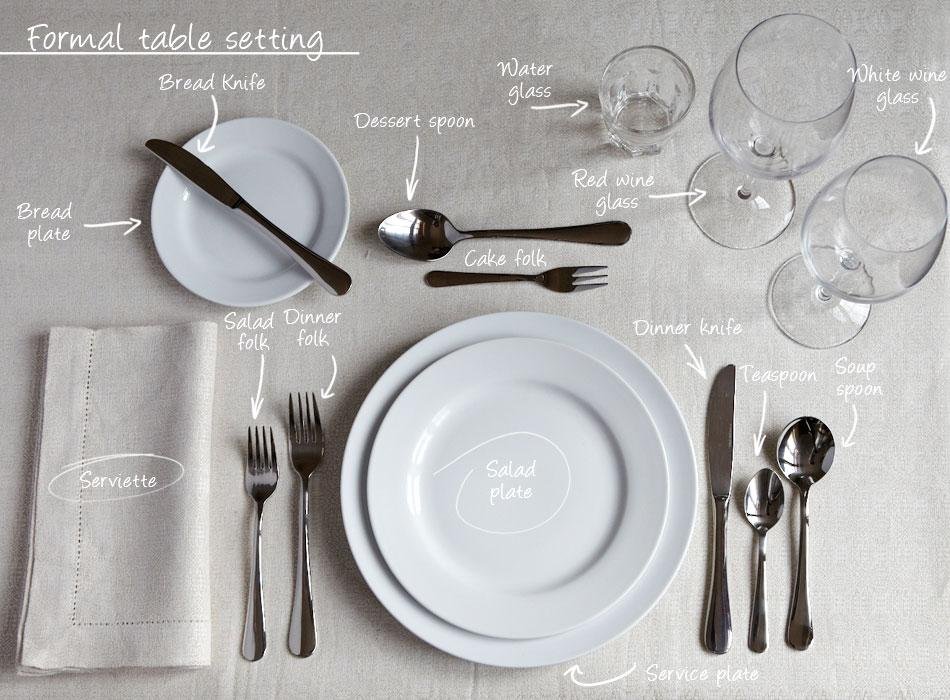
搞清楚id和class
//我是id
//我是唯一的 像你的身分證字號
//我的層級很高
#nav {}

//我是class
//我可以一直被重覆 像你的性別
//好好運用我的話 可以讓你css程式碼少很多也易於維護
.author {}
Test: class or id?


有意義的命名
/* 不推薦: 無意義 */
#yee-1901 {}
.atr {}

/* 推薦 */
#header {}
.author {}
.nav-item

/* 推薦: 特殊性 */
#gallery {}
#login {}
.video {}
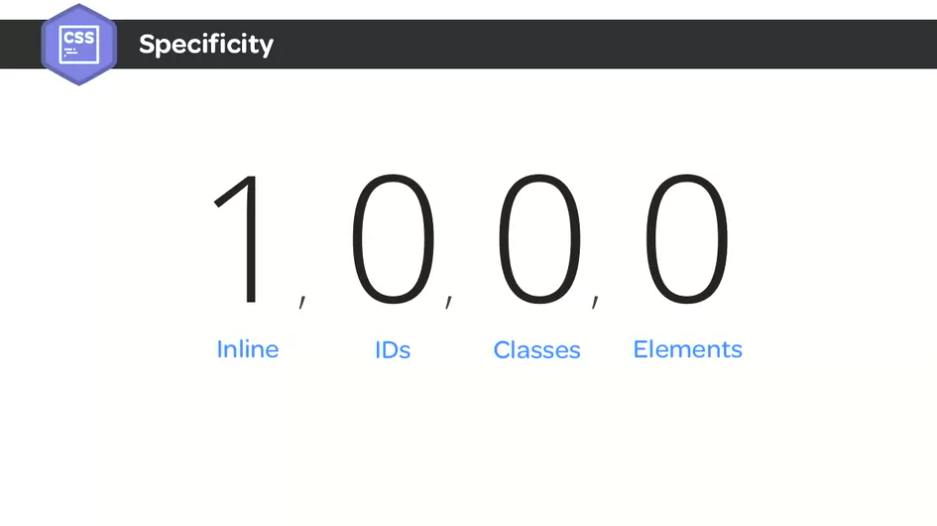
階層不要超過三層
多看看人家怎麼寫
輕乳酪bootstrap番茄羅勒細扁麵
Insert bootstrap
<head>
        <!-- Insert bootstrap style -->
        <link rel="stylesheet" href="//maxcdn.bootstrapcdn.com/bootstrap/
        3.2.0/css/bootstrap.min.css">
</head>
<body>
        <!-- Insert jquery -->
	<script src="//ajax.googleapis.com/ajax/libs/jquery/1.11.1/
        jquery.min.js"></script>

        <!-- Insert bootstrap js -->
	<script src="//maxcdn.bootstrapcdn.com/bootstrap/3.2.0/js/
        bootstrap.min.js"></script>
</body>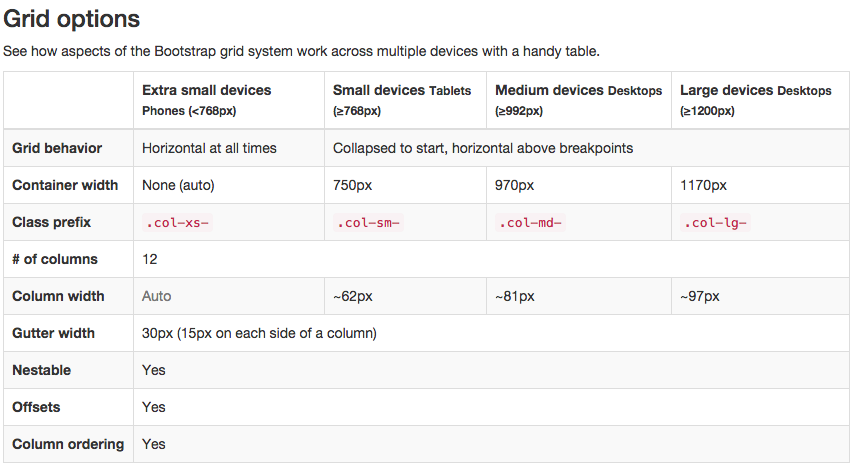
Grid
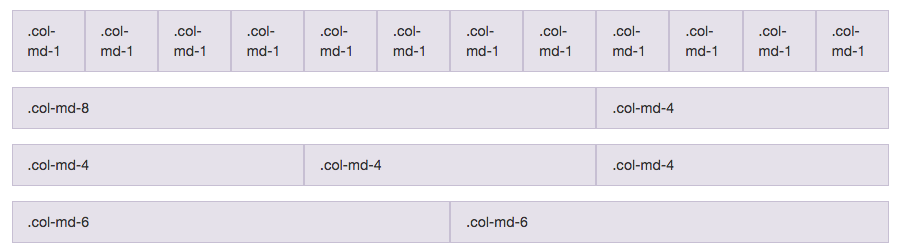
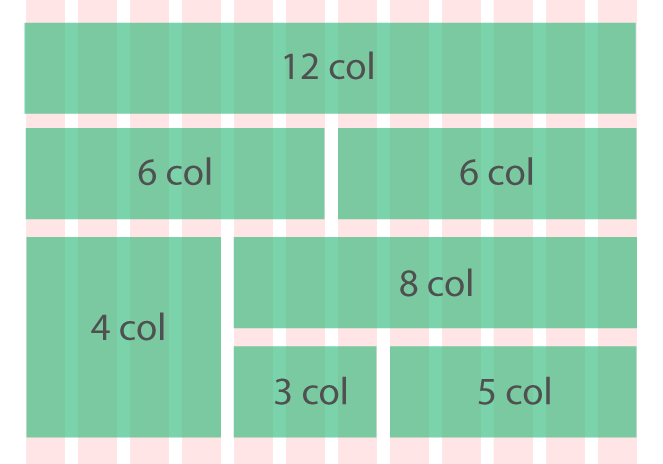
<div class="container">

    <div class="row">

        <div class="col-md-3 col-sm-4 col-xs-6">...</div>
        <div class="col-md-3 col-sm-4 col-xs-6">...</div>
        <div class="col-md-3 col-sm-4 col-xs-6">...</div>

    </div><!-- row -->

</div><!-- container -->Practice Time
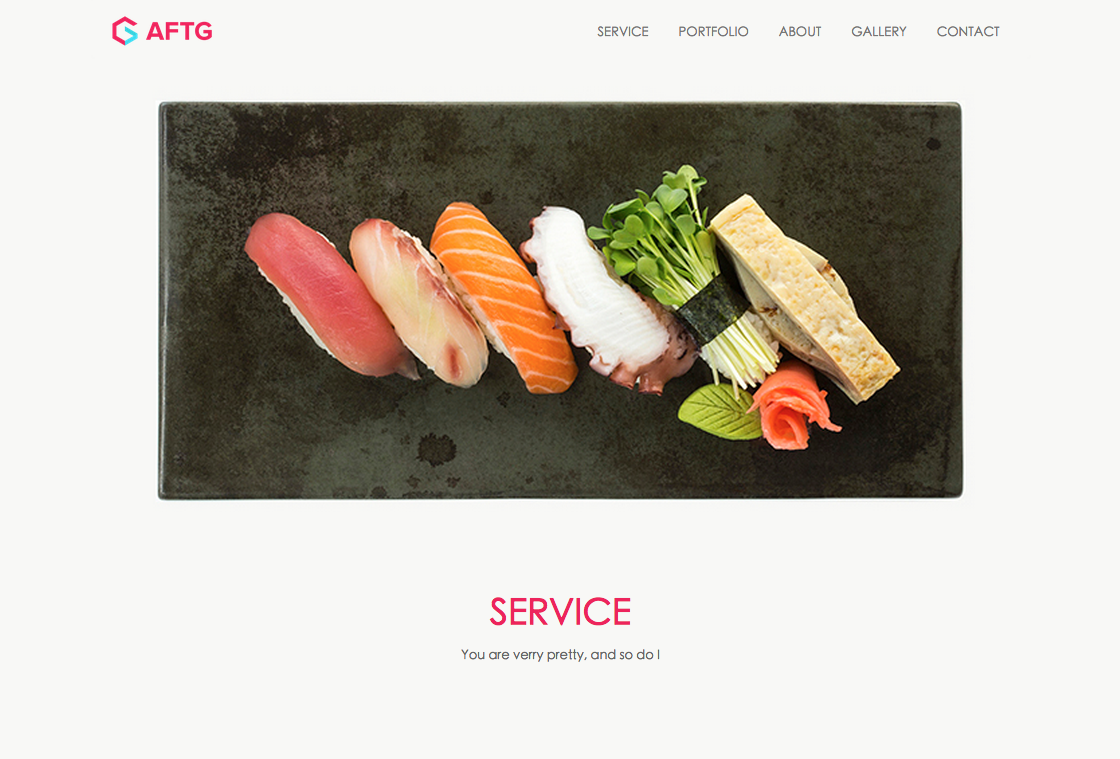
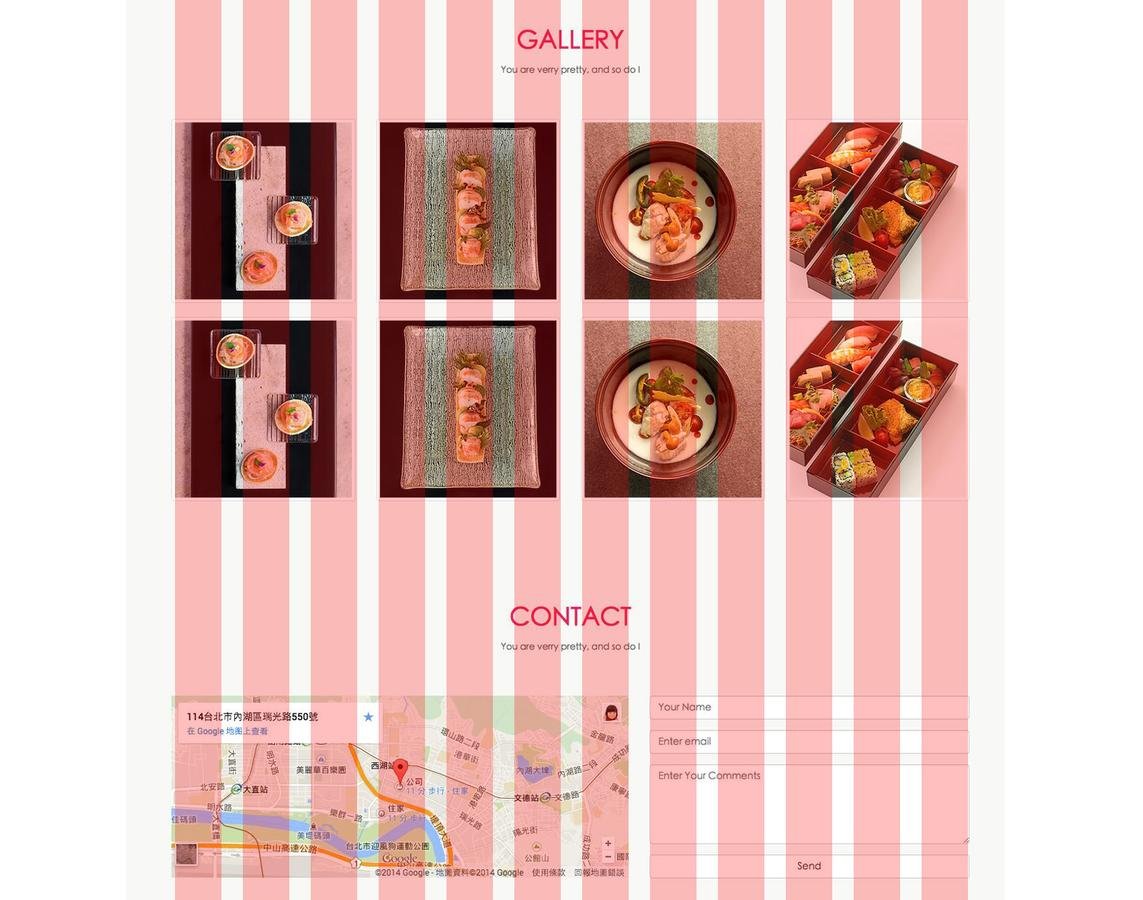
col-md-3
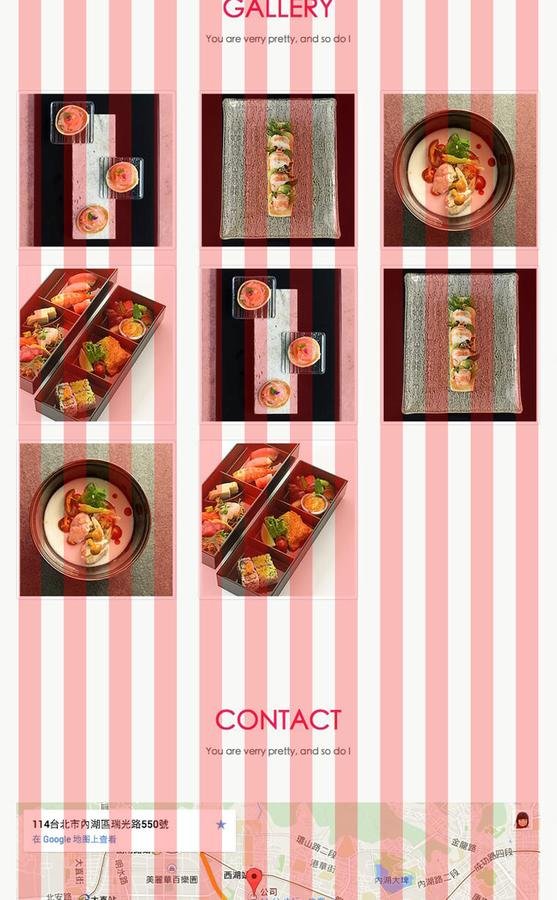
col-sm-4
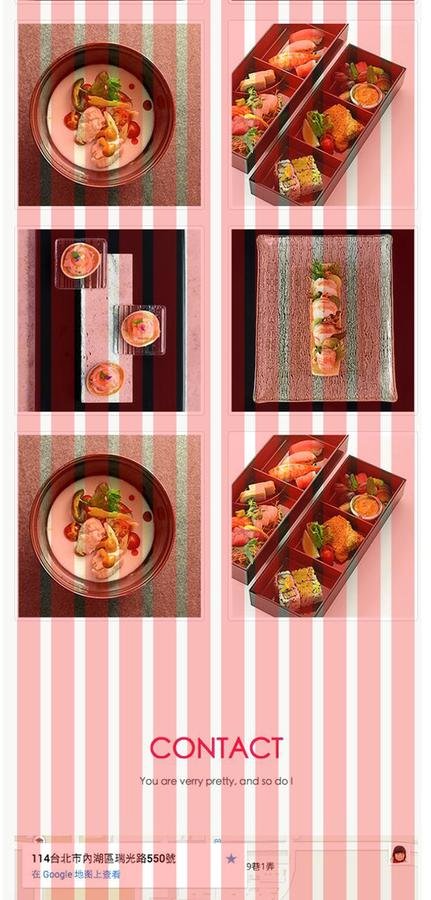
col-xs-6
補充:Icomoon
Q & A
趕快問,我想要吃東西