AngularJS
Practices for
Large-scale Development of
Web Apps
Hugo Josefson / Jayway 2013
Overview
- Brief intro to AngularJS concepts
- How default structure can slow development
- Suggested long-term project structure
-
Create and reuse components
-
Useful tools
Brief intro to AngularJS

Client-side framework for web apps
by Google, Open Source
Embraces and extends:
HTML, CSS, JS
HTML, CSS, JS
"What HTML would have been
had it been designed for applications"
Used for Doubleclick.net
( where Google makes money )

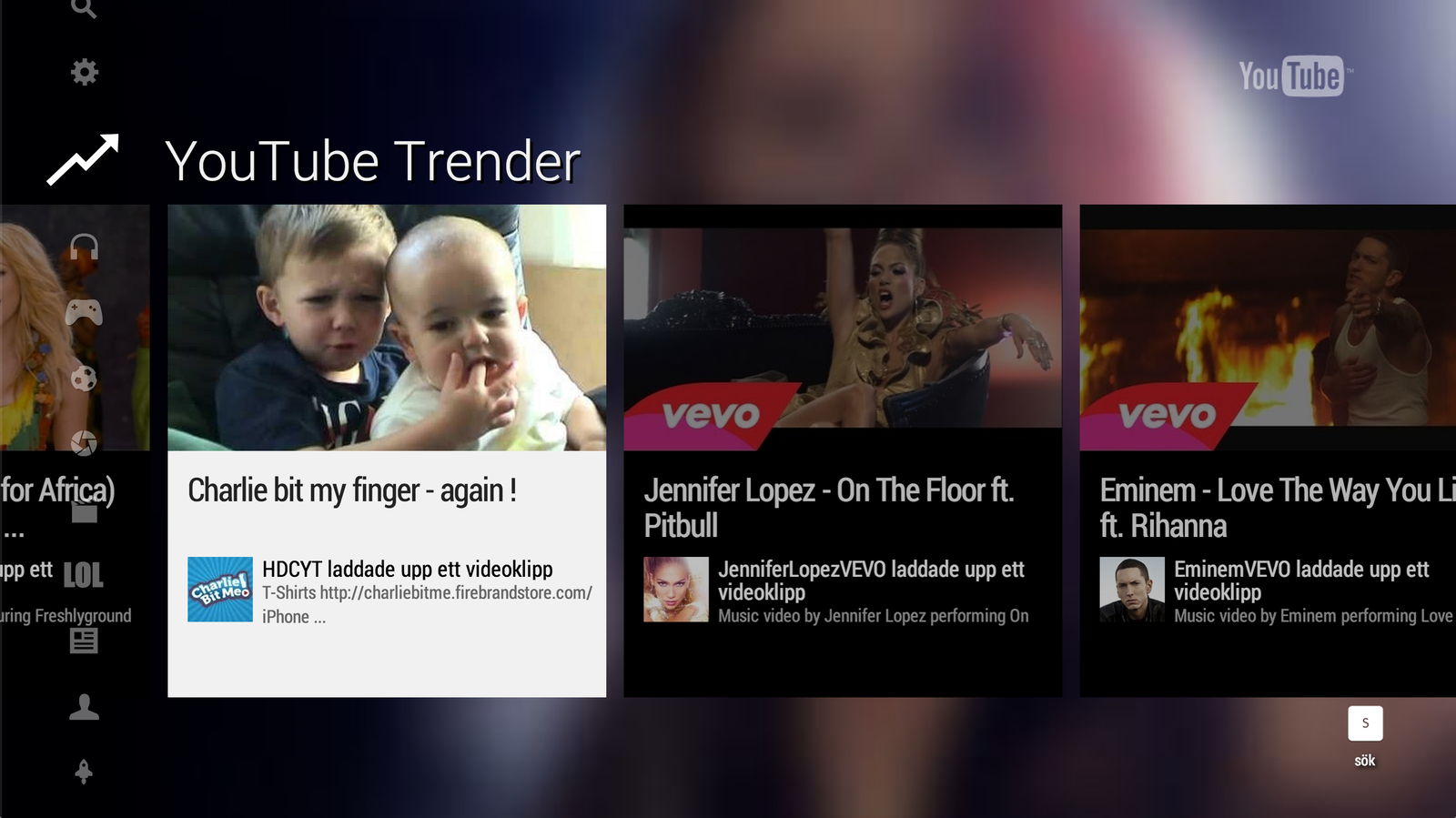
and for youtube.com/tv
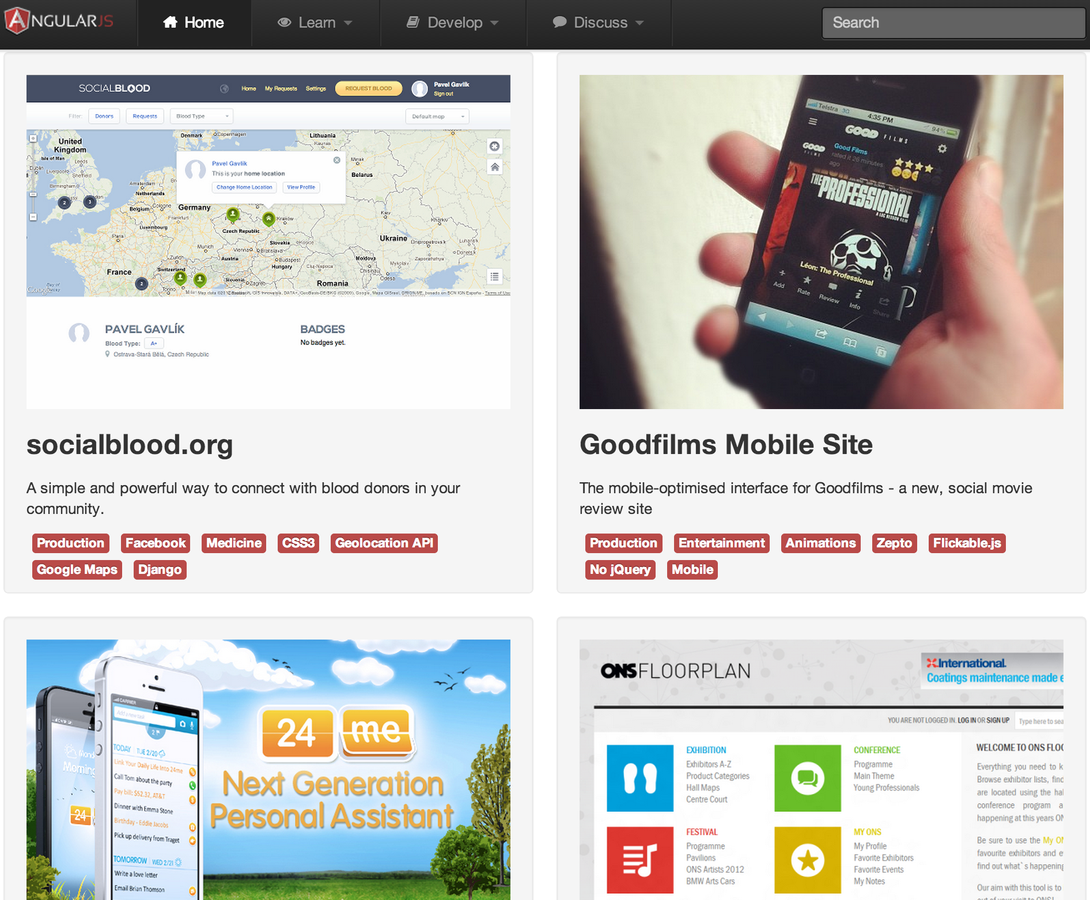
builtwith.angularjs.org
What makes it special?
Separation of concerns
→ keep source code well-structured
→ easier to test
→ better stability, quality,
stable development pace
stable development pace
What makes it special?
The Angular Way
Go with it, don't fight it!
The Angular Way
-
Data models are POJO
← this is what you update
-
the
data of your app / single source of truth
-
the
data of your app / single source of truth
-
Declarative View
- DOM-based (HTML)
-
two-way data-bound to Model
-
Service
- business-logic
- works with data
The Angular Way
-
Controller
-
supplies Data models, Services to View
-
supplies Data models, Services to View
-
Filters (helper functions for Views)
- filter lists
-
translate values → relevant strings
-
Directive
- custom UI Behavior
- custom HTML tags ("extends HTML")
- manipulates the DOM
What makes it special?
Learning curve
^ effort                                     ^
┃                                           ┃           .-------------
┃                                           ┃    .-----/
┃                        .----              ┃   /
┃ Two-way               |               vs  ┃  |
┃ data binding          |                   ┃  |
┃                      / Directives         ┃  |
┃       Services      |                     ┃  |
┃     .---------------/                     ┃  |
┃----/                                      ┃ /
╄━━━━━━━━━━━━━━━━> time          ╄━━━━━━━━━━━━━━>
How default structure can slow development
Common directory structure
|-. html
| |-- menu
| \-- person
|
|-- images
|
|-- css
|
|-. js
| |-- controllers
| |-- services
| |-- directives
| \-- models
|
\-. test
  |-. unit
  | |-- menu
  | \-- person
  |
  \-. scenario
    |-- menu
    \-- person
What's the problem here?
What's the problem?
One feature's files spread out
All over the place!
↓
Causes micro-stress, jumping between dirs
Easy to lose track of which files are still relevant
Does not encourage writing unit-tests
Suggested long-term project structure
One directory per feature
Keep what belongs together, together!
(html, img, css, js, unit tests, scenario tests)
Specific directory for shared things
Per-feature directory structure
\-. app
  |-. menu
  | |-- routing.js
  | |-- menu.html
  | |-- menu-sprites.png
  | |-- menu.css
  | |-- menu-controller.js
  | |-- menu-controller-test.js
  | \-- navigation-scenario.js
  |-. person
  | |-- person.html
  | |-- person.js # model
  | |-- person-controller.js
  | |-- person-controller-test.js
  | \-- person-edit-scenario.js
  \-. common
    |-- app.js
    |-- layout.html
    |-- app-sprites.png
    \-- app.css
Awesome!
Benefits of
Per-feature directory structure
More focused
All relevant files at your fingertips
— Important for new developers!
Deleting a feature?
— You won't leave a stray file behind :)
Team decides, changes structure
— Not pre-dictated by file-type
Benefits of
Per-feature directory structure
Encourages writing tests
— Dir will look thin if there aren't any tests
to go with the code!
to go with the code!
Advice for long-term success
- Allow yourself to code The Angular way
- Make the team want it!
- Learn to code Directives really well
- at least one person
- ( good components → efficient programming! )
Advice for long-term success
Unit test controllers, services, filters
End-2-end test UI behavior
When low test coverage, at least a broad smoke test
Refactor all the time
— Tests let you refactor with confidence!
When estimating, include time for testing + refactoring
Helps keep up the pace in the long run
Create and reuse components
What is a (good) component?
- Does one thing,
does it well
- Clear API
- Can be used several times (where applicable)
in same app
Don't overdo it :)
- Not everything should be extracted
to a component
- But — when writing Directives,
write for the general case
What happens if I put 2 of these
on the same page...?
Example 3rd party components
image-url-for-angular — Directive
Checks if an
has a valid image url
<input type="url" image-url/>has a valid image url
Consume components

Use Bower to pull in dependencies
Check them into git too →

No guarantee stuff doesn't
change/disappear on github/npm
change/disappear on github/npm
References
briantford.com/blog/huuuuuge-angular-apps.html
briantford.com/blog/angular-bower.html
blog.artlogic.com/2013/05/02/ive-been-doing-it-wrong-part-1-of-3
www.sitepoint.com/10-reasons-use-angularjs
net.tutsplus.com/tutorials/javascript-ajax/5-awesome-angularjs-features
blog.artlogic.com/2013/03/06/angularjs-for-jquery-developers
www.angularjs.org
docs.angularjs.org
egghead.io
← short wonderful tutorial videos
Useful tools
| Batarang | Chrome extension |
| plnkr.co, jsfiddle.net | Sketch some code |
| bower.io, component | Dependency management |
| gruntjs.com | Build system |
| yeoman.io | Project scaffolding (and great examples of using Grunt) |
|
ng-boilerplate, angular-app |
Per-feature directory structure example |
| ngmin, grunt-ngmin | Make your code minifier-safe |
| Closure Compiler | "Minifier++" from Google |
| ngmodules.org | Some Angular community modules |
Thank you!
Questions?
hugo.josefson@jayway.com