VISUELLES
TESTING
(mit Percy)
Puzzle Tech Kafi, 30.03.2022
— Mathis Hofer
Index
Was ist visuelles Testing?
- Rendering
- Snapshot erstellen
- Snapshot == Referenzsnapshot?
- Test failed wenn Snapshot abweicht
❌ Fehler fixen
👉 Snapshot aktualisieren
Snapshot Testing
Beispiel: Jest Snapshots
import React from 'react';
import renderer from 'react-test-renderer';
import Link from '../Link';

it('renders correctly', () => {
  const tree = renderer
    .create(<Link page="http://www.facebook.com">Facebook</Link>)
    .toJSON();
  expect(tree).toMatchSnapshot();
});
exports[`renders correctly 1`] = `
<a
className="normal"
href="http://www.facebook.com"
onMouseEnter={[Function]}
onMouseLeave={[Function]}
>
Facebook
</a>
`;Jest Snapshot Update
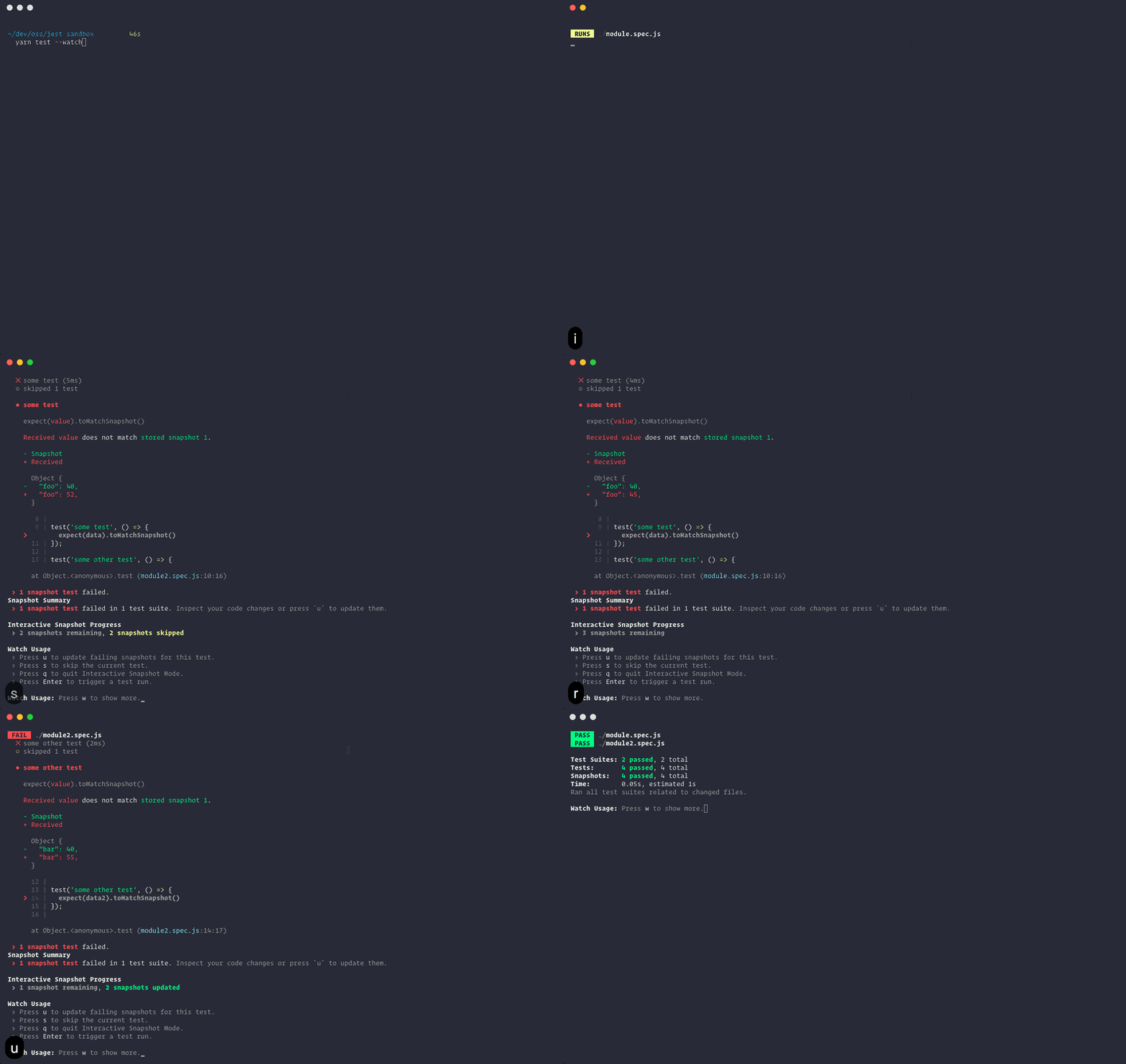
Bild rendern bzw. Screenshot
Visueller Vergleich:
Image Snapshot


Abweichung Pixel
Konfigurierbare Toleranz
Idee von Regression Testing
Appliziert auf visuelle Aspekte
Ziele:
Code Änderungen sollen nicht nicht die visuelle Erscheinung der Software beeinflussen
Aufdecken von Visual Bugs
Visual Regression Testing
Growing complexity in web applications has increased the awareness that appearance should be tested in addition to functionality. This has given rise to a variety of visual regression testing tools (...)
we believe that testing for visual regressions should be added to Continuous Delivery pipelines.
www.thoughtworks.com/radar/tools/visual-regression-testing-tools
ThoughtWorks Blib 2014
(...) In general, our experience shows that visual regression tools are less useful in the early stages when the interface goes through significant changes, but they certainly prove their worth as the product matures and the interface stabilizes.
www.thoughtworks.com/radar/tools/visual-regression-testing-tools
ThoughtWorks Blib 2020
Test Runner
Browser-Automatisierungsframework
(User Actions replizieren)
Automatisiertes Visual Testing Tool
Test Szenarios
CI/CD
Werkzeuge
Visual Testing Tools
Visual Testing Services
Use Case BAFU SAM
BAFU SAM
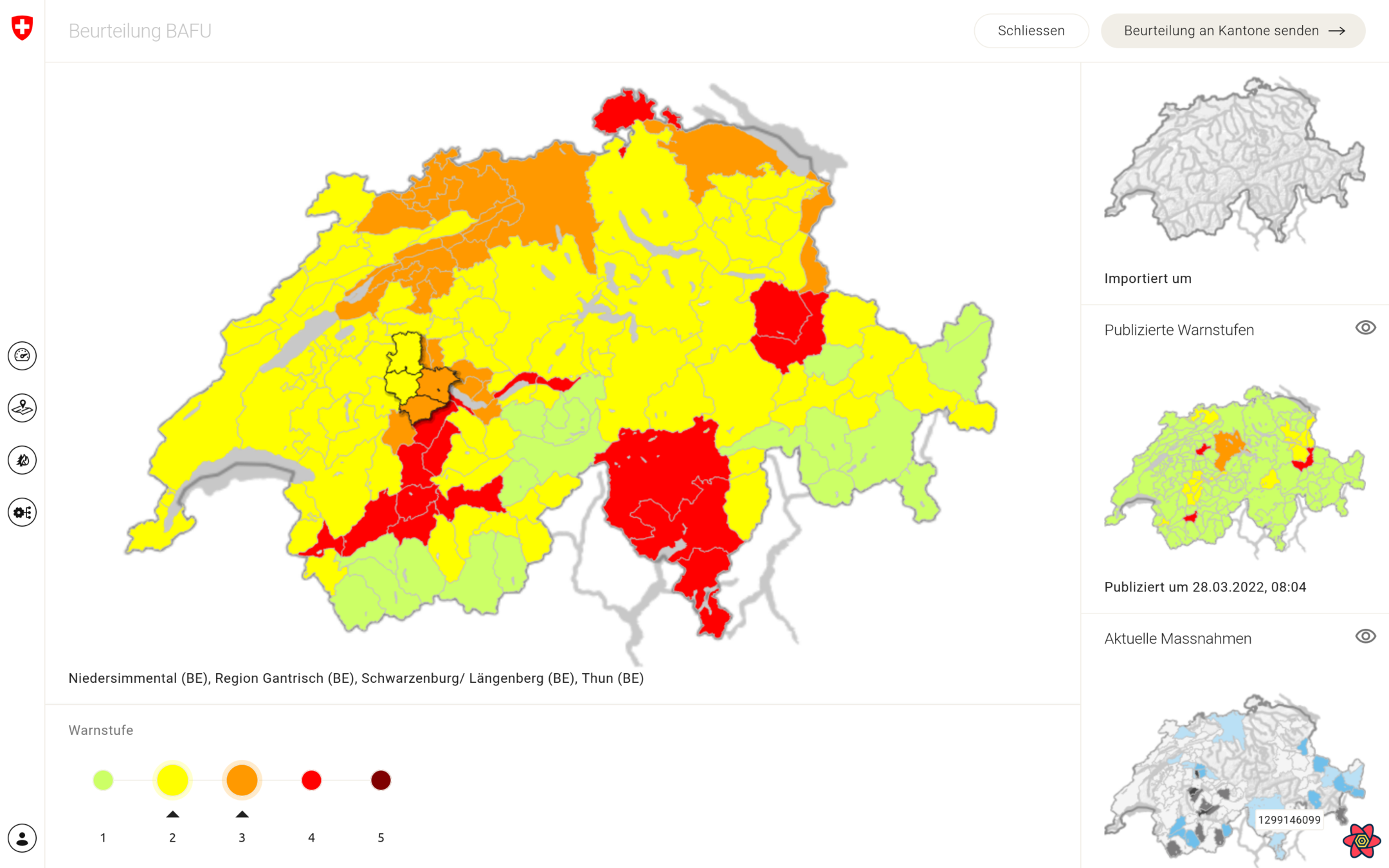
Kartenlastig, öffentliche Webauftritte
Interaktionen zwischen Karten & React Komponenten
Karte als <canvas> gerendered (OpenLayers)
👉 Wie stellen wir sicher, dass die Karten korrekt dargestellt werden bei entsprechendem State?
Ausgangslage
Cypress Image Snapshot Library
End-to-End Testing mit Cypress
Cypress Visual Testing Plugins
Unsere Wahl:
👉 github.com/jaredpalmer/cypress-image-snapshot*
*nicht mehr sehr aktiv maintained
Cypress
Command für Snapshot
Referenz Bild wird in Filessystem gespeichert
Zum Updaten: --env updateSnapshots=true
Cypress Image Snapshot
describe('Login', () => {
  it('should be publicly accessible', () => {
    cy.visit('/login');

    // snapshot name will be the test title
    cy.matchImageSnapshot();
  });
}};
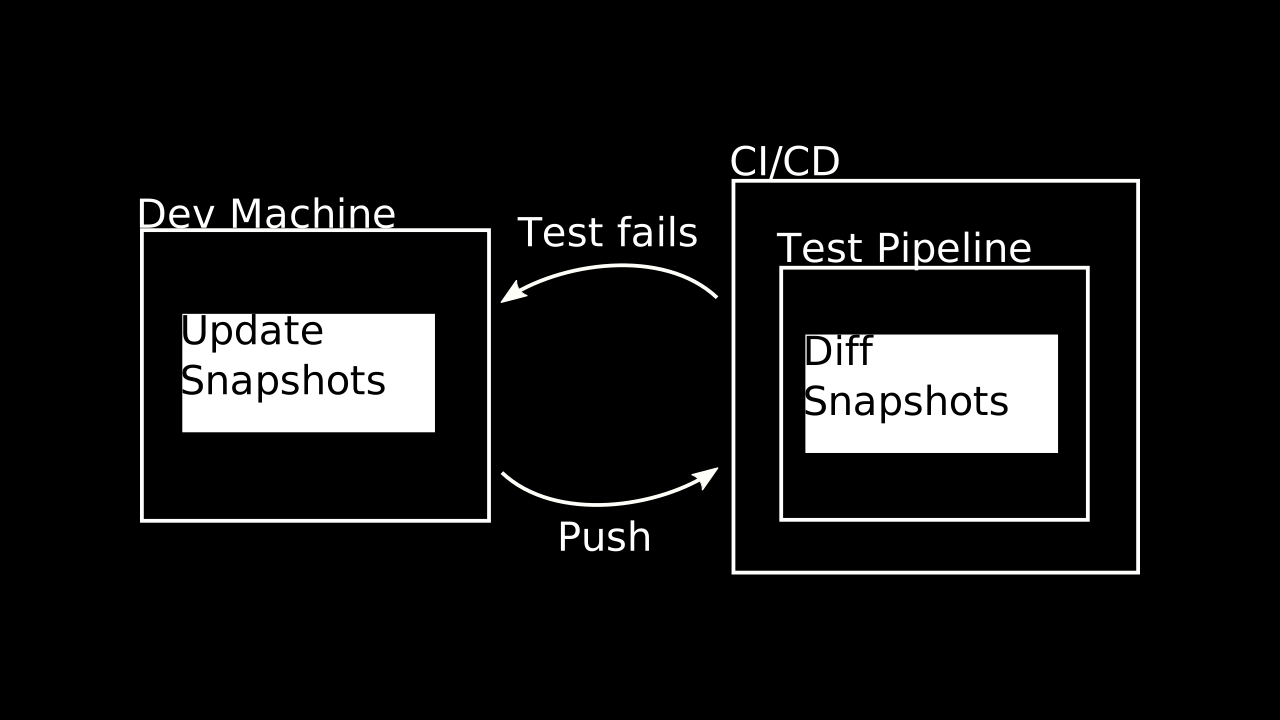
Prozess
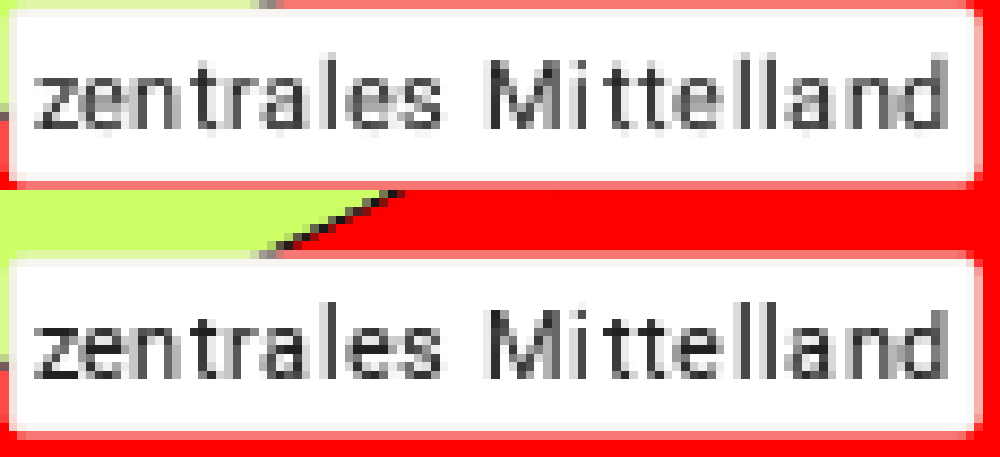
Rendering: Konstante Reihenfolge ist wichtig!
Abweichungen trotz Docker & ident. Browserversion:
Schwierigkeiten
😩 😠 😭
Percy.io
Cloud Service für Visual Testing
Gesondert von CI/CD Pipeline
Nutzt Infrastuktur von BrowserStack.com
Arbeitet mit DOM Snapshots
Konsistente Umgebung für Screenshots
SDKs für viele Testing Frameworks/Sprachen
Integration in GitHub/GitLab Pull Requests
Percy CLI
Was ist Percy.io?
Prozess
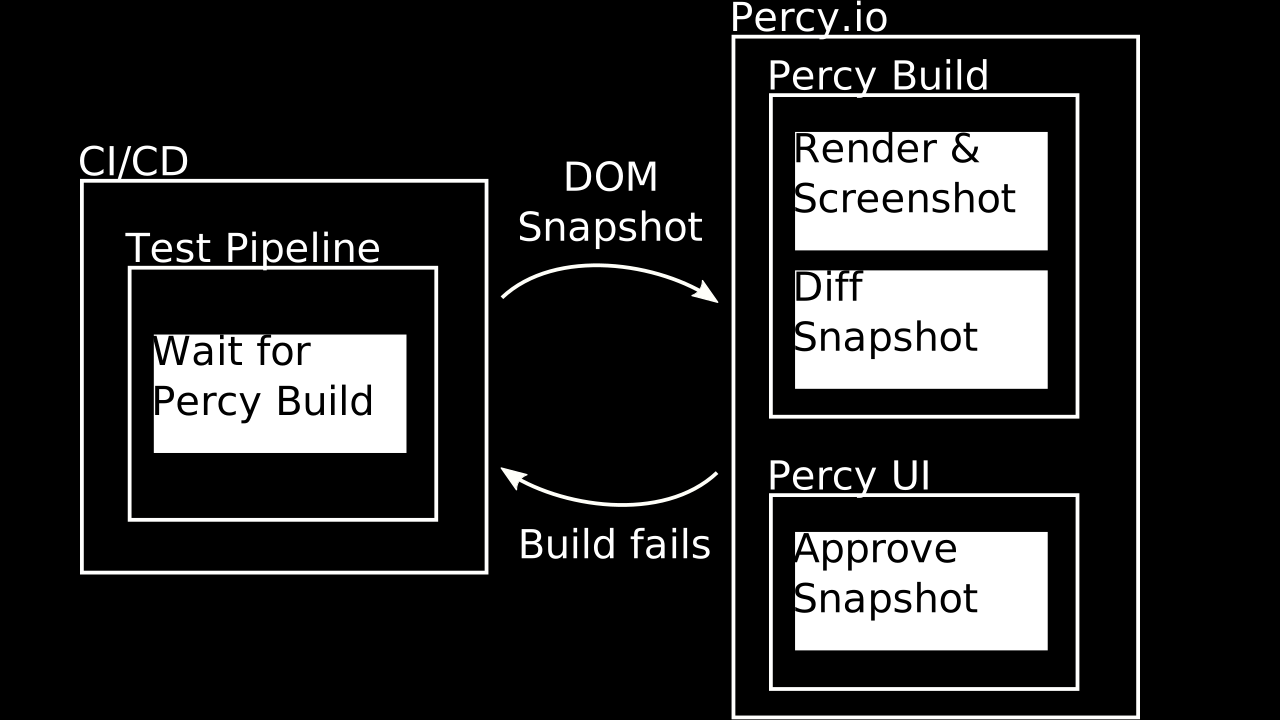
Verschiedene Browsers & Auflösungen möglich
DOM Snapshot Rendering ohne JS
Full Page Screenshots
‼️ Scrolling bei Overflowing Containers ‼️
Screenshots
Für Snapshot definierbar
Overflowing/fixe Height übersteuern
Maskierung ungewünschter Elemente
etc.
Percy CSS
Cypress
TestCafe
Puppeteer
Protractor
Nightmare
Nightwatch
Integrationen
WebdriverIO
Ember
Storybook
Capybara
Selenium
@percy/cypress
# Installation
npm install --save-dev @percy/cli @percy/cypress

# Usage
export PERCY_TOKEN=[your-project-token]
percy exec -- cypress run
// In cypress/support/index.js
import '@percy/cypress'
// In your test
describe('My app', () => {
it('should look good', () => {
cy.get('body').should('have.class', 'finished-loading');
cy.percySnapshot();
cy.get('button').click();
cy.percySnapshot('Clicked button');
});
});Custom Cypress Commands
Cypress.Commands.add(
  "percySnapshotContent",
  (name?: string, options?: SnapshotOptions) =>
    cy.percySnapshot(name, {
      ...options,
      percyCSS: `
        /* Hide header, sidebar & sidepanel */
        header, .MuiDrawer-root {
          display: none;
        }

        /* Allow full page screenshot */
        [data-reactroot] > div {
          height: auto;
          min-height: 100vh;
        }

        /* Custom CSS */
        ${options?.percyCSS}
      `,
    })
);
Synchronisieren mit CI/CD
npx percy build:wait \
  --project $PERCY_ORG/$PERCY_PROJECT \
--commit $COMMIT_SHAEinblick ins Percy UI
Gratis bis 5'000 Screenshots/Monat*
$149/Monat bis 25'000 Screenshots/Monat
$599/Monat bis 100'000 Screenshots/Monat
etc.
*beim Free Plan werden die Snapshots mind. in 4 Browsern gemacht & pro Auflösung kommt einer hinzu
Pricing $$$
Fin
Image Credits
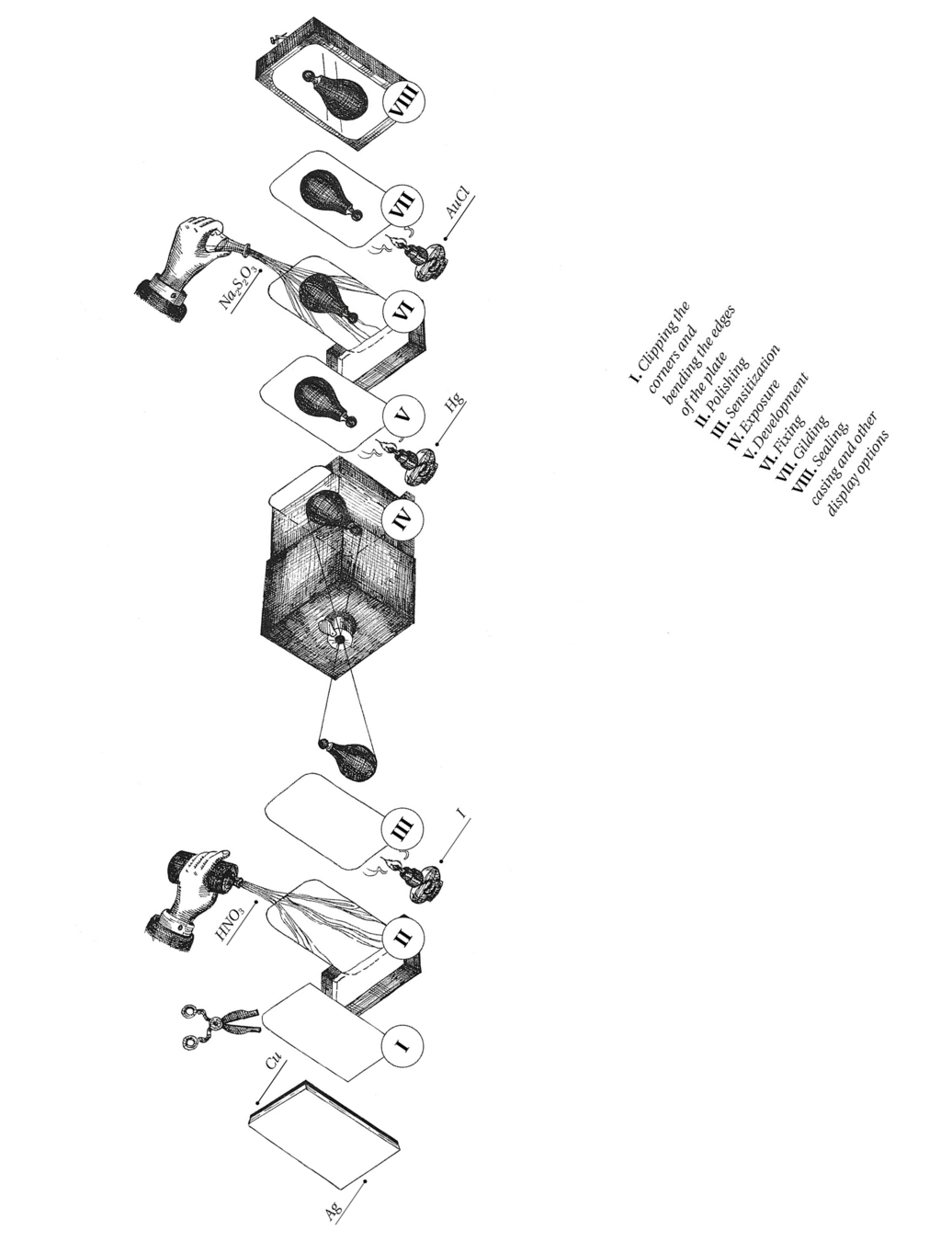
Graphic representation of the steps involved in making a daguerreotype,
Susanna Celeste Castelli, DensityDesign Research Lab
L’Atelier de l'artiste,
Louis Daguerre
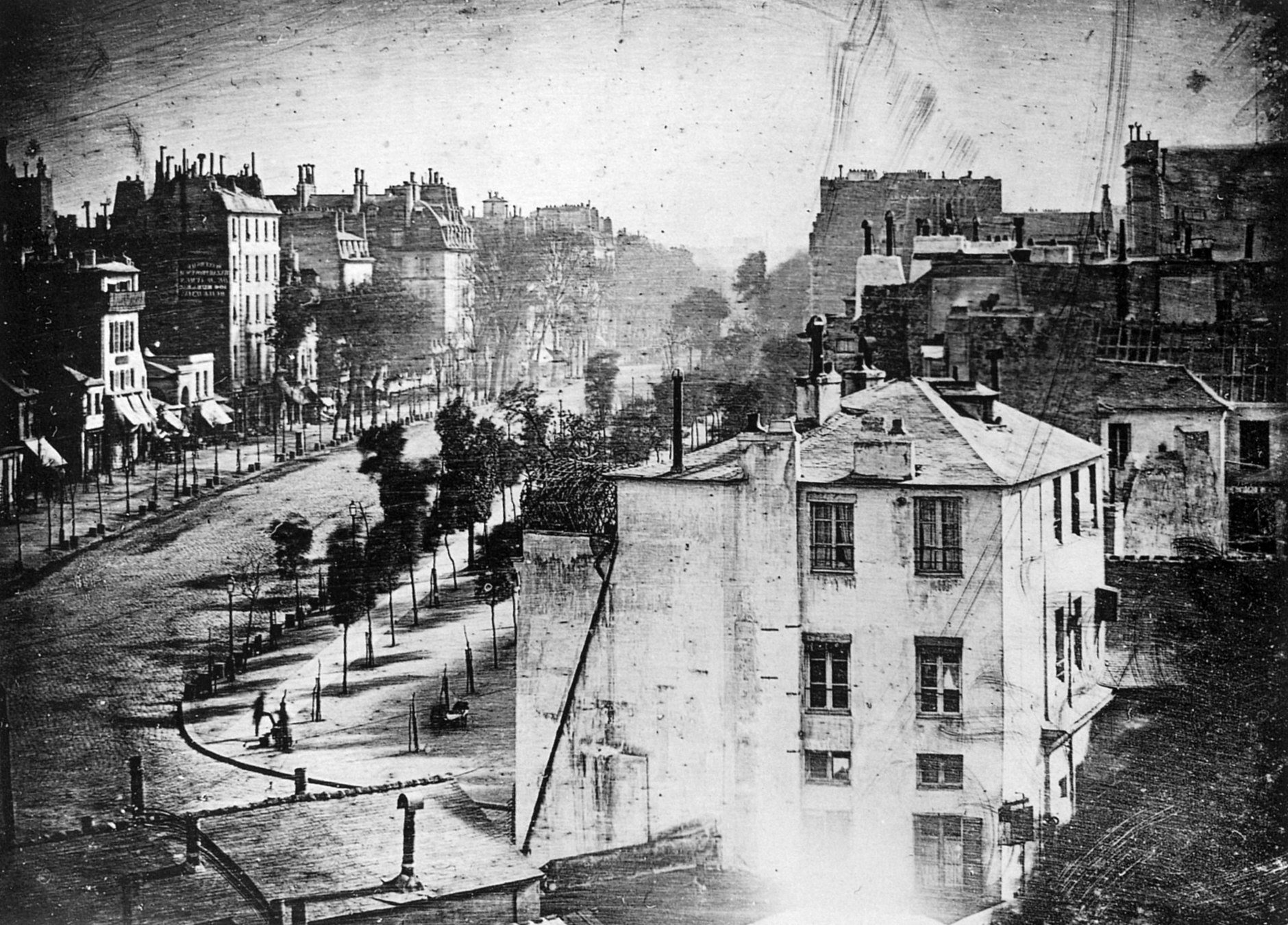
Boulevard du Temple,
Louis Daguerre
Shells and Fossils,
Louis Daguerre
This work is licensed under a
Creative Commons Attribution 4.0 International License.

Fragen? Erfahrungen?