PhoneGap introduction - prepare your workspace
Irek Róg
What is PhoneGap?
PhoneGap (full name: Adobe PhoneGap) is an open source framework for quickly building cross-platform mobile apps using HTML5, CSS and JavaScript.
PhoneGap is a distributon of Apache Cordova. PhoneGap distribution contains additional tools like:
- PhoneGap Build (building apps in cloud)
- PhoneGap Developer App (developing apps)
- PhoneGap Enterprise (management apps)
Getting started
- Install Node.js from:
http://nodejs.org/en/
- Install PhoneGap
$ npm install -g phonegap@latest$ phonegap create MyFirstApp- Create app
Structure of app
$ cd MyFirstApp$ dirconfig.xml hooks/ platforms/ plugins/ www/-
config.xml - application configure file
-
hooks - scripts which could be added by application
-
platforms - a catalog contains files of added platform
-
plugins - a catalog with added plugins
-
www -
"www" structure
$ cd www$ dircss/ icon.png img/ index.html js/ res/ spec/ spec.htmlThis catalog contains HTML, CSS and JavaScript files which we can edit to creat our application.
Add the platform
$ phonegap platform add <platform>$ phonegap platform add wp8
$ phonegap platform add windows
$ phonegap platform add amazon-fireos
$ phonegap platform add android
$ phonegap platform add blackberry10
$ phonegap platform add firefoxos
$ phonegap platform add browserPossible options:
Windows
Mac
$ phonegap platform add ios
$ phonegap platform add amazon-fireos
$ phonegap platform add android
$ phonegap platform add blackberry10
$ phonegap platform add firefoxos
$ phonegap platform add browser
Build the app
$ phonegap build <platform>This command generates platform-specific code within the project's platforms subdirectory.
Test the app on an emulator or device
$ phonegap emulate <added_platform>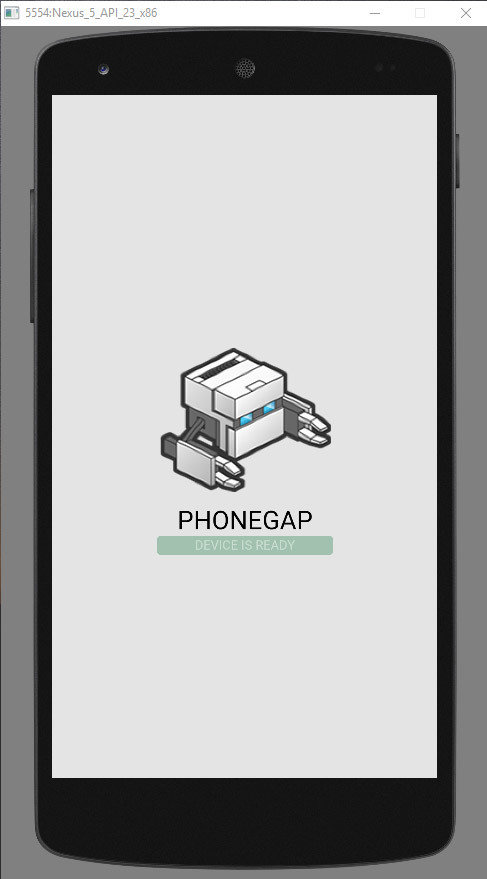
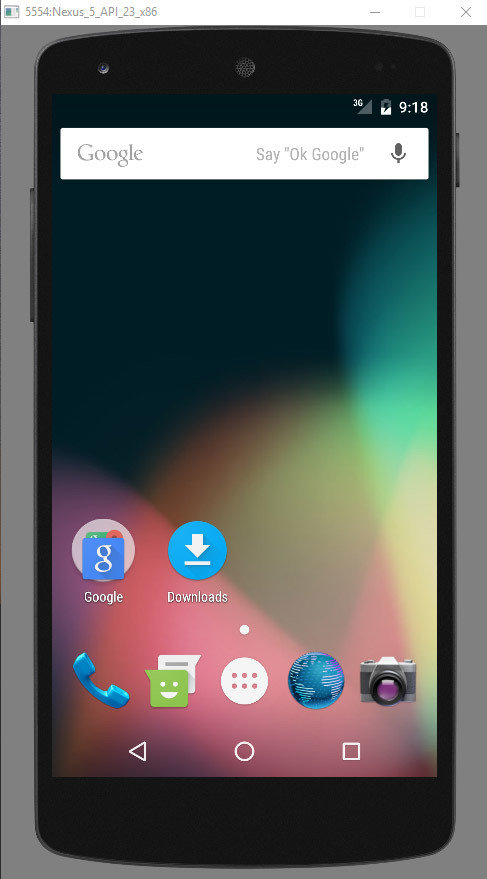
Test the app on an emulator or device
$ phonegap run <added_platform>By default the run command will look for a connected device, if no device is found it will look for any started emulators. If you have multiple emulators, you can specify a target ID.
Test the app on an emulator or device
1. Install PhoneGap Developer App
(from Google Play, Windows Phone Store or iTunes)
2. Wirelessly pair the apps
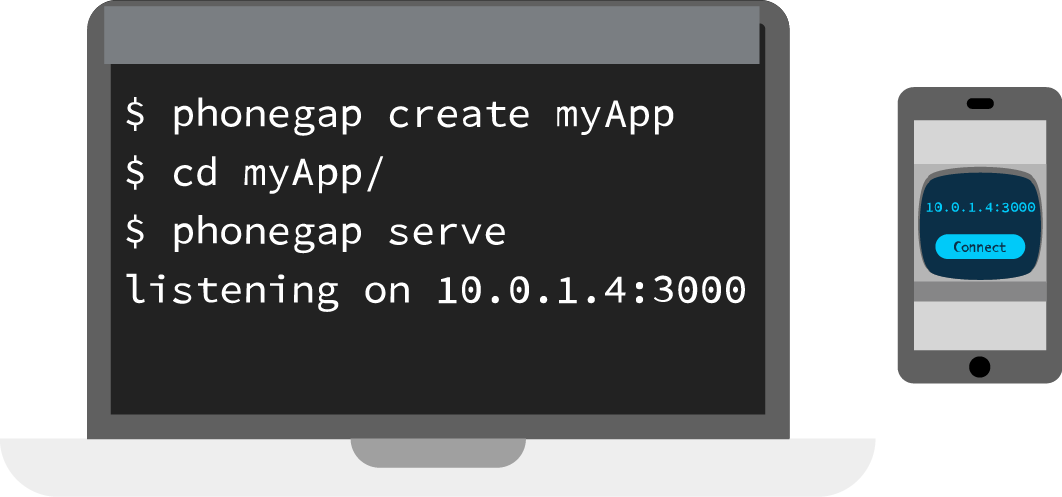
Now that we have paired devices, as we change the source code the mobile app will instantly show our latest changes.
Plugins
A plugin is a bit of add-on code that provides an interface to native components.
$ phonegap plugin add <name_of_plugin>We can design own plugin interface, but more commonly, we would add a plugin to enable one of basic device-level features detailed in the API Reference.
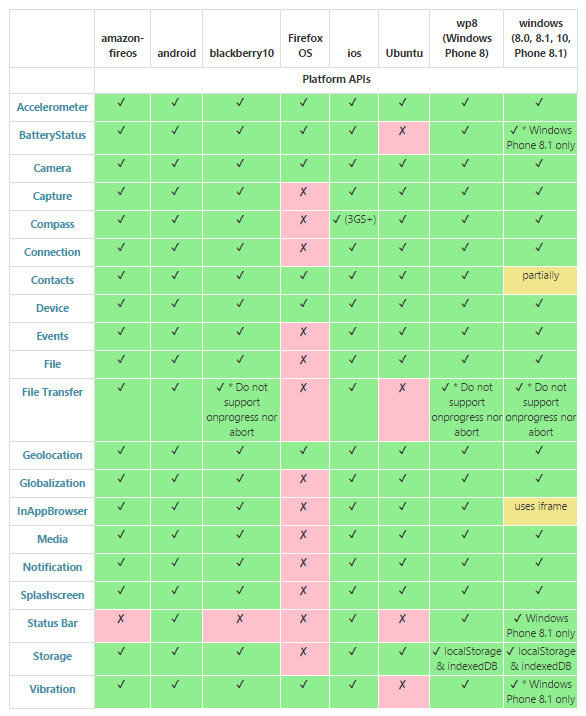
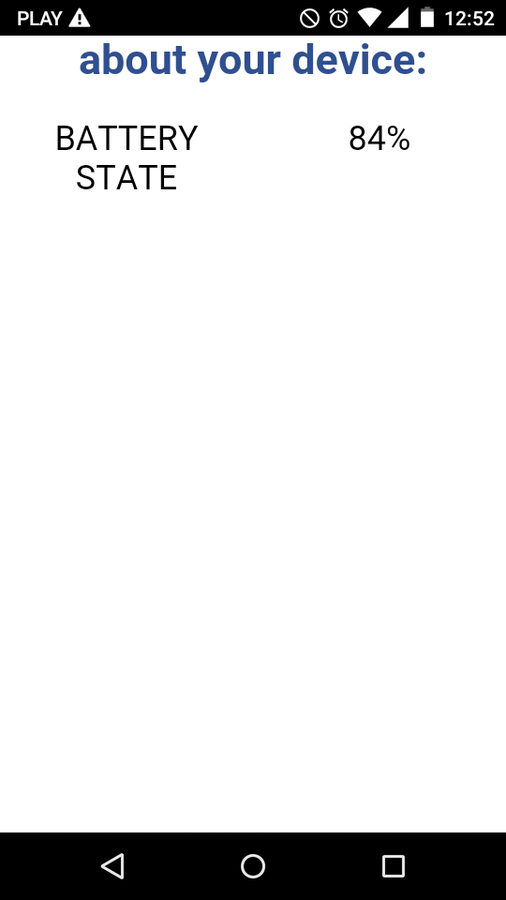
phonegap plugin add cordova-plugin-battery-statusExample for Android
// Battery status
function onBatteryStatus(info) {
    document.getElementById("current-state").innerHTML = info.level + "%";
}

function checkBattery() {
    window.addEventListener("batterystatus", onBatteryStatus, false);
}

window.onload=checkBattery;
Next add simply JavaScript code:
We add plugin of battery status:
Text
Result
Advantages and disadvantages
Advantages
Disadvantages
- You don't have to learn any new languages if you're already know HTML, CSS and JavaScript
- Cross-platform
- Access native functionality
- Good documentation
- Slower than native applications