Week 8 Promineo Tech
Pros of Object-Oriented Programming (OOP)
- Encapsulation: Data and behavior are encapsulated within objects, making it easier to manage and secure.
- Abstraction: OOP allows for abstraction of complex systems, making it easier to understand and maintain.
- Reusability: Classes and objects can be reused, making it easier to create new objects and reduce code duplication.
- Inheritance: Classes can inherit properties and methods from a parent class, reducing the need for duplicated code.
- Complexity: OOP can become complex due to the large number of classes and objects involved.
- Tight Coupling: Classes can be tightly coupled, making it harder to modify one class without affecting another.
Cons of Object-Oriented Programming (OOP)
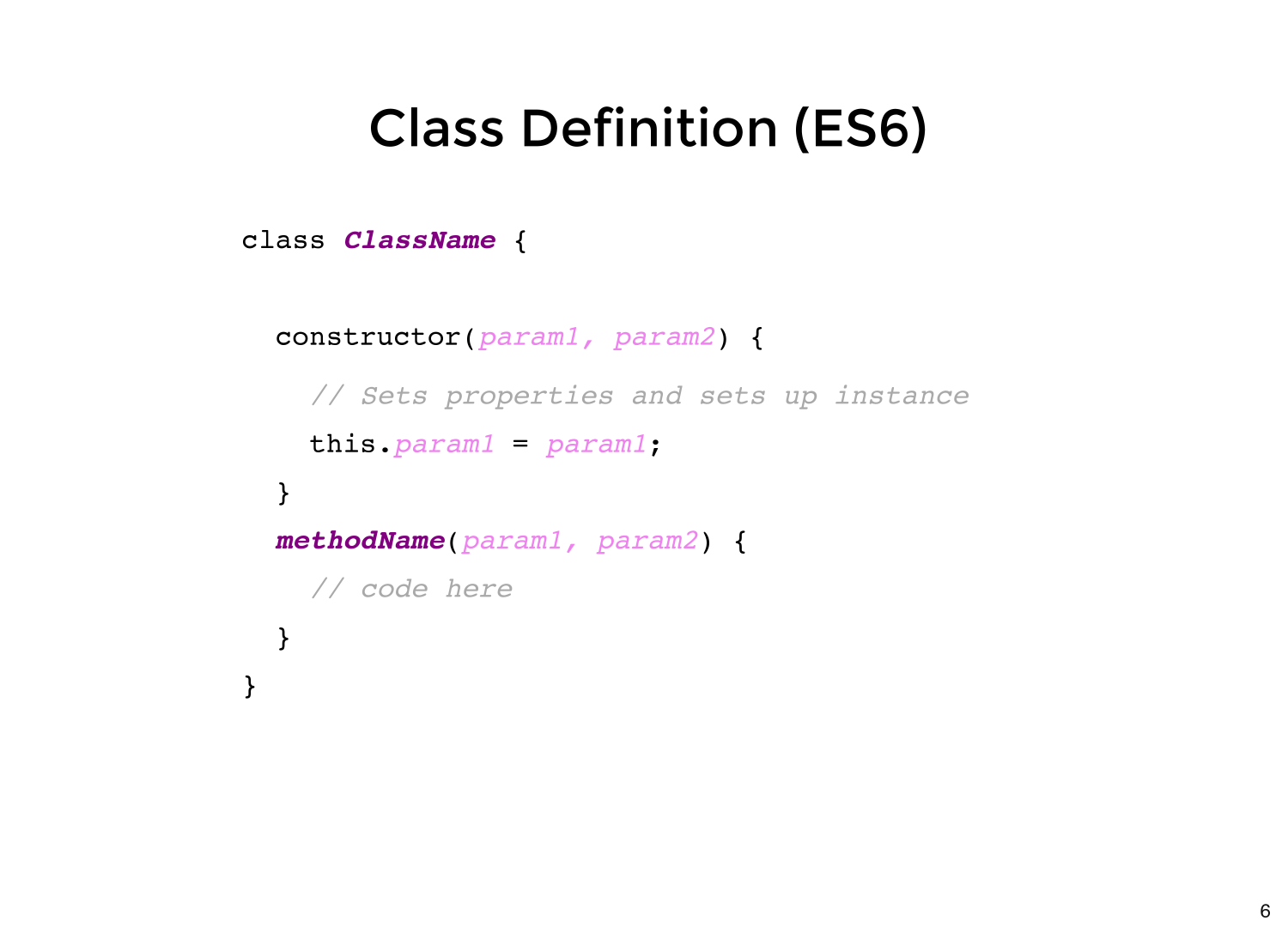
The Anatomy of a Javascript Class
-
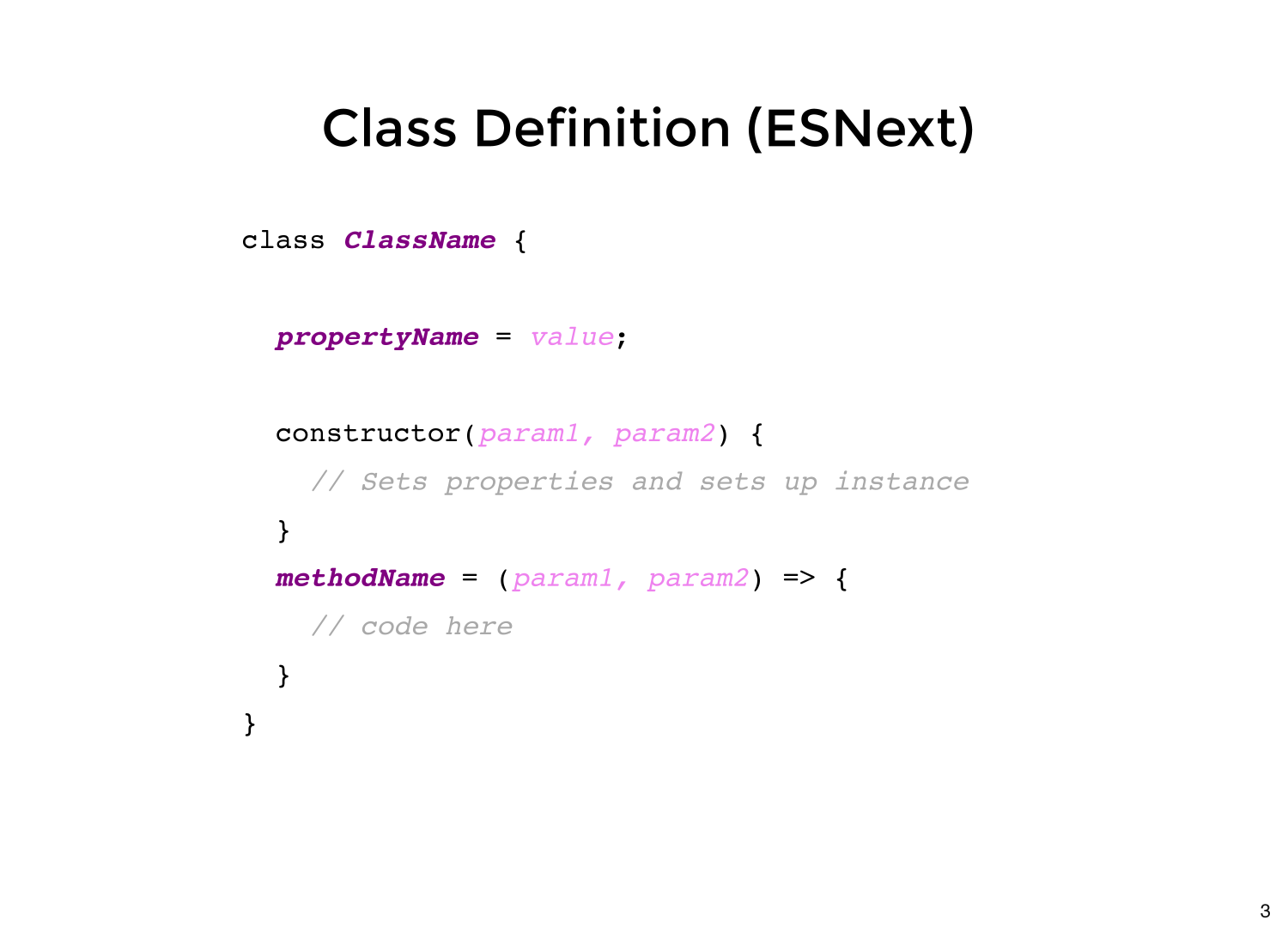
Class: A blueprint for creating objects in Javascript.
-
Constructor: A special method in a class that is used to create and initialize an object.
-
Method: A function within a class that can be called on objects created from the class.
-
Property: A value assigned to an object created from a class, often defined in the class constructor.
-
Inheritance: A mechanism that allows a new class to inherit properties and methods from an existing class.
- Object: An instance of a class, created by calling the class constructor.
The Anatomy of a Javascript Class cont..
- Encapsulation: Is the technique of wrapping data and the code that manipulates it together into a single package, simplifying both the structure and implementation of the code.
class Car {
  constructor(make, model, year) {
    this.make = make;
    this.model = model;
    this.year = year;
  }

  startEngine() {
    console.log(`Vroom! The ${this.make} ${this.model}'s engine is running.`);
  }

  honkHorn() {
    console.log(`Beep Beep! The ${this.make} ${this.model} is honking its horn.`);
  }
}

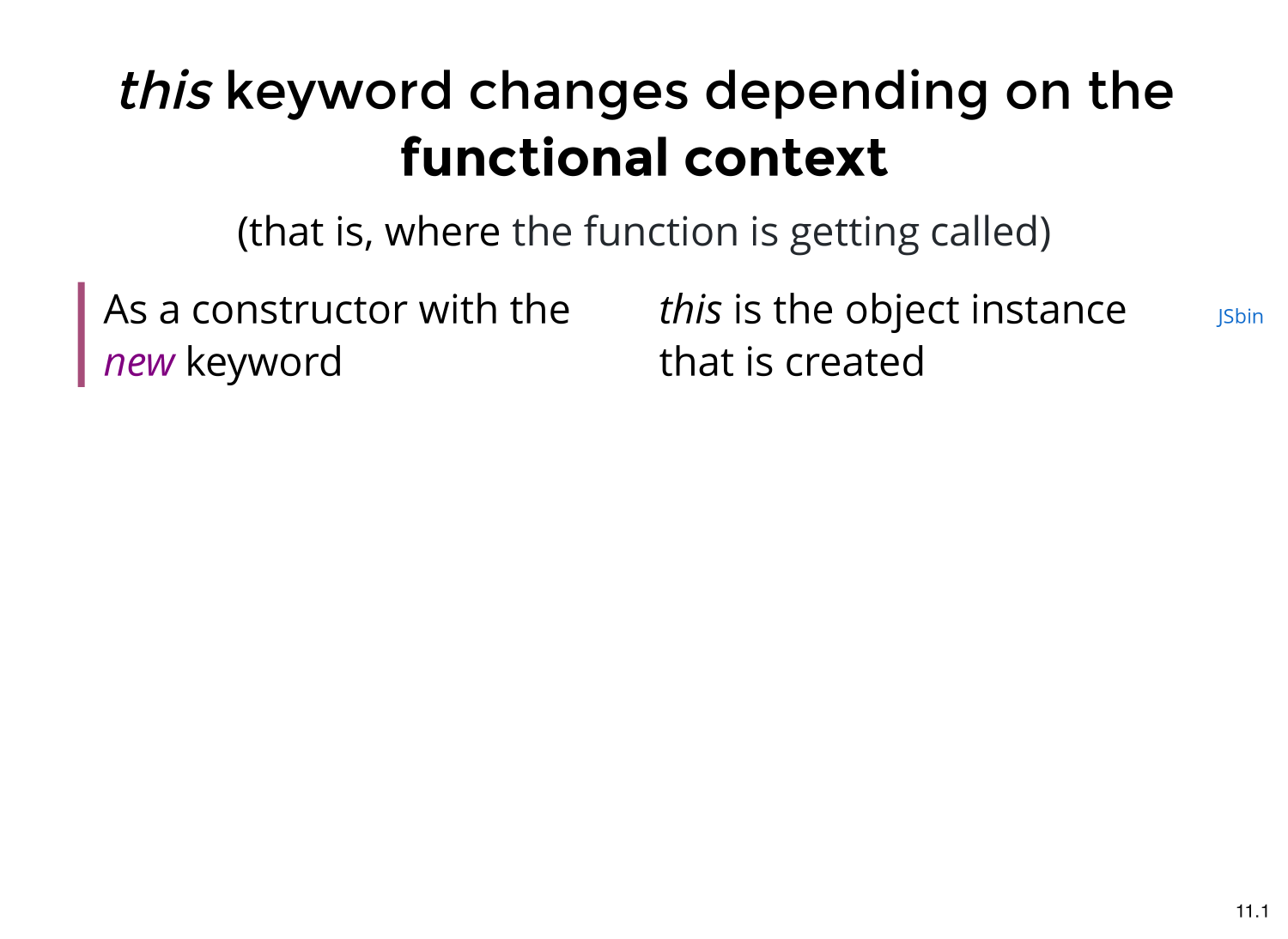
const myCar = new Car("Toyota", "Camry", 2020);
myCar.startEngine();
myCar.honkHorn();
In this example, the Car class has a constructor a method that takes in 3 parameters: make, model, and year. These parameters are then stored as properties on the instance of the class using this. The class also has two methods, startEngine and honkHorn, which log messages to the console when they are called. Finally, we create an instance of the Car class using the new keyword and store it in the myCar variable. We can then call the startEngine and honkHorn methods on the myCar instance.
Inheritance

Inheritance
Inheritance is a concept in Object Oriented Programming (OOP) that allows a new class to reuse and inherit attributes and behaviors from an existing class. This helps reduce code duplication and improve code organization.
Inheritance allows you to inherit all the properties and methods of the base class and add new properties and methods specific to the new class. This way, you can use all the attributes and behaviors of the base class in the new class and still maintain the unique characteristics of the new class.
-
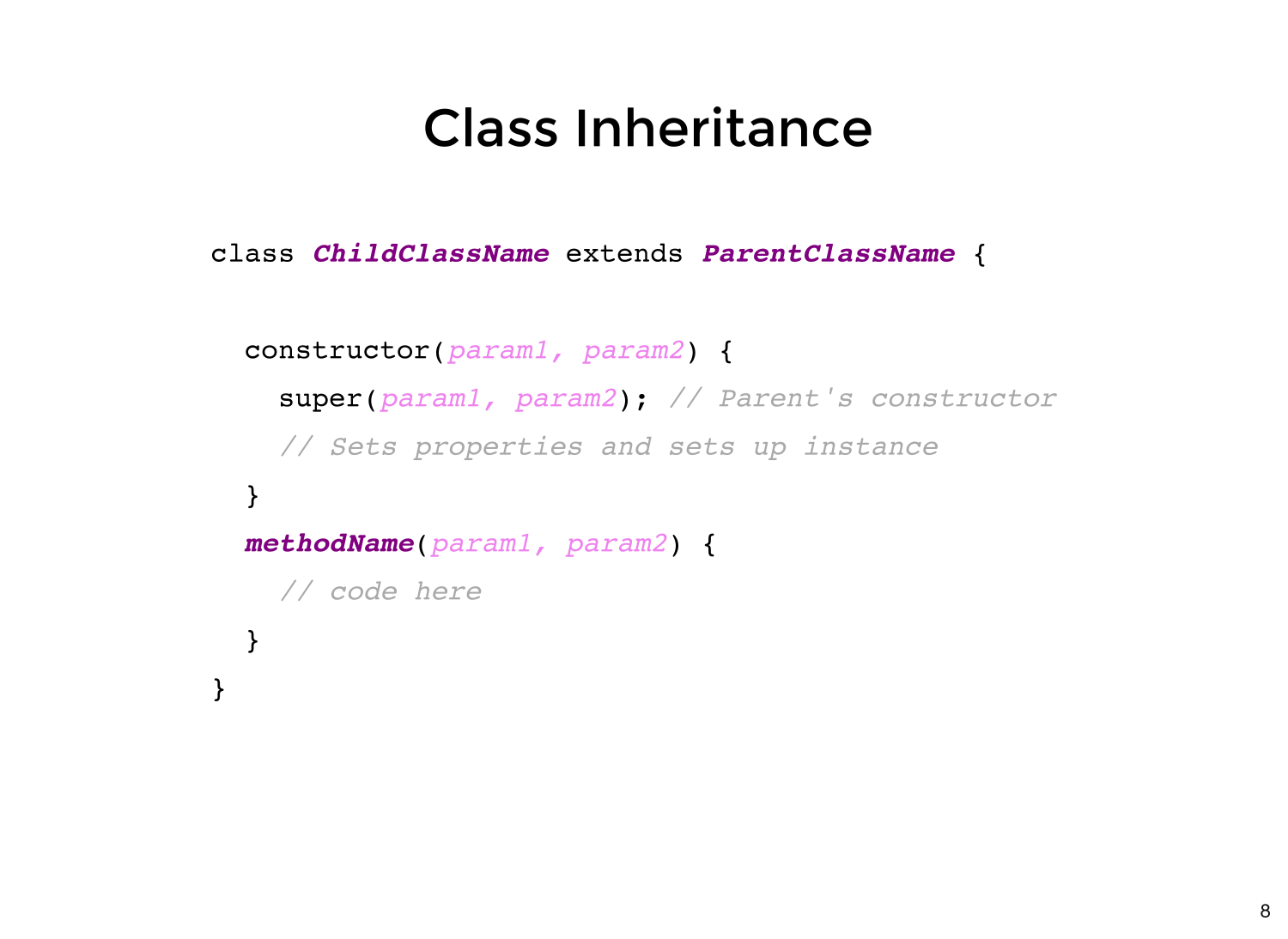
Define the Base Class:
- Create a general class with common properties and methods.
- This class serves as a template for other classes.
-
Establish the Subclass:
-
Create a new class that will inherit from the base class.
- Use the
extendskeyword to declare inheritance.
-
-
Invoke the Base Class Constructor:
In the subclass constructor, use super() to call the base class constructor.
-
Essential for initializing inherited properties.
-
Instantiate the Subclass:
-
Use the new keyword to create objects from the subclass.These objects will have access to both the base class and subclass properties and methods.
-
class ElectricCar extends Car {
  constructor(make, model, year, batteryCapacity) {
    super(make, model, year); // Call the constructor of the parent class
    this.batteryCapacity = batteryCapacity; // Additional property specific to electric cars
    this.currentCharge = batteryCapacity; // Assuming the car starts fully charged
  }

  startEngine() {
    if (this.currentCharge > 0) {
      console.log(`Whirr! The ${this.make} ${this.model}, an electric car, is starting.`);
    } else {
      console.log(`The ${this.make} ${this.model} cannot start, battery is empty.`);
    }
  }
// more Methods we can add here
}

// Example usage
const myElectricCar = new ElectricCar("Tesla", "Model S", 2022, 100);
myElectricCar.startEngine();
myElectricCar.checkBatteryLevel();
myElectricCar.chargeBattery(20);
myElectricCar.displayUniqueFeatures();
POLYMORHISM
-
Base and Derived Classes
- Identify a base class that will provide a common interface.
- Create derived classes that inherit from this base class.
-
Use Method Overriding:
- In the derived classes, override methods from the base class.
- Provide a different implementation in each derived class to vary behavior.
Implementing Polymorphism
class ElectricCar extends Car {
  startEngine() {
    console.log(`Whirr! The ${this.make} ${this.model}, an electric car, is starting.`);
  }

  honkHorn() {
    console.log(`Peep Peep! The ${this.make} ${this.model}, an electric car, is honking its digital horn.`);
  }
}

const myCar = new Car("Toyota", "Camry", 2020);
myCar.startEngine();
myCar.honkHorn();

const myElectricCar = new ElectricCar("Tesla", "Model S", 2022);
myElectricCar.startEngine();
myElectricCar.honkHorn();
- The
honkHornmethod in theCarclass describes a traditional horn sound. - In the
ElectricCarsubclass, thehonkHornmethod is overridden to describe a digital horn sound, which is often found in electric cars. - This setup shows polymorphism, as the
honkHornmethod behaves differently depending on whether it's called on an object of theCarclass or theElectricCarsubclass.