Backup WordPress with CPanel Tool
Before update the WP core and plugins and themes
---For customers hosing from Nehemiah 9 Design
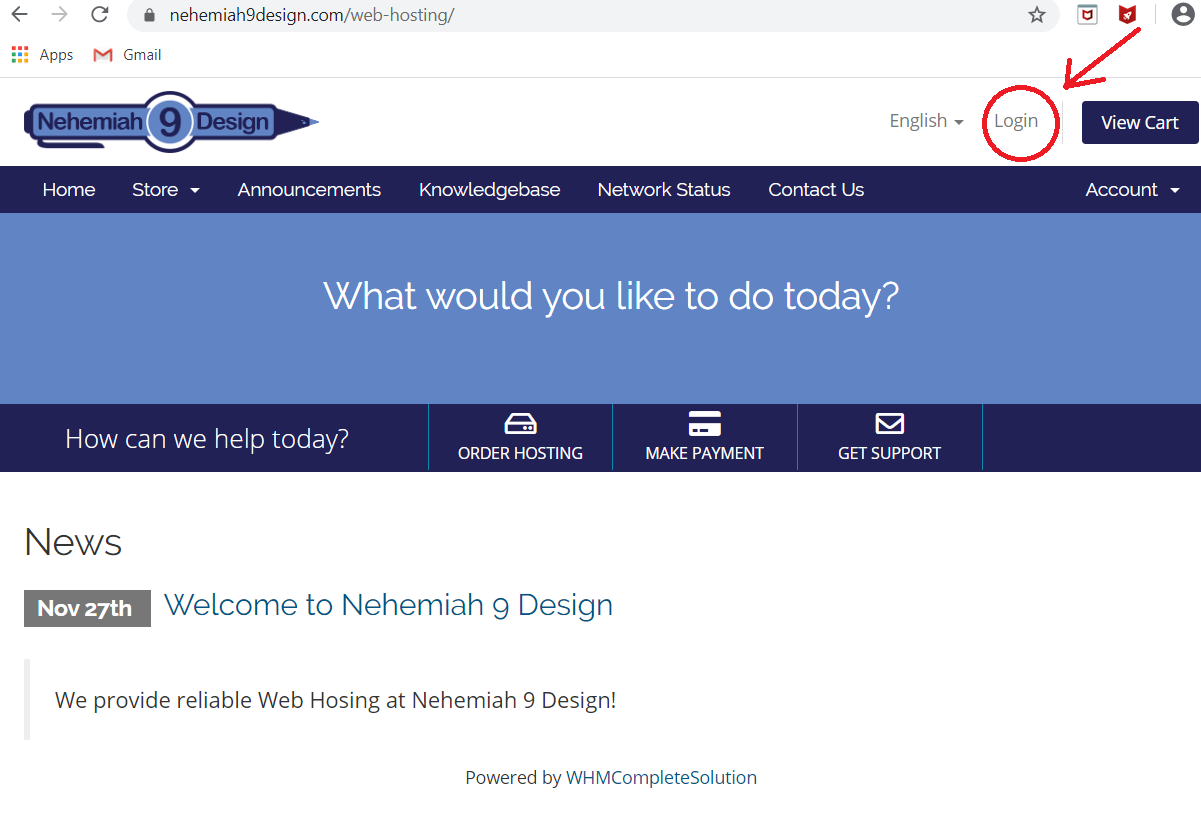
Login to our hosting portal
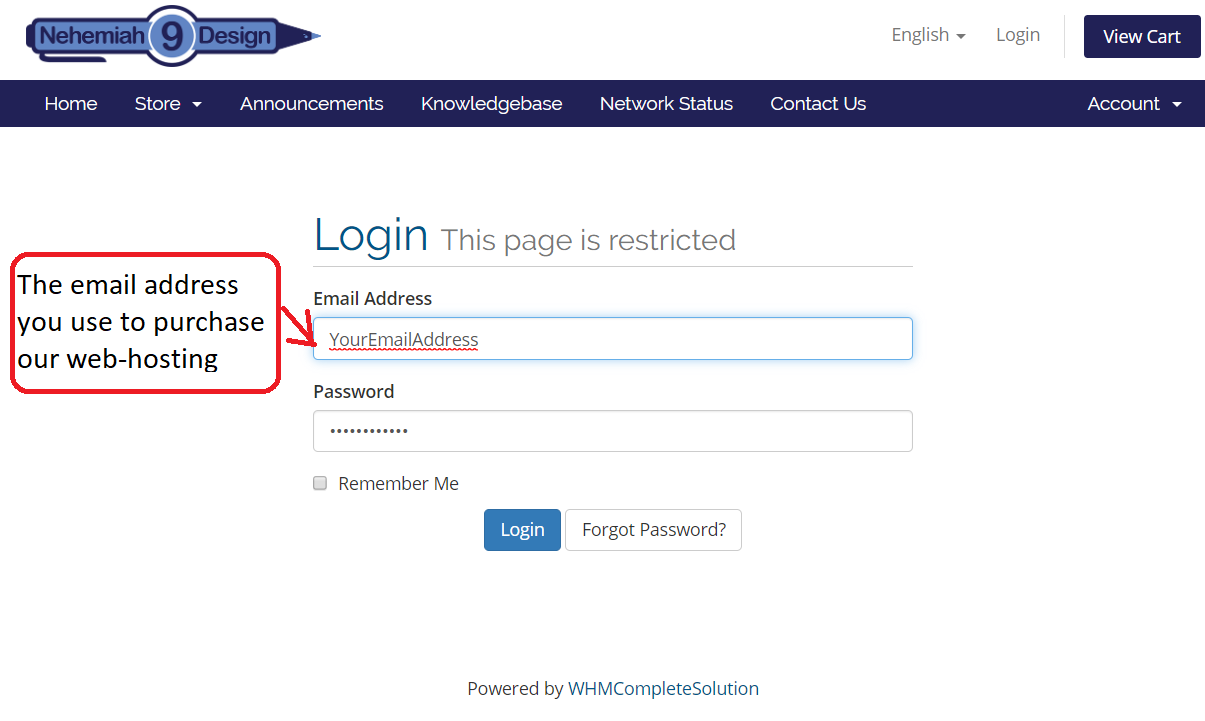
Log in with your credentials
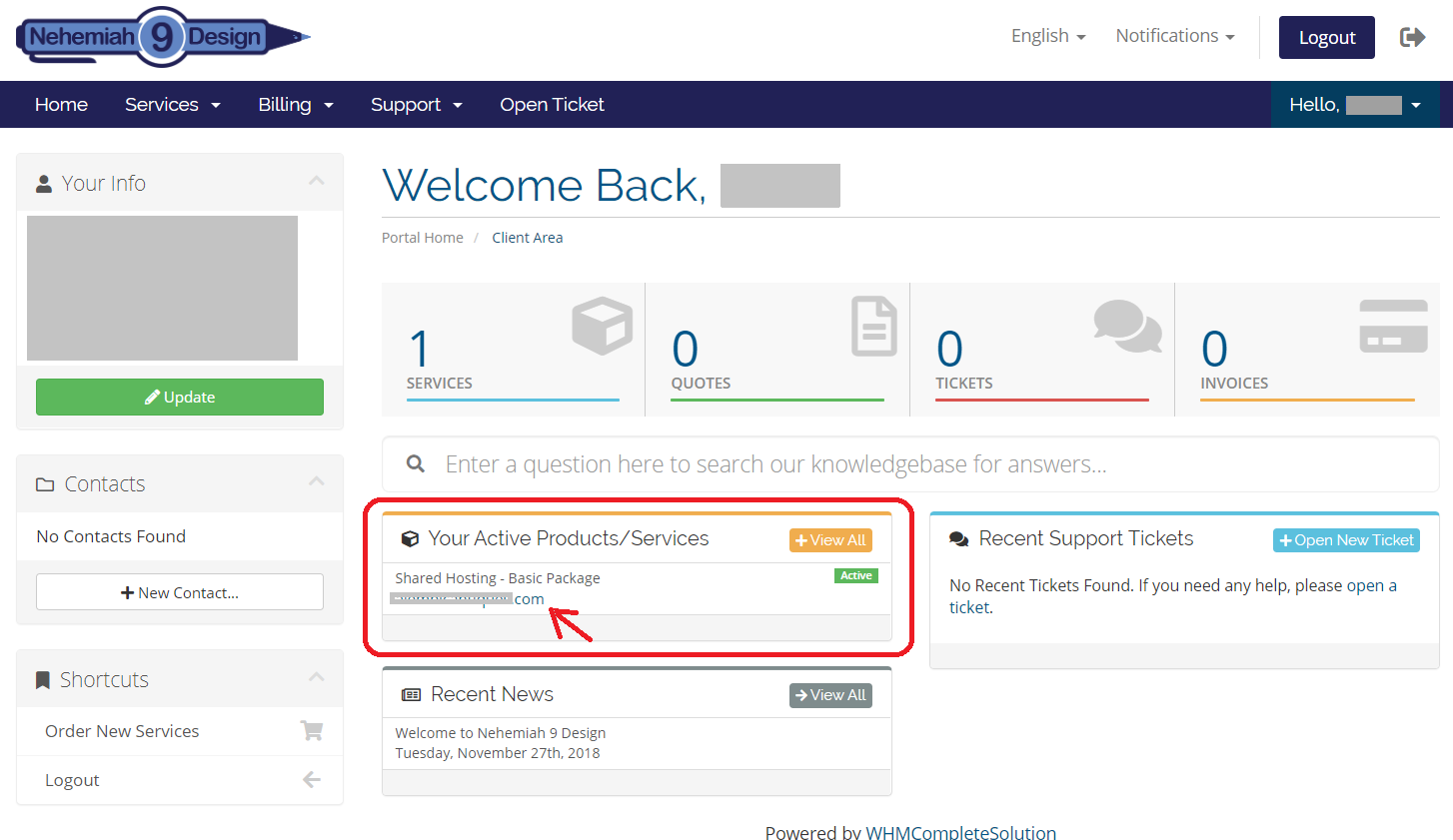
Click your domain name under
"Your Active Procuts/Services"
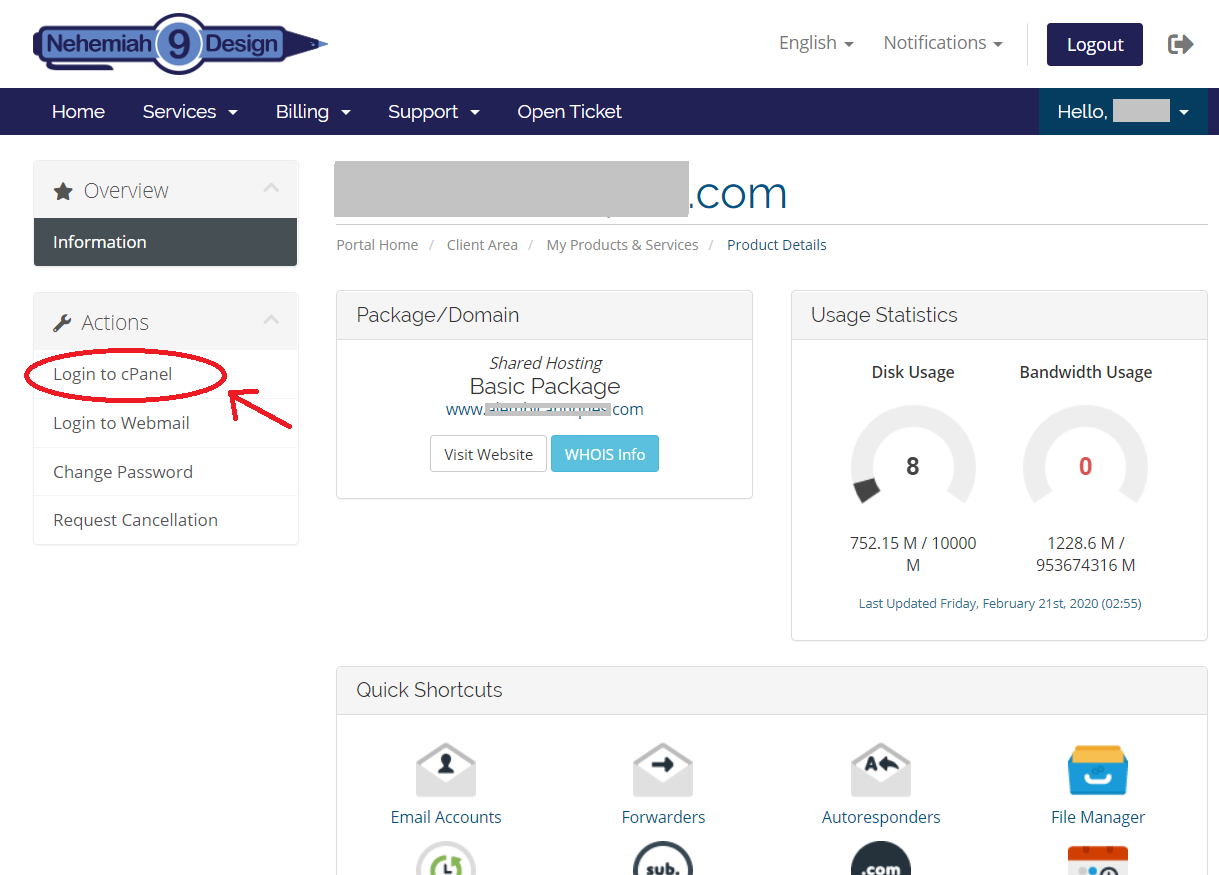
Click "Login to cPanel" from Actions Section
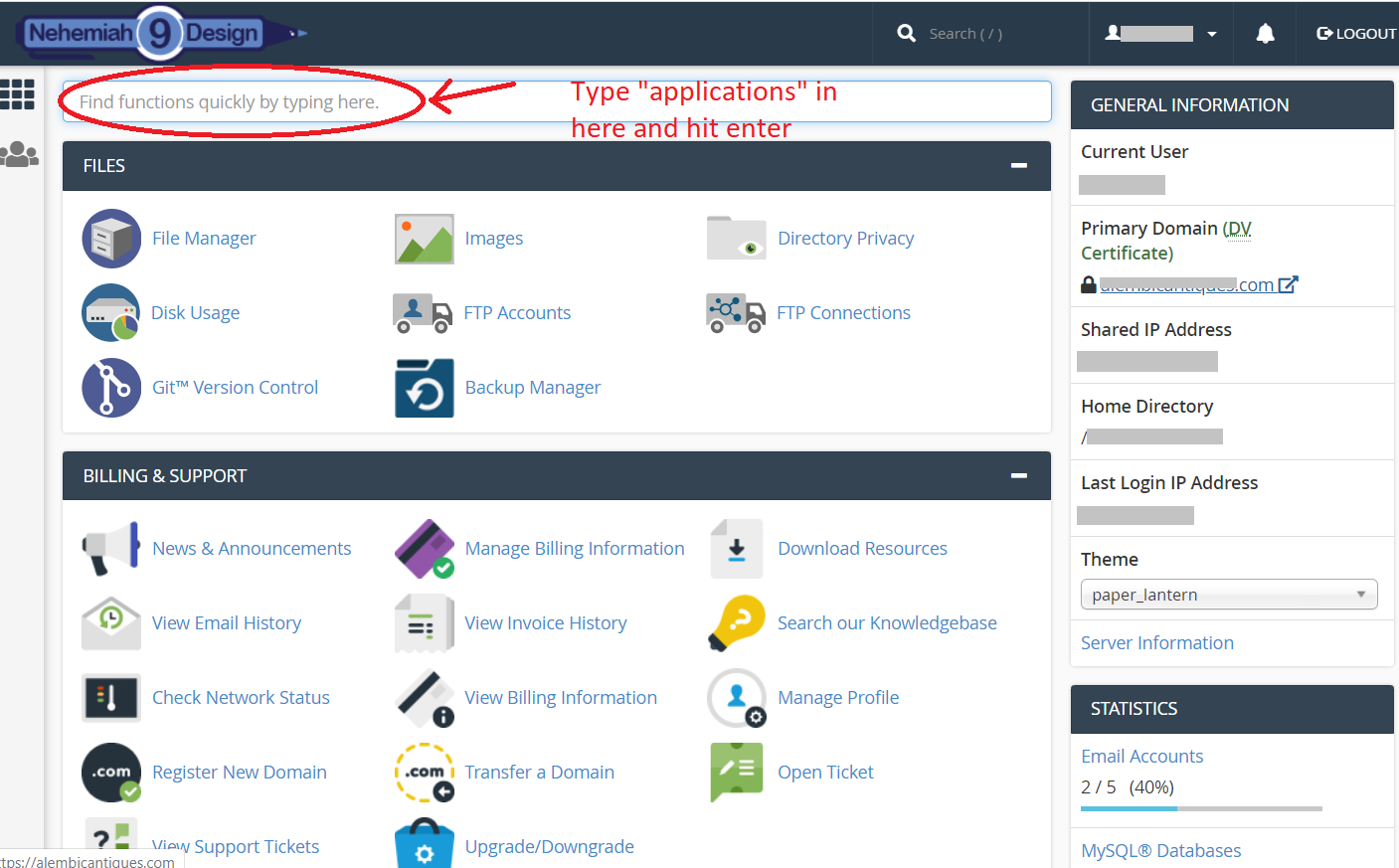
Search for Wordpress application in cPanel
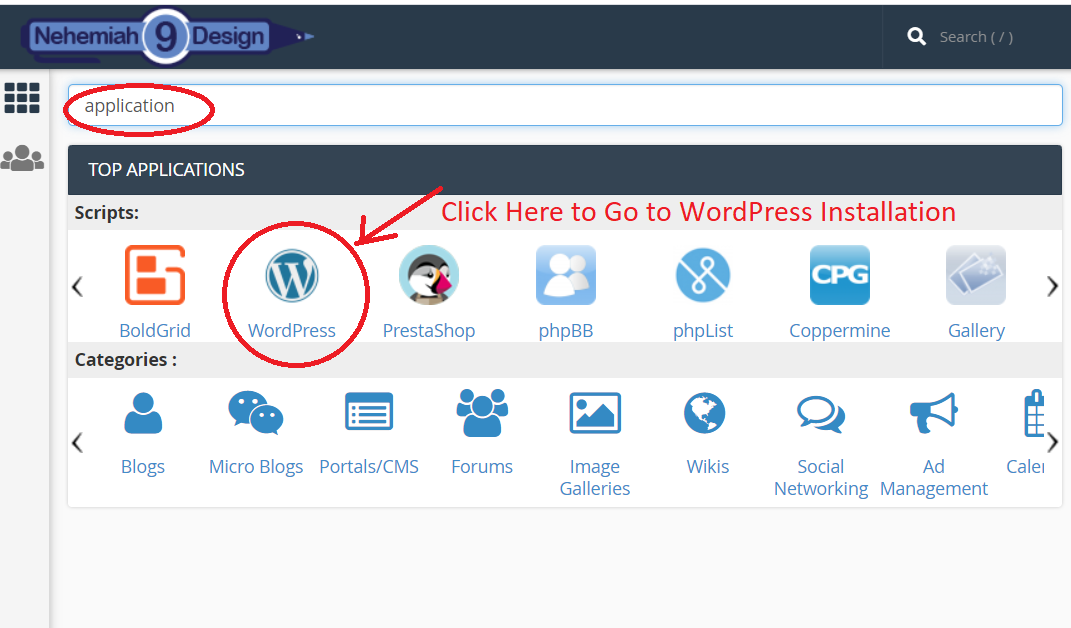
Click WordPress to manage WordPress Installation
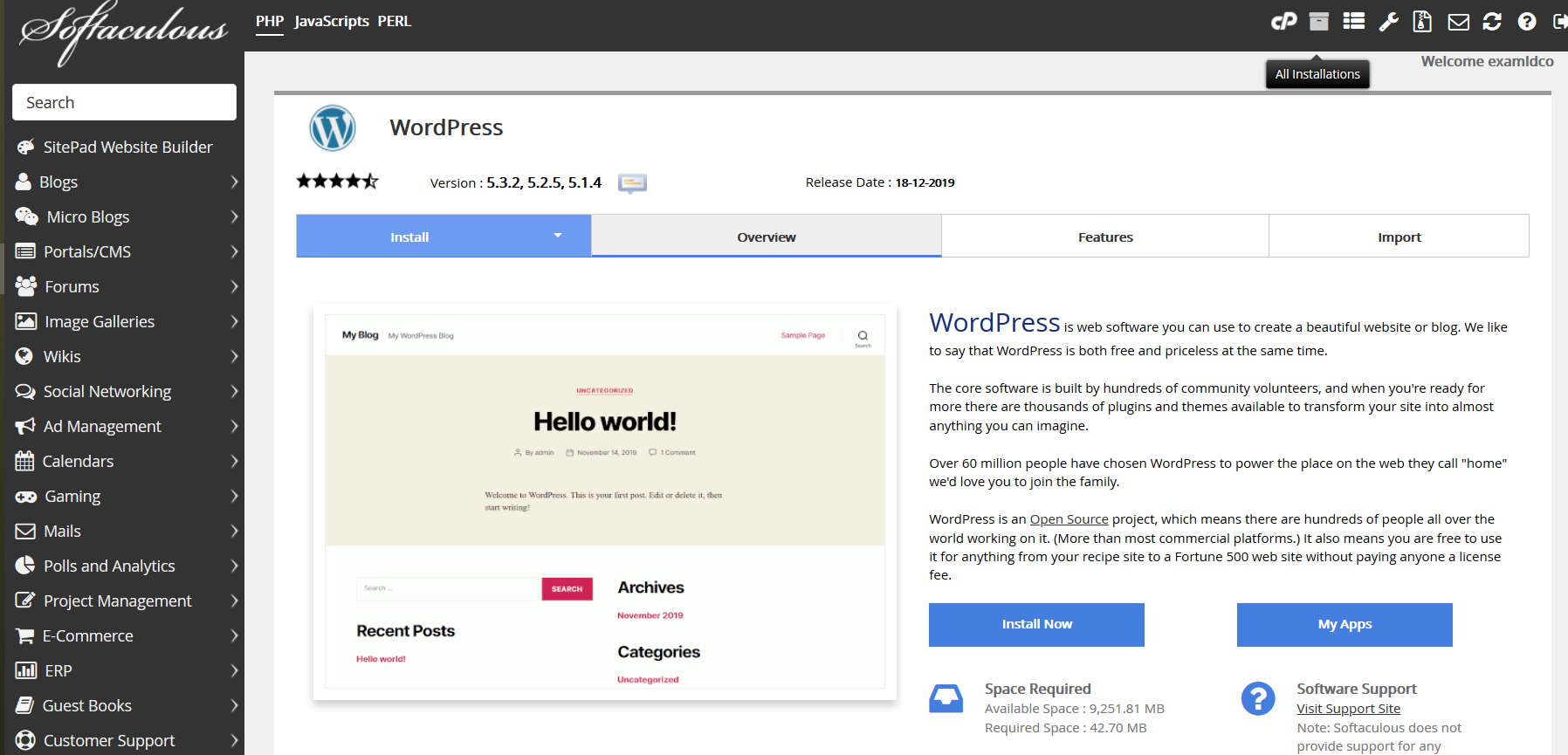
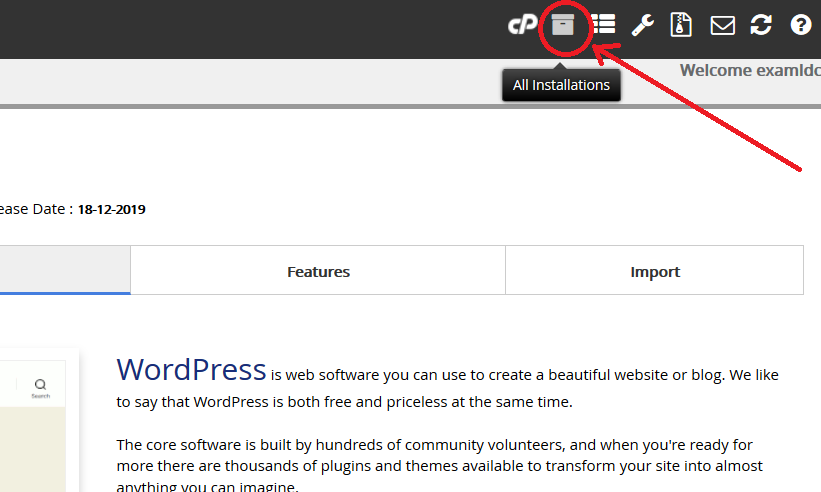
Click "All Installations" Icon
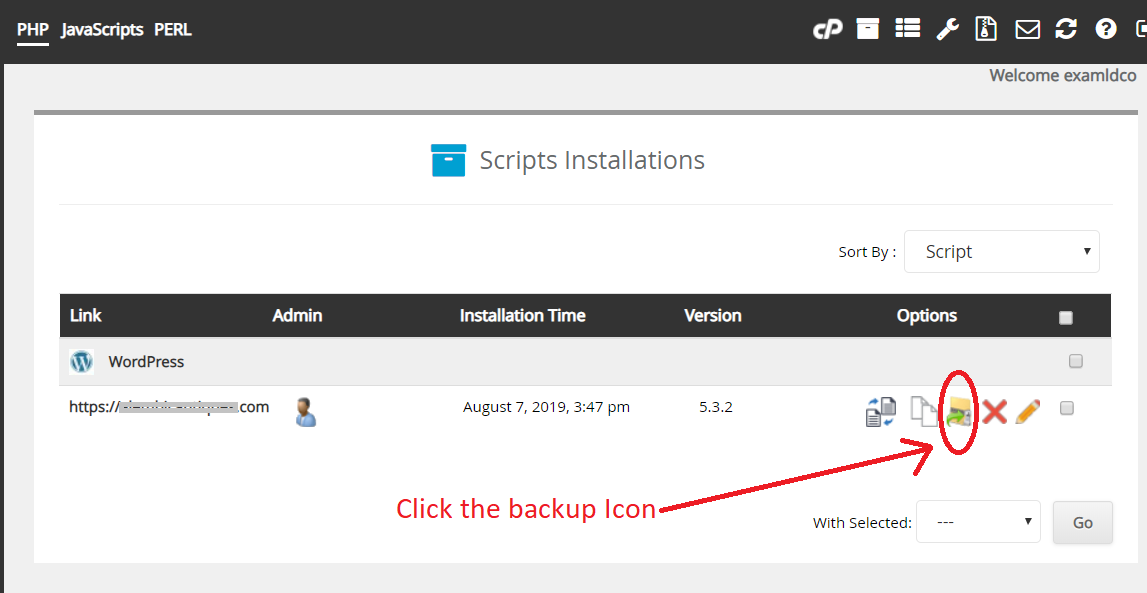
Start backup by clicking the bacup Icon
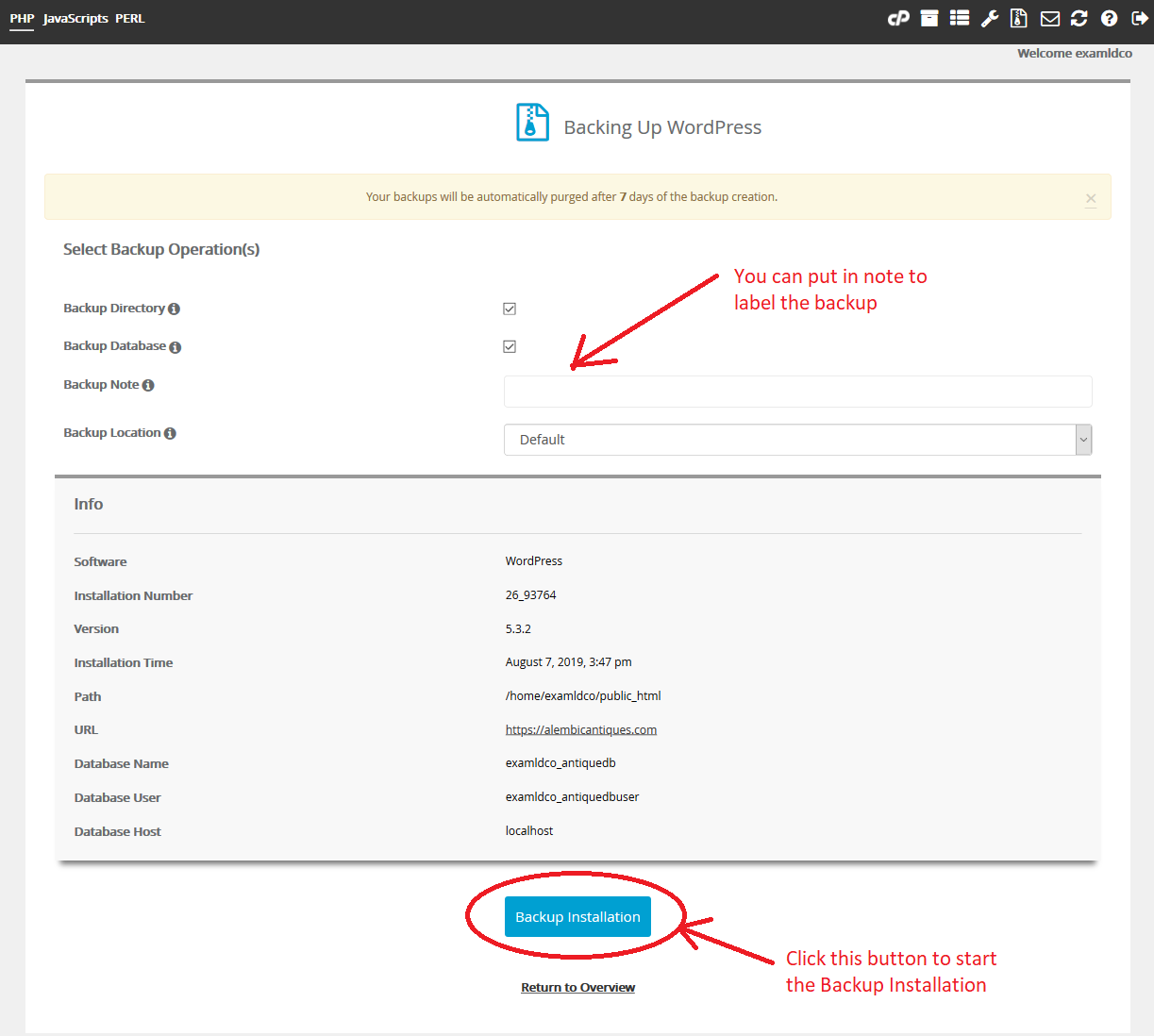
Fill up the detail then Click the button to start
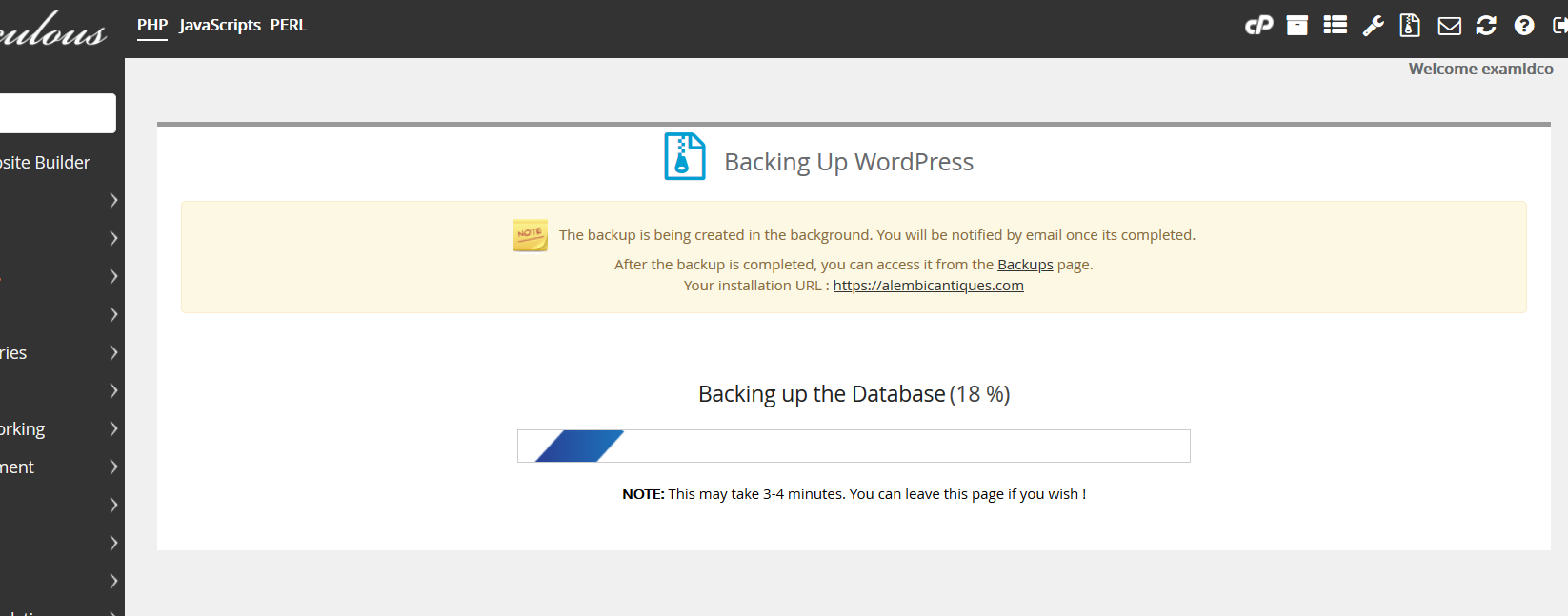
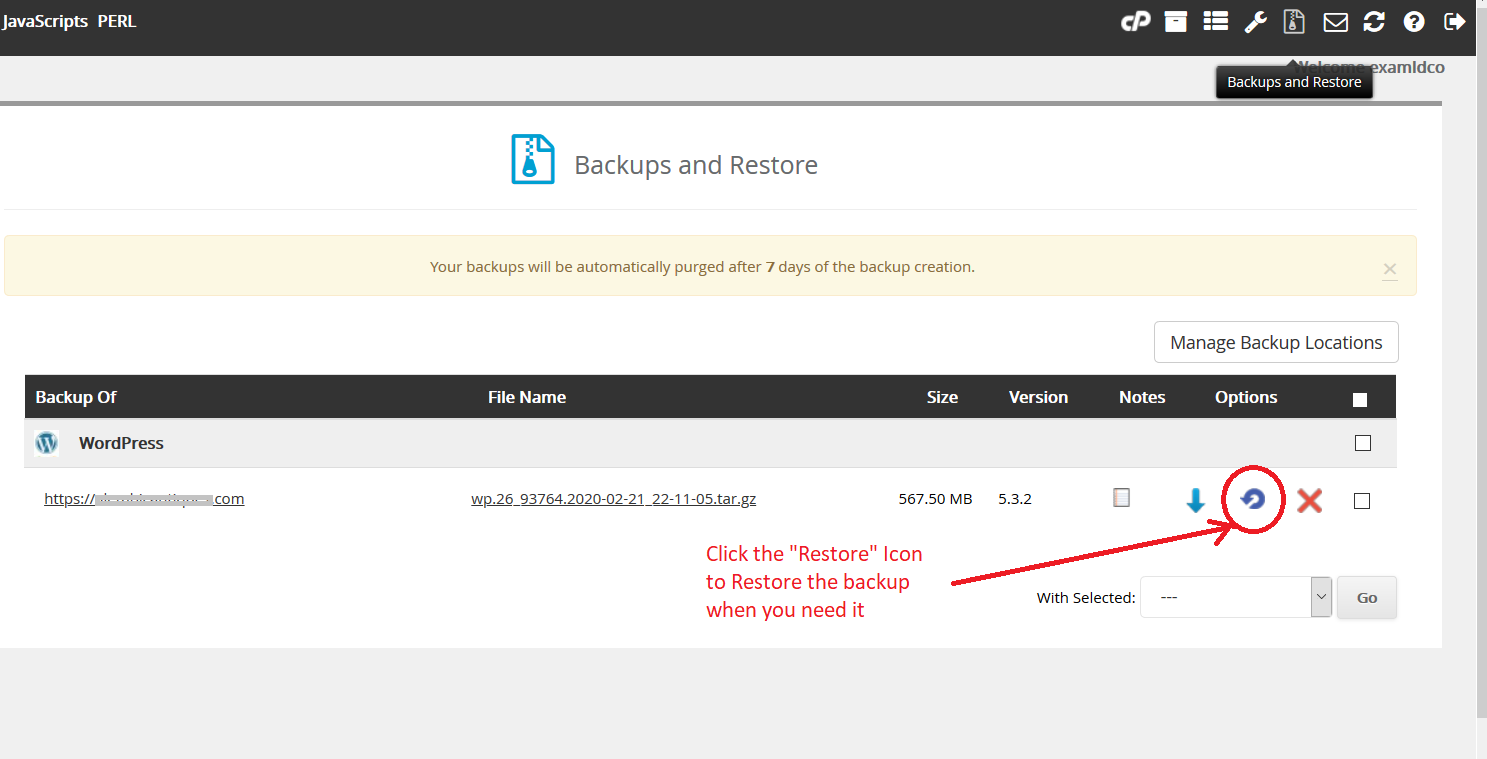
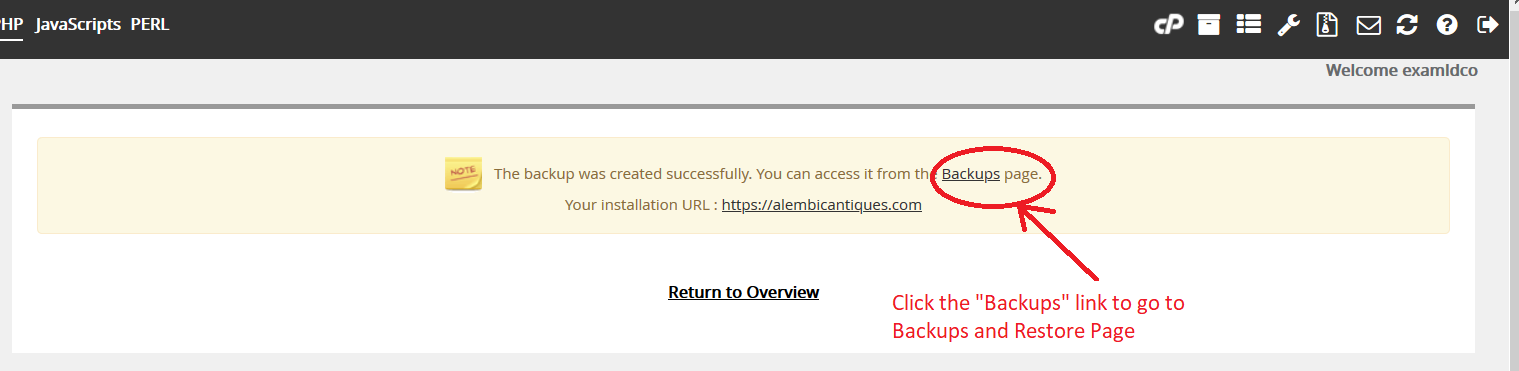
To restore you should go to the Backups Page
Click the Restore Icon to restore the backup within 7 days after you make the backup