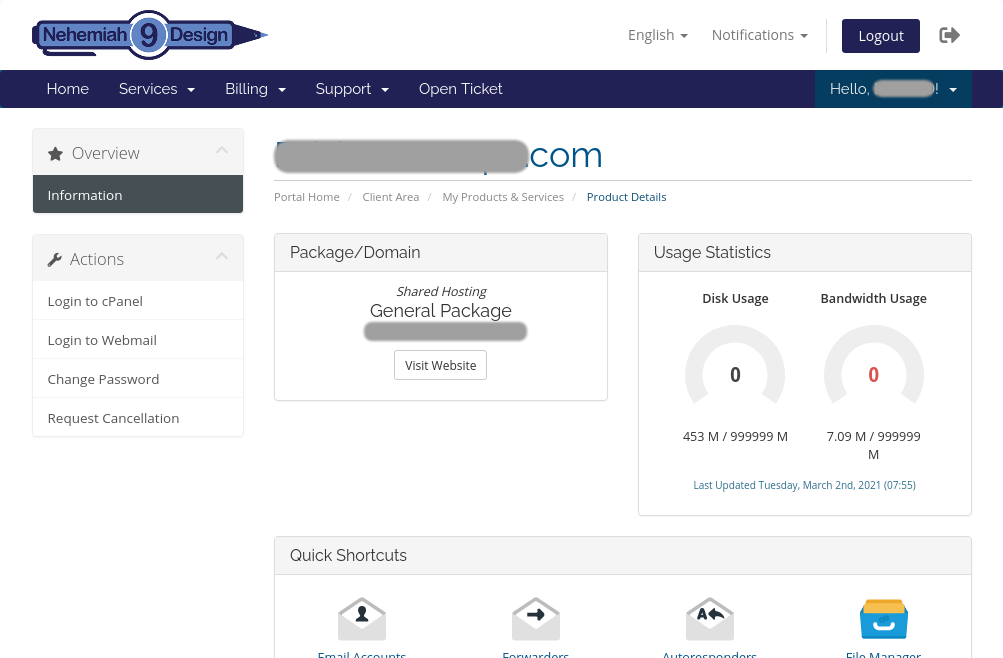
How to update your payment menthod on
Nehemiah 9 Design Web Hosting
Login to client area by link
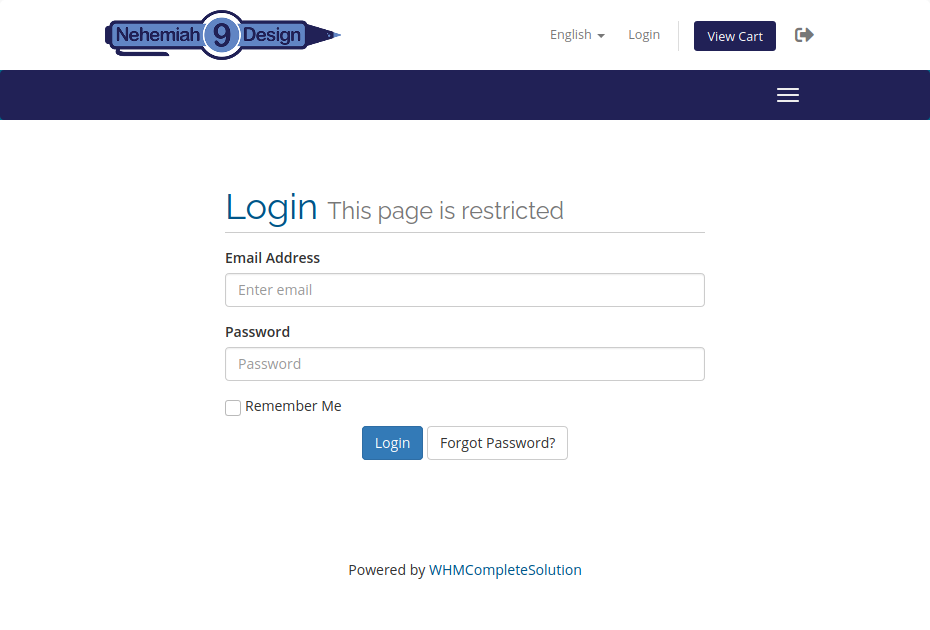
If you forgot your password, you can hit "forgot password" to reset
Click to view
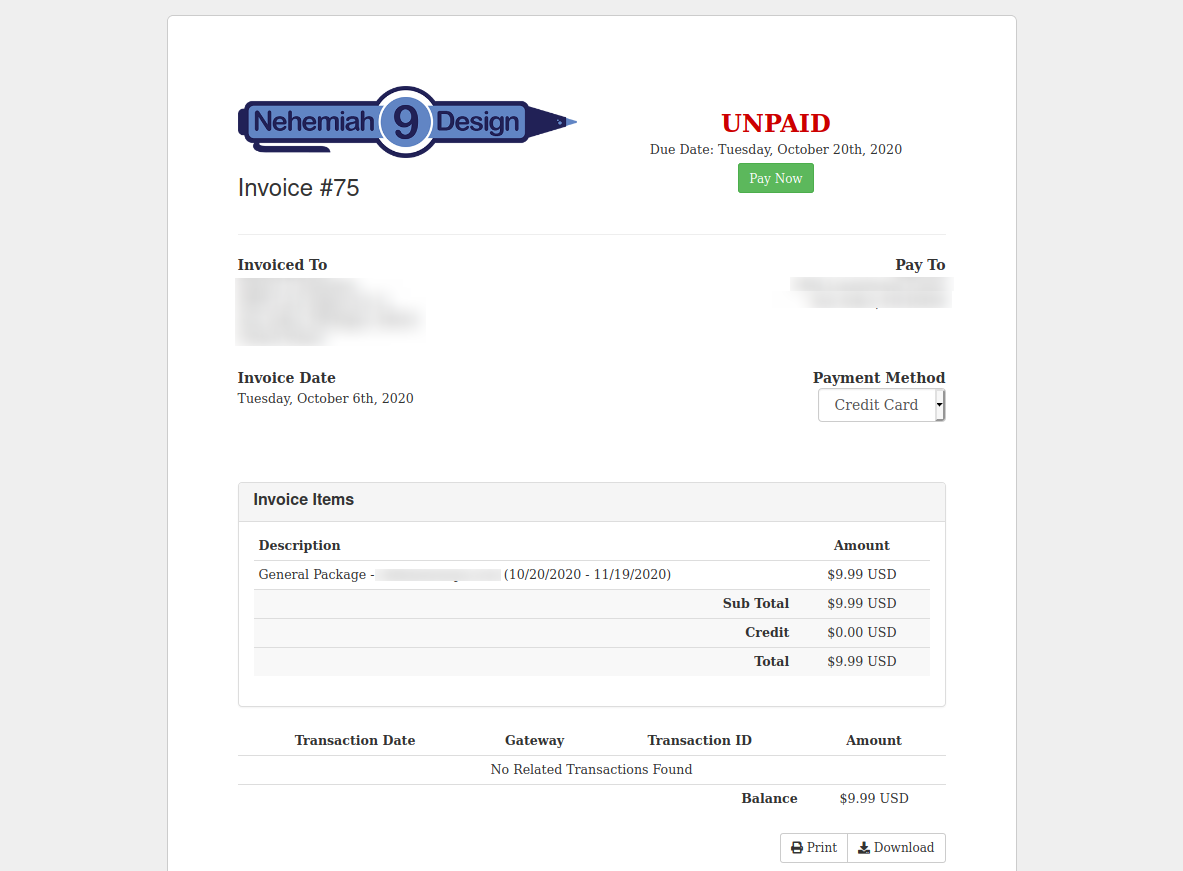
your unpaid invoices
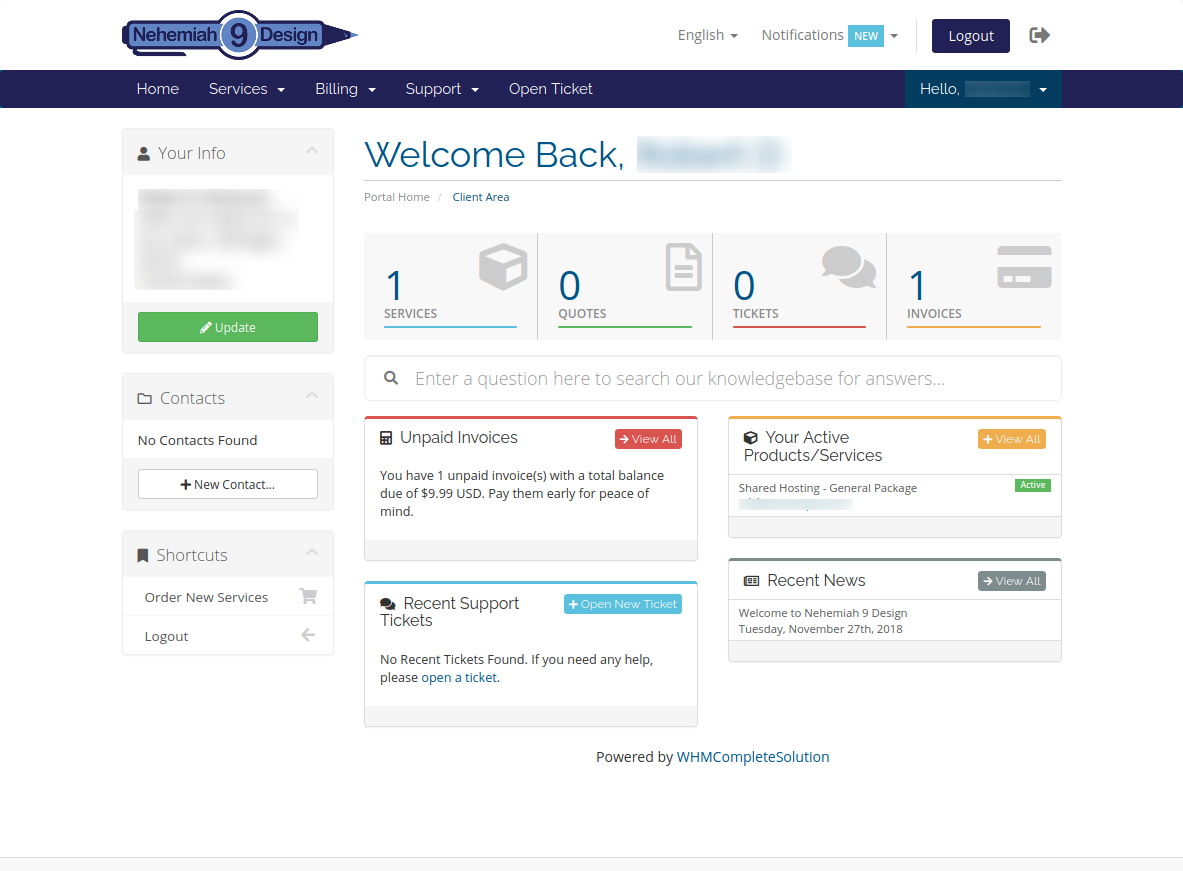
Click your unpaid invoice
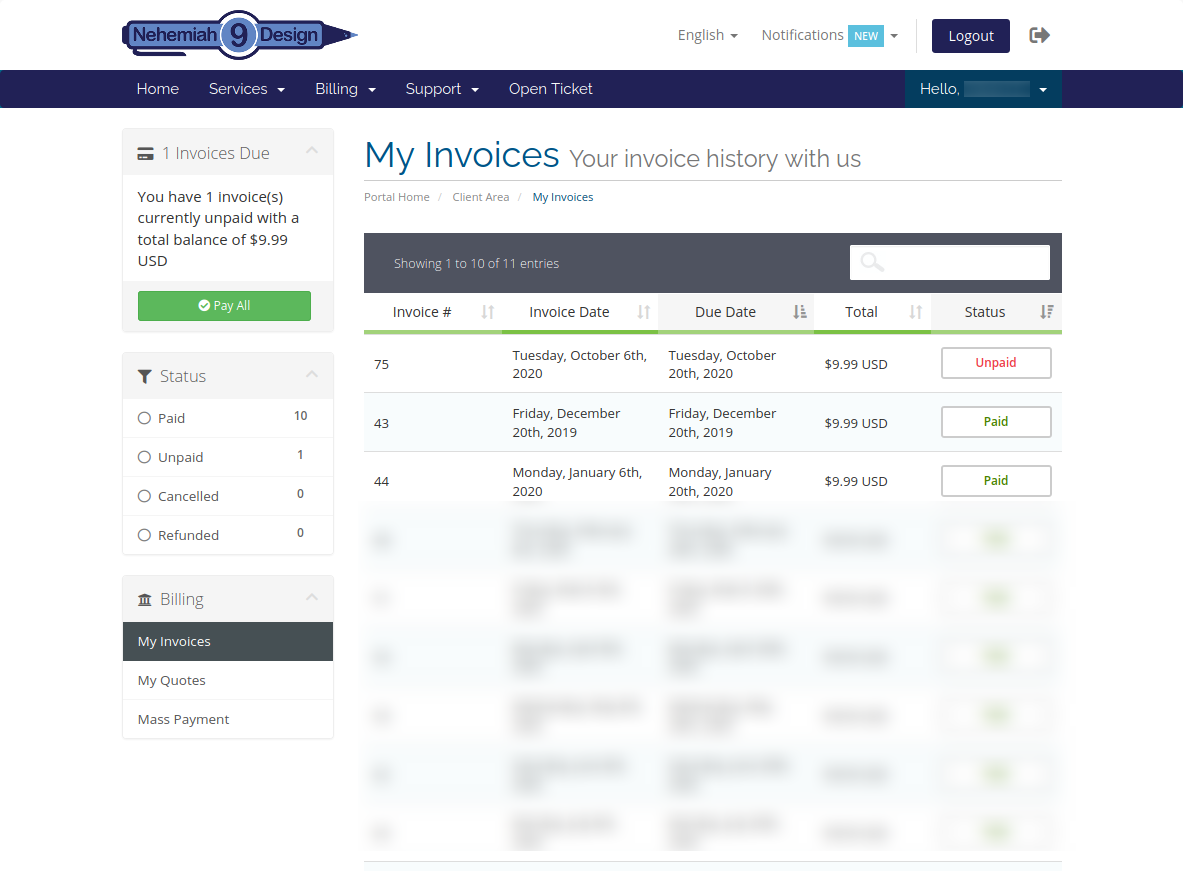
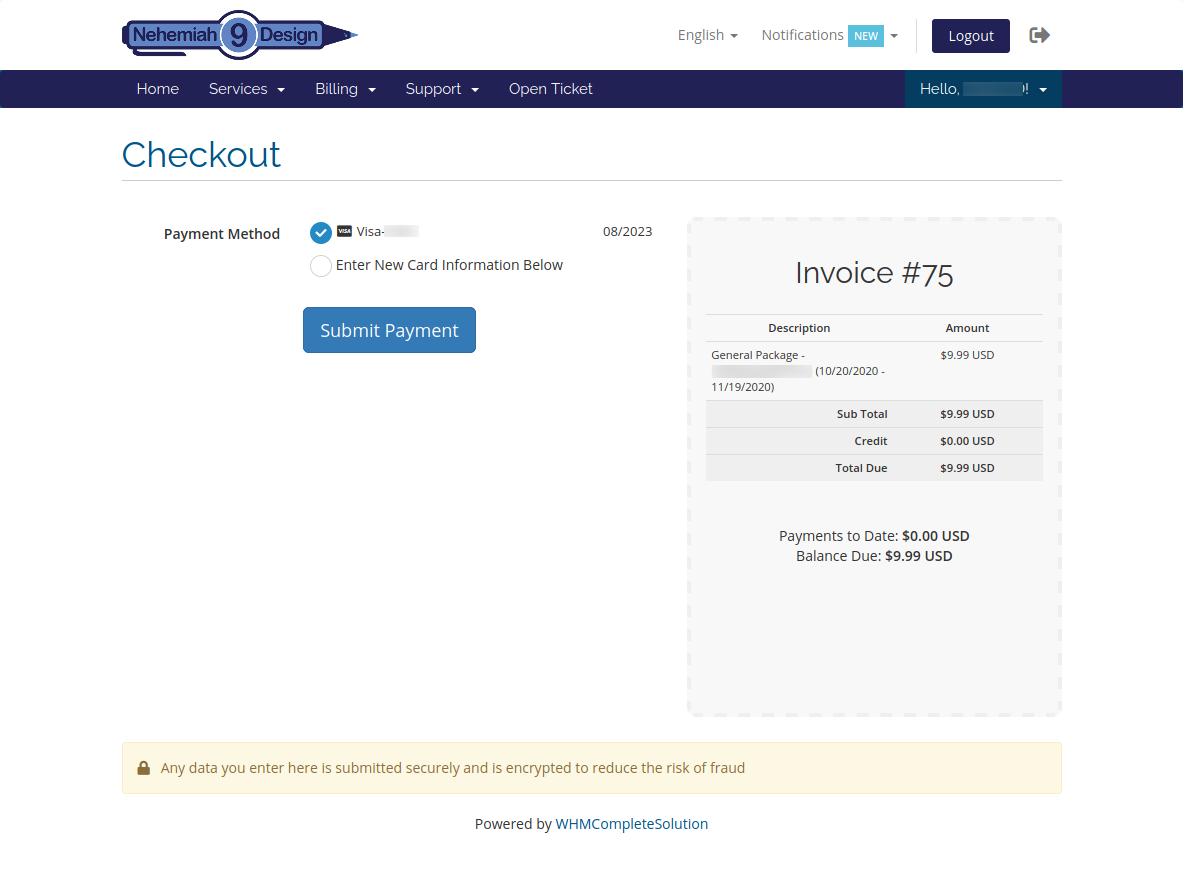
Click "Pay Now"
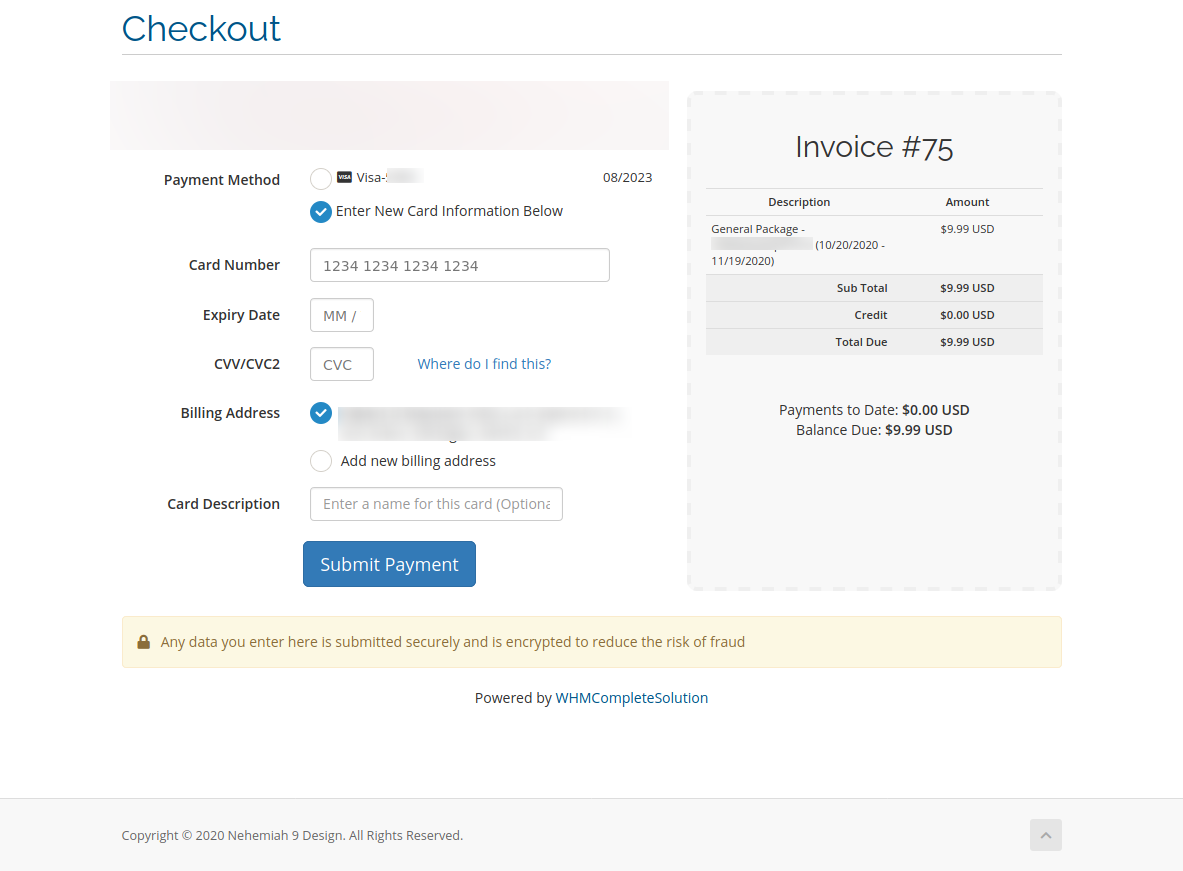
Check the option of "Enter New Card Information Below"
Enter your new card info
and click "Submit Payment" to pay
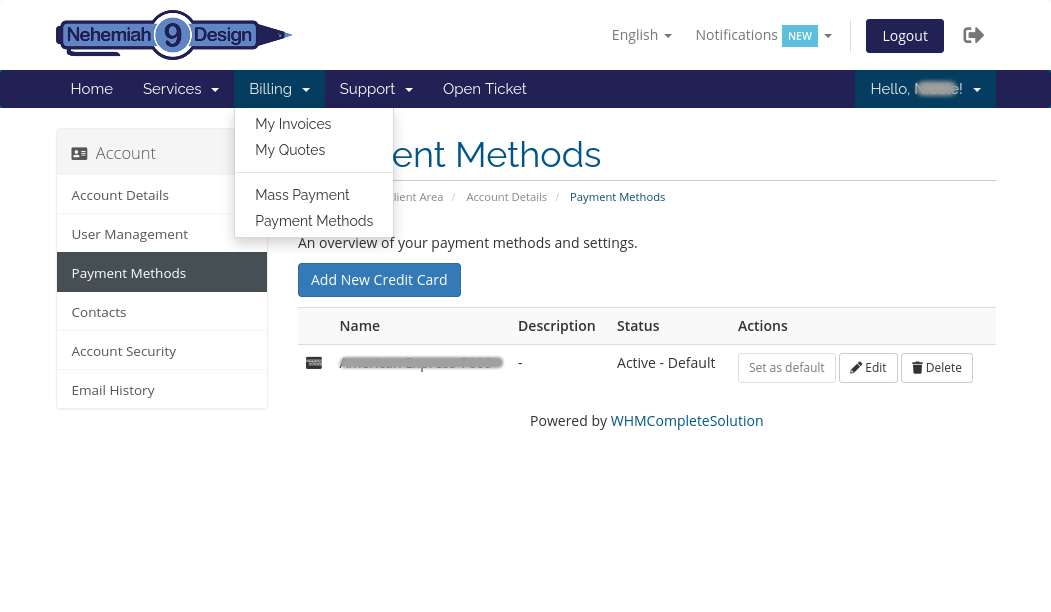
You can click "Payment Methods" from the menu to delete the outdated card info
You can click "My Services" from the menu toview a list of your products
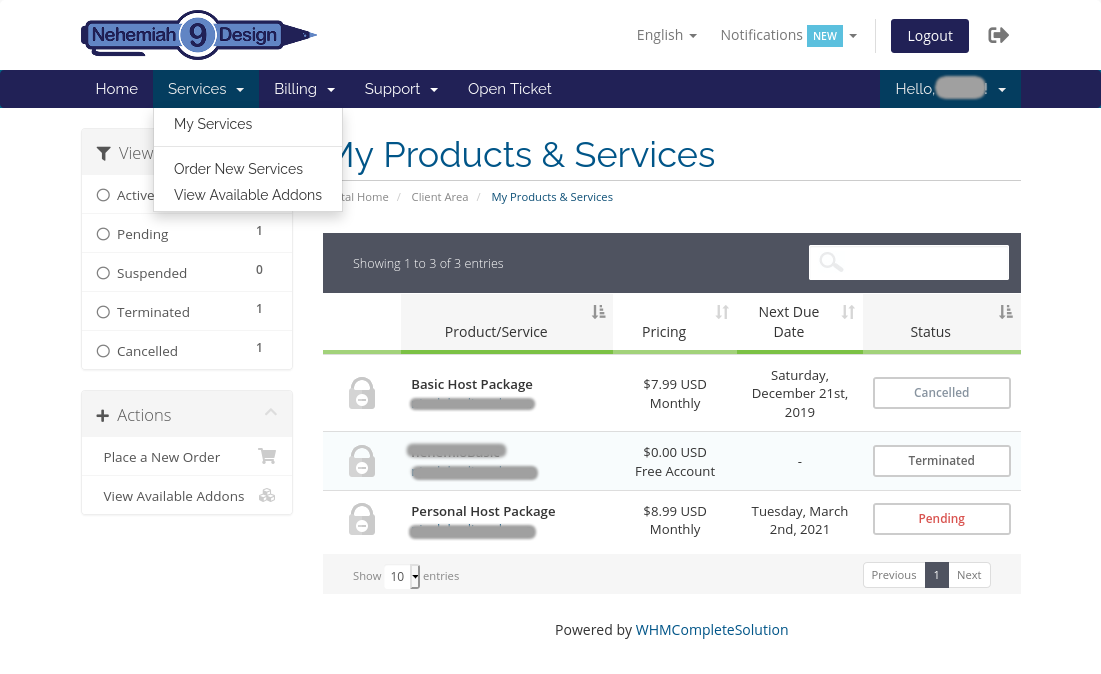
The Status Button will change into "Active" once your payment went through
After you are done, you can click "Logout"
from the menu to safely leave the site