"Can you make it pretty?"
Layout options for content types in CWS D7
Someone: Hey! We need to post all of our recipes on our website!
You: Great! I'll make a content type with tons of fields!
Someone: Sure, whatever that means. Just make sure it looks nice.
You: Um, (gulp) Yeah sure, no problem...
(lots of clicking sounds...)
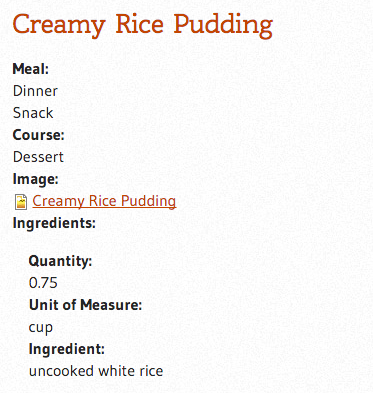
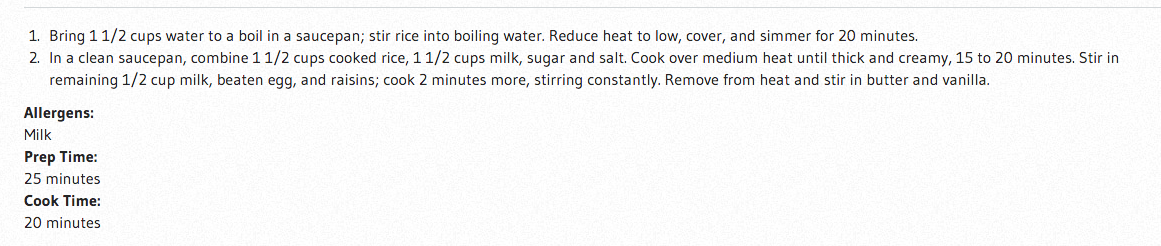

The situation
- Content modeling is done
- Some content is added
- The default layout of the fields is less than inspiring
- You don't want to create all you own custom CSS
- What tools do we have in CWS Drupal?
What are the options?
- Drupal default controls
- Display Suite basic
- DS + Bootstrap built in templates
- DS custom fields
<aside>
View modes
</aside>
- DS expert field templates + Bootstrap classes
- Views through DS custom fields
- Expert: DS custom layouts (requires custom module)
- Expert: Custom theme template files (requires access to theme directory in Drupal
We marking up templates.
Better than marking up content since we aren't adding layout in our content.
More discussion at:
Paragraphs module?
First off, congratulate yourself for not just dumping a ton of content in a body field.
Contrib Modules used
- Display Suite (7.x-2.11)
- Display Suite Bootstrap Layouts (7.x-1.1)
- Display Suite Extras
- Stylesheet Overlay
Let's get set up
Activate DS on our content type
and
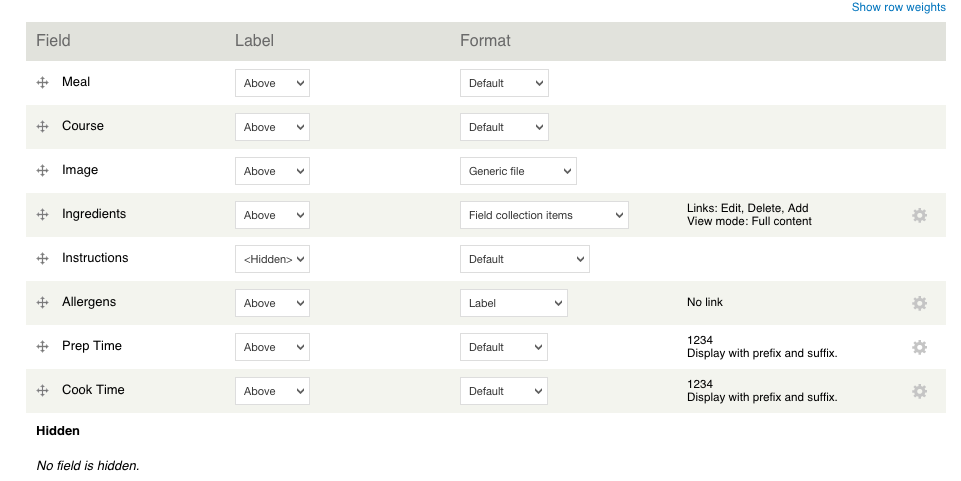
Out of the box
-
Drag and drop reorder of fields, nesting possible with field groups (accordions too), move fields to "Hidden"
-
Hide/show label, above or inline (take care for mobile)
-
Format - depends on field type, important for images/files
-
Gear icon - where the magic happens once expert field templates are enabled in DS
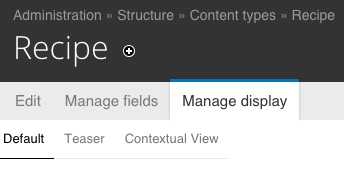
View modes*
*Provides different displays in different situations, e.g. teaser, RSS, full content.
Can be used in Views (oh yeah! more on this later)
Let's add a new view mode to work with
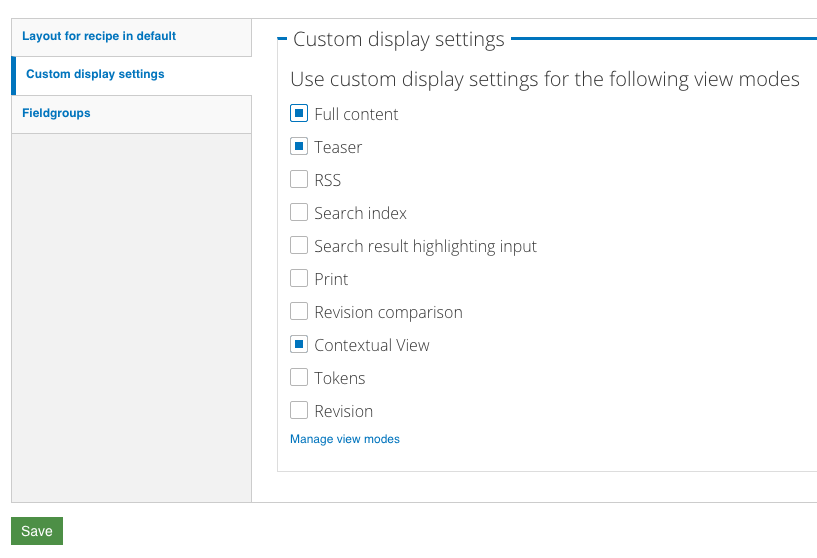
- Visit the bottom of the manage display page for the content type
- Under custom display settings, click box for Full content and save
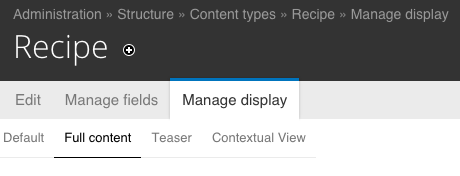
The "Full content" view mode will now show up. Click that tab.
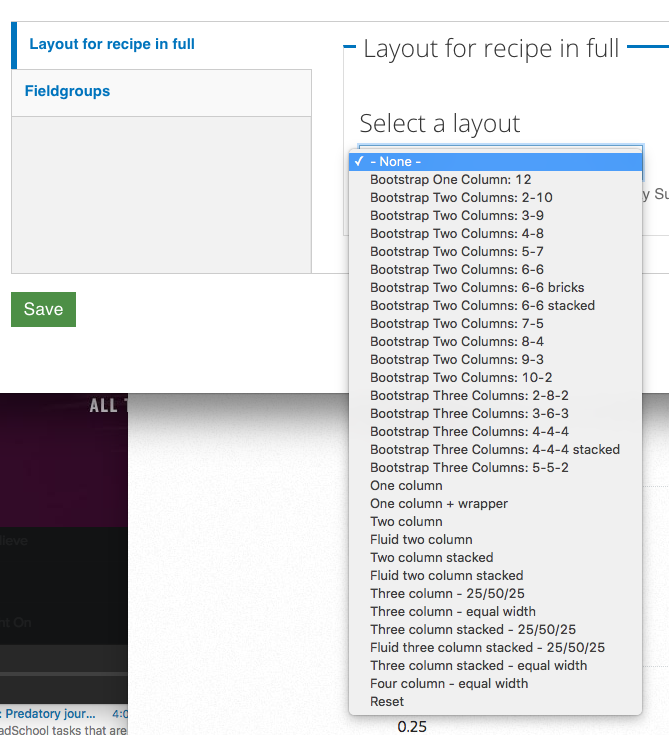
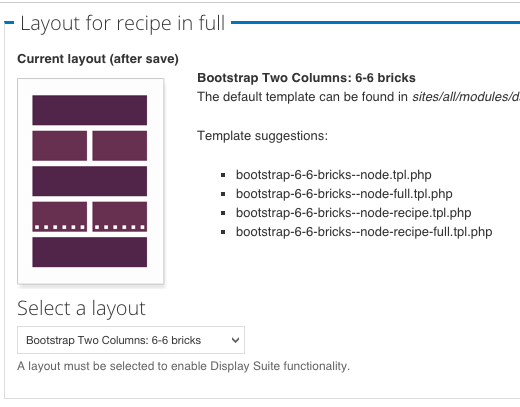
Visit bottom of page and choose a layout to activate DS goodies
Now we're ready!
Let's pick a layout
and
Update a field collection field using
- Display Suite Custom Field
- Display Suite Expert Field Template
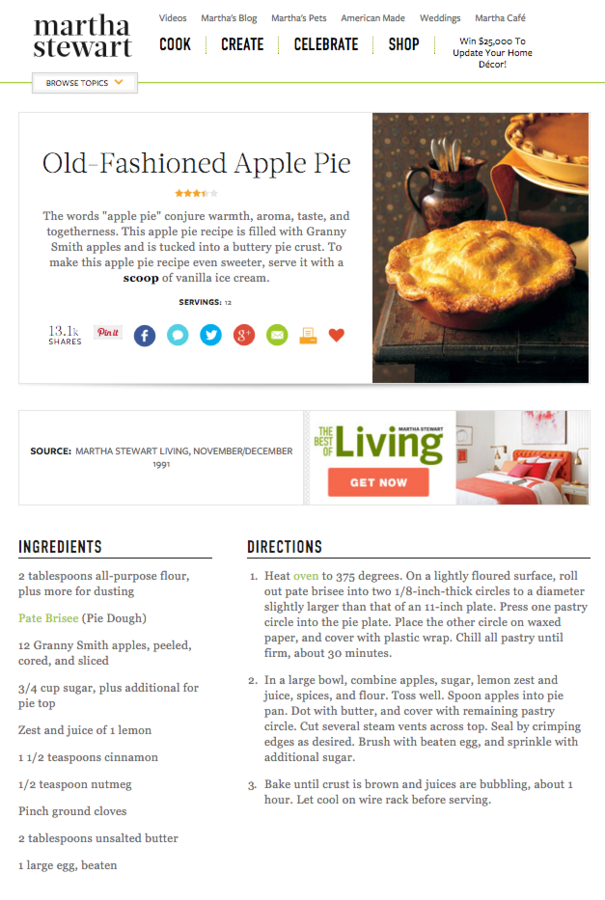
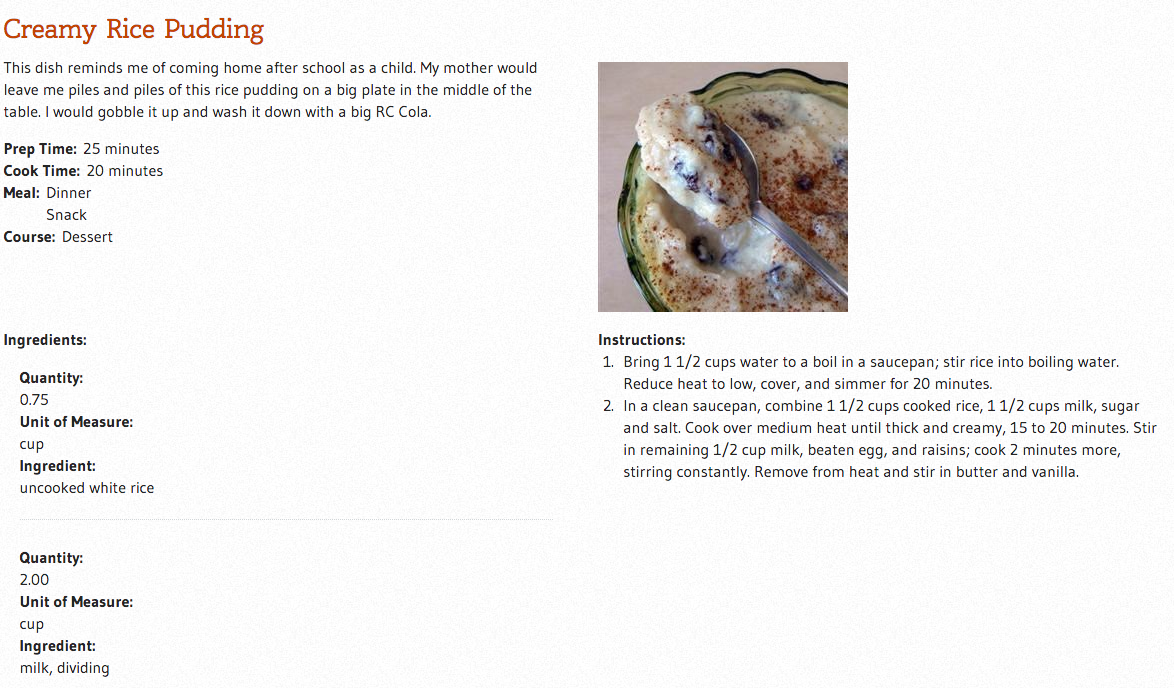
Title
Description
photo
Directions
ingred-
ents
Pretty close
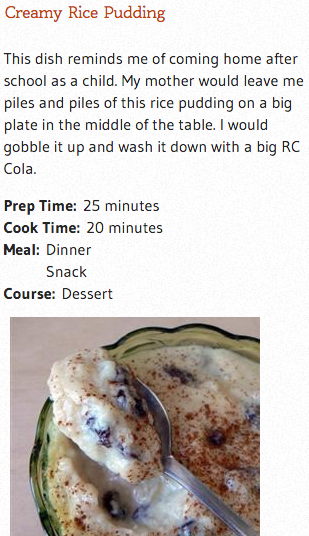
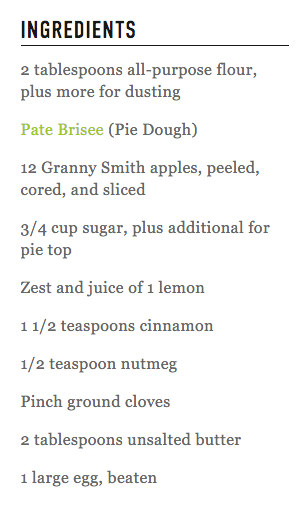
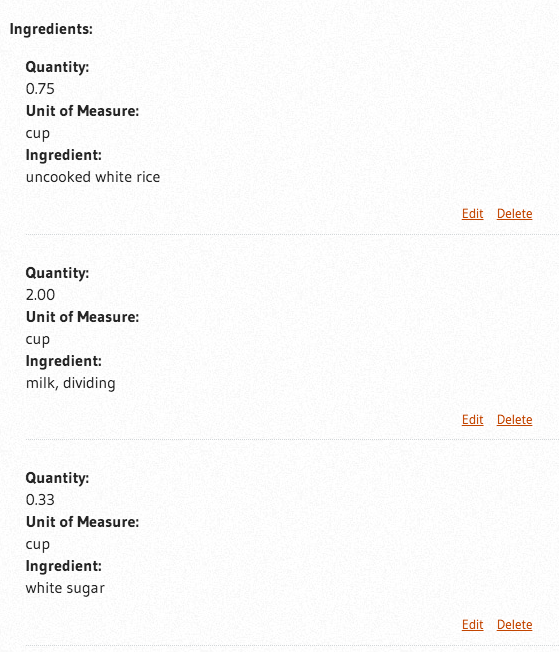
Needs work!!!
Fixing the ingredients field
-
Format of ingredients field (on recipe content type manage display) to "fields only" this gets rid of the edit links when viewing the node
-
Now let's work in the field collection's manage display
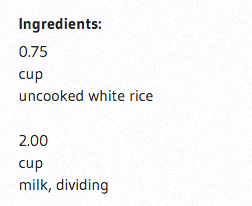
Need to get these all on the same line. But how?
-
Display suite custom field
-
Views (possible, but only as a backup)
Field collection display
-
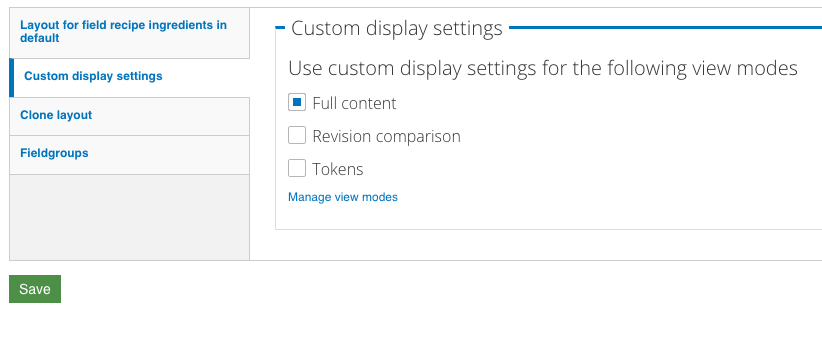
Again, add a custom display option for "full content" and save
-
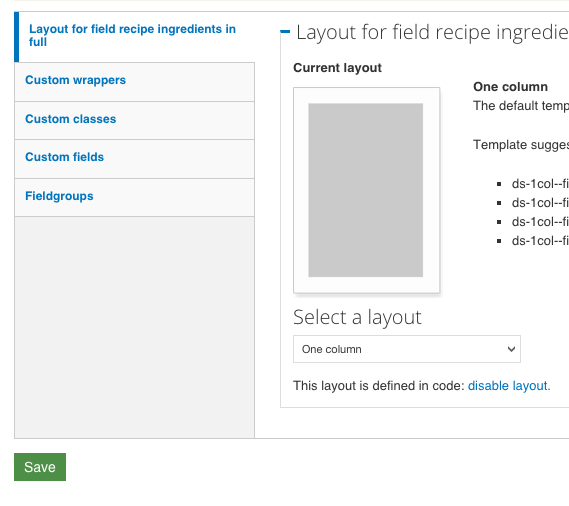
Visit the Full content view mode and pick one column for the layout, save, and the other DS options will appear as vertical tabs
1
2
Custom fields FTW!
Go to admin/structure/ds/fields and add a "Code field" there.
Name it and choose "field collection item"
In the Limit field add field_recipe_ingredients|*
So this will only show on the one field collection
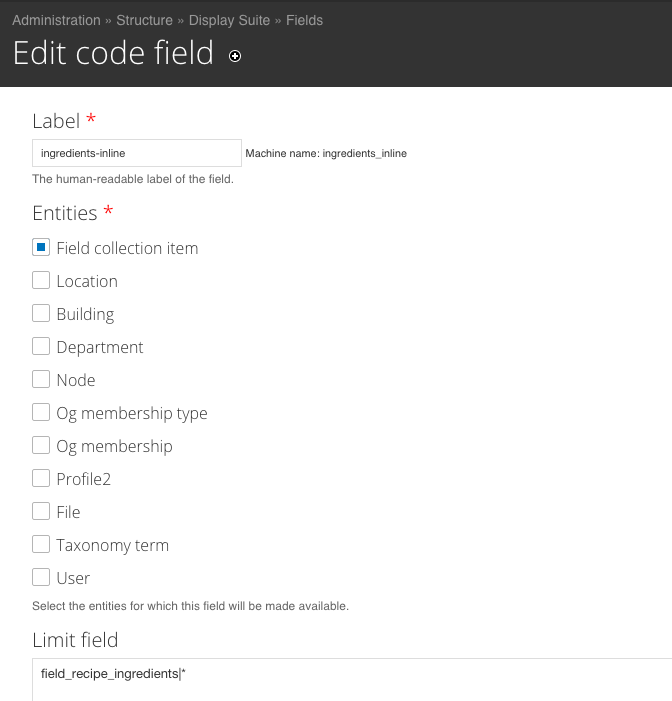
Create the custom field
-
In the code field at the bottom, check the Token box and add the fields you want to combine. Similar to rewriting a views output in Views
-
In a single line, I added these tokens:
[field_collection_item:field-ingredient-quantity] [field_collection_item:field-ingredient-uom] [field_collection_item:field-ingredient]
Create the custom field
-
On the manage display page for the "Full content" view mode for the field collection, your new custom field shows up under disabled.
-
Move it to enabled and move the rest to disabled.
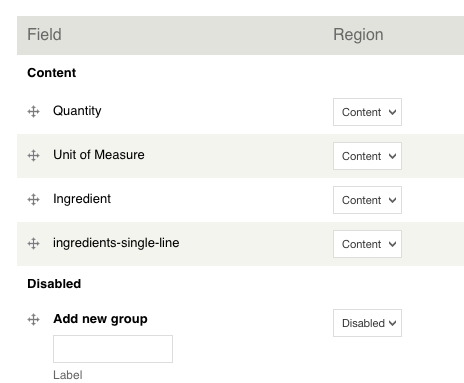
Party time!
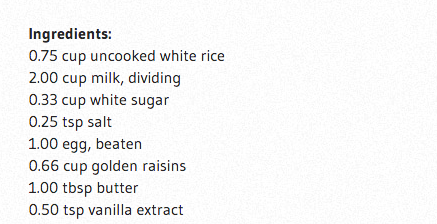
Update the label to use an h3
-
We go back to the Recipe content type
-
Change the field template to "Expert"*
-
Change the label to "Ingredients"
-
Make the element "h3"
-
Check the Hide label colon box
-
Update and Save
Let's improve the hierarchy of our HTML and...
*Enable field templates at /admin/structure/ds/list/extras
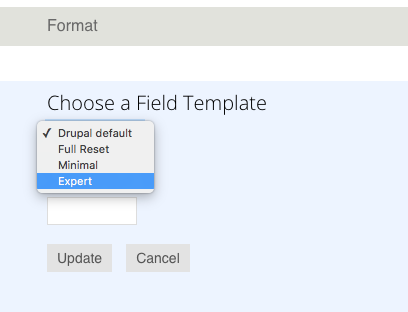
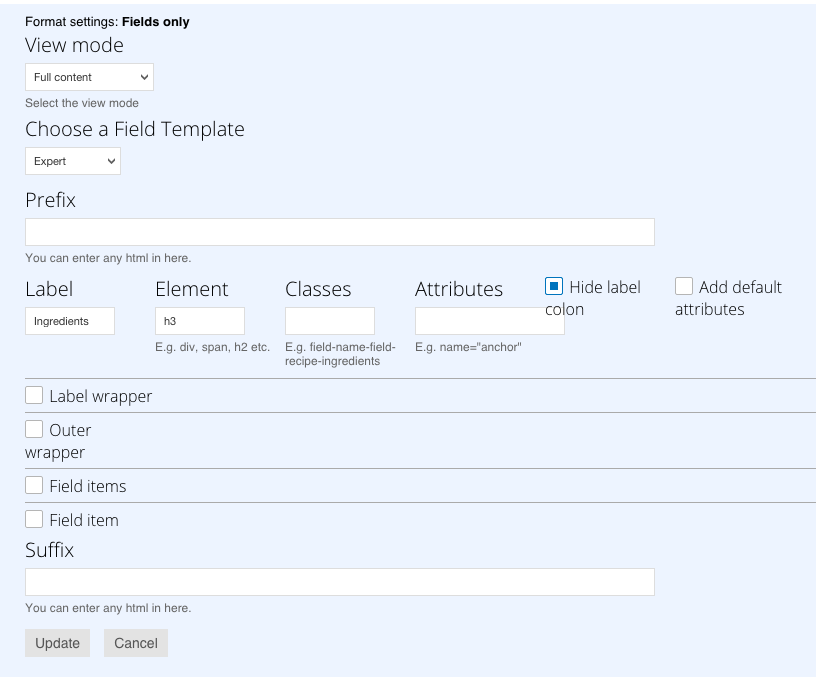
Update the label to use an h3
expands!
oh the options!
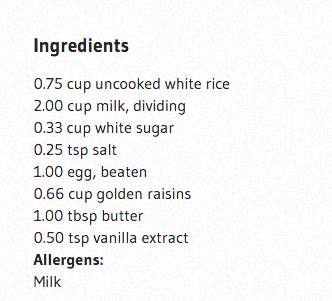
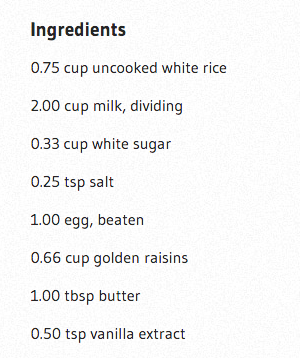
Spacing?
Now an H3!
Stylesheet Overlay module
Enable and configure the text formats for CSS and full CSS
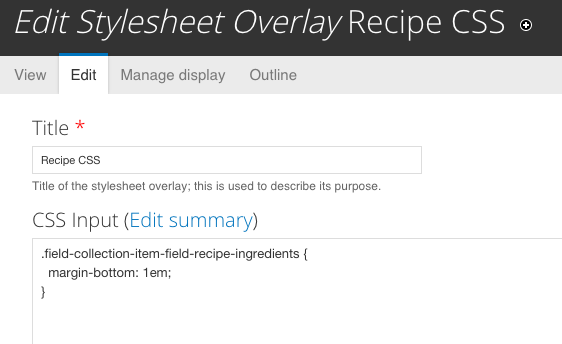
Add your CSS
Use web inspector to find the class we want to use

I choose .field-collection-item-field-recipe-ingredients
View modes case study
Situation
- Lots of fields on a content type
- Only want some of those fields in a view
- I could use Views to pick those fields
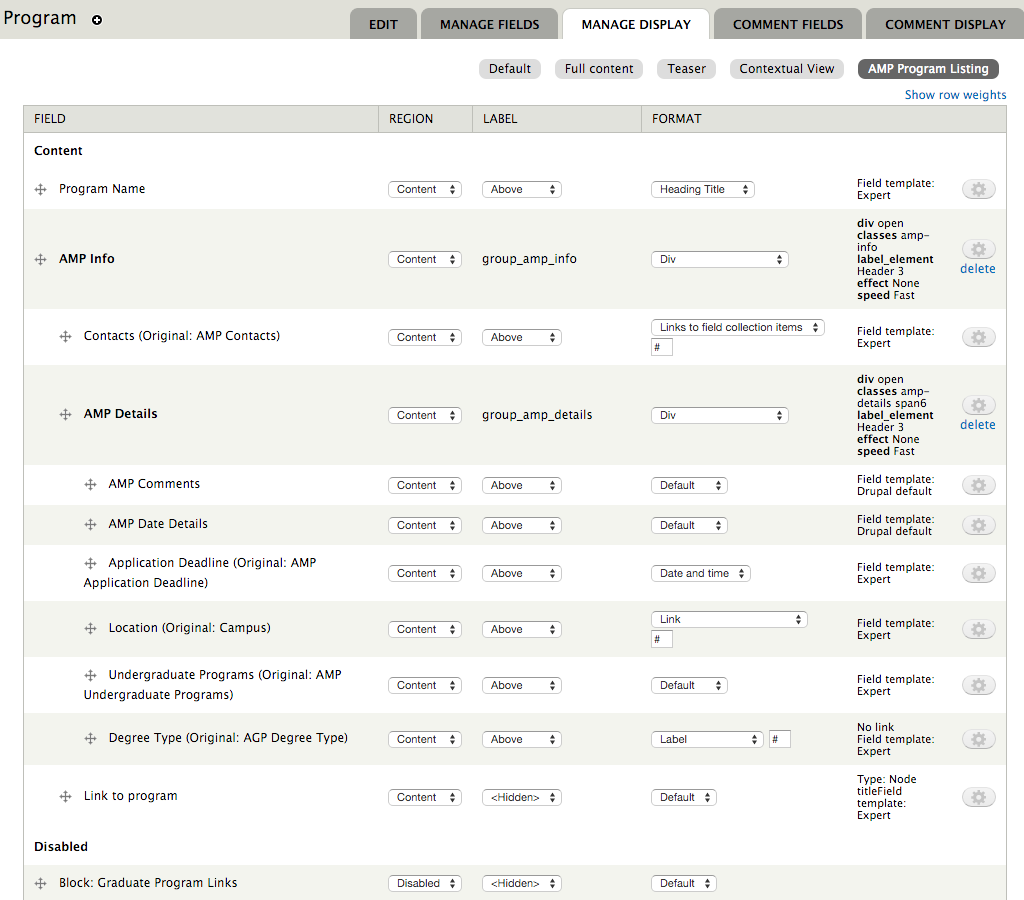
- Instead I preconfigure the fields I want to show on the content type in a new view mode
New view mode for Program content type
- Programs are now able to participate in the "Accelerated Masters Platform"
- Added new fields to the program content type, I wanted to keep that data all together on those nodes
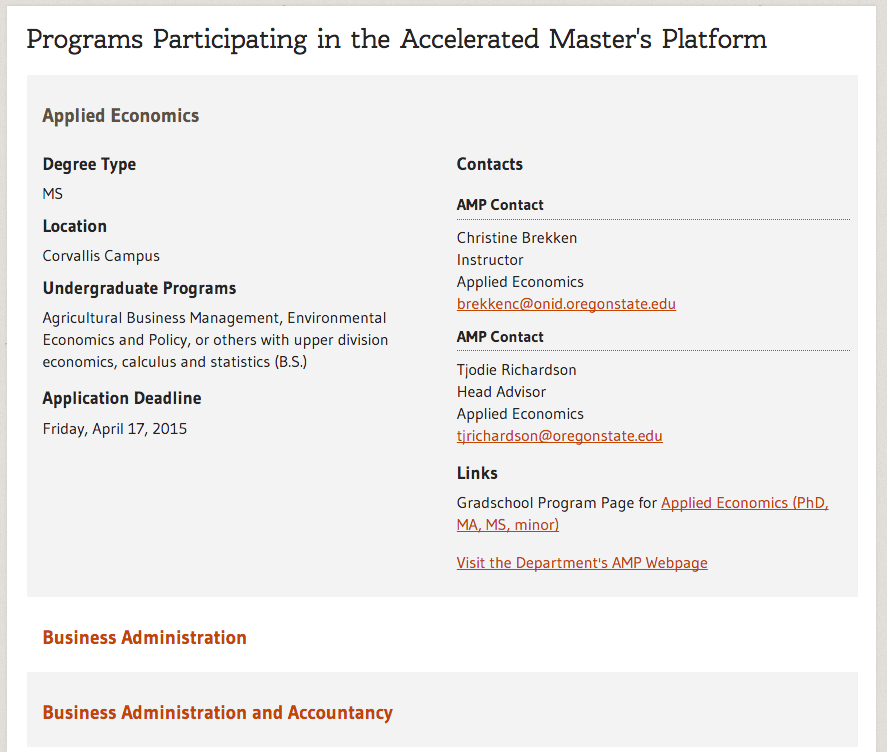
- Want to show only some of the data for AMP on the node itself and want to show all the AMP data in a view
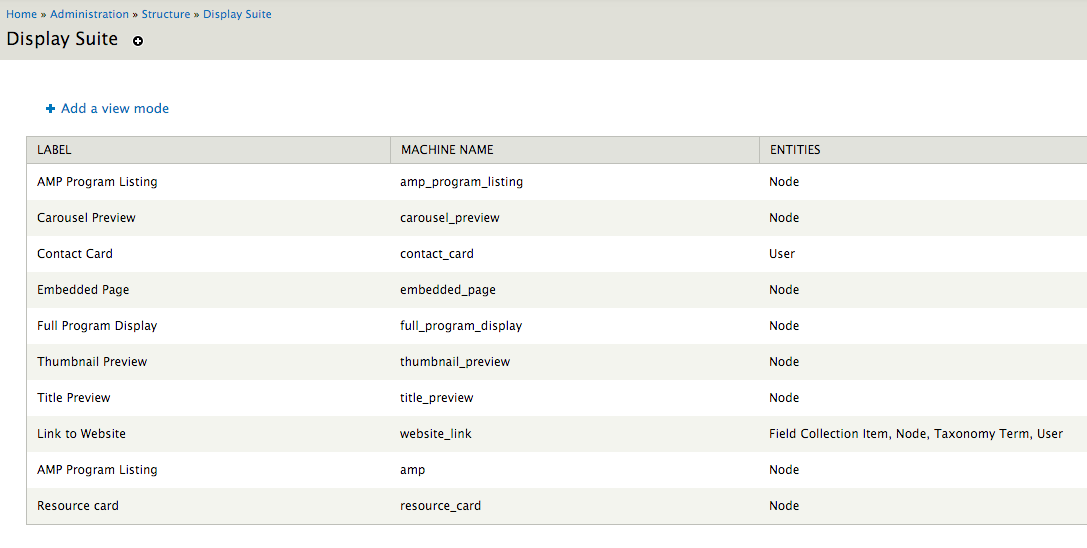
Add a new view mode at admin/structure/ds/view_modes
In Views
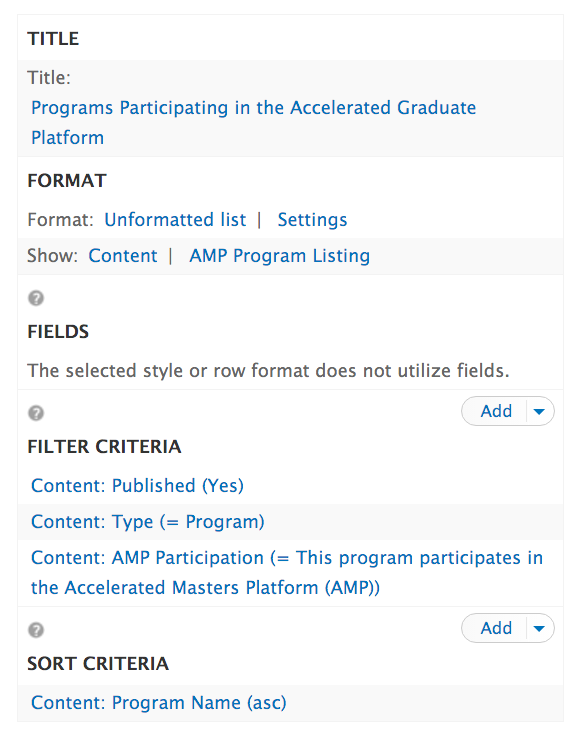
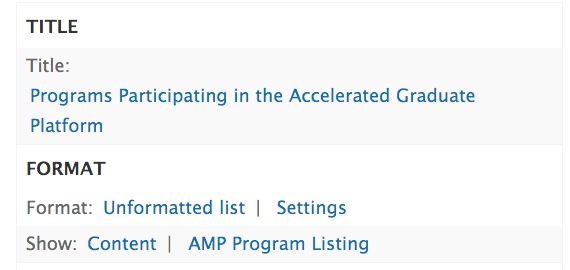
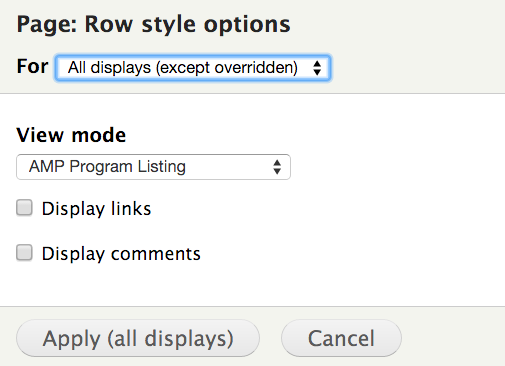
Look Ma! No fields!
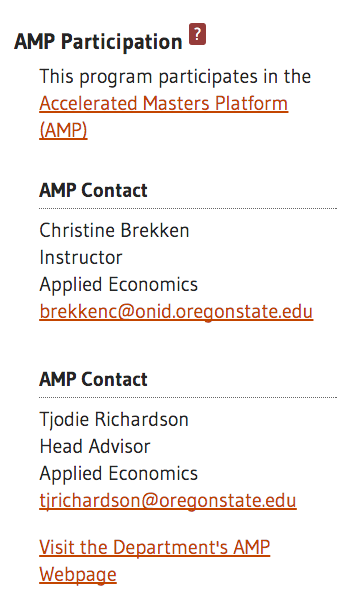
Limited fields on node
Full data in view