React Native Live Class: Part 1
This is a live streamed presentation. You will automatically follow the presenter and see the slide they're currently on.
This is a live streamed presentation. You will automatically follow the presenter and see the slide they're currently on.
Getting Up and Running with React Native
(don't use zoom)
An Outline with Important Info & Links
Product Consultant & Entrepreneur
@joshdmiller
joshdavidmiller.com
Engineering Mentor
Name
Experience with React
Profession
Experience with React Native?
Part 1: Overview
Part 2: Using React to Create Mobile Apps
Part 3: Going Native with Platform APIs
Part 4: Live Coding an App
Everything is a Component
Data Flows Down
Events Bubble Up
( state ) => ui
State is Immutable
( currentState, action ) => newState
Maps
Date-Pickers
Tabs
et cetera
Builds and Compiles Can Take Minutes
No git-based Deployment Pipelines
Android, iOS Have Different Tech Stacks
Slow Iteration
APIs are Imperative & Mutative
No Code Re-Use Between Android, iOS
Native provides a superior user experience, at the cost of an inferior developer experience.
A framework for building native mobile applications in JavaScript with React.
({ children }) => (
  <Header>
    { children }
  </Header>
);Web Browser
Android
iOS
Set-Top Boxes
Server
# Open Android Virtual Device Manager
$ android avd
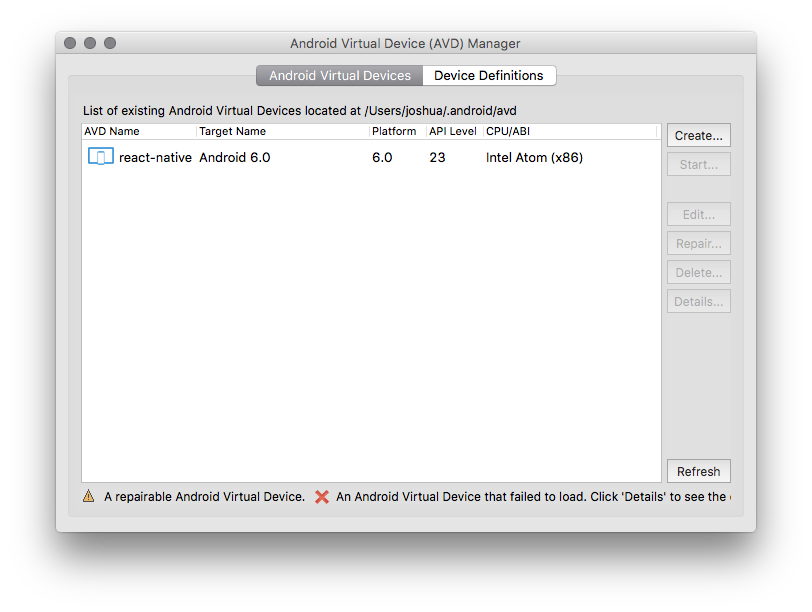
Step 1: Open AVD Manager
Step 2: Create New AVD
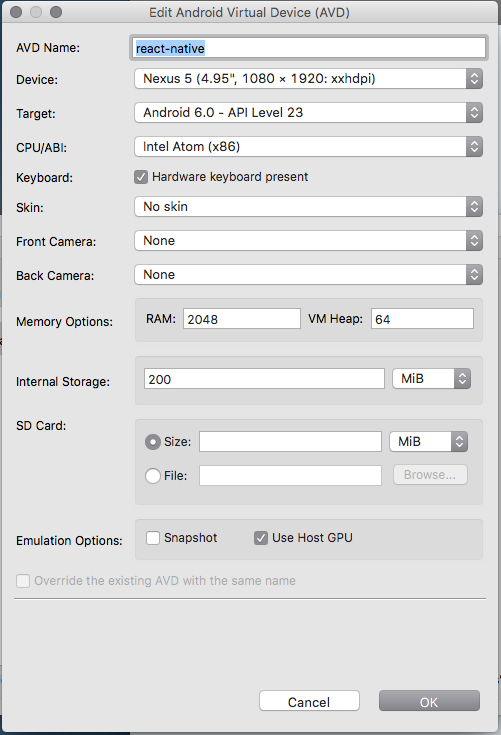
Step 3: Create Profile
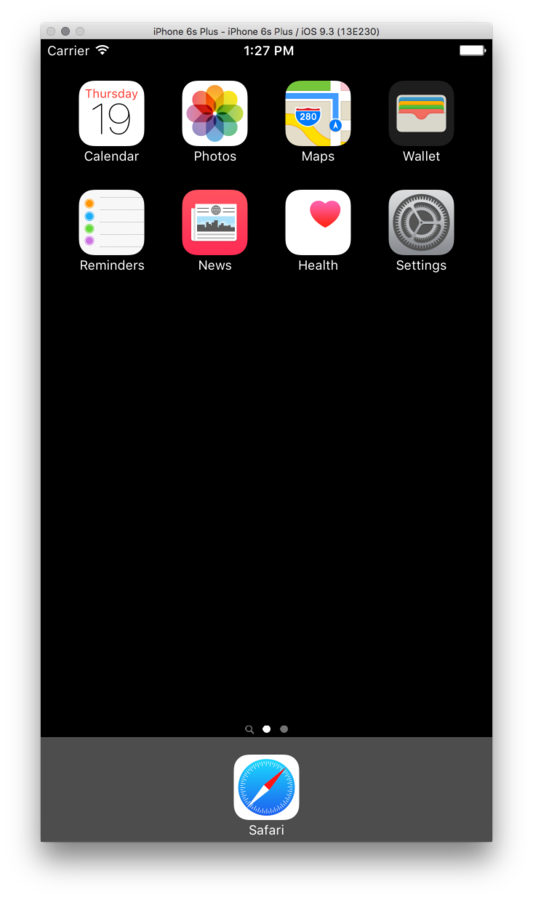
Xcode > Open Developer Tool > Simulator
(Optional React Native IDE)
# Download, Setup, & Install Atom
# http://flight-manual.atom.io/getting-started/sections/installing-atom/

$ apm install nuclide

# Install Buck on Mac
$ brew install Caskroom/cask/java
$ brew tap facebook/fb
$ brew install buck

# Install Buck on Linux
# https://buckbuild.com/setup/install.html

# Install Nuclide Recommended Addons
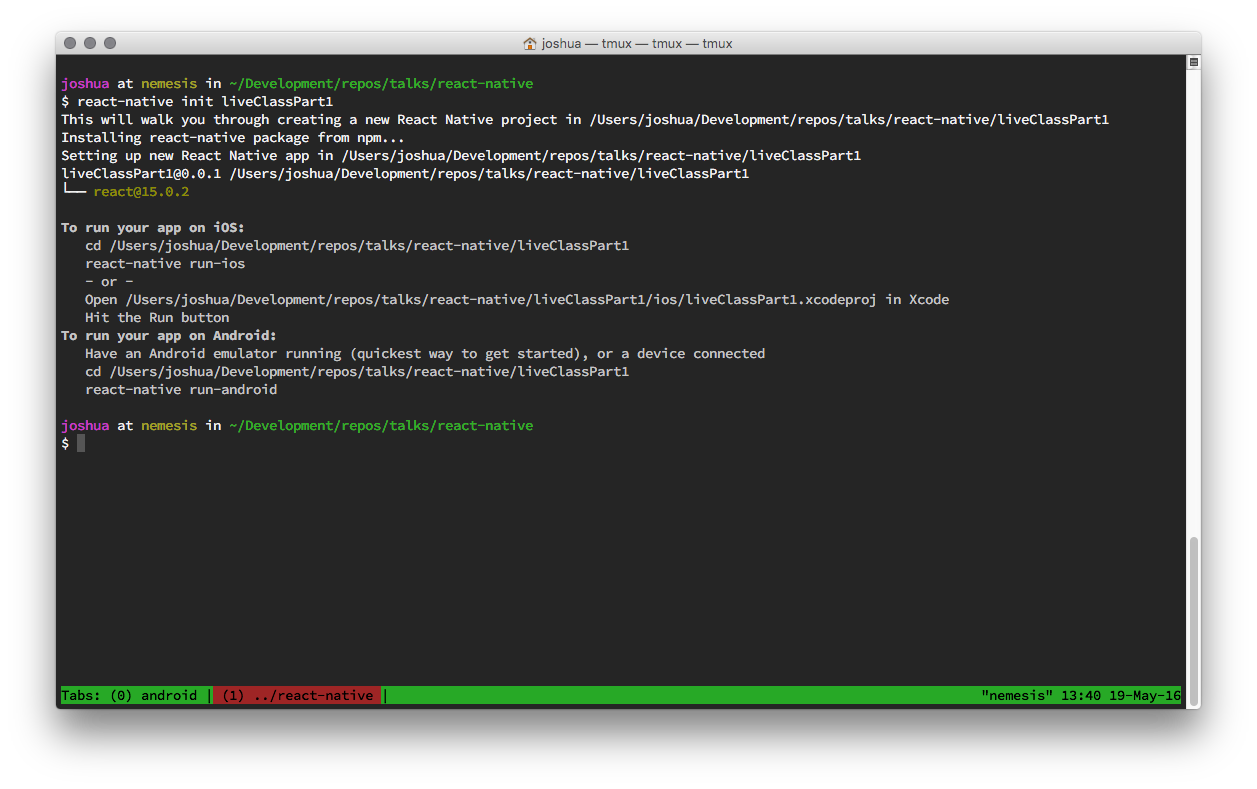
# http://nuclide.io/docs/editor/setup/#post-installation$ npm install -g react-native-cli$ react-native init liveClassPart1(this may take a while...)
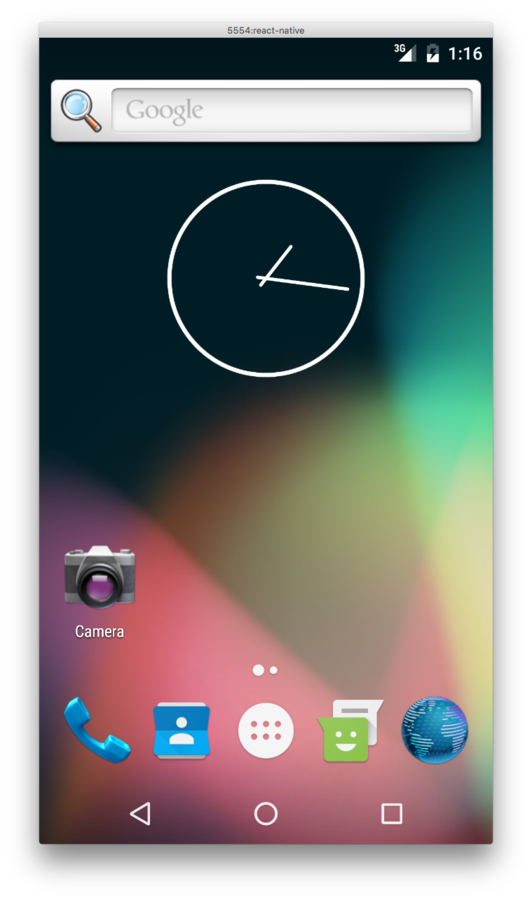
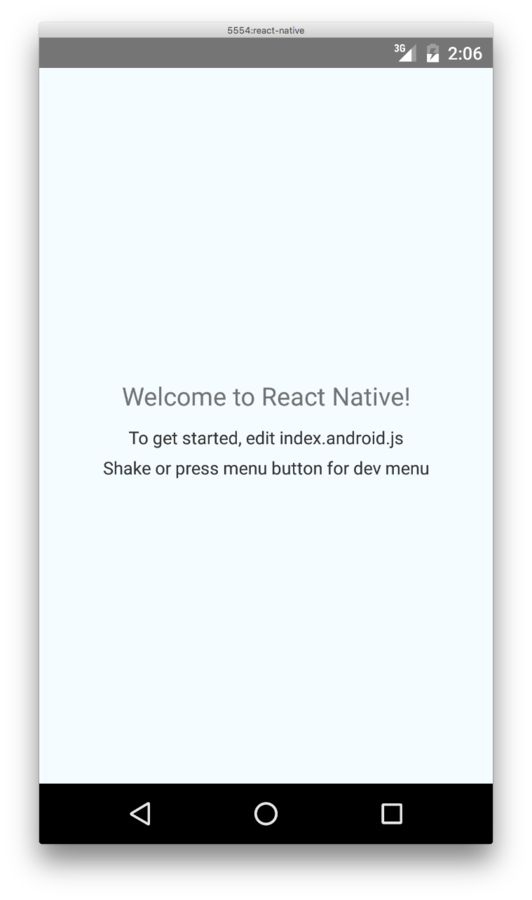
Step 1: Run the Emulator
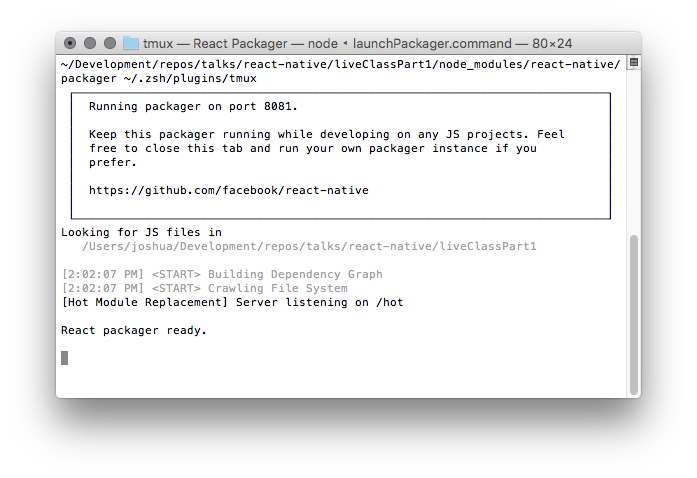
Step 2: Run Your App
$ cd liveClassPart1

# iOS
$ react-native run-ios

# Android
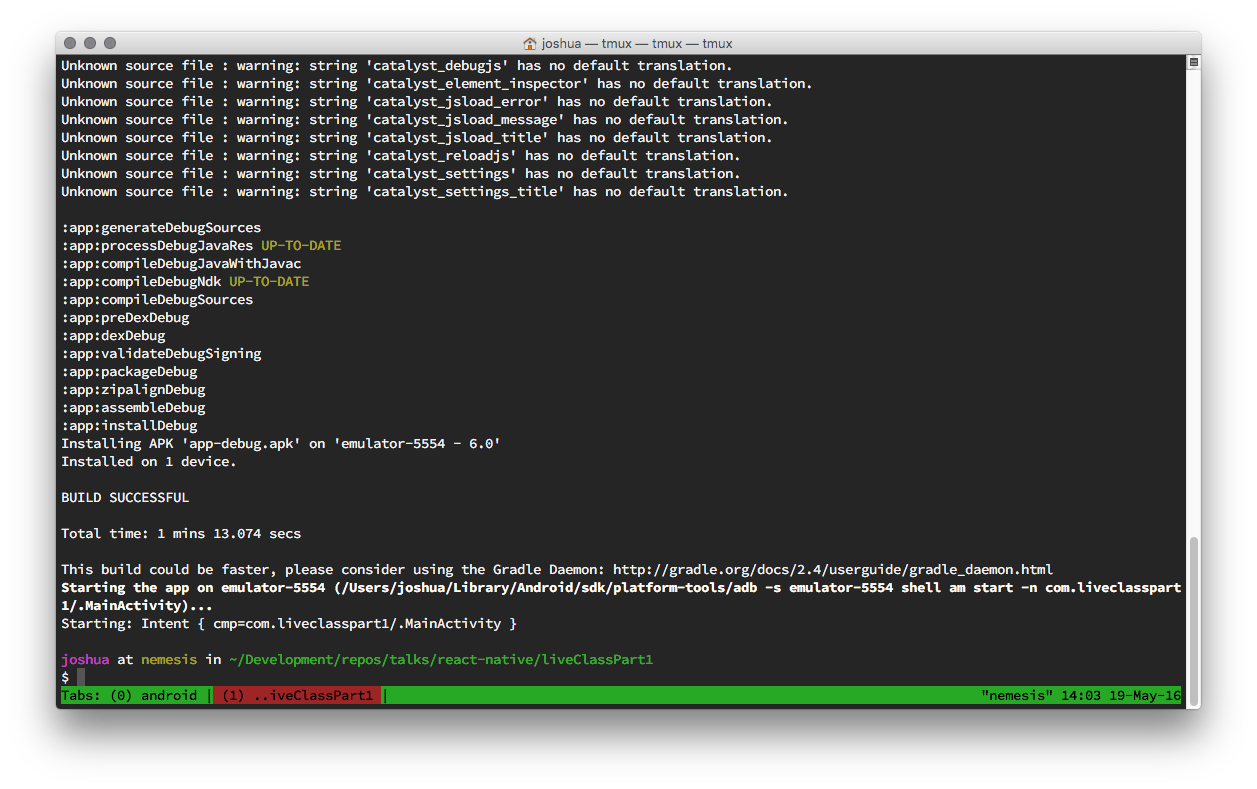
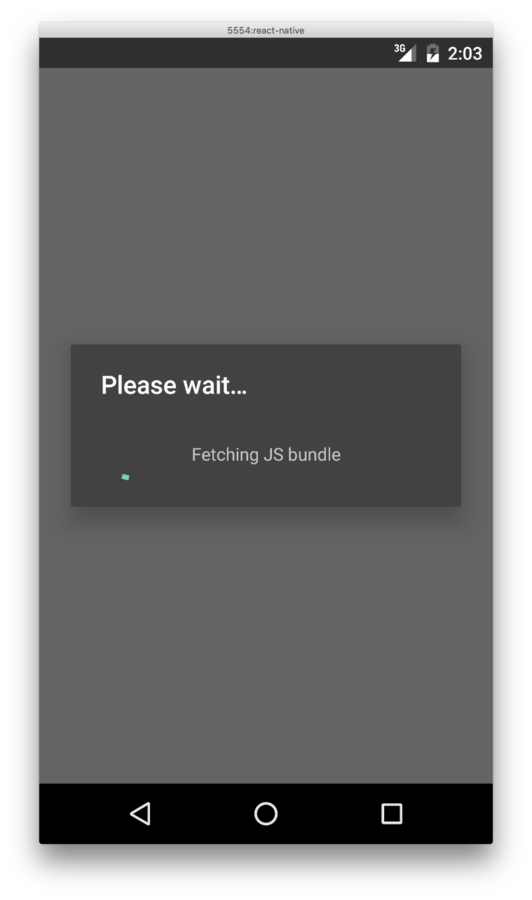
$ react-native run-android
(this may take a long while...)