Linux for (windows) dummies
What ... is this?
- User-mode linux without the linux kernel
- all system calls are brokered to windows
- but it works
WTF? why do I want this?
- many people prefer linux
- many tools work better on linux
- linux shell is so much better
- no more cmdr / cygwin
OK - how do I get it?
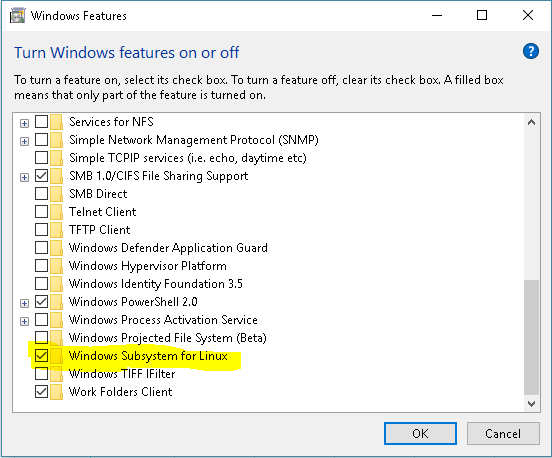
...then reboot
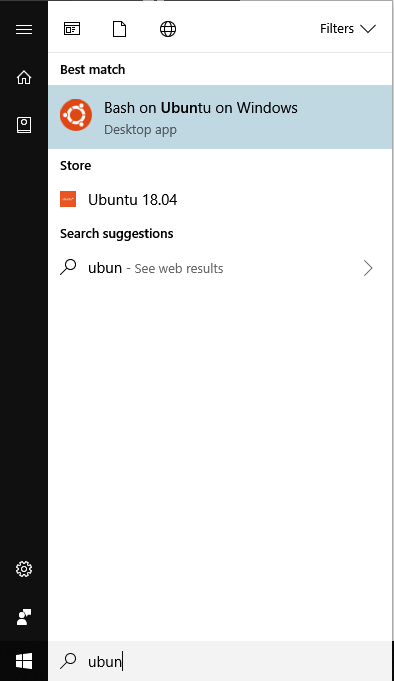
and then ...
Enable-WindowsOptionalFeature
    -Online
    -FeatureName
    Microsoft-Windows-Subsystem-Linux
or
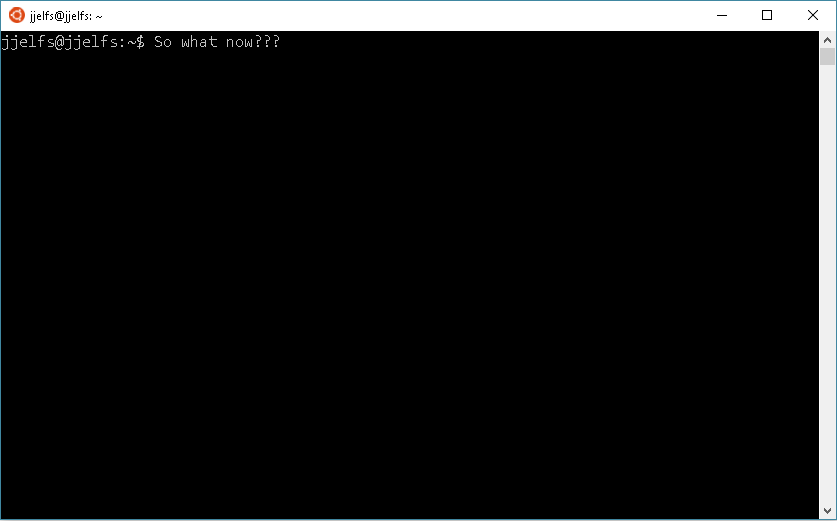
> Is this good?
... yes it is

> where is my stuff?
... /mnt/c/windowsystuff

> do all the nice things work?
... ls pwd grep all the things

> we can even pipe commands into wsl
Is this a dev environment?
> sudo apt-add-repository ppa:fish-shell/release-2

> sudo apt-get update

> sudo apt-get install fish
# Let us install fish
# ===================

sudo apt-add-repository ppa:fish-shell/release-2

sudo apt-get update

sudo apt-get install fish
To use fish by default
- chsh will not work
- add "exec fish" to the end of .bashrc
- enjoy a pleasant and highly configurable shell
Still not very nice tho'
# Let us install neovim
# =====================

sudo apt-get install software-properties-common
sudo apt-add-repository ppa:neovim-ppa/unstable
sudo apt-get update
sudo apt-get install neovim

# vanilla neovim is good. But you'll need some plugins. I'd recommend vim-plug

curl -fLo ~/.local/share/nvim/site/autoload/plug.vim --create-dirs \
    https://raw.githubusercontent.com/junegunn/vim-plug/master/plug.vim

# go to ~/.config/nvim and create an init.vim file like mine!

https://github.com/julianjelfs/vimstuff/blob/master/init.vim

# Find some plugins for your style of development (there something for everyone)
Still not quite an IDE
# The final cherry on the cake is tmux (a terminal multiplexer)

sudo apt-get install tmux

# Create a tmux session
tmux new -s work

# carve up the screen

Ctrl-b + % for a vertical split
Ctrl-b + " for a horizontal split
Ctrl-b + Ctrl arrow to resize

# Presto, you have something that looks a lot like an IDE.
Waaah I don't want to use vim
Waaah I don't want to use emacs
Use VS Code with wsl terminal
Use emacs