MVCSAdvisory
A new way to check in
Presented by FoodLabs

What is MVCSAdvisory?
- MVCSAdvisory provides a new, simpler way to check in to Advisory.
- What used to be a somewhat complicated process involving writing emails or filling out forms is now replaced by a few taps on the iPad.
- MVCSAdvisory uses QR scanning technology to monitor Advisory check ins.




How do I use MVCSAdvisory?
- It's very simple. Open the MVCSAdvisory app...
- Tap on the camera icon to scan classroom QR codes...
- ...and point at the QR code on the wall (printed by the teacher)!
That's it. Simple, huh?
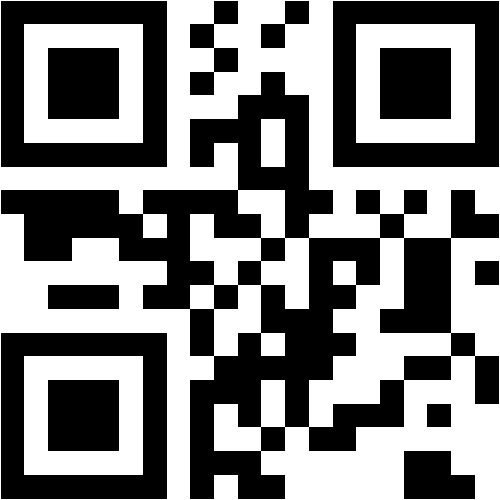
Sample QR Demo
Other App Features Demo
Fake QR Codes
The MVCSAdvisory Online Platform
- MVCSAdvisory also comes with a website designed for teacher and admin use.
- Admins can use it to enter information and monitor information about the whole school, such as to add teachers, students, and classrooms.
- Teachers can use it to print the QR codes for their classrooms and view recent check in activity in their classrooms.
- Students can view their activity.