
Coding Convention
Coding Convention
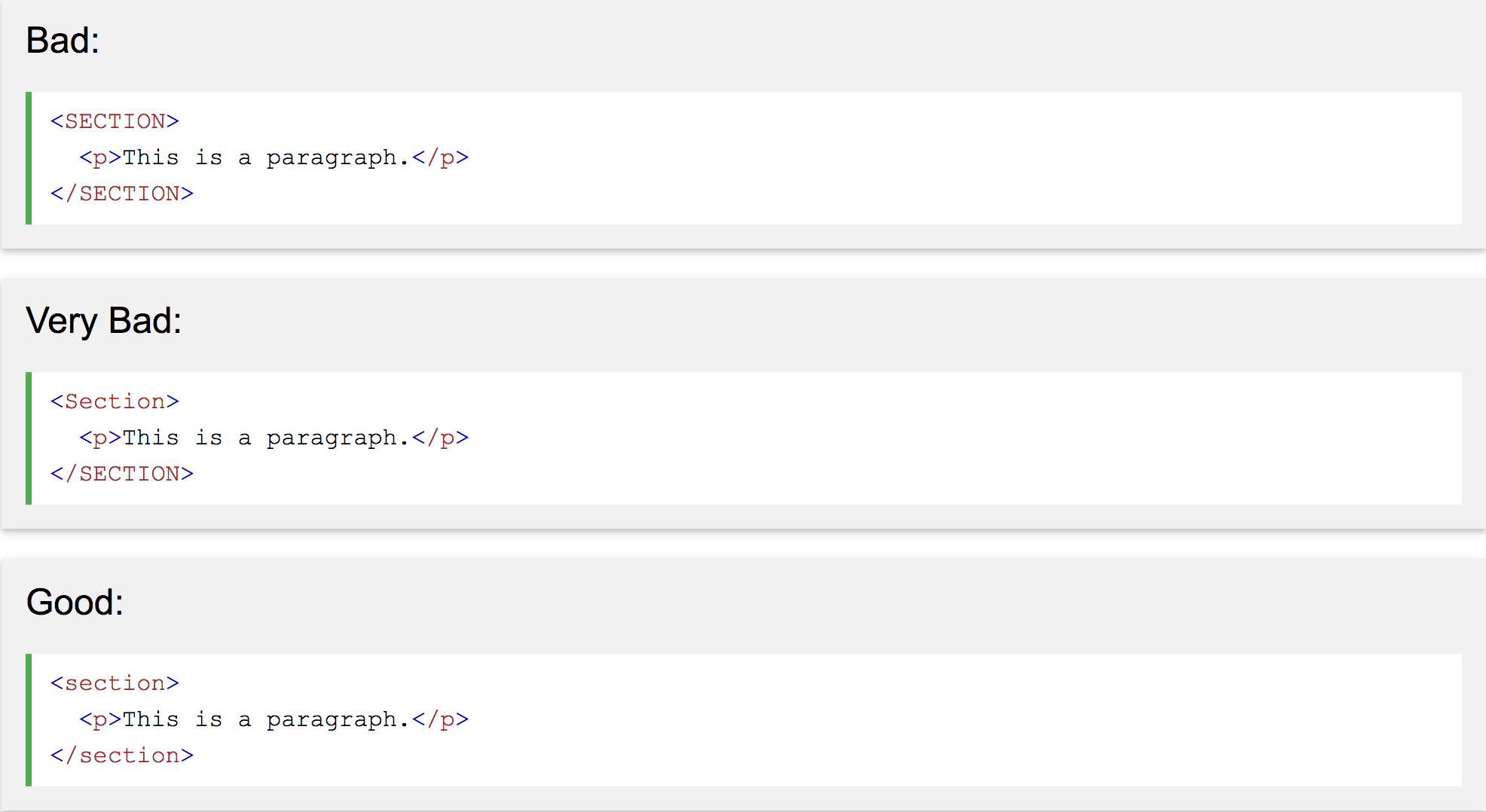
프로그램 코드를 작성할 때 사용되는 일종의 기준
https://www.w3schools.com/html/html5_syntax.asp
Coding Convention
https://github.com/xfiveco/html-coding-standards
https://jeonghakhur.gitbooks.io/frontend-coding-convention/content/css-guide.html
지난 수업 내용은 모두 기억하고 계신가요?
$ cd, ls, vi, :wq
$ git init
$ git add <filename>
$ git commit -m "커밋 내용"
$ git remote add origin [URL]
$ git push origin master
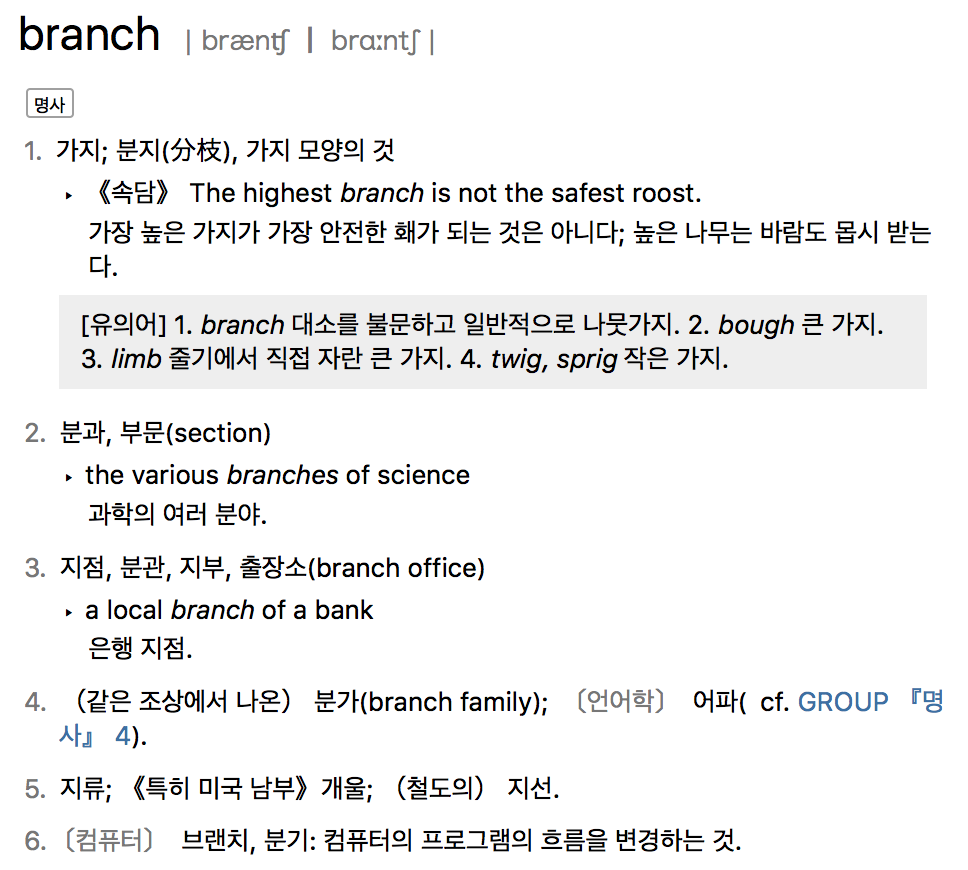
branch

branch

자세히 공부해봅시다
MacOS, Linux - Terminal
Window - Git bash
실행해 볼까요
빠르게
likelionGit 디렉토리를 만들고
first.txt 텍스트 파일을 만들어보자
first.txt 의 내용은
"master branch" 로 통일
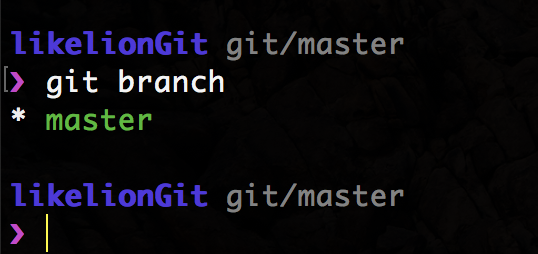
$ git branch
현재는 branch가 master 뿐 !
master branch 는
모든 repository에 기본적으로 존재 !!
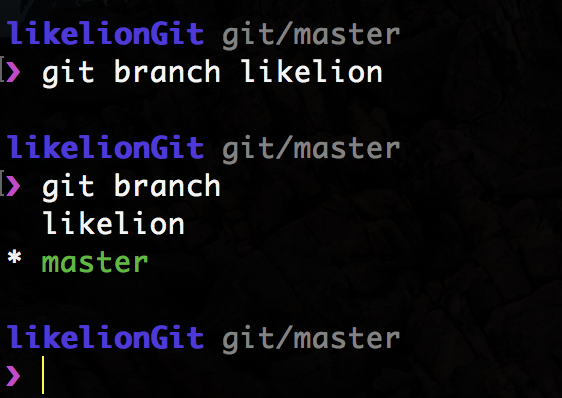
$ git branch <branch_name>
likelion 라는 branch 가 생성
'$ git branch' 로
branch 가 제대로 생성되었는지 확인하자
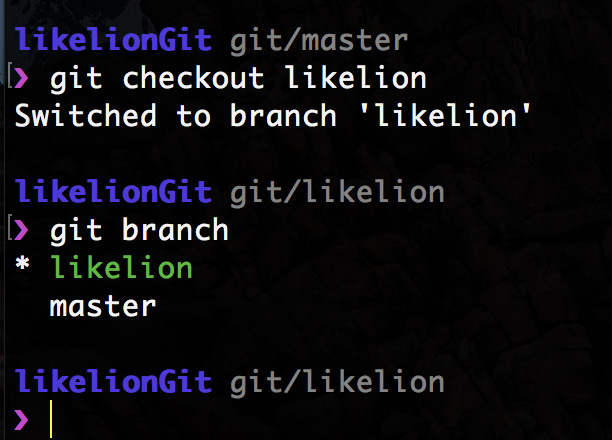
$ git checkout <branch_name>
아까 만들어둔 likelion branch 로 이동 !
$ git branch <branch_name>
master
likelion
branch 를 생성할 때
'branch 의 현 시점' 에서 똑같이 생성됨 !!
first.txt
first.txt
first.txt 내용 수정
master branch
add text: likelion branch
우리는 지금 likelion branch 에서
first.txt 내용을 바꿔주었다
그럼 master branch 에 있는
first.txt 내용은 어떨까?
branch 를 새로 만든 시점에서
수정한 내용은 git 에 반영되기 전까지
branch 를 옮길 때마다
branch 를 만들고 내용을 수정해 주었다면
그 branch에 반영될 수 있게
옮겨진 branch 로 내용이 넘겨짐
commit !!
이제
master branch 와
likelion branch 가
내용이 달라졌나요?
likelion branch 에서
yuksi
notebook
eun
mac
네 개의 branch 를 생성해보자
그리고 연습 !
master branch
$ git log
현재 directory branch 의
git log 를 보여줌

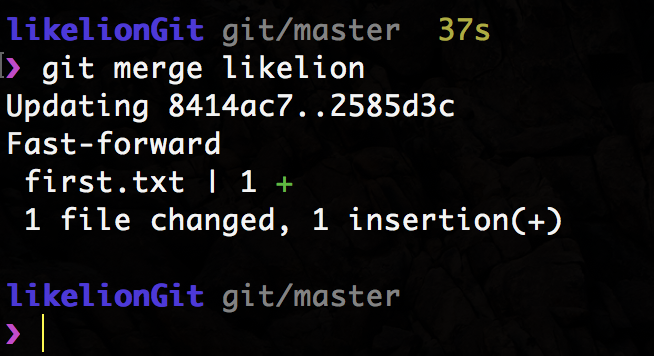
merge
$ git merge <branch_name>
현재 branch 와 병합
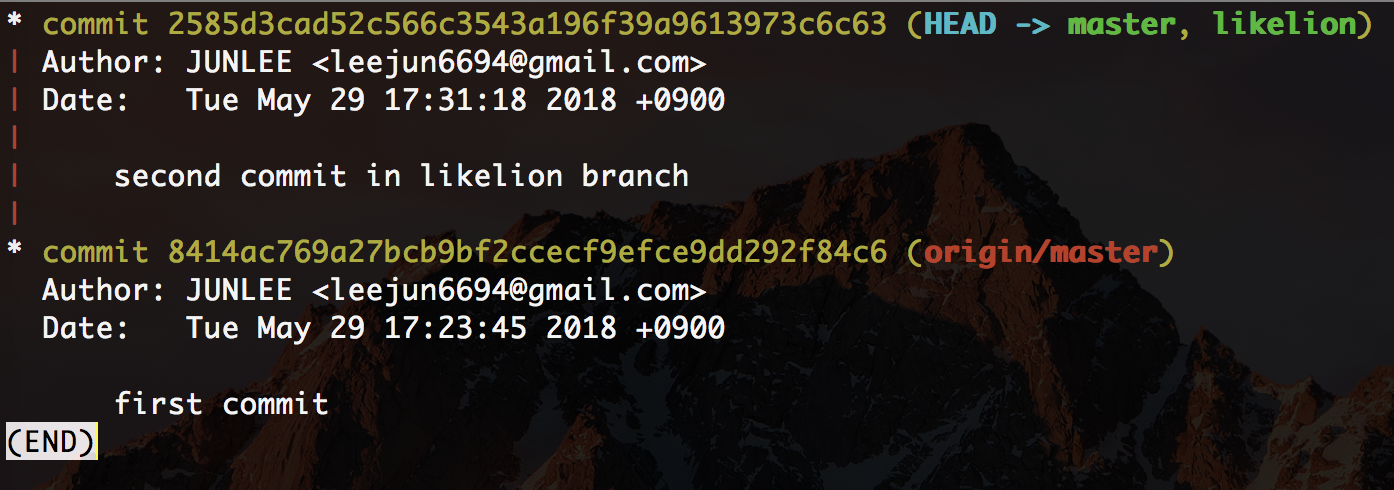
$ git log --graph
log 내용에 graph 까지
Git Flow
branch 이름도 맞춰서 진행하자
깔끔하고 보기 편하게
왜?
협업
버전
branch
master : 최종 릴리즈한 안정된 버전, 배포 버전
develop : 개발용 메인 브랜치
feature : 특정한 기능을 위한 브랜치
release : 배포 점검을 위한 브랜치
hotfix : 배포 중 긴급 버그 수정을 위한 브랜치
Git Flow
feature branch
develop branch 에서 가져옴
develop branch 이외의 branch 와는 merge x
일반적으로 local 에서만 사용하고 origin 엔 push x
feature/#issue_number/description
수고하셨습니다 :)