Girls, Boys, Parents, Let's Code Together!

Very seriously presented by

Techies Lab

workshop Outline
14h Meet and greet + tools setup
14h30 Intro
15h Break
15h15 First steps in coding
16h Another break + Little Bits with Julie
16h30 Your turn!
Ask for help when needed & have fun!
Who We are?


Anne
Margo

Oana
HOW does a Website Work???

imagine your parents send you on a deserted island
that's Right, you need to be connected

Different ways to connect


You're connected. What next?
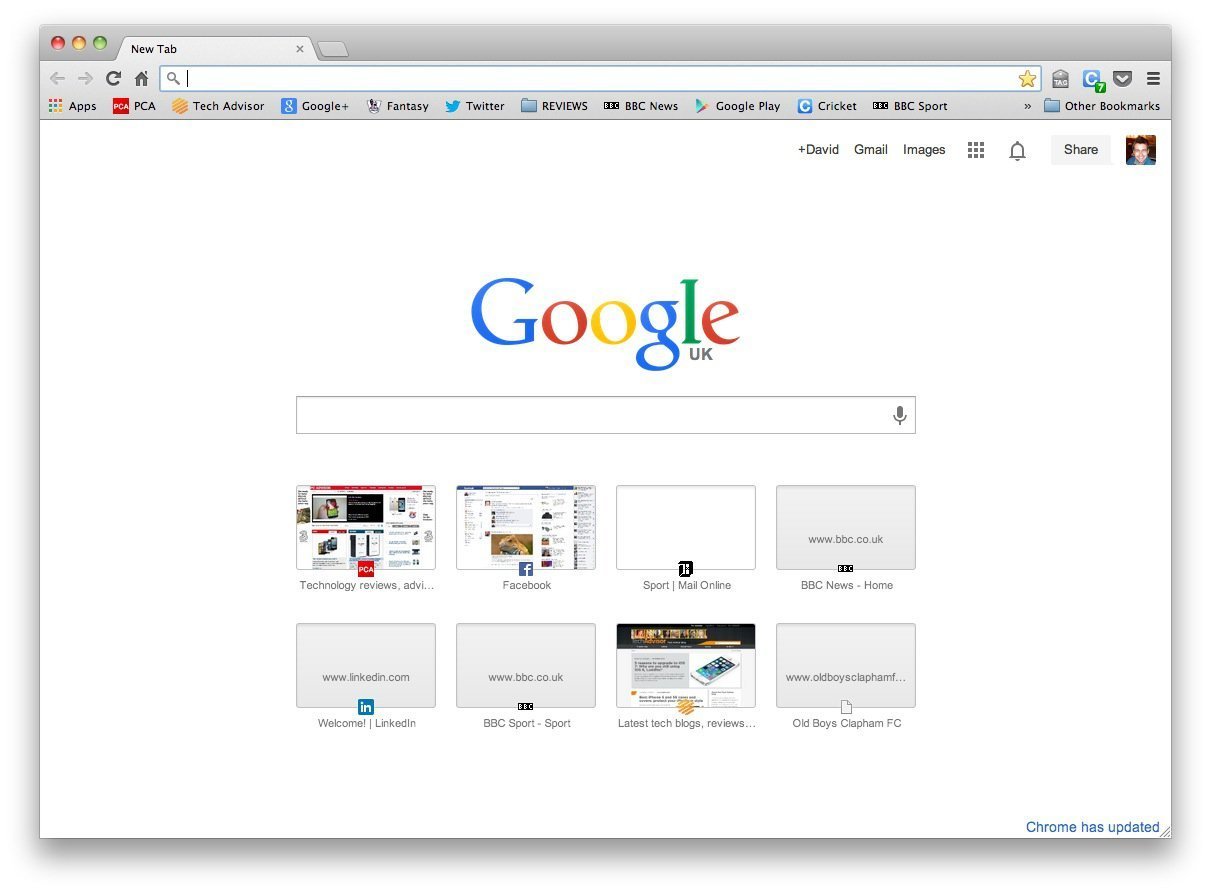
you need An Address
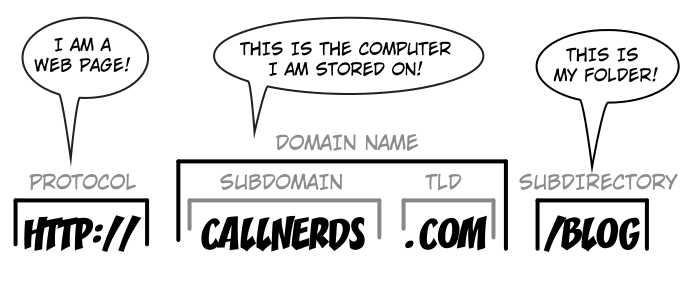
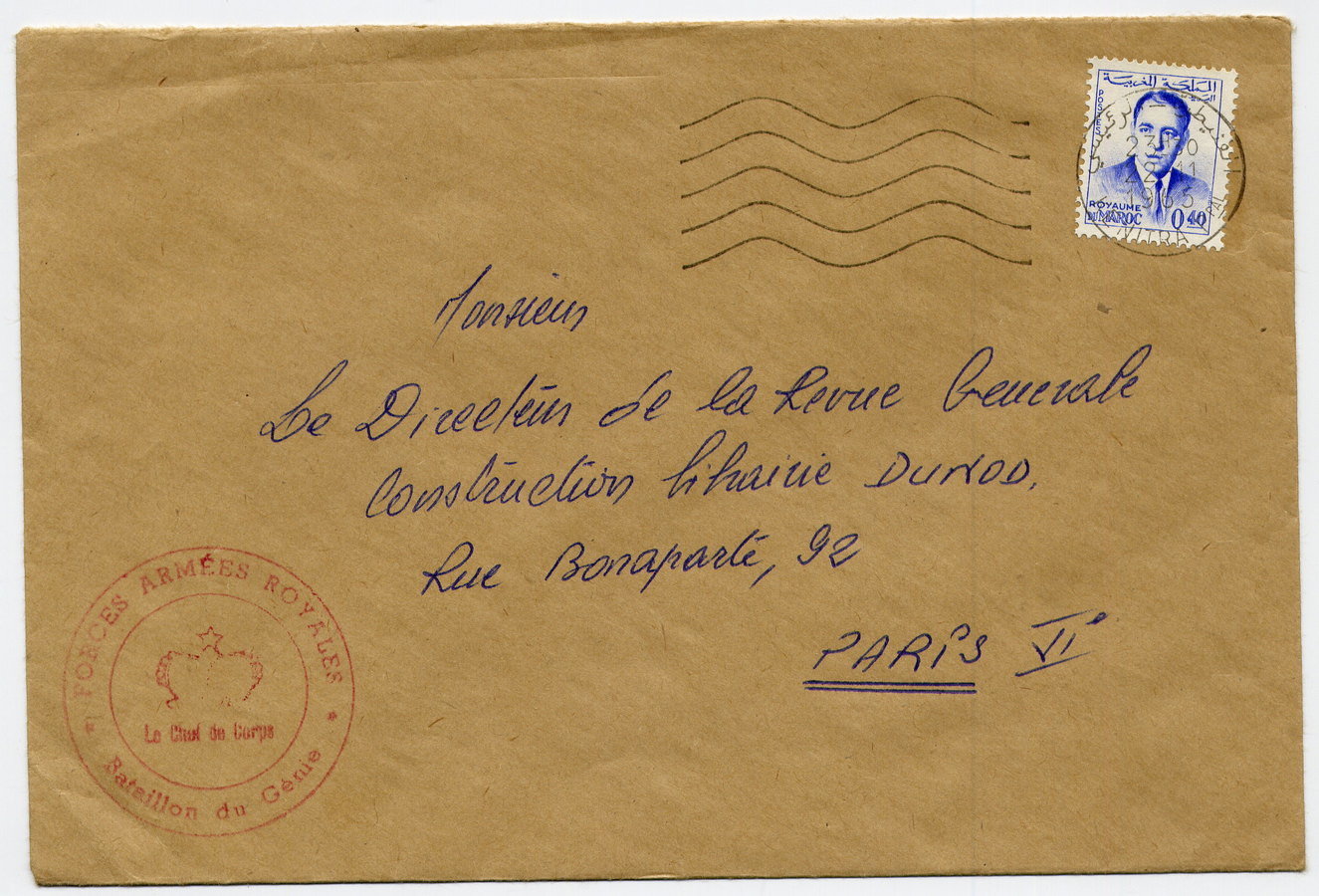
to send your Message To...

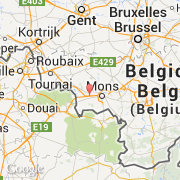
A server


Close by, in sT Ghislain, bElgium
What's the server's Answer?

http Request/ http response
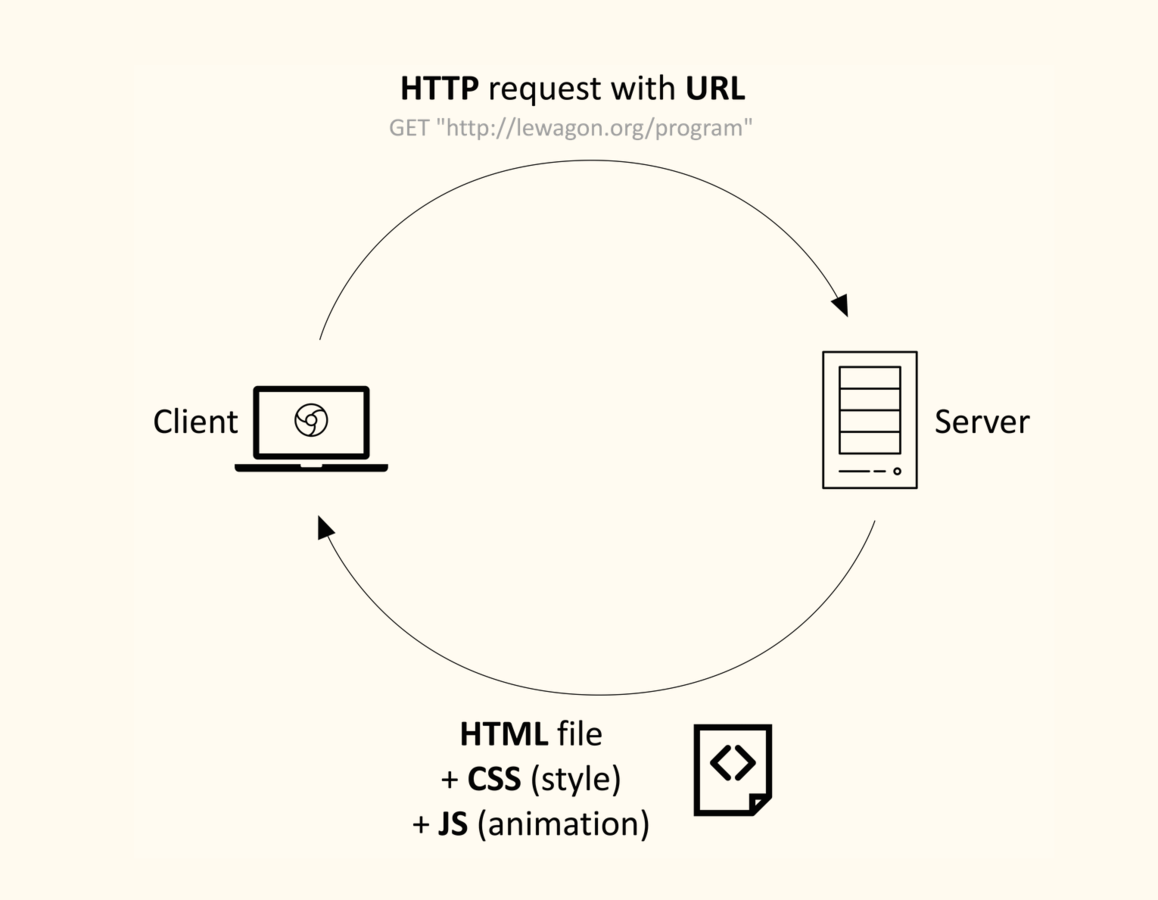
static website
(aka site vitrine)
+ browser
http Request/ http response
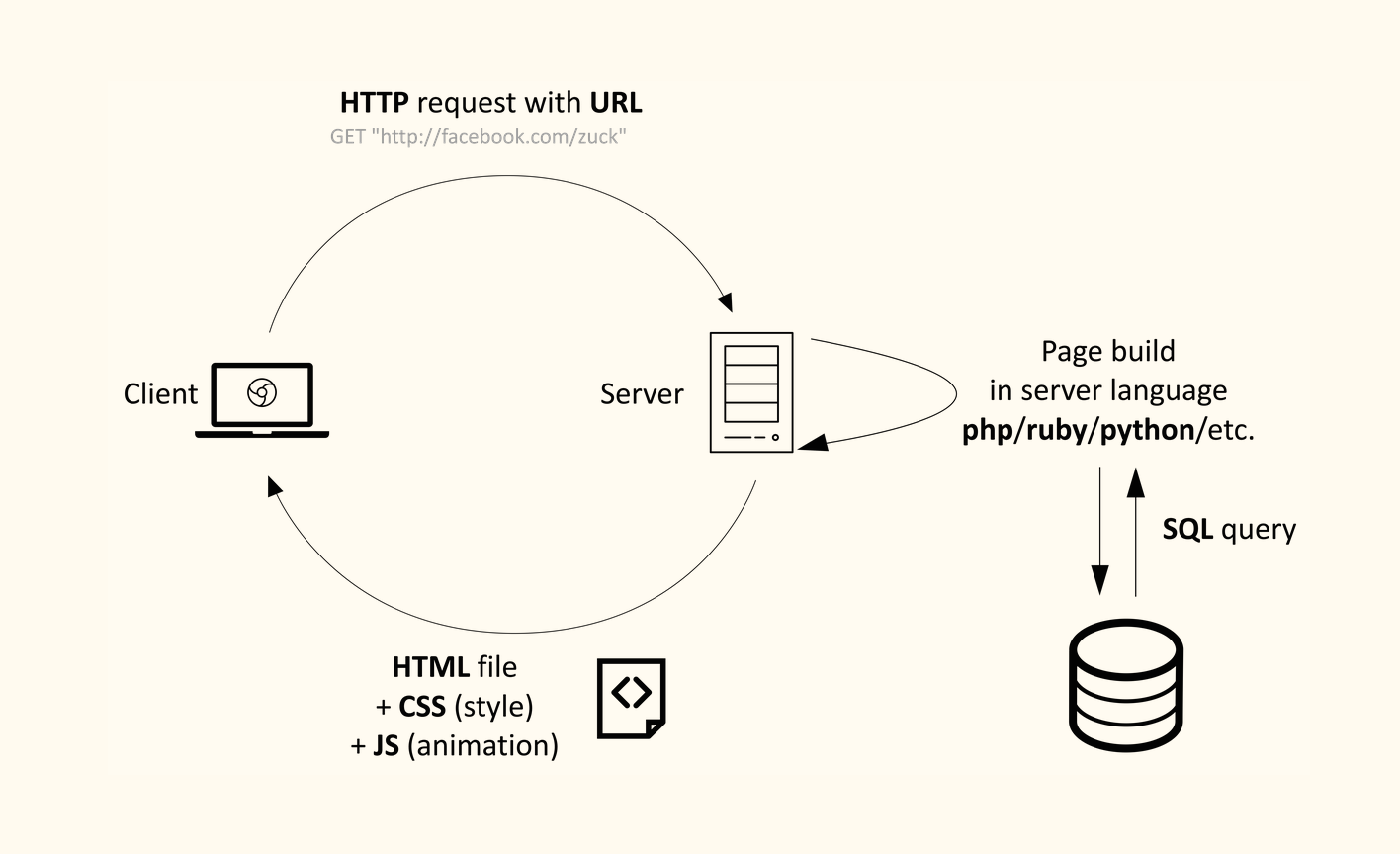
dynamic website
(aka web application)
+ browser
Page built
Front-end languages



content (-> SEO)
+ structure
style / appearance
dynamic behaviour
+ animation
+ usability
servers Also speak other languages...
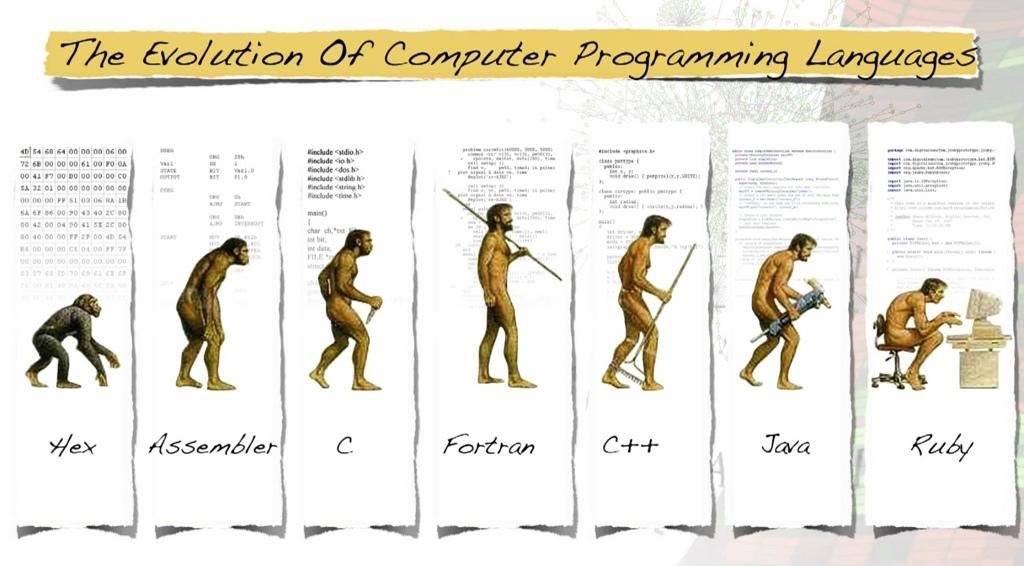
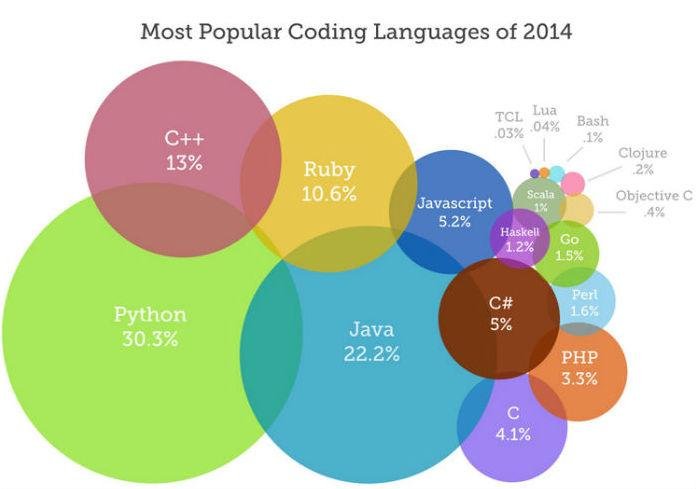
back-end languages
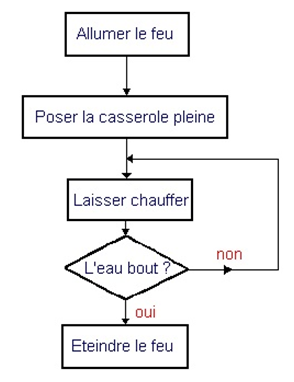
Computers are machines
that can be told what to do
binary instructions 1001101001001010100
vs
nicer programming languages
The fizzbuzz example
0. Enumerate numbers until a defined stopper ('N')
1. Start by considering 'number' is equal to 1
2. If 'number' is a multiple of 3, say Fizz
3. If 'number' is a multiple of 5, say Buzz
4. If 'number' is a multiple of both, say FizzBuzz
5. Else say the current value of 'number'
6. Increment the value of 'number' by 1
7. Repeat until the value of 'number' is equal to 'N'
The fizzbuzz example
http://rosettacode.org/wiki/FizzBuzz
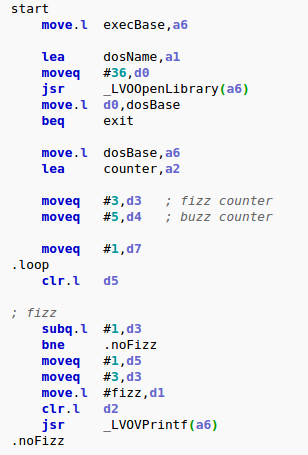
ASSEMBLY
The fizzbuzz example
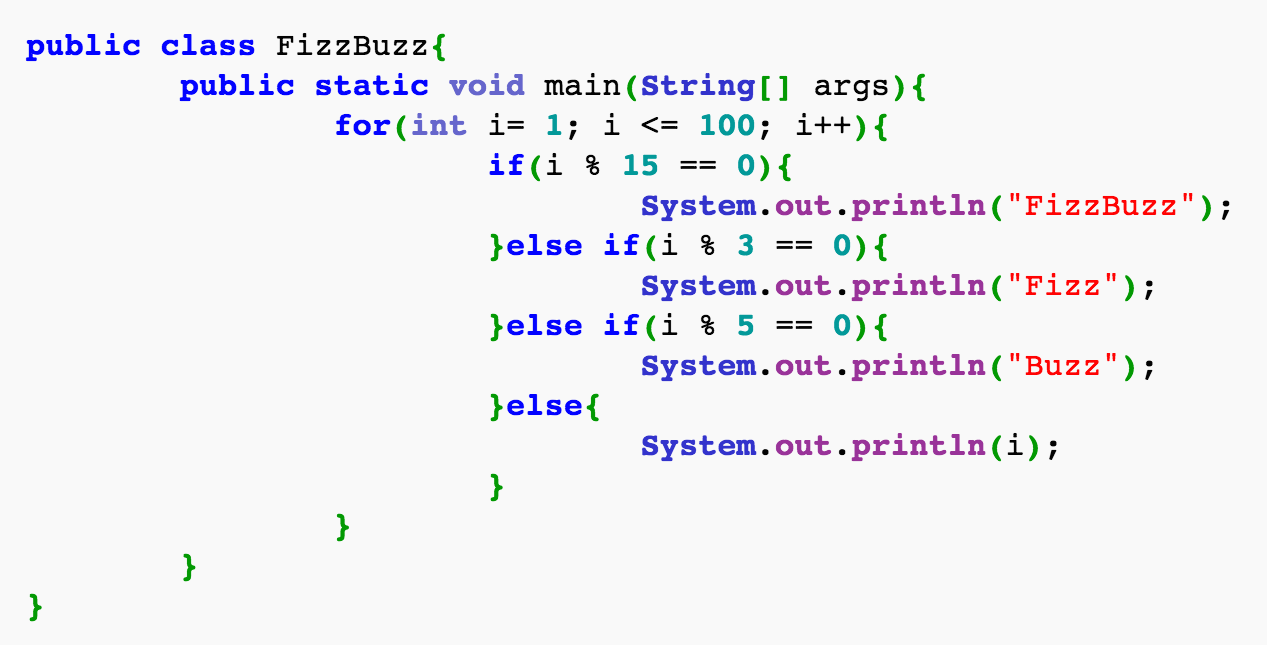
JAVA
The fizzbuzz example
http://rosettacode.org/wiki/FizzBuzz
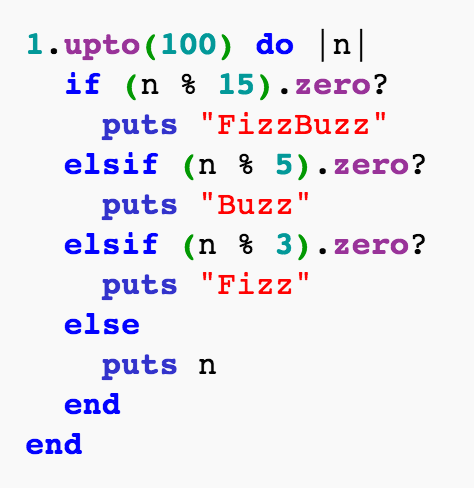
RUBY
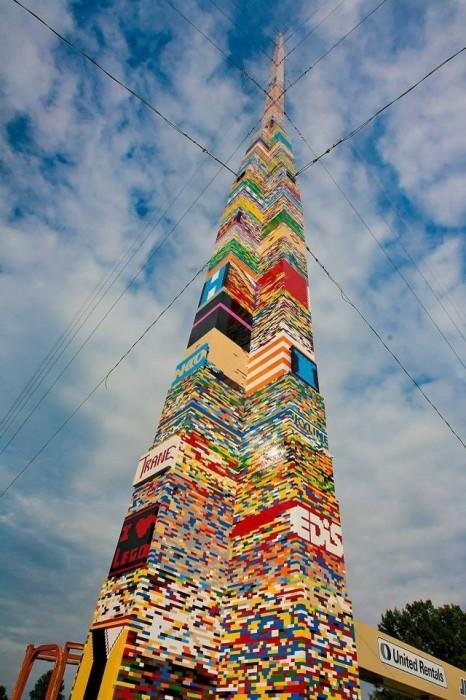
The lego game
we could program everything from scratch...
...but it's boring & non productive
So we decided to
create re-usable blocks
of functionalities

pre-packaged libraries
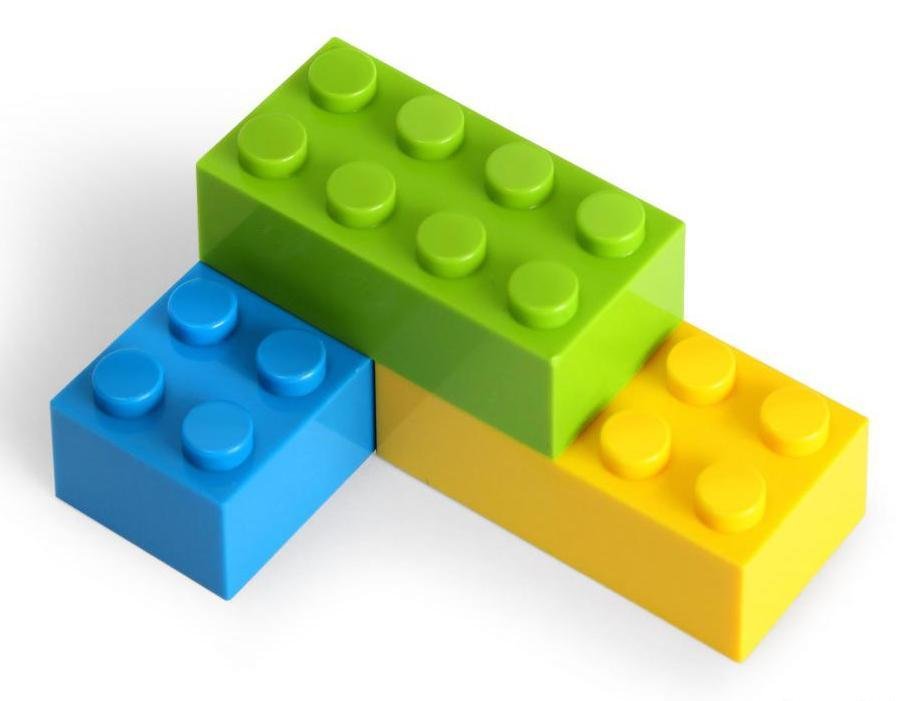
within a specific framework
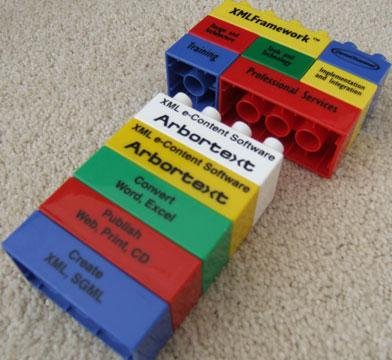
up to Build anything !
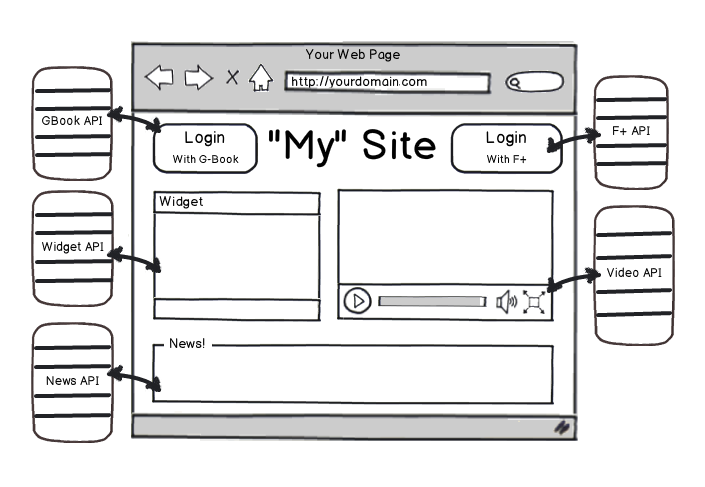
web services
more & more websites today
are using third-party web services
(Google maps, Facebook authentication,...)
Let's Code!
working with sublime
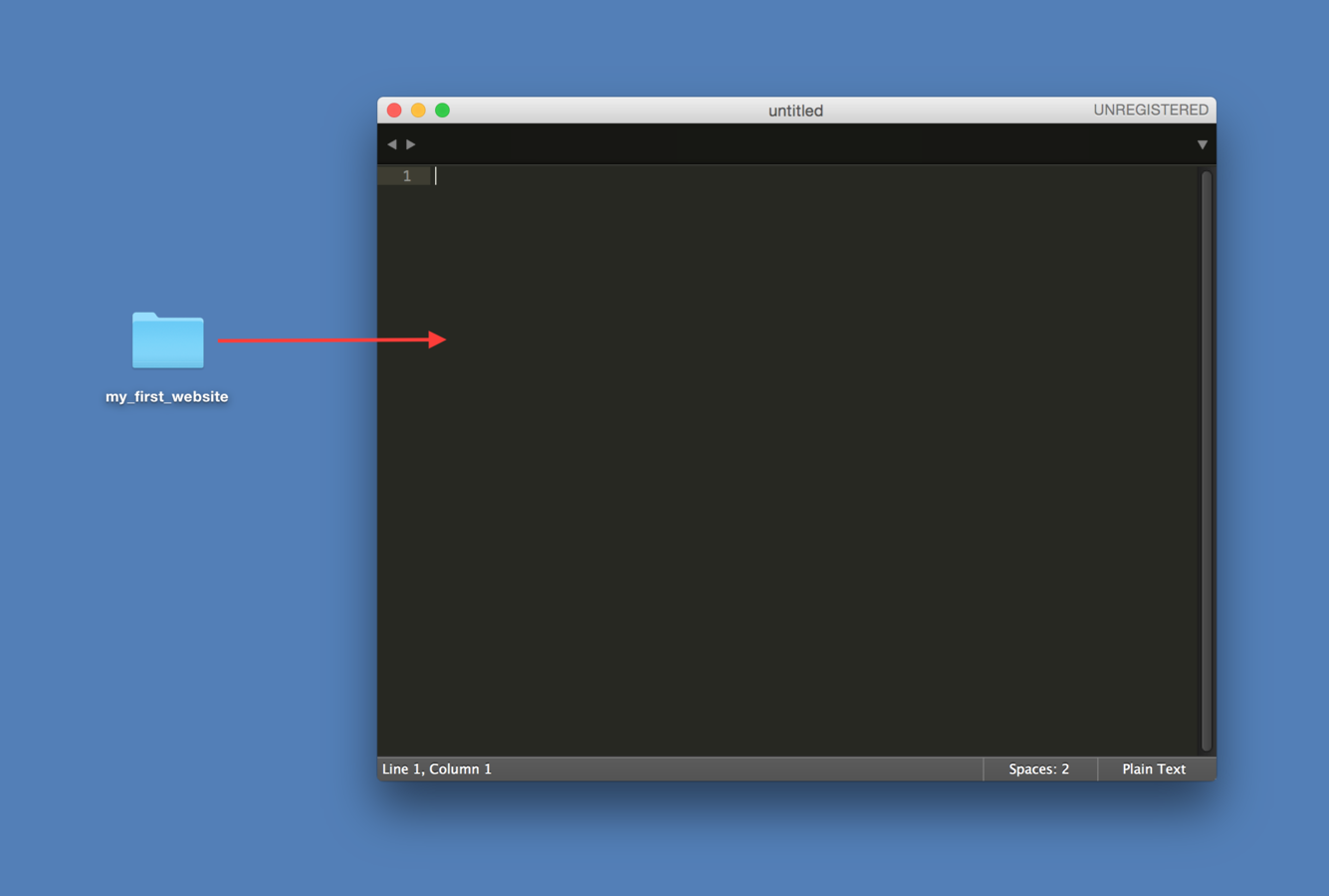
- On your desktop, create a folder named my_first_website
- Open Sublime Text and a new black window will be displayed
- Drag & drop my_first_website folder into the SublimeText window
your first website
- In SublimeText, right-click on my_first_website folder
- Add a new HTML file named index.html
- Add a new CSS file named style.css
- Open your HTML file in the browser
- Now don't move! You're ready to code!
HTML is a markup language.
It structures the content of a web page.
Cause in order to design and animate its elements,
we have to tag them first!
html skeleton
<!DOCTYPE html>


<!-- end of file -->
html skeleton
<!DOCTYPE html>
<html>


  <!-- your content (text, images,...)
  and all the other html tags
  to structure this content goes here -->


</html>
<!-- end of file -->
html skeleton
<!DOCTYPE html>
<html>
  <head>

    <!-- intelligence (meta-data) -->

  </head>
  <body>

    <!-- stuff to be displayed on your web page -->

  </body>
</html>
<!-- end of file -->
html skeleton
<!DOCTYPE html>
<html>
  <head>
    <title>Hello world</title>
    <!-- text appearing in the tab + used by Google in its search results -->
    <meta charset="utf-8"/>
    <!-- to display properly the special characters -->
  </head>
  <body>

    <!-- stuff to display in the page -->

  </body>
</html>
<!-- end of file -->
html skeleton
<!DOCTYPE html>
<html>
  <head>
    <title>Hello world</title>
    <!-- Text appearing in the tab + used by Google in its search results -->
    <meta charset="utf-8"/>
    <!-- To display properly the special characters -->
  </head>
  <body>
    <h1>Hello buddies!</h1>

    <!-- Stuff to display in the page -->

  </body>
</html>
<!-- end of file -->
html syntax
<element_name attribute_name="attribute_value">element_content</element_name>
opening tag
closing tag
-------------------------------------------
---------------
html syntax

result => Le Wagon
QUIZZ:
- What is the element name?
- What is the element content?
- What are the 2 attributes (name and value)?
html elements
<h1>[...]</h1>  <!-- Only one per page! SEO important -->

<h2>[...]</h2>

<h3>[...]</h3>

<h4>[...]</h4>

<h5>[...]</h5>

<h6>[...]</h6>
titles
html elements
<p>
  Lorem ipsum dolor sit amet, consectetur adipisicing elit.
  Veritatis laboriosam mollitia autem at ab omnis iure quis
  asperiores inventore eos nam aut iusto officiis deserunt
  nihil, sequi tempore impedit quae?
</p>
paragraphs
html elements
<h2>Shopping List</h2>
<ul>
  <li>Milk</li>
  <li>Butter</li>
</ul>

<h2>World Cup 2014</h2>
<ol>
  <li>Germany</li>
  <li>Argentina</li>
  <li>Netherlands</li>
  <li>Brazil</li>
</ol>
lists
html elements
<img src="logo.png" alt="Le Wagon logo"/>images
html elements
<a href="http://www.lewagon.org" target="_blank">Le Wagon</a>links
html elements
<form name="input" action="/subscribe" method="post">
  .
  input elements
  .
</form>
forms
html elements
<form name="input" action="/subscribe" method="post">

    Username: <input type="text" name="firstname">

</form>
input - type: text
html elements
<form name="input" action="/subscribe" method="post">

    Username: <input type="text" name="firstname"><br>
    <input type="radio" name="sex" value="male">Male<br>
    <input type="radio" name="sex" value="female">Female

</form>
input - type: radio
html elements
<form name="input" action="/subscribe" method="post">

    Username: <input type="text" name="firstname"><br>
    <input type="radio" name="sex" value="male">Male<br>
    <input type="radio" name="sex" value="female">Female<br>
    <input type="checkbox" name="vehicle" value="Bike">I have a bike<br>
    <input type="checkbox" name="vehicle" value="Car">I have a car

</form>
input - type: checkbox
html elements
<form name="input" action="/subscribe" method="post">

    Username: <input type="text" name="firstname"><br>
    <input type="radio" name="sex" value="male">Male<br>
    <input type="radio" name="sex" value="female">Female<br>
    <input type="checkbox" name="vehicle" value="Bike">I have a bike<br>
    <input type="checkbox" name="vehicle" value="Car">I have a car<br>
    <input type="submit" value="Submit">

</form>
input - type: submit
we need to configure a server
on the back-end side of our website
to receive and store these user inputs
html elements
resources
CSS is used to add some style properties
to specific & properly selected HTML elements
css power
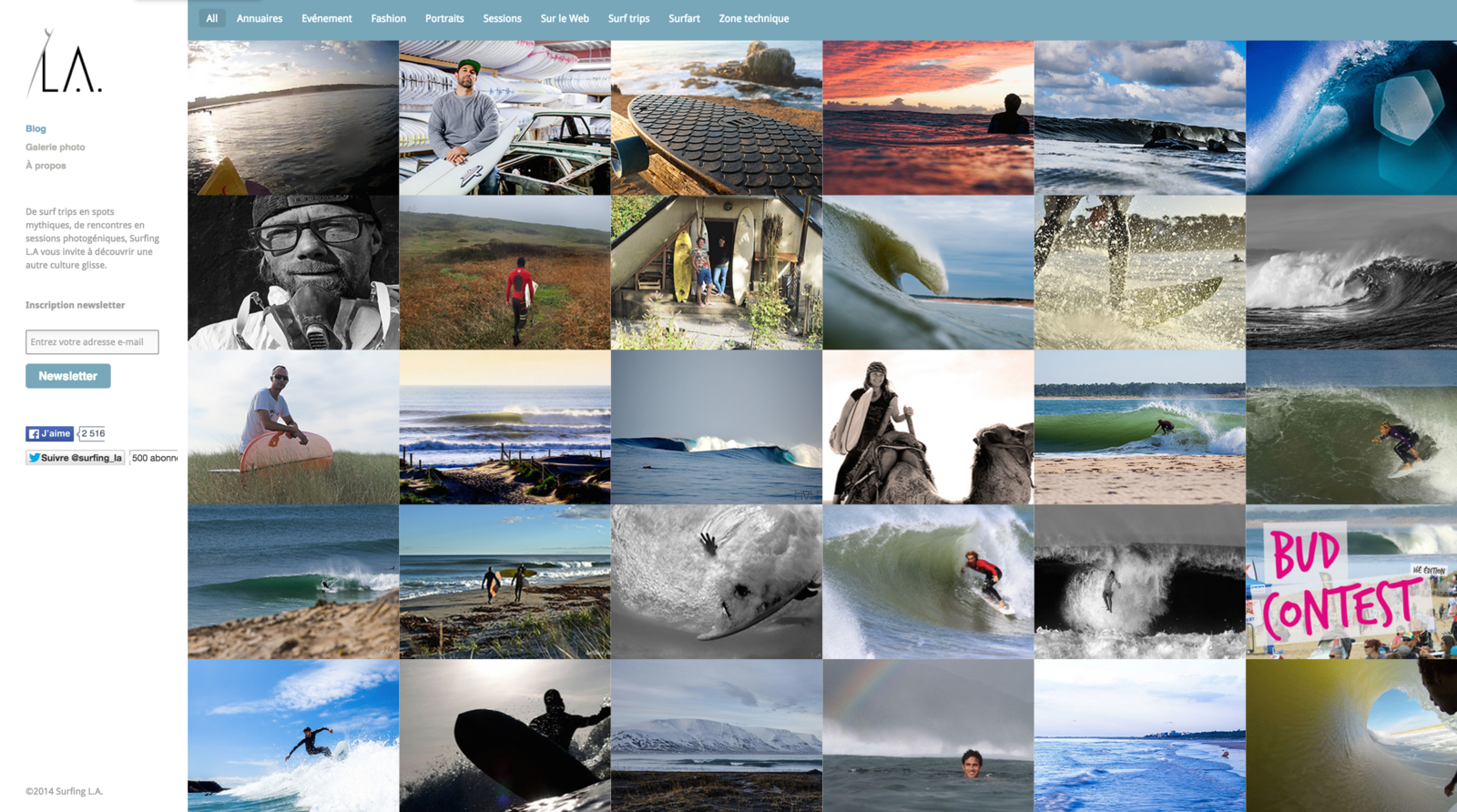
What would this website surfingla.fr look like without any CSS ?
css power
Well, let's neutralise the CSS by deleting the head of the HTML document in the browser inspector!
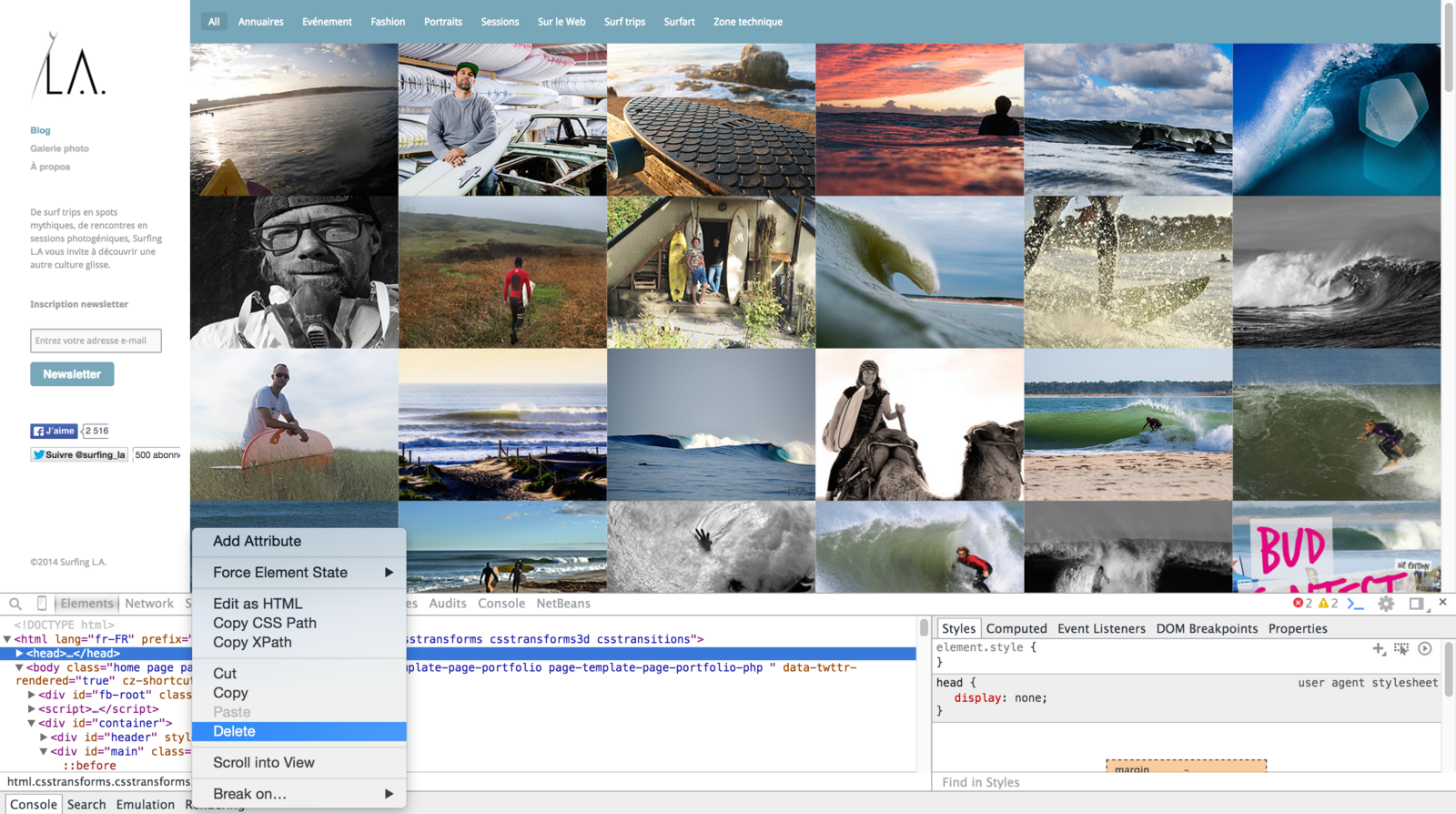
css power
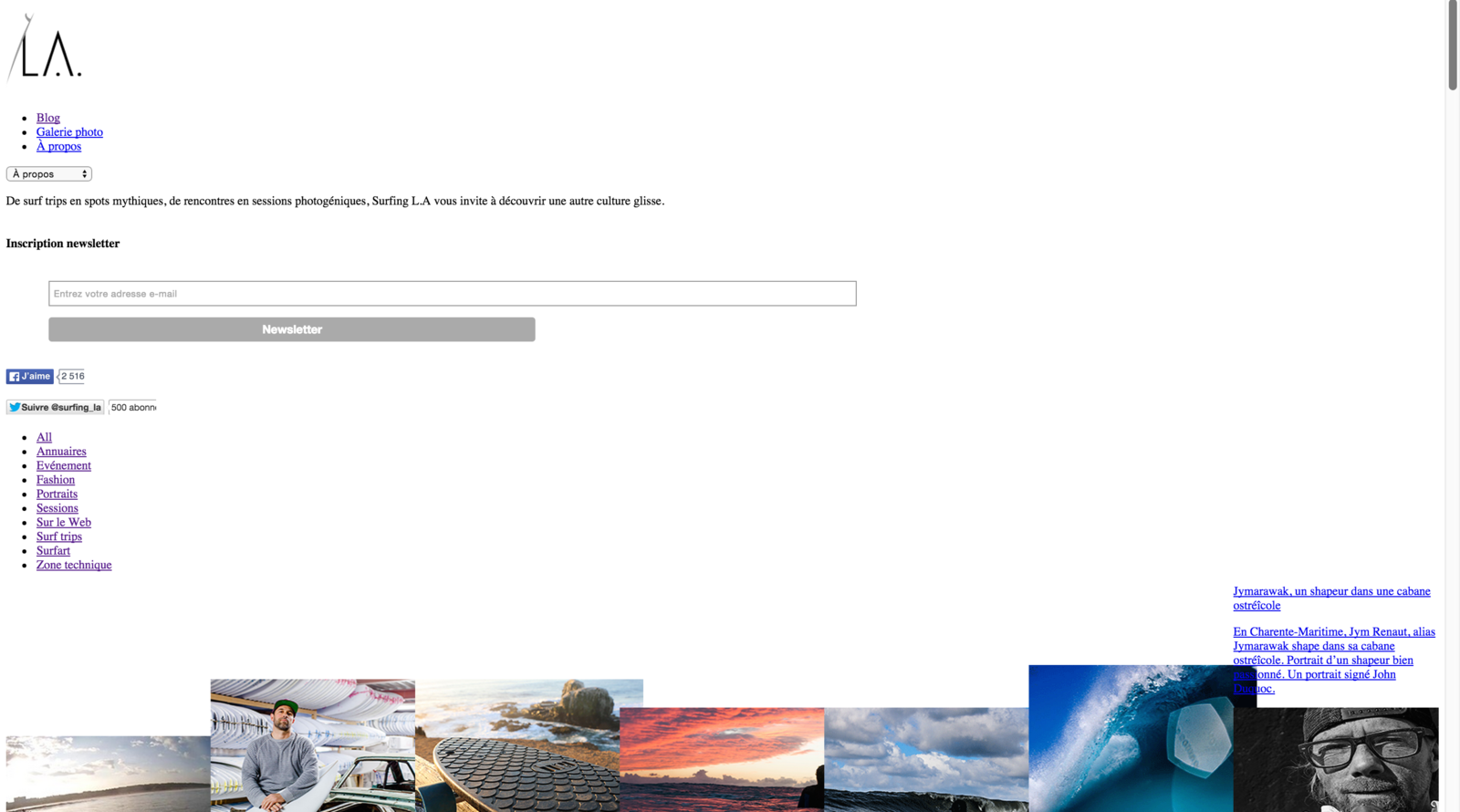
Here is the result ! Quite different, isn't it ? ; )
css link
For your CSS stylesheet to be taken into account, you need to
add a link to it in the head of the HTML document
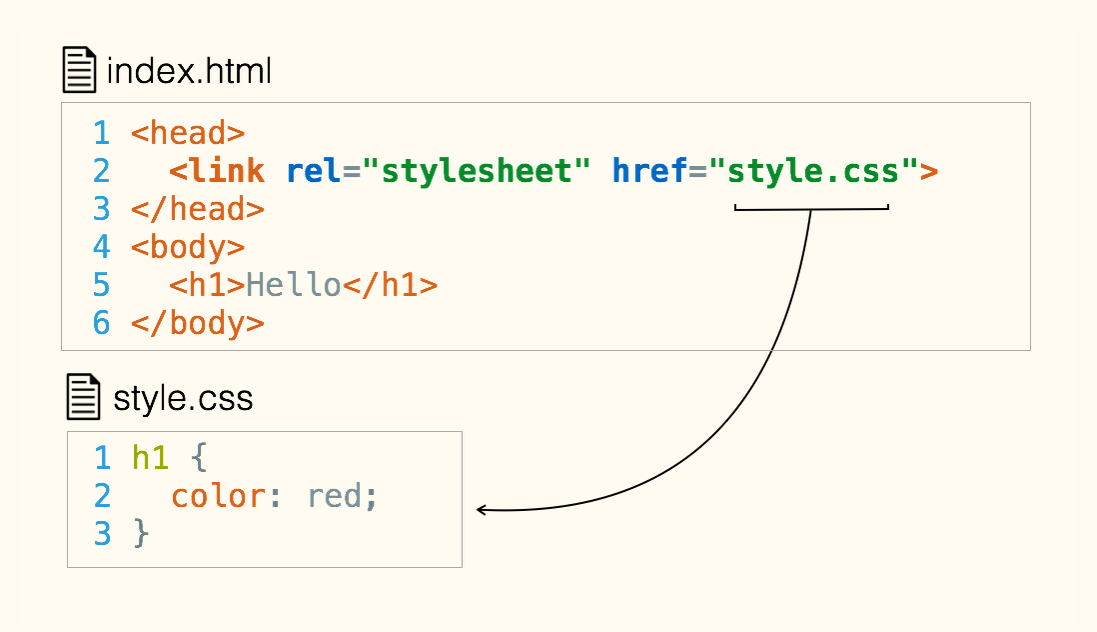
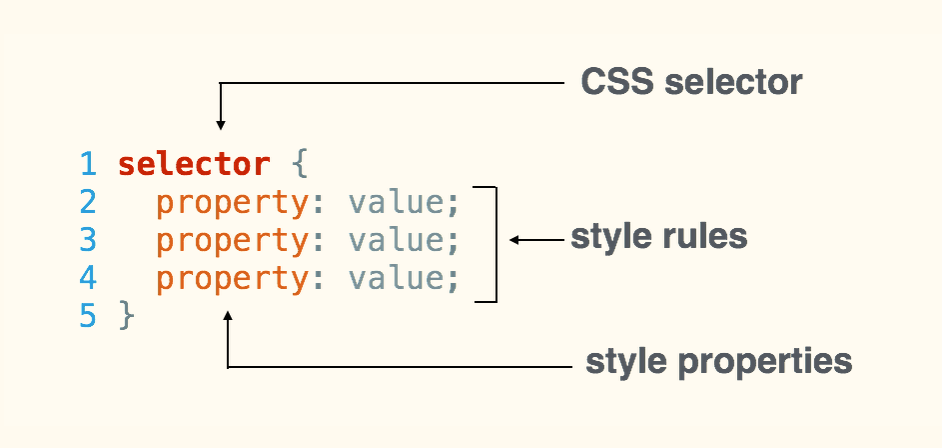
css syntax
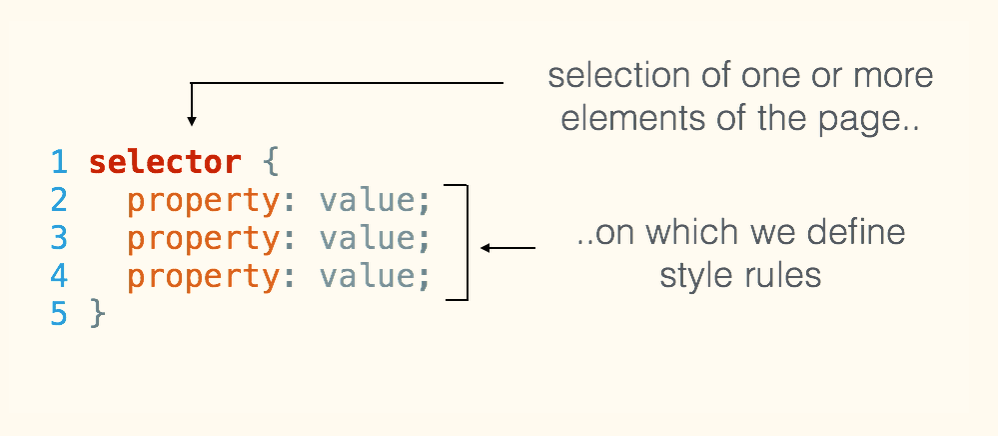
css syntax
css syntax
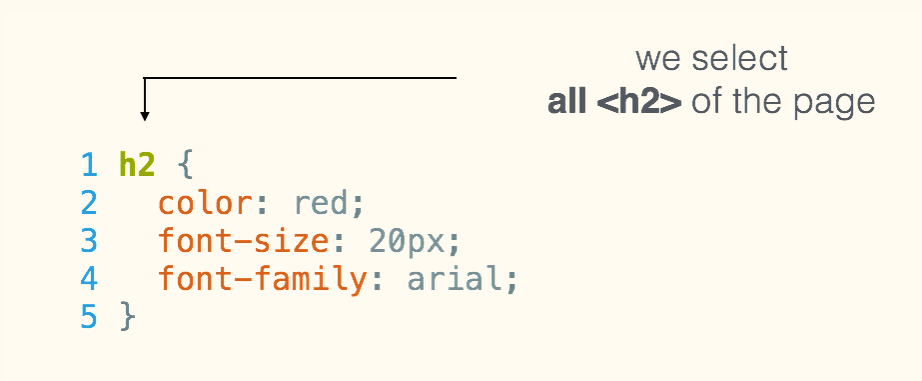
css properties
/* syntax 1 : color name in English */

body {
  color: orange;
}
color
css properties
/* syntax 2 : hexadecimal color reference */

body {
  color: #FFA500;
}
color
css properties
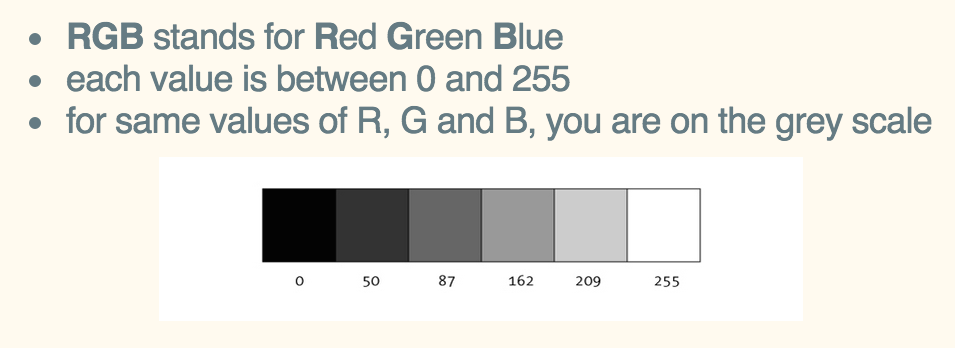
/* syntax 3-a : RGB color reference */

body {
  color: rgb(255, 165, 0);
}
color
css properties
/* syntax 3-b : RGBA color & opacity reference */

body {
  color: rgba(255, 165, 0, 0.8);
}
color
RGBA has a 4th parameter: opacity
(which may vary between 0 and 1)
css properties
color tools
- Choose a good color scheme with Adobe Color CC
- Add & use the ColorZilla plug-in to pick nice colors on-the-fly
- A nice tool to help you to select your colors: material palette
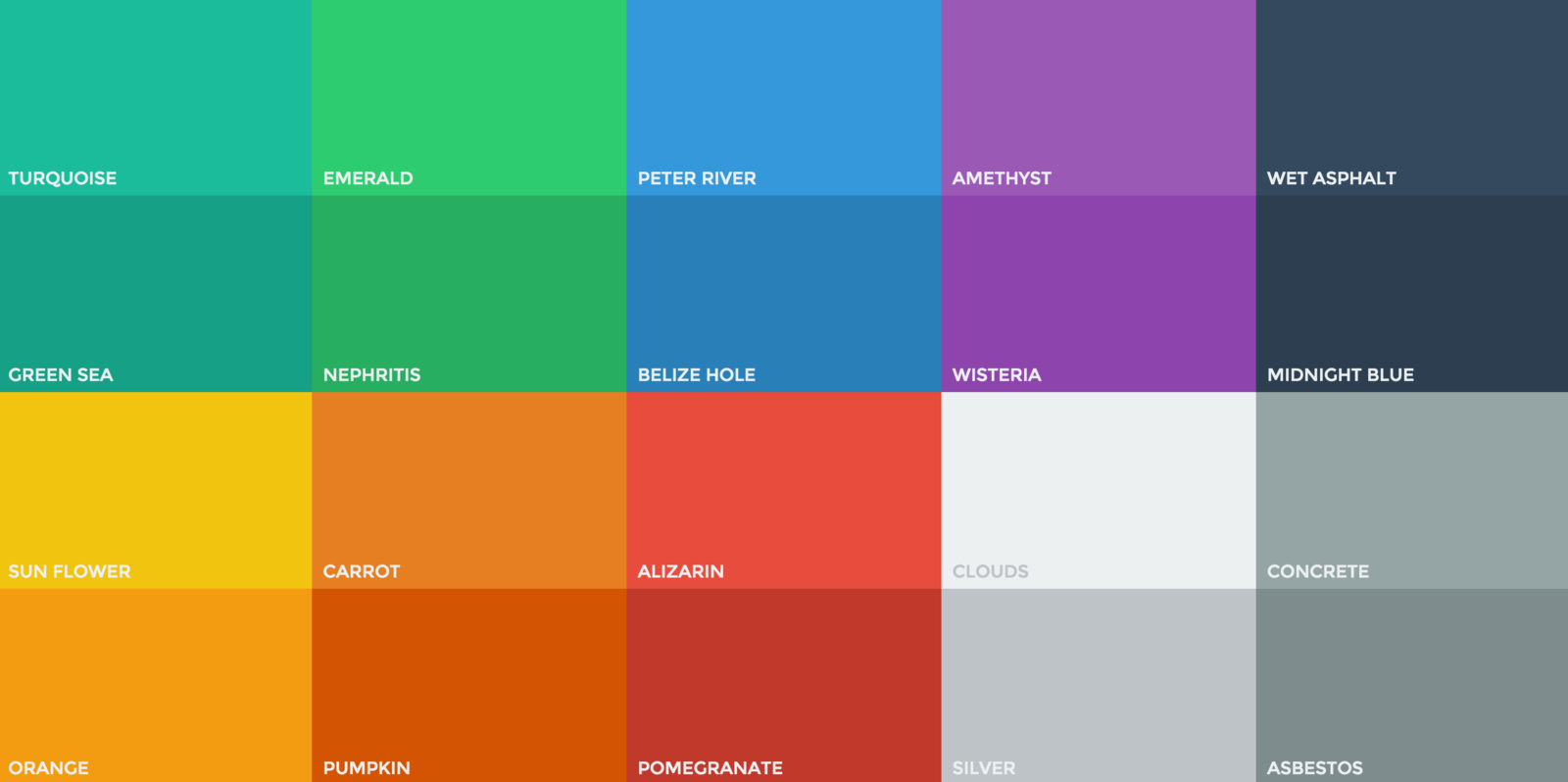
- You can pick them among the trendy flat colors :)
css properties
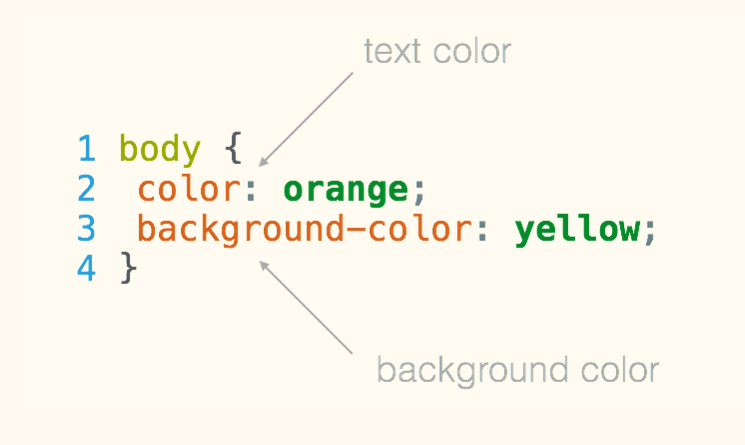
text color vs
background color
css properties
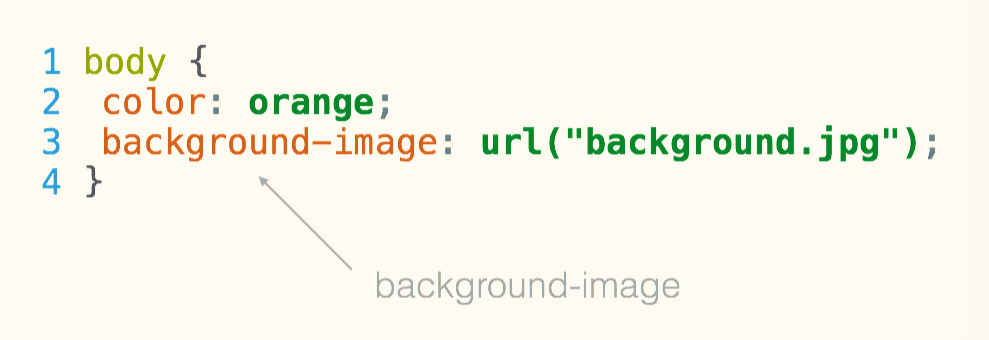
background image
css properties
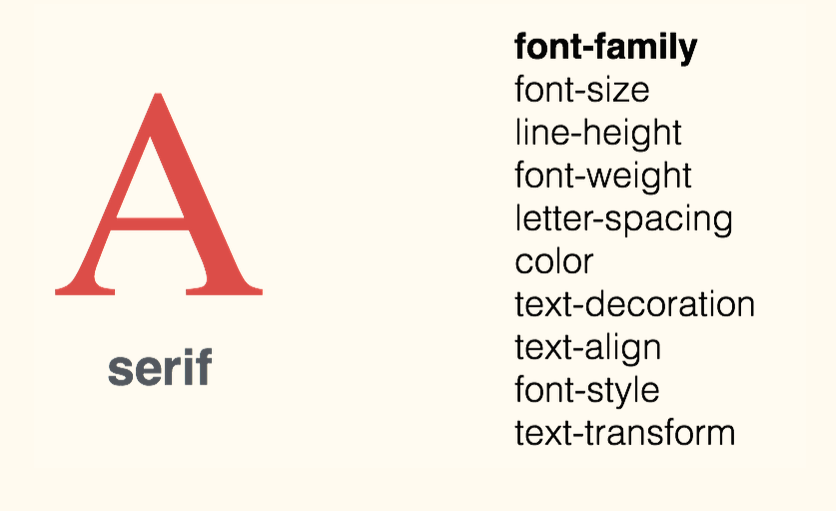
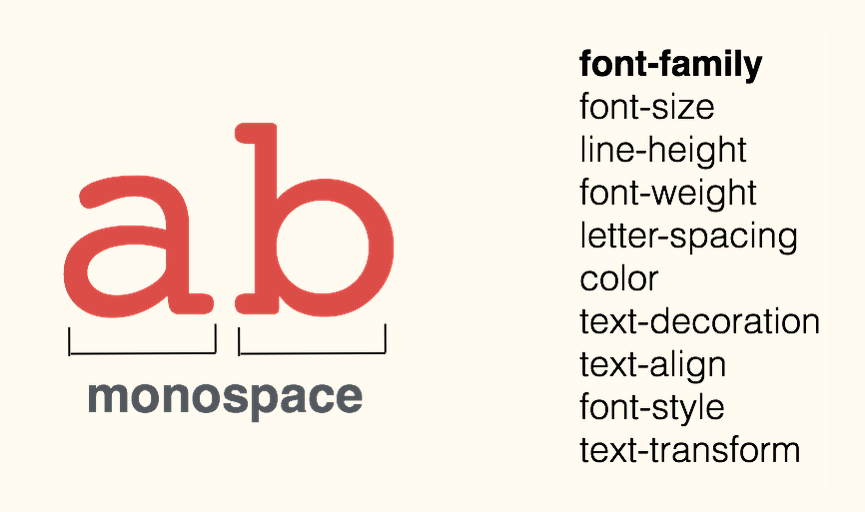
fonts - family (1)
css properties
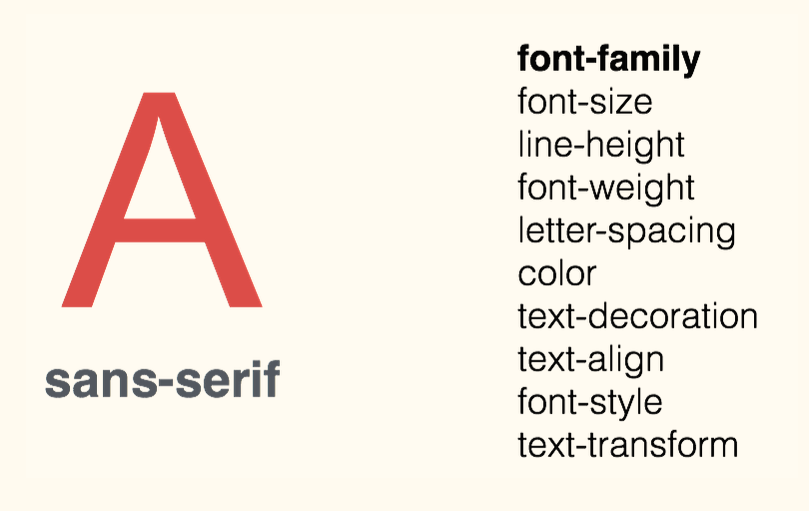
fonts - family (2)
css properties
fonts - family (3)
css properties
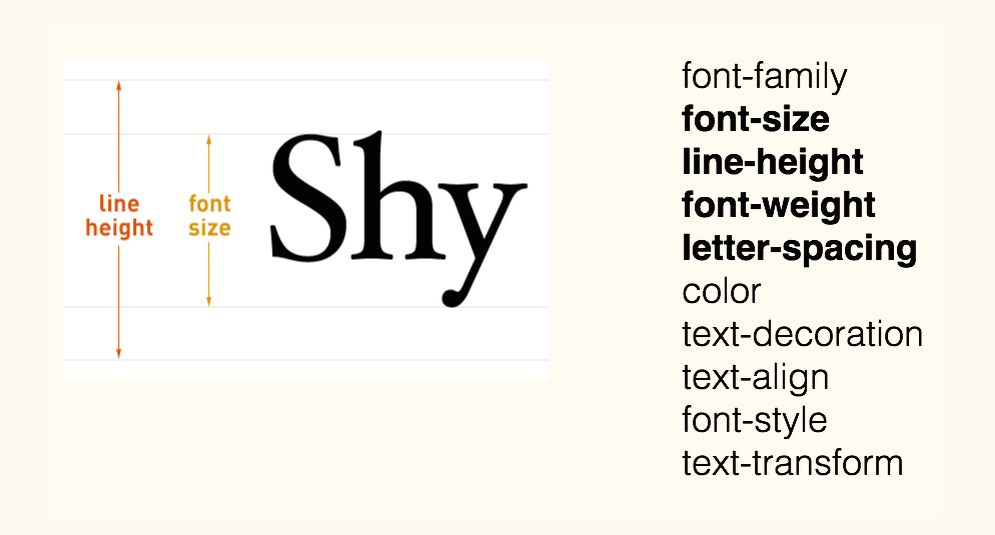
fonts - size & spacing
css properties
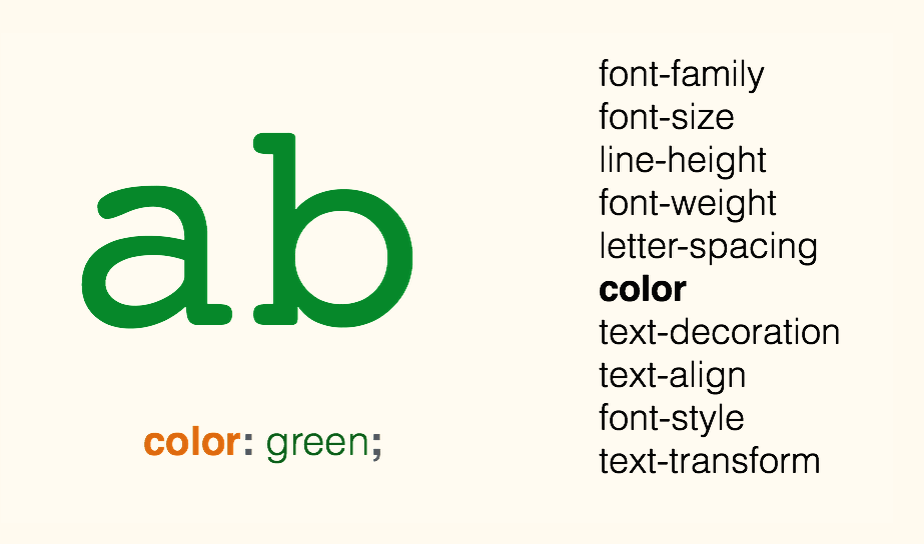
fonts - color
css properties
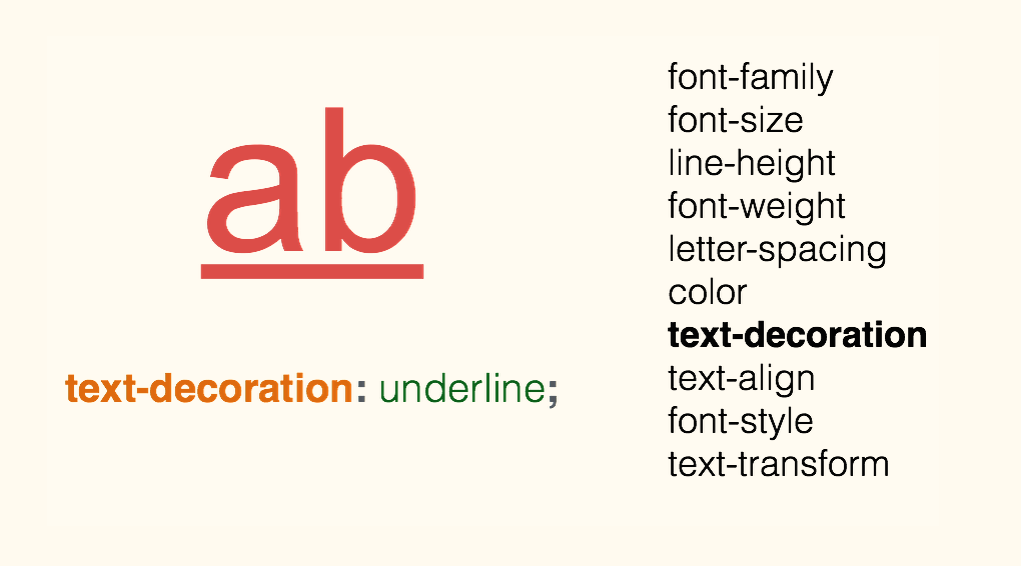
fonts - decoration
css properties
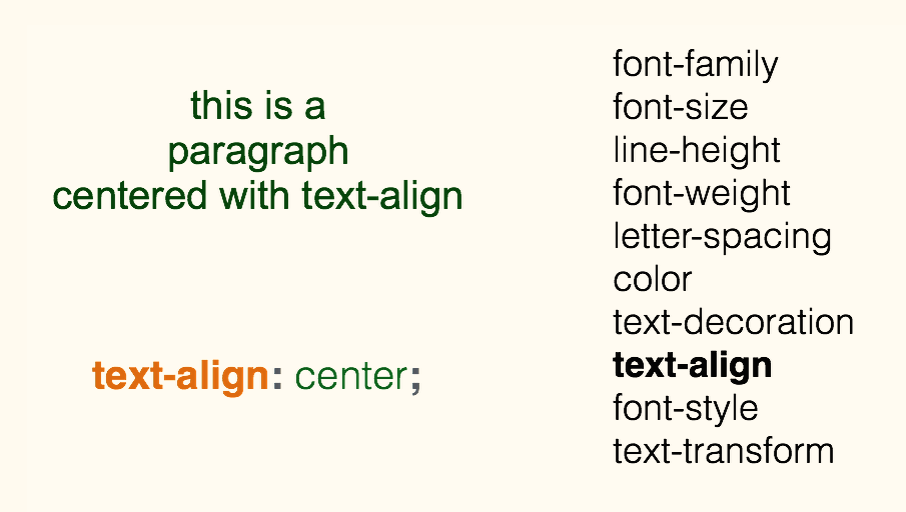
fonts - alignment
css properties
fonts tools
- Choose nice free fonts with Google Fonts
- You can identify any web font with the Fontface Ninja (or WhatFont) plugin
- Good practices: 3 fonts max per website/webpage
- Use sans-serif fonts (such as, Open-Sans for basic text, PillsGothic for h1, h2, Museo-Slab for secondary titles (h3, h4))
icons resources
<link
    rel="stylesheet"
    href="https://maxcdn.bootstrapcdn.com/font-awesome/4.4.0/css/font-awesome.min.css">
textual icons
- A font for icons (hence, to change their color, size, etc. => use CSS!)
- Paste the following code into the <head> section of your HTML file
- Then choose icons from the Font Awesome set
- And integrate each of them in your html file, where you want each of them to be displayed, by adding the <i>...</i> tag provided by Font Awesome
<h1><i class="fa fa-cutlery"></i> MY RESTAURANT</h1>icons resources
graphical icons
You can get these icons both in :
- PNG format = with a transparent background
- SVG format = perfectly resizable and customisable!
Pictures resources
Be careful about the picture/file's size :
too small, it will be blurred;
too big, it will slow down your page load!
=> to compress your pictures: ImageOptim
Select your pictures according to specific criteria (free of rights, landscape, min width 1024 px,...) :
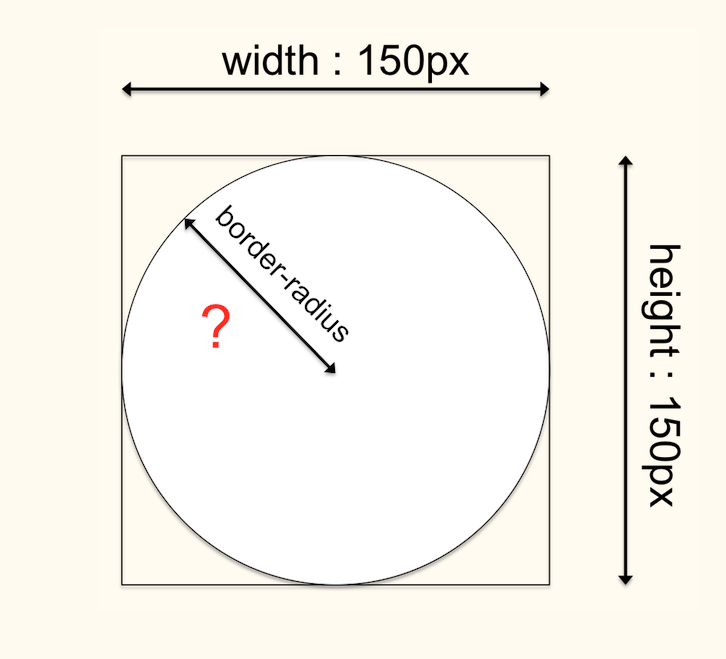
css properties
picture size & shape
Play with HTML elements & CSS properties !
coding is about practice
- Change the colors, background, sizes and radius
- Add a new Google font to all the texts of your body
- Add another Google font of your choice for your titles
- Make live-experiments on your CSS using Chrome dev tool
html elements
divisions and box model
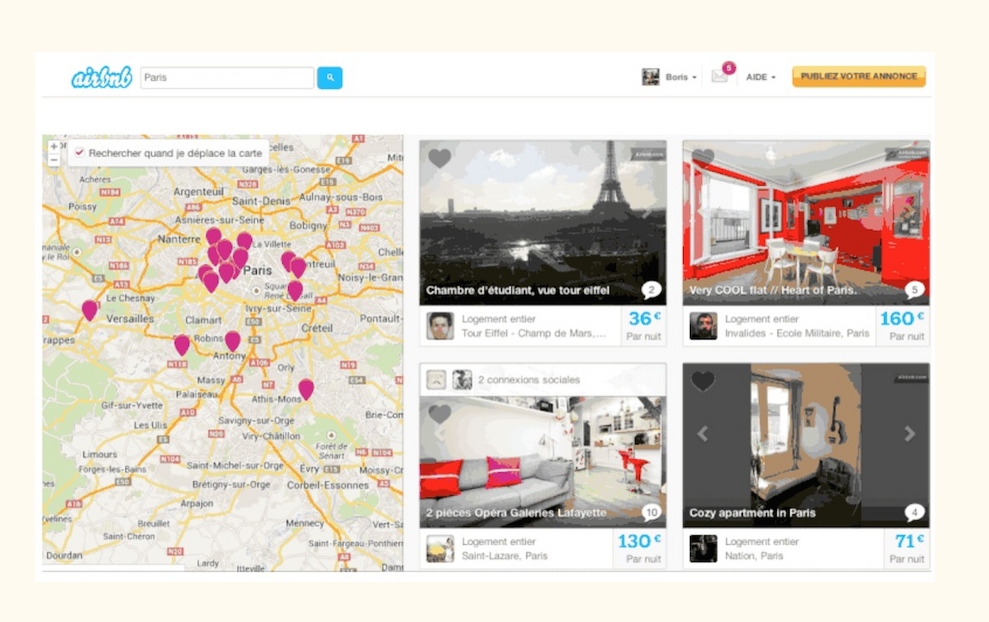
Any modern website...
html elements
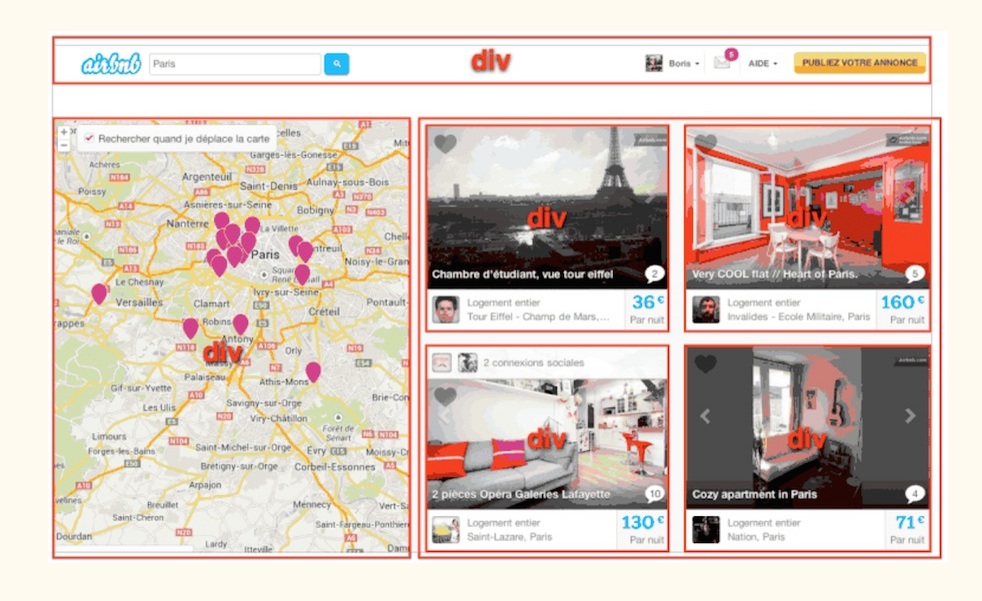
... is made of <div>
divisions and box model
html elements
=> structure your HTML code with <div> elements,
to group all the contents that fits together
divisions and box model
css properties
the box model
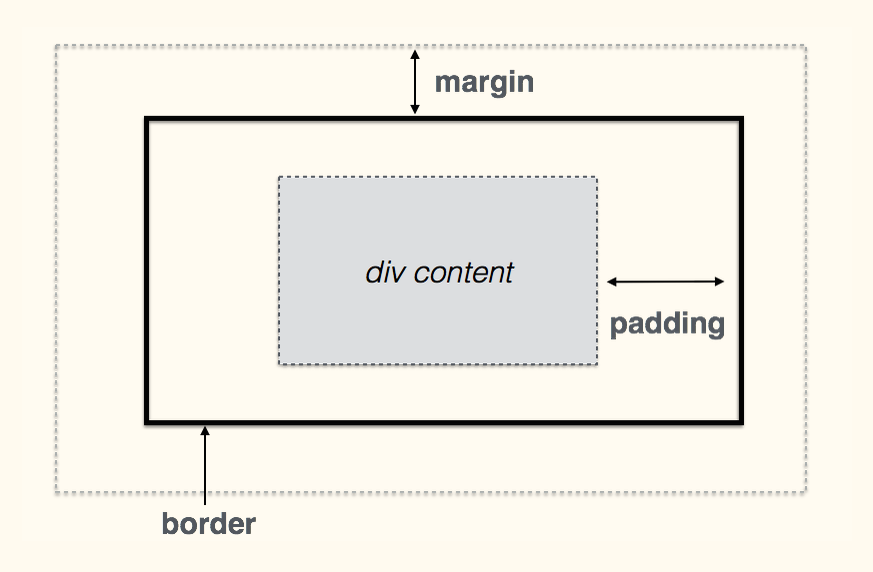
CSS PROPERTIES
the box model
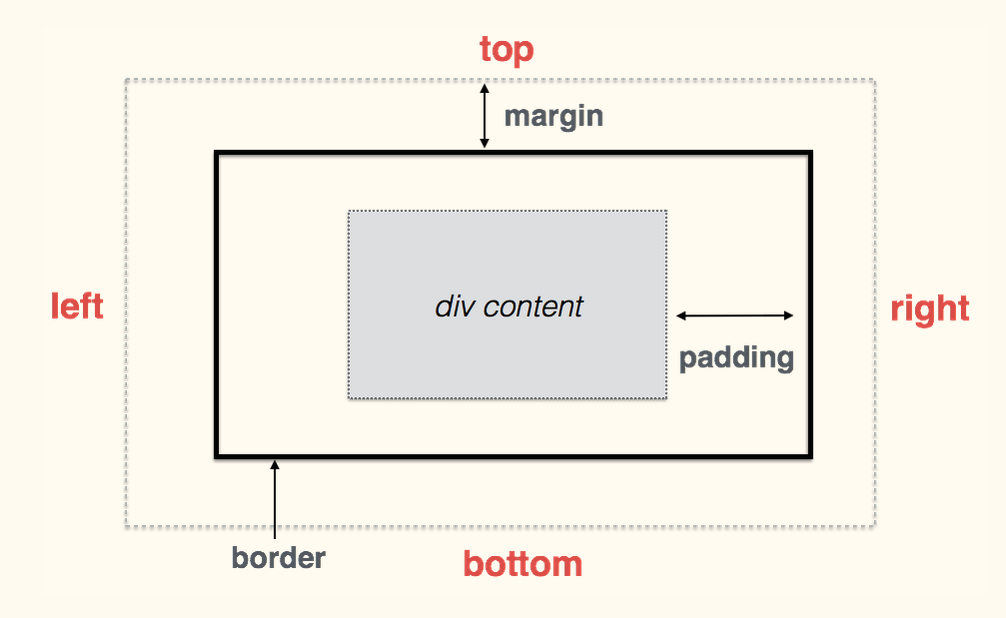
CSS PROPERTIES
syntax and shorcuts
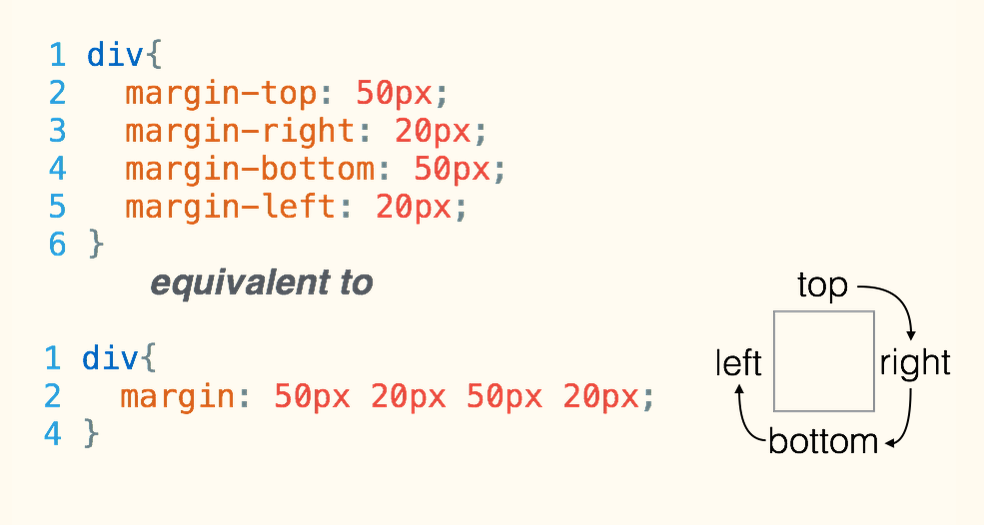
css properties
div{
  border-top: 1px solid red;
  border-right: 2px dotted black;
  border-bottom: 1px dashed green;
  border-left: 2px dotted black;
}
borders
divisions and box model
div{
  background: white;
  border: 1px solid lightgrey;
  padding: 20px;
  margin: 30px;
}
you can make the box structure more visible
by adding some CSS rules on this <div>
css properties
id and class
Name your html tags
To add some style only to :
- a specific unique html element, use the id attribute
- a specific set of html elements, use the class attribute
id and class
Name your html tags
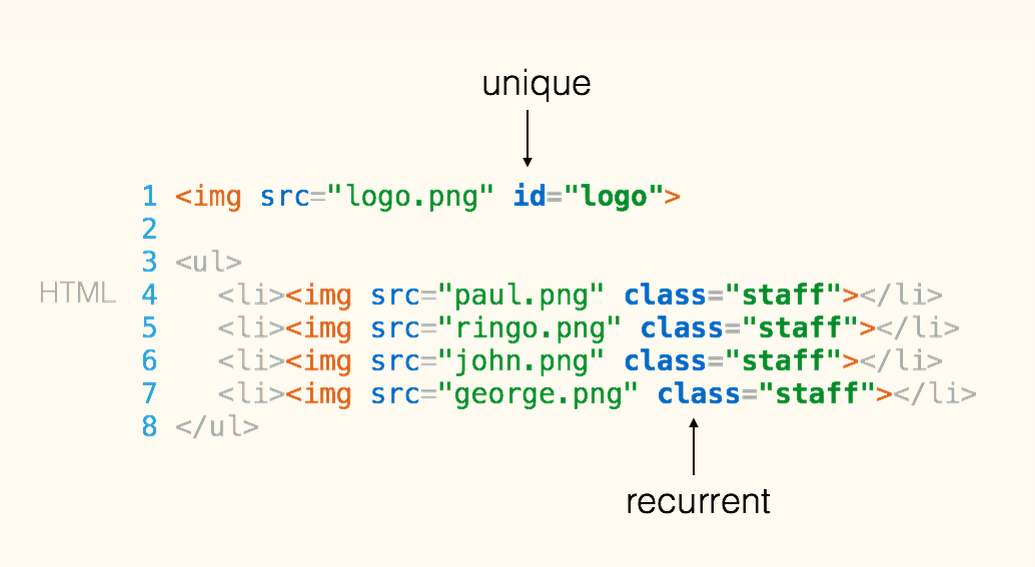
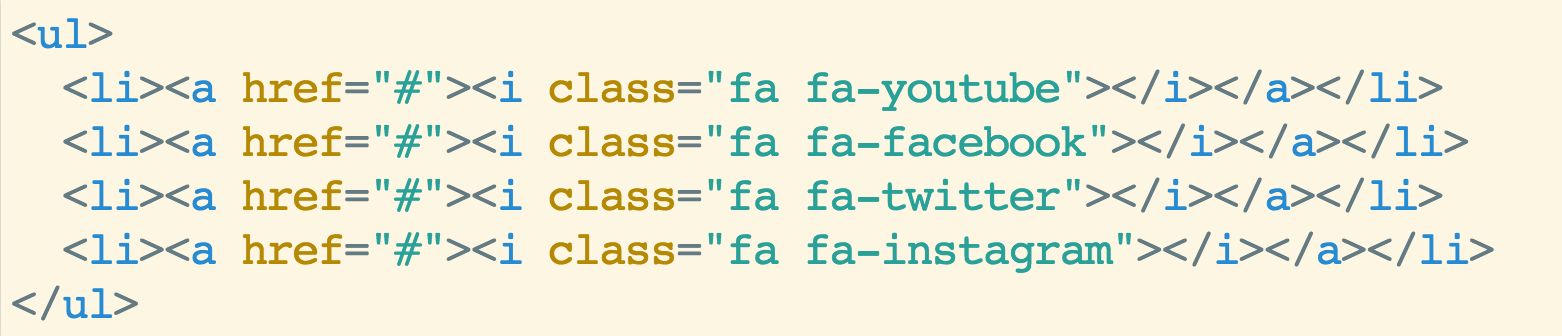
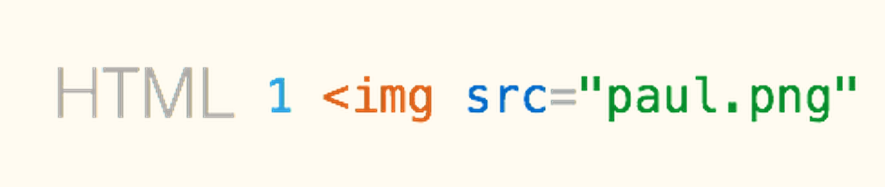
in your HTML file
id and class
Name your html tags
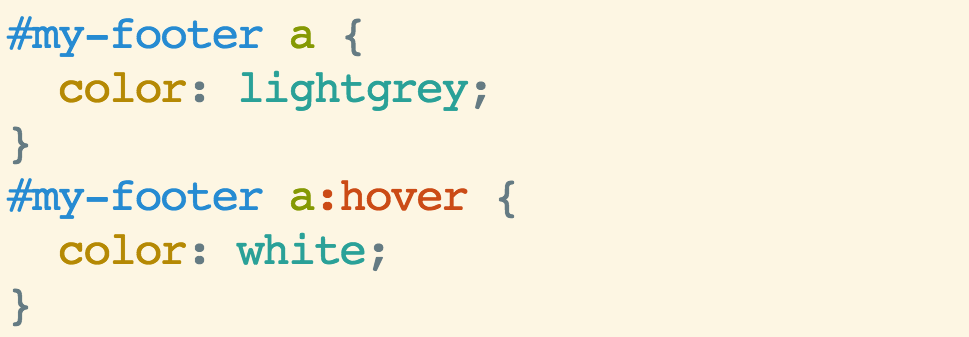
1  #logo {
2     width: 30%;
3  }
4
5  .staff {
6      border-radius: 50%;
7  }
in your CSS file

id and class
Name your html tags
example
Now let's build your website !
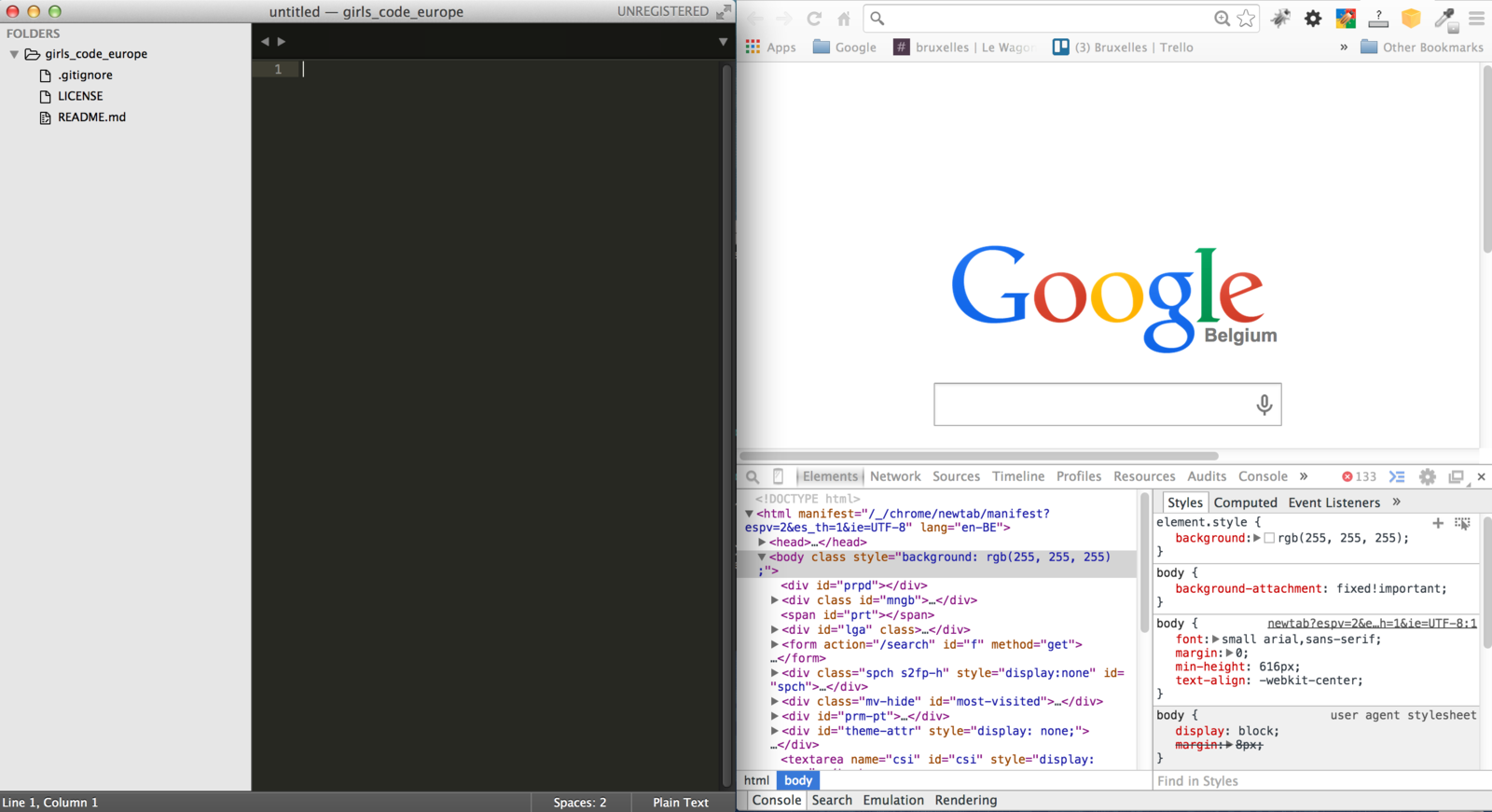
Prerequisites : dev' tool belt
text editor
Sublime Text 3
to work efficiently
browser
+ dev' tools plug-in
Google Chrome
opened
simultanuously
on your screen
Prerequisites : basic knowledge
content (-> SEO)
+ structure
to customize front-end code
style / appearance
dynamic behaviour
+ animation
+ usability
Front-end framework
to rapidly & smoothly set up
a fully-responsive front-end (html, css, js)
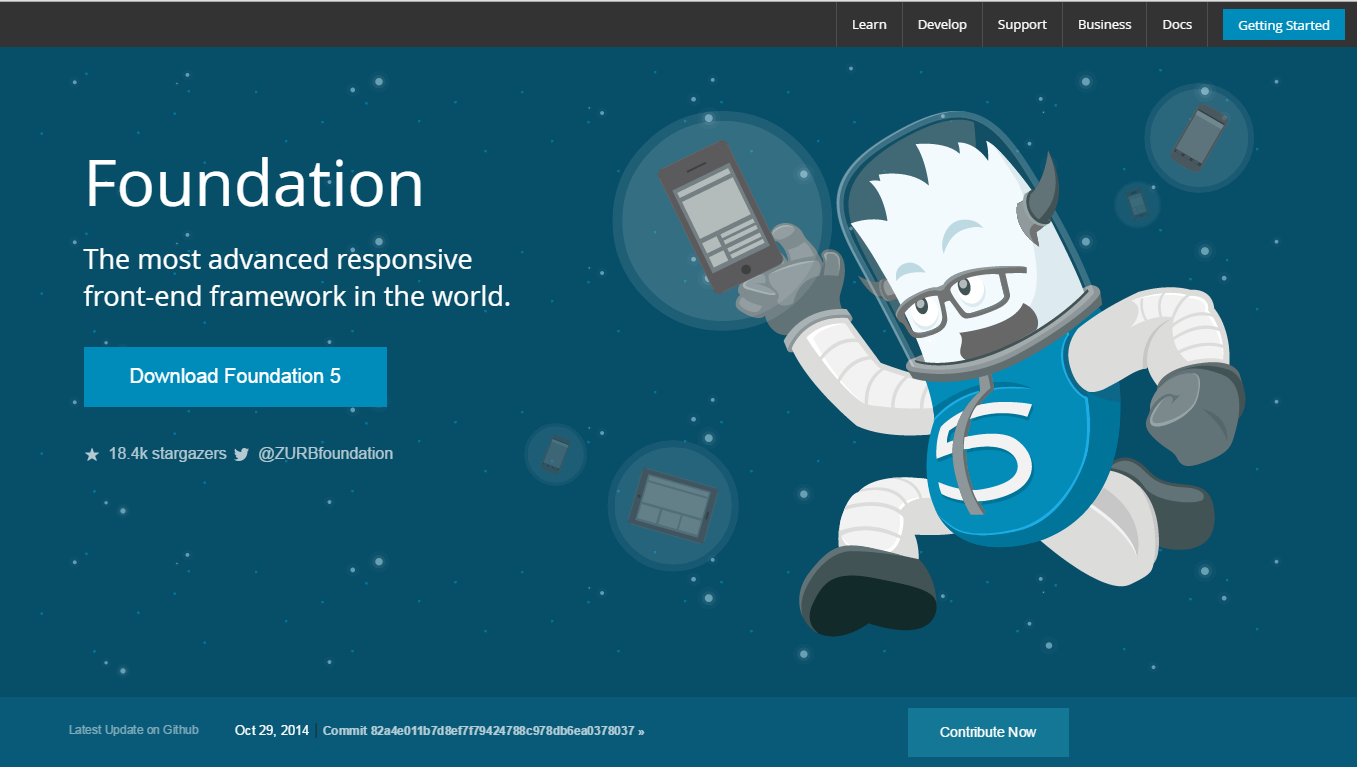
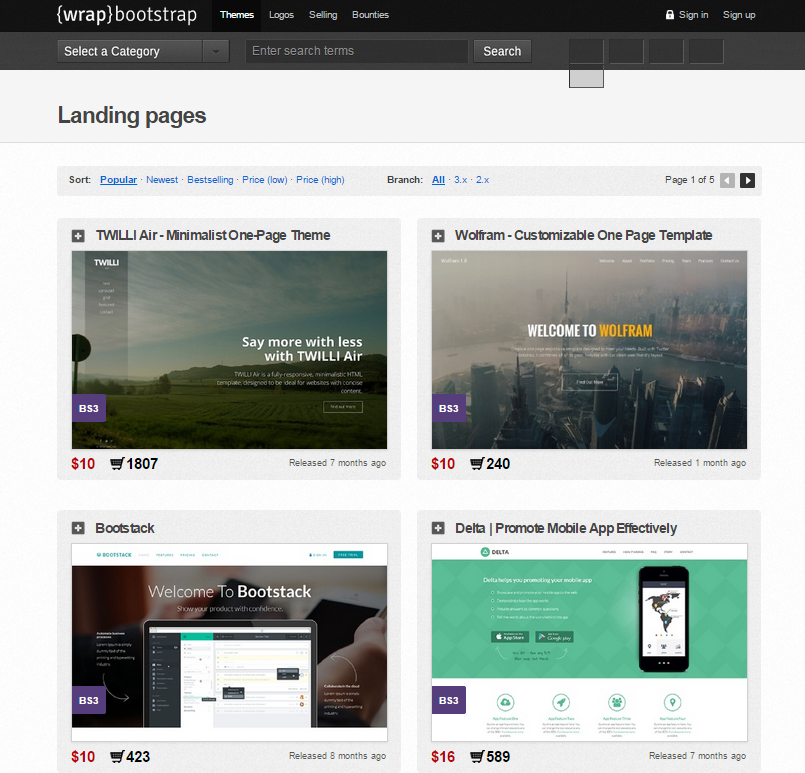
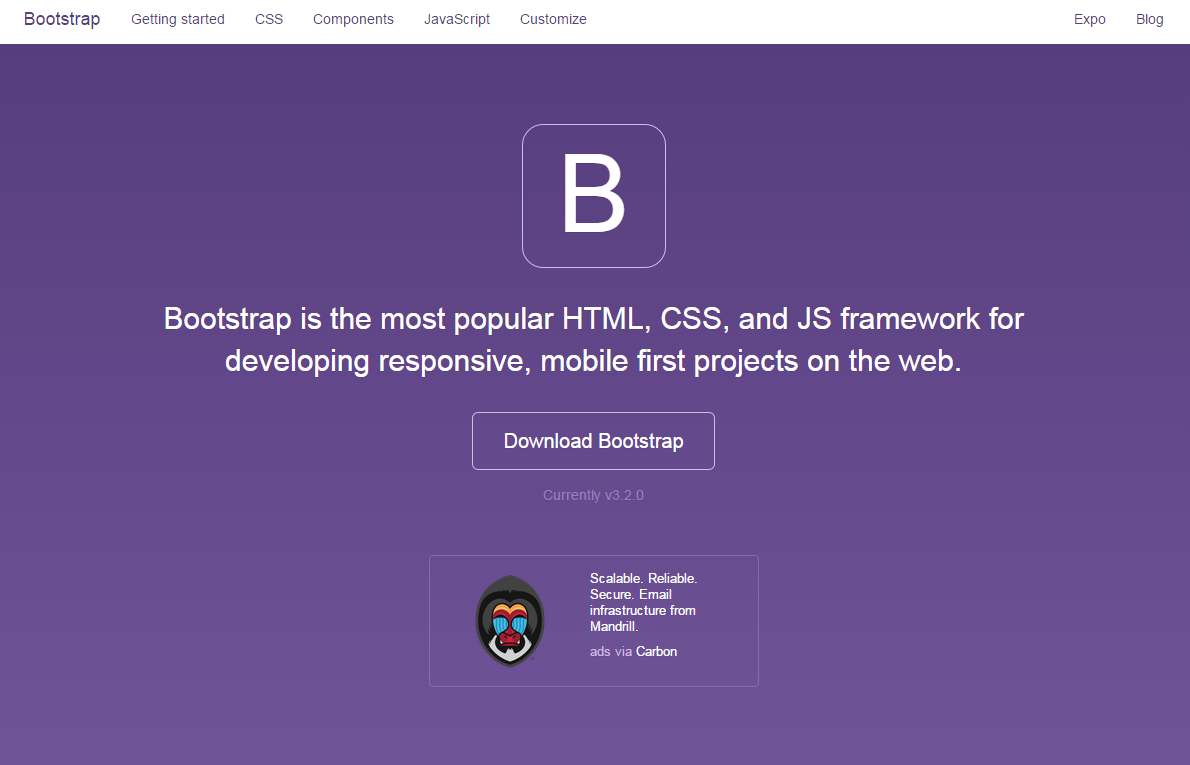
web services
select the best ones
already widely tested & acclaimed
for their usability & functionality
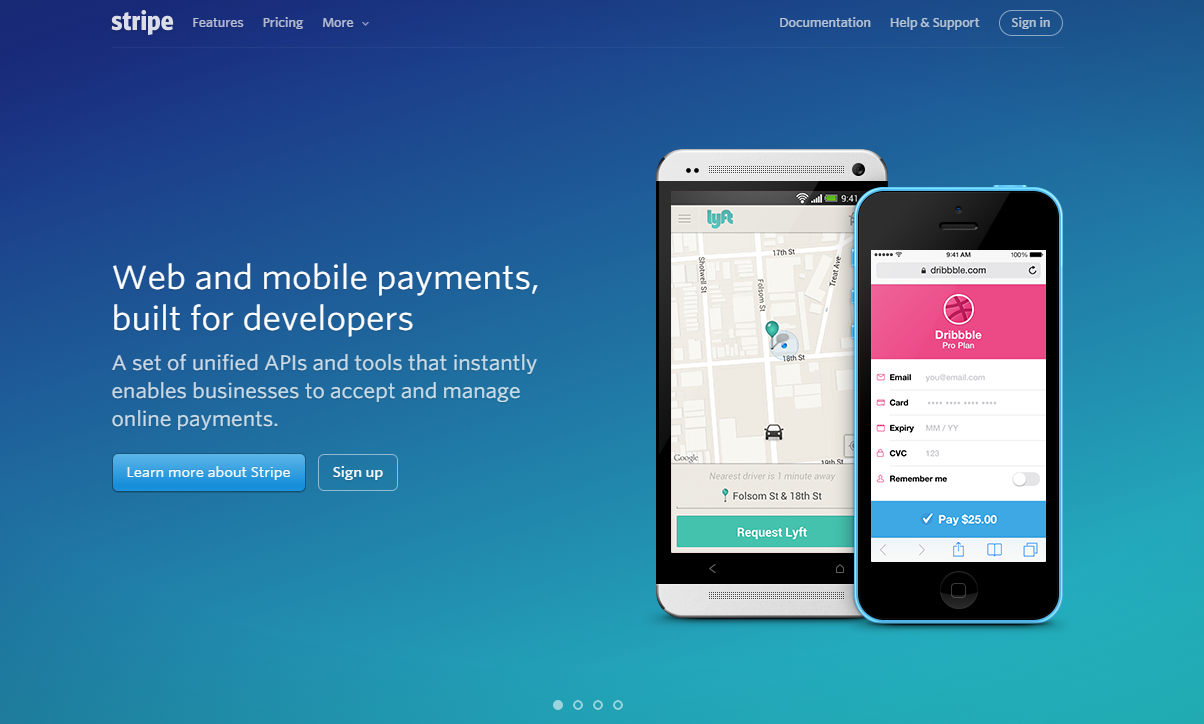
Stripe (payment)
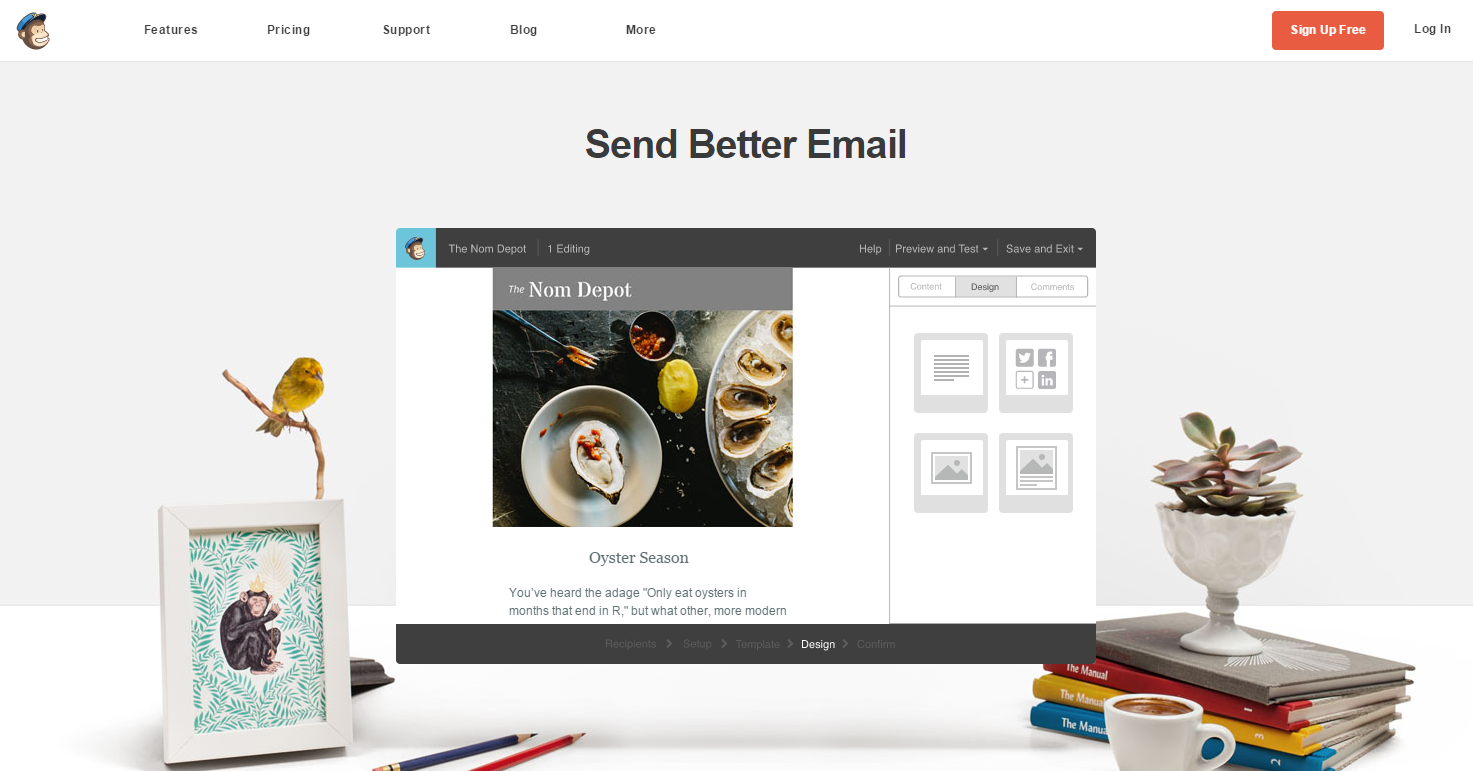
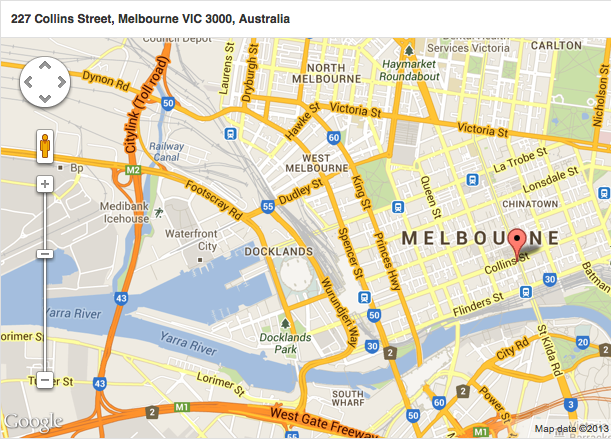
MailChimp (e-mailing)
set up the front-end theme
selected & downloaded from Start Bootstrap
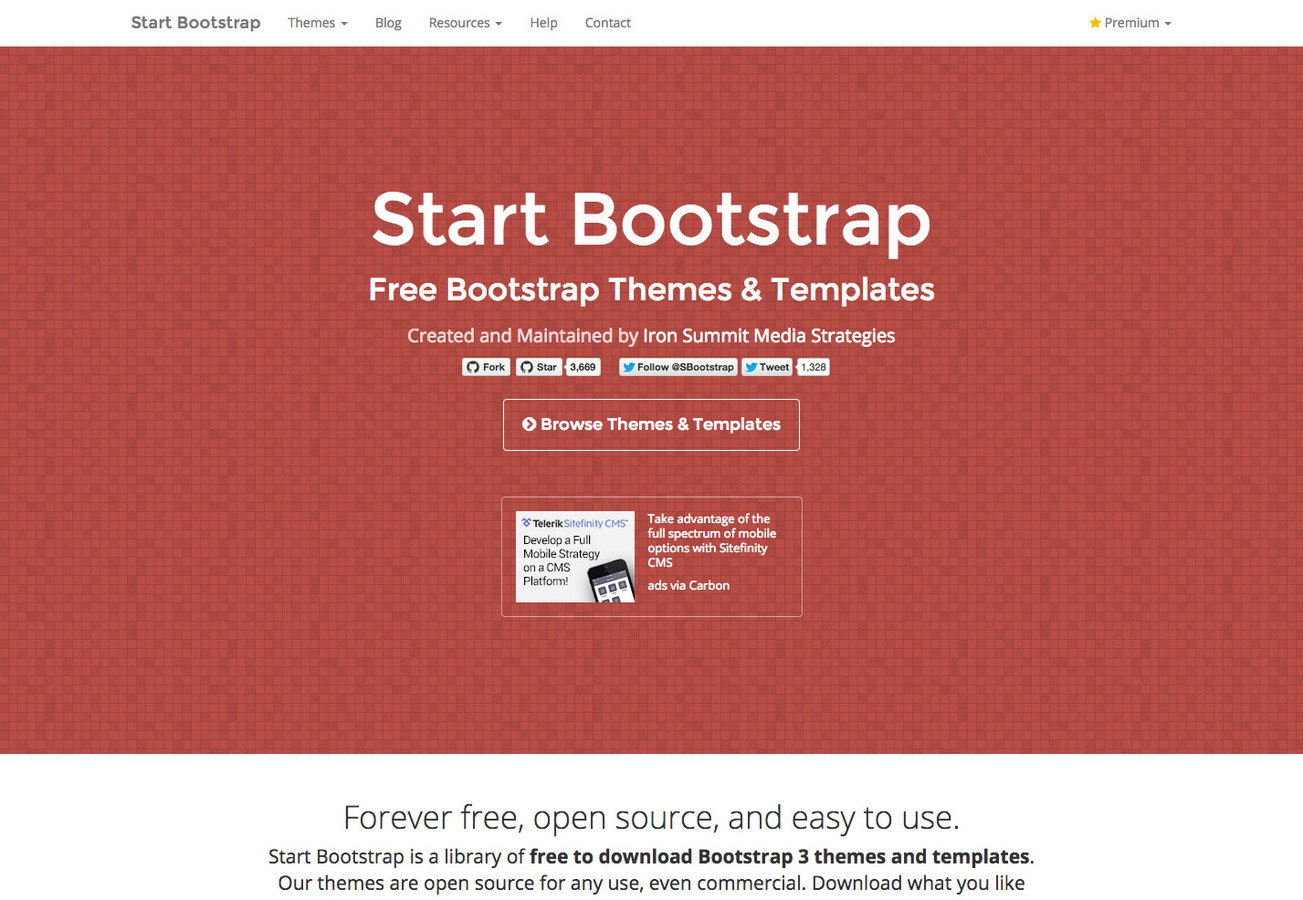
set up the front-end theme
copied-pasted in the editor & revealed in the browser
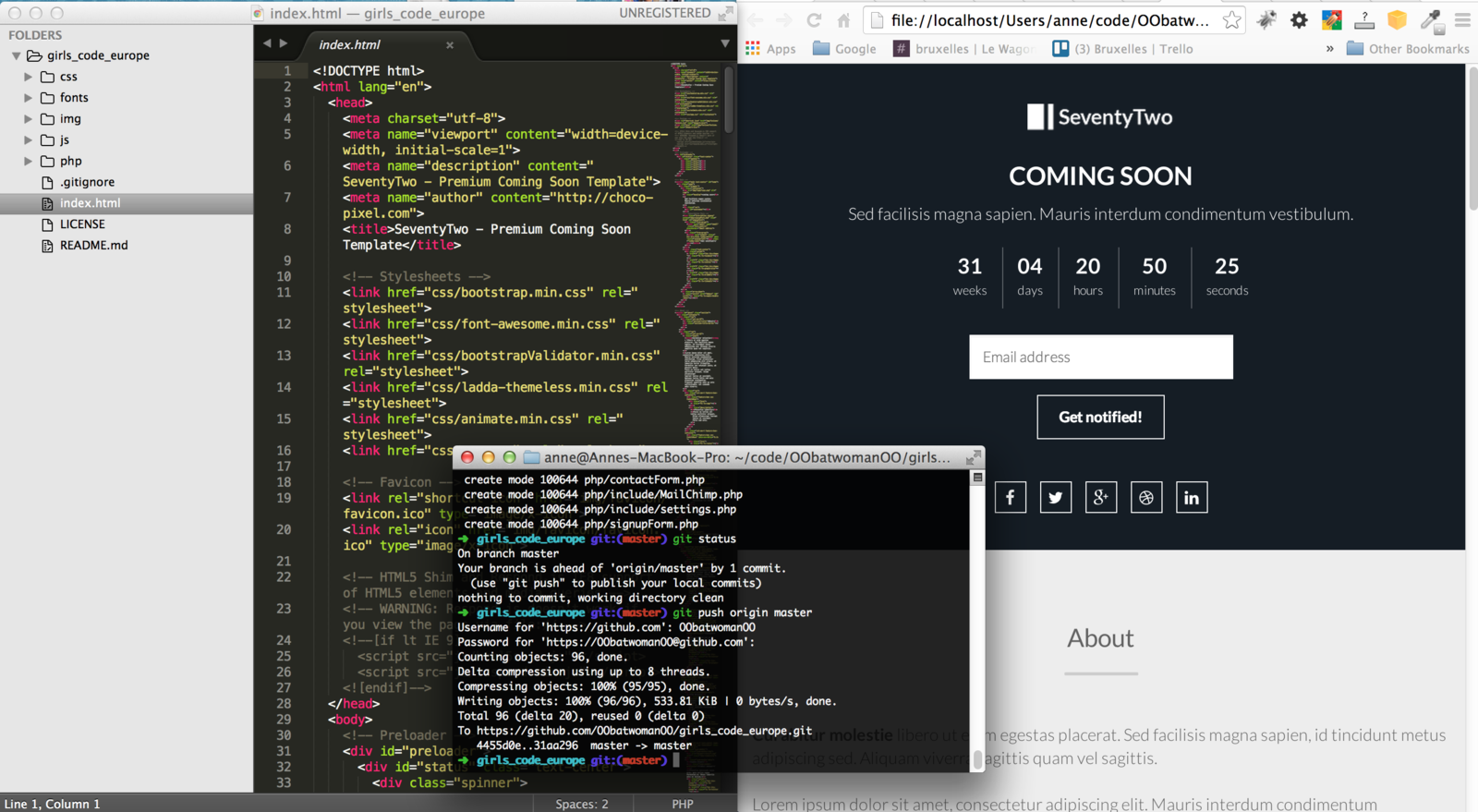
customize content & design
of your landing page
add background image to contextualize
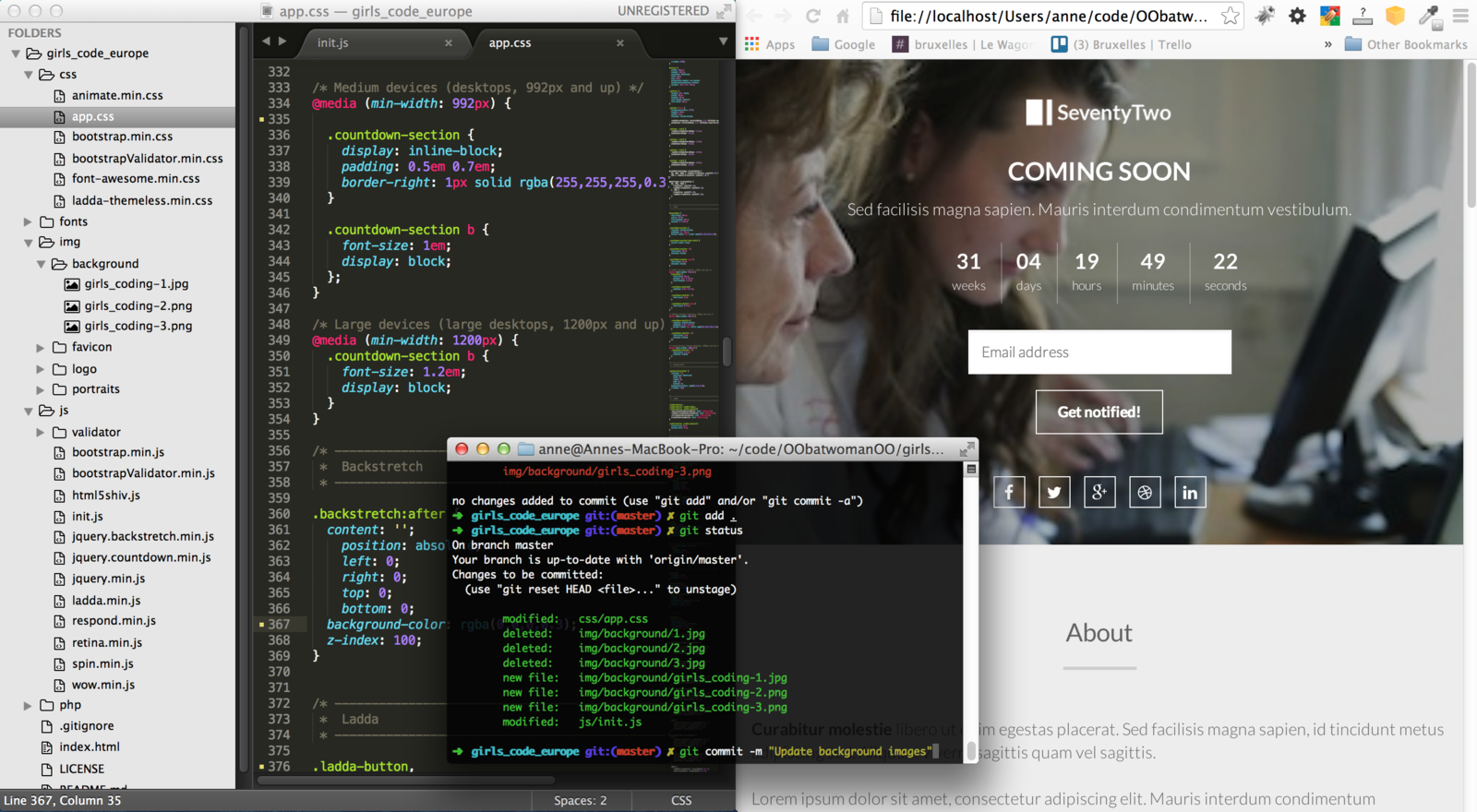
customize content & design
of your landing page
update favicon & logo
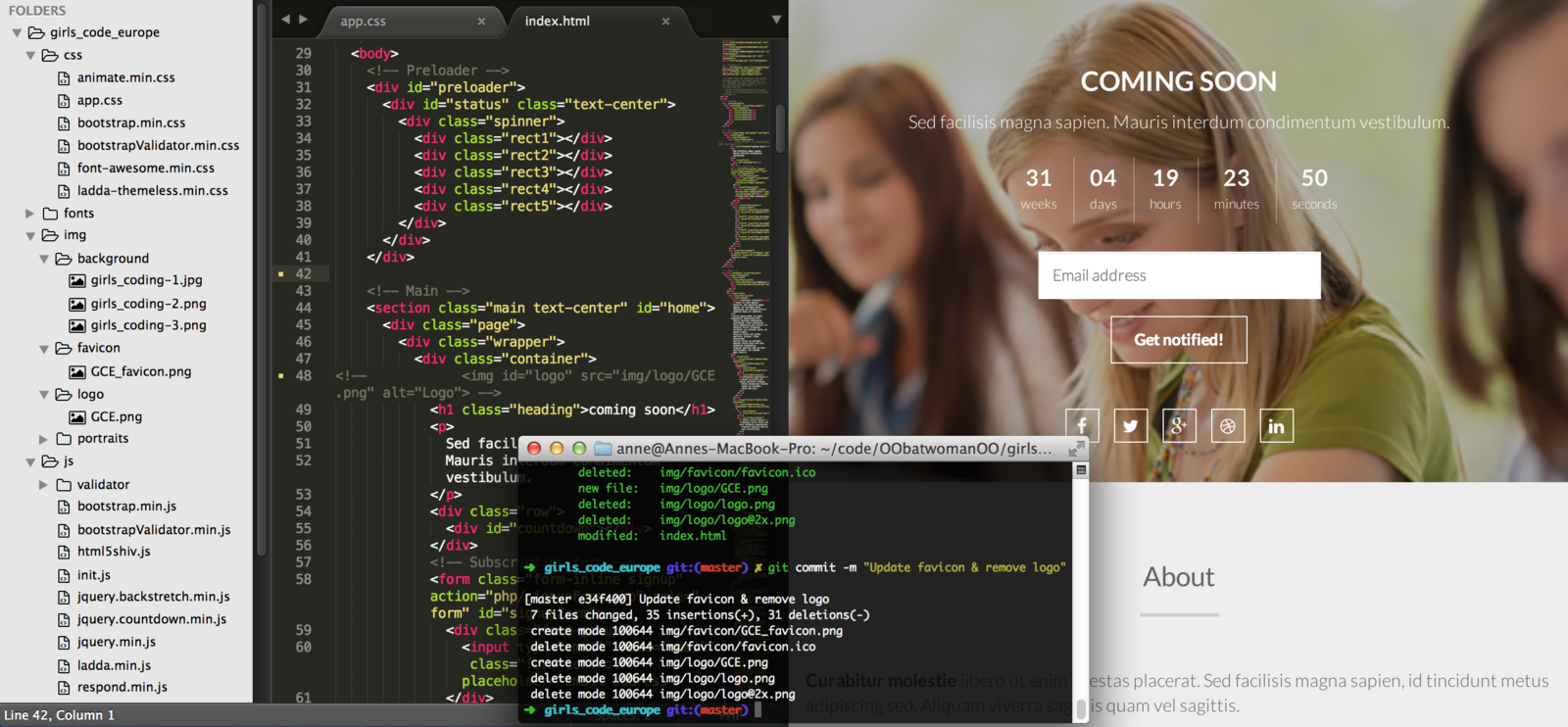
customize content & design
of your landing page
update title, description, headline & subhead
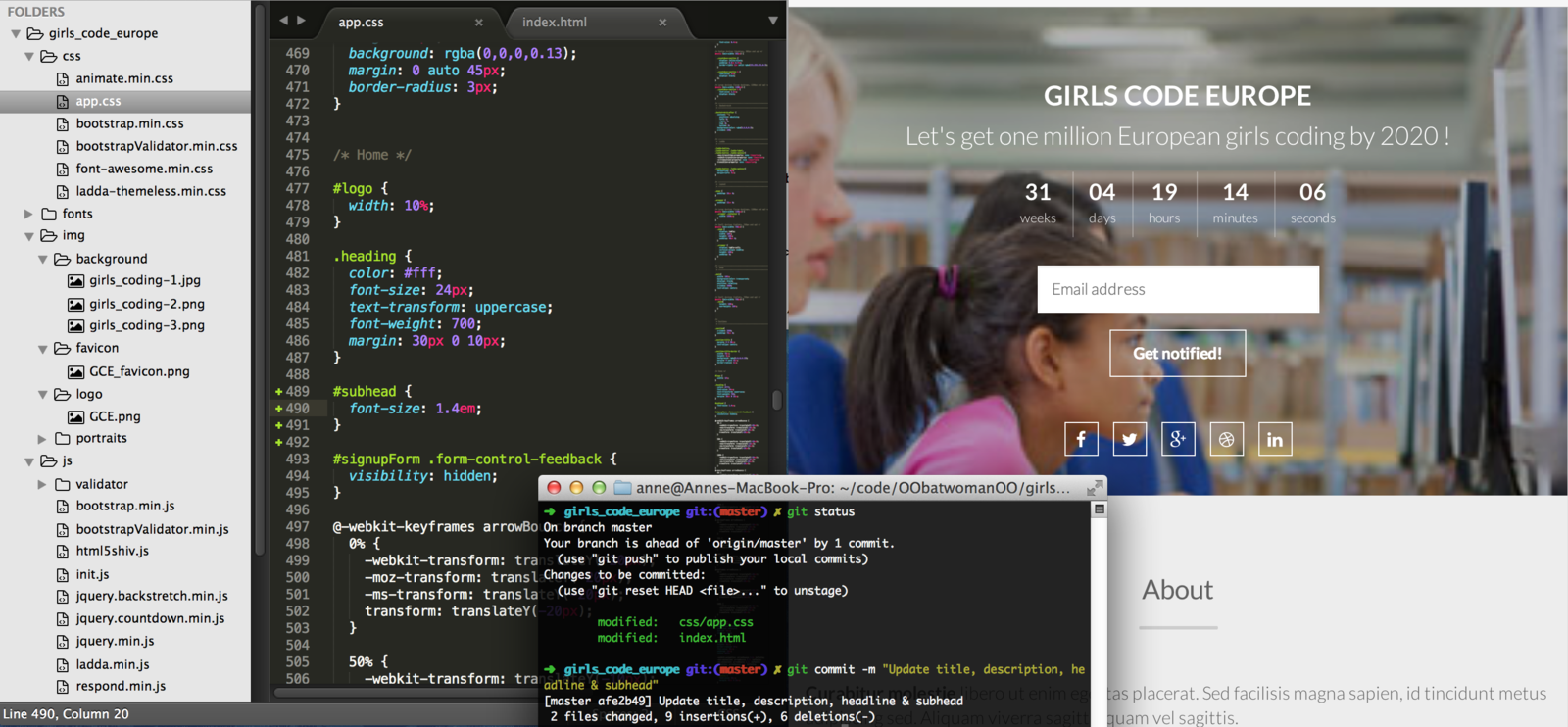
customize content & design
of your landing page
update call-to-action
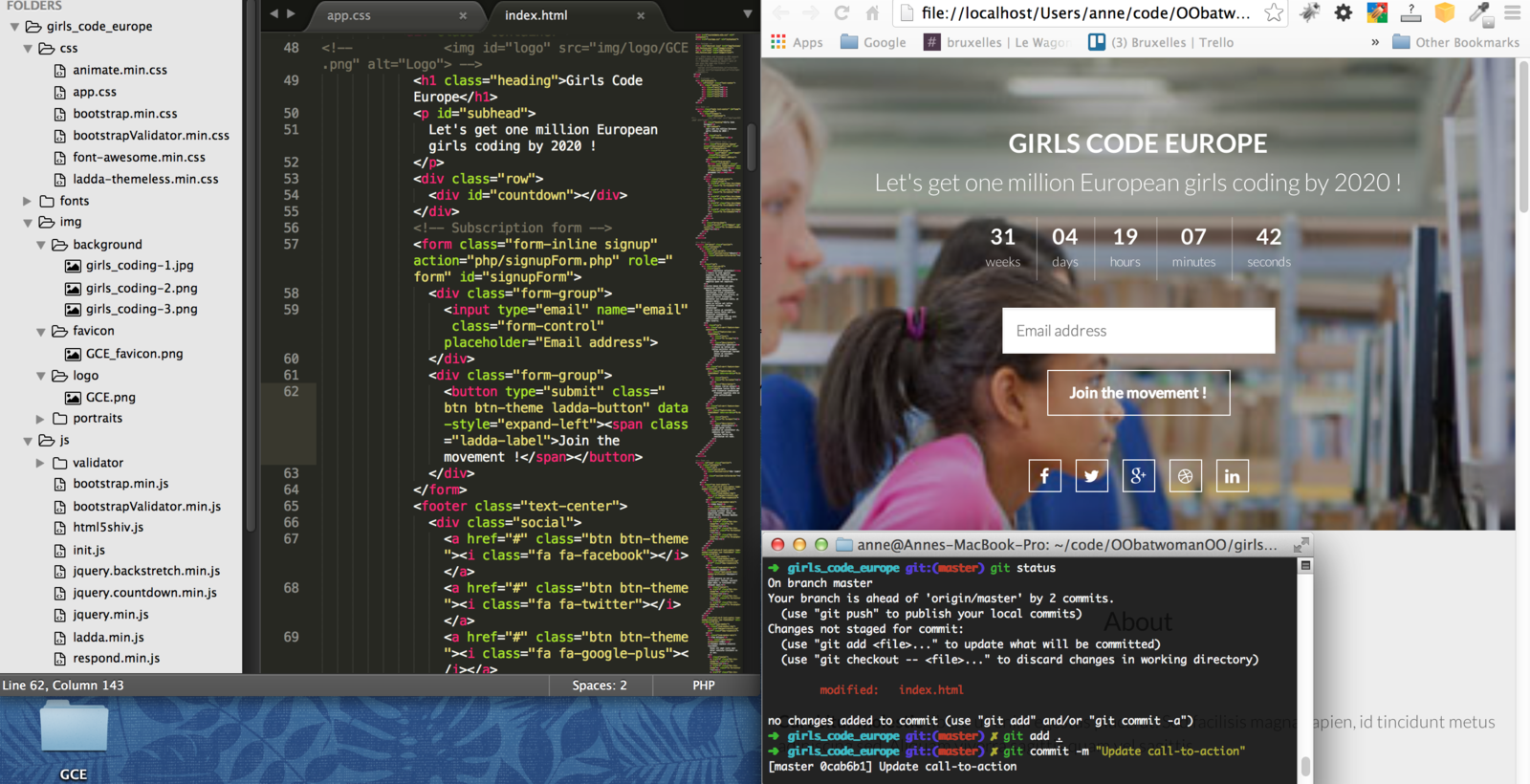
customize content & design
of your landing page
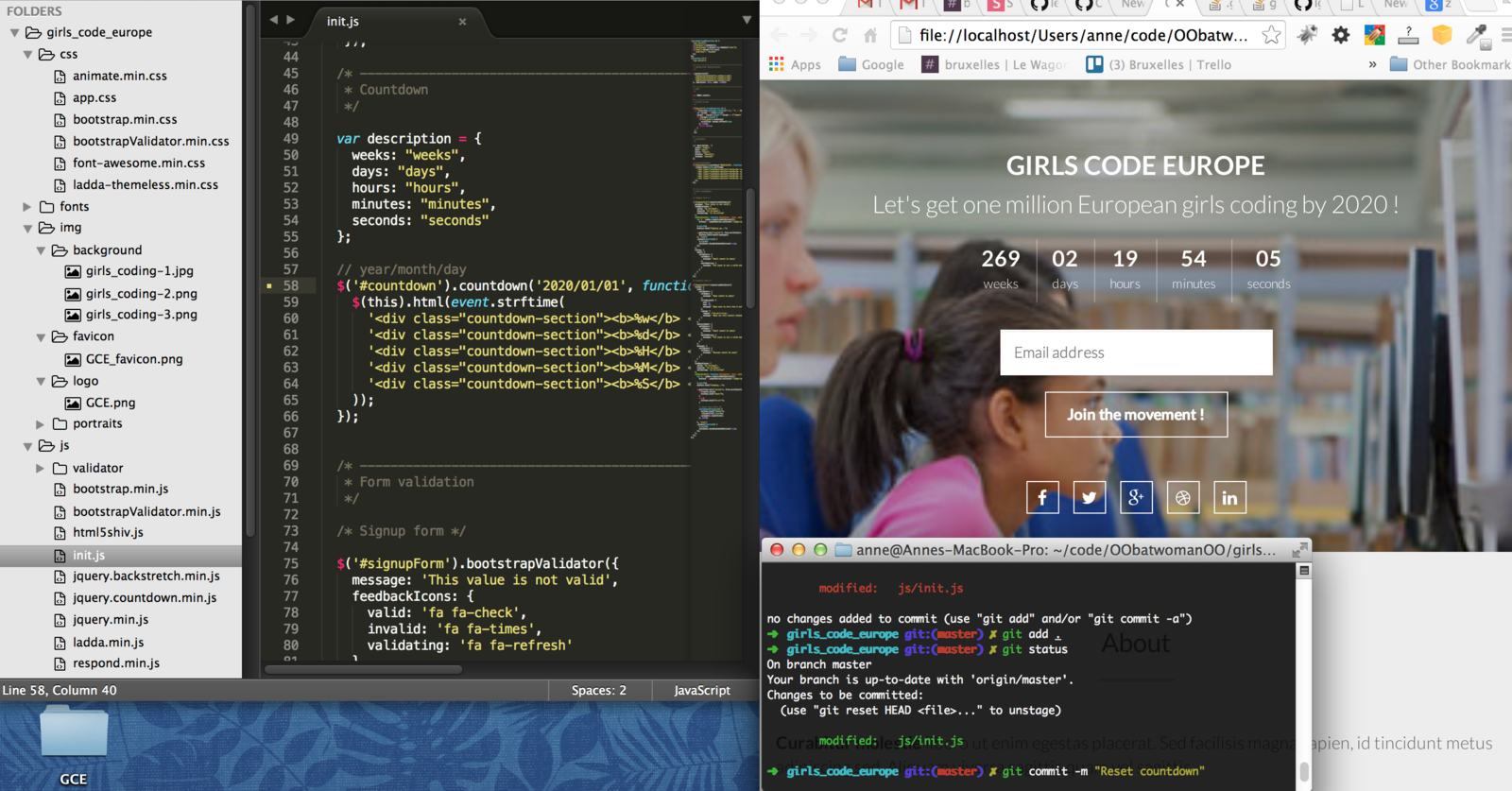
reset countdown
Once you become Pro
- Add a form to collect user inputs (you need to configure a server on the back-end side of our website to receive and store these user inputs or use services like MailChimp)
- Add some animation (you need Javascript)
- Publish online and get a domain name
- Work with a Version Control System like

Thank you.
See you soon !