justMakeItFaster!









React initial rendering performance
React rendering performance
Luca Colonnello
Full Stack Engineer / Tech lead

@LucaColonnello
🇮🇹🇬🇧


Why this talk?
Raise awareness about the
impact of modern front-end development techniques on speed and UX
Give some tips on how to analyse and solve some of these perf issues, helping you improve the quality of what you're building
Sit back and relax
we're about to embark on a journey...
@LucaColonnello
Close your eyes
You're now a Performance Engineer
working for a company called justPay!
You are assigned to a new project...
Sit back and relax
we're about to embark on a journey...
@LucaColonnello
Close your eyes
You're now a Performance Engineer
working for a company called justPay!
You are assigned to a new project...

justMakeItFaster!
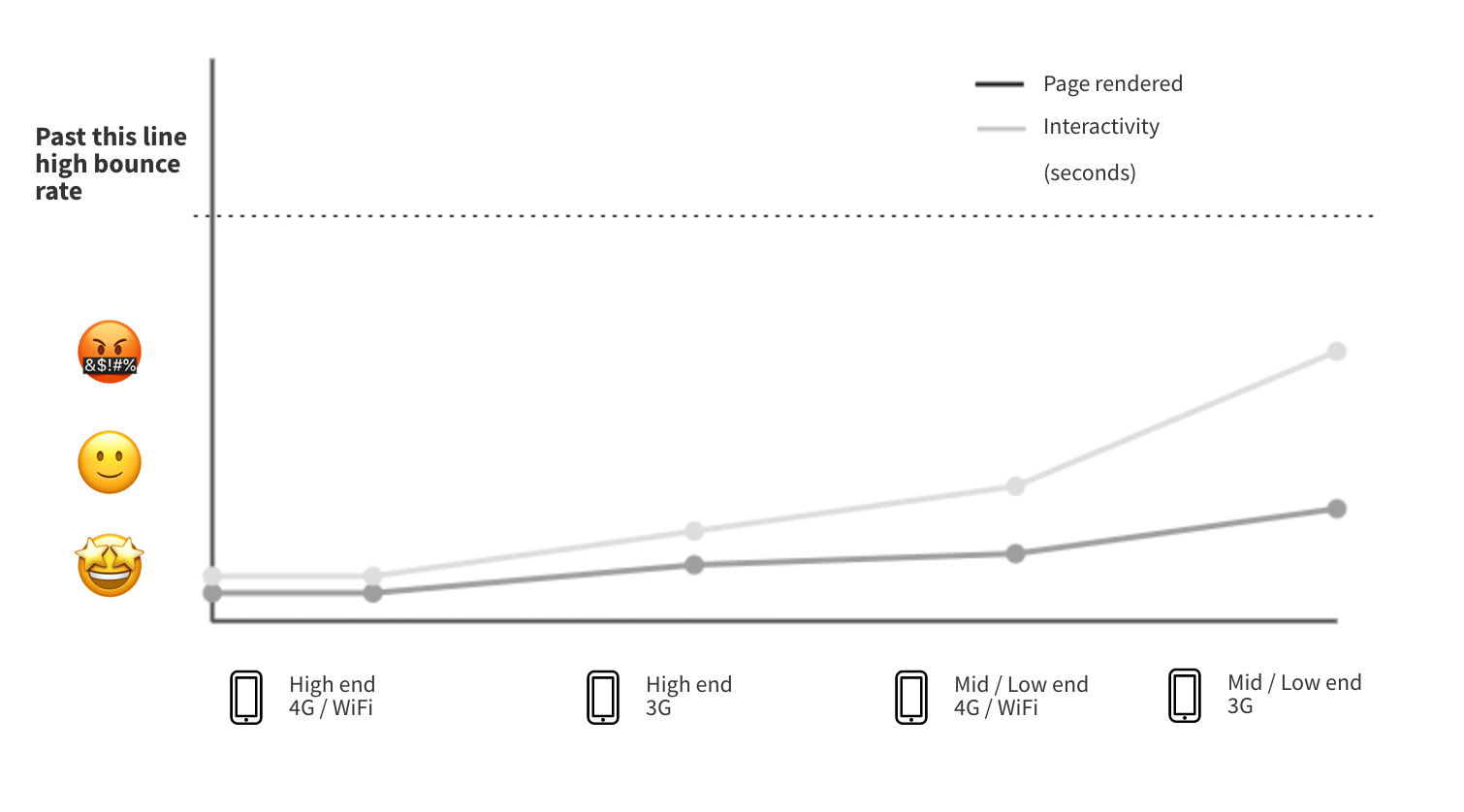
The CEO wants to open the business to new markets, so we need to make our app faster in low end devices.
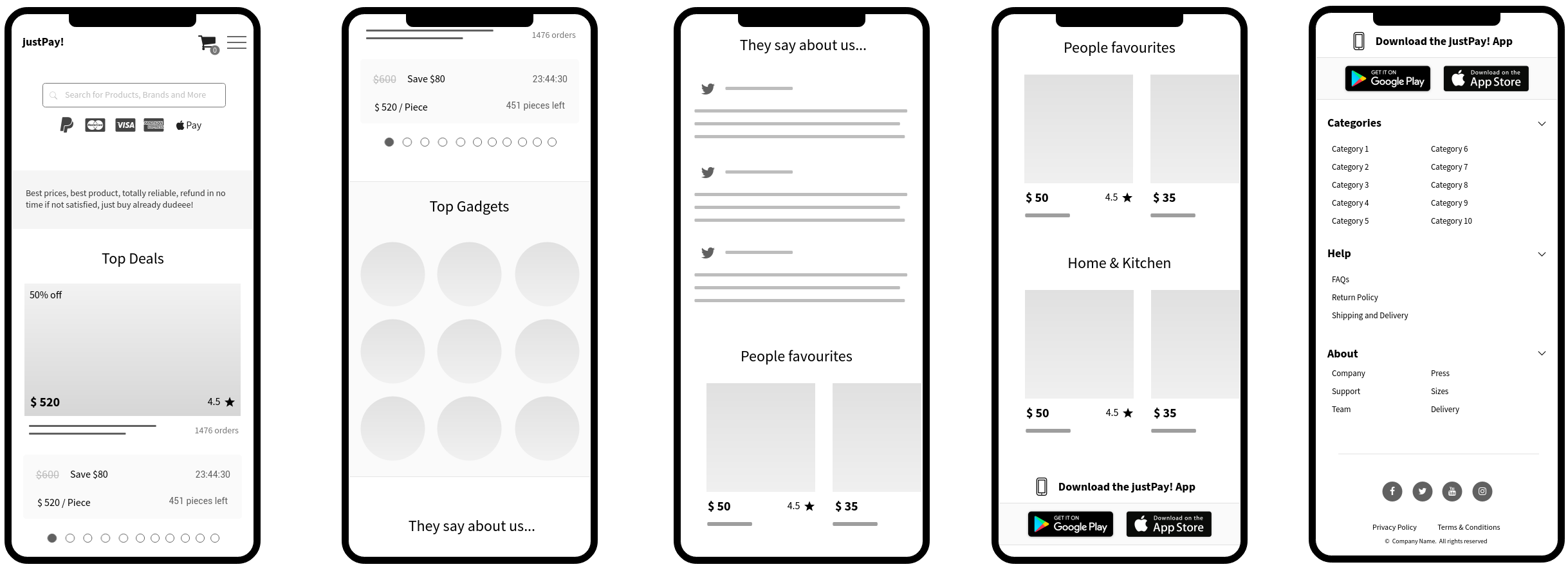
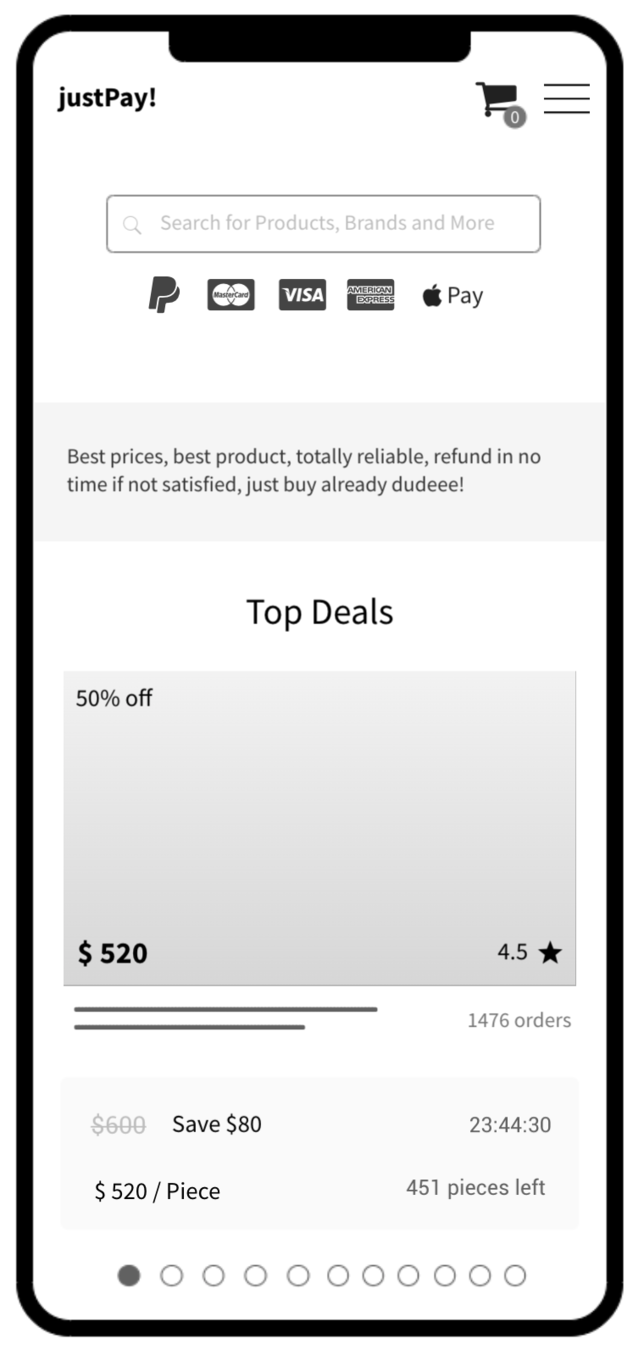
justPay!
Home page
@LucaColonnello
@LucaColonnello
Improve low end devices rendering and interactivity time
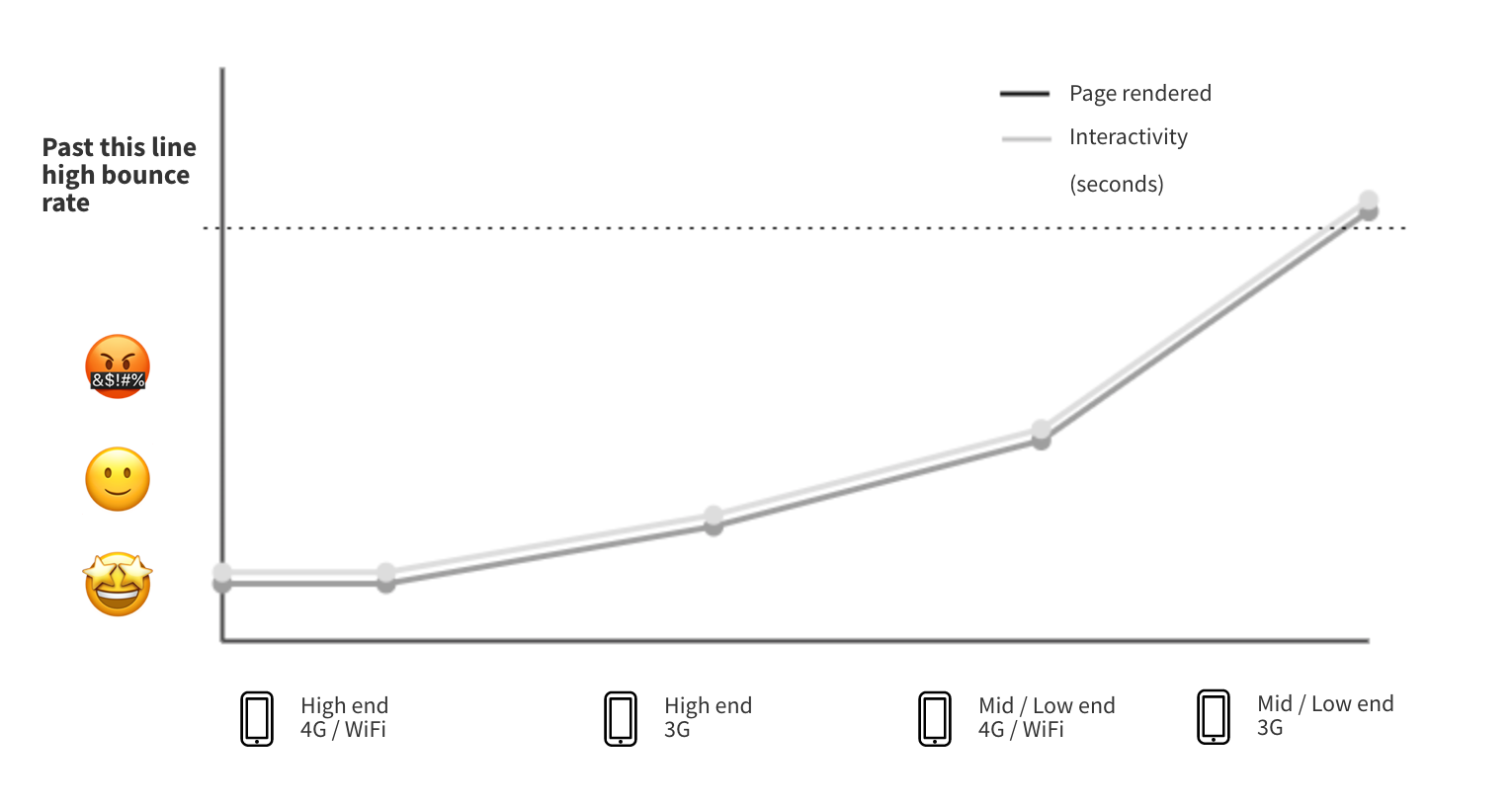
The goal
@LucaColonnello
Reality check
In March 2019
Of this 76.5%, 20.8% were high end devices, up from 15% in March 2018
76.5% of active smartphones worldwide were Android
🇺🇸 48.3%
🇮🇳 95.9%
@LucaColonnello
Connectivity
First things first
a small framework to handle performance
@LucaColonnello
Measure
Analyse
Improve
@LucaColonnello
Measuring initial render
@LucaColonnello
@LucaColonnello
What happens when I hit https://www.justpay.com/ for the first time?
@LucaColonnello


@LucaColonnello
FONT
IMG
JS
CSS
HTML
Layout
Paint
JS Evaluation
Render of content 👇
Analysis
@LucaColonnello
- Rendering happens too late, after JS runs
- Our JS execution is very large
- The Layout and Paint happens after JS runs
Why isn't the browser rendering while executing JS?
@LucaColonnello
💡Knowledge
@LucaColonnello
JS runs in tasks
Task
call stack
document.body.appendChild(...)
Main thread blocking
💡Knowledge
@LucaColonnello
Layout and Paint don't run while JS is running
(simplified, there are edge cases for layout)
Task
Every task in the browser blocks others until is finished, the main thread is like a scheduled queue
💡Knowledge
@LucaColonnello
An example of this: rendering many charts
showLoadingSpinner();

const data = calculateDataForAllCharts();
renderAllCharts(data);
// 👆above 2 lines take 1 second

hideLoadingSpinner();
Task
Expectation vs Reality
🕓
📊
📊
@LucaColonnello
Although your JS might try to render using DOM APIs, Paint happens after the current JS task is finished
Therefore, the performance of your React app affects WHEN the user is going to see something in screen.
@LucaColonnello
This is a user waiting for your JS...

How can we improve the rendering time?
@LucaColonnello
@LucaColonnello
How can we improve the rendering time?
Server Side Rendering
@LucaColonnello
FONT
IMG
JS
CSS
HTML
Layout
Paint
JS Evaluation
Render of content 👇
@LucaColonnello
Improve
@LucaColonnello
Improve
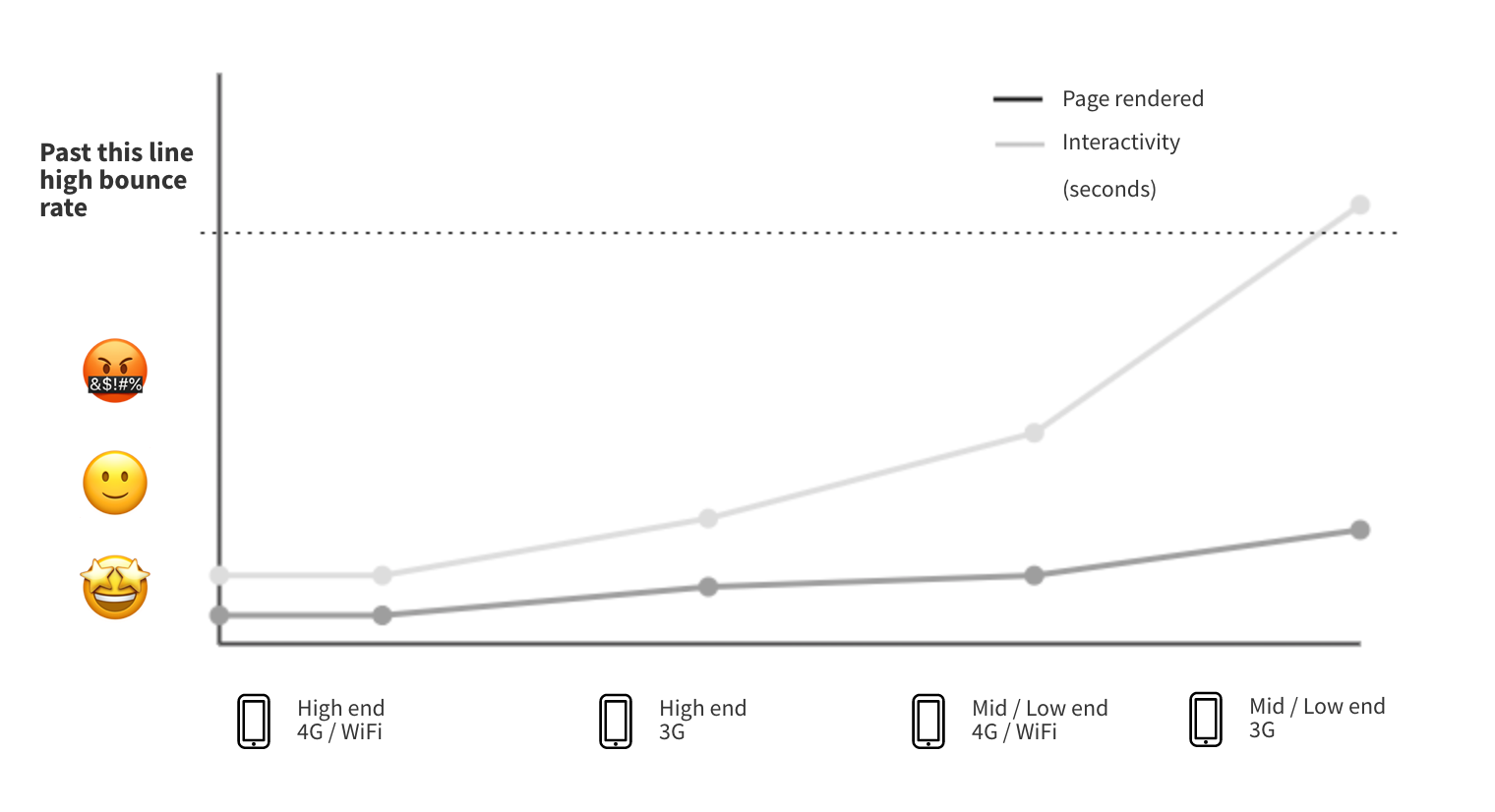
Our users can now see something in the screen way earlier and benefit from the content.
The page feels faster as it almost instantly renders straight after downloading the HTML.
@LucaColonnello
Measuring interactivity
@LucaColonnello
Measuring interactivity
How does our JS affect users trying to interact with the elements on the page after rendering?
@LucaColonnello
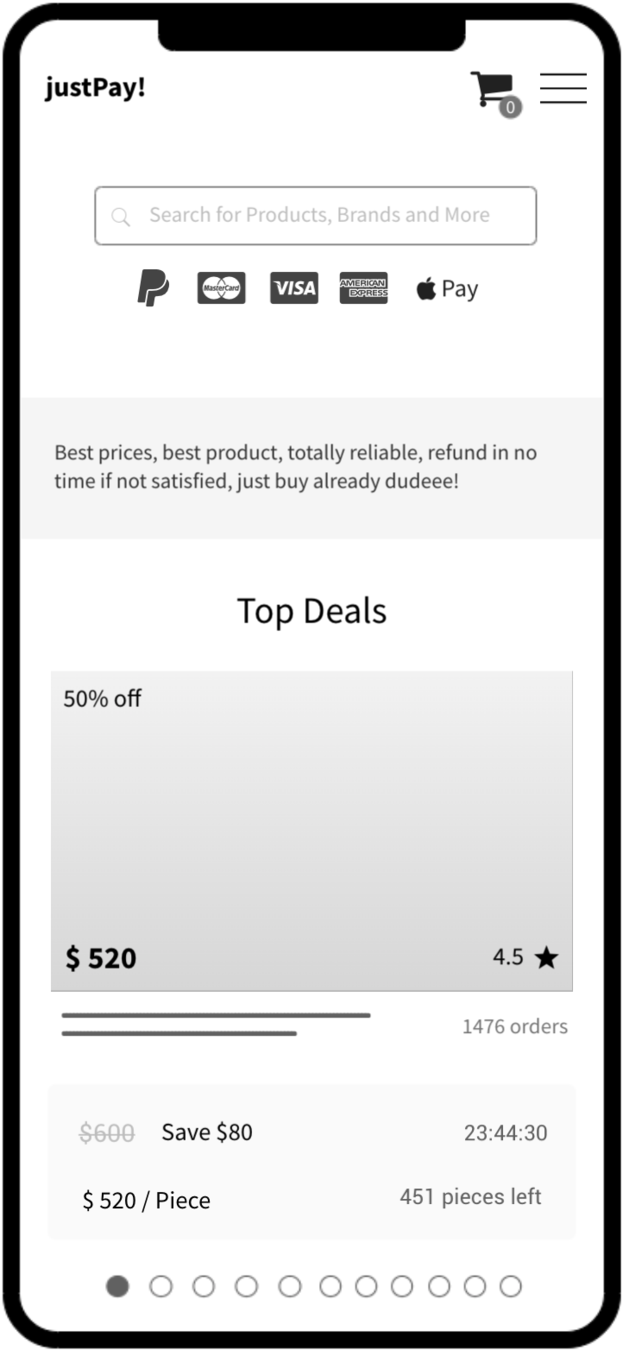
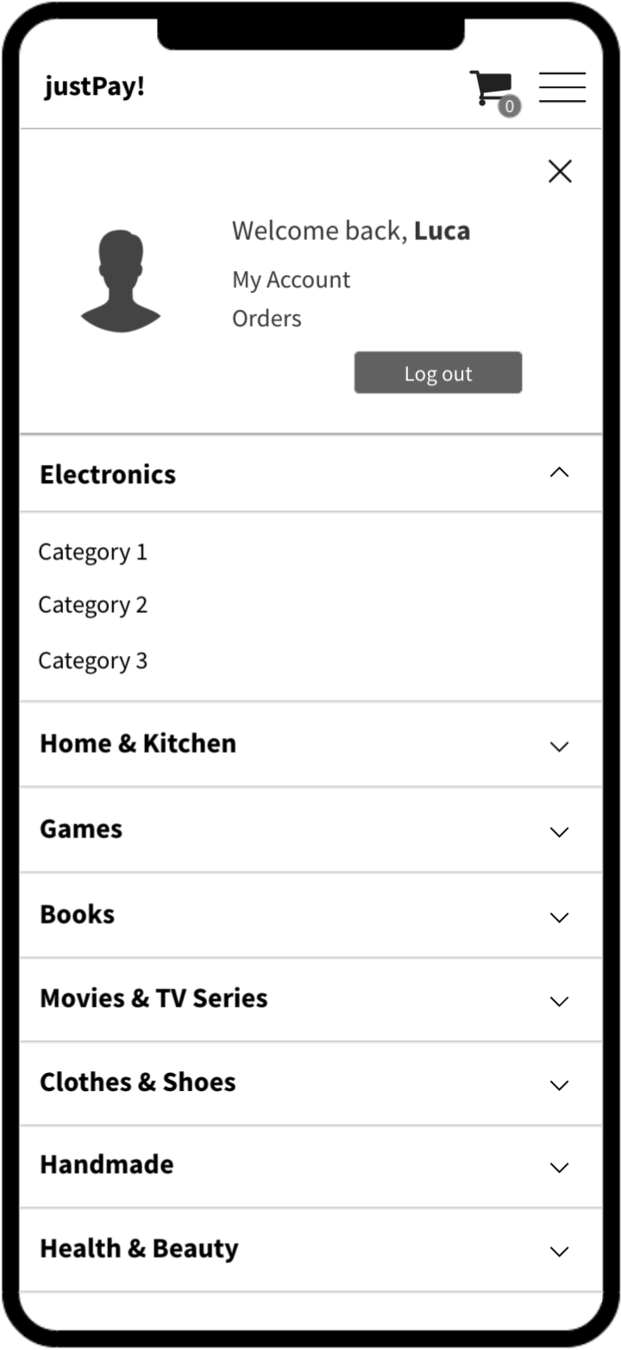
Let's look at justPay! home page features
@LucaColonnello
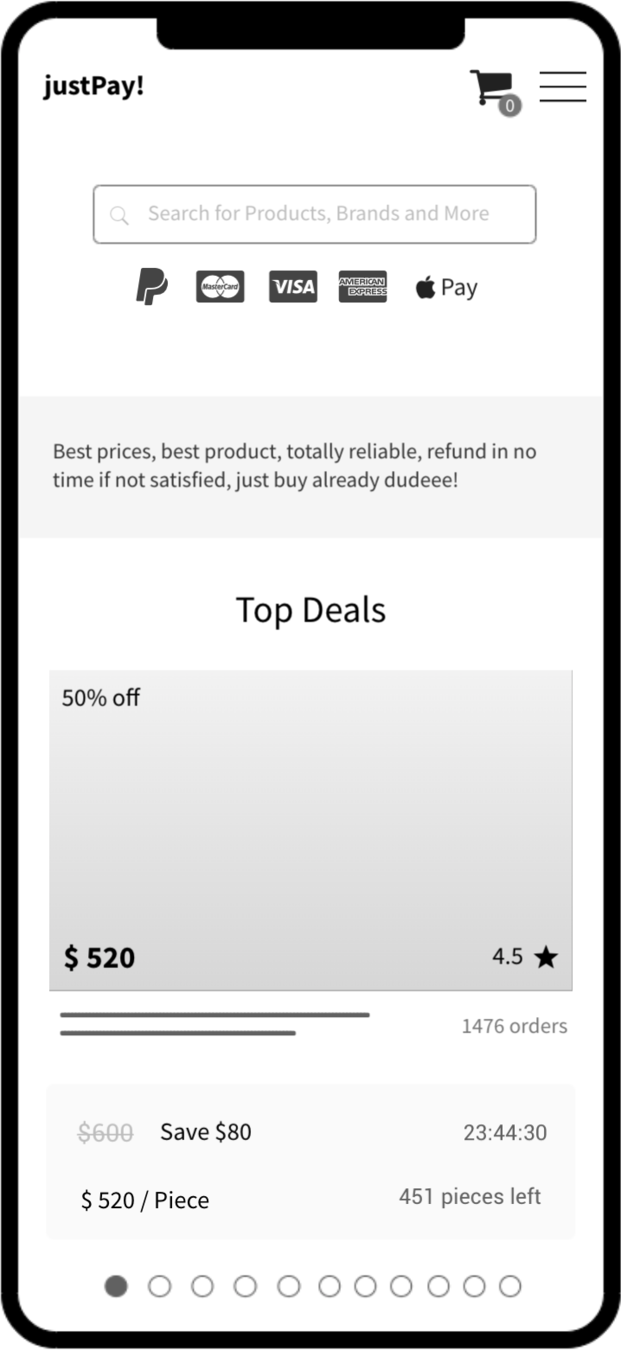
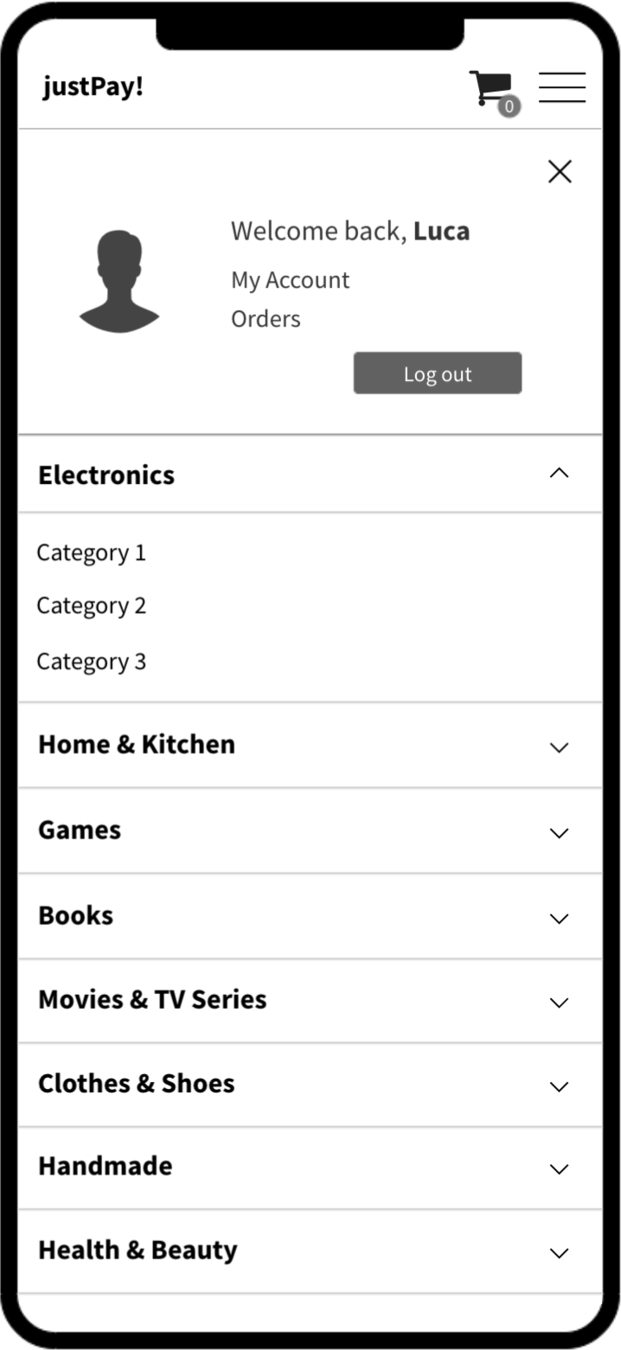
Header
CategoriesMenu
UserQuickLinks
TopDeals
NavModal
@LucaColonnello
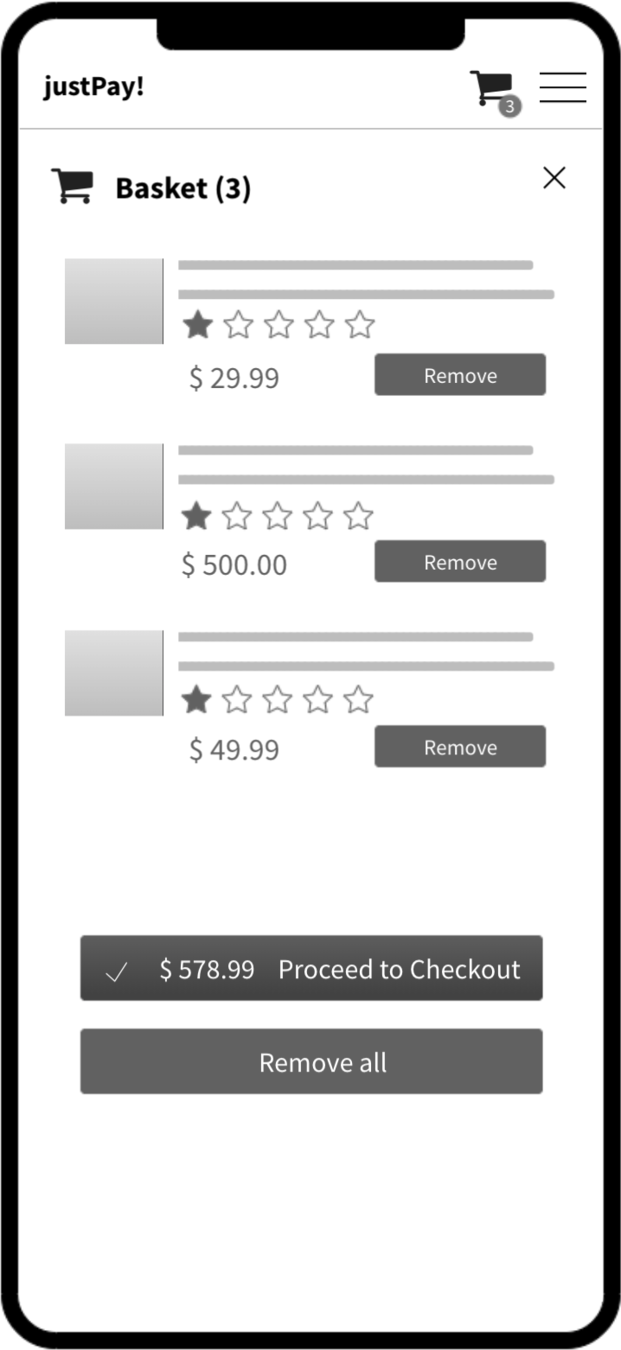
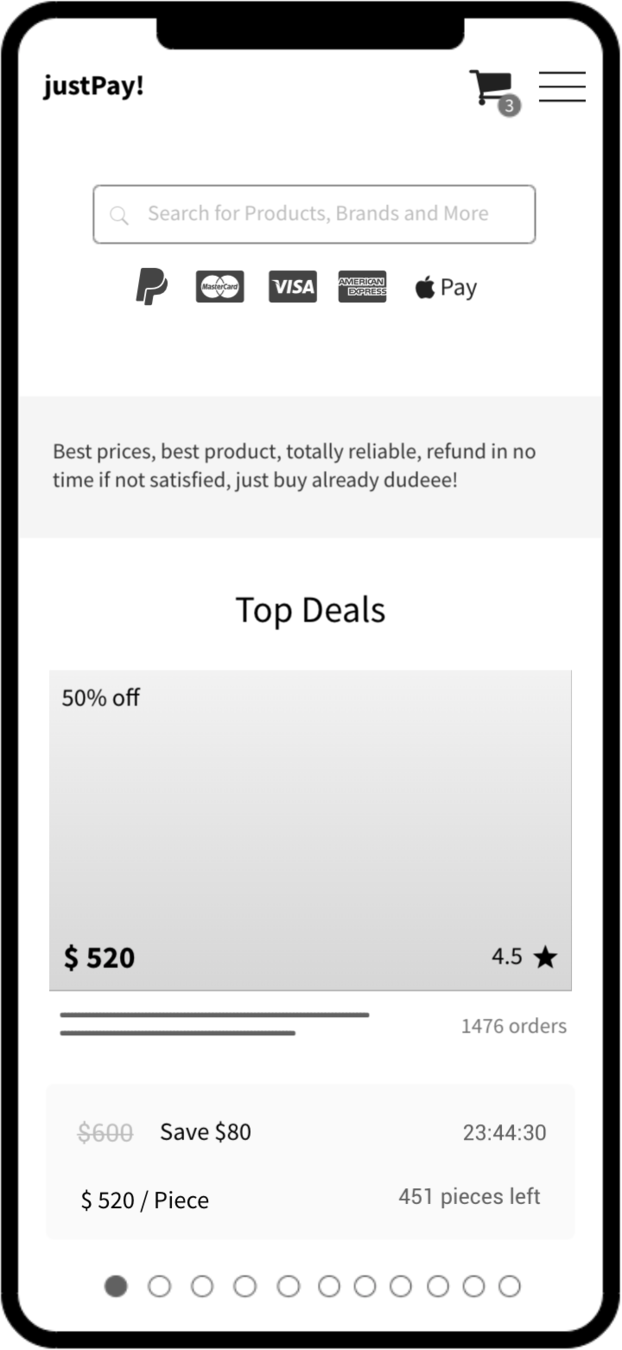
BasketSummary
BasketModal
@LucaColonnello
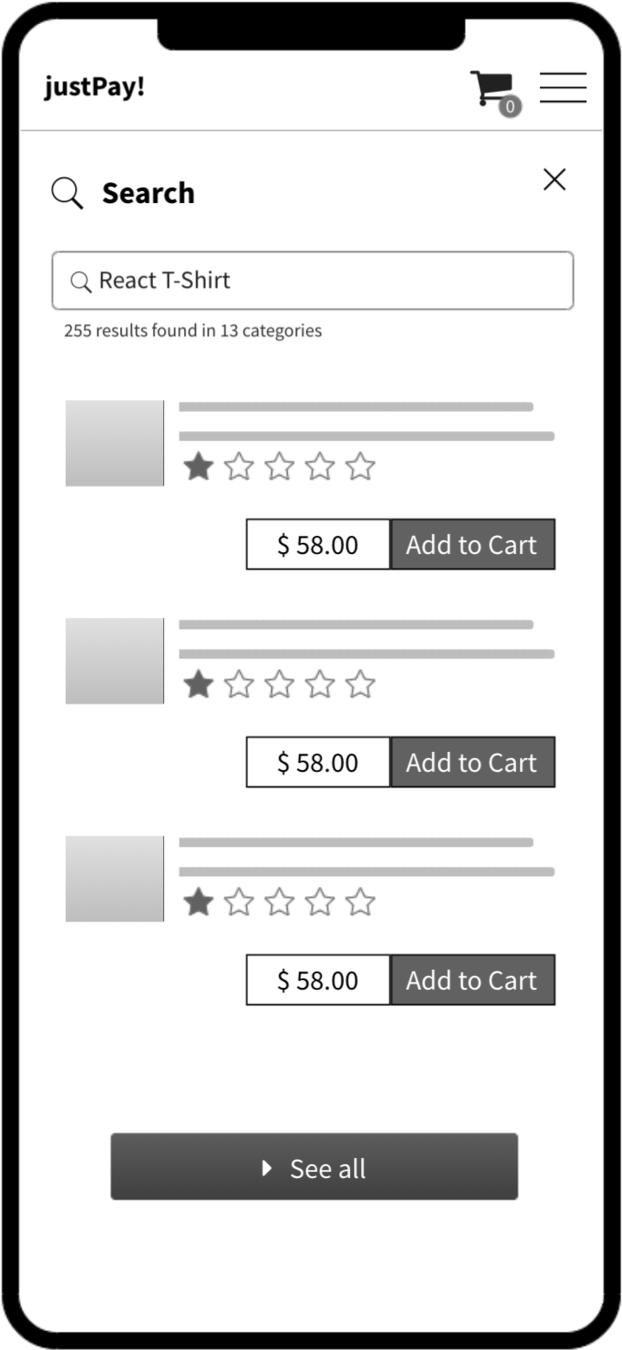
SearchBar
SearchResults
SearchModal
@LucaColonnello
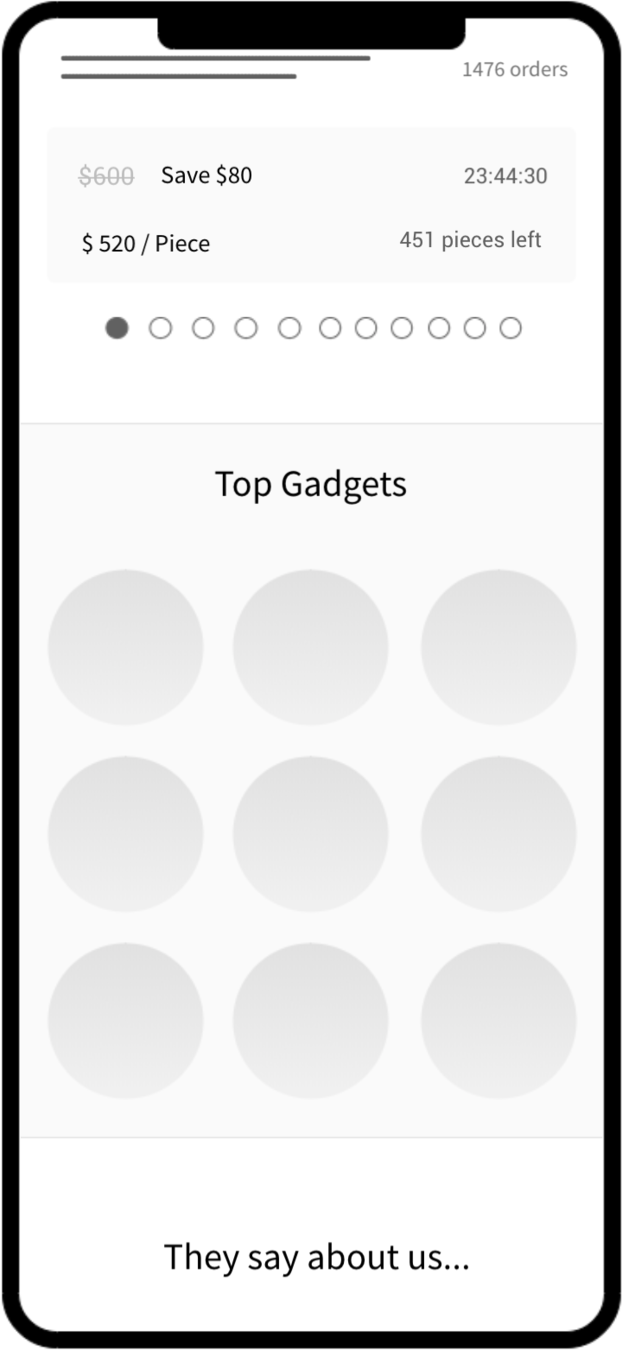
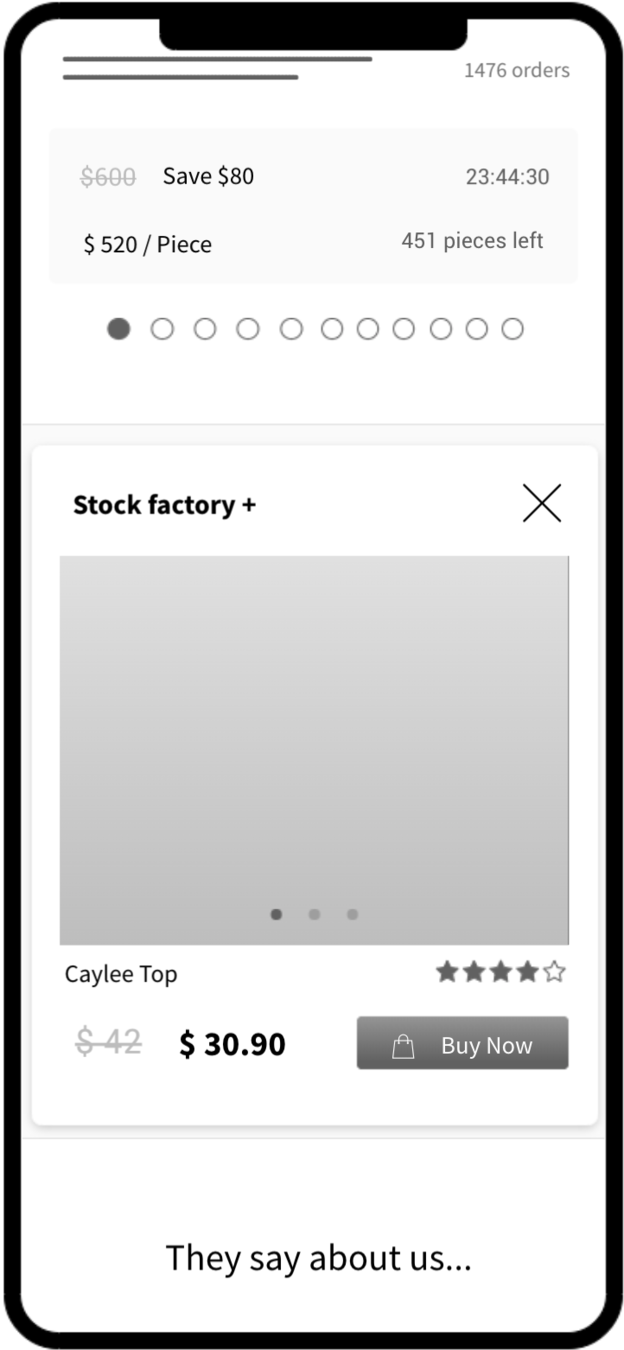
TopGadgets
TopGadgetPopup
@LucaColonnello
TwitterReviews
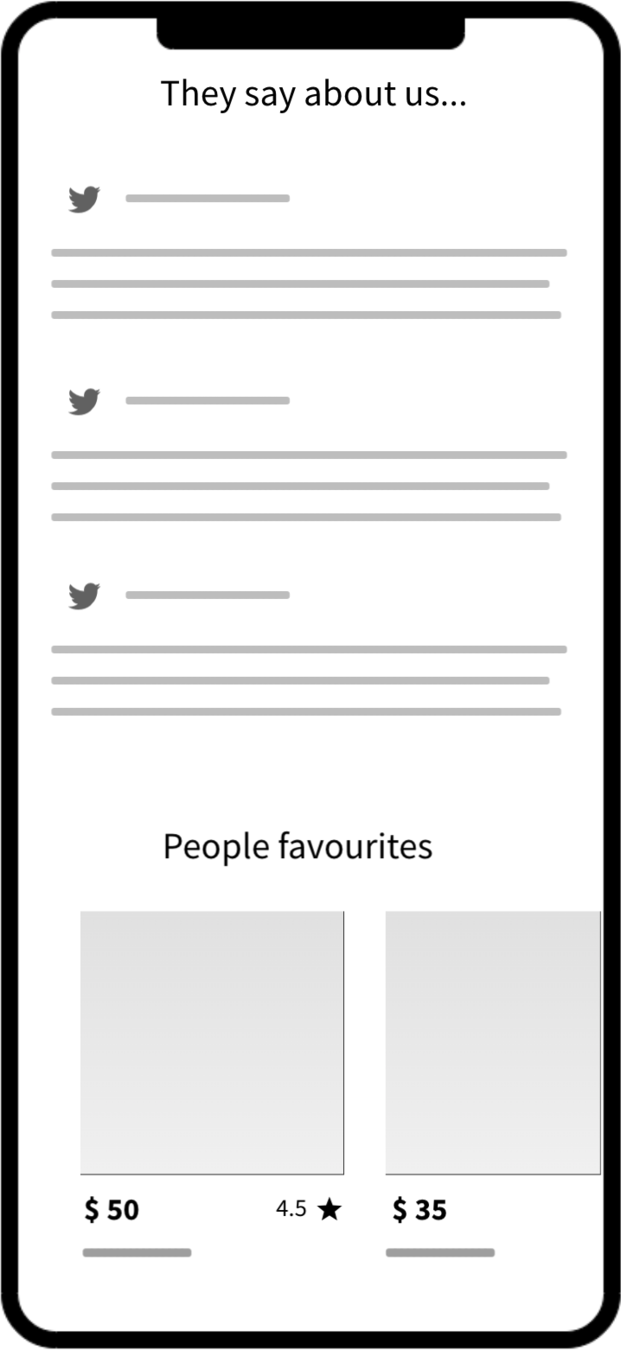
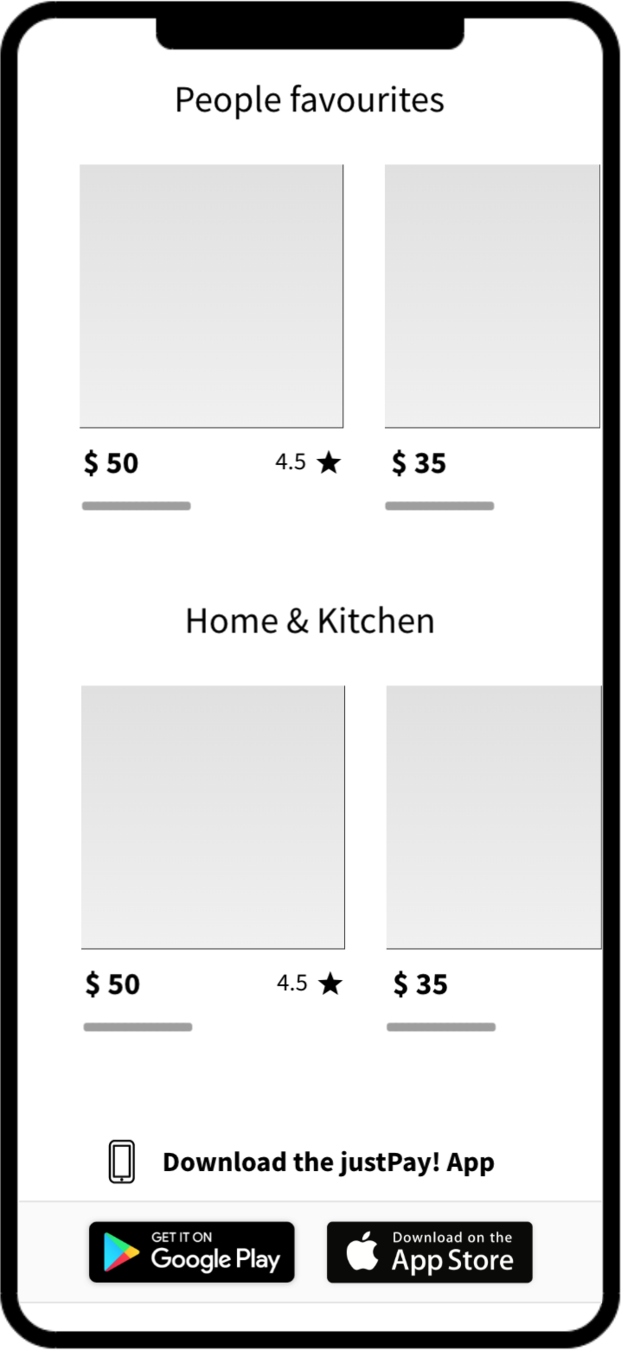
PeopleFavouritesList
@LucaColonnello
TopCategoryList
@LucaColonnello
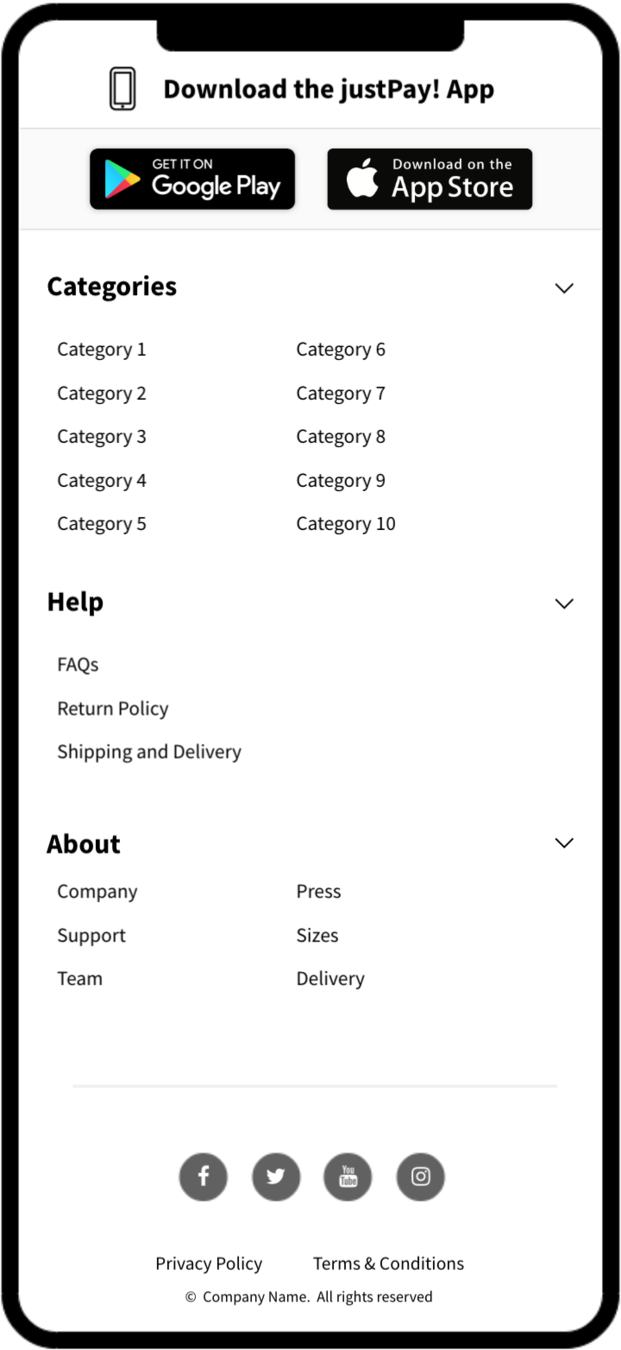
Footer
@LucaColonnello
FONT
IMG
JS
CSS
HTML
Layout
Paint
JS Evaluation
Hydrating...
Render of content 👇
👆
👇
Interaction
👇
Handler
😡 Delay
@LucaColonnello
Analysis
- Interactions are blocked by our JS until hydration is done
- If the user interacts while hydration is running, there will be a delay
- Our hydration step is too big
@LucaColonnello
> 300ms delay is perceived by users as slow, janky
Task
High Input Delay
👇 user interaction
> 300ms
👇 handler
@LucaColonnello
Why is our initial JS execution this big?
@LucaColonnello
💡Knowledge
Our hydration is made of 2 main elements
Task
webpack_require
ReactDOM.hydrate
@LucaColonnello
💡Knowledge
webpack_require
import React from 'react';
import { hydrate } from 'react-dom';

import App from './App';

hydrate(<App />, document.getElementById('#main'));
ReactDOM.hydrate
webpck_require is used to run every module (and its modules) statically imported in the bundle.
This operation is blocking.
When running ReactDOM.hydrate, React needs to run every component our App is mounting.
This operation is blocking.
@LucaColonnello
The amount of modules we import in our bundle has a cost in evaluation, not just in size.
Hydrating our React App has a linear cost, the more components we have, the more it will cost.
By improving the Hydration time, we are freeing the main thread earlier, meaning our users can interact with the element in our page earlier.
@LucaColonnello
How can we improve the Hydration time?
@LucaColonnello
How can we improve the Hydration time?
Removing unnecessary work at first render

@LucaColonnello
App
Footer
TwitterReviews
TopDeals
TopDealsItem
TopCategoryList
PeopleFavouritesList
TopGadgets
Header
SearchModal
BasketModal
NavModal
CategoriesMenu
UserQuickLinks
Good
Too High
Self render time (not including children)
@LucaColonnello
Only 1 component seem to be heavy.
The rest is quite fast individually.
It's the amount of components which makes it slower.
When hydrating or rendering for the first time, React has to go through all your components.
@LucaColonnello
Lazy Hydration
@LucaColonnello
Task
Task
Task
Task
Task
< 300ms
user interaction 👇
Hydrated rest subsequently, when visible
Hydrate most important things first
👇 event handler
by breaking it down into smaller tasks
we release the CPU earlier, hence less input delay
@LucaColonnello
Hydrate as you go, when needed
When elements are in viewport
Hydrate what's needed, do not hydrate static content
@LucaColonnello
👨💻Demo
@LucaColonnello
const App = () => (
  <Header />
  <TopDeals />
  <TopGadgets />
  <TwitterReviews />
  <PeopleFavouritesList />
  <TopCategoryList />
  <Footer />
);
const App = () => (
<Header />
<TopDeals />
<LazyHydrate whenVisible>
<TopGadgets />
</LazyHydrate>
<LazyHydrate ssrOnly>
<TwitterReviews />
<PeopleFavouritesList />
<TopCategoryList />
</LazyHydrate>
<LazyHydrate whenVisible>
<Footer />
</LazyHydrate>
);From
To
@LucaColonnello
App
TopDeals
TopDealsItem
Header
SearchModal
BasketModal
NavModal
CategoriesMenu
UserQuickLinks
Good
Too High
Self render time (not including children)
@LucaColonnello
~40% less spent on hydration
@LucaColonnello
Let's tackle the heavier components
@LucaColonnello
Let's tackle the heavier components
NavModal
CategoriesMenu
Time taken to render just the component,
not including its children
@LucaColonnello
const CategoriesMenu = ({ allMenuItems, categories }) => {
  // expensive denormalisation of data
  const categoriesMenuData = buildCategoriesMenuData(
    allMenuItems,
    categories
  );

  return (<AccordionMenu data={categoriesMenuData} />);
};
// creating category -> menu items out of a flat list
/*
{
category: String,
links: [
{
label: String,
href: String,
}
]
}
*/
const buildCategoriesMenuData = (allMenuItems, categories) =>
categories.map(
category => ({
category: category.name,
links: allMenuItems
.filter(menuItem => menuItem.category === category.id)
.map(({ label, href }) => ({ label, href }))
})
);
⌄ allMenuItems[{...}]
⌄ 0:
category (Int)
label (String)
href (String)
⌄ categories[{...}]
⌄ 0:
id (Int)
name (String)
@LucaColonnello
const CategoriesMenu = ({ categoriesMenuData }) => (
  <AccordionMenu data={categoriesMenuData} />
);
Hoist to the server, you could have a presentational API (i.e. GraphQL)
@LucaColonnello
Calculate during SSR, skip during hydration
const CategoriesMenu = ({ allMenuItems, categories }) => {
  const categoriesMenuData = useSSRMemo(
    'categoriesMenuData',
    () => buildCategoriesMenuData(
      allMenuItems,
      categories,
    ),
    [allMenuItems, categories]
  );

  return (<AccordionMenu data={categoriesMenuData} />);
};
useSSRMemo could use Context to collect the values in the server.
The server could then print the JSON data to be used by the client to skip the calculation.
@LucaColonnello
App
TopDeals
TopDealsItem
Header
SearchModal
BasketModal
NavModal
CategoriesMenu
UserQuickLinks
Good
Too High
Self render time (not including children)
@LucaColonnello
another ~10% less spent on hydration
@LucaColonnello
Improve
@LucaColonnello
Congratulations!
You're customers are now happy!

@LucaColonnello
Let's recap...
Use SSR to deliver content to users earlier
Don't hydrate more than necessary
Hoist as much as possible to the server
@LucaColonnello
P.S.
React will possibly make some of this easier with Progressive and Selective Hydration
You can only optimise so much, so give your app a budget for hydration and have discussions with product about the impact of new features
@LucaColonnello