docker.com
docker.com/tryit
registry.hub.docker.com
Virtual Machine(VM) = Virtual OS
Container = Virtual Applicaton
Run Any App, Anywhere

Virtual Machine vs Container
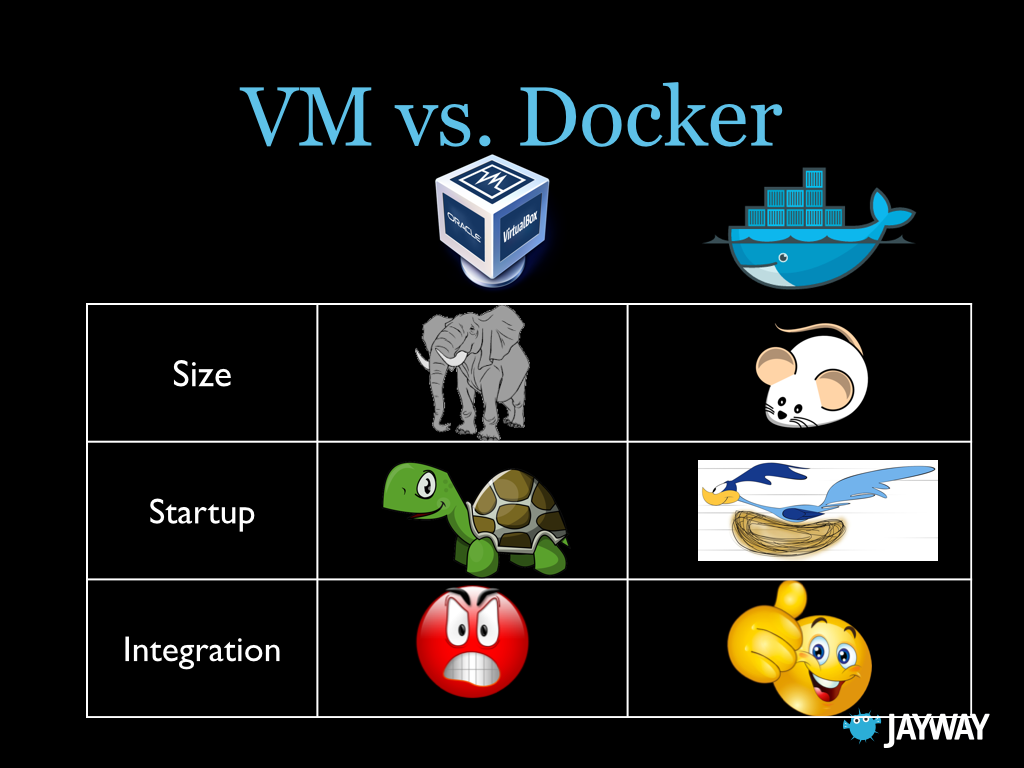
Virtual Machine vs Container
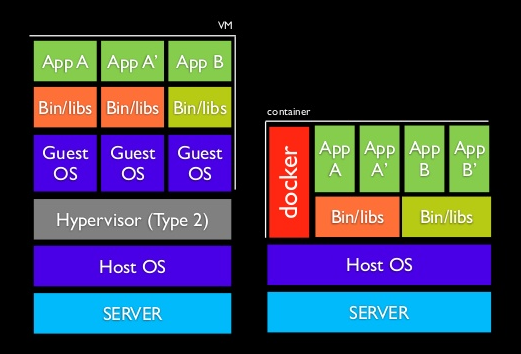
Containers Share the Kernel, bins/libs
Dev ♥ Ops
Contract = Docker Container = Deploy Anywhere
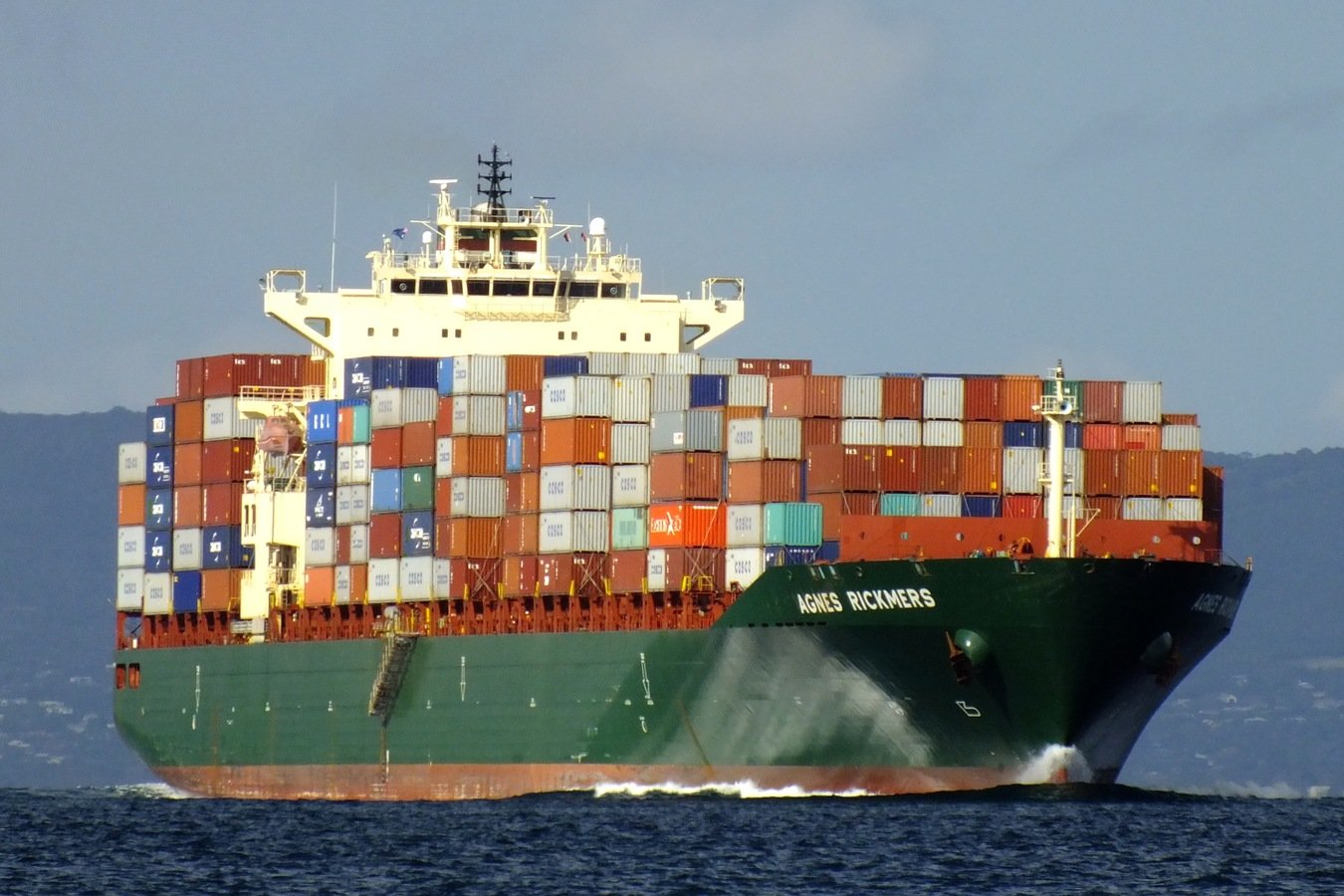
Pull an Image
- docker # Show docker commands
- docker search ubuntu # Find an image on registry
- docker pull ubuntu # Pull an image from registry
- docker images # List local images
Run a Container
- docker run ubuntu echo "hello" # Execute and exit
-
docker run -it ubuntu # Open interactive terminal
- exit
-
docker run ubuntu ping google.com # Foreground
- ctrl - c
- docker run -d ubuntu ping google.com #Background
- docker ps # List containers running in background
- docker logs <id> # Print logs for background container
- docker stop <id> # Stop background container
Commit Image and Push
-
docker run -it ubuntu # Open interactive terminal
- sudo apt-get update
- sudo apt-get install nodejs # Install node
- exit
- docker ps -l # Show latest created container
- docker commit <id> <name> # Create a new image
- docker images # List local images
- docker push <name> # Push to the docker hub registry
Dockerfile
# nodejs example
FROM ubuntu
MAINTAINER Michael Jackson, majgis@gmail.com
RUN apt-get install -y python-software-properties python
RUN add-apt-repository ppa:chris-lea/node.js
RUN echo "deb http://us.archive.ubuntu.com/ubuntu/ precise universe" >> /etc/apt/sources.list
RUN apt-get update
RUN apt-get install -y nodejs
RUN mkdir /var/www
ADD app.js /var/www/app.js
EXPOSE 1234
CMD ["/usr/bin/node", "/var/www/app.js"]
app.js
// Load the http module to create an http server.
var http = require('http');
// Configure our HTTP server to respond with Hello World to all requests.
var server = http.createServer(function (request, response) {
response.writeHead(200, {"Content-Type": "text/plain"});
response.end("Hello FED!\n");
});
// Listen on port 1234
var port = 1234
server.listen(port);
// Put a friendly message on the terminal
console.log("Server running on port " + port);
Build Dockerfile and Run
docker build -t <name> .
docker run -p 4321:1234 -d <name>
Open Source Paas
https://www.openshift.com