Low Code x

Intro

Martin McKeaveney
Co-Founder and CTO @ Budibase
What is Low Code?
"Low-code is a visual approach to software development. With low-code, you can abstract and automate every step of the application lifecycle to streamline delivery of a variety of solutions. "
Low code augments code. It does not seek to replace it entirely.
What is Budibase?
Budibase is an open-source low code platform built for developers - designed for speed and customisation.
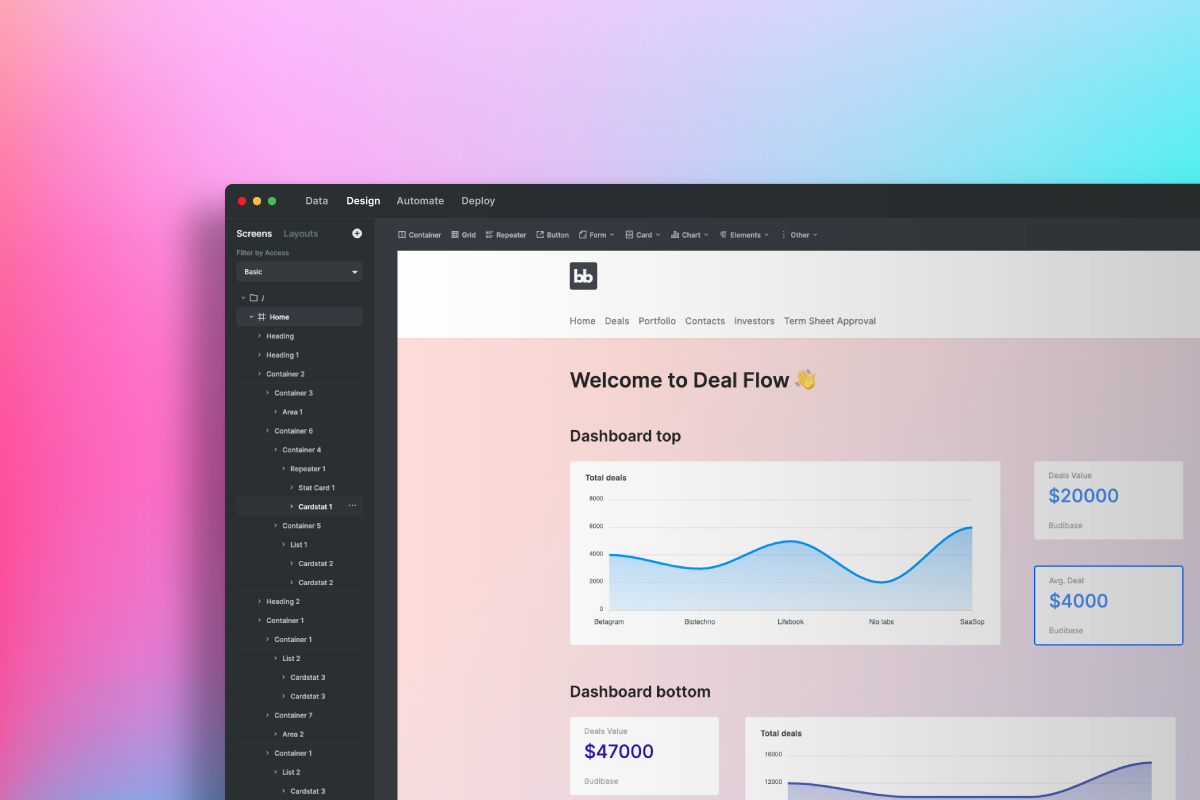
What Budibase Does
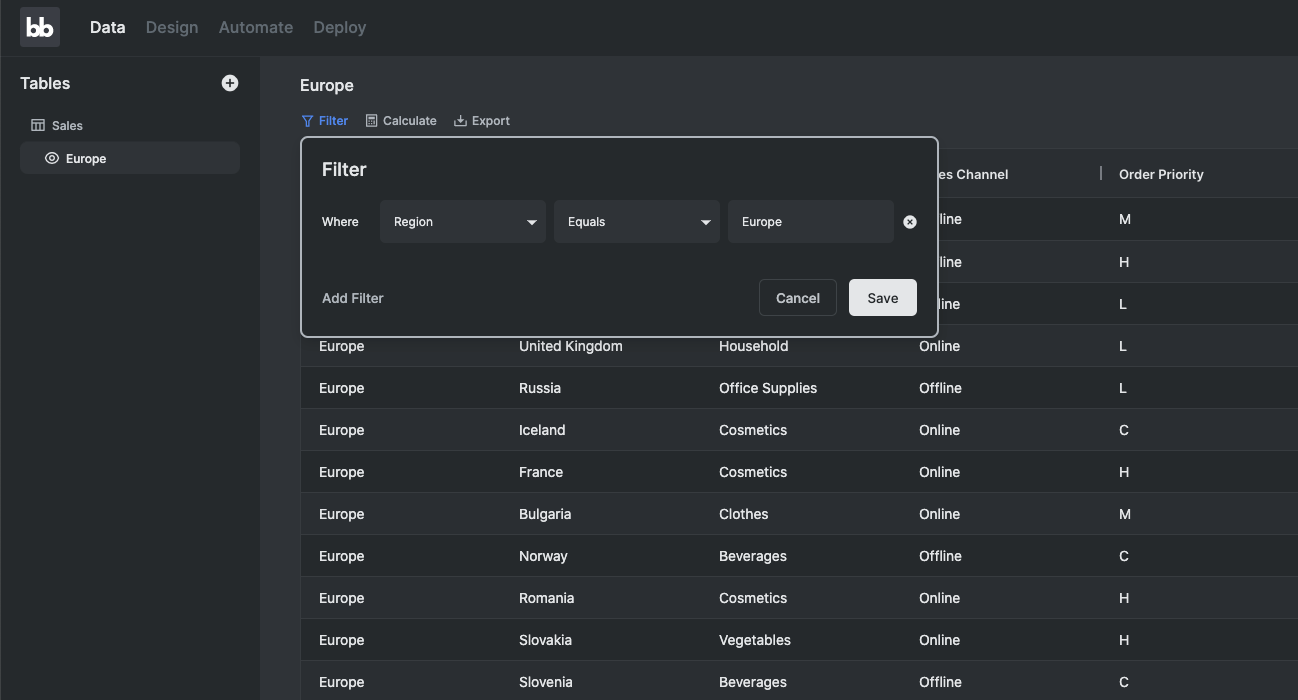
Builder - Data
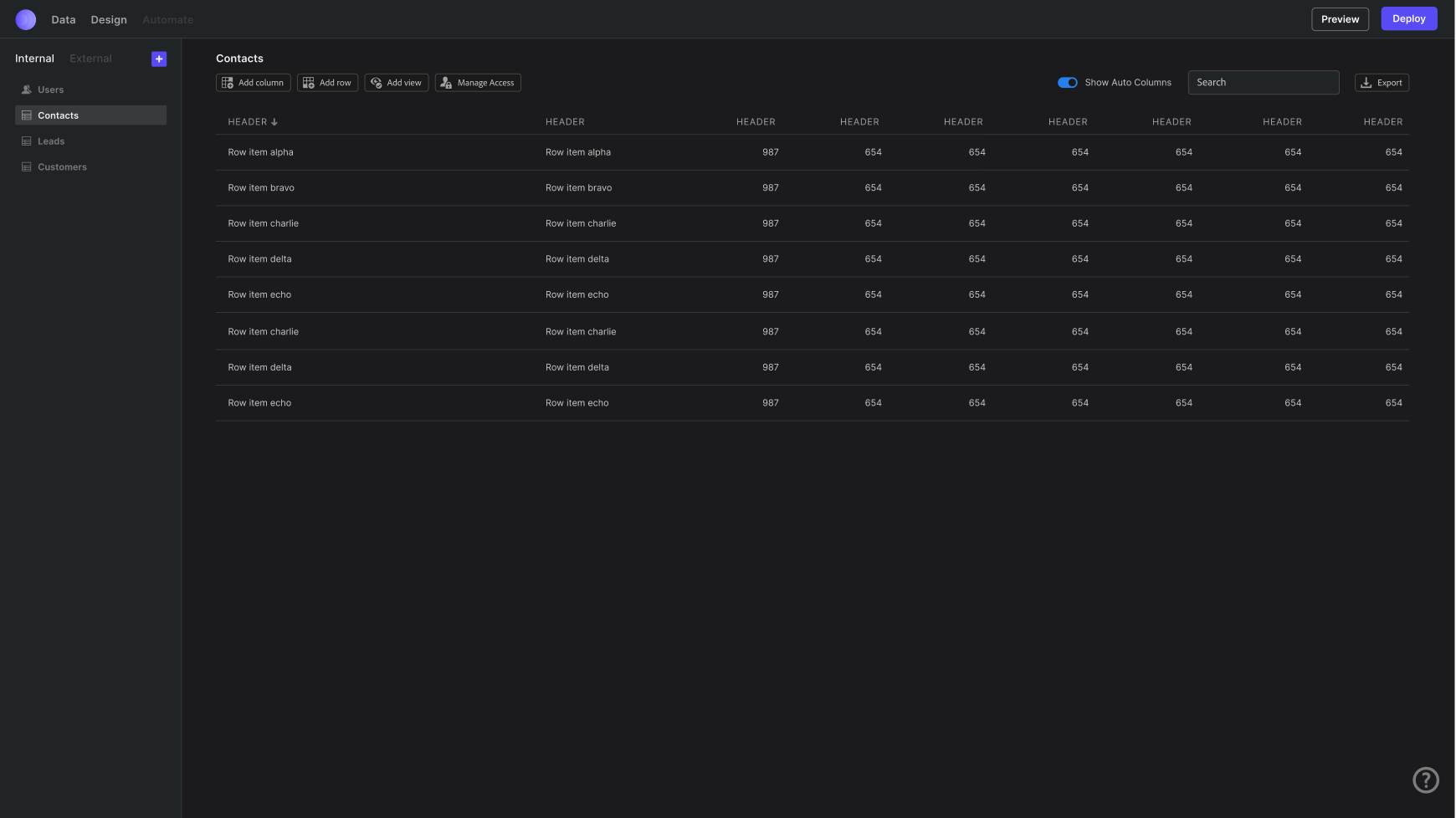
Builder - Design

Builder
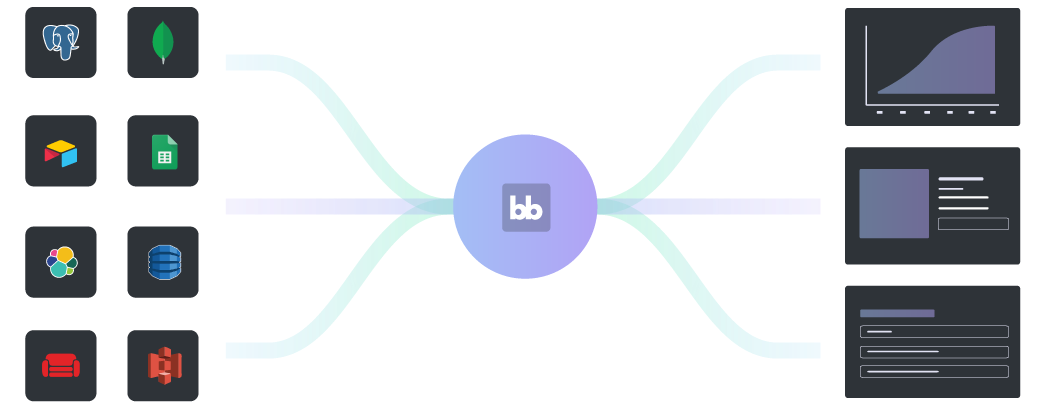
Client
Visually build the definition for an app
Read Definition -> Application
Svelte @ Budibase
- No Runtime
- Lightweight
- Portable
- Performant
- Simple
- Reactive
- Compiled
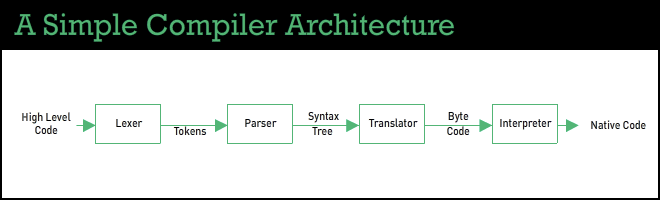
Svelte as Bytecode
Builder -> Client Library -> Svelte Web App
Stack



Styling and Design System
Builder Routing
Development
Builder UI, Client Applications
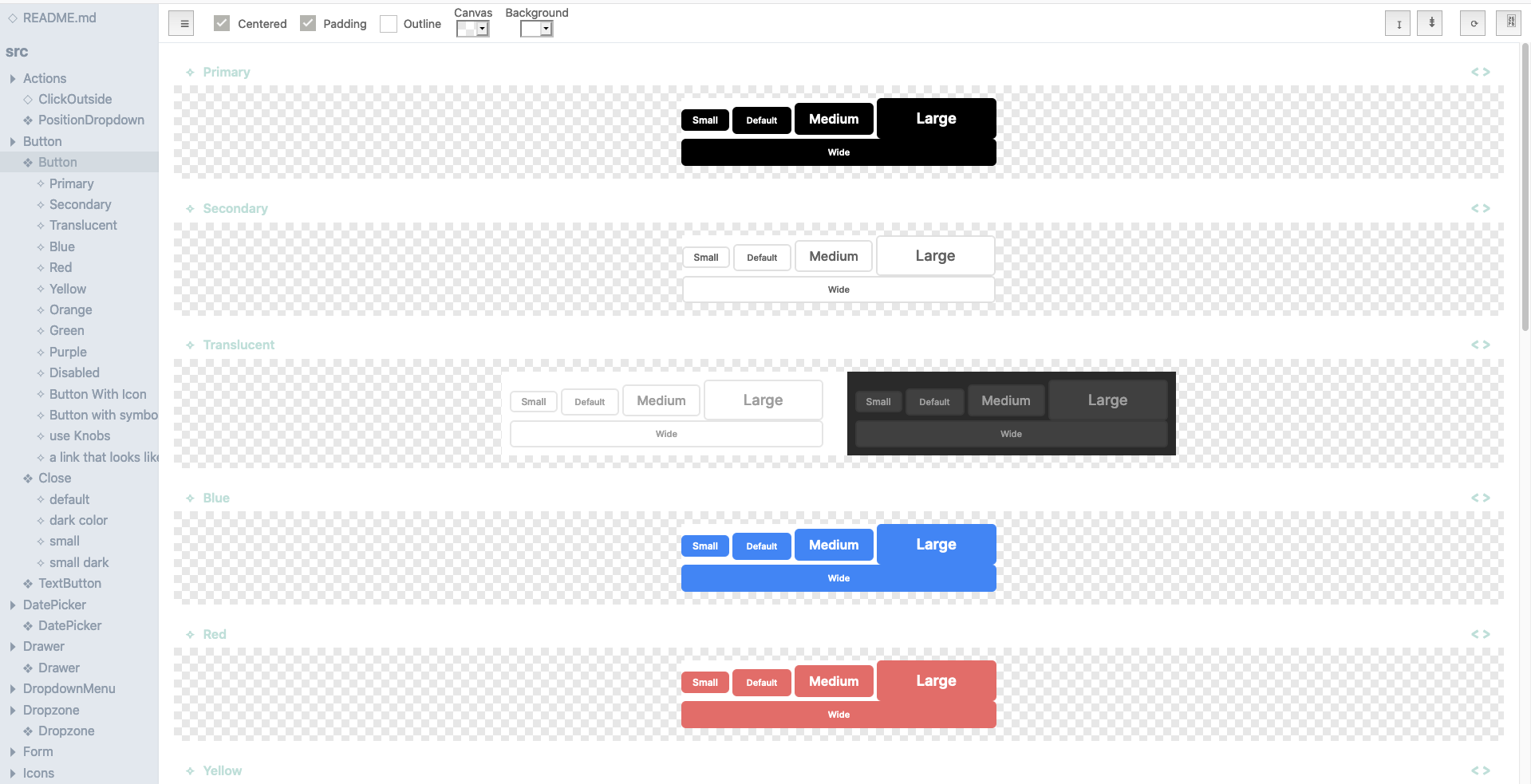
BBUI Design System
Our entire design system is built using Spectrum CSS and svench
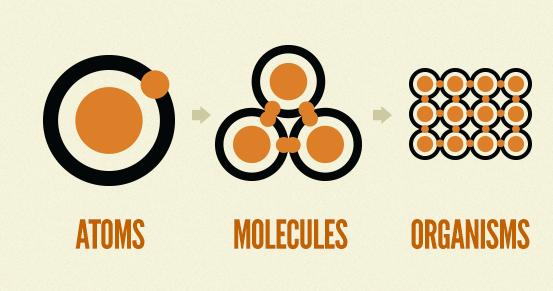
App Creation Pipeline
Screens
Layouts
Components
Screens
{
  "_id": "screen_4fdbcf20029444ef8de16444da0f9801",
  "_rev": "1-c1d08db5275a1237bfe4559efd68190a",
  "description": "",
  "url": "",
  "layoutId": "layout_public_master",
  "props": {
    "_instanceName": "LoginScreenContainer",
    "_id": "5beb4c7b-3c8b-49b2-b8b3-d447dc76dda7",
    "_component": "@budibase/standard-components/container",
    "_styles": {
      "normal": {
        "flex": "1 1 auto",
        "display": "flex",
        "flex-direction": "column",
        "justify-content": "center",
        "align-items": "center"
      },
      "hover": {},
      "active": {},
      "selected": {}
    },
    "_transition": "fade",
    "type": "div",
    "_children": [
      {
        "_id": "781e497e-2e7c-11eb-adc1-0242ac120002",
        "_component": "@budibase/standard-components/login",
        "_styles": {
          "normal": {
            "padding": "64px",
            "background": "rgba(255, 255, 255, 0.4)",
            "border-radius": "0.5rem",
            "margin-top": "0px",
            "box-shadow": "0 20px 25px -5px rgba(0, 0, 0, 0.1), 0 10px 10px -5px rgba(0, 0, 0, 0.04)",
            "font-size": "16px",
            "font-family": "Inter",
            "flex": "0 1 auto"
          },
          "hover": {},
          "active": {},
          "selected": {}
        },
        "logo": "https://d33wubrfki0l68.cloudfront.net/aac32159d7207b5085e74a7ef67afbb7027786c5/2b1fd/img/logo/bb-emblem.svg",
        "title": "Log in to Some App",
        "buttonText": "Log In",
        "_children": [],
        "_instanceName": "Login"
      }
    ]
  },
  "routing": {
    "route": "/",
    "roleId": "PUBLIC"
  },
  "name": "login-screen"
}
Routing
<script>
  import { getContext } from "svelte"
  import Router from "svelte-spa-router"
  import { routeStore } from "../store"
</script>

<div use:styleable={$component.styles}>
  <Router routes={config.routes} />
</div>
Screens and Layouts Demo
Components
"button": {
    "name": "Button",
    "description": "A basic html button.",
    "icon": "ri-share-box-line",
    "styleable": true,
    "settings": [
      {
        "type": "text",
        "label": "Text",
        "key": "text"
      },
      {
        "type": "boolean",
        "label": "Disabled",
        "key": "disabled"
      },
      {
        "type": "event",
        "label": "On Click",
        "key": "onClick"
      }
    ]
  }
}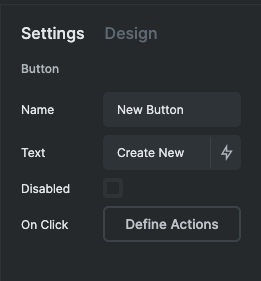
Components Demo
Data Providers
- Components are generally presentational
- Data is fetched by a utility component called a Data Provider
- Fetches data on mount and keeps it up to date
<script>
  $: fetchData(dataSource)
  $: filteredRows = filterRows(allRows, filter)
  $: sortedRows = sortRows(filteredRows, sortColumn, sortOrder)
  $: rows = limitRows(sortedRows, limit)
  $: getSchema(dataSource)
  $: actions = [
    {
      type: ActionTypes.RefreshDatasource,
      callback: () => fetchData(dataSource),
      metadata: { dataSource },
    },
  ]
  $: dataContext = {
    rows,
    schema,
    rowsLength: rows.length,
    loading,
    loaded,
  }
</script>

<Provider {actions} data={dataContext}>
  <slot />
</Provider>
Example: Repeater
{
  "repeater": {
    "name": "Repeater",
    "description": "A configurable data list that attaches to your backend tables.",
    "icon": "ri-list-check-2",
    "styleable": true,
    "hasChildren": true,
    "settings": [
      {
        "type": "dataProvider",
        "label": "Data",
        "key": "dataProvider"
      },
      {
        "type": "text",
        "label": "Empty Text",
        "key": "noRowsMessage",
        "defaultValue": "No rows found."
      },
      {
        "type": "filter",
        "label": "Filtering",
        "key": "filter"
      }
    ],
    "context": {
      "type": "schema"
    }
  }
}
Repeater and Data Provider Demo
Svelte App
<script>
  // Provide contexts
  setContext("sdk", SDK)
  setContext("component", writable({}))
  setContext("context", createContextStore())

  // Load app config
  onMount(async () => {
    await initialise()
    await authStore.actions.fetchUser()
  })

  // Register this as a refreshable datasource so that user changes cause
  // the user object to be refreshed
  $: actions = [
    {
      type: ActionTypes.RefreshDatasource,
      callback: () => authStore.actions.fetchUser(),
      metadata: { dataSource: { type: "table", tableId: TableNames.USERS } },
    },
  ]
</script>

{#if loaded && $screenStore.activeLayout}
  <Provider key="user" data={$authStore} {actions}>
    <Component definition={$screenStore.activeLayout.props} />
    <NotificationDisplay />
  </Provider>
{/if}
Rendering the Tree
<script>
  import * as ComponentLibrary from "@budibase/standard-components"

  export let definition = {}

  // Props that will be passed to the component instance
  let componentProps

  // Get contexts
  const context = getContext("context")

  // Create component context
  const componentStore = writable({})
  setContext("component", componentStore)

  // Extract component definition info
  $: constructor = getComponentConstructor(definition._component)
  $: children = definition._children || []
  $: id = definition._id
  $: updateComponentProps(definition, $context)
</script>

{#if constructor && componentProps}
  <svelte:component this={constructor} {...componentProps}>
    {#if children.length
      {#each children as child (child._id)}
        <svelte:self definition={child} />
      {/each}
    {/if}
  </svelte:component>
{/if}
Full App Demo
Extending Budibase
-
Component Libraries
-
Templates
-
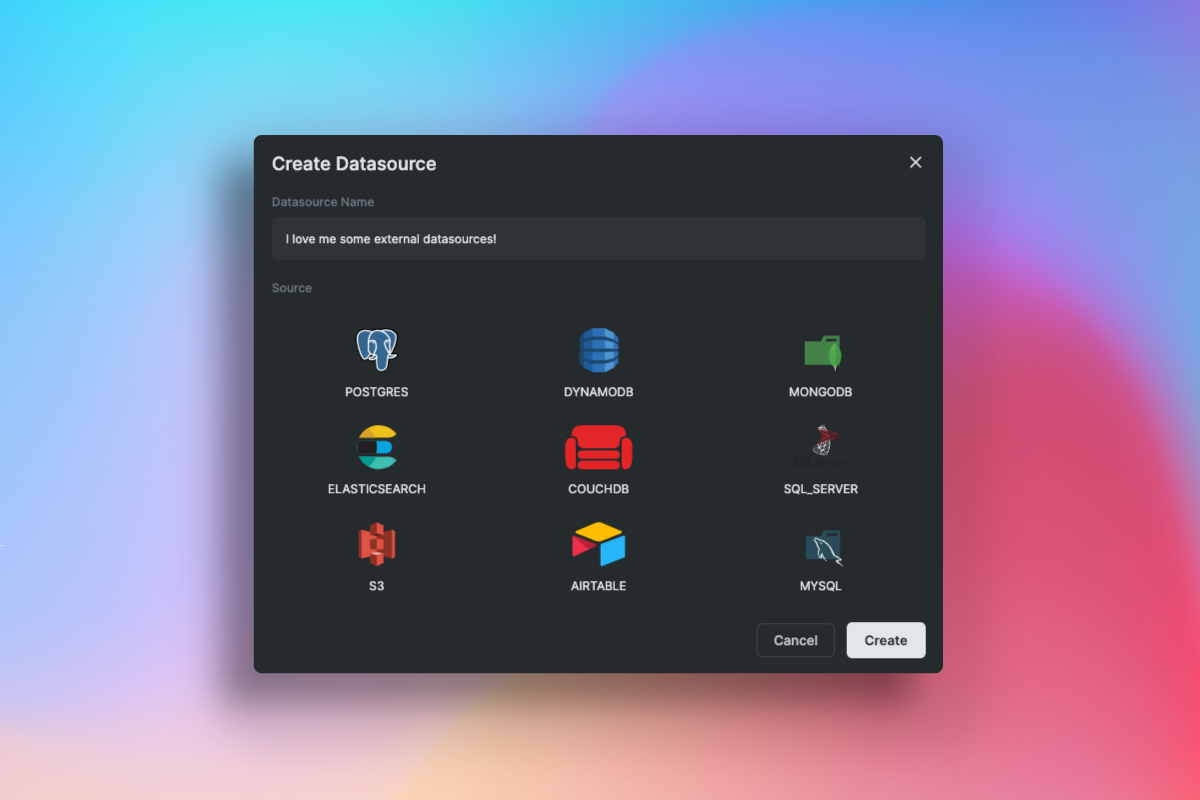
Data Sources
-
Integrations
-
Authentication Providers
-
Automations


Future Work

Compile time optimisations
Sveltes Future Is Bright
-
Production ready
-
No need for endless libraries
-
Svelte is extremely powerful for building low code and no code platforms
-
Svelte as bytecode