Learn

Miguel Ángel Durán
@midudev


David García
@d4vecarter

from zero to hero
<Welcome />
🙋♂️
Introducing ourselves
🤔
Questions
👩🎓👨🎓
Introduce yourself
📝⚛️
Course guidelines
<LetsGetStarted />

What's React?
It is a JavaScript library to build interfaces

Where did it come from?

Created by Facebook

Open Sourced in 2013
Reduce complexity in Ads Forms
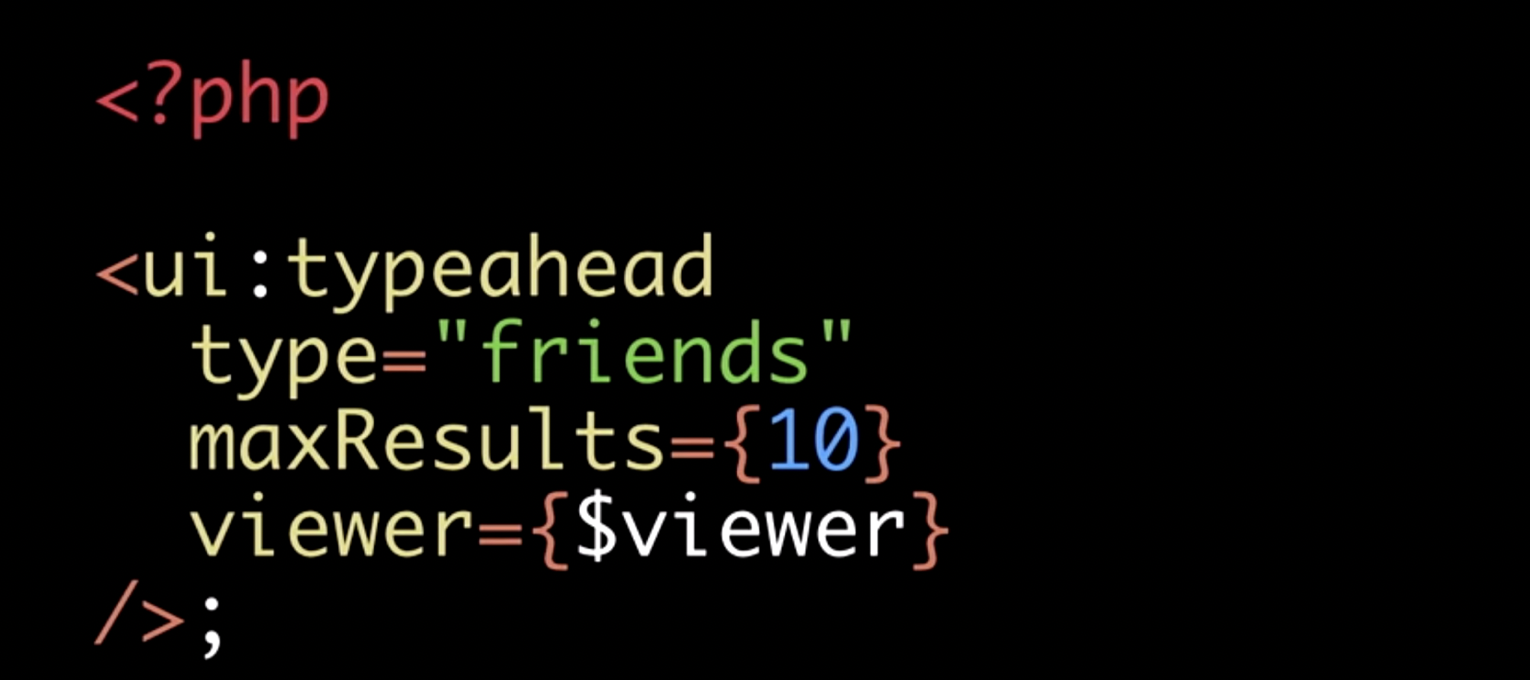
Based in XHP
A mix of XHTML and PHP for creating reusable components
JavaScript
components to better suit SPAs needs
const LogoElement = () => {
    return (
      <div className="container">
          <img src="logo.png" />
      </div>
    )
}
Huge step backwards!!!

JSX
is not HTML inside JavaScript
var LogoElement = function LogoElement() {
  return React.createElement(
    "div",
    null,
    React.createElement(
      "h1",
      { className: "container" },
      "Hello World"
    )
  );
};
const LogoElement = () => {
return (
<div>
<h1 className="container">
Hello World
</h1>
</div>
)
}🔑 key parts
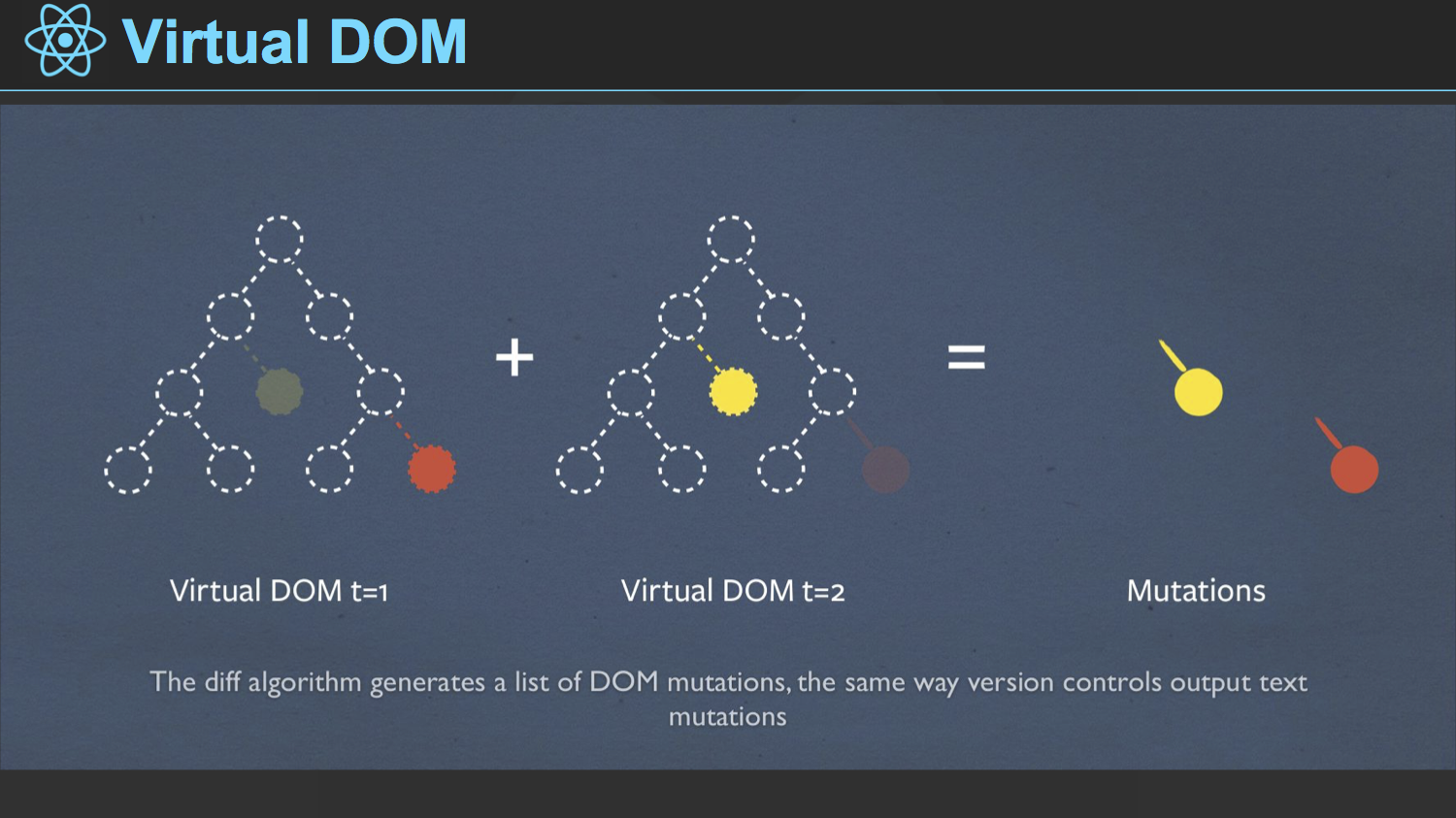
🔑 key parts
Declarative API
const container = document.getElementById(‘container’);
const btn = document.createElement(‘button’);
btn.className = ‘btn red’;
btn.onclick = function(event) {
 if (this.classList.contains(‘red’)) {
   this.classList.remove(‘red’);
   this.classList.add(‘blue’);
 } else {
   this.classList.remove(‘blue’);
   this.classList.add(‘red’);
 }
};
container.appendChild(btn);
Example of imperative DOM Manipulation 🙅♀️
🔑 key parts
Component Composition
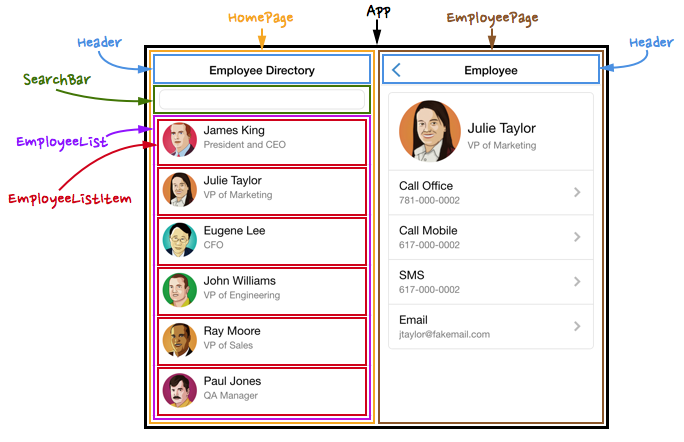
🔑 key parts
Server Side Rendering
Recap 🤖
React is a Javascript library for building UI interfaces
It is based in components
It works in a declarative way
Let's use React! 👊
with simple and plain HTML + JS
<TeachingEnvironment />
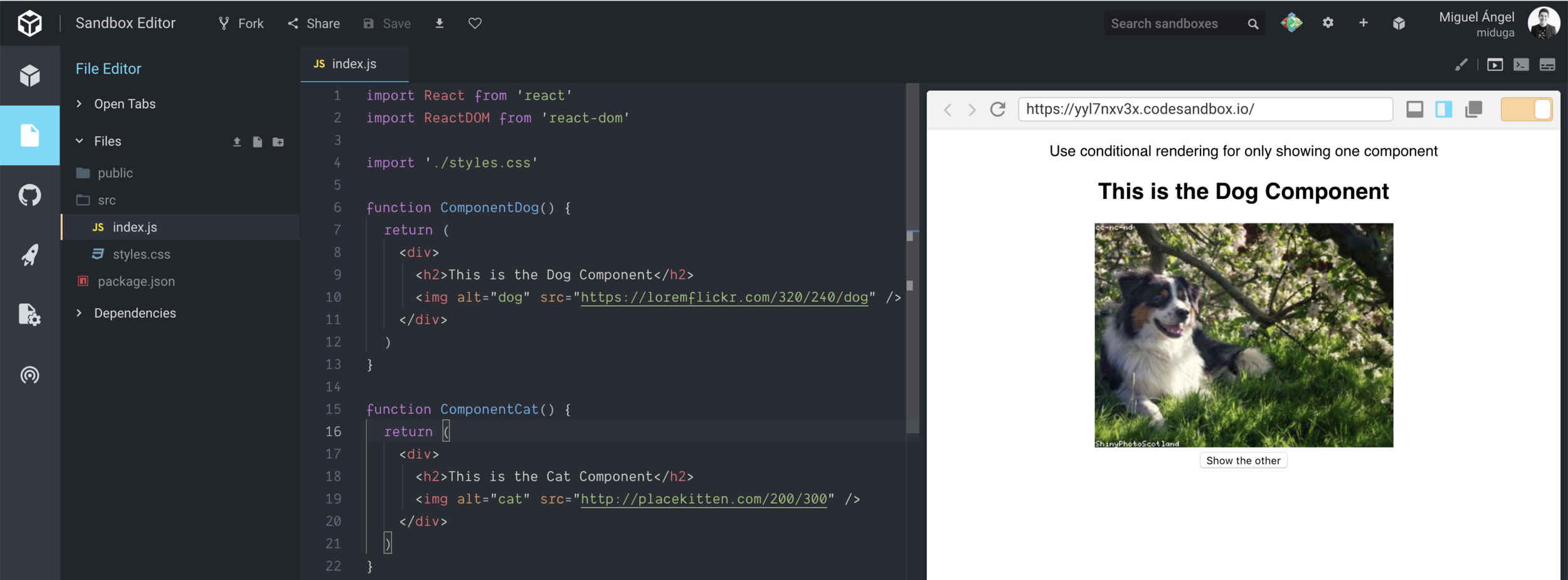

<BasicConcepts />
Your first component
function Hello () {
  return React.createElement(
    'h1', // element to render
     null, // attributes of the element
    'Hello ERNI students from ReactJS' // children of the element
  )
}
Your first component
with JSX
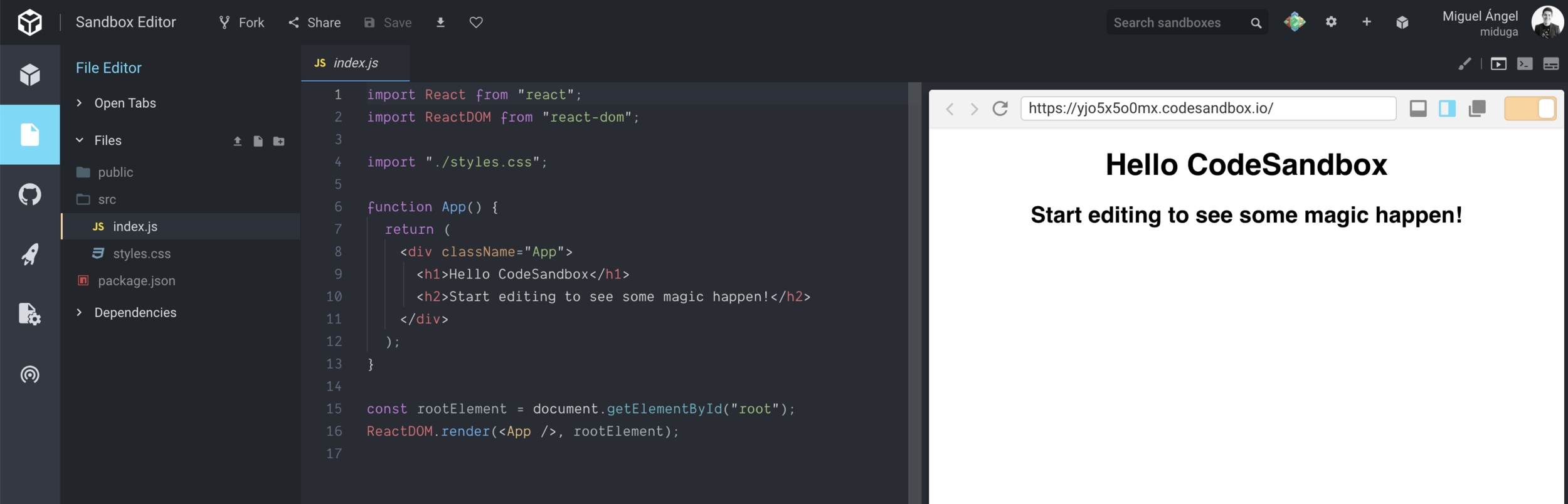
const Hello = () => <h1>Hello World</h1>Creating our first component in Code Sandbox
Props
and different types of data
const Headline = props => <h1>{props.txt}</h1>class Hello extends Component {
constructor(props){
super(props)
this.state = { count: 5 }
}
render(){
return(
<h1>Hello World {this.state.count} times</h1>
)
}
}Stateful components
keeps track of internal State
<GoodMorning
happyMood={true} />
🌞☕️
Recap ⏳ state
Store data that is going to change inside the component.
Essential to create dynamic UI.
Can be initialized with a prop.
You need a stateful component.
and 3 important rules...
1. Do Not Modify State Directly
this.state.comment = 'Hello'🚫
this.setState({ comment: 'Hello' })✅
2. setState may be asynchronous
state = { counter: 0 }
...
this.setState({ counter: this.state.counter + 1 })
console.log(this.state.counter) // 0 or 1?
3. state updates are merged
state = {
  name: 'ERNI',
  isLoading: false,
  course: 'React',
}

...
this.setState({ isLoading: true })

/*
state = {
  name: 'ERNI',
  isLoading: true,
  course: 'React'
}
*/
When you call setState(), React merges the object you provide into the current state.
setState keeps intact the rest of the state
Exercise!
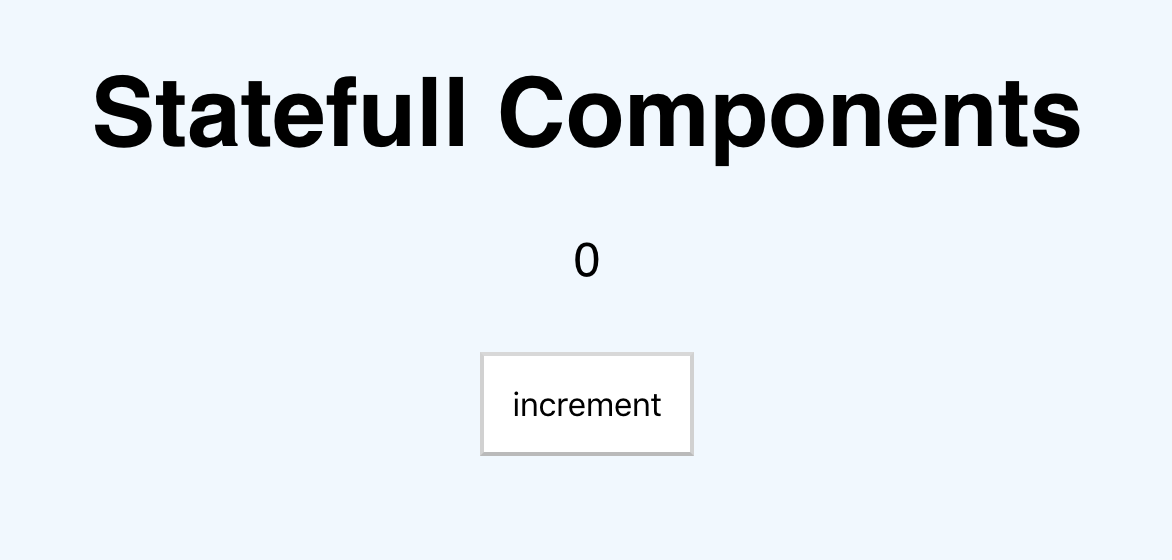
Add a decrement button
<ReactDeveloperTools />
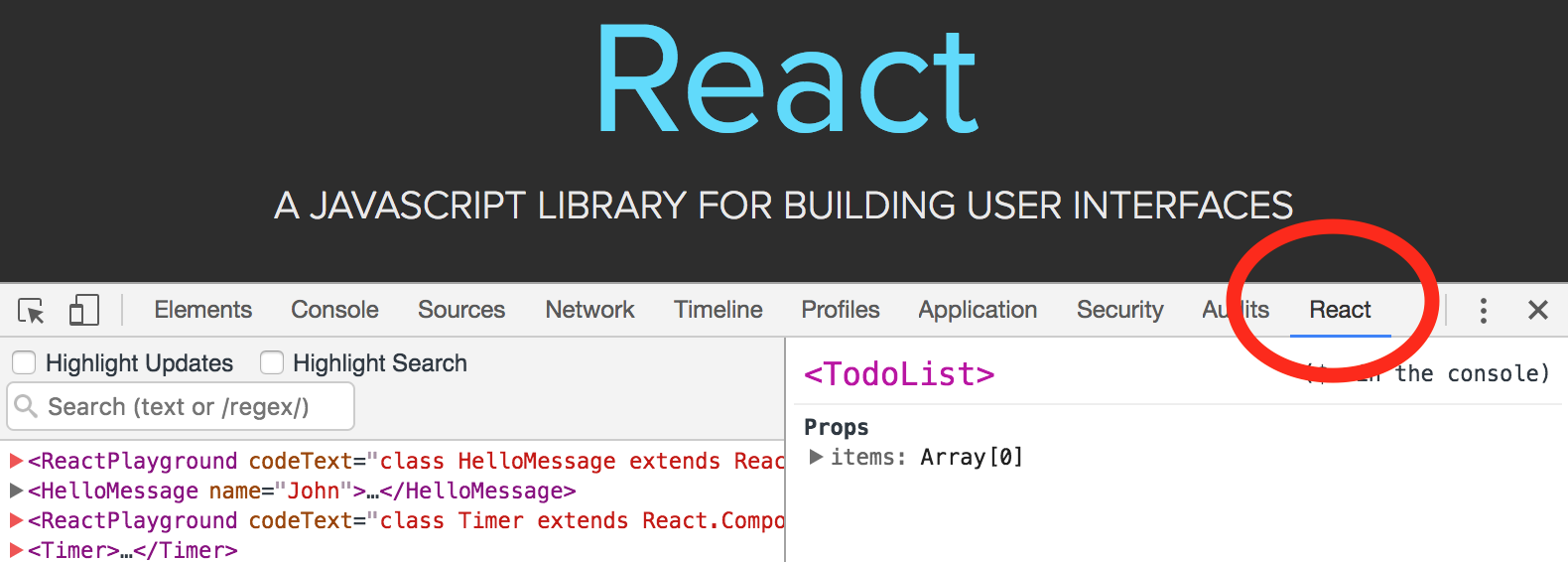
React Developer Tools
It's a Chrome extension
It helps with your development and to be a curious kitten. 😼

React Developer Tools
Just messing around:
<RealEstateCardProperty />
<SharedAddToFavs />
Download from Chrome Store
React Developer Tools

<ConditionalRendering />

function UserGreeting(props) {
  return <h1>Welcome back!</h1>
}

function GuestGreeting(props) {
  return <h1>Please sign up.</h1>
}
Conditional rendering is like if statement but for your UI
function Greeting(props) {
  const {isLoggedIn} = props
  if (isLoggedIn) {
    return <UserGreeting />
  }
  return <GuestGreeting />
}
function UserGreeting(props) {
return <h1>Welcome back!</h1>
}
function GuestGreeting(props) {
return <h1>Please sign up.</h1>
}Also, you could store elements in variables:
function Greeting(props) {
  const {isLoggedIn} = props
  let greeting

  if (isLoggedIn) {
    greeting = <UserGreeting />
  } else {
    greeting = <GuestGreeting />
  }

  return <header className='header'>{greeting}</header>
}
Using && for inline conditional
function Mailbox(props) {
  const {unreadMessages} = props // unreadMessages is an array of messages unread

  return (
    <div>
      <h1>Hello user!</h1>
      {unreadMessages.length > 0 &&
        <h2>
          You have {unreadMessages.length} unread messages.
        </h2>
      }
    </div>
  )
}
Using ternary for inline conditional
...

render() {
  const isSold = this.state.isSold

  return (
    <p>
      The flat is:<strong>{isSold ? 'sold' : 'available'}</strong>.
    </p>
  )
}
Using ternary for inline conditional could improve the readability of your code
function Greeting(props) {
  const {isLoggedIn} = props

  return (
    <header className='header'>
        {isLoggedIn ? <UserGreeting /> : <GuestGreeting />}
    </header>
  )
}
function Greeting(props) {
const {isLoggedIn} = props
let greeting
if (isLoggedIn) {
greeting = <UserGreeting />
} else {
greeting = <GuestGreeting />
}
return <header className='header'>{greeting}</header>
}Also, you could avoid a component to render something completely returning null
function Modal(props) {
  const {showModal} = props

  if (!showModal) return null

  return (
    <dialog className='modal' open>
        {props.children}
    </dialog>
  )
}
<ListsAndKeys />

const numbers = [1, 2, 3, 4, 5];
const doubled = numbers.map((number) => number * 2);
console.log(doubled); // [2, 4, 6, 8, 10]
map()
we use the map() function in JavaScript to take an array of numbers and double their values.
class NumberList extends Component {
  render() {
    const listOfNumbers = [1, 1, 2, 3, 4, 5];
    return listOfNumbers.map(number => <p>{number}</p>)
  }
}
Rendering a list
constructor(props){
    super(props)
    this.state = props
}

render() {
    let elements = this.state.cards.map((element) => {
        return (<li key={element.id}>{element.name}</li>)
    })

    return <ul>{elements}</ul>
}
Rendering a list
<HandlingEvents />

<button onClick={() => alert('👋 Hi!')}>
  Click me!
</button>
onClick event
event object
handleClick = (event) => {
  console.log(event)
  event.preventDefault()
  alert('👋 Hi!')
}

<a href='https://google.es' onClick={this.handleClick}>
  Click me!
</a>
Synthetic events
Synthetic events in React are cross-browser wrappers around the browser’s native event."
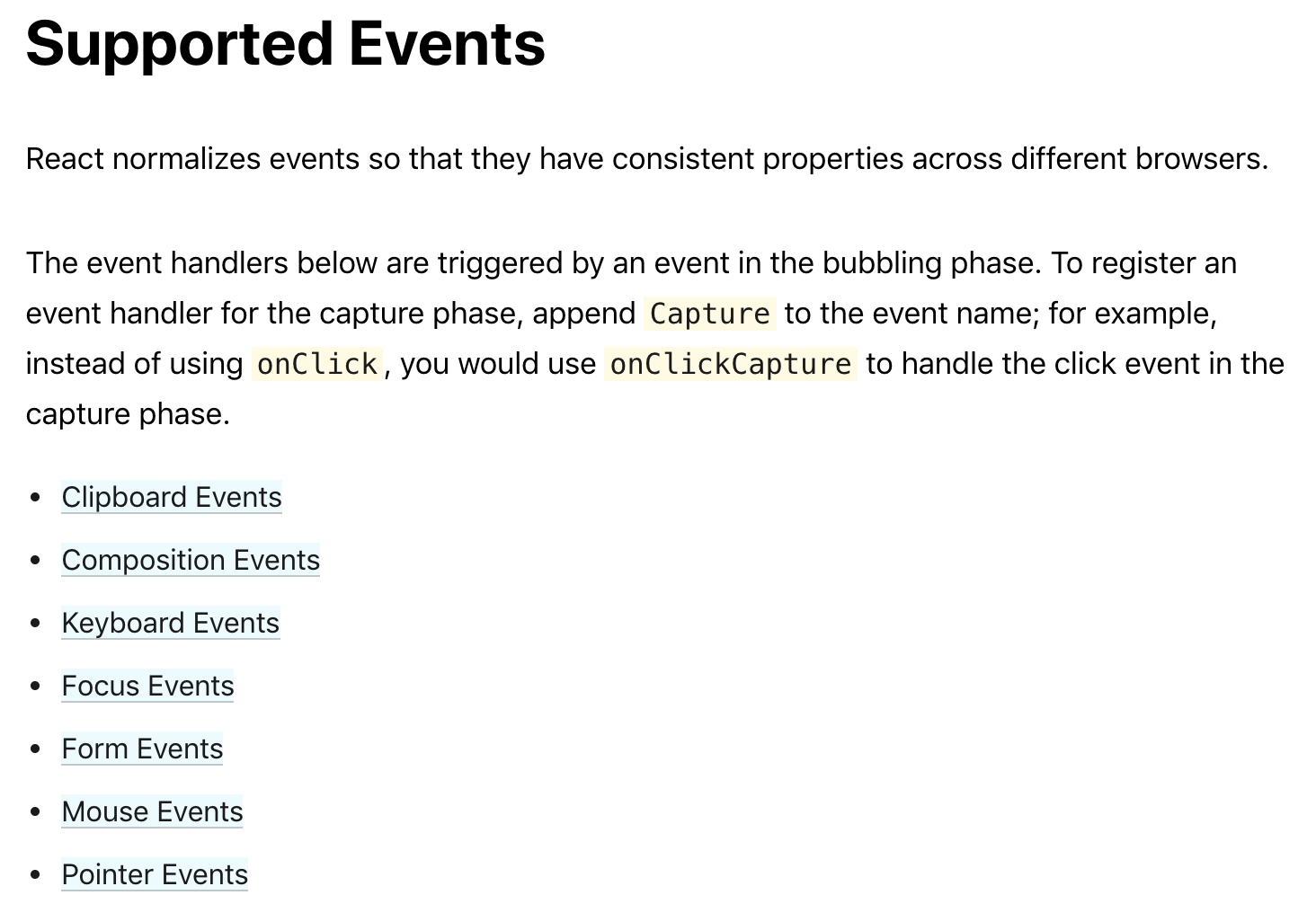
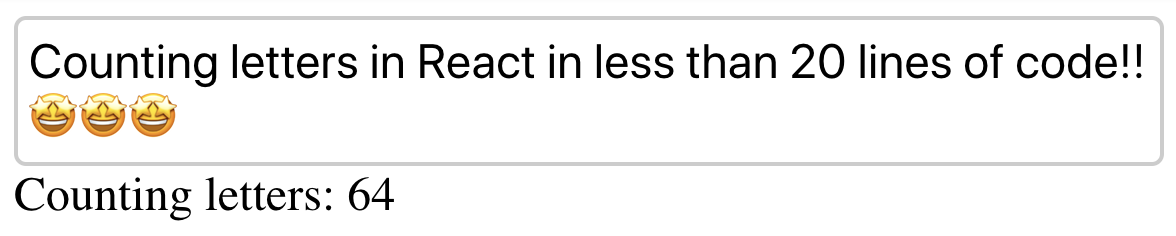
Even keyboard events! ⌨️
render() {
  return (
    <section>
      <div contentEditable onKeyUp={this._handleKeyUp} />
      <span>Counting letters: {this.state.letters}</span>
    </section>
  )
}
Let's play with it!
Exercise! 💪
Create a component that counts the number of times that the mouse has entered and exit a div element.
Base your solution in the previous example of onKeyUp.
Tip: onMouseEnter and onMouseLeave
<Forms />

Forms in ReactJS might be used as native implementation or
controlled by React internal state.
The latter is recommended"
Tipical HTML form
<form>
  <label>
    Name:
    <input type="text" name="name" />
  </label>
  <input type="submit" value="Submit" />
</form>
Forms using
native implementation
<form>
  <p>
    <label htmlFor="name">name:</label>
    <input
      id="name"
      name="username"
      placeholder="insert your name"

      [...]
Forms using
controlled components
<form>
  <p>
    <label htmlFor="name">name:</label>
    <input
      id="name"
      name="username"
      placeholder="insert your name"

      [...]
<LifeCycle />
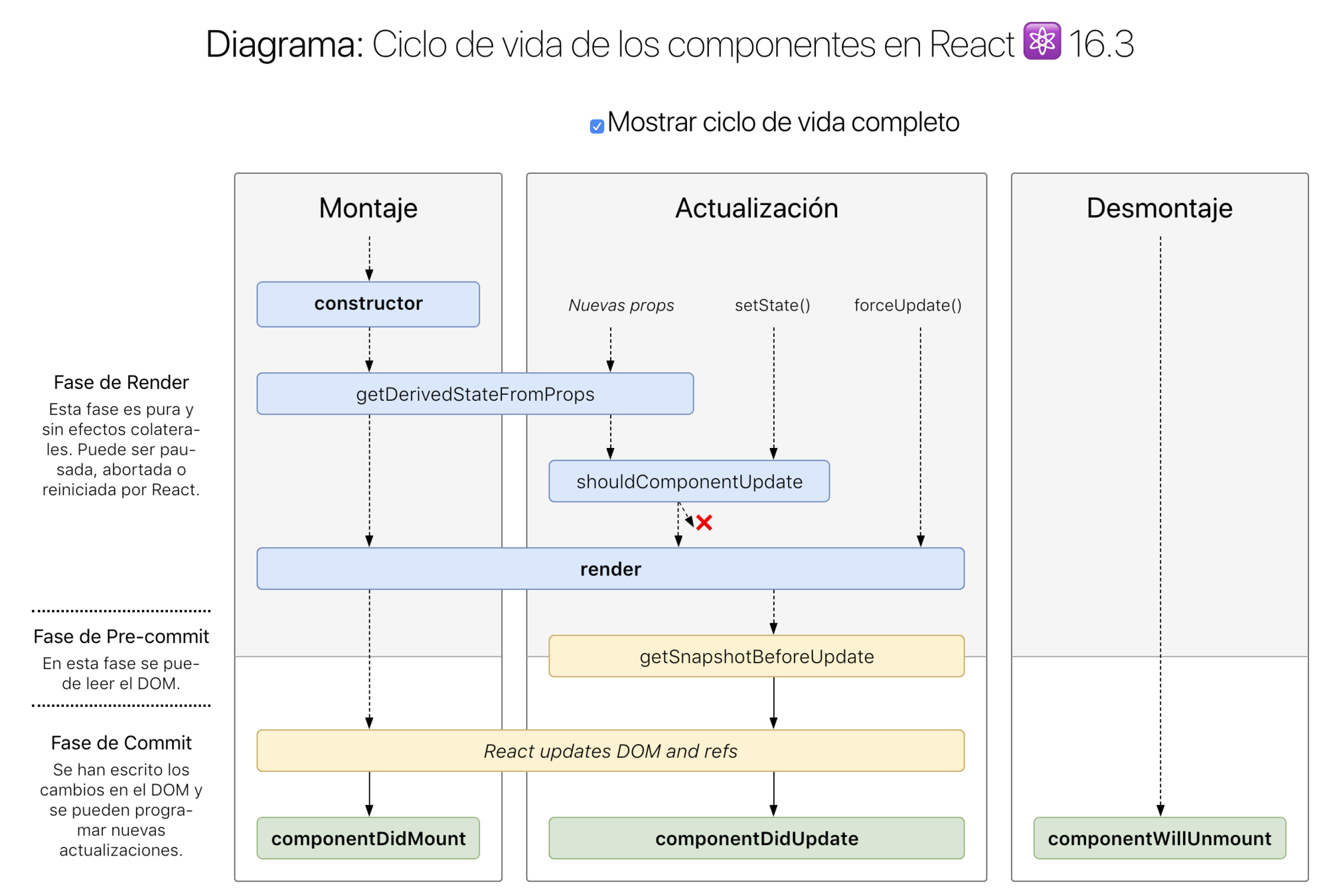
<Fetch API />
Fetch API
Fetch provides a generic definition of Request and Response objects. Takes one mandatory argument, the path to the resource and returns a Promise "
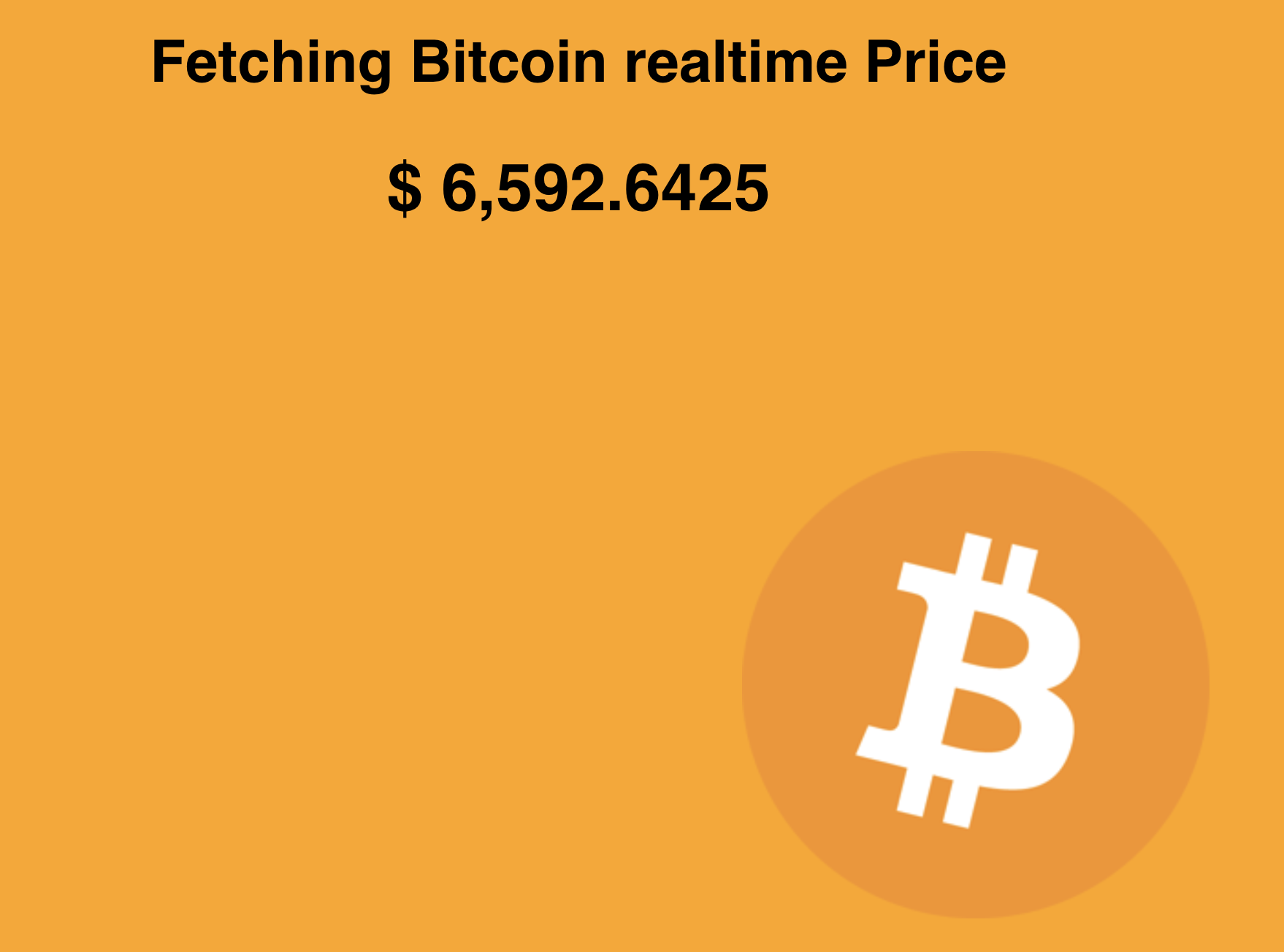
Exercise!! 💻
<MoviesApp />
📽
https://codesandbox.io/s/0340po8vy0
http://www.omdbapi.com/
API KEY: 9ea9d9a4