10 minute learns
FutureWeb:
Progressive Web Apps, WebAssembly
& More
Progressive Web Apps (PWA's)

What & !What
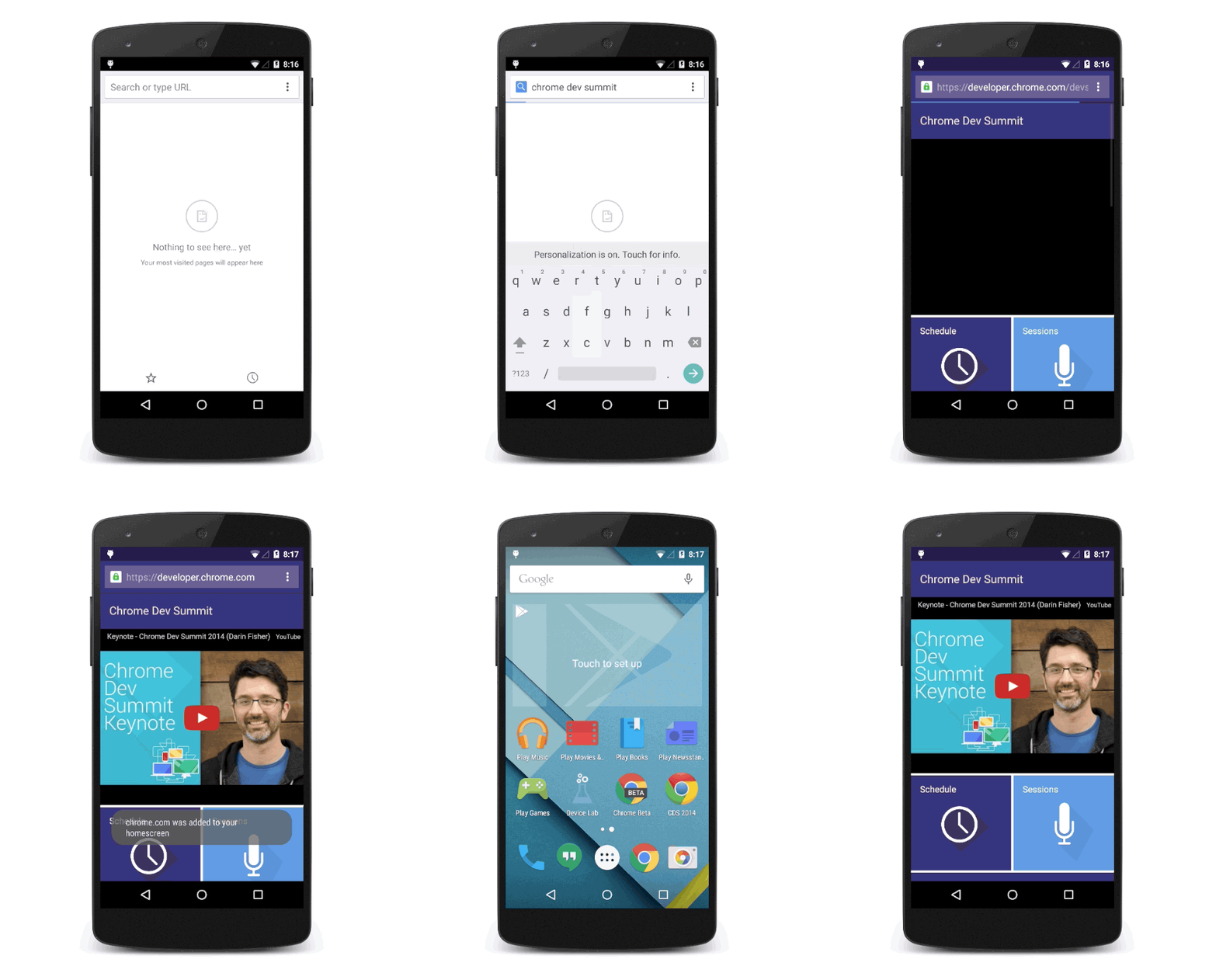
- 🌴 Deliver a native-like experience directly via the browser on all platforms (support for modern browsers and OS versions)
- 🎁 Let's you treat and deliver your website like a native app, right to users home screens + desktops
- 📸 Utilise hooks into platform + hardware e.g., biometrics, cameras
- 👫 Not a replacement for mobile development frameworks (yet) such as Ionic + React-Native, for now they are supplementary / independent
- 🔫 Not a silver bullet to replace rich native mobile experiences (yet), platforms will always have new features available to themselves first
Why
- UX: Deliver a better, faster and more reliable user experience
- SEO: Google favours PWA enabled websites
- Secure: HTTPS only
- Multithreading: Offload expensive tasks to service workers i.e., re-engage with desktop push notifications
- Fast and reliable: hand off browser cache control, offline support, unlimited (😅) storage capabilities
- DRY: Write once (literally), deploy anywhere. Microsoft will be the first marketplace to accept all PWA's in their app store with Google hinting they will follow. Your move Apple.
- Support: Any browser and any device
How
- Add a service-worker.js file to your application
- Include service-worker.js file in your index.html
-
Voila!
Take it to the next level with Google Workbox, a tool which you can add to your webpack build process which gives you all of the basic benefits out of the...workbox...with very little effort
Demo
Starbucks:
Resources
-
Service Workers Cookbook
https://serviceworke.rs/ -
PWA examples
https://pwa.rocks/ -
Google Workbox
https://developers.google.com/web/tools/workbox/guides/get-started -
Getting started w/Cleveroad
https://www.cleveroad.com/blog/how-to-build-a-progressive-web-app-best-tools-and-examples
WebAssembly
What & !What
-
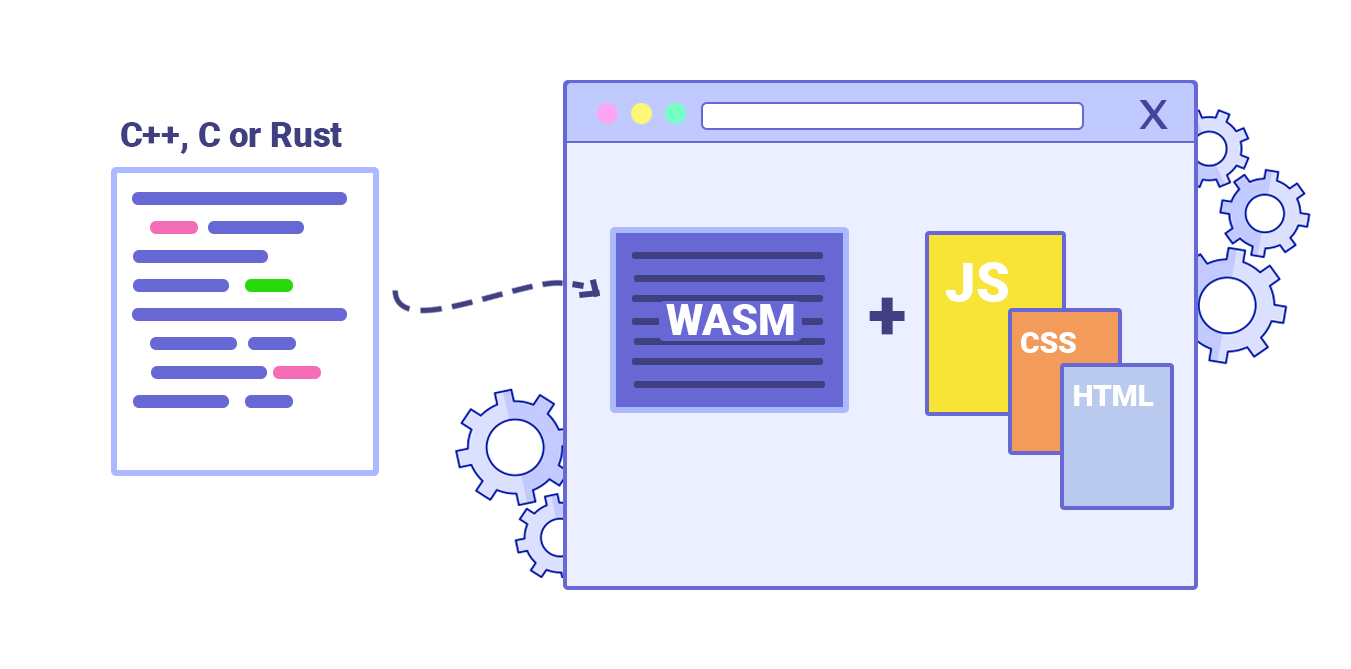
⚙️ New type of code that can be run in browsers, which traditionally only supported JavaScript
-
Write in higher level languages e.g., C, C++, Rust and compile to WebAssembly bytecode, which is then run on the client (browser) where it is translated to native machine code and executed at high speed
Why
-
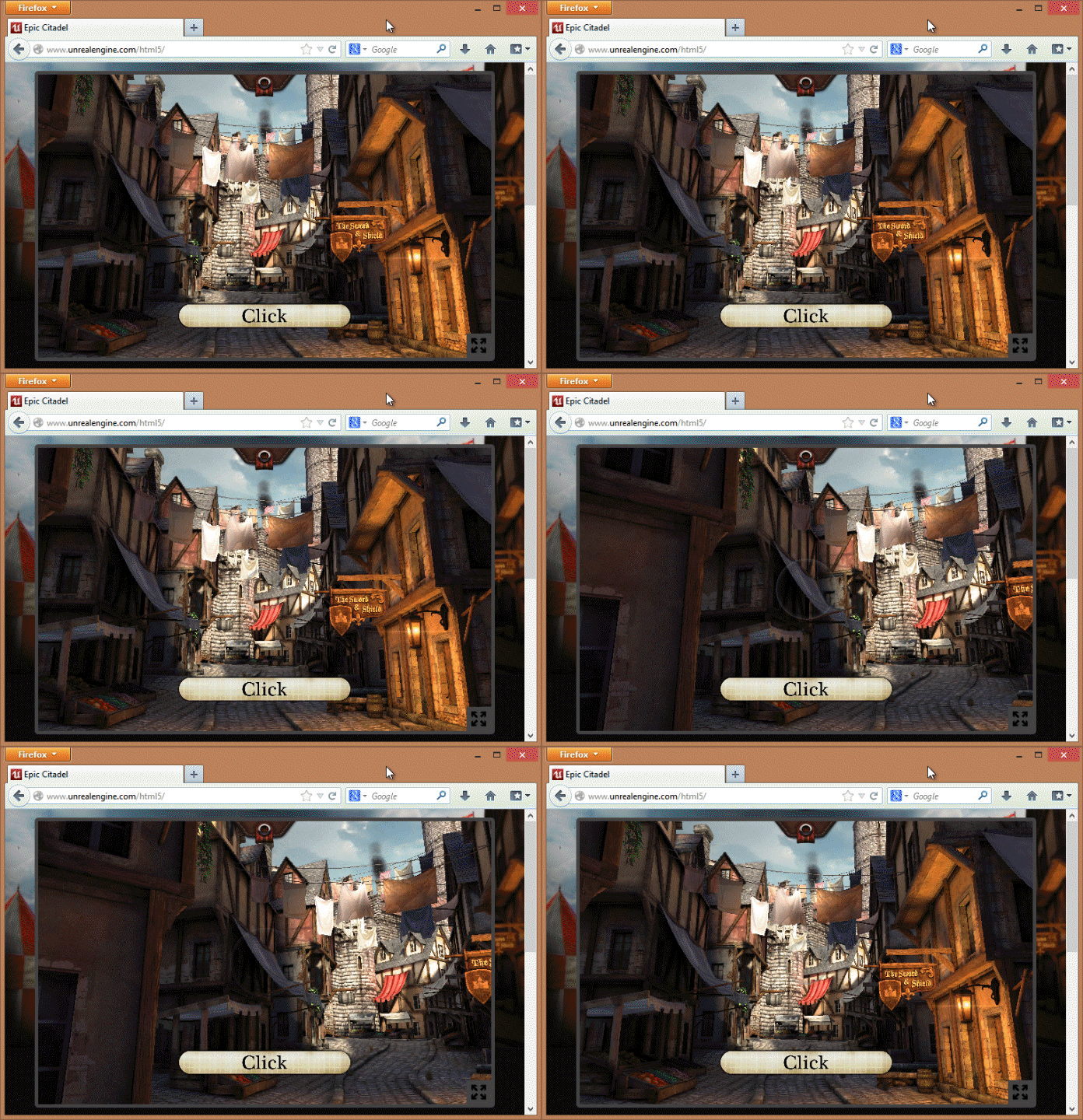
Gives ability to perform highly expensive computational procedures, such as 3D rendering and artificial intelligence algorithms, in realtime all in a browser
How
- Write: Write something in C, C++, or Rust
- Compile: Compile it into WebAssembly, giving you a binary .wasm file
- Include: Get that .wasm file into a project
- Instantiate: Write a bunch of asynchronous JavaScript that will compile the .wasm binary and instantiate it into something that JS can play nicely with.
Demo
Zen Garden (Mozilla): https://s3.amazonaws.com/mozilla-games/ZenGarden/EpicZenGarden.html
Resources
- Getting started with WebAssembly: https://medium.freecodecamp.org/get-started-with-webassembly-using-only-14-lines-of-javascript-b37b6aaca1e4
& More: WebAuthn
-
Access superior hardware security, such as mobile device biometrics, to authenticate your users in browsers
Demo & Resources
- W3C Demo:
https://webauthn.org/ - Google Sample code:
https://github.com/google/webauthndemo
& More: MediaSource()
-
Perform media streaming, such as live video chats, seamlessly in the browser via JavaScript