WeVideo
- Make sure you have got some headphones
- Log into your computers
- Log into Google Classroom
- Find the section "Creative Video Project" in your classwork
Learning Objectives:
- To know how we video can be used to create video files
- To learn the key features of WeVideo
Learning Objectives:
- To know how we video can be used to create video files
- To learn the key features of WeVideo
Project Tasks
- Target Audience Research
- Storyboard for your Video
- Video Production
a. Created in WeVideo
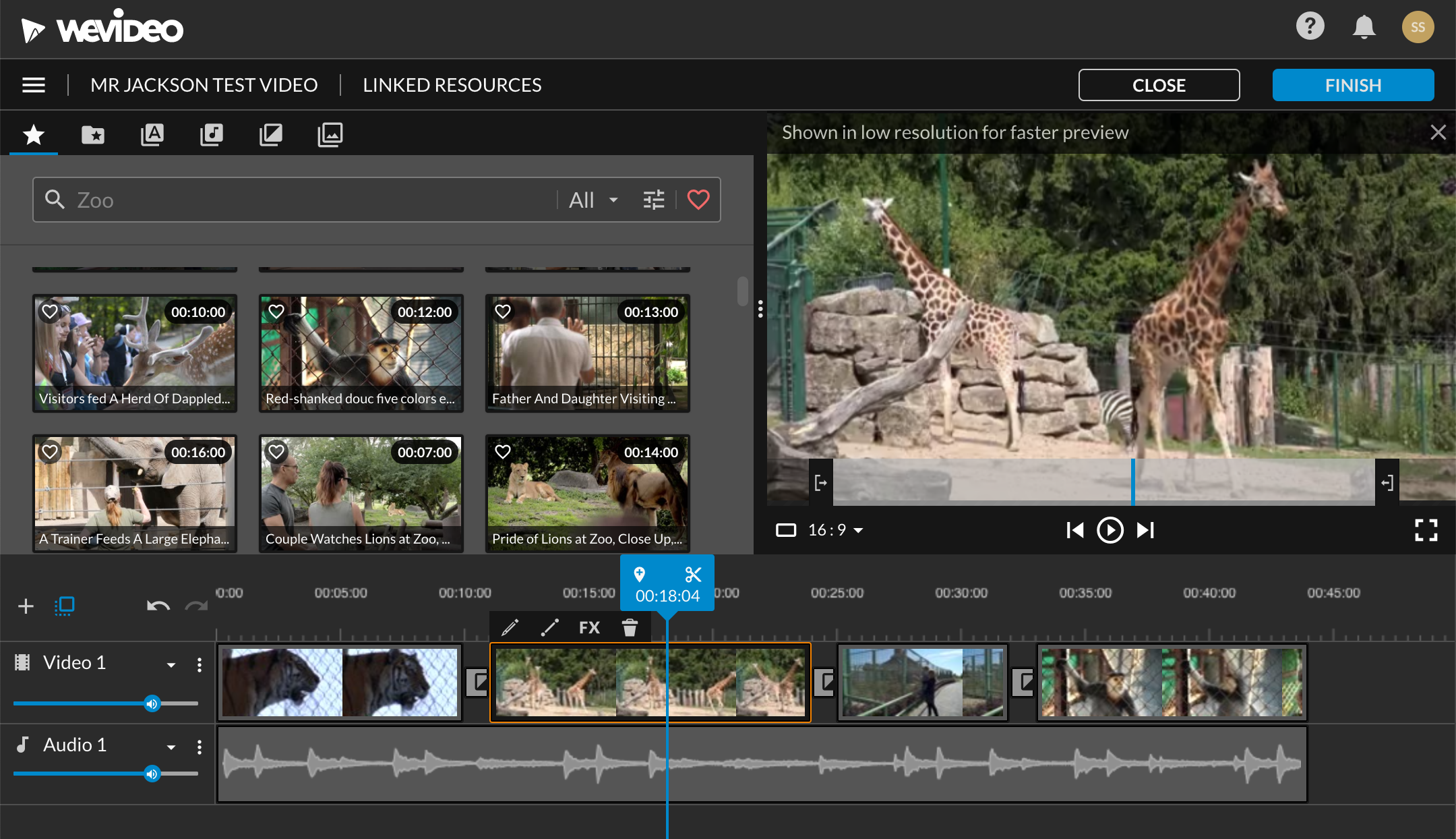
Demonstration
Learning Objectives:
- To know how we video can be used to create video files
- To learn the key features of WeVideo
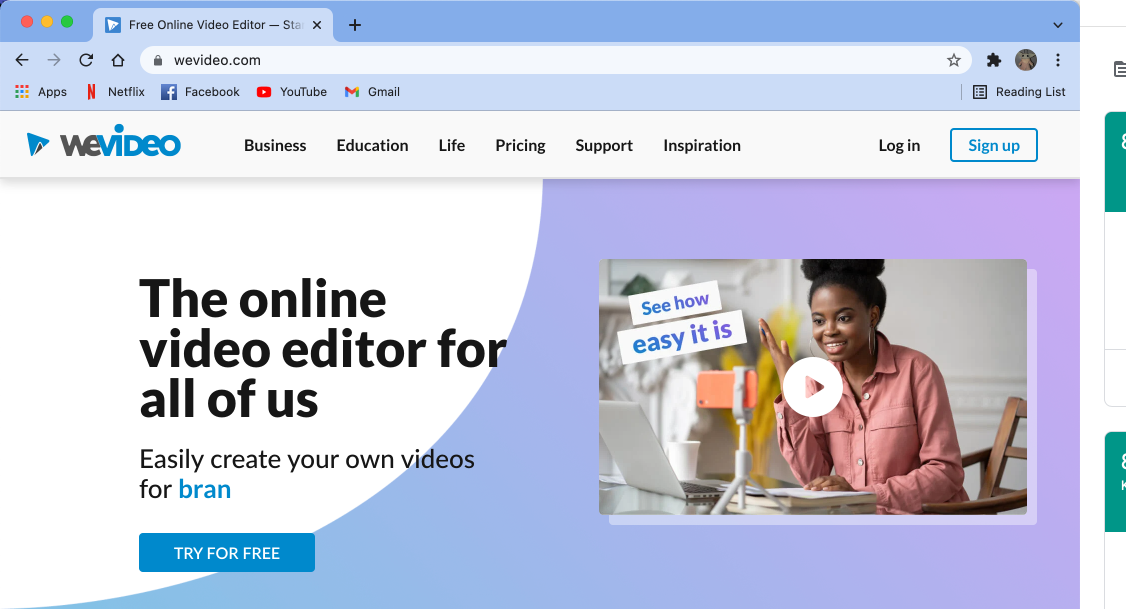
Logging In
Learning Objectives:
- To know how we video can be used to create video files
- To learn the key features of WeVideo
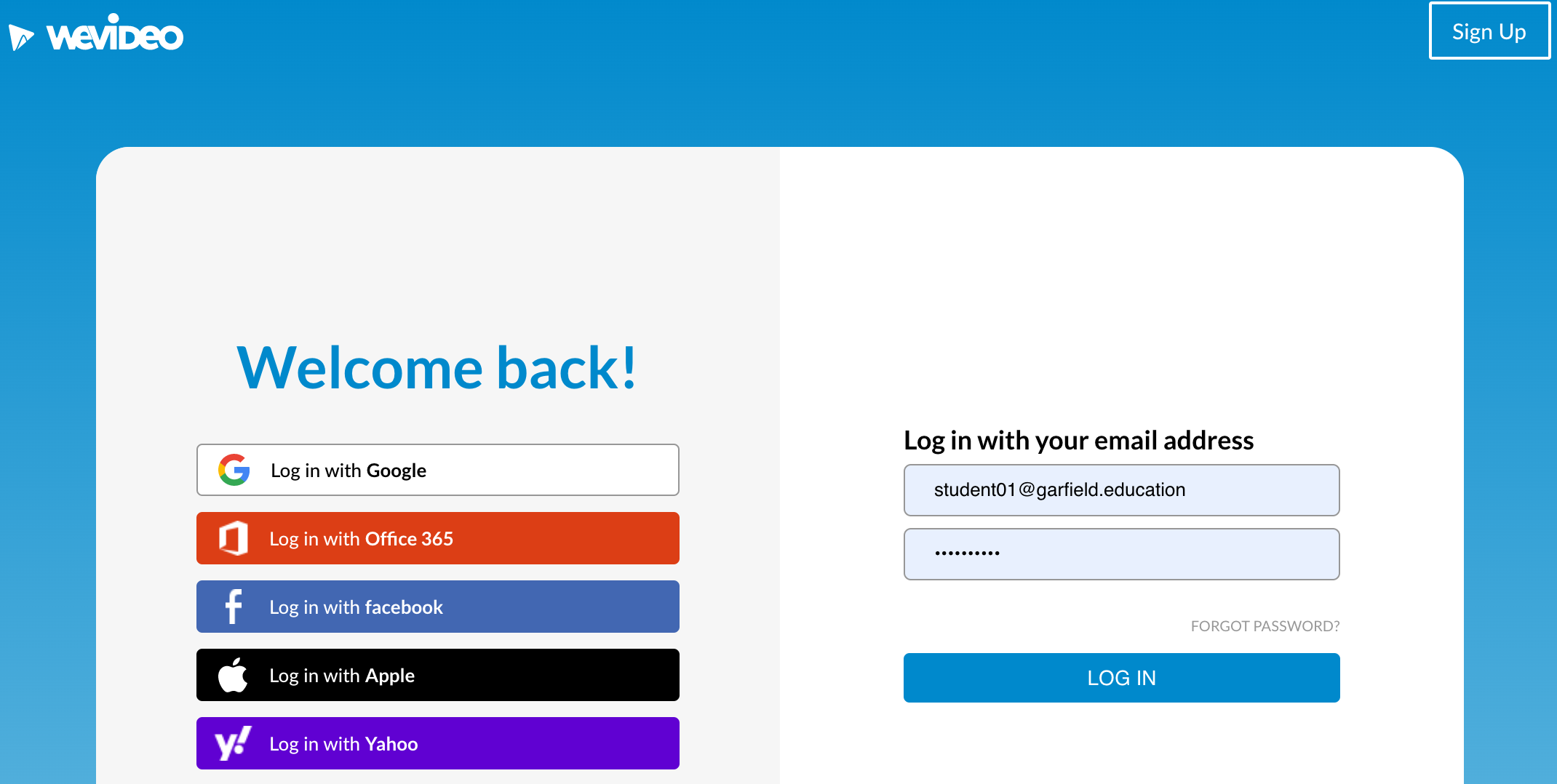
Log in with the username and password you have been given
(Write down your details somewhere safe)
Learning Objectives:
- To know how we video can be used to create video files
- To learn the key features of WeVideo
Work through the following tasks:
- Create your first video
- Add in some of the sample clips and audio
- Use transitions and Text in the video
- Put your hand up once you have finished and show me
Click on the star to find the sample videos
Click on the musical note to find the audio
Click on the letter A to find the motion text