Form 6 - Computer
2026-2027
Rooftop - Computer Room
Mr. Peter, Mr Lucas
Course Introduction

Santa Rosa de Lima English Secondary School
聖羅撒英文中學
Colégio de Santa Rosa de Lima - Secção Inglesa
Outline
Rules in the Computer Lab
1.
Ensuring a safe and productive digital learning environment
Extra marks
2.
Unlocking opportunities for academic excellence and recognition
Assessment Criteria
3.
Understanding and mastering the updated assessment criteria
Teaching Plan & Reference Books
4.
Optimizing assessment criteria, teaching plans, and reference materials
Computer Room Opening Time
5.
Focusing on resources, and facility access for student success
Mr. Peter Chan
About Us

Mr. Lucas Chan
Rules in the Computer Lab
Rules in the Computer Lab
Seated by class number
Students who leave the room will be marked


Rules in the Computer Lab
No social media website or apps
No Sound


Rules in the Computer Lab
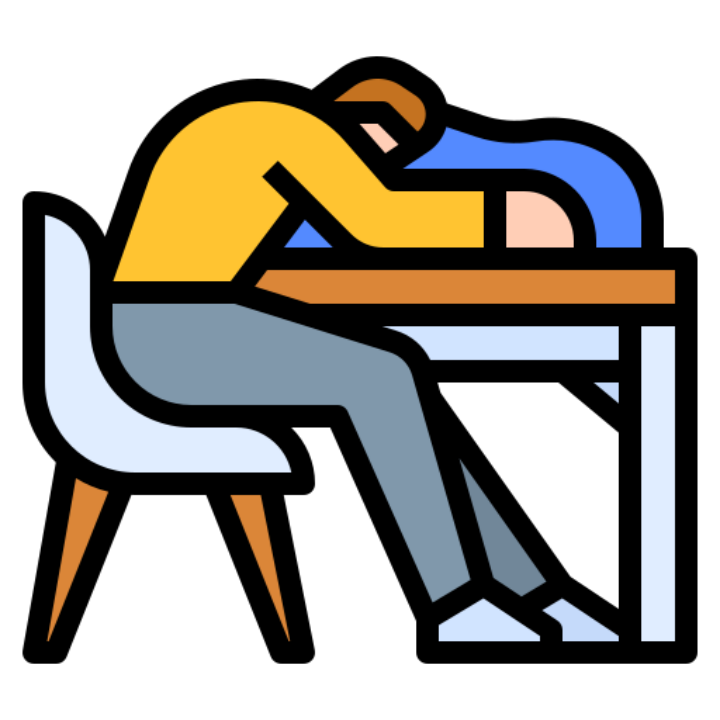
No Sleeping
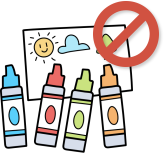
No Drawing
Rules in the Computer Lab
Take notes

Extra marks
Extra marks
Certificates
Competition Awards
Extra marks



Computer Science
Software Application
Multimedia
There types of competition
Assessment Criteria
Assessment Criteria
| 1st Term | 2nd Term |
|---|---|
| 40% Daily Performance | 40% Daily Performance |
| 60% Tests | 60% Test & Project |
| No Exam | No Exam |
Teaching Plans
Teaching Plans
SQLite
CapCut
1st and 2nd Term2nd Term

Computer Room Opening Time
Computer Room Opening time
Floor 2 Computer RoomVenue
Monday ~ FridayDate
1:05 ~ 1:50 PMTime
Monday, TuesdayComputer Competitions
Computer Competitions


Computer Competitions


What Is Generative AI
- Tools that create new content — text, images, code, audio, video — from your prompts
- Examples: ChatGPT, Claude, Gemini, Copilot, image generators like DALL-E and Midjourney
- It doesn't "know" facts — it predicts likely responses based on patterns in its training data
Why Academic Integrity Matters Here
- Your schoolwork should show your understanding, not what a chatbot produced
- Submitting generative AI output as your own work is plagiarism
- The goal of school is learning — outsourcing your thinking means outsourcing your education
Learning Aid vs. Learning Substitute
- ✅ Aid: "Explain photosynthesis in simpler terms" — you still do the thinking
- ❌ Substitute: "Write my essay on photosynthesis" — the AI does the thinking for you
- The key question: Am I using this to understand, or to avoid the work?
Acceptable Uses (Always Check Your School's Policy First)
- Getting a difficult concept explained a different way
- Brainstorming topic ideas before starting your own work
- Generating practice questions to test yourself
- Getting feedback on a draft you wrote (where permitted)
Unacceptable Uses
- Copying and submitting AI-generated essays, answers, or code as your own
- Lightly rewording AI output to make it look like your writing
- Using AI during tests or assessments where it's banned
- Generating fake quotes, sources, data, or images to support your work
Generative AI Makes Things Up
- "Hallucinations": AI confidently invents facts, statistics, quotes, and citations that don't exist
- It can be biased, outdated, or simply wrong — and it won't warn you
- You are responsible for every error in the work you submit
Be Transparent — Acknowledge Your Use
- If your teacher allows AI, say how you used it (e.g., "I used ChatGPT to brainstorm ideas")
- Check if your school has a citation format for AI tools
- Hiding AI use is dishonest — asking first is always safe
Other Risks to Know
- Privacy: Never enter personal details about yourself or others — your prompts may be stored and used
- Detection: Teachers can often recognise AI writing, and dishonesty has real consequences
- Skills: Over-reliance weakens the writing, reasoning, and problem-solving skills you'll need later
The Bottom Line
- Generative AI is powerful — use it to support learning, never to replace it
- Be honest, be transparent, verify everything, and follow your school's rules
- Ask yourself: "Could I explain and defend this work without the AI?"
Academic Integrity
1. Suspicious Acts and Plagiarism
Inappropriate academic behaviors include, but are not limited to:
- Plagiarism.
- Submitting a classmate's file as your own work.
- Completing homework or classwork on behalf of another student.
Academic Integrity
Penalties for General Tasks (Homework/Classwork)
If a student commits any of the suspicious acts mentioned above on standard tasks, the following penalties apply:
- Academic Penalty: Zero marks for that specific task.
Disciplinary Action (Tracked per academic year):
- 1st Offense: Written Warning.
- 2nd Offense: Demerit.
2.
Academic Integrity
3. Penalties for Projects
Because formal projects carry significant weight and require sustained independent effort, plagiarism on a project is strictly prohibited and results in a heavier, immediate penalty:
- Academic Penalty: Zero marks for the entire project.
- Disciplinary Action: One Demerit immediately.