Introduction to Go

SHODO

Hello! I'm Nathan.

- Co-founder of Shodo Lille
- Backend developer
- Pushing Go to production since 2014
- Worked 10 years at OVHcloud
- Inclusion & Diversity activist
- https://bento.me/nathan-castelein
What about you?
The next four hours
Welcome to the "Introduction to Go" training
This presentation is in English. Many terms do not have a proper translation in French.
If you have any question at any time, feel free to ask.
Schedule
Morning session
- 9h: Session start
- 10h: 5 minutes break
- 11h: 10 minutes break
- 12h: 5 minutes break
- 13h: Session ends
Afternoon session
- 14h: Session start
- 15h: 5 minutes break
- 16h: 10 minutes break
- 17h: 5 minutes break
- 18h: Session ends
What do you expect
from this training?

Content
- A Story of Go
- Running your first program
- Working with an IDE
- Learning Go syntax
- (Write your first HTTP API)
A four-hours training means ...
- Something like 70% of theory, 30% of practice
- A lot of resources will be provided to go further outside of the training session
- Some topics are excluded from this training session
- Sometimes, it's my point of view
- I'm available for any question following the session: nathan.castelein@shodo-lille.io
Prerequisites
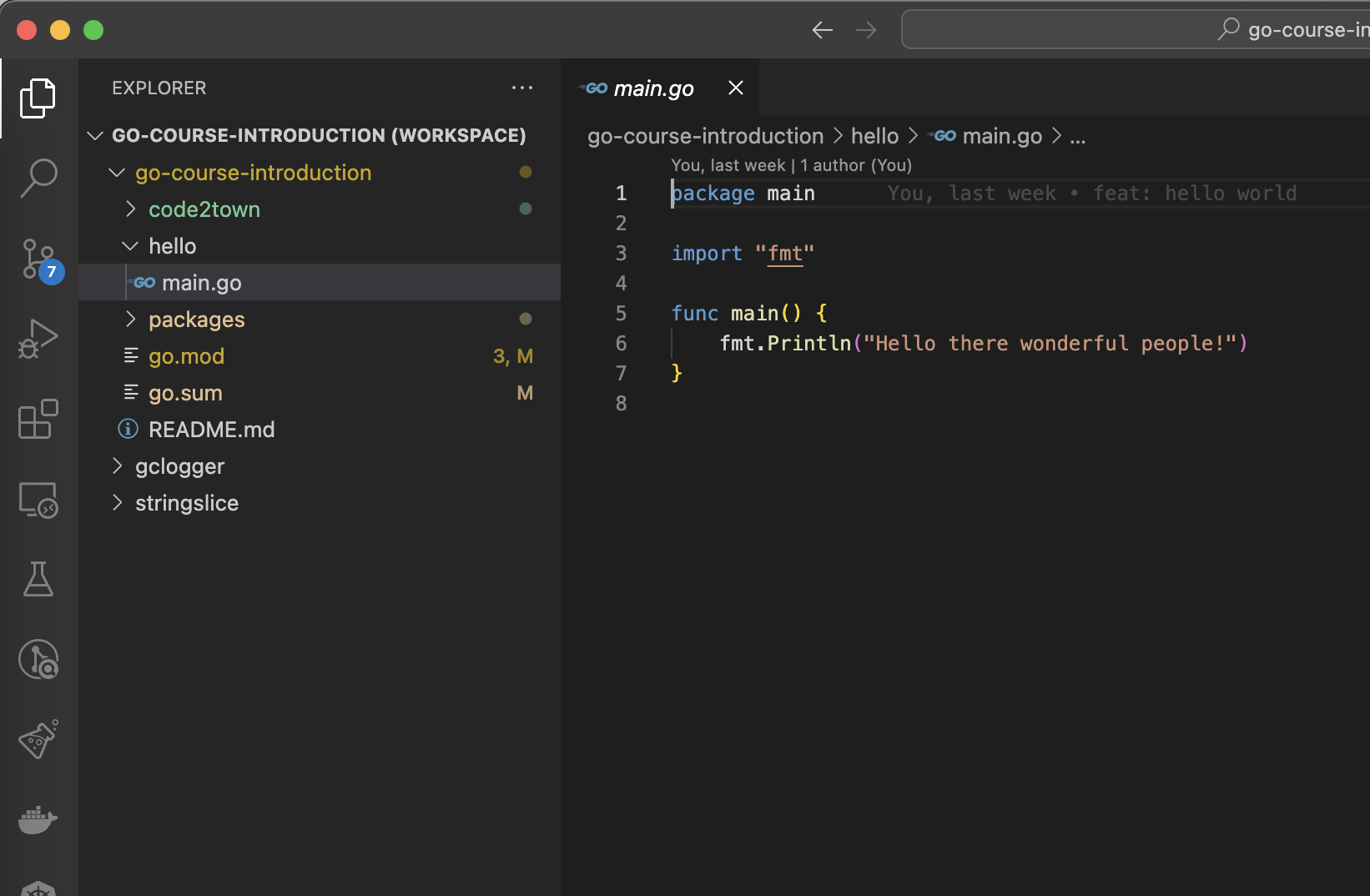
- Go v1.21+
- Visual Studio Code
- Git
The project: FizzBuzz kata

A kata is a simple programming exercise, useful to practice and learn new things.
FizzBuzz is a kata with simple rules: a function that, for a given number, will return:
- Fizz if number is a multiple of 3
- Buzz if number is a multiple of 5
- FizzBuzz if number is multiple of 3 and 5
- The number otherwise
A Story of Go
Back in 2007, in Google's office
Three knights of programming were looking for a language that meets the scale of the company.
Robert Griesemer, Rob Pike and Ken Thompson had three main considerations:
- efficient compilation
- efficient execution
- ease of programming
Robert Griesemer
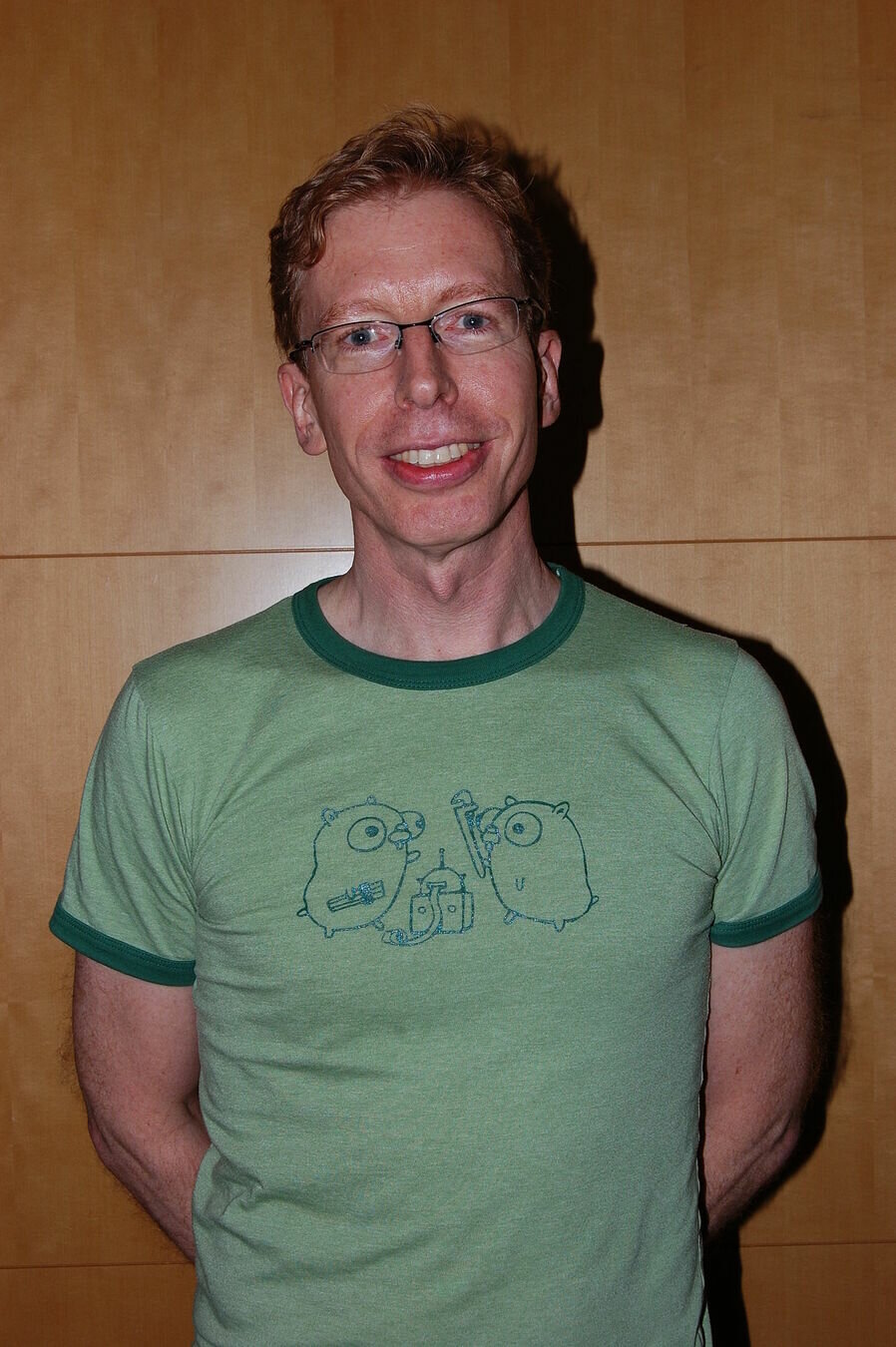
Software developer.
Worked at Google, on compiler, and JavaScript v8 engine.
Rob Pike
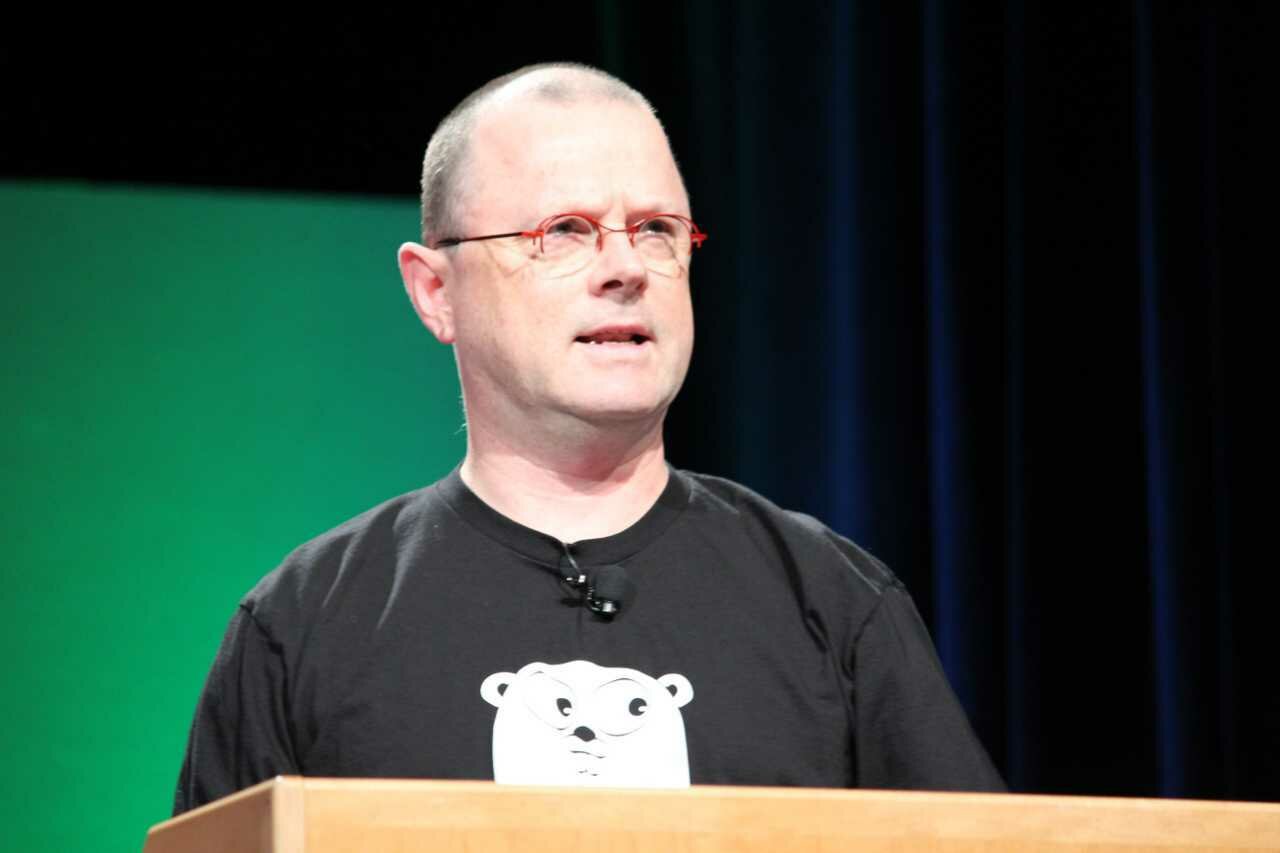
Member of the Unix system team at Bell Labs.
Work at Google since 2002.
Co-author of "The Practice of Programming".
Co-creator of UTF-8.
Ken Thompson

Member of the Unix system team at Bell Labs.
Work at Google since 2006.
Designer of the Unix System.
Inventor of B language.
Timeline
09-2007
Design began as a 20% project at Google
11-2009
Language is open-sourced
03-2012
First stable version, Go 1.0, released
02-2025
Go 1.24, latest version, released
03-2022
Go 1.18 released, with generics
...
Go 2.0?
The next major release
Meet the gopher
The Golang mascot!
Designed by Renee French since the birth of the project.

Go or Golang?
Go is the official name of the language.
To make things easier while searching for information about the language, registering a domain name, etc., Golang name was created.
If you're searching on Google, then Golang should preferably used for now.
Why using Go?
| Pros | Cons |
|---|---|
| Simplicity | Too simplistic |
| Strong typing | Lack of maturity |
| Fast compile time | Not really OOP |
| Memory efficient | Not suited for large codebase |
| Garbage collection | |
| Concurrency | |
| Tooling & community |
Famous Go projects




Want to know more on Go usage?
Check this survey: https://go.dev/blog/survey2021-results

Running your first program
Test your installation
$ go version
go version go1.23.5 darwin/arm64

$ go run -h
usage: go run [build flags] [-exec xprog] package [arguments...]
Run 'go help run' for details.
Run your first program
$ git clone https://github.com/nathancastelein/go-course-introduction.git
Cloning into 'go-course-introduction'...
remote: Enumerating objects: 8, done.
remote: Counting objects: 100% (8/8), done.
remote: Compressing objects: 100% (5/5), done.
remote: Total 8 (delta 0), reused 5 (delta 0), pack-reused 0
Receiving objects: 100% (8/8), done.
$ cd go-course-introduction
$ go run hello/main.go
Hello there wonderful people!Hello World!
package main

import "fmt"

func main() {
	fmt.Println("Hello there wonderful people!")
}
Go official tools
Go, the magic wand
Run, build, test, ...
Many options to interact with your code.
go.dev, the resource center
All resources to learn Go and get the best practices
Go, the magic wand
Go, the magic wand
$ go help
Go is a tool for managing Go source code.

Usage:

        go <command> [arguments]

The commands are:

        bug         start a bug report
        build       compile packages and dependencies
        clean       remove object files and cached files
        doc         show documentation for package or symbol
        env         print Go environment information
        fix         update packages to use new APIs
        fmt         gofmt (reformat) package sources
        generate    generate Go files by processing source
        get         add dependencies to current module and install them
        install     compile and install packages and dependencies
        list        list packages or modules
 ...
Go run
Run compiles and runs the named main Go package.
Only work on main package.
$ cd hello
$ go run main.go
Hello there wonderful people!
$ go run .
Hello there wonderful people!

$ cd ../syntax
$ go run .
package github.com/nathancastelein/go-course-introduction/syntax is not a main package
Go build
Build compiles the packages, along with their dependencies, but it does not install the results.
Build an executable if executed in main package.
➜  hello git:(main) ✗ ls
main.go
➜  hello git:(main) ✗ go build
➜  hello git:(main) ✗ ls
hello   main.go
➜  hello git:(main) ✗ ./hello
Hello there wonderful people!
Go install
Install compiles and installs the packages.
Executables are installed in $GOBIN, which defaults to $GOPATH/bin or $HOME/go/bin if the GOPATH is not set.
➜  hello git:(main) ✗ go install
➜  hello git:(main) ✗ which hello
/Users/nathan/go/bin/hello
➜  hello git:(main) ✗ hello
Hello there wonderful people!
➜  hello git:(main) ✗ ls
main.go
Go fmt
Run gofmt -l -w.
Gofmt formats Go programs. It uses tabs for indentation and blanks for alignment.
package main

import "fmt"

func main() {
	fmt.Println("I'm using a useless semicolon!");
		fmt.Println("I'm badly indented!")
fmt.Println("Me too!")
}
package main
import "fmt"
func main() {
fmt.Println("I'm using a useless semicolon!")
fmt.Println("I'm badly indented!")
fmt.Println("Me too!")
}package main
import "fmt"
func main() {
fmt.Println("I'm using a useless semicolon!");
fmt.Println("I'm badly indented!")
fmt.Println("Me too!")
}Go test
Test automates testing packages.
It recompiles each package along with any files with names matching the file pattern "*_test.go".
➜  fmt ✗ ls *_test.go
errors_test.go             export_test.go             gostringer_example_test.go state_test.go              stringer_test.go			example_test.go            fmt_test.go                scan_test.go               stringer_example_test.go

➜  fmt ✗ go test .
ok      fmt     0.452s
go.dev, the resource center
go.dev, the resource center
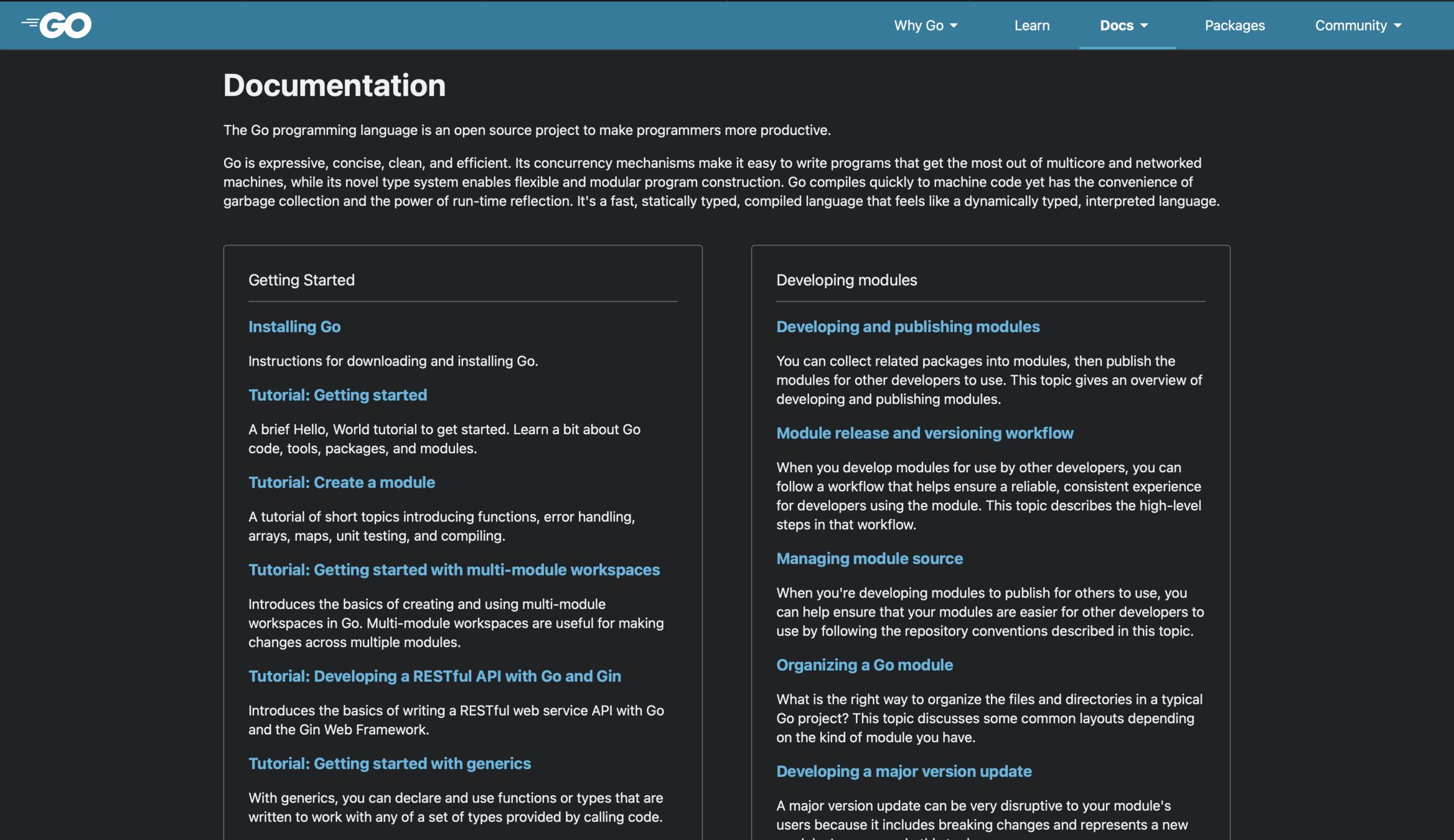
A Tour of Go
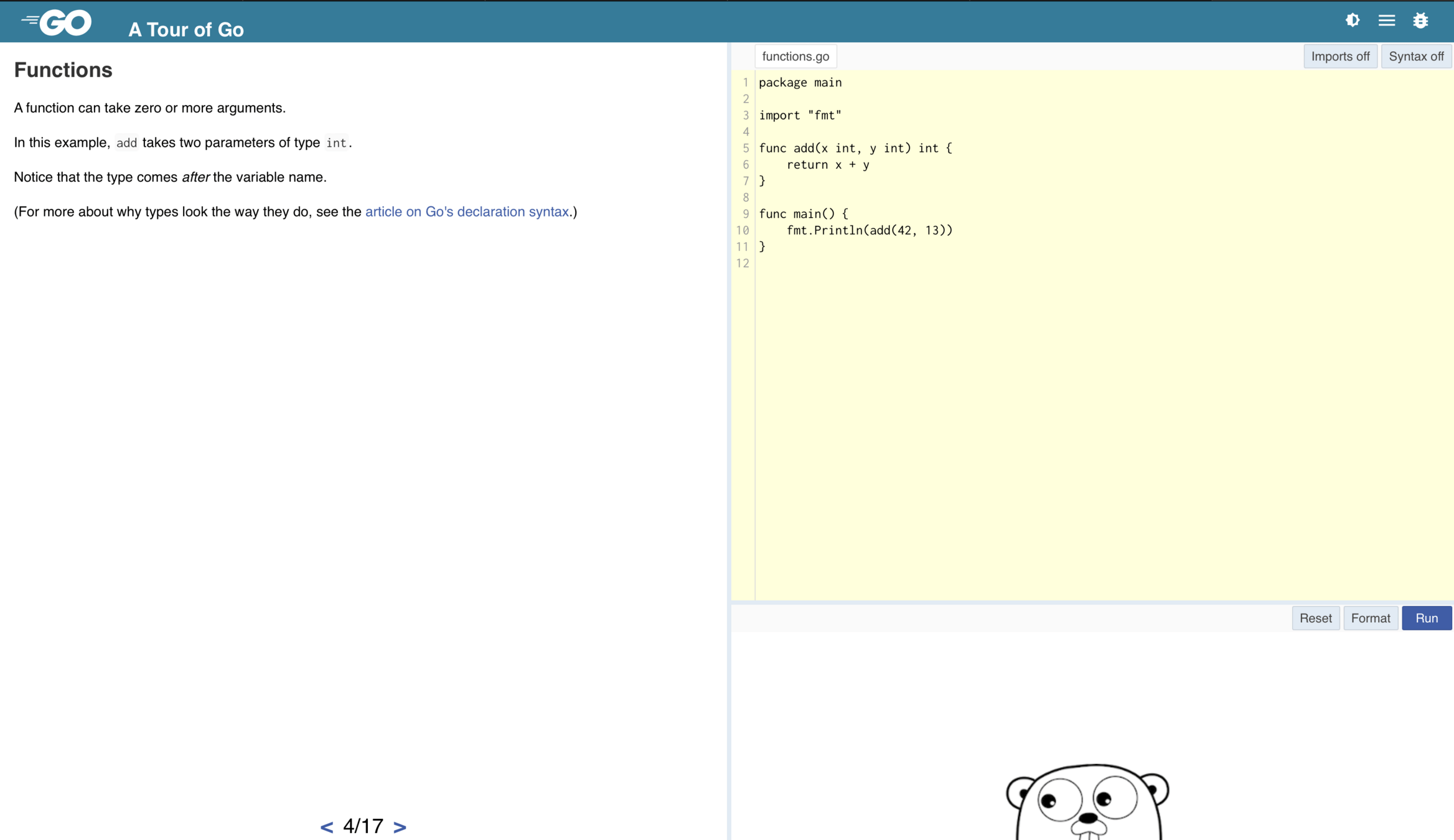
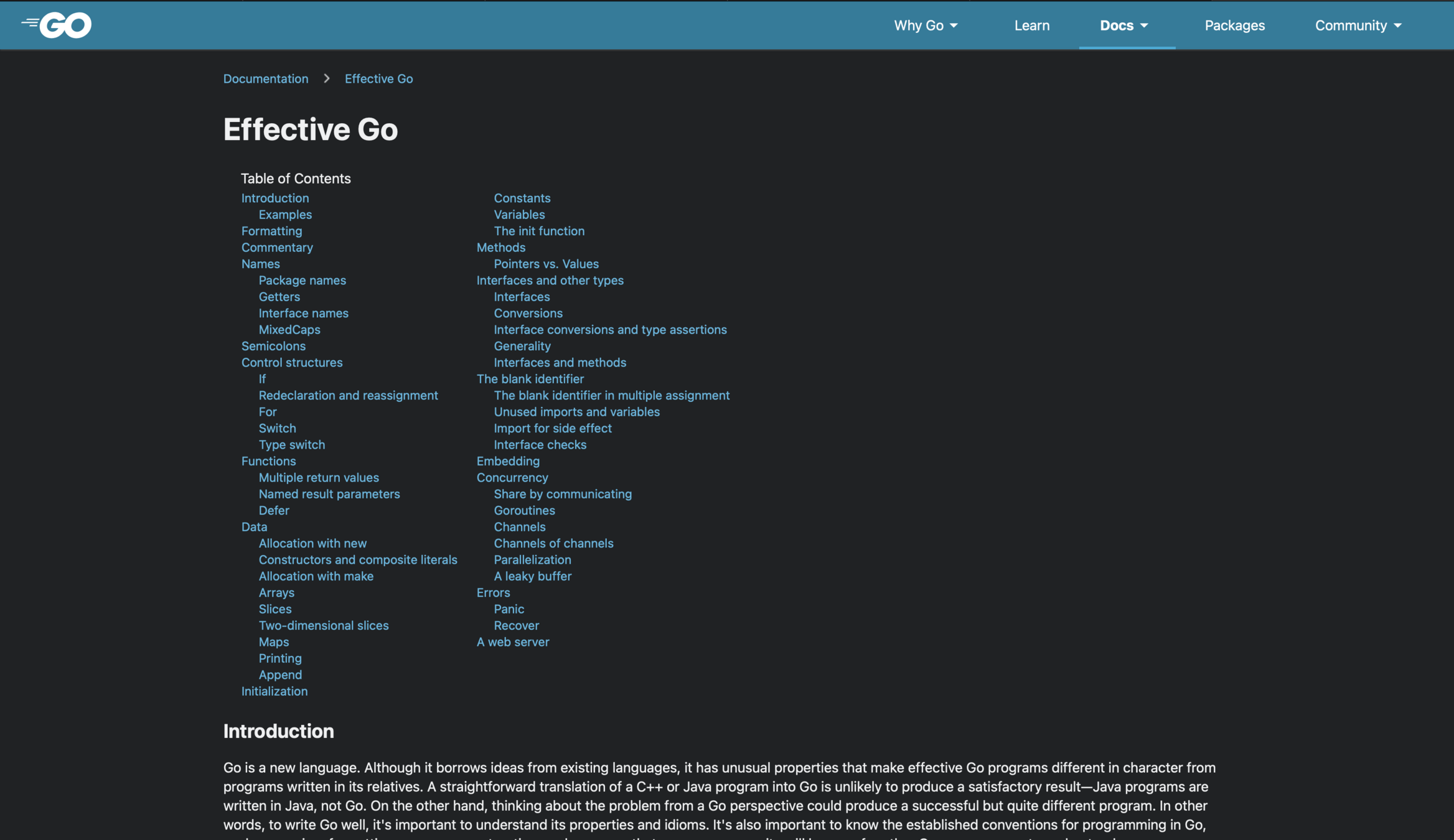
Effective Go
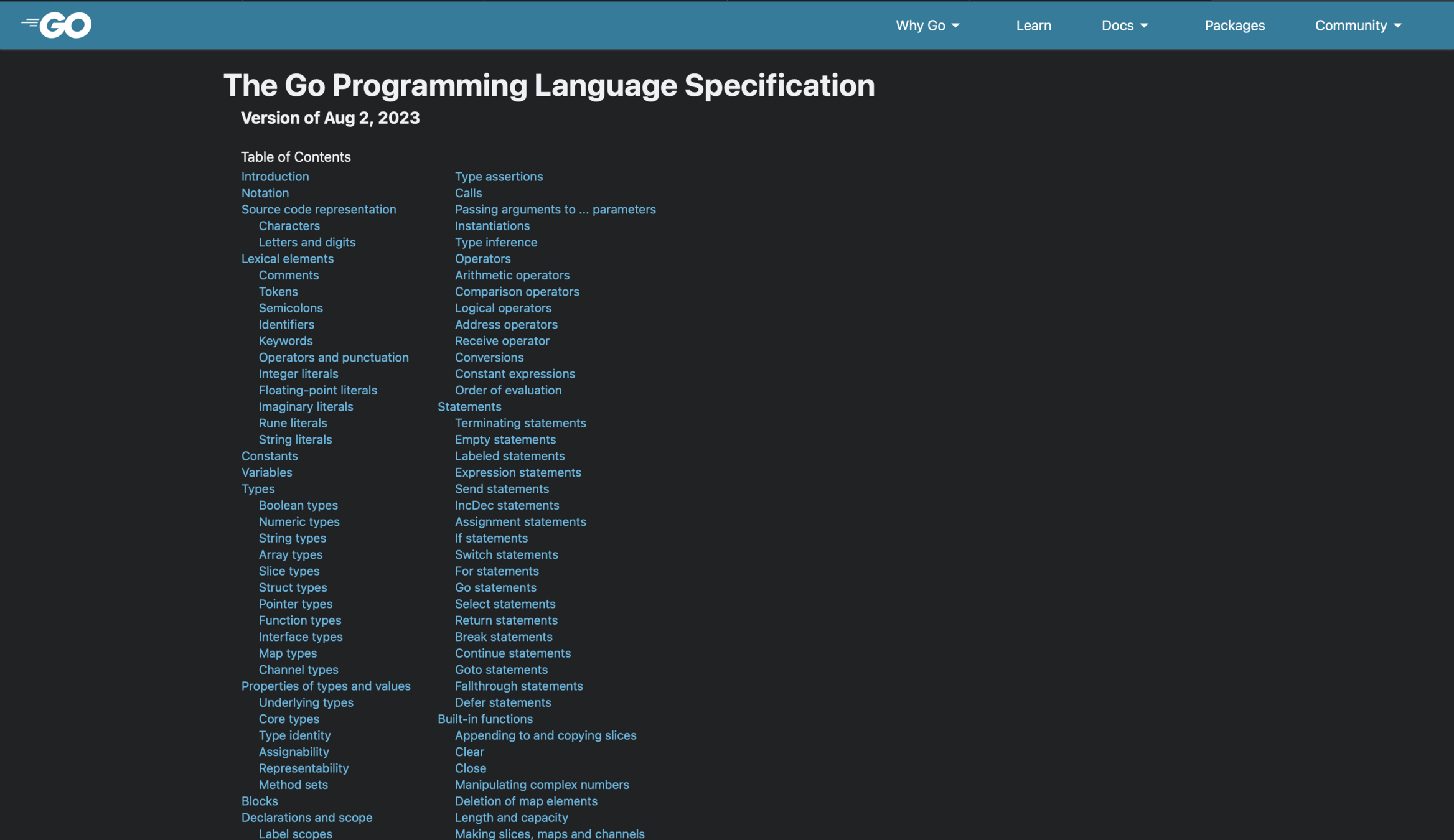
Go language Specification
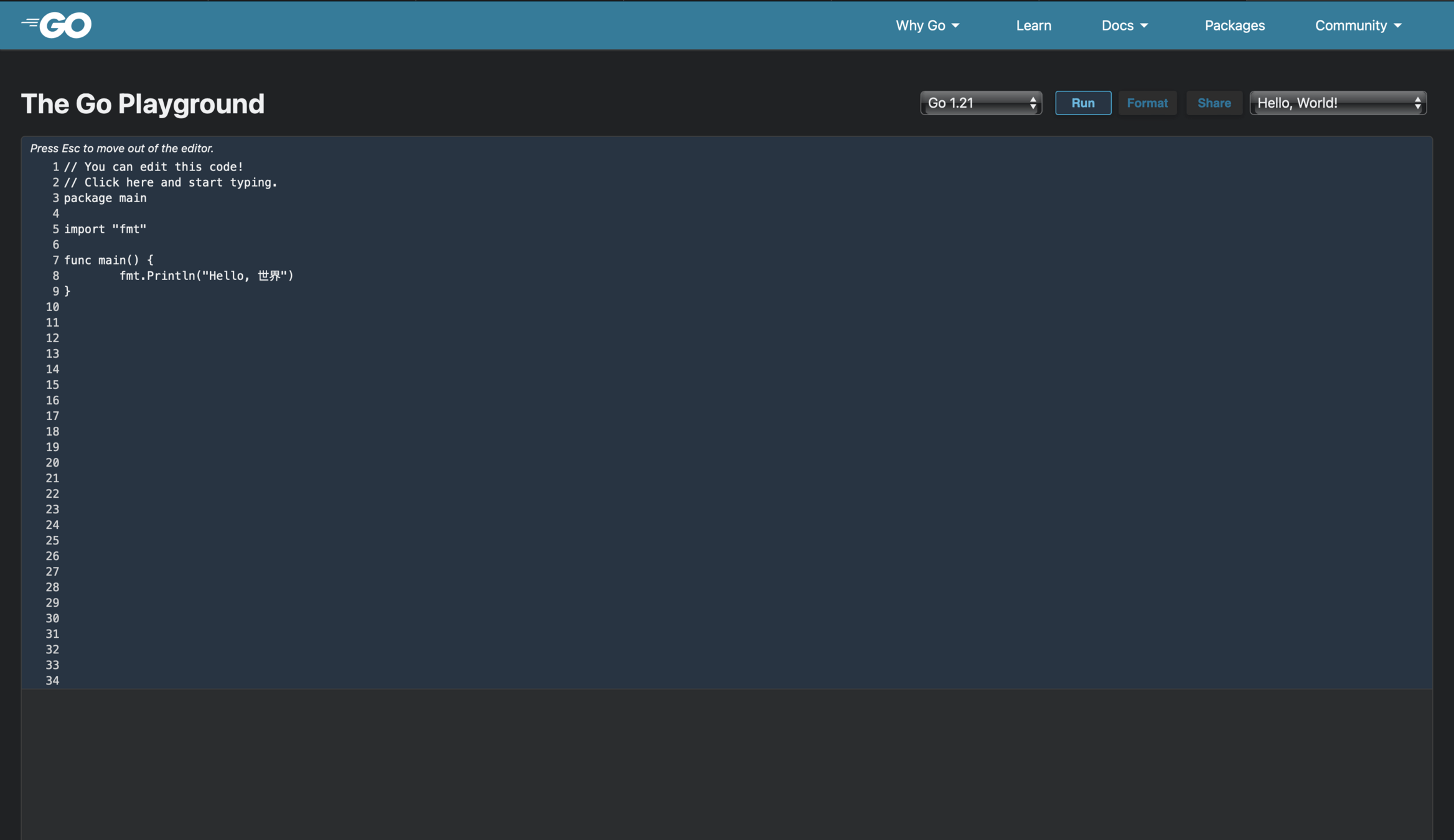
Go Playground
go.dev in a nutshell
| A Tour of Go | Learn Go in an interactive way | https://go.dev/tour/welcome/1 |
| Go Language Specification | Syntax and specification of Go | https://go.dev/ref/spec |
| Effective Go | Tips for writing clear, idiomatic Go code | https://go.dev/doc/effective_go |
| Go Playground | Write, test and share snippets | https://go.dev/play/ |
Working with an IDE
Choose your weapon
Following a survey sent to the community in 2021, here is an overview of the most preferred editors (https://go.dev/blog/survey2021-results):
- Visual Studio Code with Go extension
- GoLand, from JetBrains
- Stand alone or IntelliJ IDEA plugin
- https://www.jetbrains.com/fr-fr/go/
- Vim with vim-go plugin
And the winner is...
Visual Studio Code
Main reasons:
- Go extension has many interesting features
- SSH Remote extension and SDEV

Go extension for Visual Code
- Gopls, or "Go Please" to provide autocomplete
- Format on save with gofmt
- Running test in one click
- Debug tool
- Autoimport
- Linter
- staticcheck: https://staticcheck.dev
- golangci-lint: https://golangci-lint.run
- Lots of configuration possible
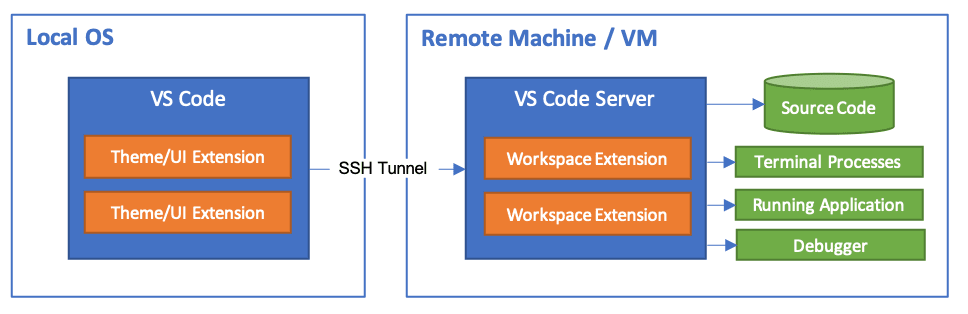
SSH Remote extension
Work on your SDEV from your local station with Visual Studio Code!
Not required for today.
Learning Go syntax
Packages and modules
Back to the Hello World!
package main

import "fmt"

func main() {
	fmt.Println("Hello there wonderful people!")
}A package is a collection of source files in the same directory that are compiled together. Functions, types, variables, and constants defined in one source file are visible to all other source files within the same package.
A module is a collection of related Go packages that are released together. A Go repository typically contains only one module, located at the root of the repository.
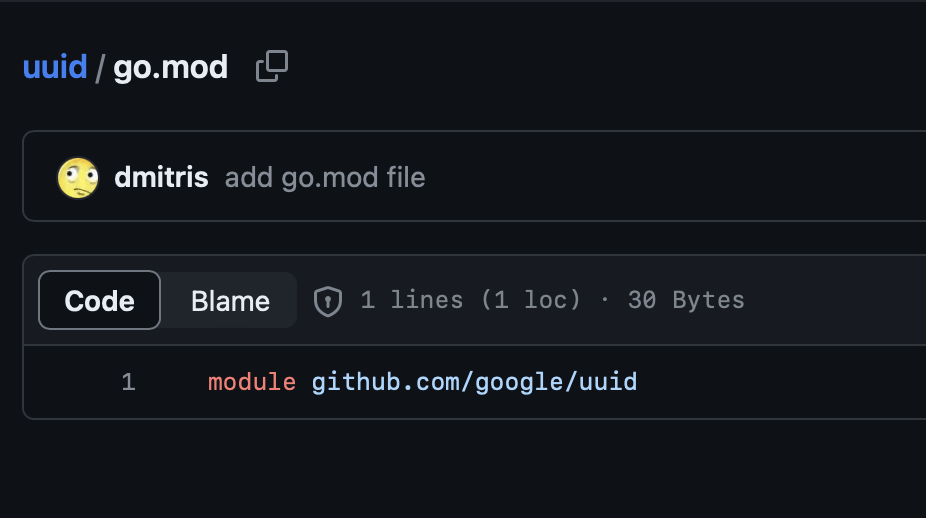
Example: uuid from Google
One module, named github.com/google/uuid, which contains one package, uuid.
Module name is defined into go.mod file.
Managing modules
Create your module (required to start your codebase):
go mod init
Importing an existing module into your module:
go get github.com/google/uuid
Managing modules
package main

import (
	"fmt"
    "github.com/google/uuid"
)

func main() {
	fmt.Println("Hello there wonderful people!")
    fmt.Printf("Here is your id: %s\n", uuid.New())
}
Using a package function from an already imported module, or a standard module:
- Add the package into your imports
- Use the package!
go.mod file
module github.com/nathancastelein/go-course-introduction

go 1.20

require github.com/google/uuid v1.5.0
Your go.mod file contains the module name, and the other modules imported by your module.
Naming a package
Package names convention:
- Short and clear
- Lowercase
- No underscore or mixedCaps
Package names
| Good | Bad |
|---|---|
| time | bare_metal |
| json | publicCloud |
| strings | utils |
| fmt | common |
Main package
The main package is a particular package for Go. It's the entry point to build an application and all of its dependencies.
The main package must have package name main and declare a function main that takes no arguments and returns no value.
package main

func main() {
....
}
Standard library
Standard lib
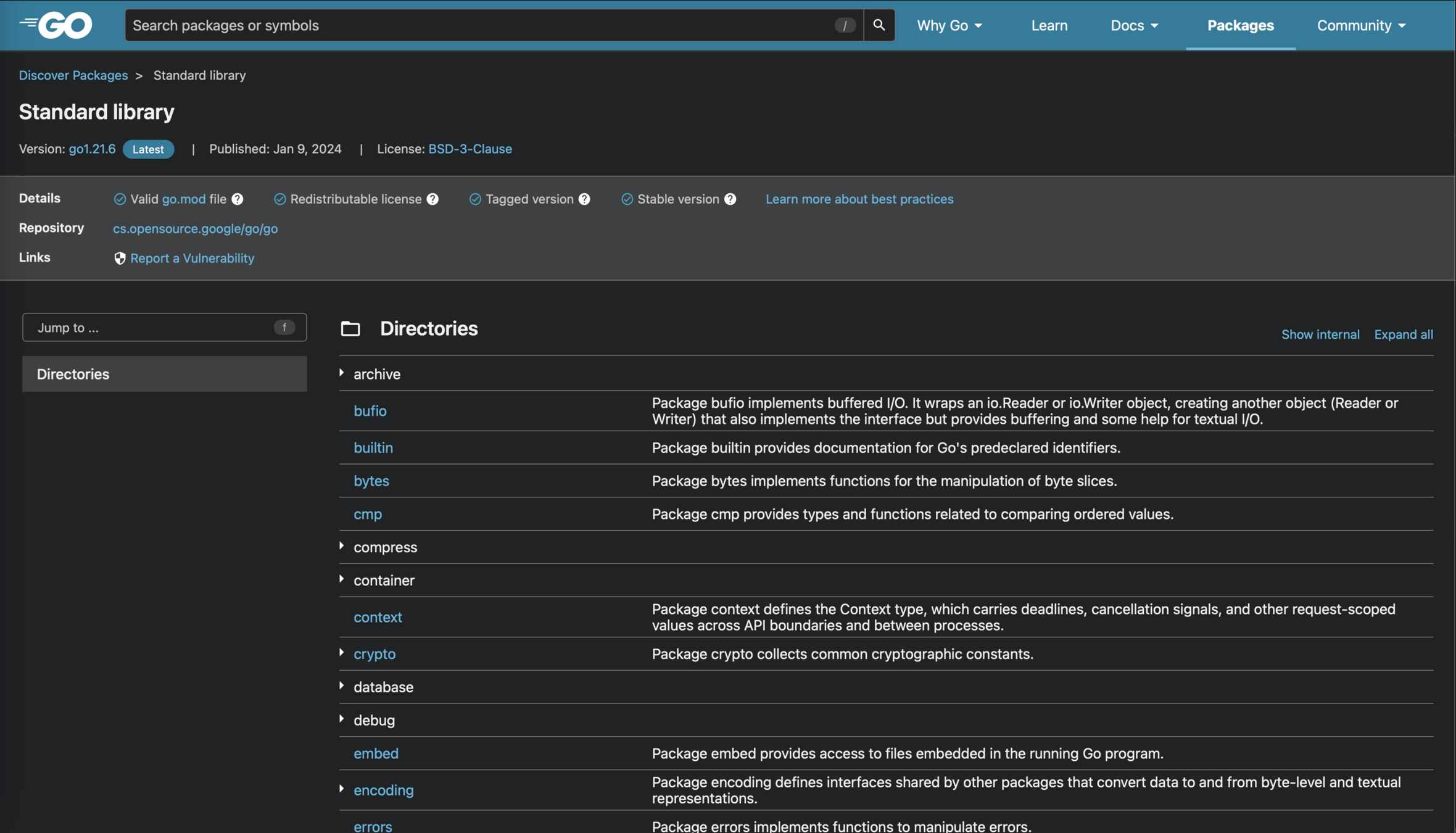
Go provides a lot of useful libraries as standard:
- fmt
- http
- io
- flag
- ...
Variables
Syntax example
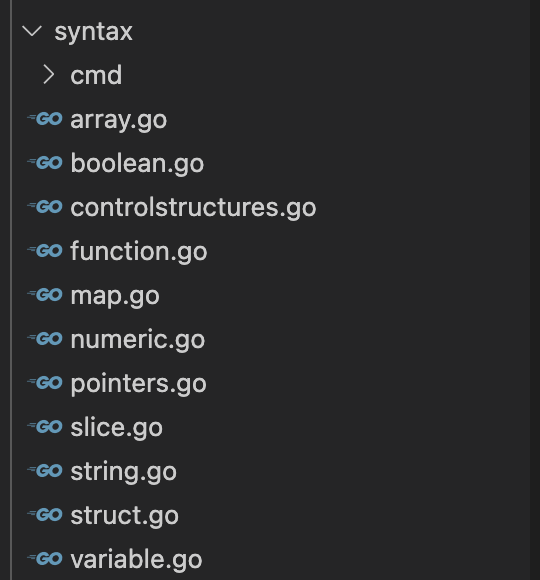
All of the following pieces of code can be found in syntax folder on the Git repository!
Declaring a variable
package syntax

import "fmt"

func Boolean() {
	var myFirstBoolean bool
	mySecondBoolean := true
	myThirdBoolean := myFirstBoolean
	myFourstBoolean := new(bool)

	fmt.Println("My variables are: ", myFirstBoolean, mySecondBoolean, myThirdBoolean, myFourstBoolean)
}
In Go, there are multiple ways to declare a new variable.
How to use ":=" and "="?
:=
Declare a new variable
=
Assign a new value to an existing variable
The Zero value
Variables declared without an explicit initial value are given their Zero value.
The Zero value depends of the type:
- false for bool
- 0 for int
- "" (empty string) for string
- ...
func ZeroValue() {
	var myBoolean bool
	var myInt int
	var myString string

	fmt.Println("Zero values are: ", myBoolean, myInt, myString)
	// print "Zero values are:  false 0 "
}
Declaration = utilization
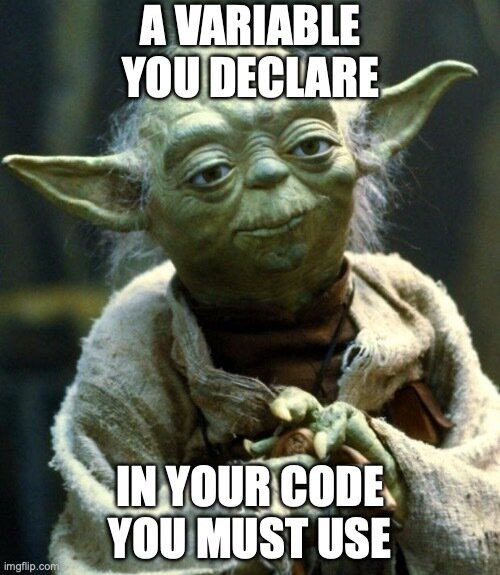
A variable that is declared must be used in your code. Otherwise it will not compile.
Types
The ones we will see today
- Basics:
- Booleans
- Numeric types
- Strings
- Data structures:
- Arrays & Slices
- Maps
- Others:
- Functions
- Pointers
- Structs and methods
Other types we will not see today
- Interfaces
- Channel
Boolean
package syntax

import "fmt"

func Boolean() {
	itsTrue, itsFalse := true, false

	fmt.Println("My booleans are: ", itsTrue, itsFalse)
    fmt.Println("Trying some operation: ", itsTrue && itsFalse, itsTrue || itsFalse)
}
True or false?
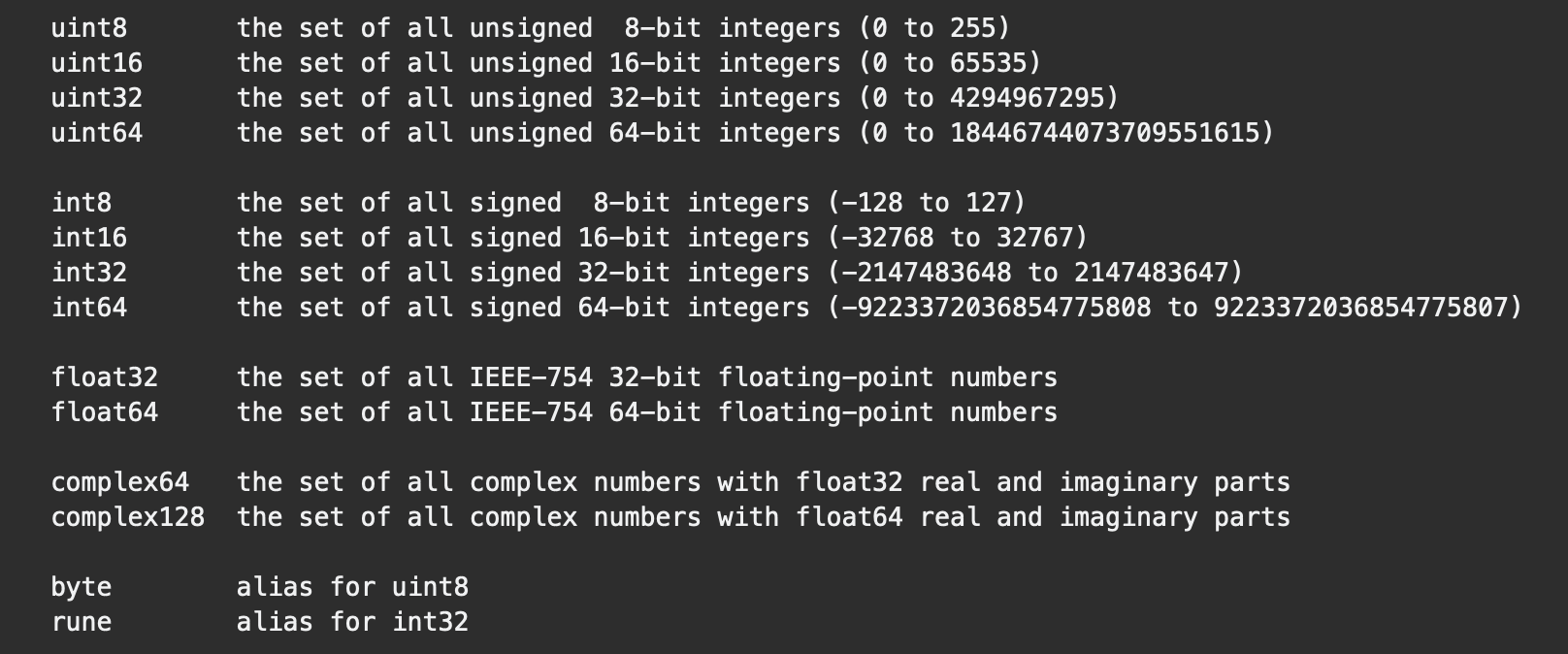
Numeric types
14 different types, with some aliases.
Numeric types
package syntax

import "fmt"

func Numeric() {
	var myInt64 int64
	myInt := 10
	myFloat64 := 3.14
	myInt64 = 20

	fmt.Println("Here are numeric types: ", myInt, myInt64, myFloat64)
	fmt.Println("With some operation: ", myInt+int(myInt64), float64(myInt)+myFloat64, myInt-int(myFloat64))
}
Most common ones: int and float64.
Int is an alias to int32 or int64 depending of the architecture.
Strings
package syntax

import "fmt"

func String() {
	var myEmptyString string
	myString := "Hello"
	myStringWithDoubleQuotes := `"Nathan"`
	myMultiLineString := `Line 1
Line 2`

	fmt.Println("Here are some strings: ", myEmptyString, myString, myStringWithDoubleQuotes, myMultiLineString)
	fmt.Println("Size of a string: ", len(myString), len(myEmptyString))
	fmt.Println("Operation on a string: ", myString+" "+myStringWithDoubleQuotes)
}
Manipulate a string
Two common packages to create and manipulate strings:
- strings: join, replace, split, trim, ...
- fmt: format and create strings
fmt to format a string
package syntax

import "fmt"

func Fmt() {
	myAge := 33
	myName := "Nathan"
	mySize := 1.75

	myInformation := fmt.Sprintf("Hello, I'm %s, I have %d years old, and I am %.2fm tall", myName, myAge, mySize)
	fmt.Println(myInformation)
}
Powerful package to create strings from other variables.
More information here: https://pkg.go.dev/fmt#hdr-Printing
Control structures
Control structures - if
func If() {
	if 2 > 1 {
		fmt.Println("Two is superior to one")
	} else if 1+1 == 11 {
		fmt.Println("1 + 1 equals 11")
	} else {
		fmt.Println("We're in the else statement")
	}

	if sum := FuncSumWithVariadicInput(1, 2, 3); sum > 5 {
		fmt.Println("The computed sum was superior to 5: ", sum)
	}
}
Control structures - switch
func Switch() {
	name := "Nathan"
	switch name {
	case "Nicolas":
		fmt.Println("Hello Nicolas!")
	case "Nathalie":
		fmt.Println("Hello Nathalie!")
	case "Nathan":
		fmt.Println("Hello Nathan!")
	default:
		fmt.Println("Who are you? Who who, who who?")
	}

	myInt := 10
	switch {
	case myInt > 20:
		fmt.Println("What an int!")
	case myInt+5 > 15:
		fmt.Println("Let's add some compute")
	case myInt >= 10:
		fmt.Println("My int is not so big: ", myInt)
	}
}
Control structures - for
func For() {
	for myVariable := 0; myVariable < 5; myVariable++ {
		fmt.Println("I'm in a loop: ", myVariable)
	}

    for myVariable := range 5 {
		fmt.Println("I'm in a loop: ", myVariable)
    }

    for range 5 { // go 1.22+
    	fmt.Println("I'm in a loop")
    }

	myVariable := 0
	for myVariable == 0 {
		myVariable += 5
	}

	for {
		myVariable++
		if myVariable > 10 {
			fmt.Println("Stopping the loop, value: ", myVariable)
			break
		}
	}
}
FizzBuzz, step 1
For a given number, the function fizzbuzz should return:
- Fizz if number is a multiple of 3
- Buzz if number is a multiple of 5
- FizzBuzz if number is multiple of 3 and 5
- The number otherwise
Write the algorithm to follow the rules.

file/to/open.go$ go test .File to open:
Test your code:
fizzbuzz/step1/fizzbuzz.goFizzBuzz, step 1
func FizzBuzz(input int) string {
	fizzBuzzValue := ""
	if input%3 == 0 {
		fizzBuzzValue += "Fizz"
	}

	if input%5 == 0 {
		fizzBuzzValue += "Buzz"
	}

	if fizzBuzzValue != "" {
		return fizzBuzzValue
	}

	return fmt.Sprintf("%d", input)
}
Data structures
Array & Slice
An array is a numbered sequence of elements of a single type. The number of elements is called the length of the array and is never negative. Arrays a building block for slices.
Slices wrap arrays to give a more general, powerful, and convenient interface to sequences of data. Except for some specific cases, you will always use slices instead of arrays.
Arrays
package syntax

import "fmt"

func Array() {
	var myIntArray [3]int
	myIntArray[0] = 3
	myIntArray[1] = 2
	myIntArray[2] = 1

	fmt.Println("Here is an int array", myIntArray)
}
Slice
Length
Current size of the slice, ie. number of elements contained in the slice.
It may change during the execution.
Length can be discovered with len() function.
Capacity
Size of the underlying array.
Memory currently allocated for the slice. Going over the capacity of a slice implies memory reallocation.
Capacity can be discovered with cap() function.
A slice is defined by three attributes: its type (int, string, ...), its length and its capacity.
Slices
func Slice() {
	var mySlice []int // len 0, cap 0
	printSlice(mySlice, "empty slice")

	myOtherSlice := []int{1, 2, 3} // len 3, cap 3
	printSlice(myOtherSlice, "non-empty slice")

	length := 5
	mySliceWithLength := make([]int, length) // len 5, cap 5
	printSlice(mySliceWithLength, "slice with length")

	capacity := 10
	mySliceWithMakeAndCapacity := make([]int, length, capacity) // len 5, cap 10
	printSlice(mySliceWithMakeAndCapacity, "slice with length and capacity")
}
Slice operations
func SliceOperations() {
	mySlice := []int{1, 2, 3}

	myElement := mySlice[0]                         // Accessing an element
	mySlice[2] = myElement * 3                      // Replace an element
	mySlice = append(mySlice, 4)                    // Append a new element at the end
	mySlice[0], mySlice[1] = mySlice[3], mySlice[2] // Swap multiple elements

	printSlice(mySlice, "slice after operations")
}
What will be the content of mySlice after all operations?
Slice iteration
func SliceIteration() {
	mySlice := []int{1, 2, 3, 4}

	sliceSum := 0
	for i := 0; i < len(mySlice); i++ {
		sliceSum += mySlice[i]
	}
	fmt.Println("This is the sum of my slice: ", sliceSum)

	sliceMult := 1
	for i := range mySlice {
		sliceMult *= mySlice[i]
	}
	fmt.Println("This is the multiplication of my slice's elements: ", sliceMult)

	for i, element := range mySlice {
		fmt.Printf("This is the element %d from my slice: %d\n", i, element)
	}

	for _, element := range mySlice {
		fmt.Println("Iterating on my slice: ", element)
	}
}
The blank identifier, aka _
The blank identifier is represented by the underscore character _. It serves as an anonymous placeholder.
Remind that if you declare a variable, then you must use it somewhere in your code.
The blank identifier gives you the possibility to ignore a variable.
It also has another usage for importing a package.
FizzBuzz, step 2
You now have a function with a slice in inputs.
- Create a slice of strings for results
- For each number in inputs, call the fizzbuzz function
- Store the result in the slice of strings
- Return the slice of strings
file/to/open.go$ go test .File to open:
Test your code:
fizzbuzz/step2/multi.goFizzBuzz, step 2
func multiFizzBuzz(numbers []int) []string {
	results := make([]string, len(numbers))

	for i, number := range numbers {
		results[i] = fizzbuzz(number)
	}
	return results
}
Maps
Maps are simple key-value data structure. You can associate a key of a defined type to a value of another type.
The key can be of any type for which the equality operator is defined.
The order in a map is random. While iterating on a map, you should not make assumption about the order of the keys or the values.
Maps
func Map() {
	myMap := map[string]string{
		"France":  "Paris",
		"Belgium": "Brussels",
		"Spain":   "Madrid",
	}
	fmt.Println("Capitals are: ", myMap)

	myMapFromMake := make(map[string]string, 0)
	fmt.Println("An empty map: ", myMapFromMake)
}
Map operations
func MapOperations() {
	myMap := map[string]string{
		"France": "Paris",
	}

	myMap["Belgium"] = "Brussels" // Assign a new element
	myMap["France"] = "Lille"     // Replace an element's value

	franceCapital := myMap["France"] // Accessing to an element
	fmt.Println("The new capital in France is: ", franceCapital)

	switzerlandCapital, found := myMap["Switzerland"] // Access to an element and check existence
	if found {
		fmt.Println("The capital of Switzerland is: ", switzerlandCapital)
	} else {
		fmt.Println("Looks like we don't know the capital of Switzerland")
	}

	_, found = myMap["Belgium"] // Check existence
	if found {
		fmt.Println("Looks like we know the capital of Belgium!")
	}
}
Map iteration
func MapIteration() {
	myMap := map[string]string{
		"France":  "Paris",
		"Belgium": "Brussels",
	}

	for country := range myMap {
		fmt.Printf("The capital of %s is %s\n", country, myMap[country])
	}

	for country, capital := range myMap {
		fmt.Printf("The capital of %s is %s\n", country, capital)
	}

	for _, capital := range myMap {
		fmt.Println("Oh! I know this capital: ", capital)
	}
}
FizzBuzz, step 3
You now have a function with a slice in inputs and a map in outputs.
- Create a map of int to string for results
- For each number in inputs, call the fizzbuzz function
- Store the result in the map of int to string
- Return the map
file/to/open.go$ go test .File to open:
Test your code:
fizzbuzz/step3/multimap.goFizzBuzz, step 3
func multiFizzBuzzMap(numbers []int) map[int]string {
	result := make(map[int]string, len(numbers))

	for _, number := range numbers {
		result[number] = fizzbuzz(number)
	}
	return result
}
Package slices and maps
Since Go 1.18, thanks to generics, Go provides standard libraries to manipulate slices and maps:
Functions and structures
Functions
Functions are specific types, defined by:
- An optional name
- 0 to n inputs parameters
- 0 to n outputs parameters
Function is a type, and as other types, can be assigned to a variable.
Functions
func EmptyFunc() {
	fmt.Println("Hello from empty func")
}

func FuncWithInput(myString string) {
	fmt.Println("Hello from func with input", myString)
}

func FuncWithInputAndOuput(name string) string {
	return fmt.Sprintf("Hello %s", name)
}

func FuncWithMultipleInputsAndOuputs(myString string, myInt1, myInt2 int) (string, int) {
	return fmt.Sprintf("Hello %s", myString), myInt1 + myInt2
}
Funky func
func FuncWithNamedOutput() (result string) {
	result = "Hello there"
	return
}

func FuncSumWithVariadicInput(numbers ...int) (result int) {
	for _, number := range numbers {
		result += number
	}
	return
}

func CallFuncWithVariadicInput() {
	result := FuncSumWithVariadicInput(1, 2, 3)
	fmt.Println("Result from sum function:", result)

	result = FuncSumWithVariadicInput(1, 2, 3, 4, 5)
	fmt.Println("Result from sum function:", result)

	numbers := []int{10, 20, 30}
	result = FuncSumWithVariadicInput(numbers...)
	fmt.Println("Result from sum function:", result)
}
Pointers
func Pointers() {
	myInt := 3
	myIntPointer := new(int)
	myIntPointer = &myInt

	fmt.Println("Pointer to int: ", myIntPointer)
    // Print "Pointer to int:  0xc0000ac0b8"
	fmt.Println("Int from pointer: ", *myIntPointer)
    // Print "Pointer to int:  3"
}
A pointer type denotes the set of all pointers to variables of a given type, called the base type of the pointer. The value of an uninitialized pointer is nil.
Struct types
type Person struct {
	Name string
	Age  int
}
A struct is a sequence of named elements, called fields, each of which has a name and a type.
Within a struct, field names must be unique.
Initializing a struct
func InitializeStruct() {
	jessie := Person{
		Name: "Jessie",
		Age:  17,
	}

	james := Person{"James", 17}

    fmt.Println("Jessie's age is ", jessie.Age)

	fmt.Println("Famous Team Rocket members: ", jessie, james)
}
Initialisation can be done with or without naming the fields.
Methods
func (p *Person) HappyBirthday() {
	p.Age = p.Age + 1
}

func (p Person) YearOfBirth() int {
	return time.Now().Year() - p.Age
}
A method is a function with a receiver. A method declaration binds an identifier, the method name, to a method, and associates the method with the receiver's base type.
Do you notice a difference between the two methods?
Pointer vs. Value receiver
Passing the receiver as value creates a copy of the receiver. Therefore, any modification on the receiver will be discarded at the end of the method.
This is why you should pass a pointer as receiver on a method that modify the receiver.
Field visibility
type UniquePerson struct {
	cardIdNumber string // Is not visible outside the package
	Name         string // Visible and modifiable outside the package
	Age          int    // Visible and modifiable outside the package
}
Any field starting with an uppercase is public, ie. visible to any package, for read and write.
Any field starting with a lowercase is private, ie. visible only inside the package where the type struct has been defined.
How to properly instantiate this struct?
Struct constructor
func NewUniquePerson(cardIdNumber, name string, age int) *UniquePerson {
	return &UniquePerson{
		cardIdNumber: cardIdNumber,
		Name:         name,
		Age:          age,
	}
}
Provide a constructor to your struct inside your package.
Visibility
Any struct, function, method, field or global variable starting with an uppercase letter is public and visible (read or modification) to everyone.
Any struct, function, method, field or global variable starting with a lowercase letter is private and visible only inside the package.
FizzBuzz, step 4
You now have a struct with two fields, a number and a result.
- Create a Compute() method for the struct FizzBuzz
- Compute must call fizzbuzz function for the number of the struct, and store the result into the result field.
file/to/open.go$ go testFile to open:
Test your code:
fizzbuzz/step4/fizzstruct.goFizzBuzz, step 4
func (f *FizzBuzz) Compute() {
	f.result = fizzbuzz(f.number)
}
Writing your first HTTP API
FizzBuzz, step 4
Let's write a HTTP handler for an API!
GET /?number=15 must return a string in the HTTP response.
The algorithm is described in comments in the code.
file/to/open.go$ go test .
# or
$ go run cmd/api/main.go
$ curl 'localhost:8080/?number=15'File to open:
Test your code:
fizzbuzz/step4/server.goSome tips and useful links
The http package: https://pkg.go.dev/net/http
Get query parameters from the request struct: https://pkg.go.dev/net/http#Request
Transform string to number: https://pkg.go.dev/strconv
Write the HTTP response: https://pkg.go.dev/net/http#ResponseWriter
FizzBuzz: step 4
func FizzBuzzHandler(w http.ResponseWriter, r *http.Request) {
	// Get query parameter "number" from URL
	numberString := r.URL.Query().Get("number")

	// Transform number from string to int
	number, err := strconv.Atoi(numberString)
	// If invalid input, write response header HTTP 400 then return
	if err != nil {
		w.WriteHeader(http.StatusBadRequest)
		return
	}

	// Compute FizzBuzz on number
	result := fizzbuzz(number)

	// Write response header HTTP 200
	w.WriteHeader(http.StatusOK)
	// Write result on response
	fmt.Fprint(w, result)
}
What's next?
A Tour of Go is the perfect next step: https://go.dev/tour/welcome/1
You can also work on some kata:
Write your feedbacks on the form, and ask me if you have any question!
Thanks! Questions?