Chrome Dev Tools
Nomaan Ahgharian
.png)
Which one to use?


Let's find out...
Which one is better?
-
This isn't about which one is better
-
The best tool is the one you are comfortable with
-
With that in mind, let's see what the Chrome Dev tool has to offer
History
Firefox 1.0
November 2004

September 2008

Chrome
January 2006

Firebug
Canary

-
Not for the faint of heart
-
Nightly updates
-
Side-by-side install
Let's see what each tab does
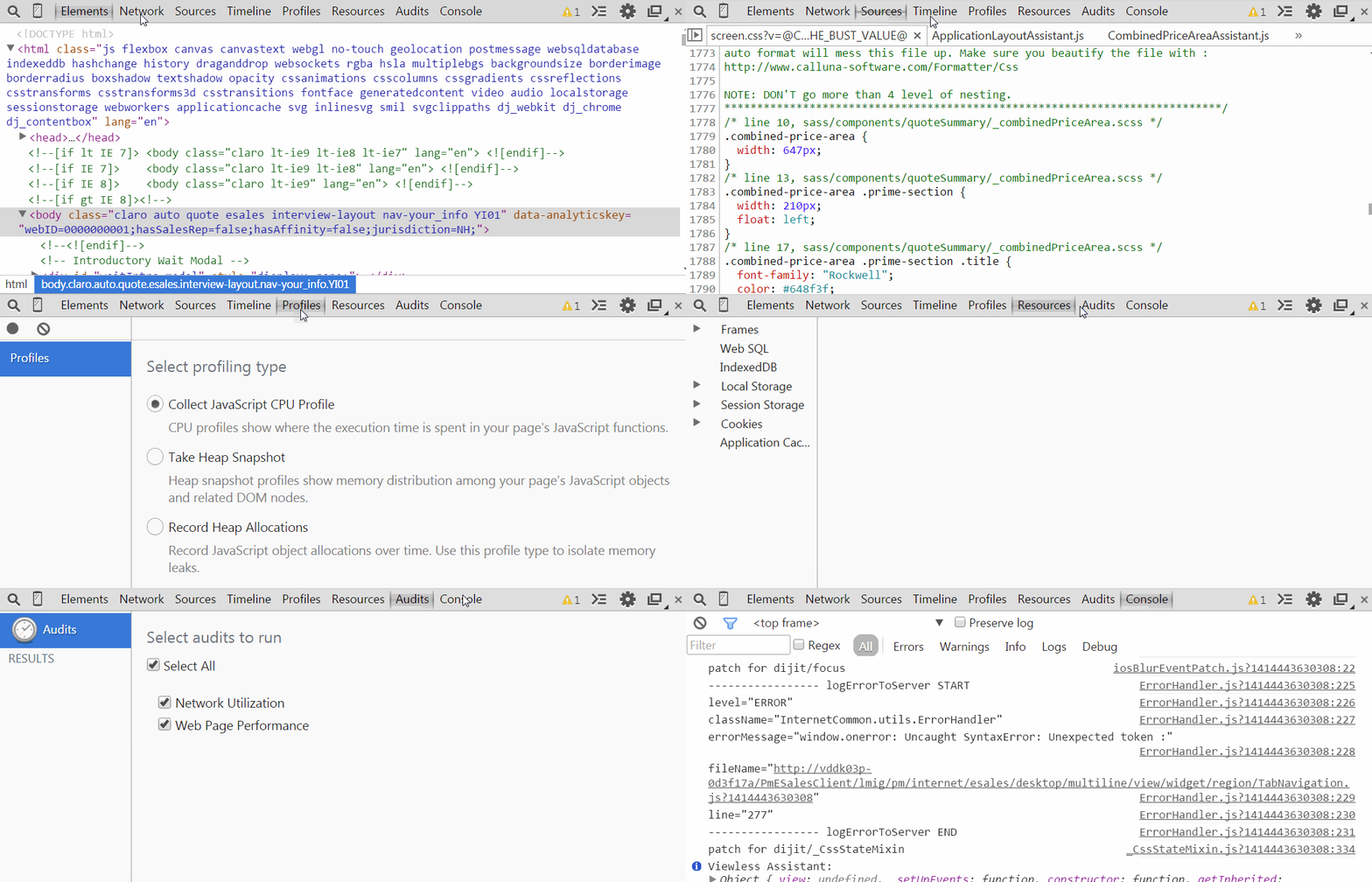
Well, most of them.
Elements
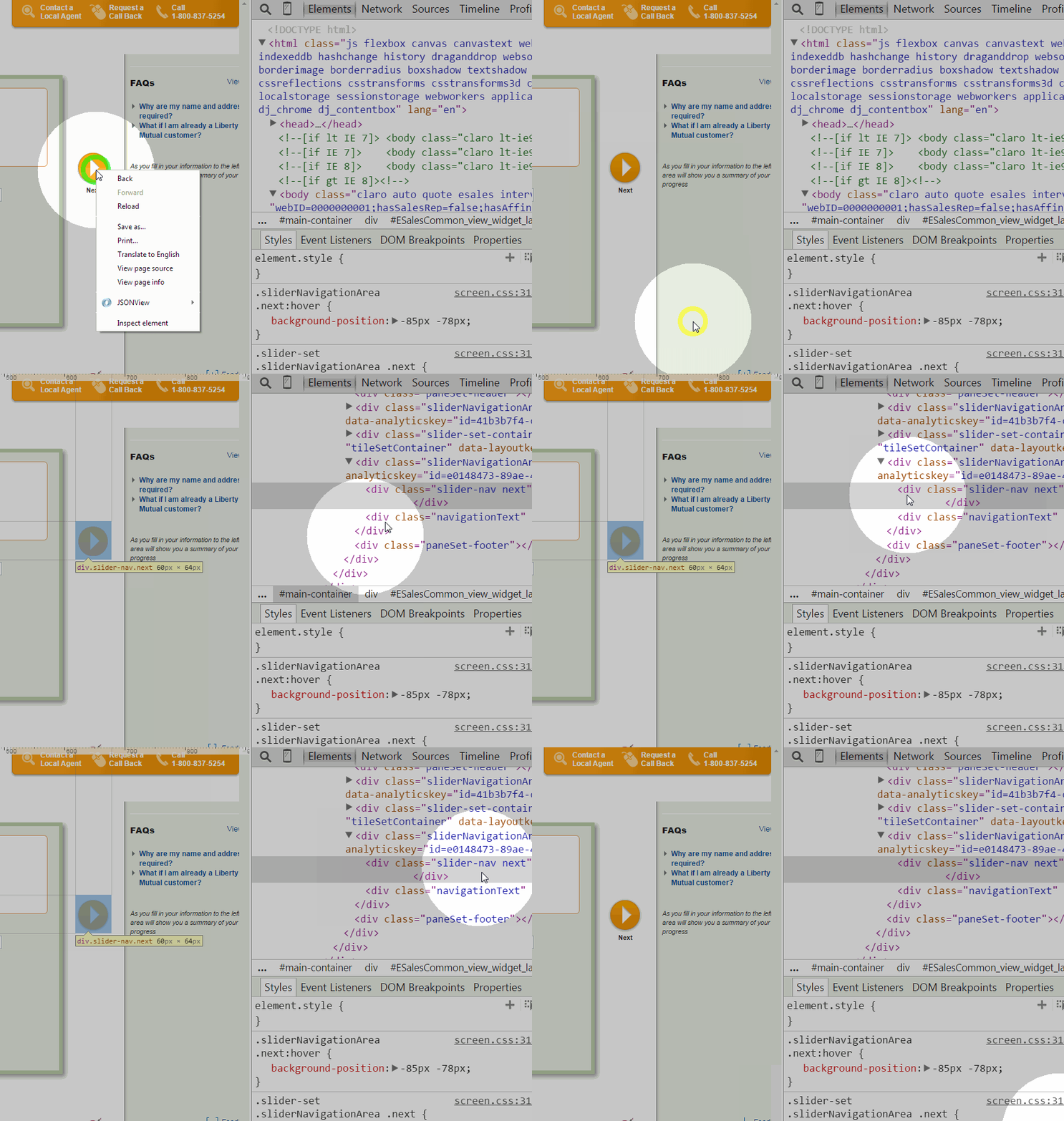
Using inspector
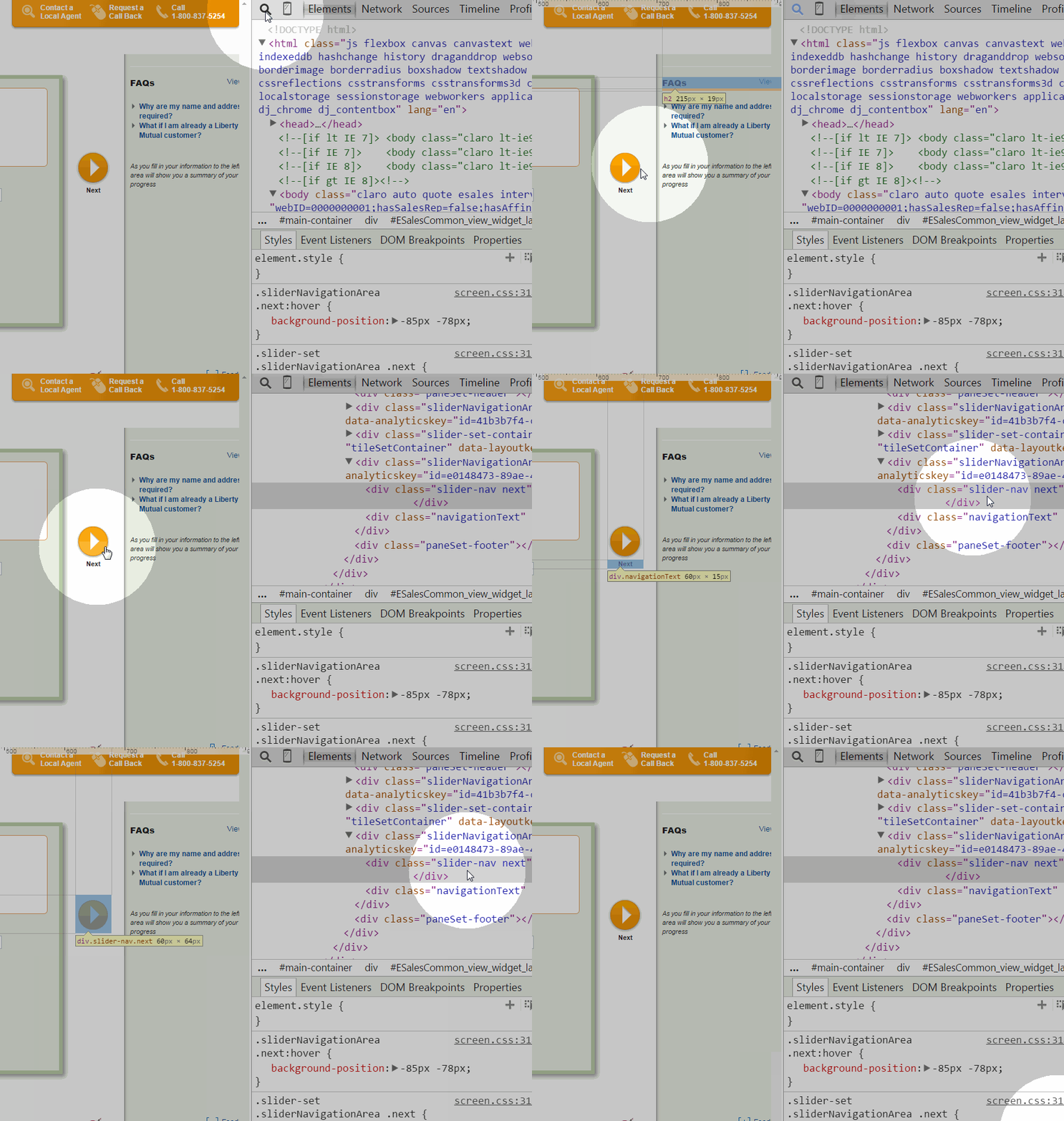


+
+
inspect Element
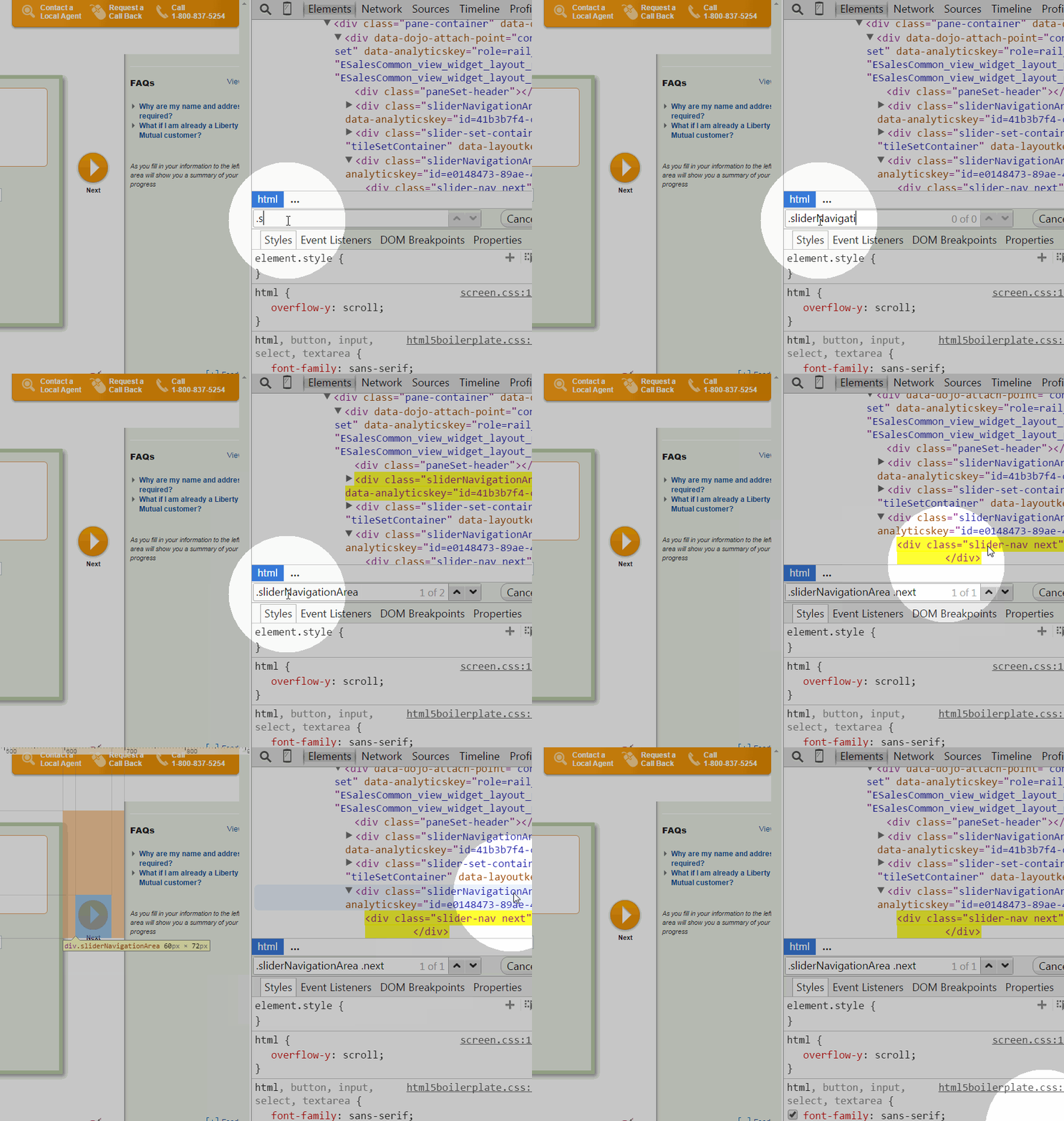
Search for it!
Edit HTML, right from the tab
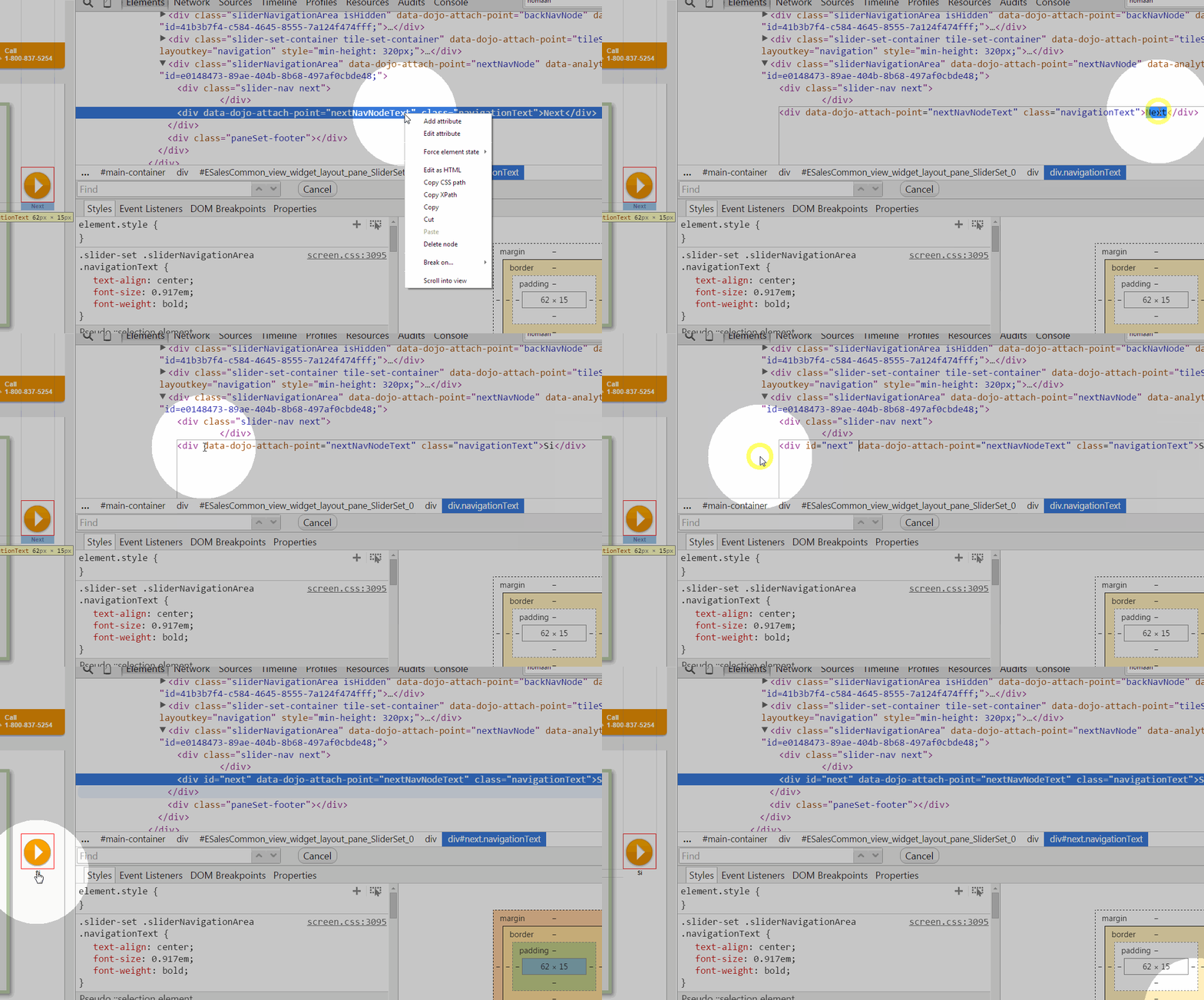
Move, remove!
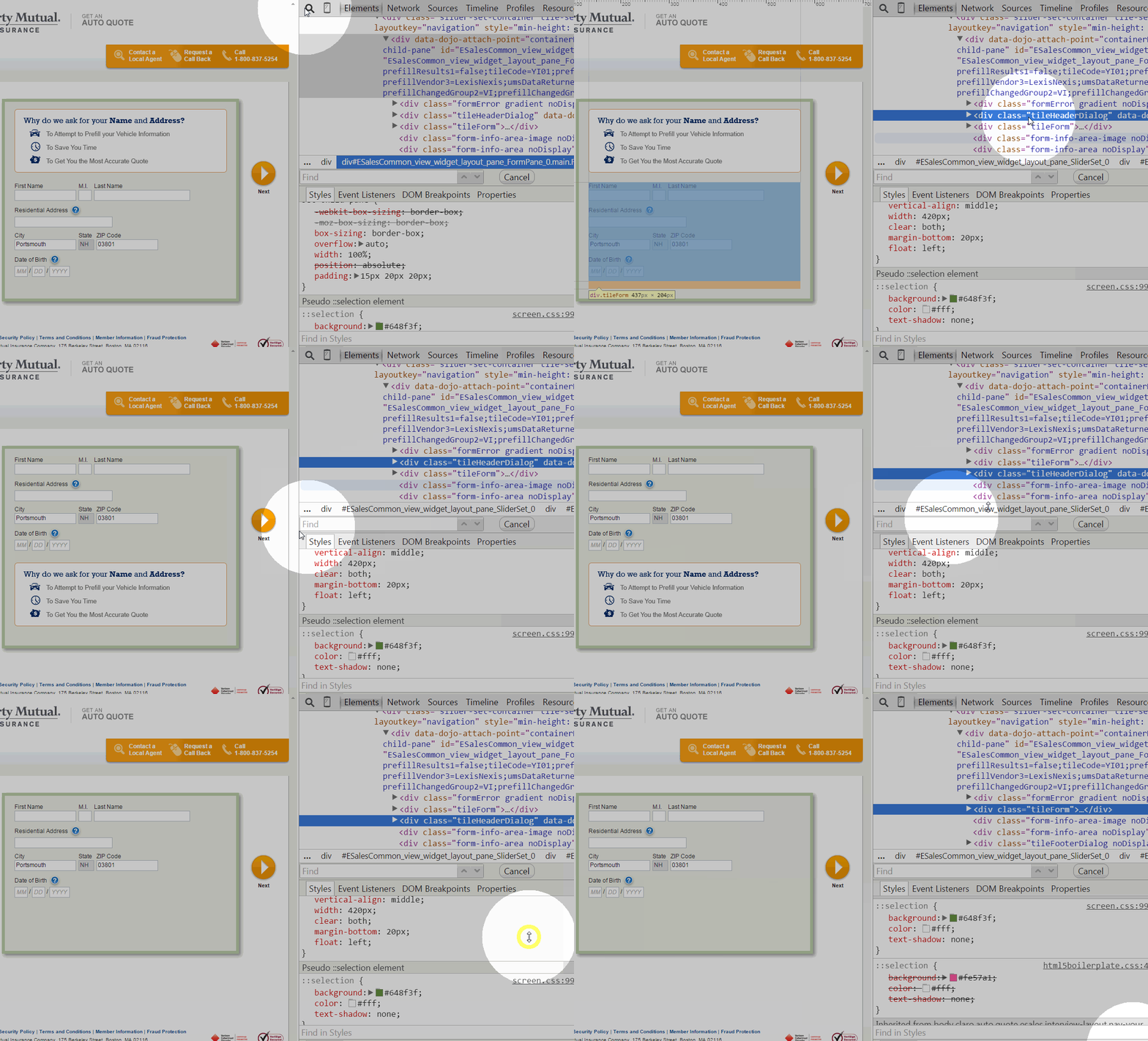
CSS
editing in Chrome
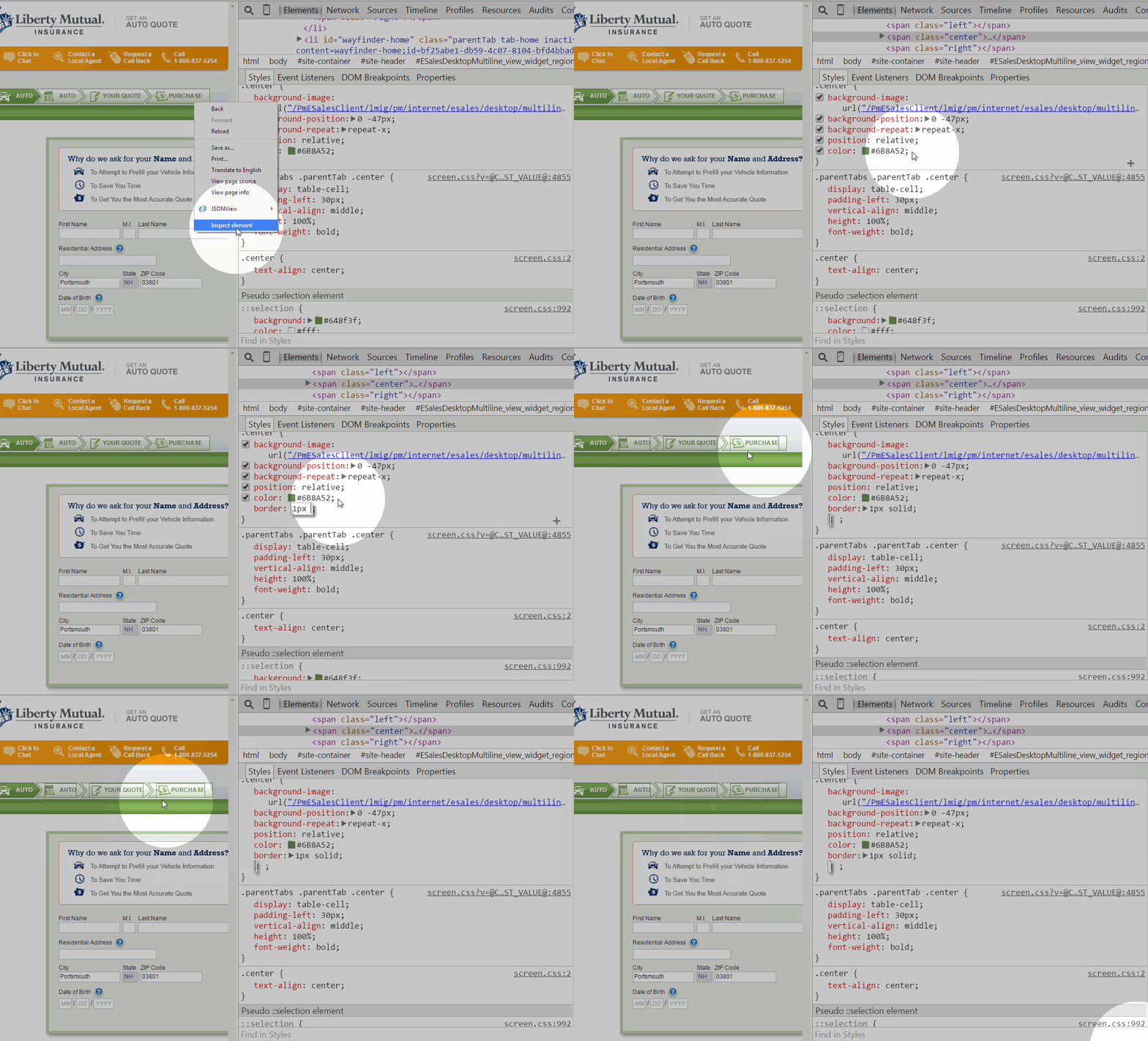
change CSS properties
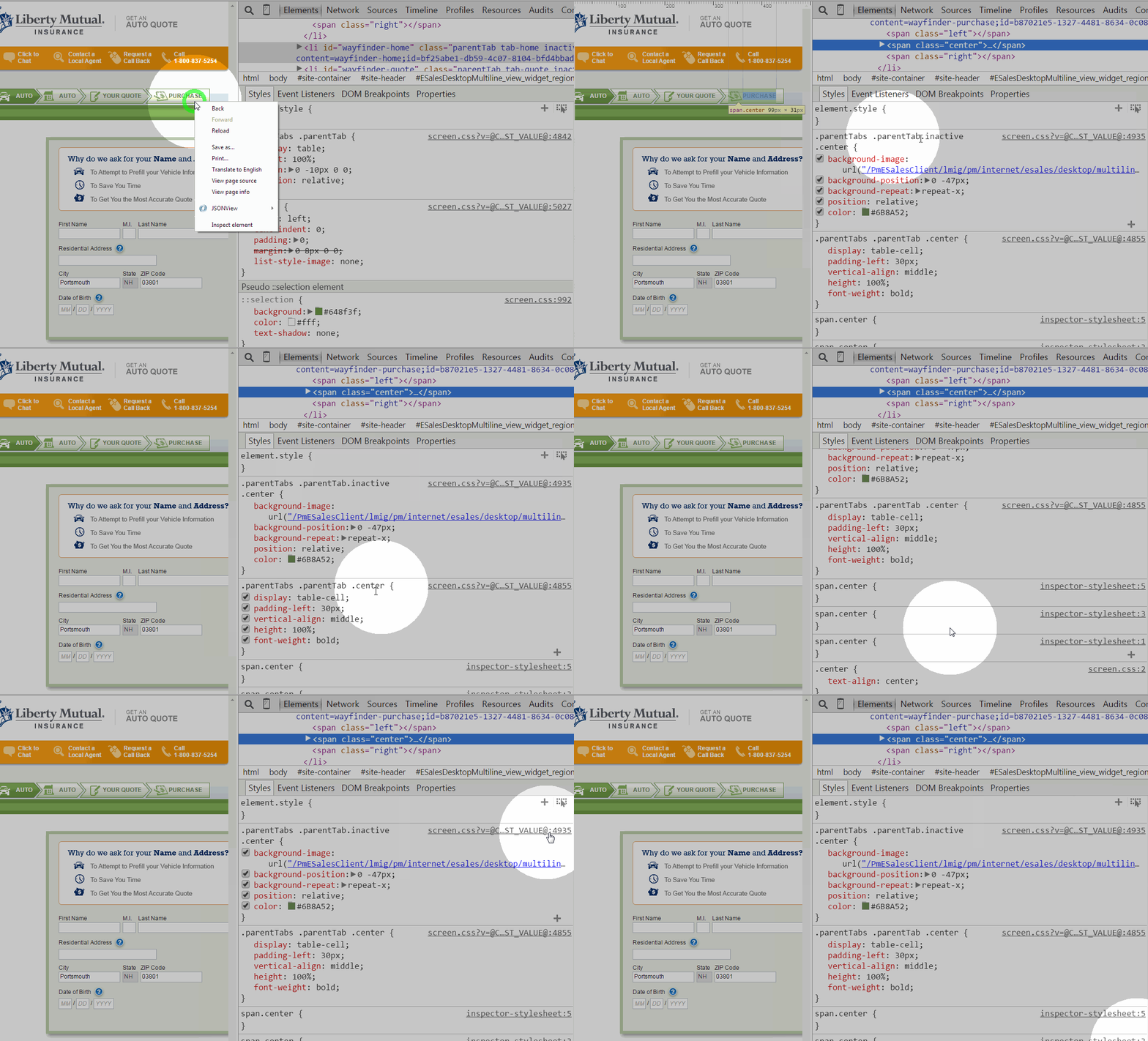
CSS SELECTORS and ORIGIN file
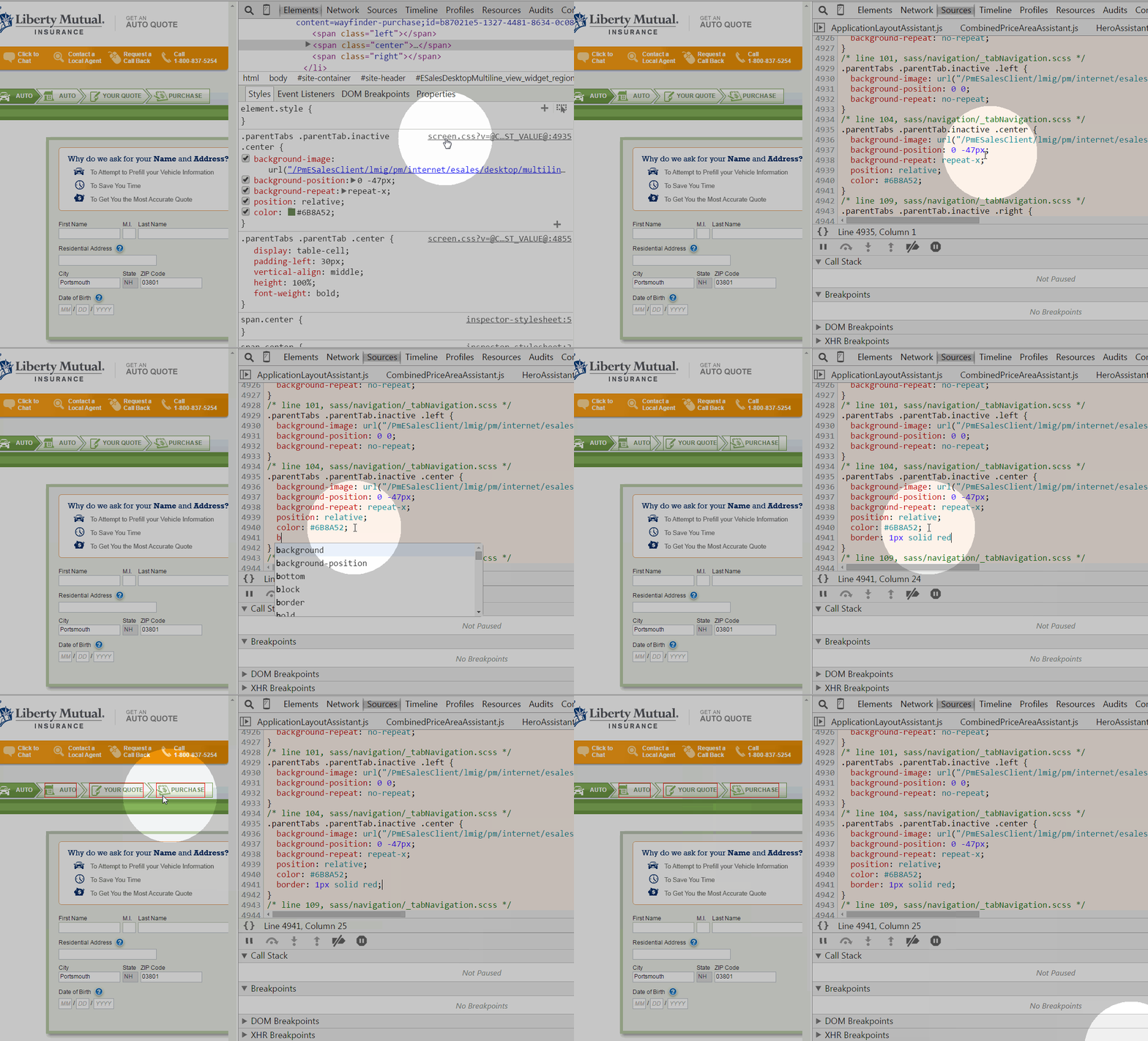
Editing the original css file
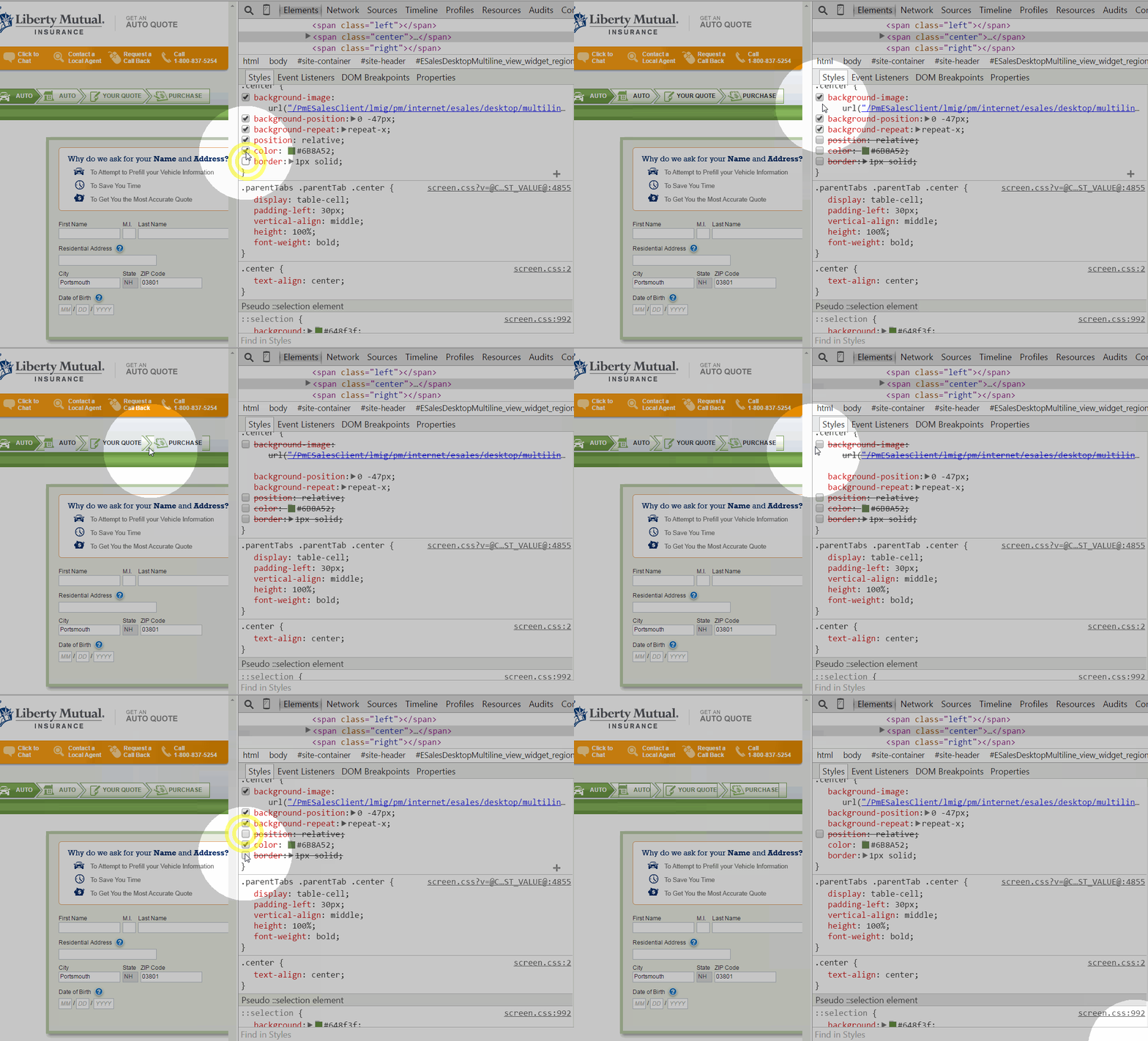
Get rid of a CSS property
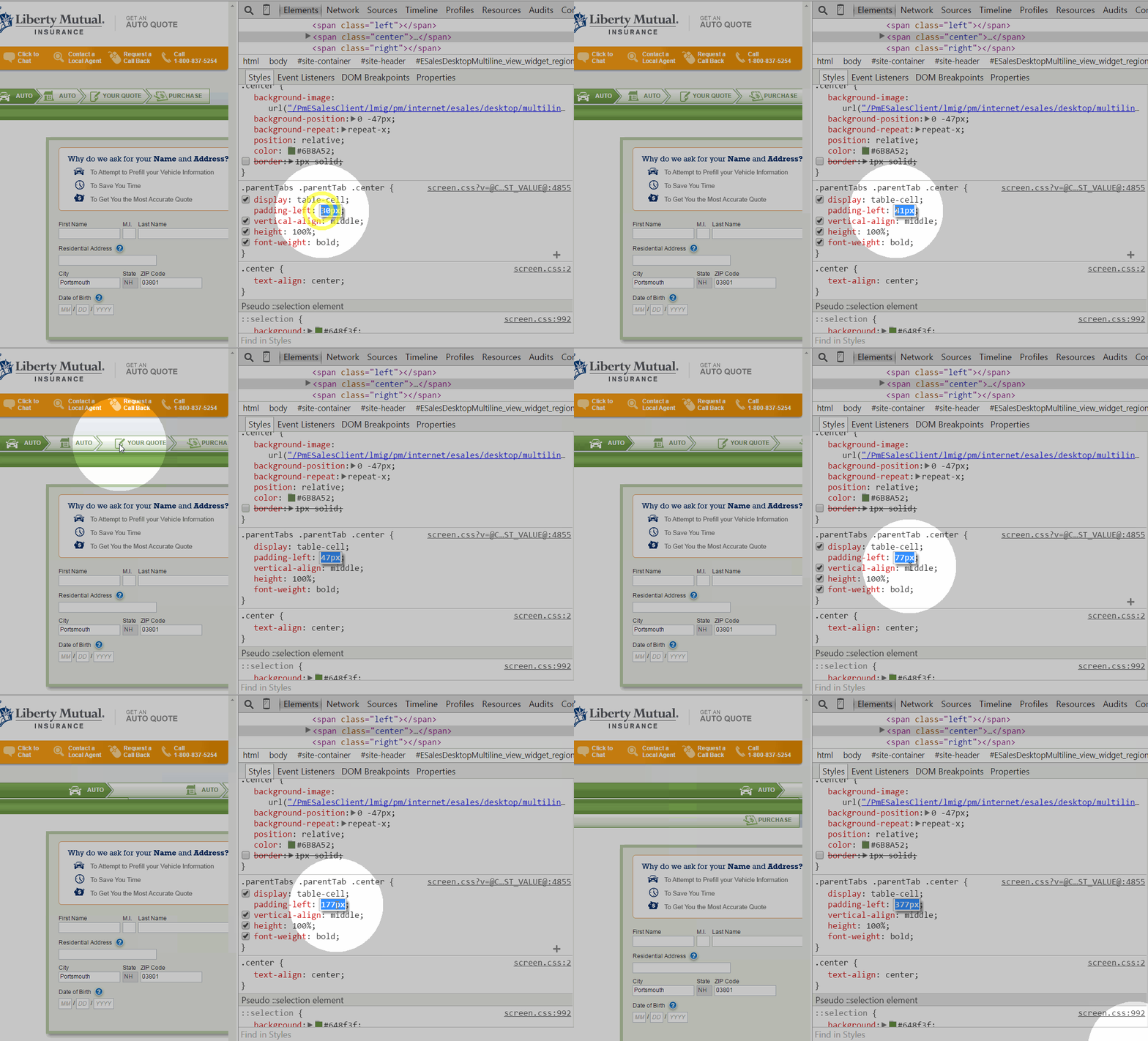
Change values easily


/
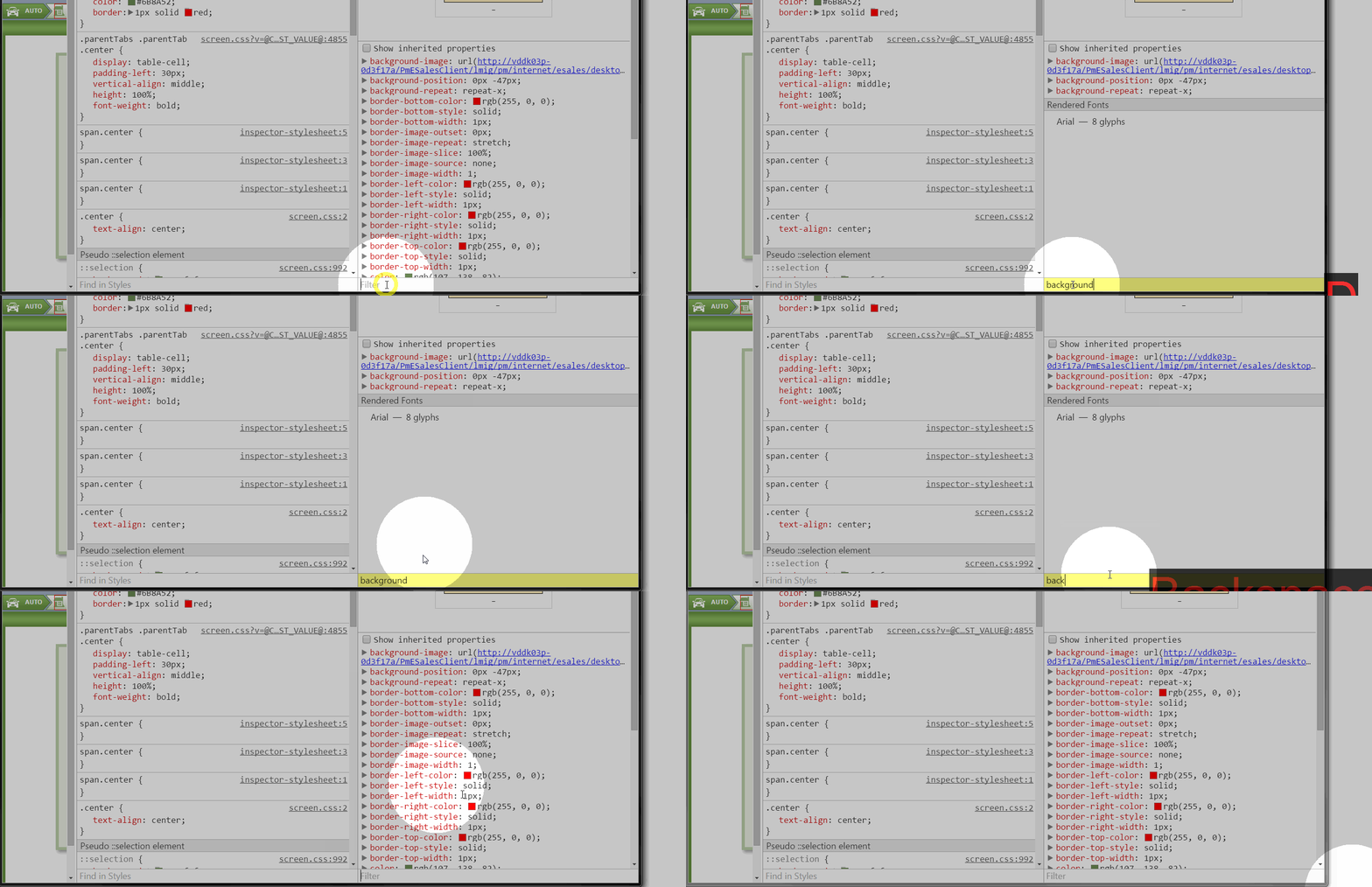
Filter CSS properties


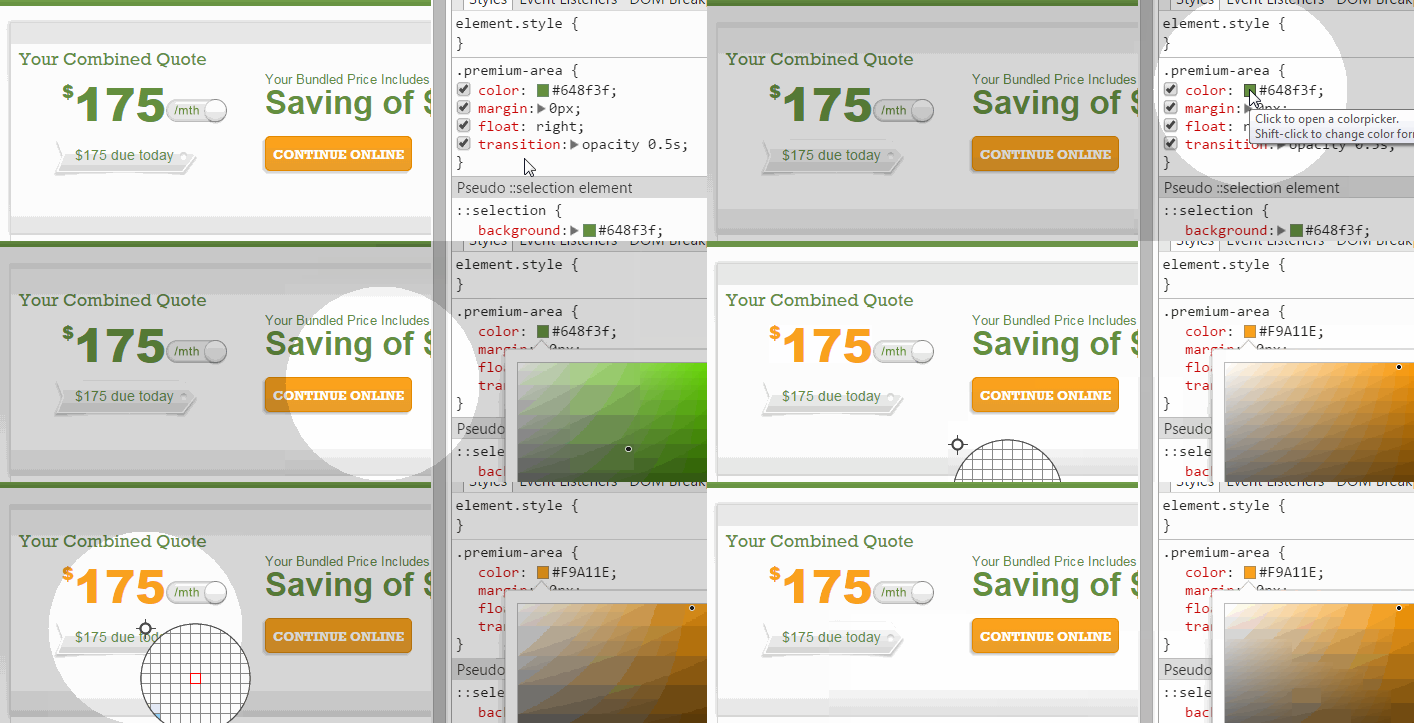
Color Picker
Network
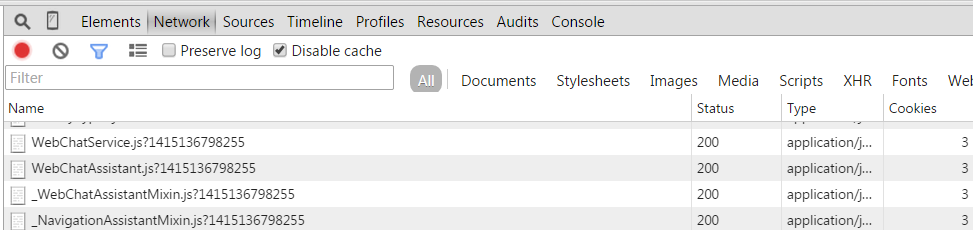
Search for it
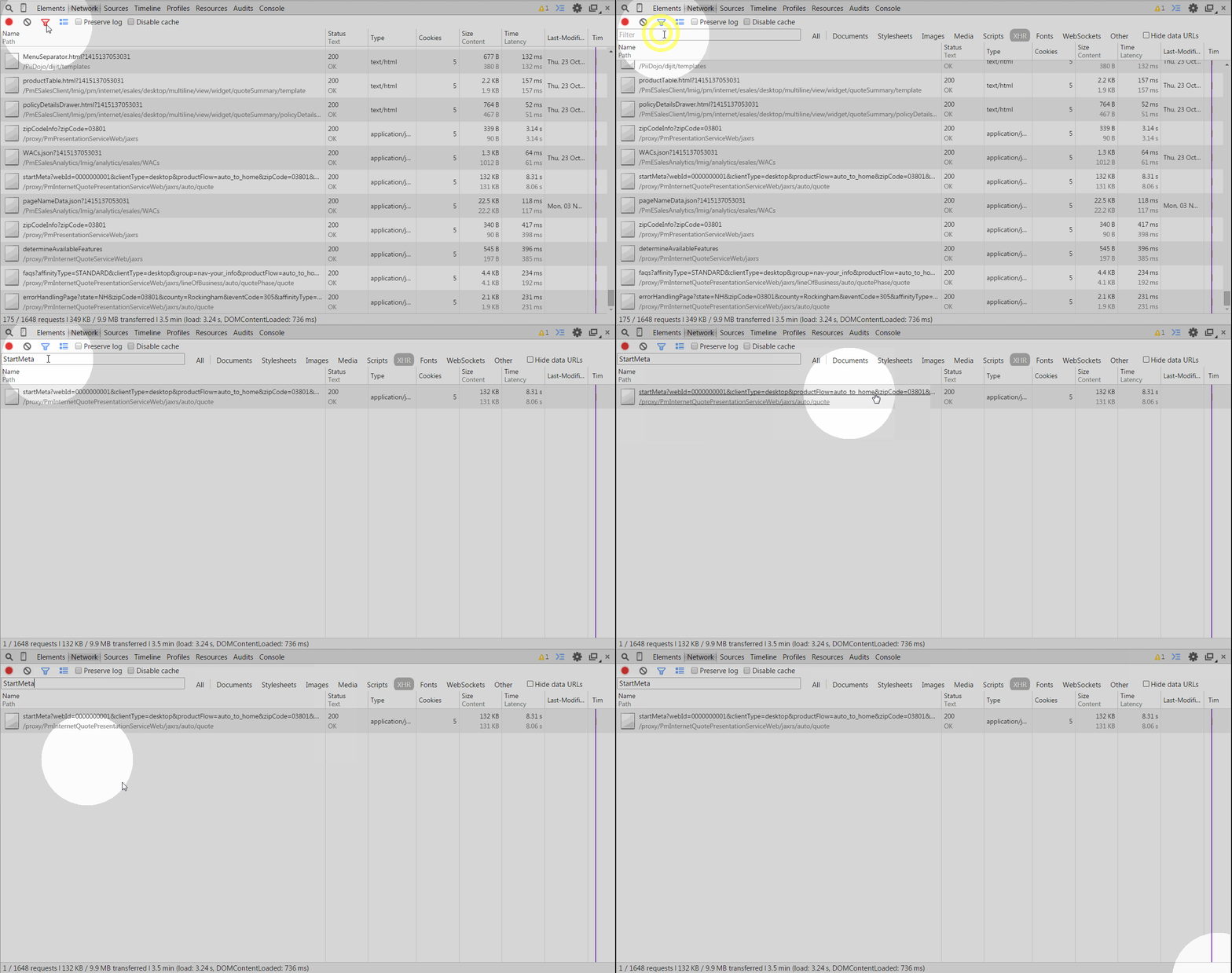
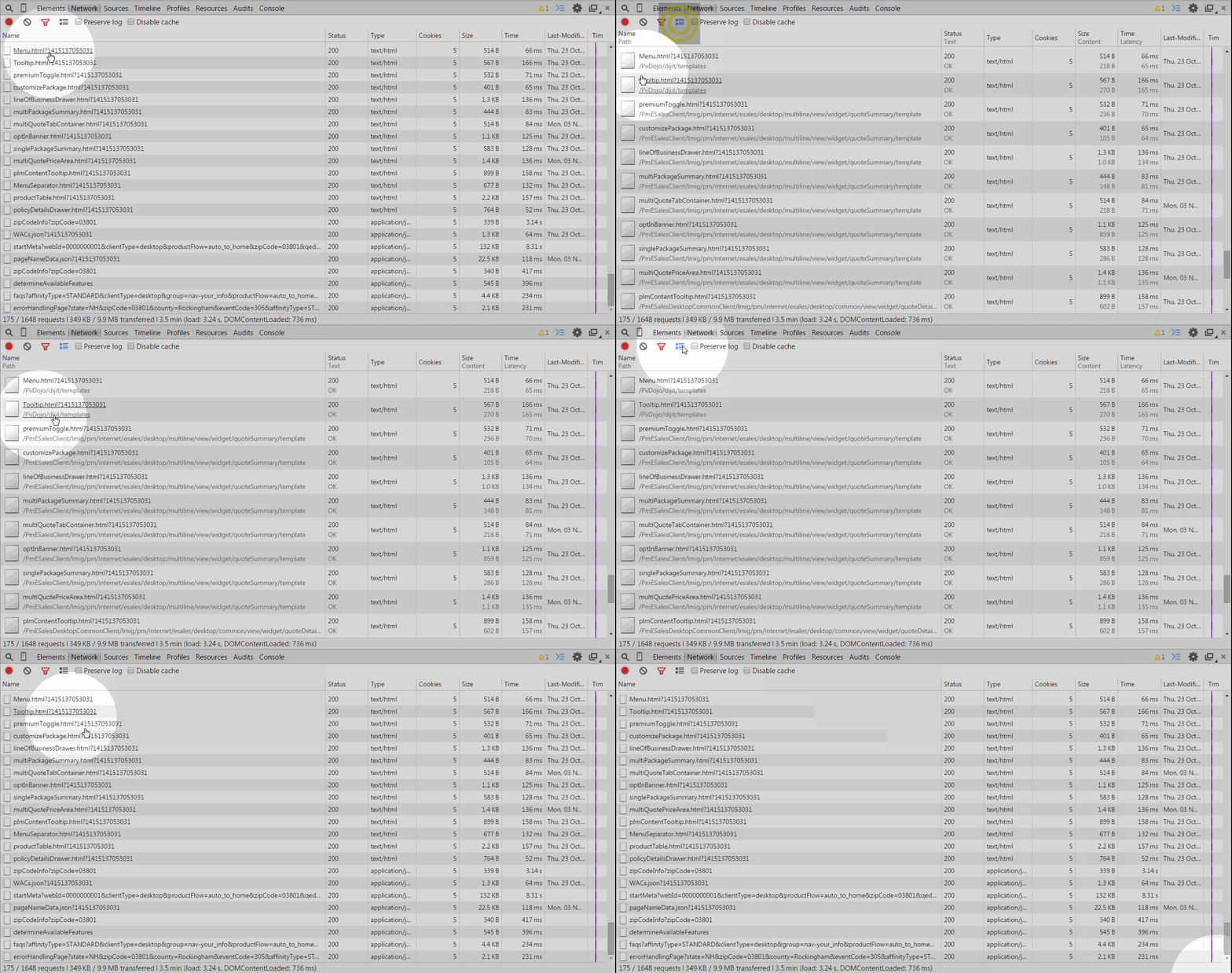
Change details + preserve log
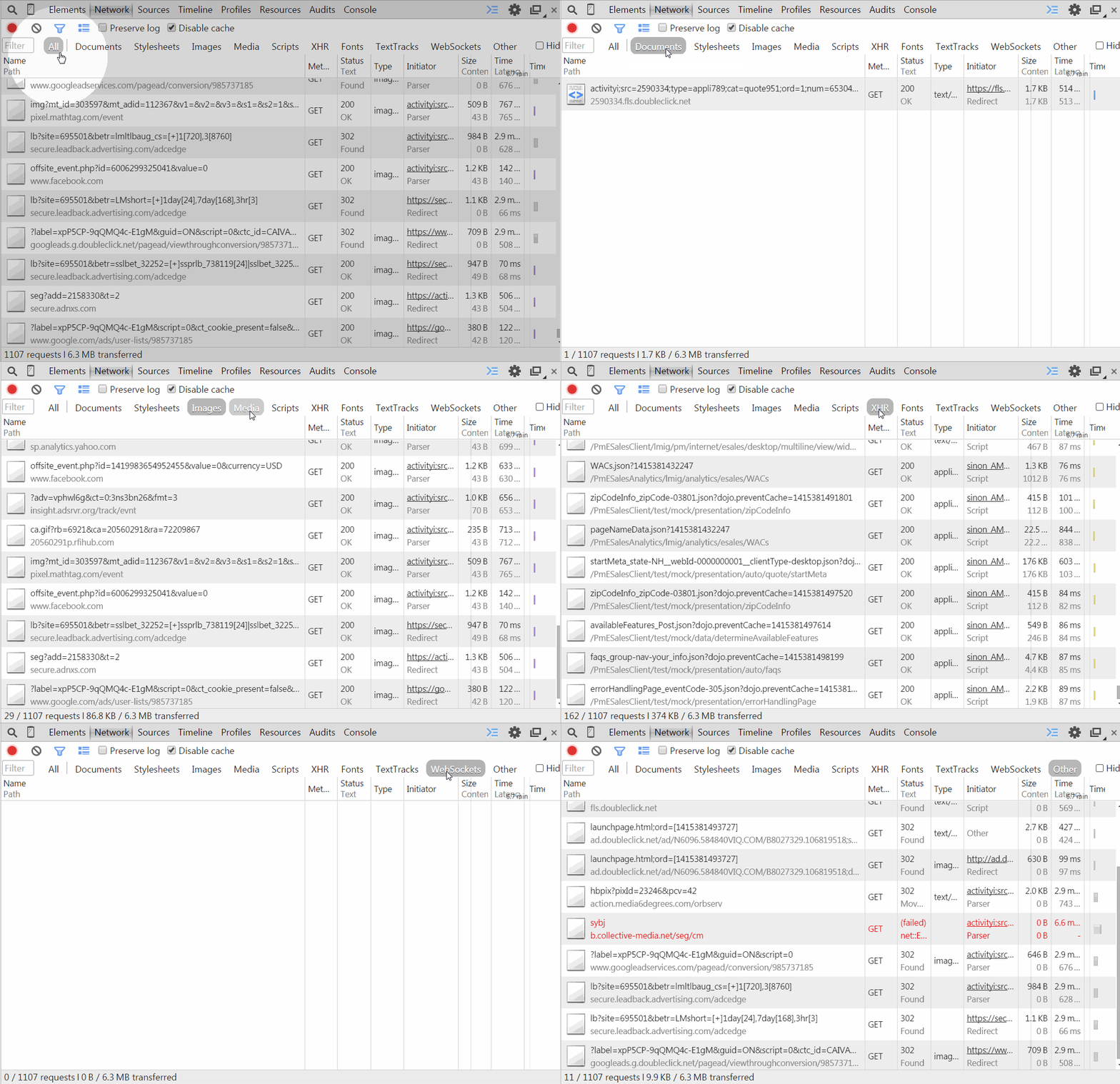
FILTER BY CATEGORY
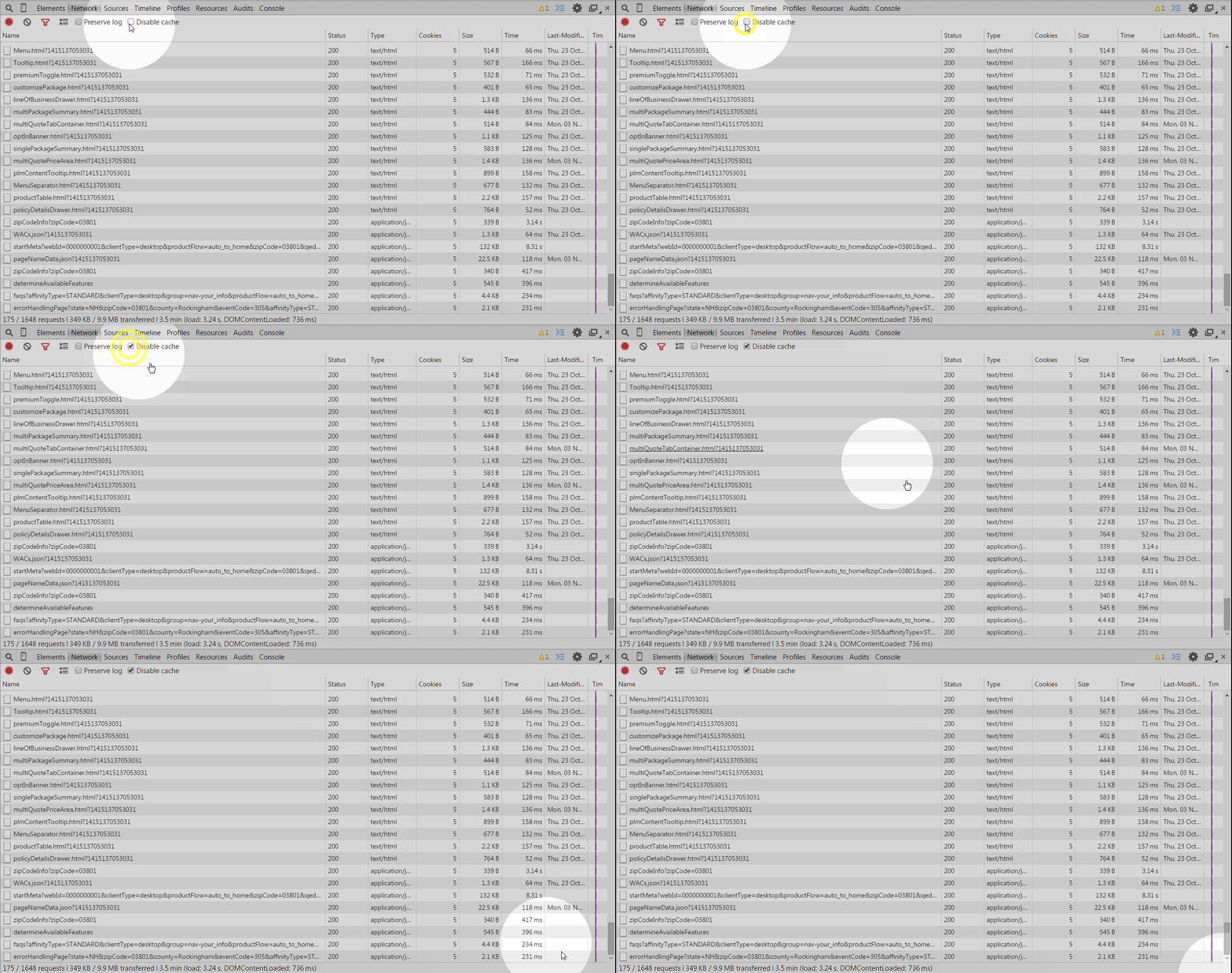
Disable Cache
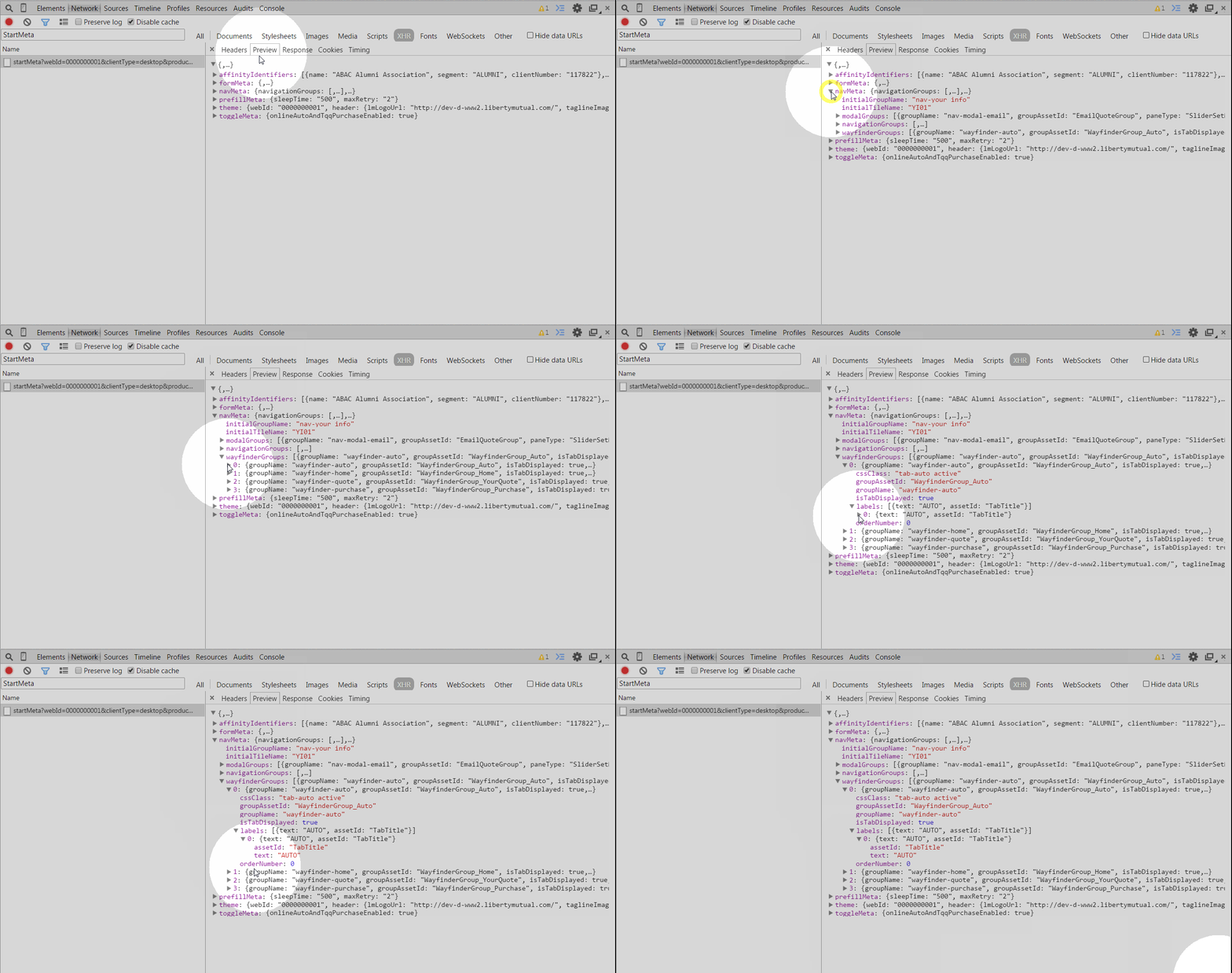
inspect the payload
Raw Payload
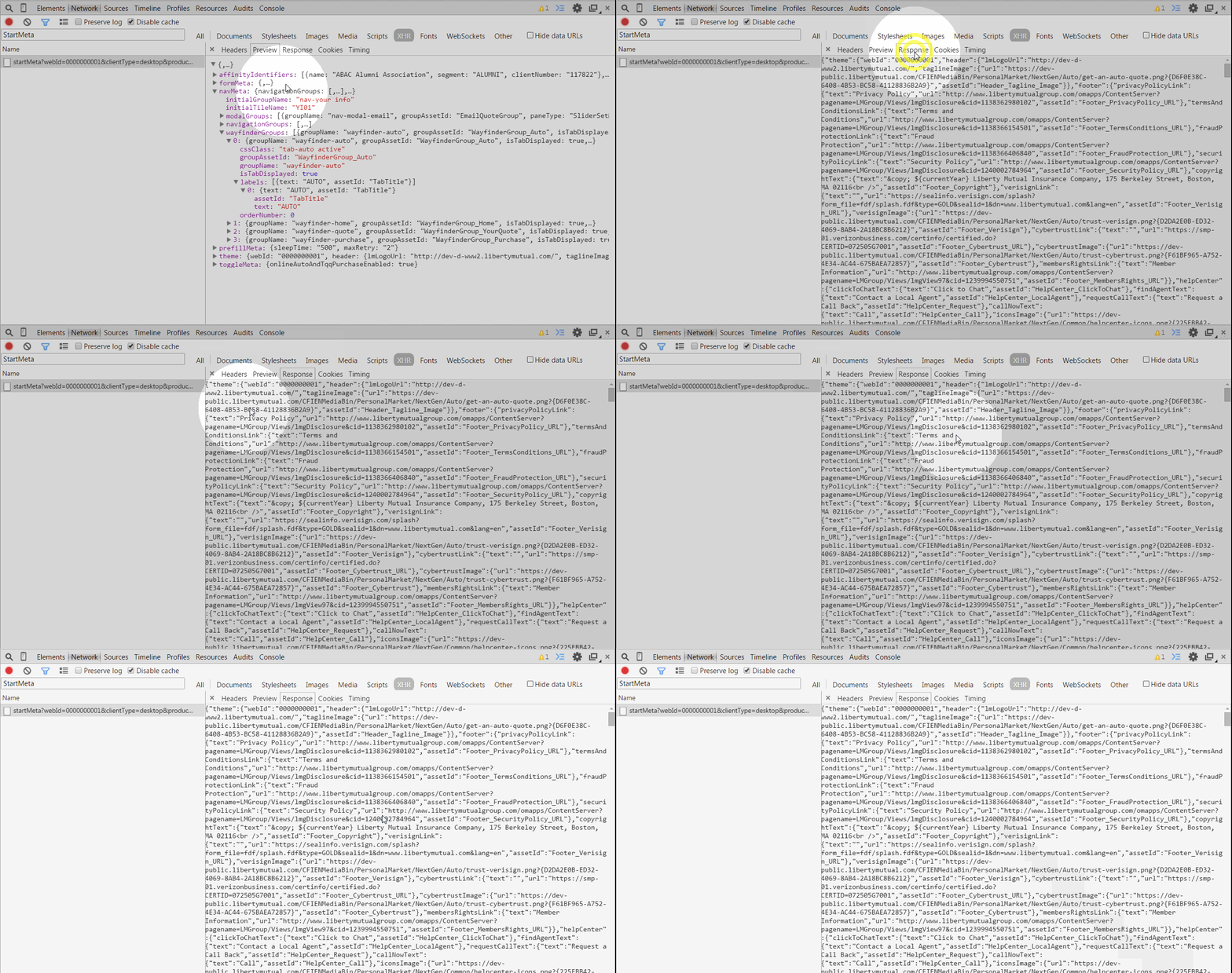
Sources
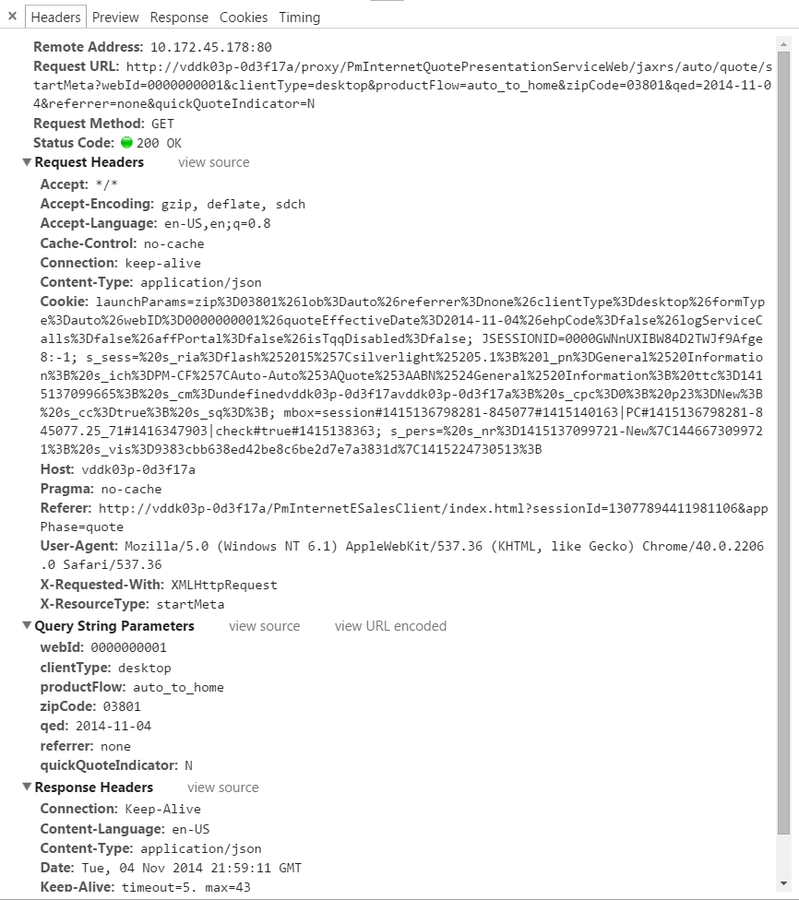
Headers
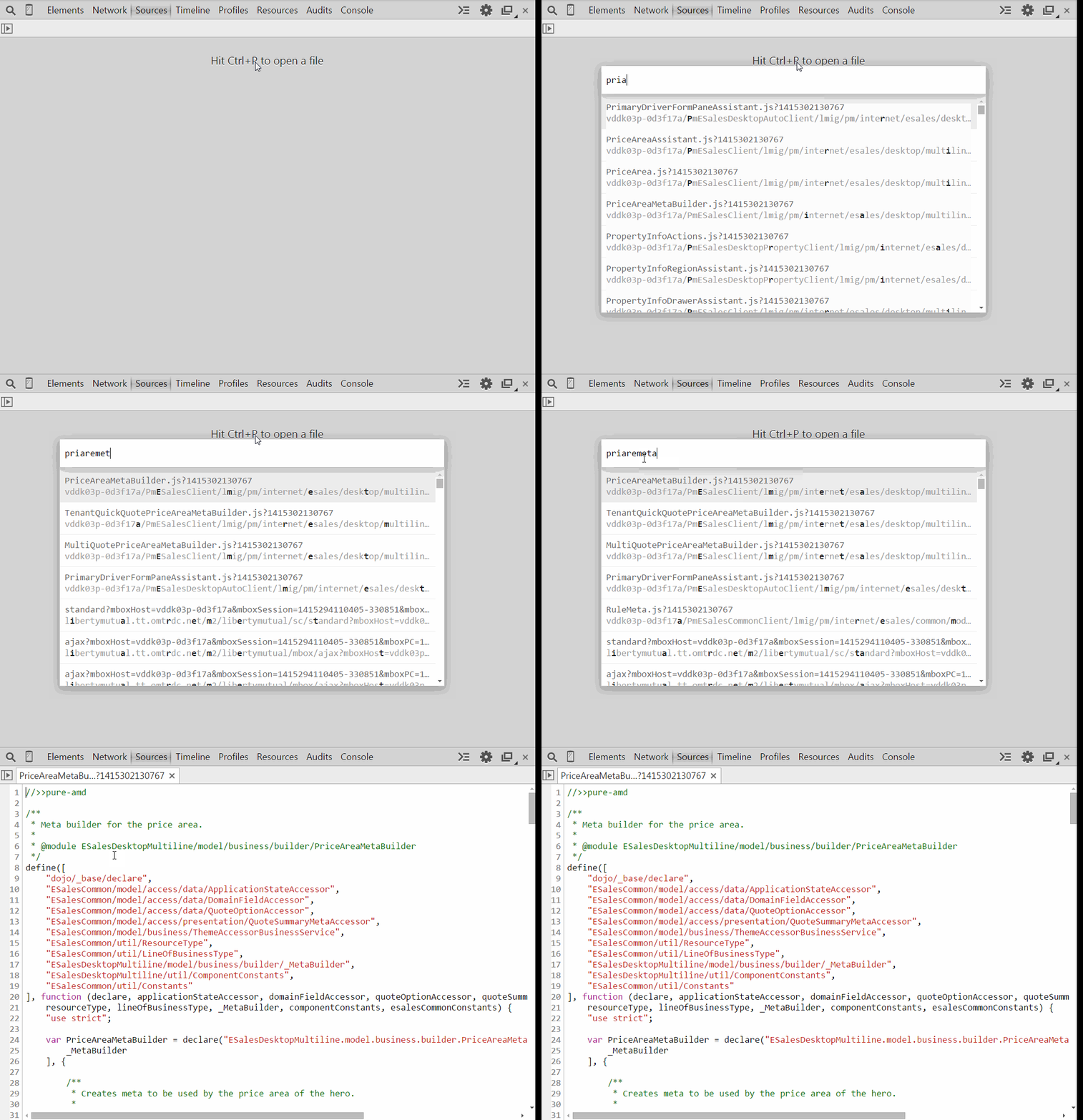
Open a file, fuzzy searching
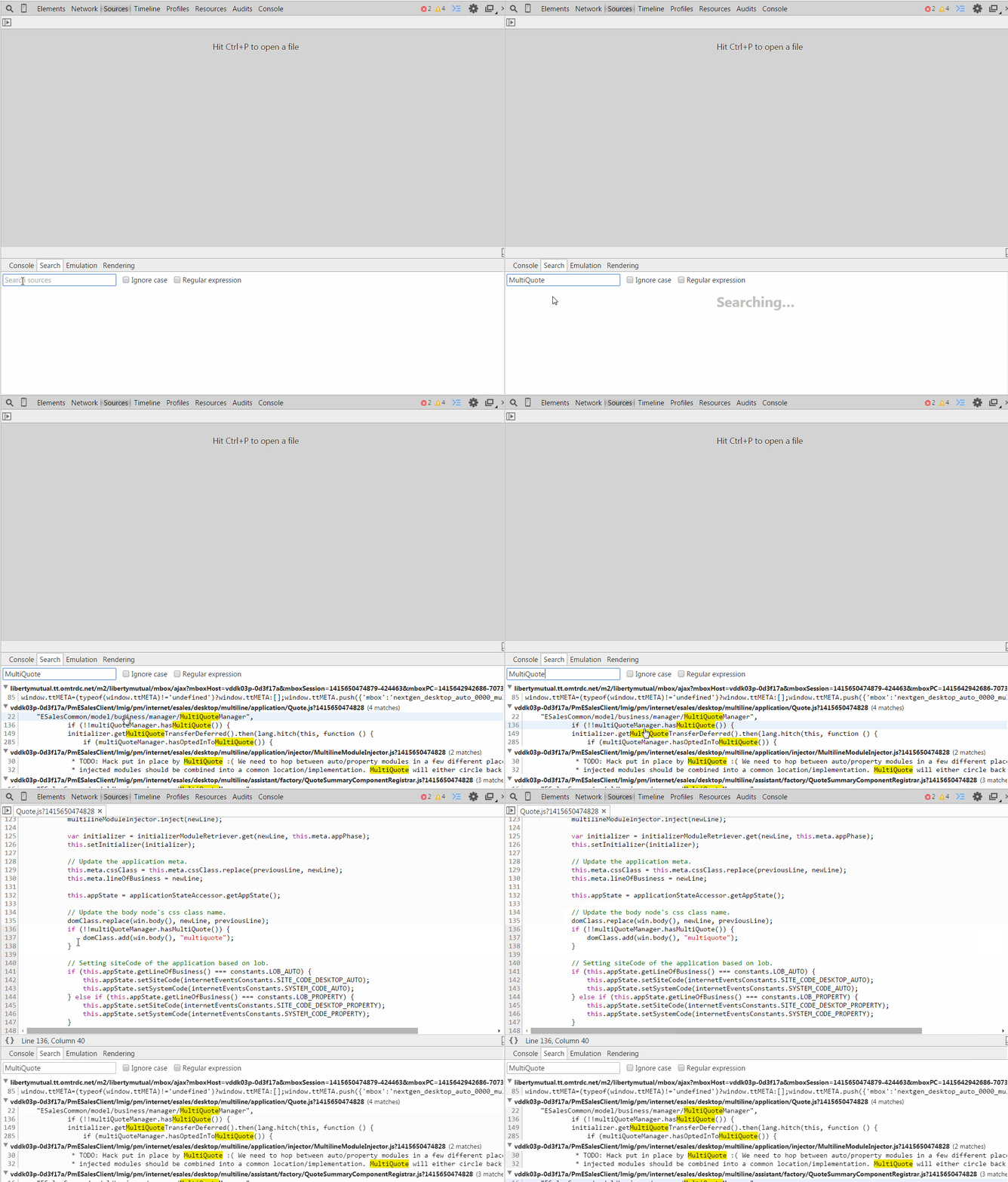
search inside files
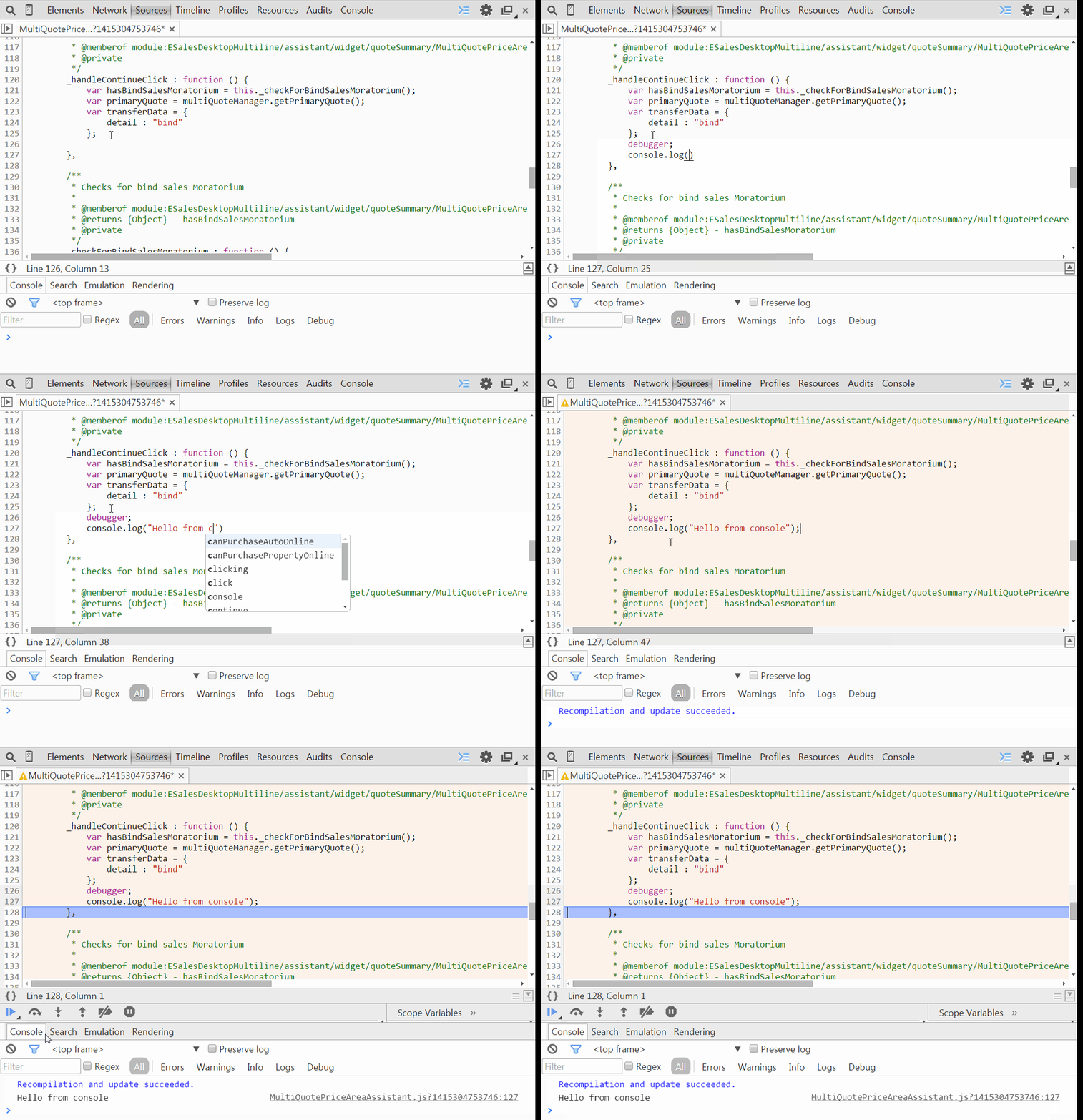
Live edit Js
Q : Don't I lose everything when closing the browser?
yes and no!
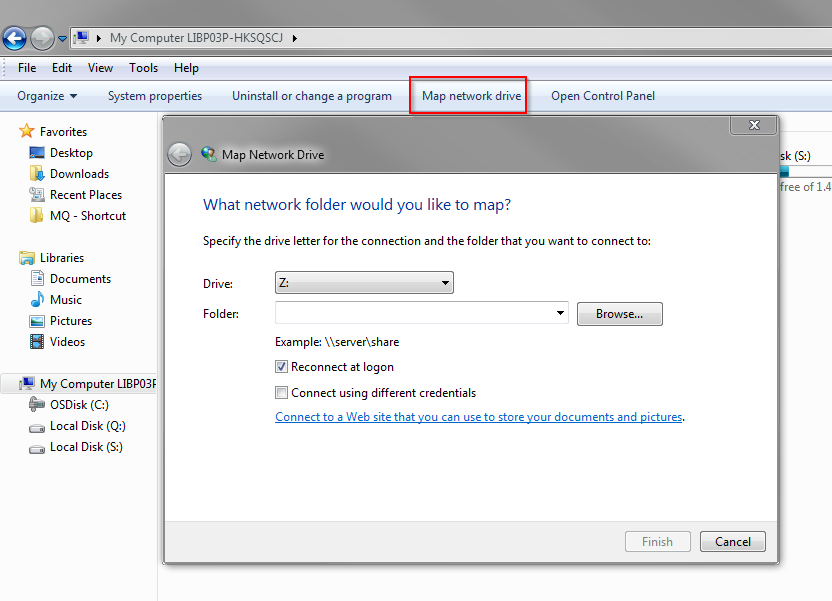
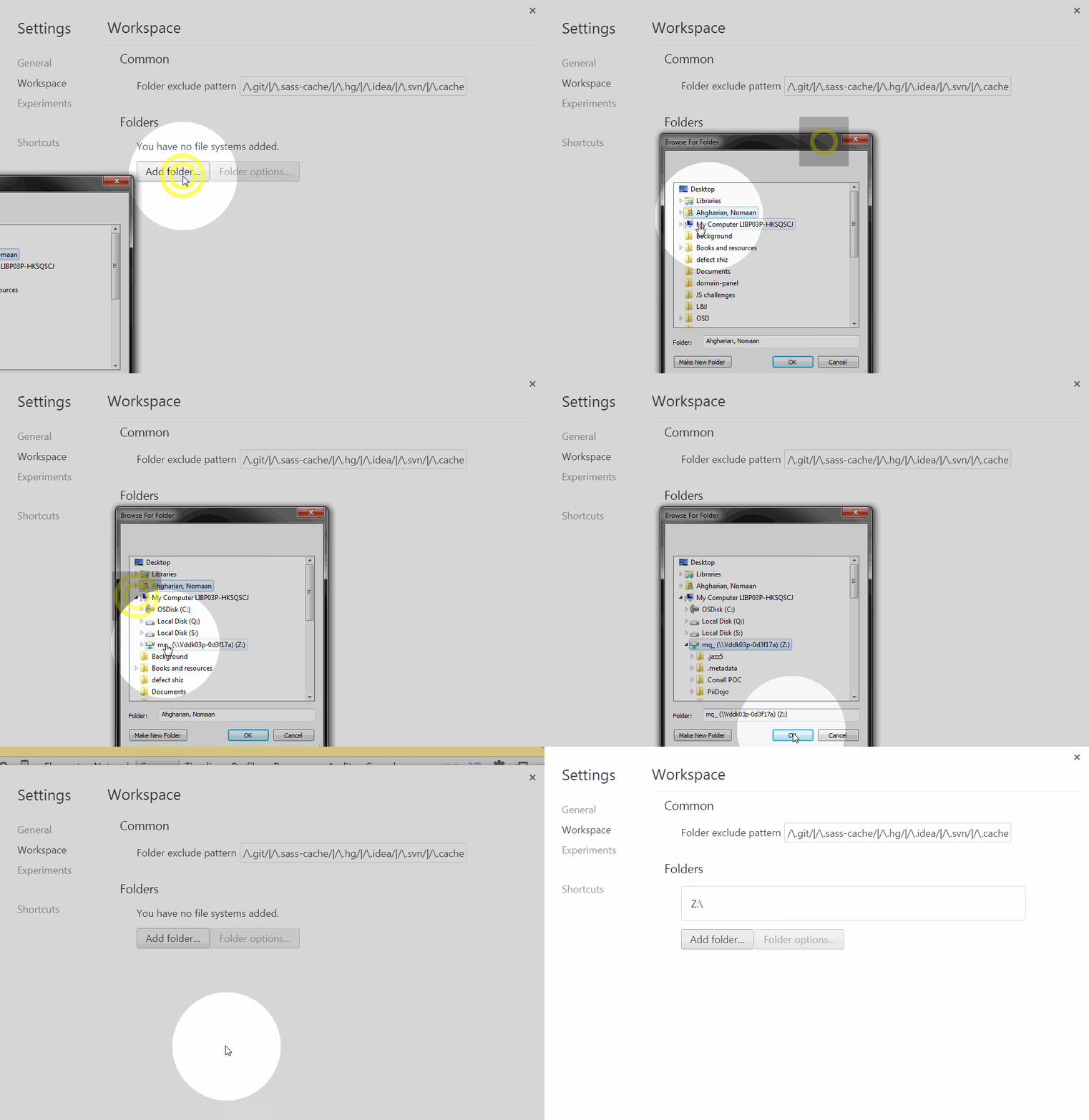
MAP your slice workspace
Add your workspaces to Chrome
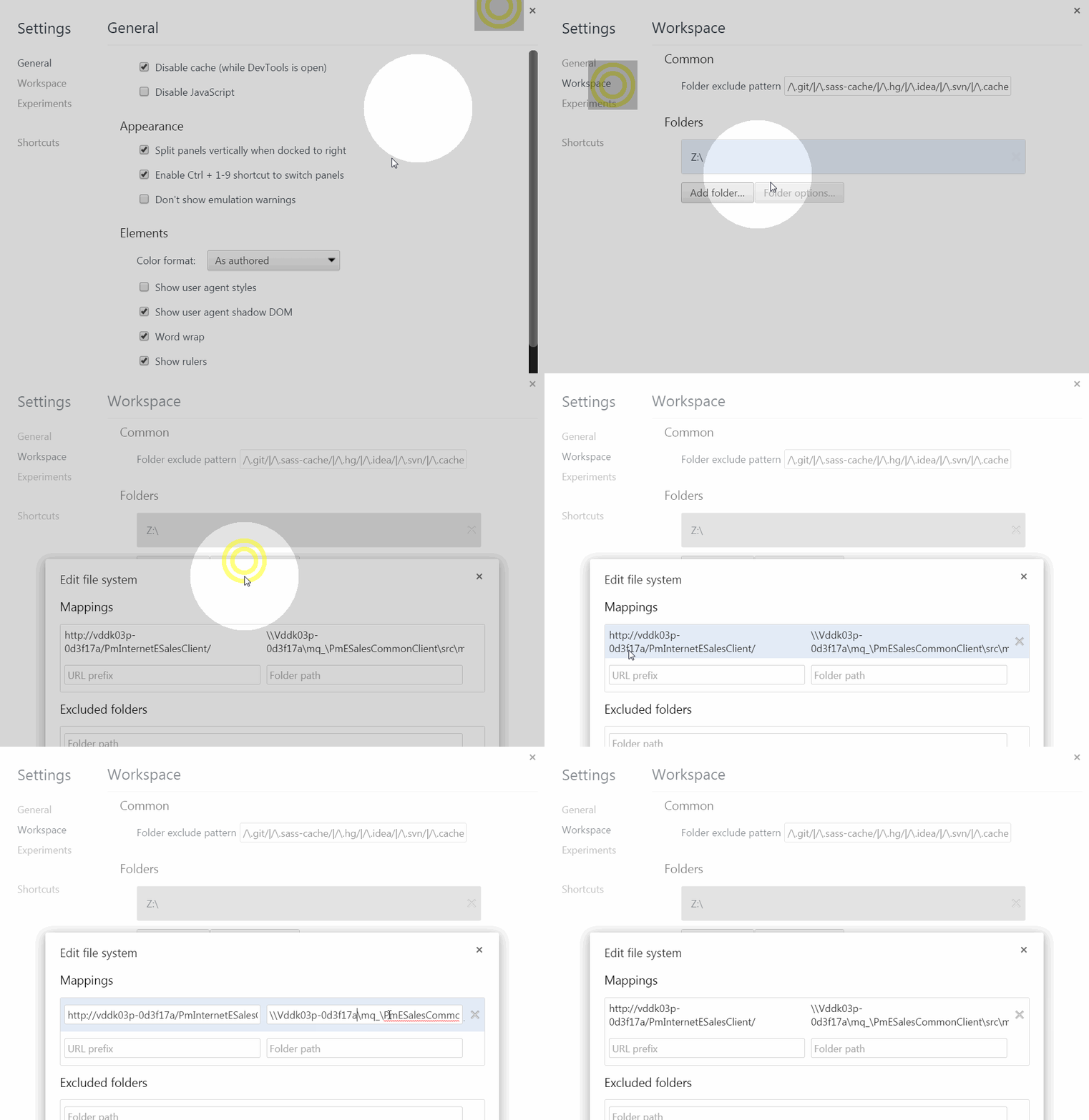
MAP URL TO YOUR LOCAL
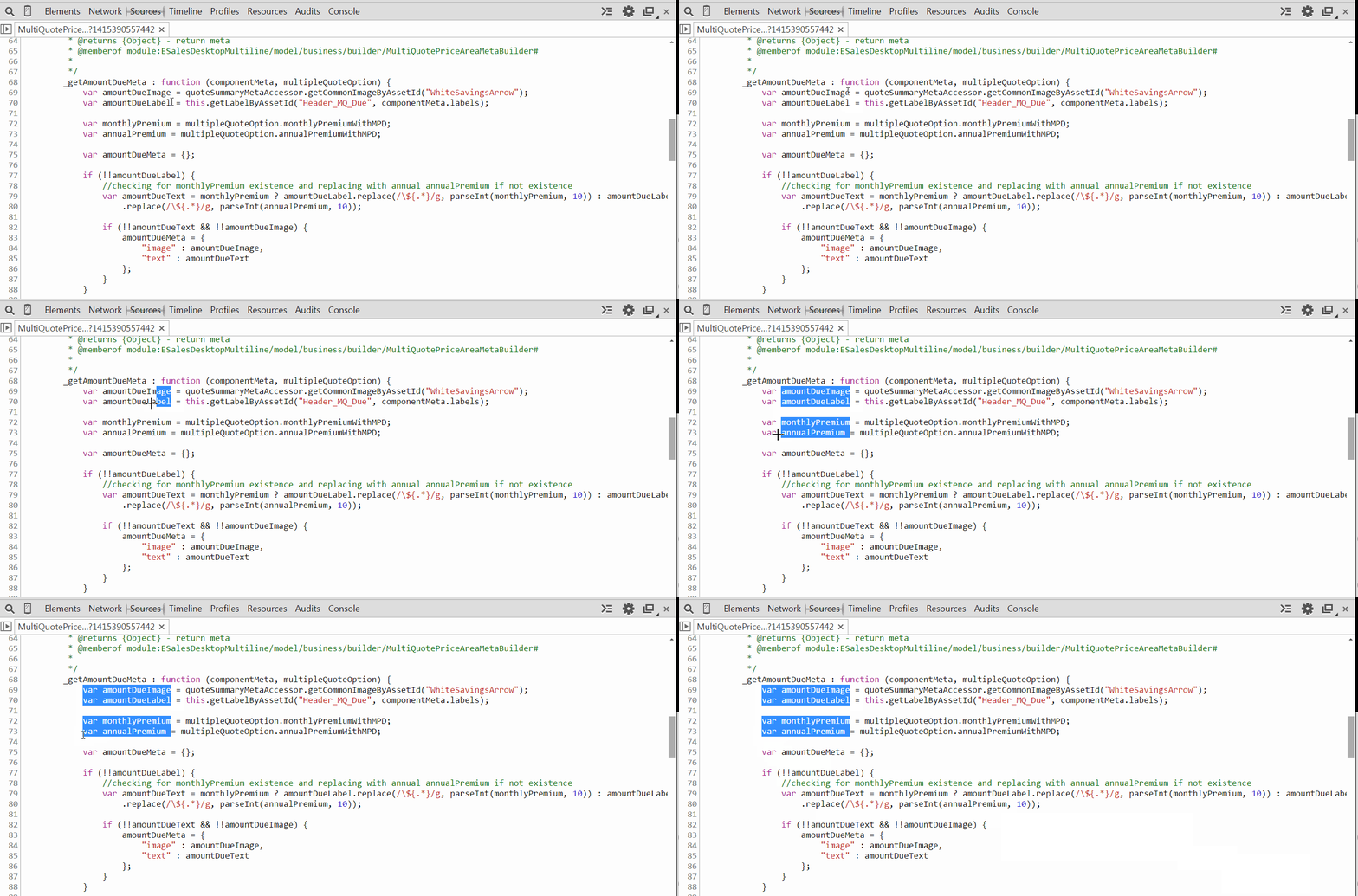
make a column selection!

+

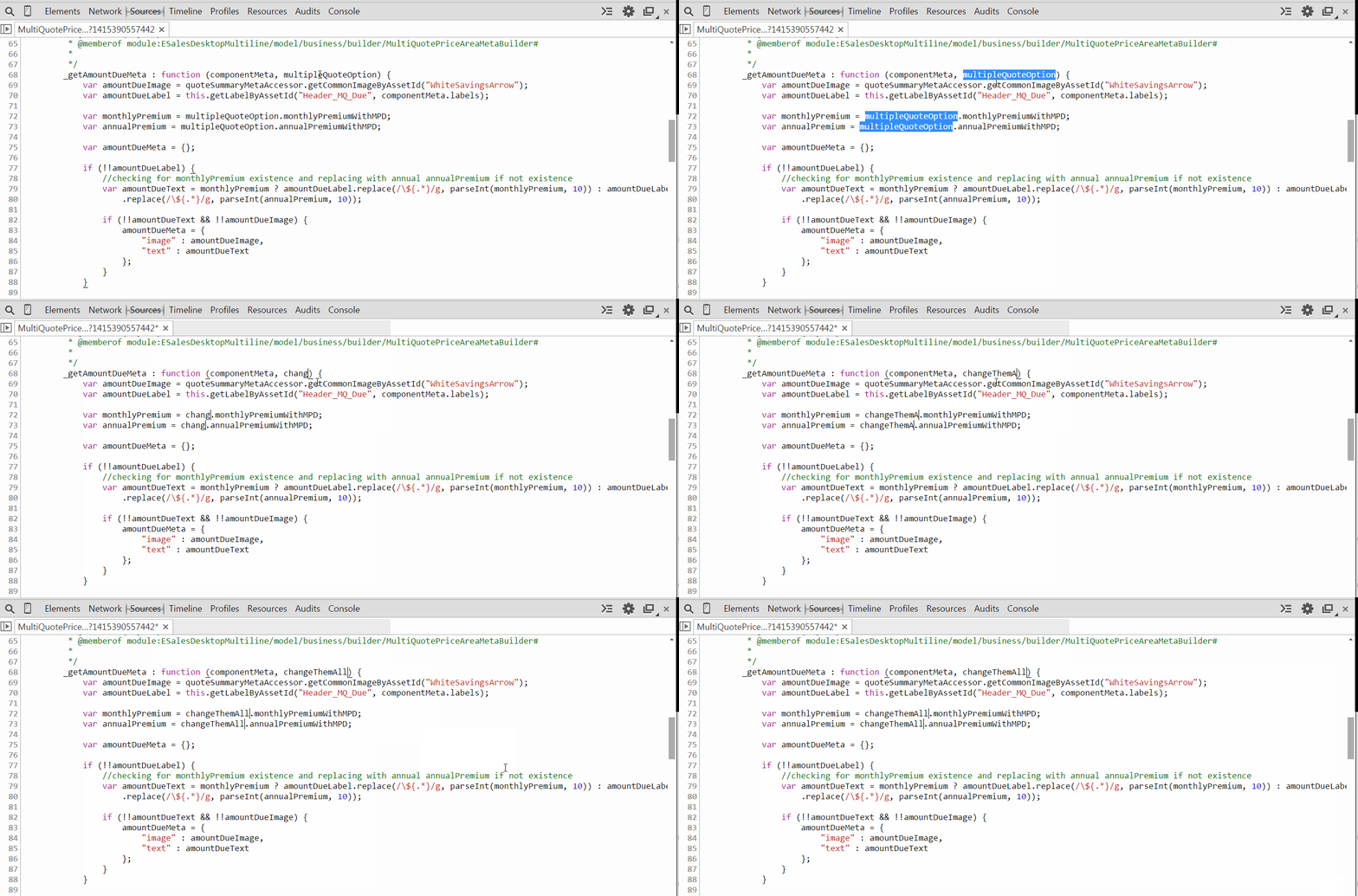
multiple cursors?
+

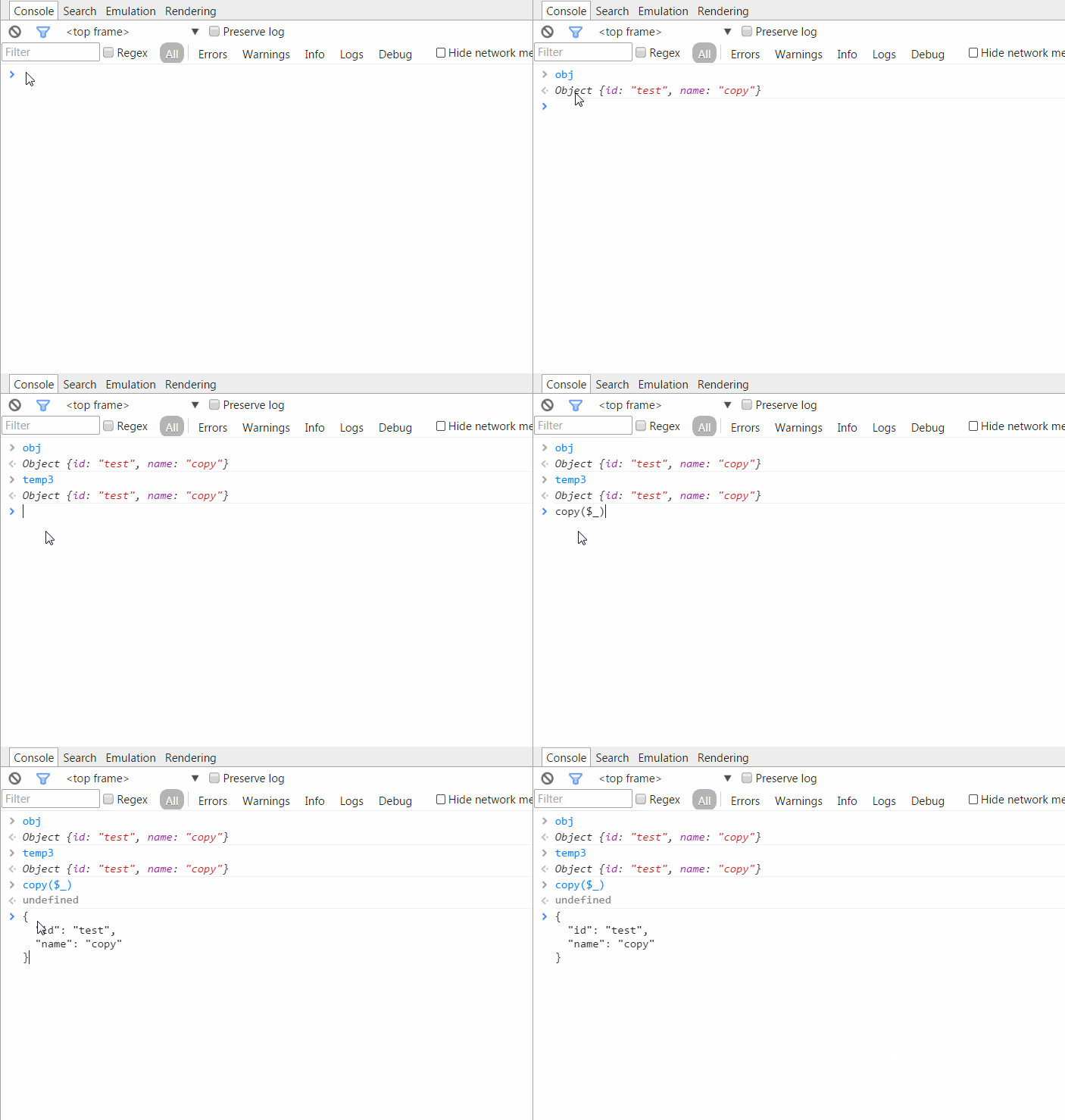
copy an object?
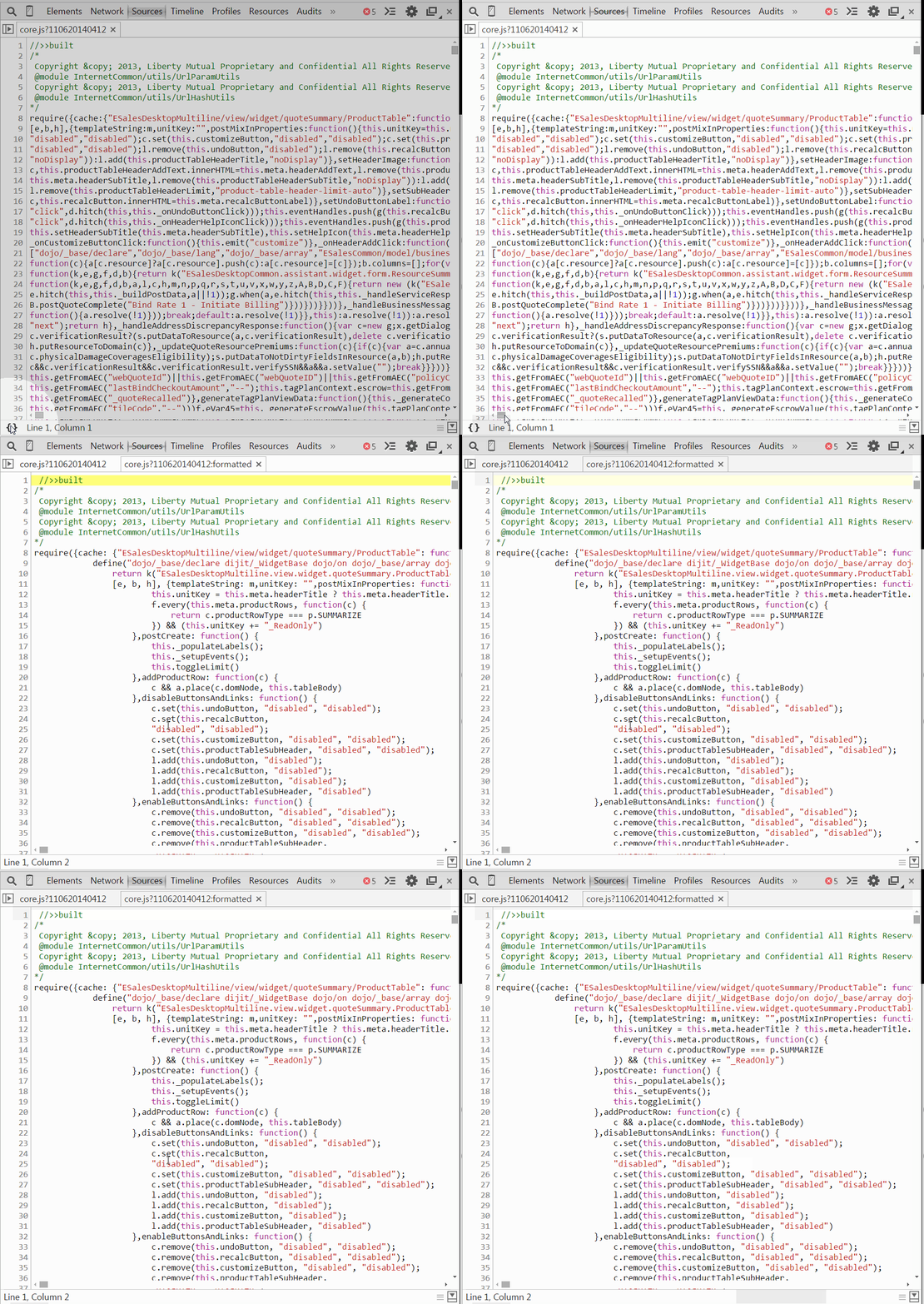
minified file? Not a problem
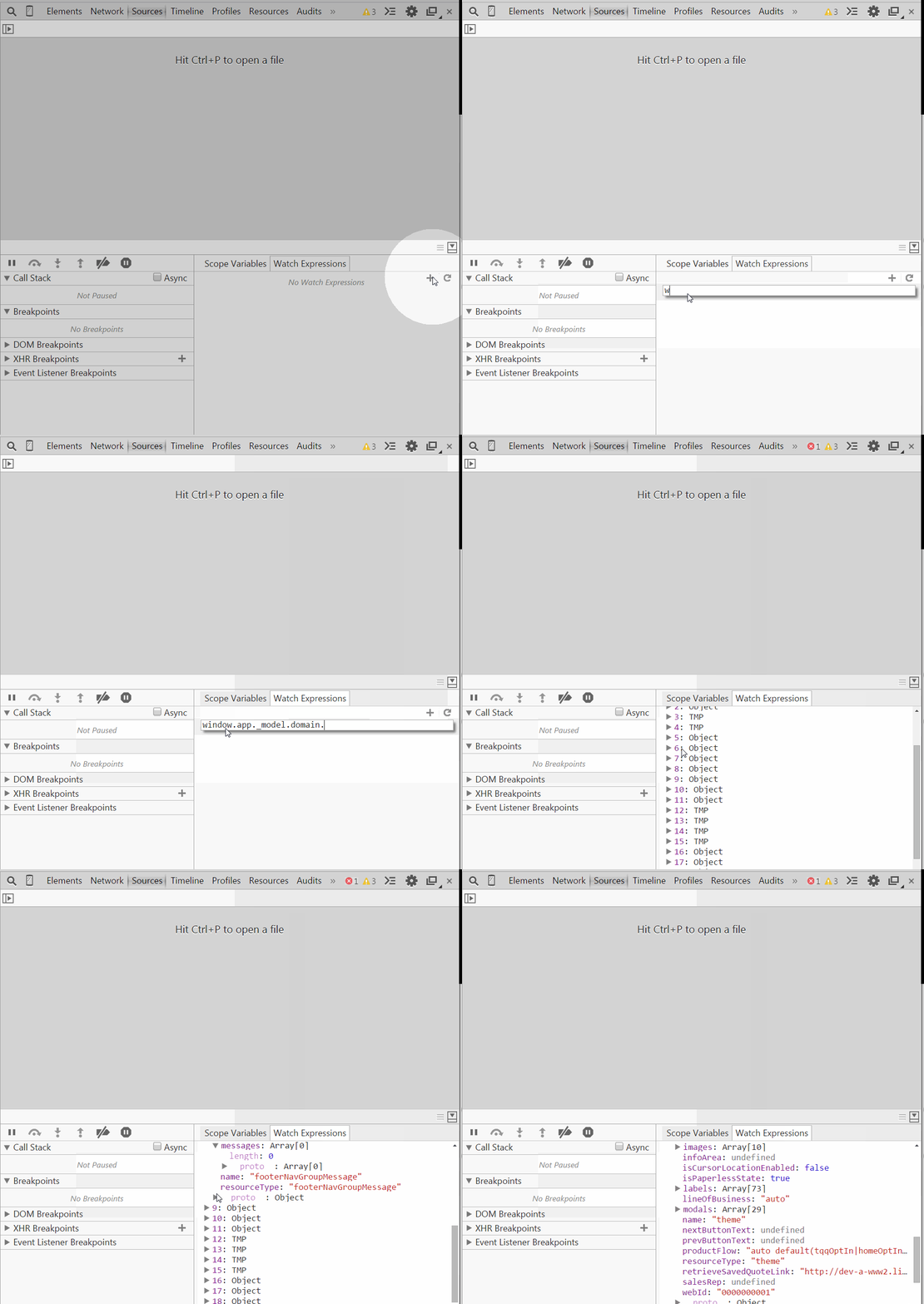
watch variables
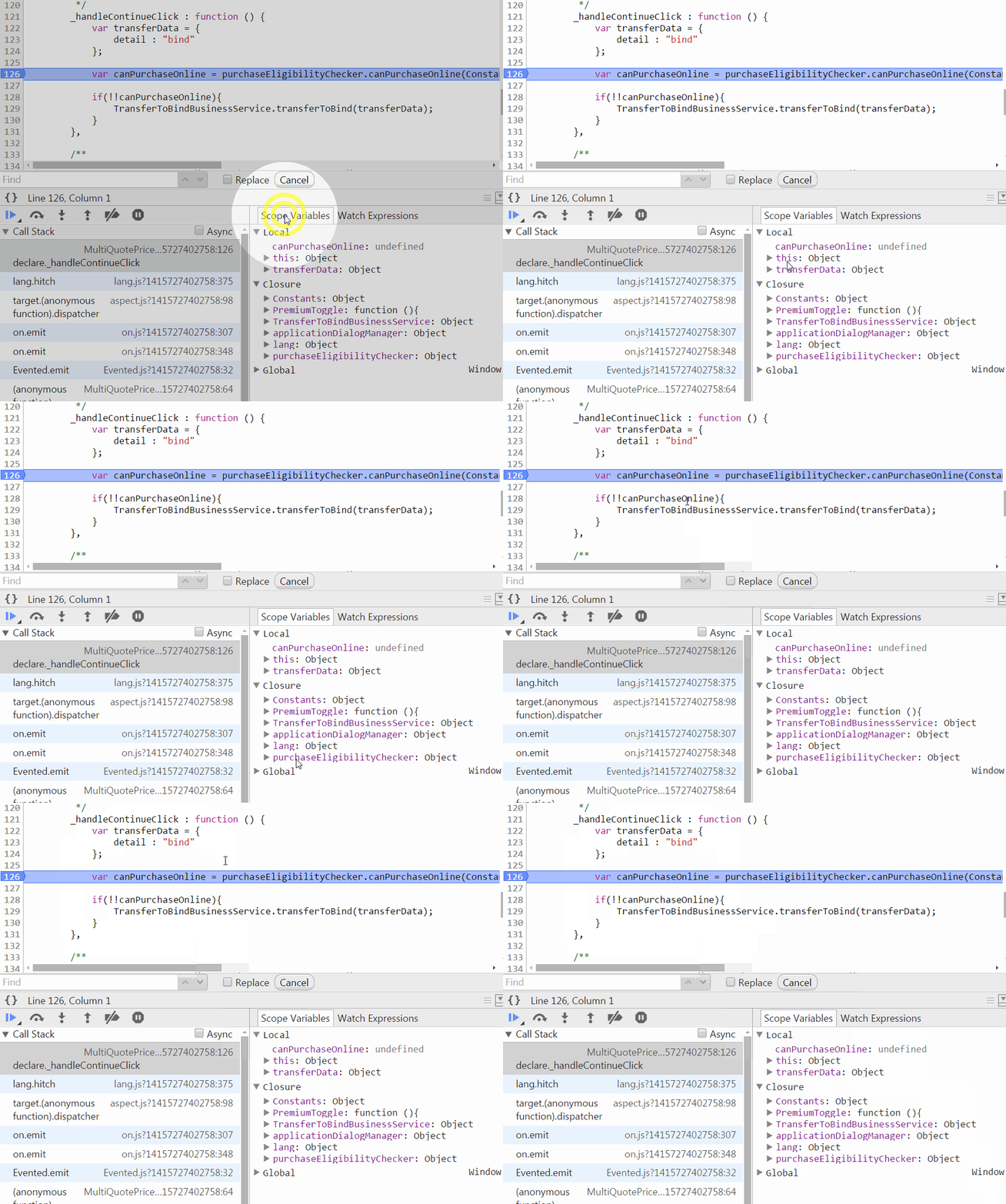
Watch Scope VARIABLES
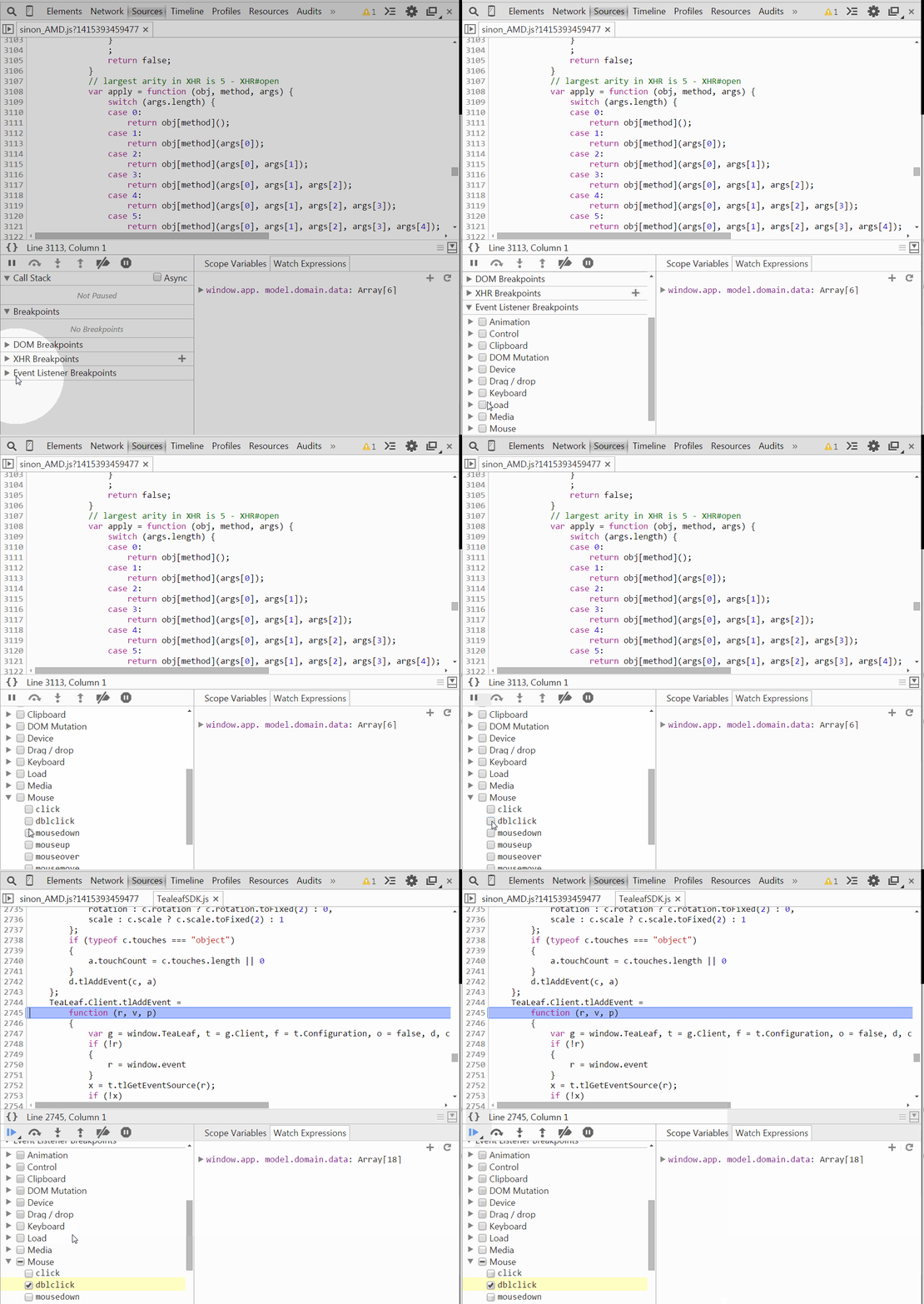
Breakpoint on events
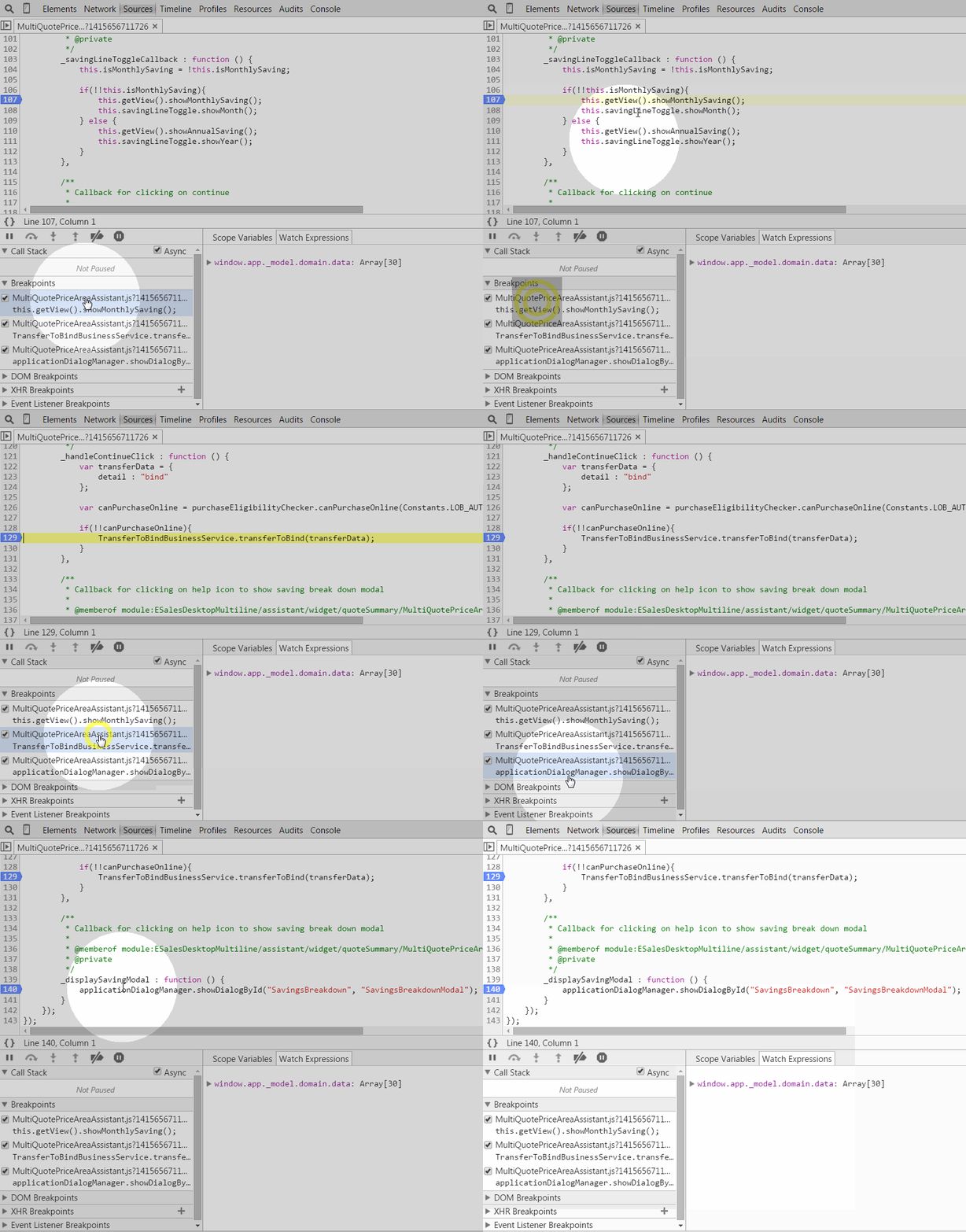
How to drive your breakpoints

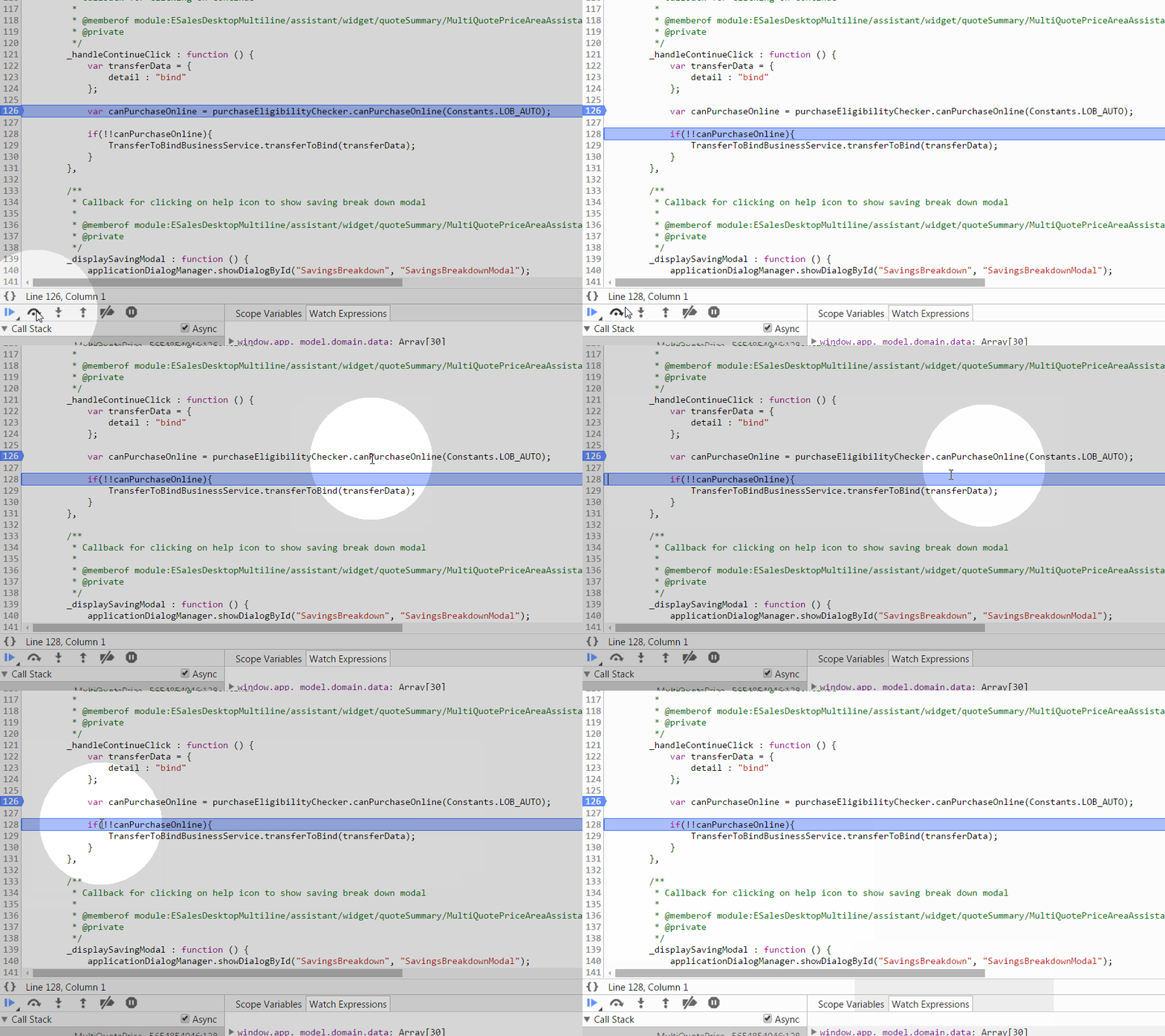
Step Over [the line]
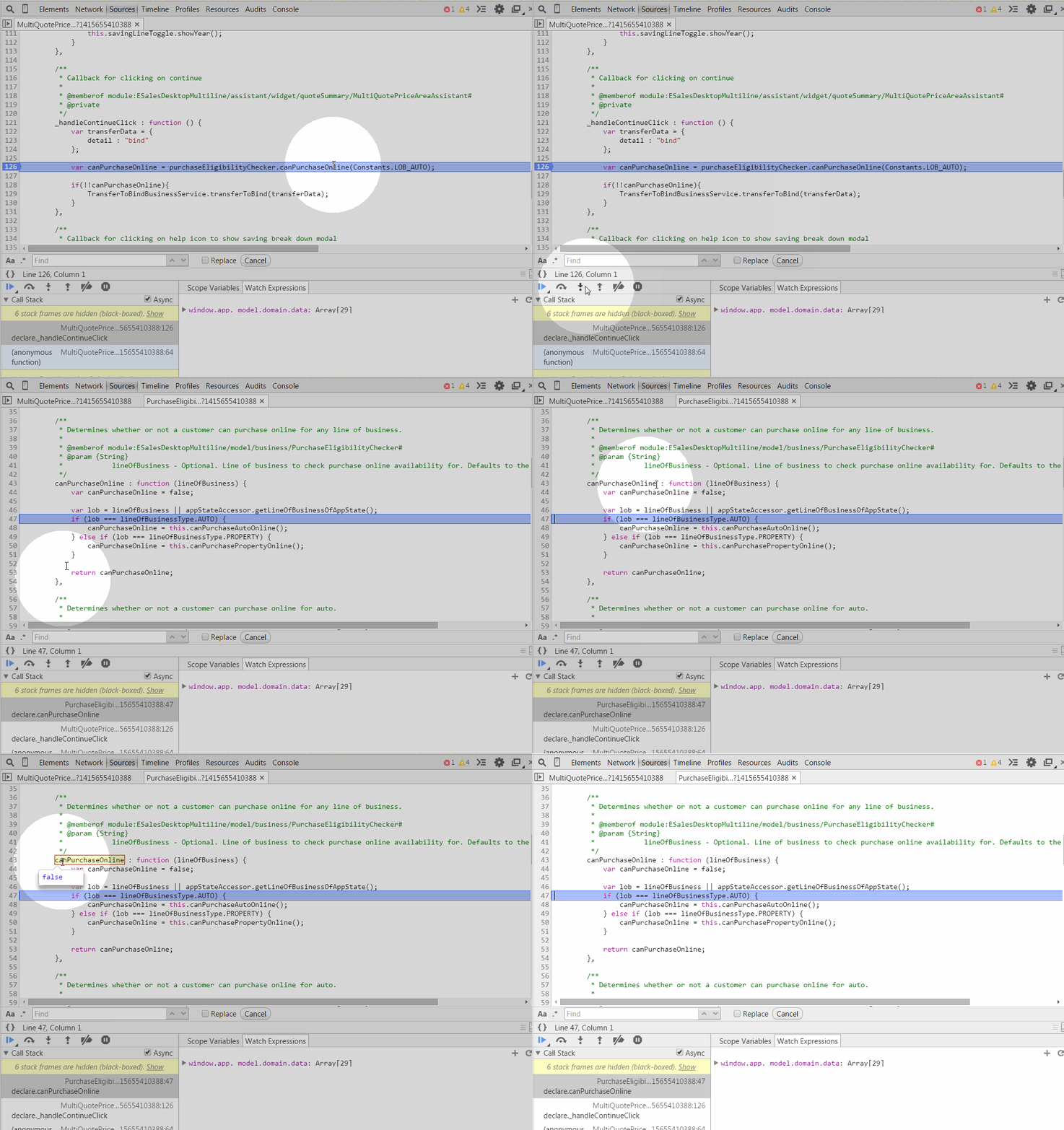
Step in
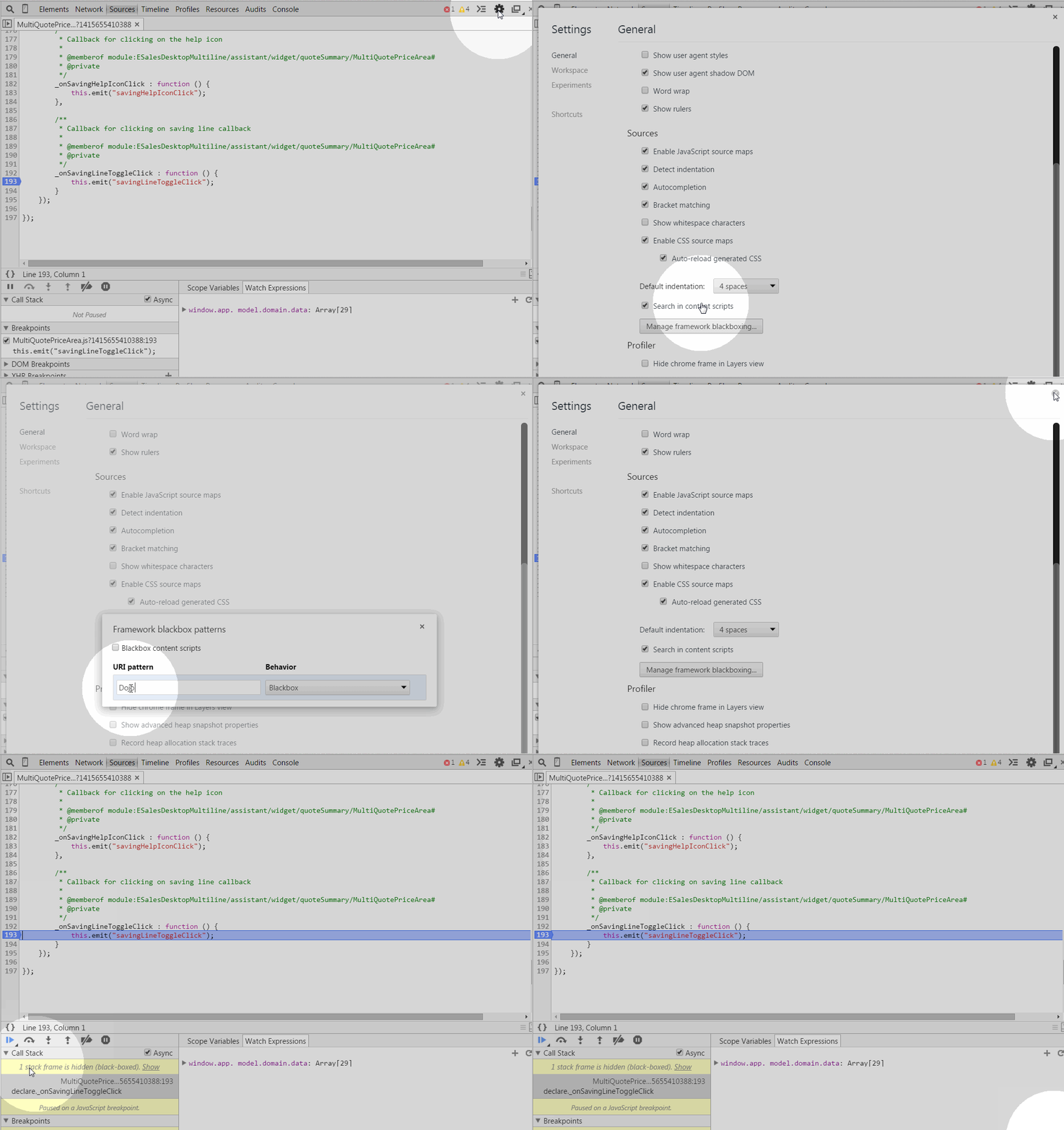
Blackbox scripts
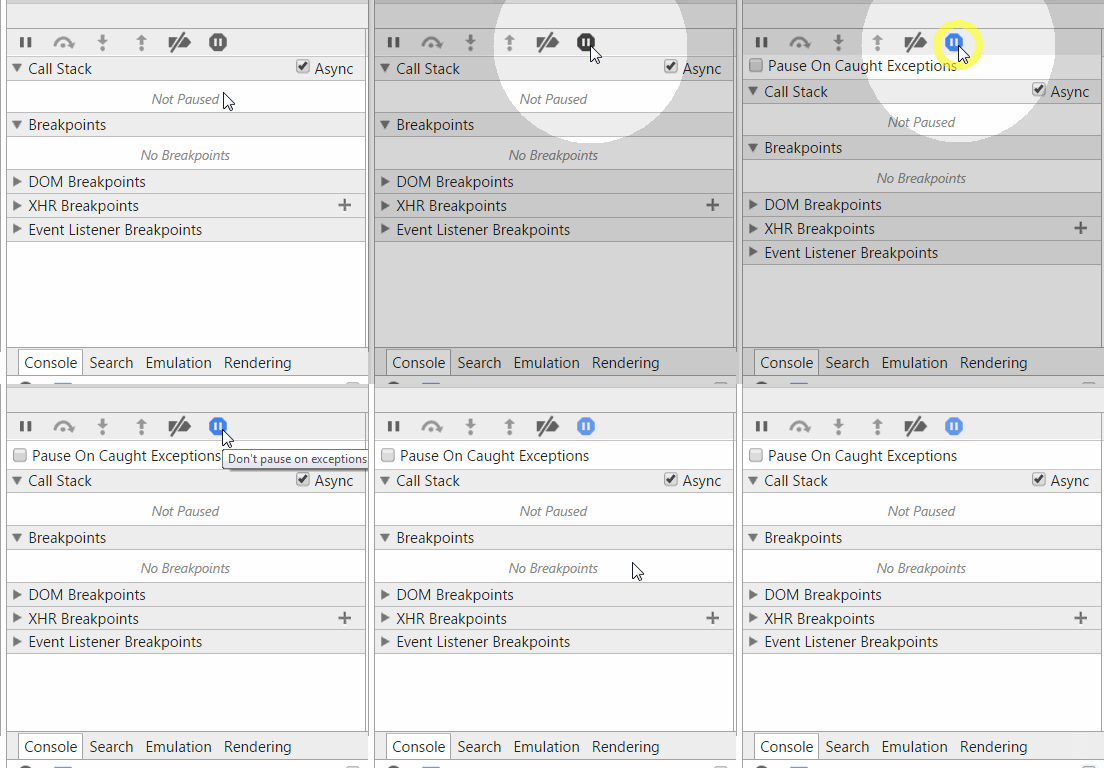
Pause on Exception
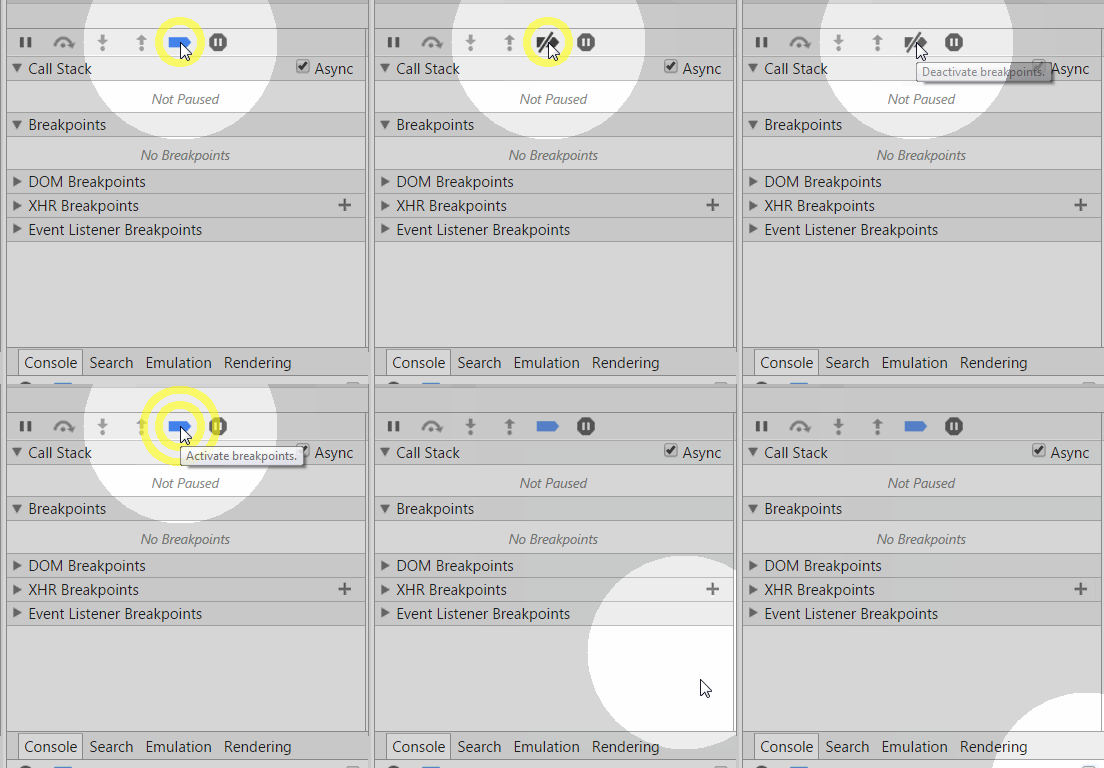
(de)active breakpoints
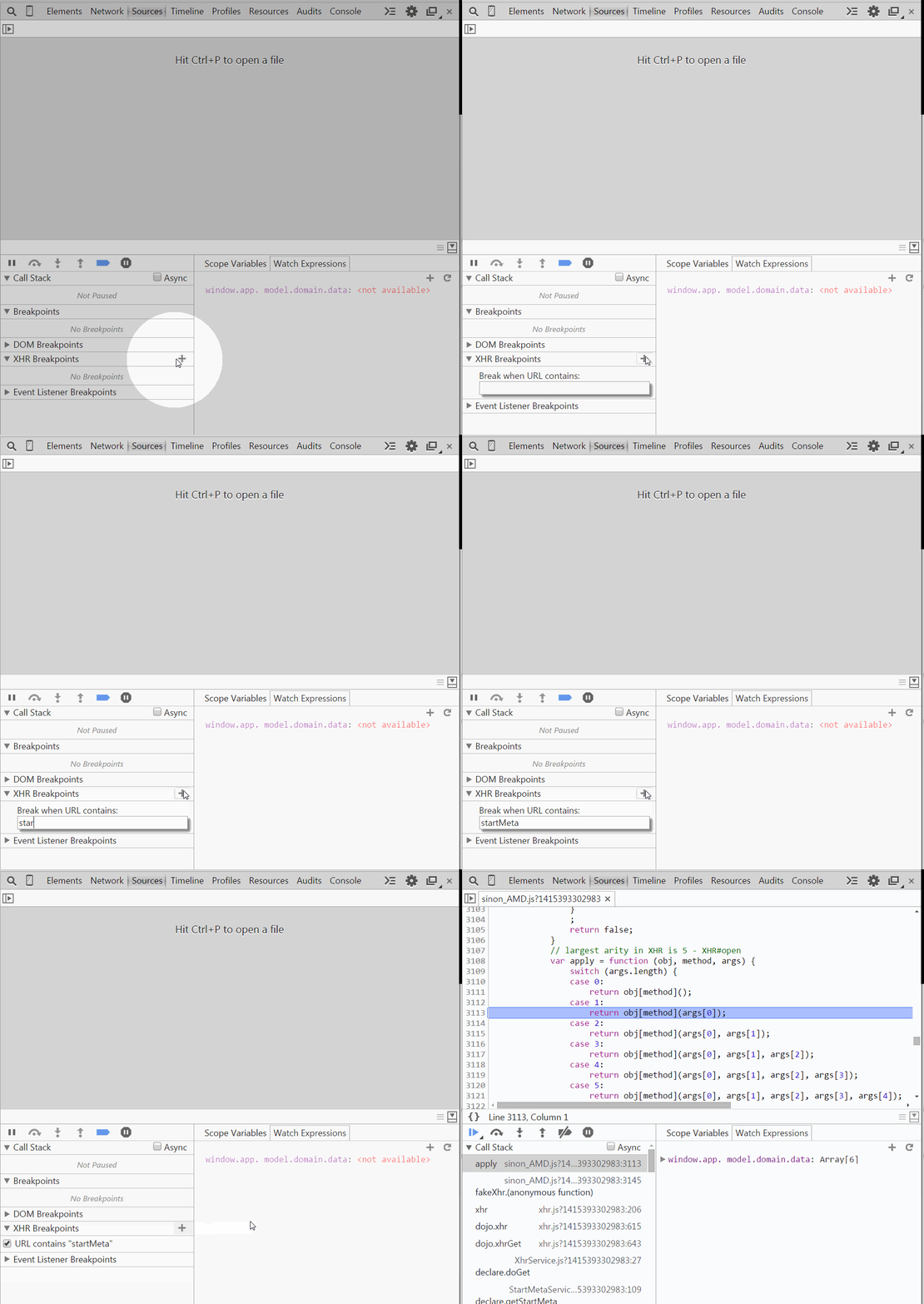
XHR break points
Breakpoints list
CONSOLE
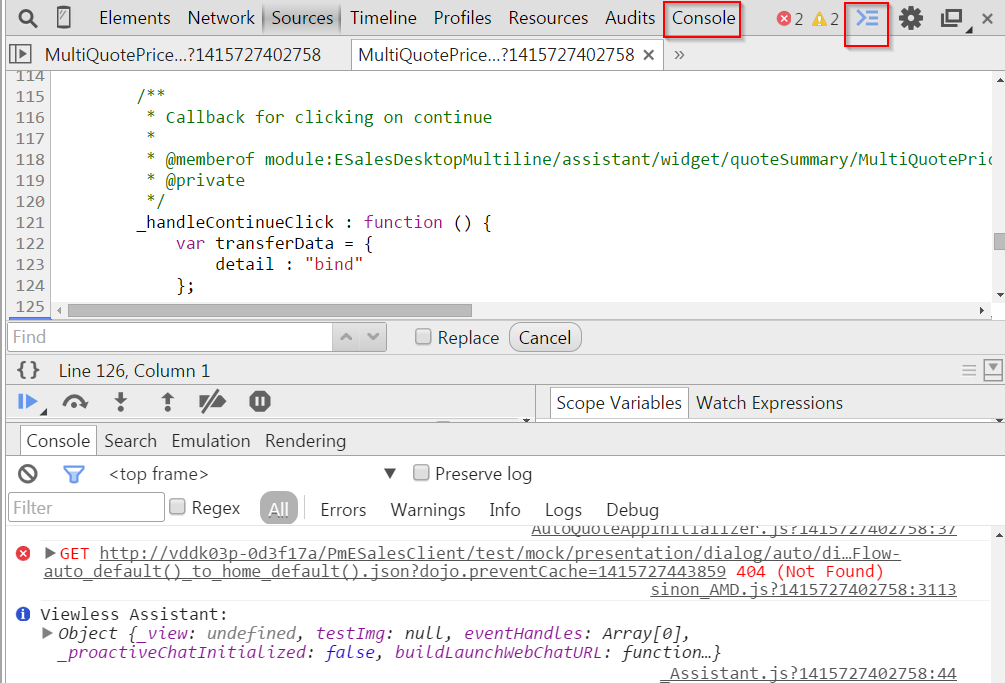
AcCess Console

Log XHR calls
CONSOLE API
console.log()
var a = document.createElement('p');
a.appendChild(document.createTextNode('foo'));
a.appendChild(document.createTextNode('bar'));
console.log("Node count:", a.childNodes.length, "and the current time is:", Date.now());
console.log()
console.log("%s has %d points", "Sam", "100");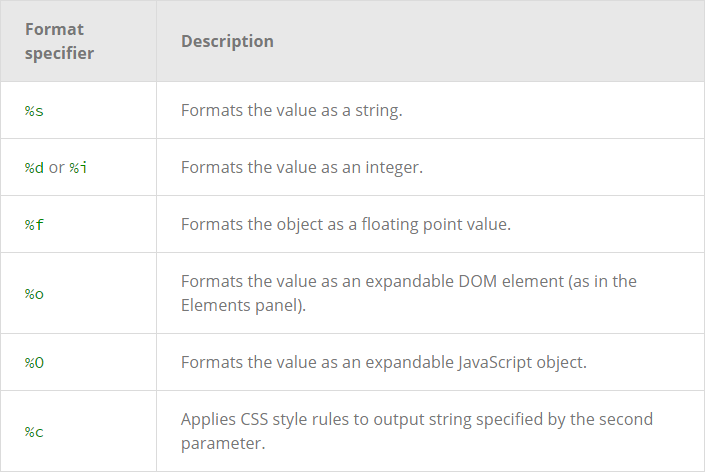
Console.error();
function connectToServer() {
    console.error("Error: %s (%i)", "Server is  not responding",500);
}

connectToServer();
console.warn()

if(a.childNodes.length < 3 ) {
    console.warn('Warning! Too few nodes (%d)', a.childNodes.length);
}
console.assert()
console.assert(list.childNodes.length < 500, "Node count is > 500");
console.group();
var user = "jsmith", authenticated = false;
console.group("Authentication phase");
console.log("Authenticating user '%s'", user);    // authentication code here...
if (!authenticated) {
 console.log("User '%s' not authenticated.", user)
}
console.groupEnd();
console.groupCollapsed()
To make it initially collapsed
console.table()

Filtering console output

Styling console output with CSS

Too many console prints?
console.clear();Something missing?
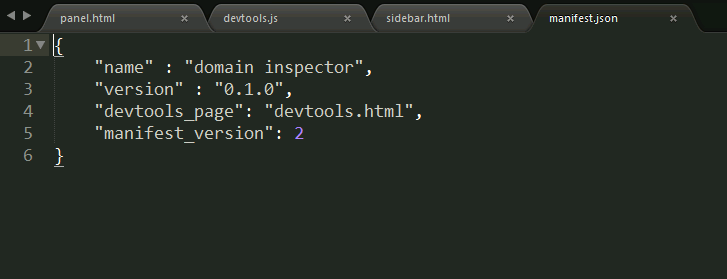
DEVELOP ONE
To get started, these files all you need:

MAGIC
One More Thing
- were aksed to check a widget with different content, surprise them by adding this somewhere in your code
document.body.contentEditable = true;
Q & A
REFERENCES:
- https://developer.chrome.com/devtools/docs
- http://devtoolstips.com
- https://twitter.com/addyosmani
- Hours of playing around with Chrome DevTools