Identity and Access Management (SAML and LDAP) using Spring Boot
By : Pulkit Pushkarna, Smriti Babbar
What is LDAP ?
- LDAP stands for Light Weight Directory Access Protocol
- LDAP defines the method by which directory data is accessed
- LDAP defines and describes how data is represented in directory services called LDAP information model.
- LDAP abstracts how data is loaded and manipulated.
LDAP INFORMATION MODEL
- LDAP information model represents data as hierarchy of objects.
- The hiererachy of objects form a tree structure called as directory information tree(DIT).
- Each hierarchy of Object is called entry.
- Each entry in the tree has one parent Entry and zero or more child entries.
- Each entry is composed of one or more objectClasses.
- Objectclasses contains one or more attributes.
- Attribute have names and it contains data.
What is OPEN LDAP ?
- Open LDAP is a free and open source implementation of LDAP.
- Open LDAP consolidates data of an entire organization in a central repository or directory.
- The consolidated data can can be accessed from anywhere.
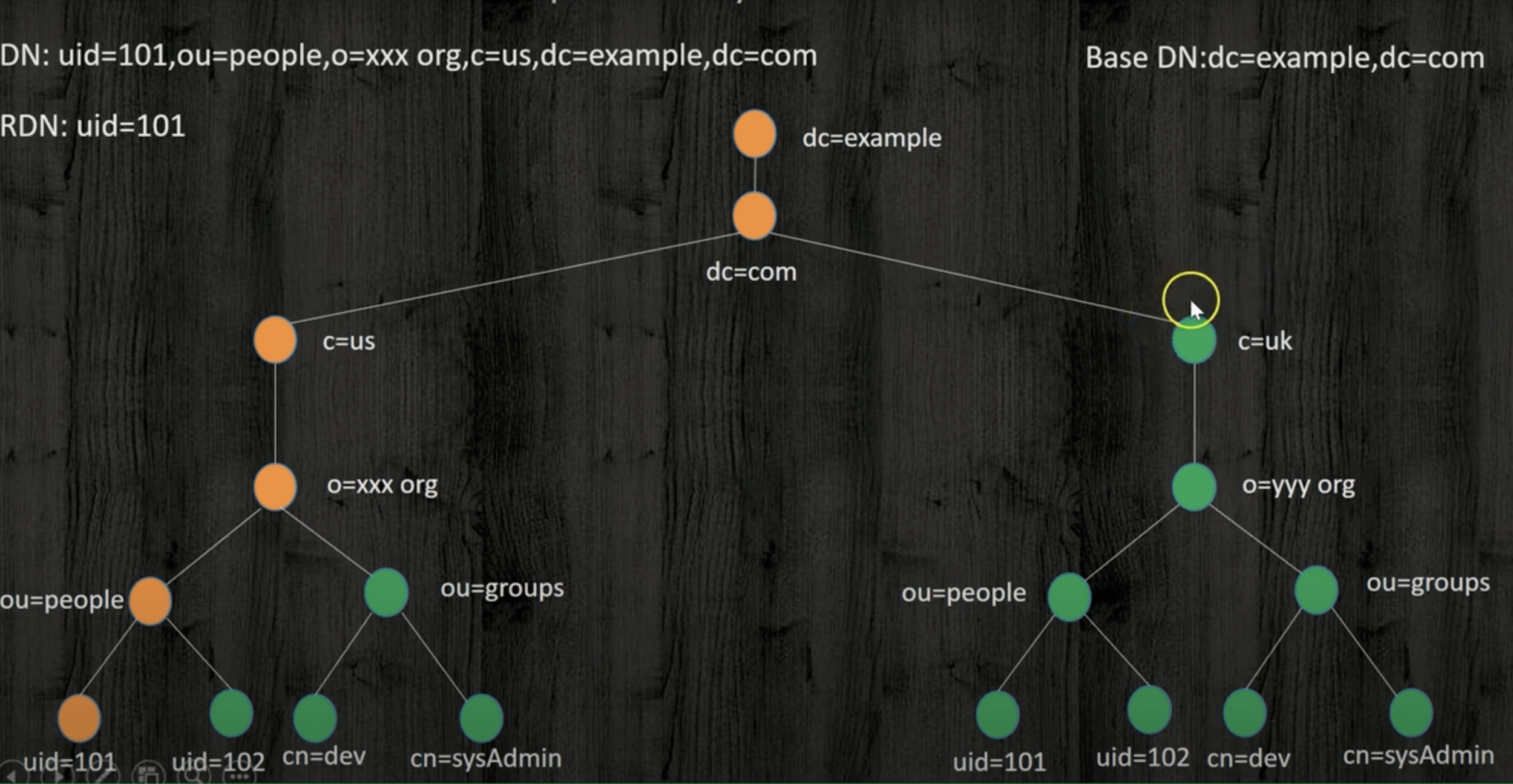
LDAP DIRECTORY COMPONENTS
-
Hierarchical Structure: LDAP organises information in a hierarchical tree structure called a Directory Information Tree (DIT), with a single root (dc=domain component) and multiple branches(ou=organisational units) and leaves.
-
Entries and Attributes: Entries can represent users, groups etc., where leaves have attributes but no subordinates. The root DSE (Directory Server agent specific Entry) provides directory information.
-
There can only be one root, but the branches can be iterative and groups can nest. The leaves (users and printers, in this diagram) have attributes, but they cannot have subordinate entities.
-
Entry
Entries use attributes to describe the real-world items stored in the directory, like a user or a machine. Users in a DIT exist as entries, which store additional information about the user.
Entries are often referred to by their common name (cn), typically a username or first and last name. -
Attribute
Attributes describe items in the LDAP directory, e.g., a user’s full name, email, username, and password.
They consist of a type and a value, e.g., mail=pgibbons@initech.com.
The available attributes to include are predefined by an ObjectClass attribute. Organisations may use more than one ObjectClass attribute and create custom ObjectClass attributes to contain the information they want to store in their LDAP directory.
- DN: Distinguished Name
Unique identifier for an LDAP entry, listing attributes in a hierarchical format.
Format: Comprises relative distinguished names (RDNs) separated by commas,
e.g., cn=Peter Gibbons,ou=IT,ou=People,dc=Initech,dc=com.
Structure: Starts with the object’s name and moves up to the main directory component, forming a complete address in the LDAP tree.
For Peter Gibbons, a programmer in the IT department at Initech, the DN may be formatted as cn=Peter Gibbons,ou=IT,ou=People,dc=Initech,dc=com
- RDN: Relative Distinguished Name
These are strings that assign values to attributes, like assigning an email address to a user.
Format: attribute=value
Run OpenLDAP on docker
docker run --detach --rm
--name openldap
-p 1389:1389
-p 1636:1636
--env LDAP_ADMIN_USERNAME=admin
--env LDAP_ADMIN_PASSWORD=adminpassword
--env LDAP_USERS=customuser
--env LDAP_PASSWORDS=custompassword
--env LDAP_ROOT=dc=example,dc=org
--env LDAP_ADMIN_DN=cn=admin,dc=example,dc=org
bitnami/openldap:latest
One Liner
docker run --detach --rm --name openldap -p 1389:1389 -p 1636:1636 --env LDAP_ADMIN_USERNAME=admin --env LDAP_ADMIN_PASSWORD=adminpassword --env LDAP_USERS=customuser --env LDAP_PASSWORDS=custompassword --env LDAP_ROOT=dc=example,dc=org --env LDAP_ADMIN_DN=cn=admin,dc=example,dc=org bitnami/openldap:latestApache Directory Studio
- Apache Directory Studio is a complete directory tooling platform intended to be used with any LDAP server.
- Apache Directory studio can be downloaded from the link below:
https://directory.apache.org/studio/downloads.html
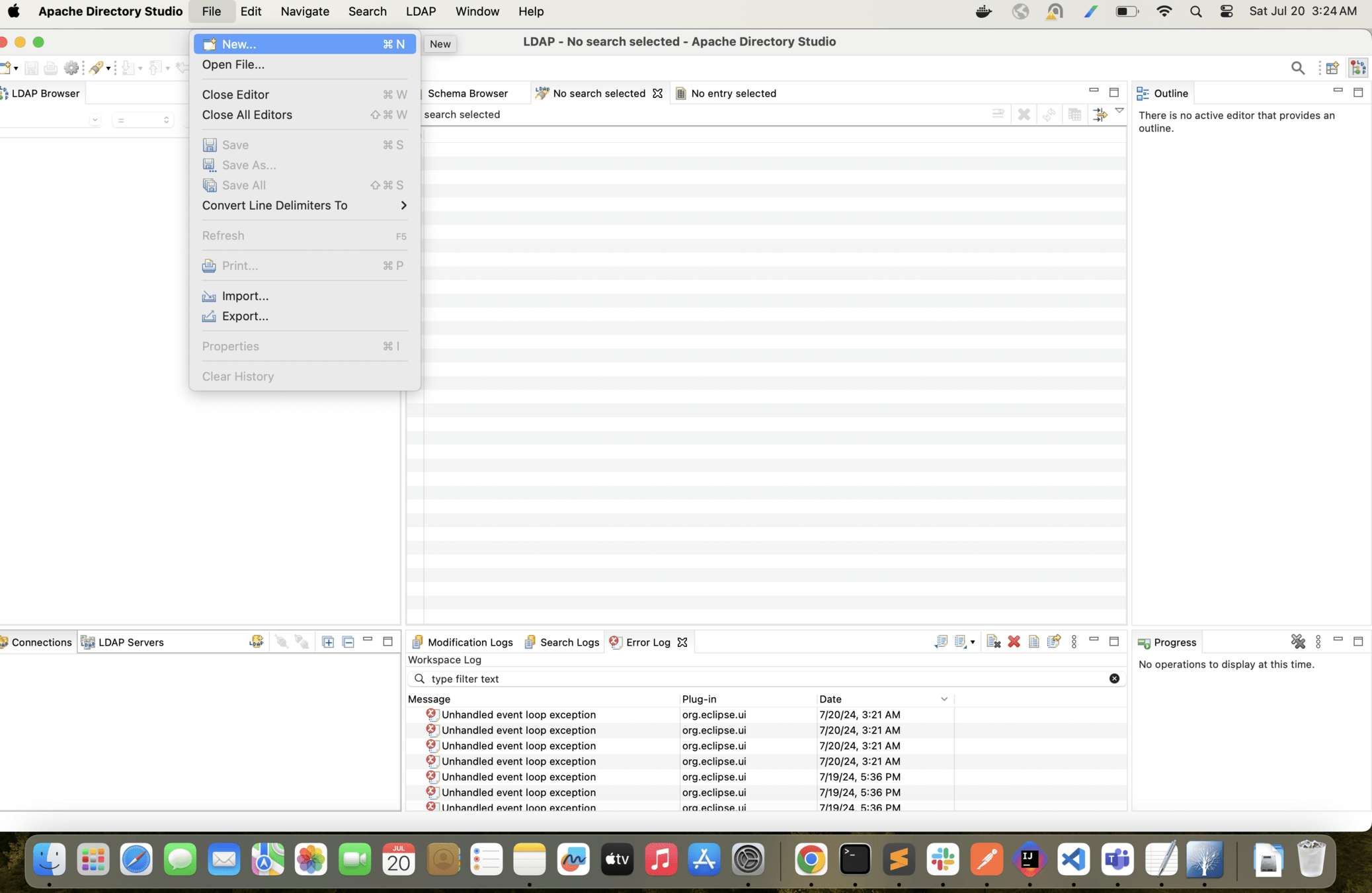
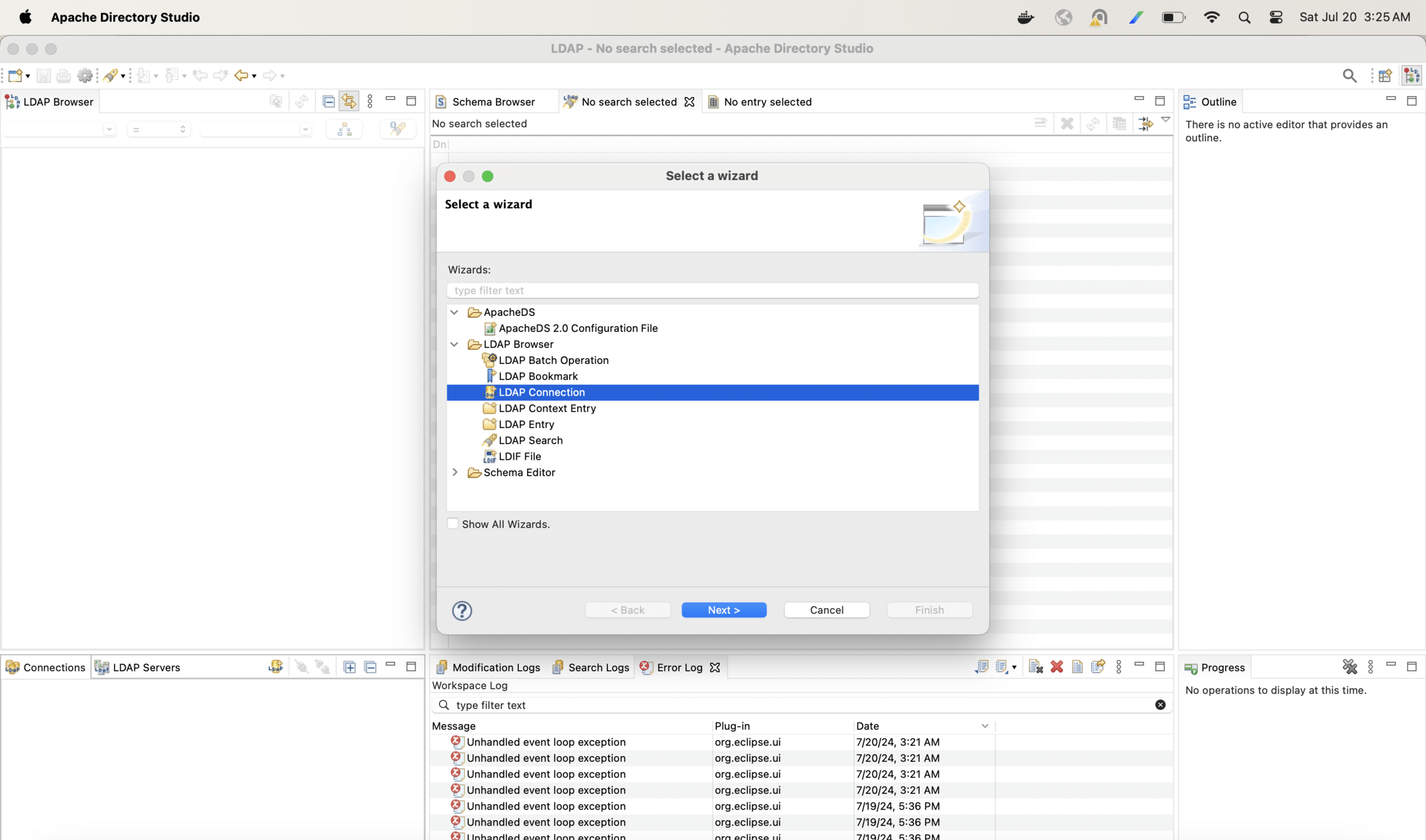
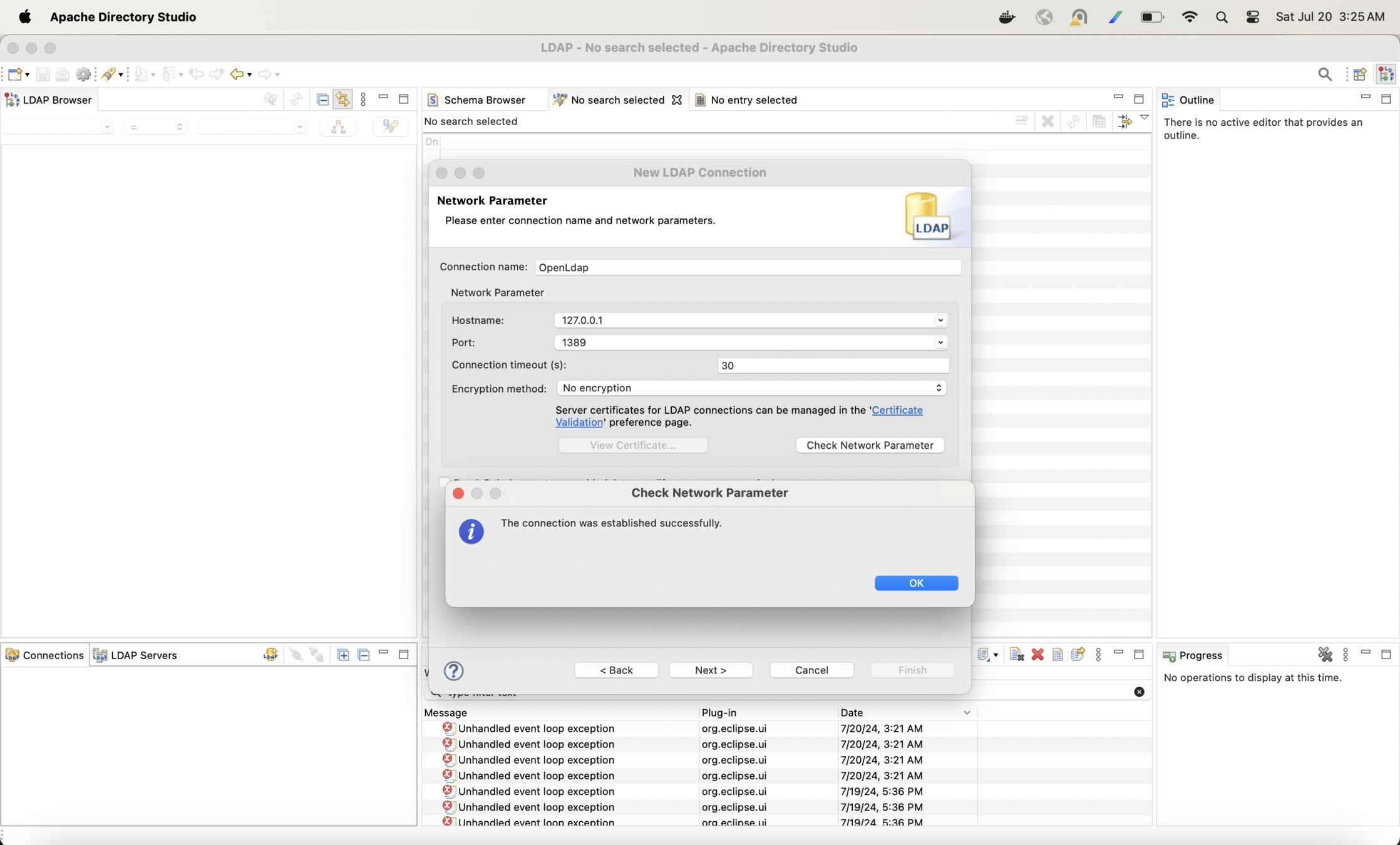
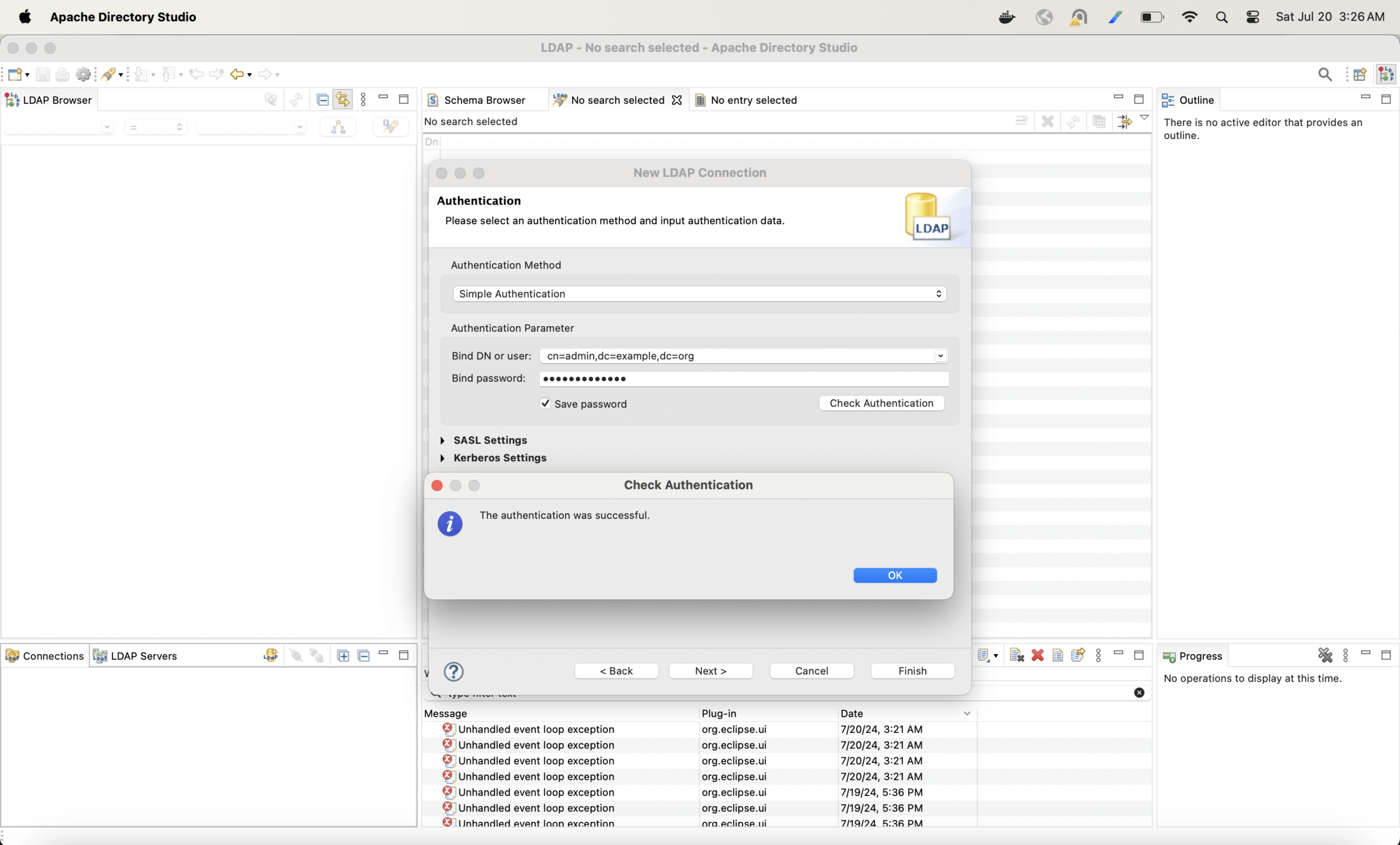
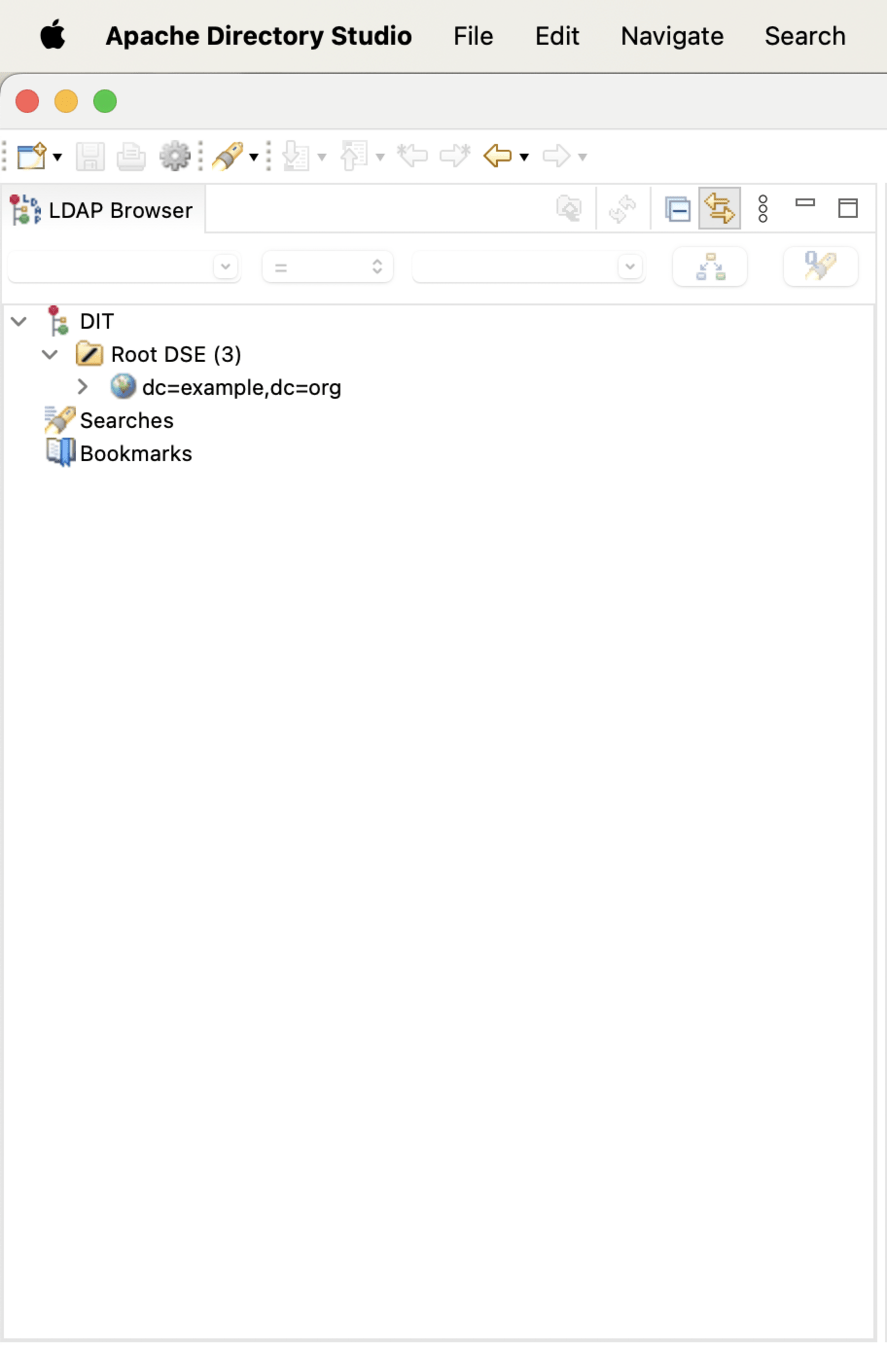
Create a connection in Apache Directory Studio for openLDAP
Integrate open LDAP with SpringBoot
build.gradle
plugins {
	id 'java'
	id 'org.springframework.boot' version '3.2.5'
	id 'io.spring.dependency-management' version '1.1.4'
}

group = 'spring.security'
version = '0.0.1-SNAPSHOT'

java {
	sourceCompatibility = '17'
}

repositories {
	mavenCentral()
}

dependencies {
	implementation 'org.springframework.boot:spring-boot-starter-web'
	implementation("org.springframework.boot:spring-boot-starter-security")
	implementation("org.springframework.ldap:spring-ldap-core")
	implementation("org.springframework.security:spring-security-ldap")
}

tasks.named('test') {
	useJUnitPlatform()
}
Config filepackage spring.security.ldap.demo.config;
import org.springframework.context.annotation.Configuration;
import org.springframework.ldap.core.LdapTemplate;
import org.springframework.ldap.core.support.BaseLdapPathContextSource;
import org.springframework.ldap.core.support.LdapContextSource;
import org.springframework.security.authentication.AuthenticationManager;
import org.springframework.security.config.annotation.web.builders.HttpSecurity;
import org.springframework.security.config.Customizer;
import org.springframework.security.config.annotation.web.configuration.EnableWebSecurity;
import org.springframework.security.config.ldap.LdapBindAuthenticationManagerFactory;
import org.springframework.security.web.SecurityFilterChain;
import org.springframework.context.annotation.Bean;
@Configuration
@EnableWebSecurity
public class WebSecurityConfig {
@Bean
public SecurityFilterChain securityFilterChain(HttpSecurity http) throws Exception {
http
.authorizeHttpRequests((authorize) -> authorize
.anyRequest().fullyAuthenticated()
).logout(logout -> logout.logoutSuccessUrl("/login").permitAll() )
.formLogin(Customizer.withDefaults());
return http.build();
}
@Bean
public LdapTemplate ldapTemplate(){
return new LdapTemplate(ldapContextSource());
}
@Bean
public LdapContextSource ldapContextSource(){
LdapContextSource ldapContextSource = new LdapContextSource();
ldapContextSource.setUrl("ldap://127.0.0.1:1389");
ldapContextSource.setUserDn("cn=admin,dc=example,dc=org");
ldapContextSource.setPassword("adminpassword");
return ldapContextSource;
}
@Bean
AuthenticationManager authenticationManager(BaseLdapPathContextSource source){
LdapBindAuthenticationManagerFactory factory = new LdapBindAuthenticationManagerFactory(source);
factory.setUserDnPatterns("cn={0},ou=users,dc=example,dc=org");
return factory.createAuthenticationManager();
}
}
Controller
package spring.security.ldap.demo.controller;

import org.springframework.web.bind.annotation.*;

@RestController
public class HomeController {

    @GetMapping("/")
    public String index() {
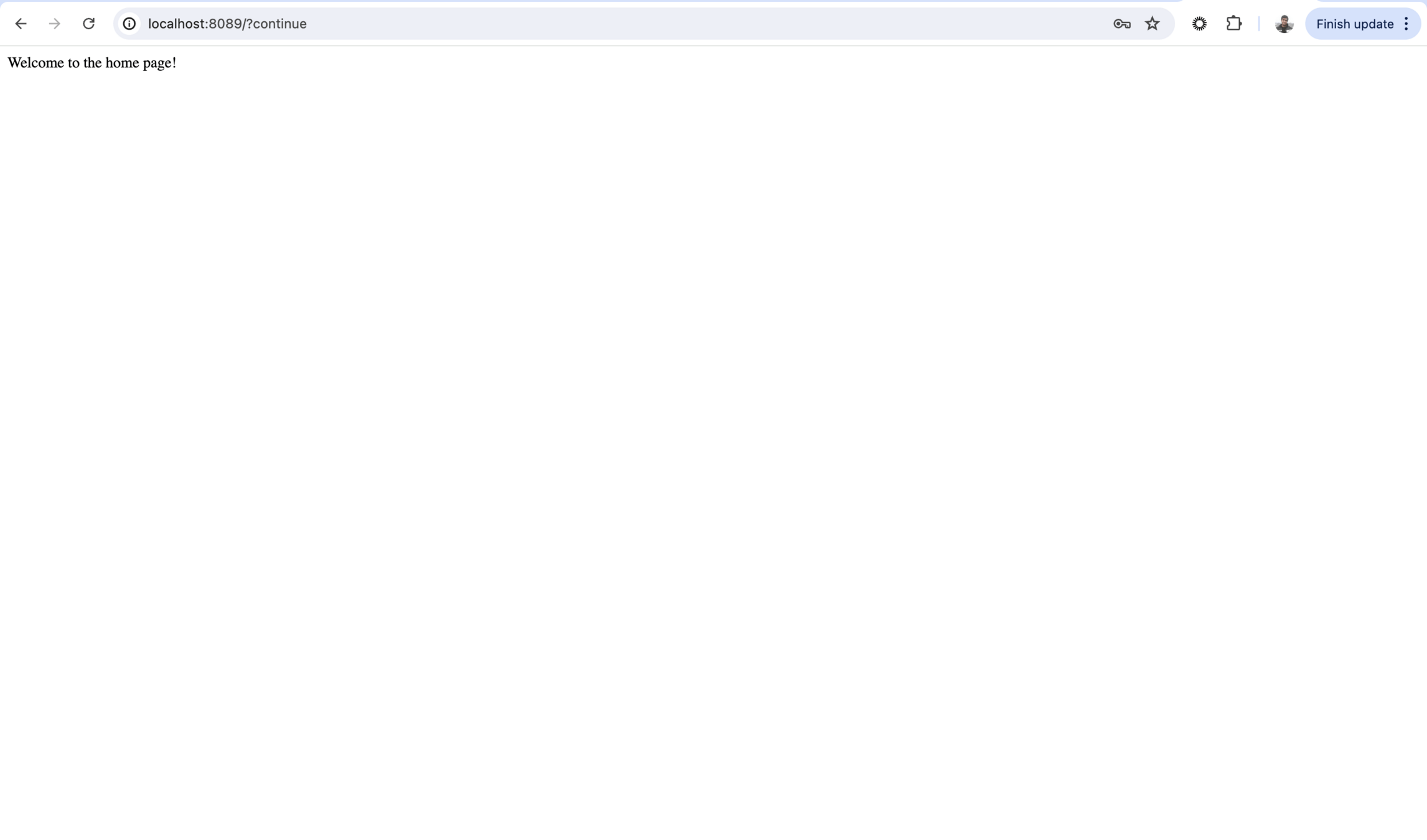
        return "Welcome to the home page!";
    }

}
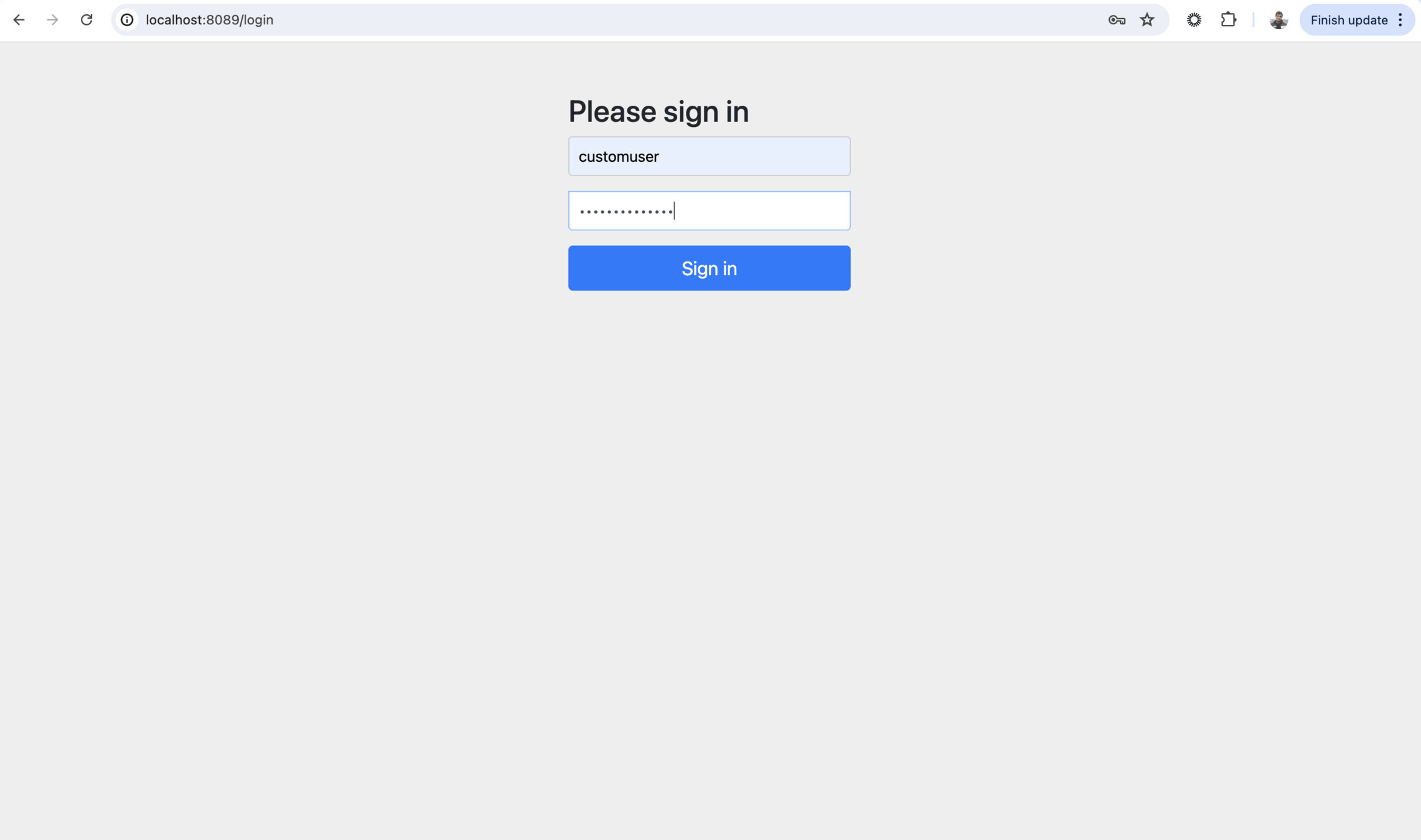
Login with the user credentials
Now lets create one more hierarchy and arrange users in departments
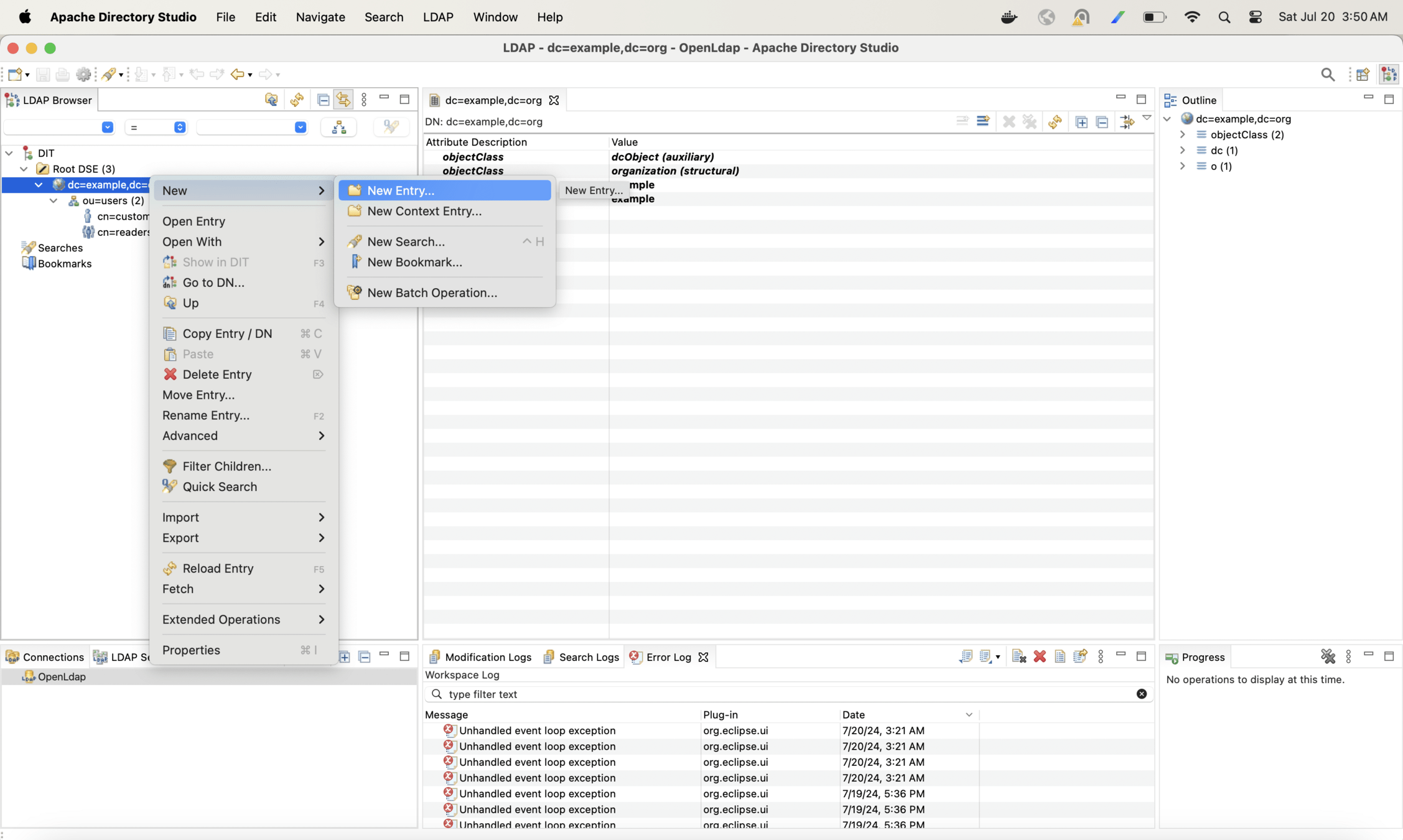
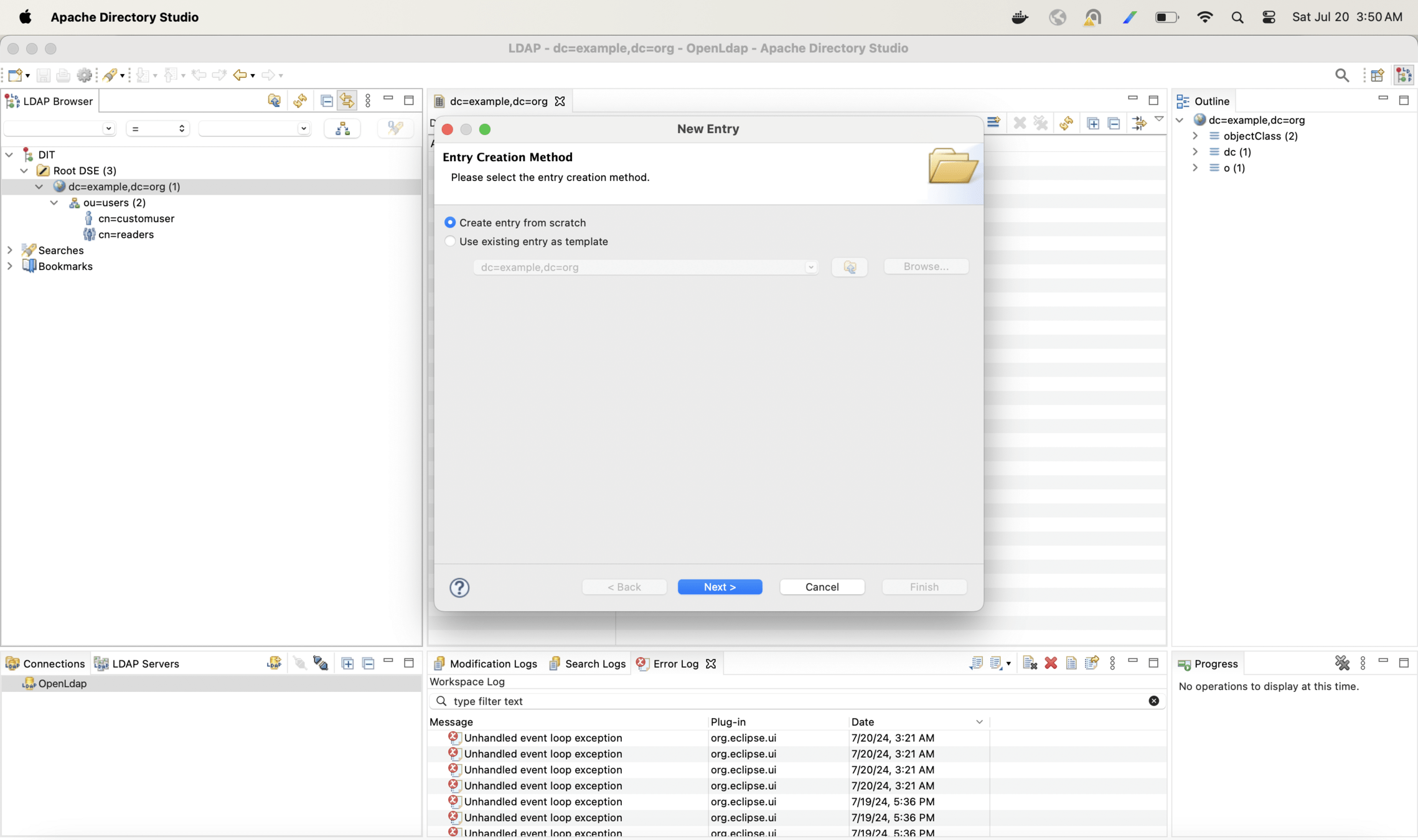
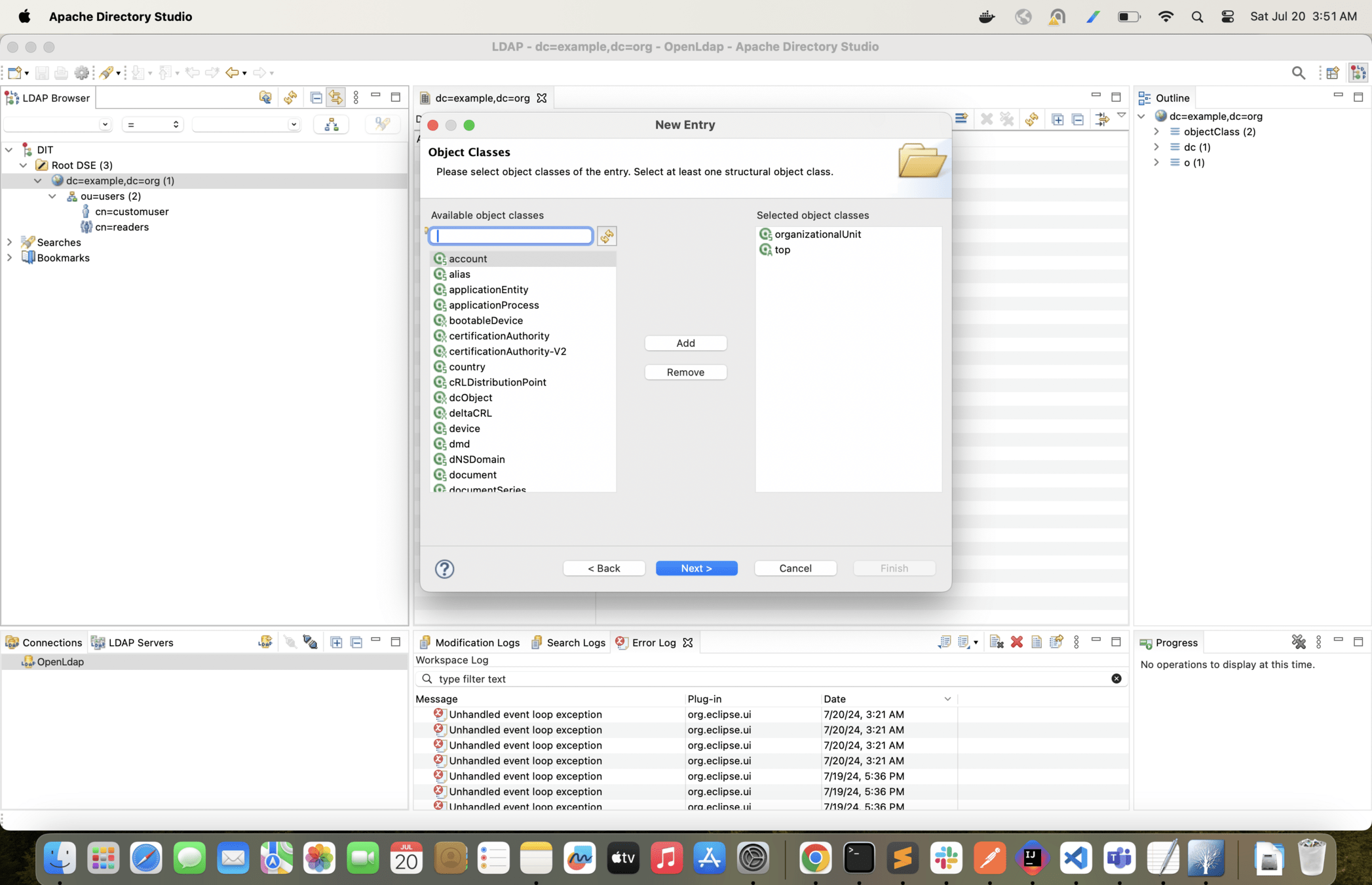
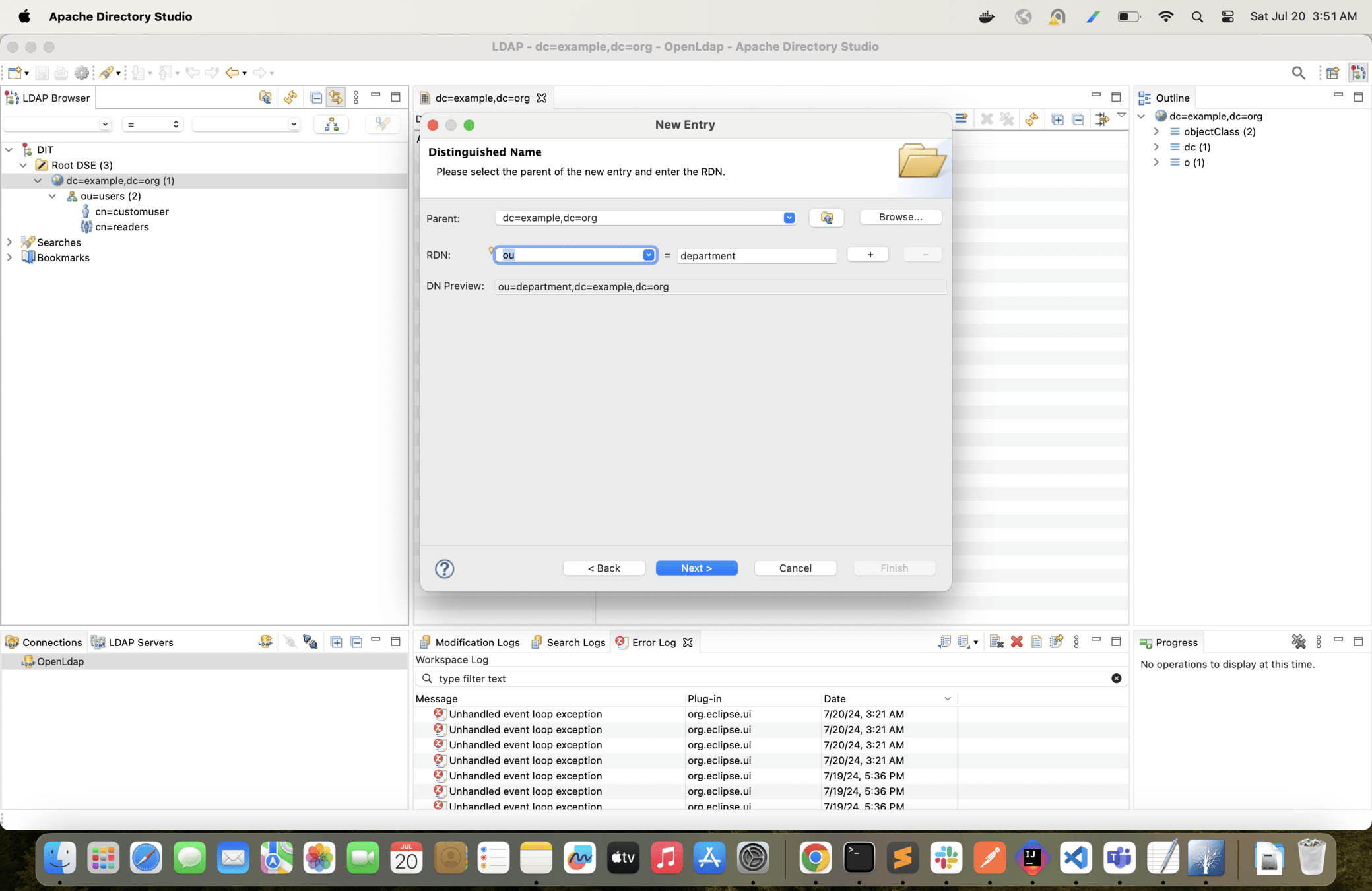
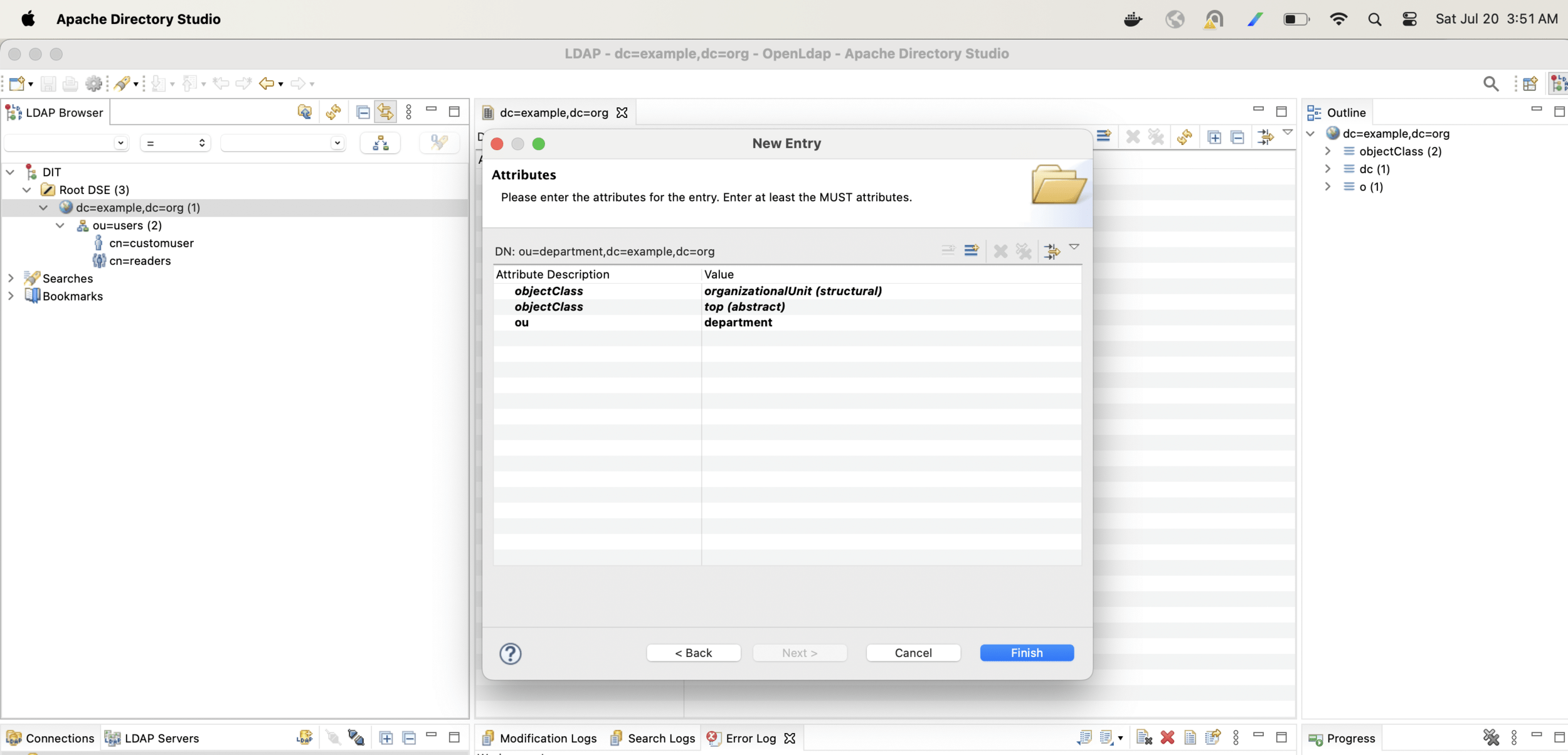
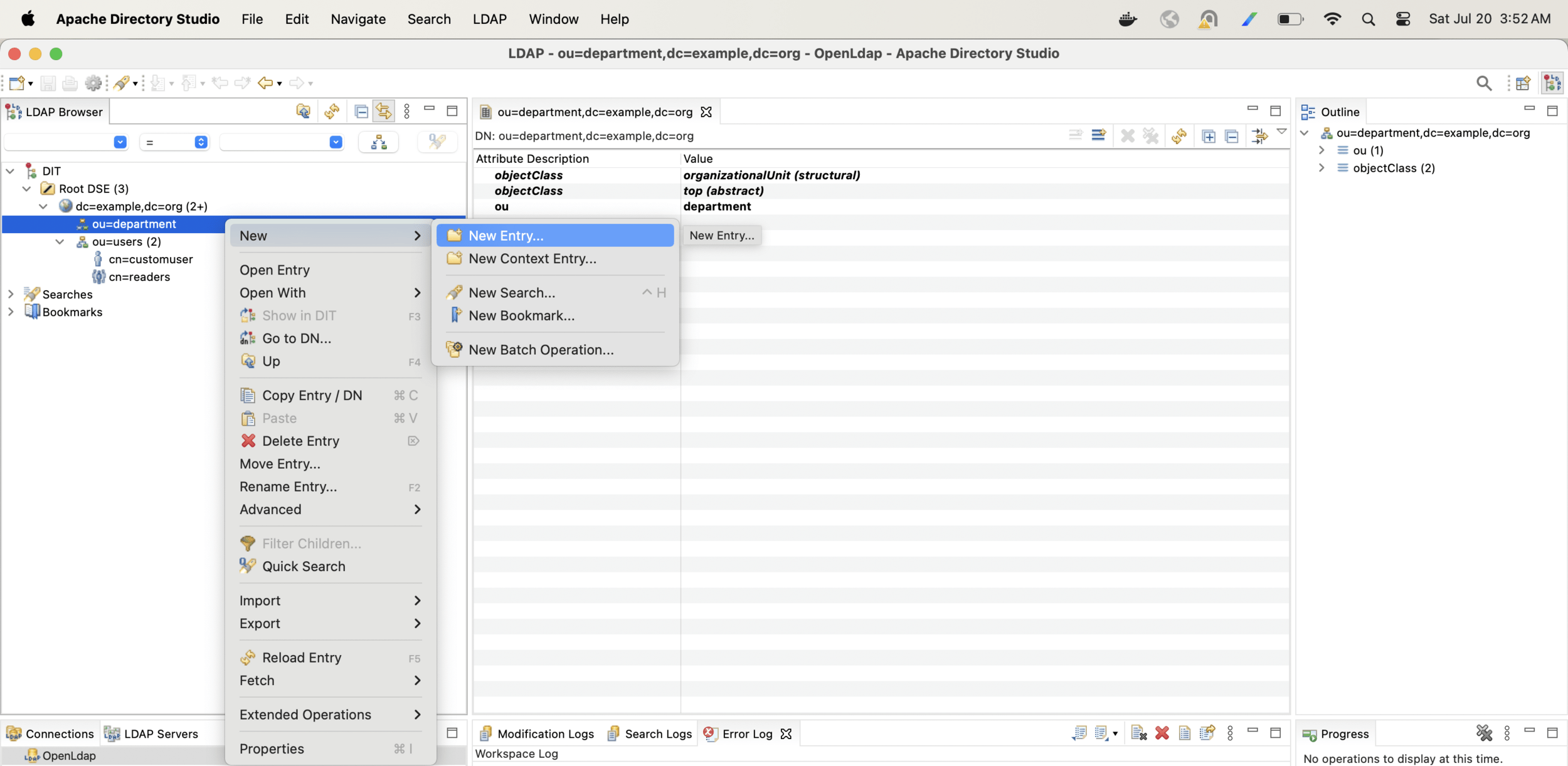
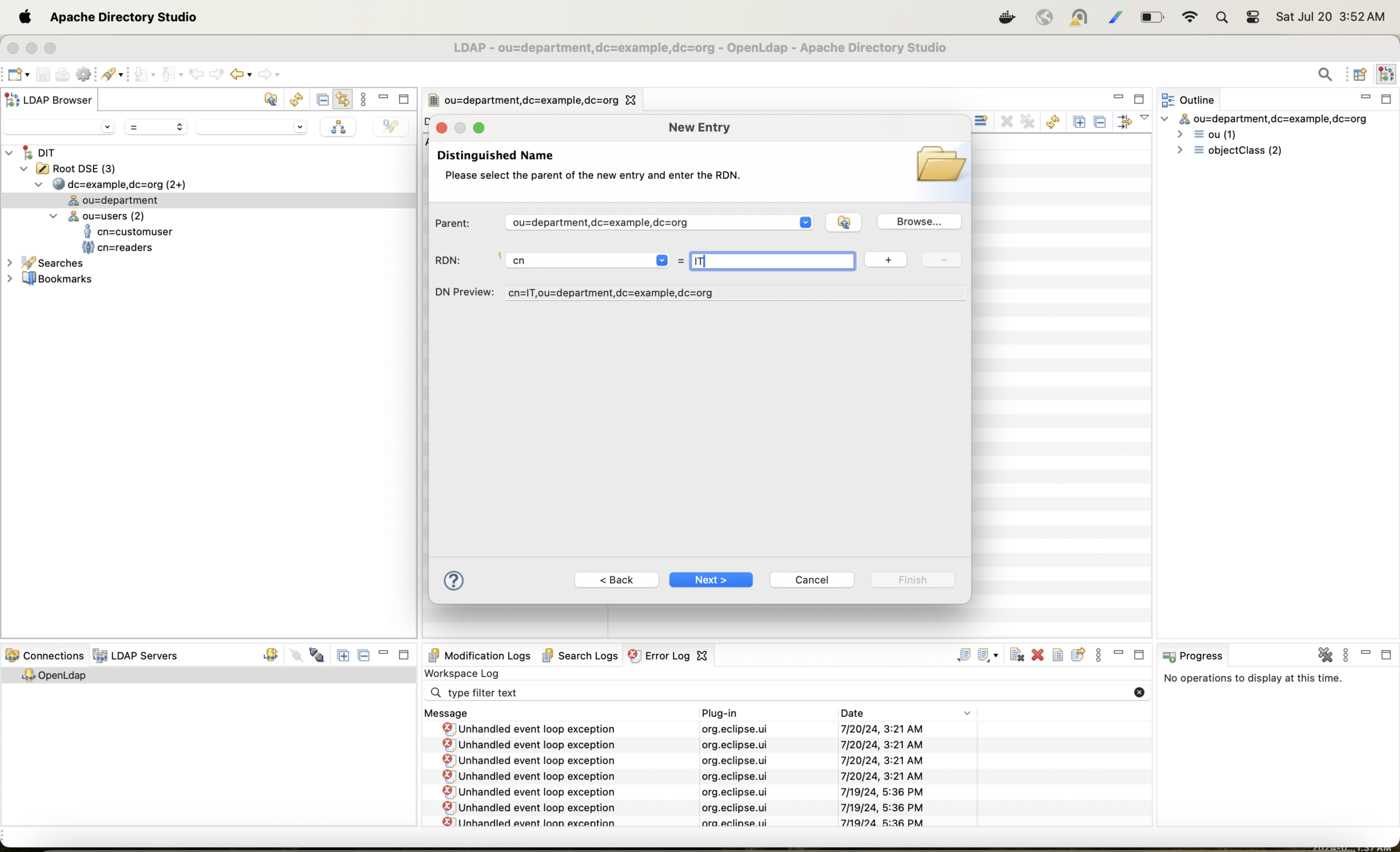
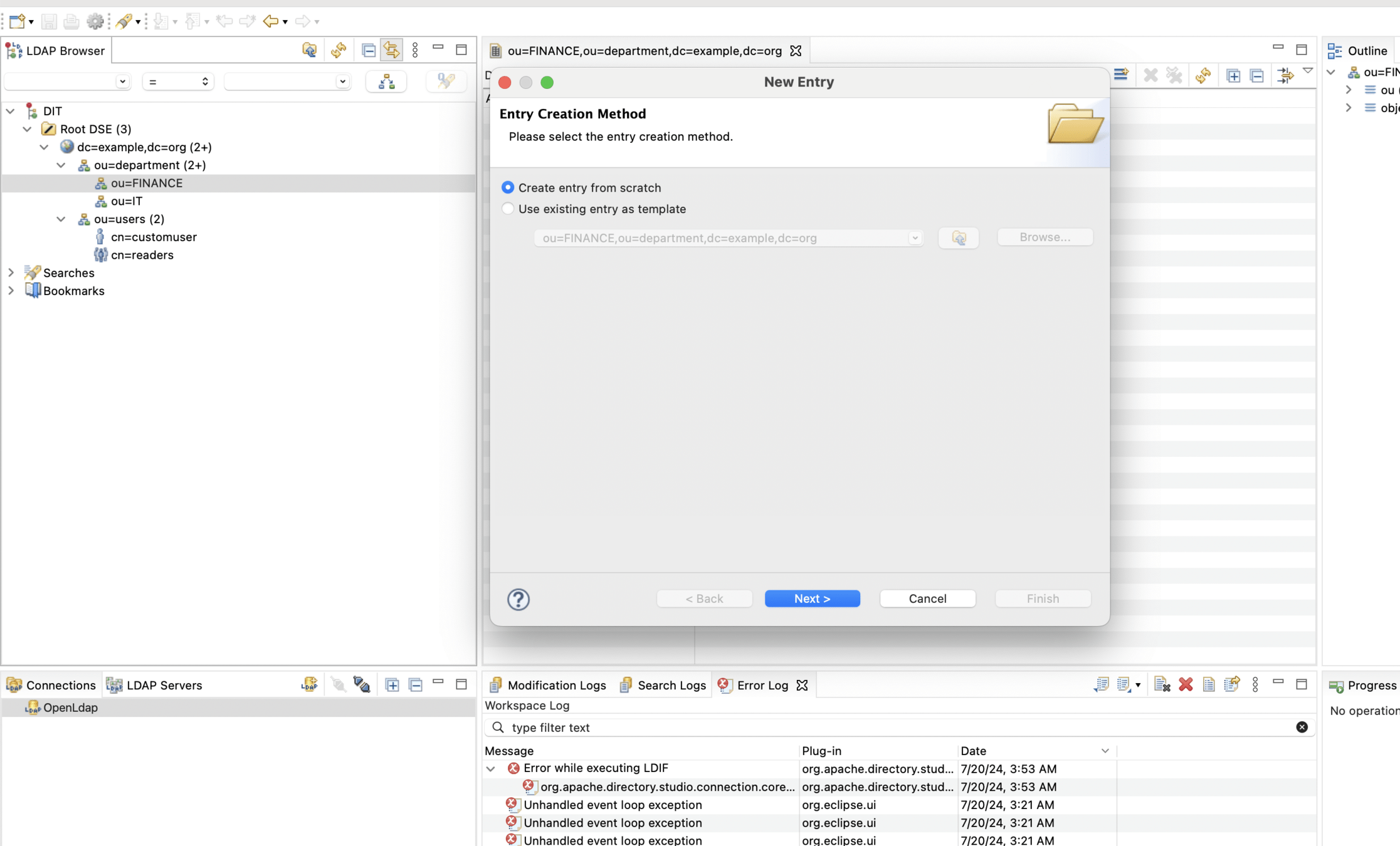
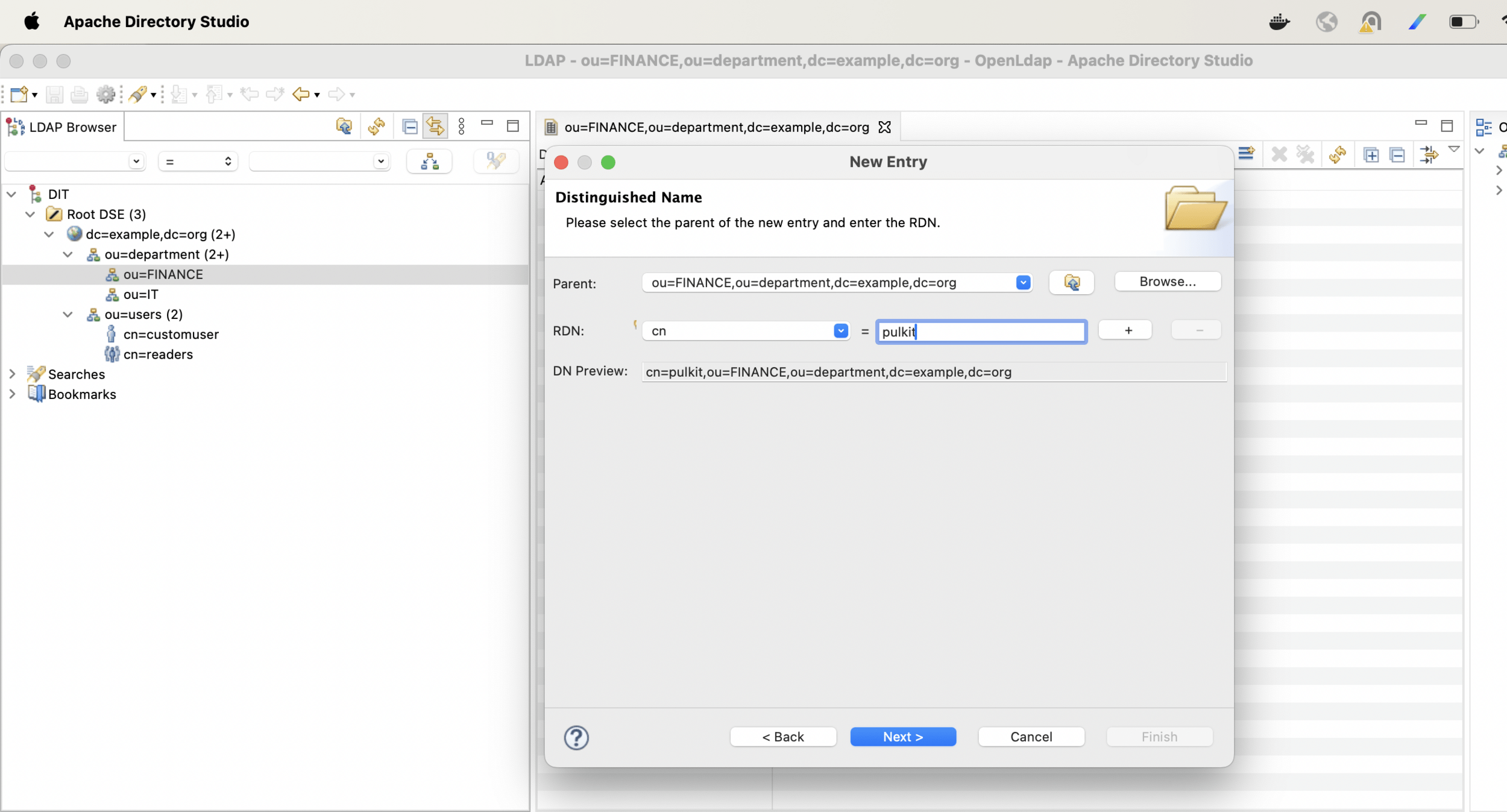

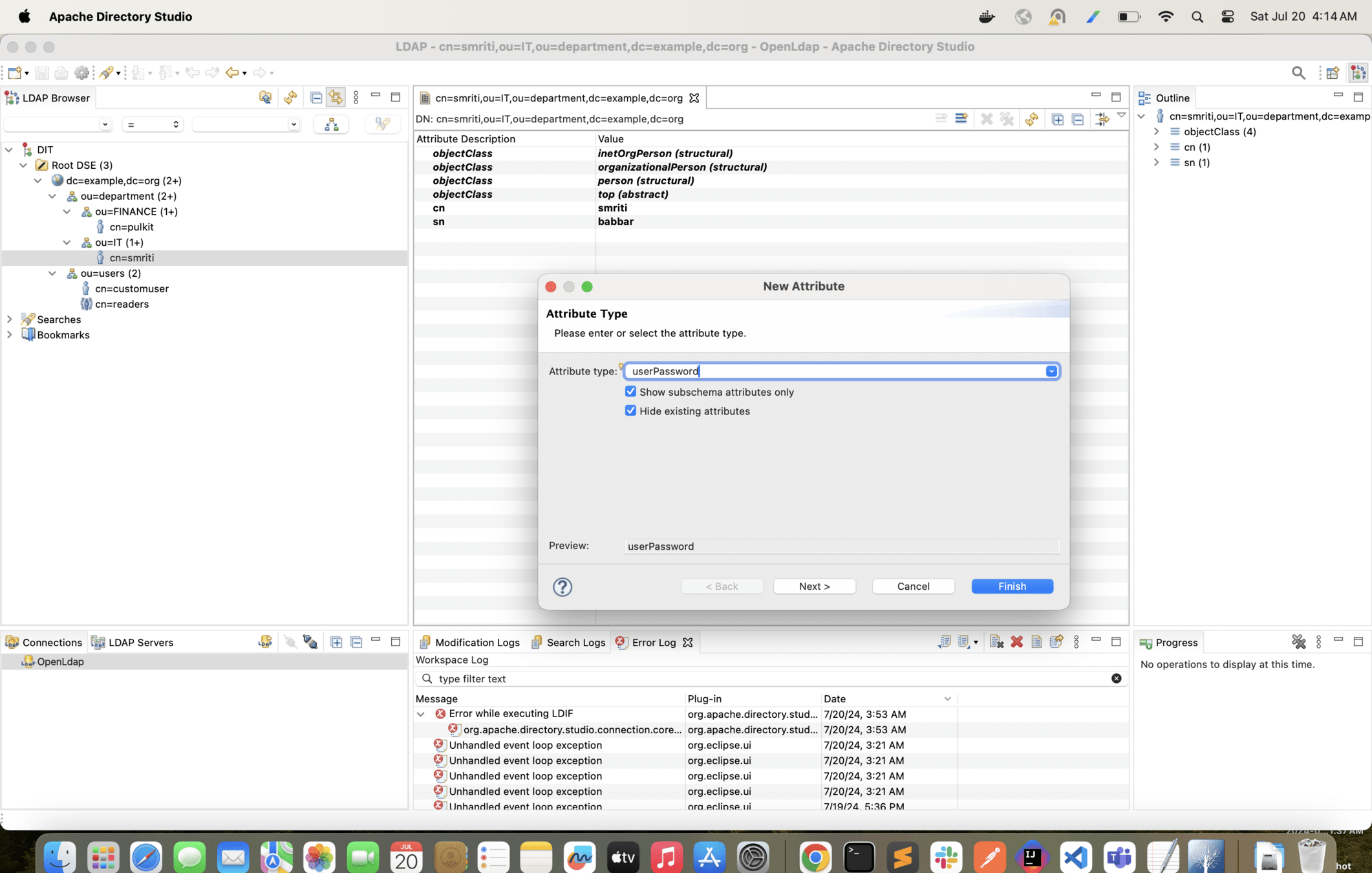
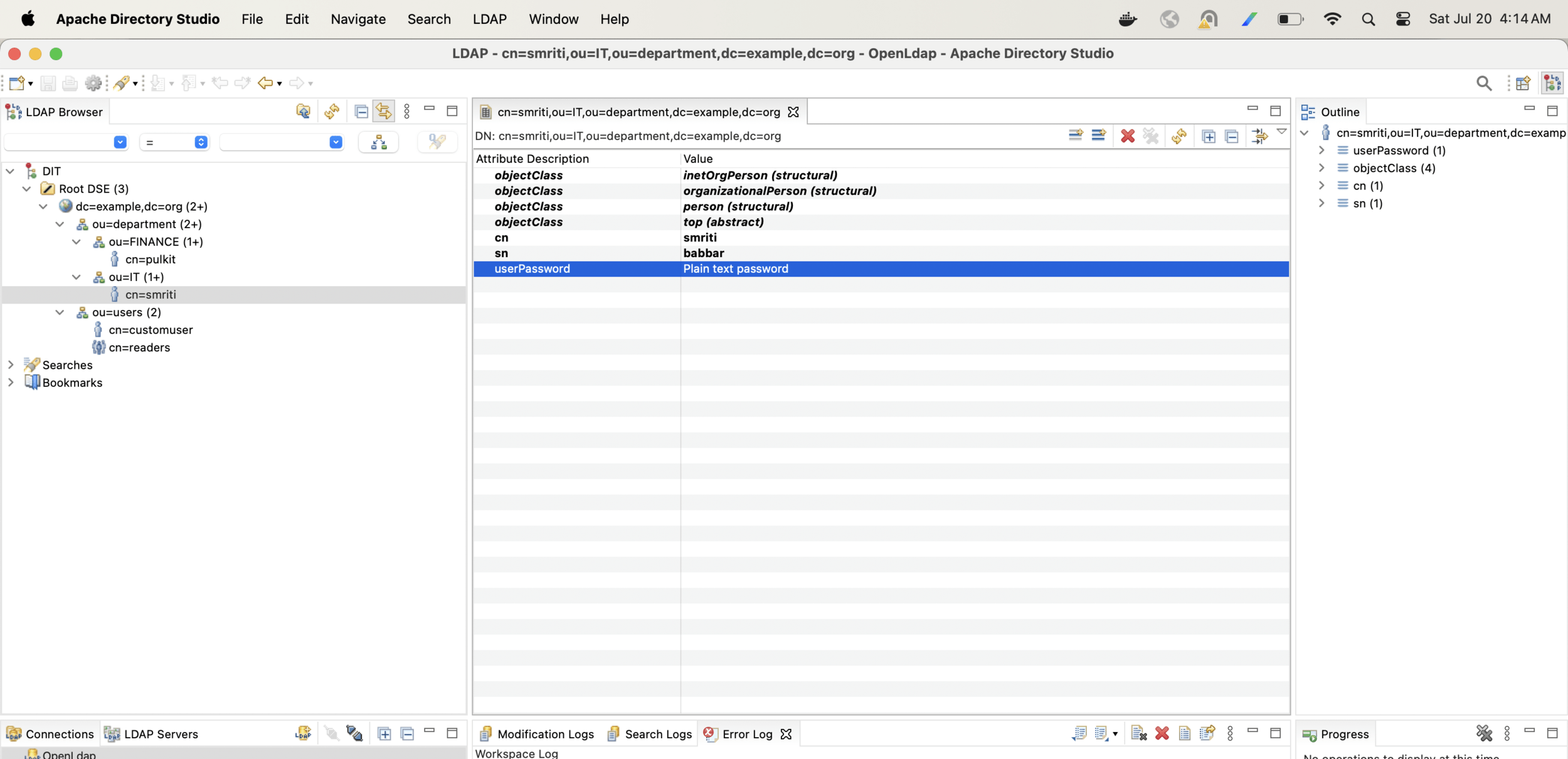
With the following configuration change only Finance users will be able to login into the app
@Bean
    AuthenticationManager authenticationManager(BaseLdapPathContextSource source){
        LdapBindAuthenticationManagerFactory factory = new LdapBindAuthenticationManagerFactory(source);
        factory.setUserDnPatterns("cn={0},ou=FINANCE,ou=department,dc=example,dc=org");
        return factory.createAuthenticationManager();
    }
What is SAML 2.0 ?
SAML 2.0 (Security Assertion Markup Language) is a way for different websites and services to trust each other about who you are.
Think of it like this:
1. ID Provider (IdP): This is a service (like Okta) that knows whose trying to login or access some protected resources.
2. Service Provider (SP): This is the our spring boot application or service that someone wants to use.
How SAML 2.0 works?
1. Login Attempt: You try to log in to the service provider.
2. Redirect to IdP: The service provider sends you to the IdP to log in.
3. Authenticate: You log in at the IdP (e.g., entering your username and password).
4. Assertion: The IdP creates a message (called a SAML assertion) saying you are who you claim to be.
5. Back to SP: The IdP sends this message back to the service provider.
6. Access Granted: The service provider reads the message, trusts it, and lets you in. In a nutshell, SAML 2.0 is a way for different services to agree on who you are based on a trusted third party's (the IdP) say-so.
What is Okta ?
- Okta is an identity and access management (IAM) service that provides a secure, single sign-on (SSO) solution for businesses.
- It is a cloud-based platform that helps organizations securely manage user identities, access rights, and credentials across multiple applications, websites, and databases.
- It also provides a central hub for user authentication and authorization, allowing users to easily log in to multiple applications and websites with one set of credentials.
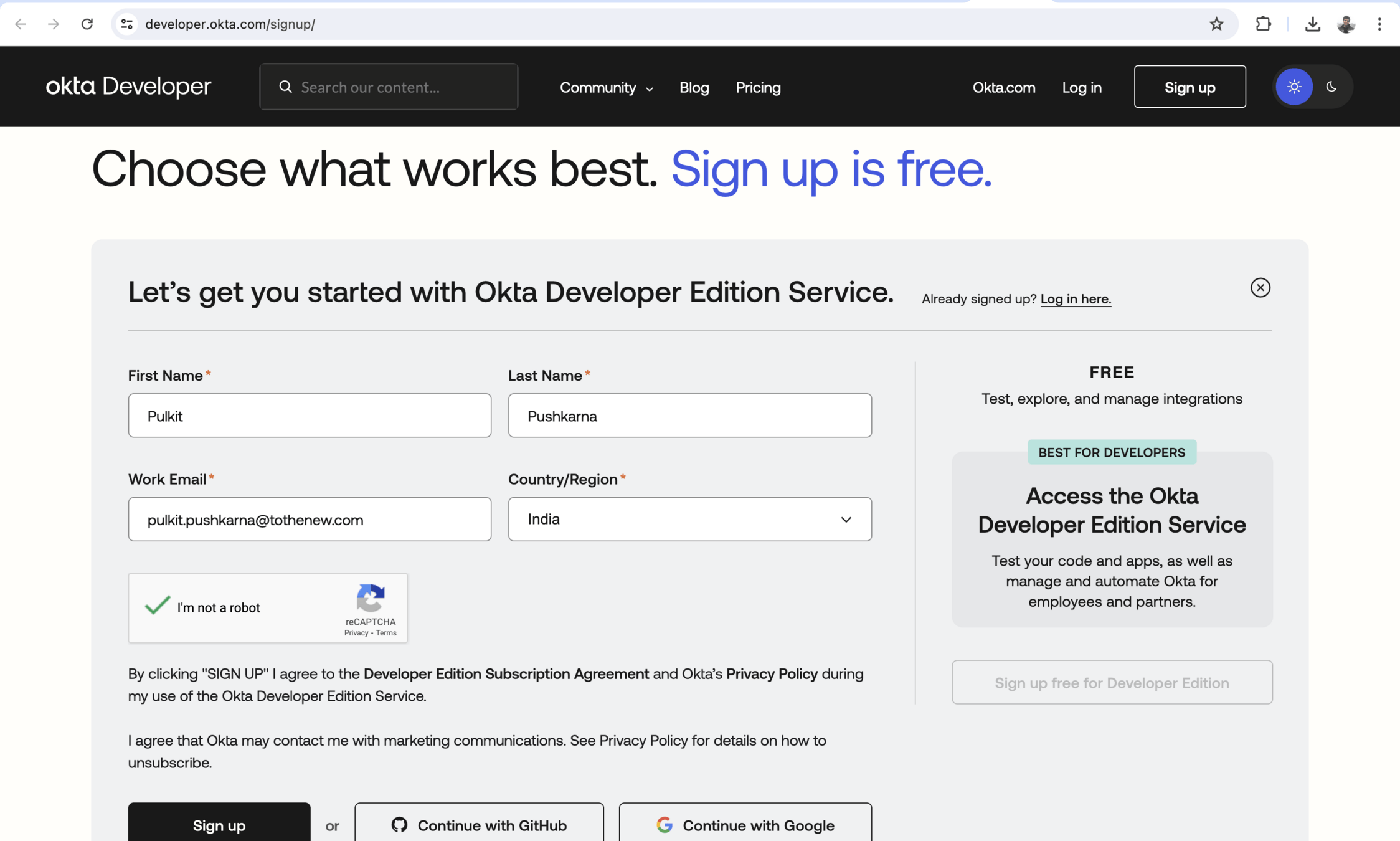
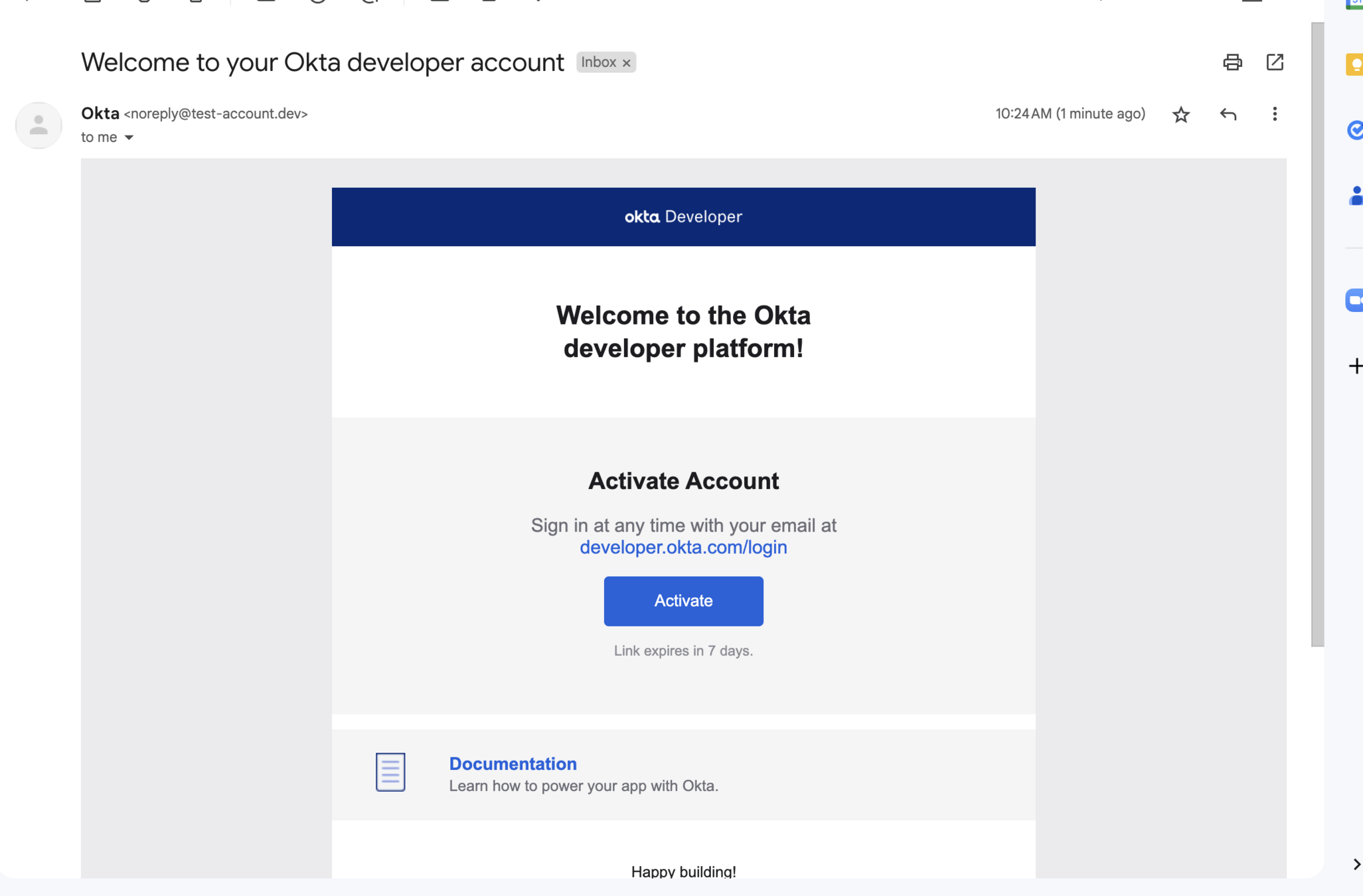
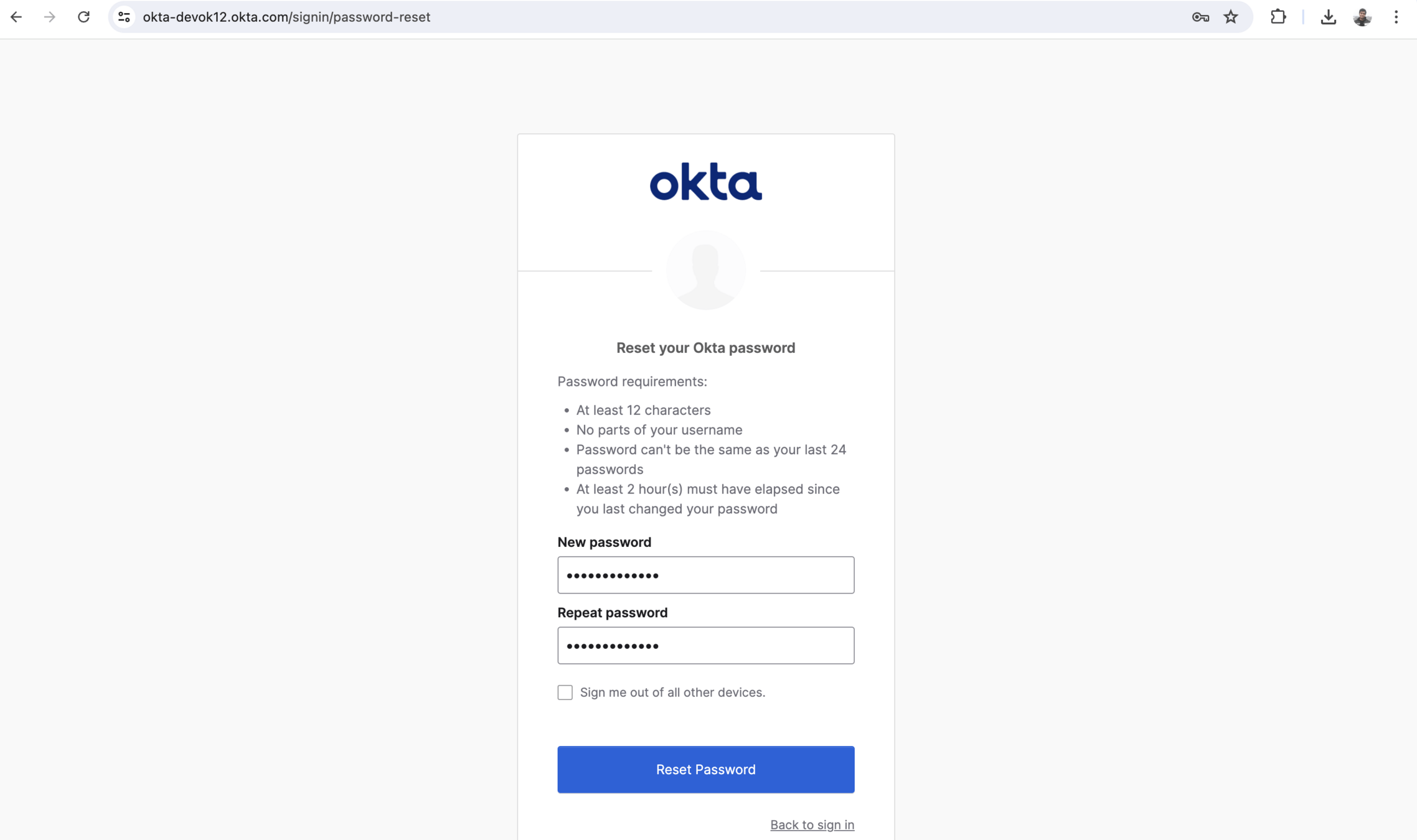
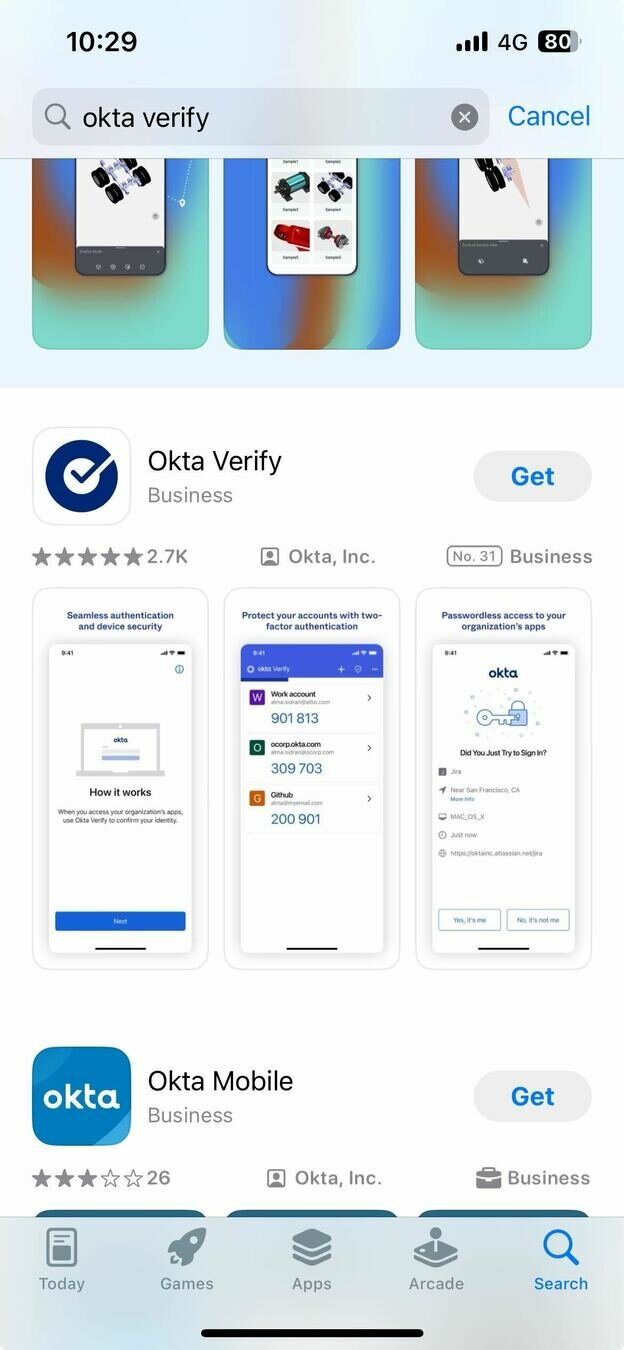
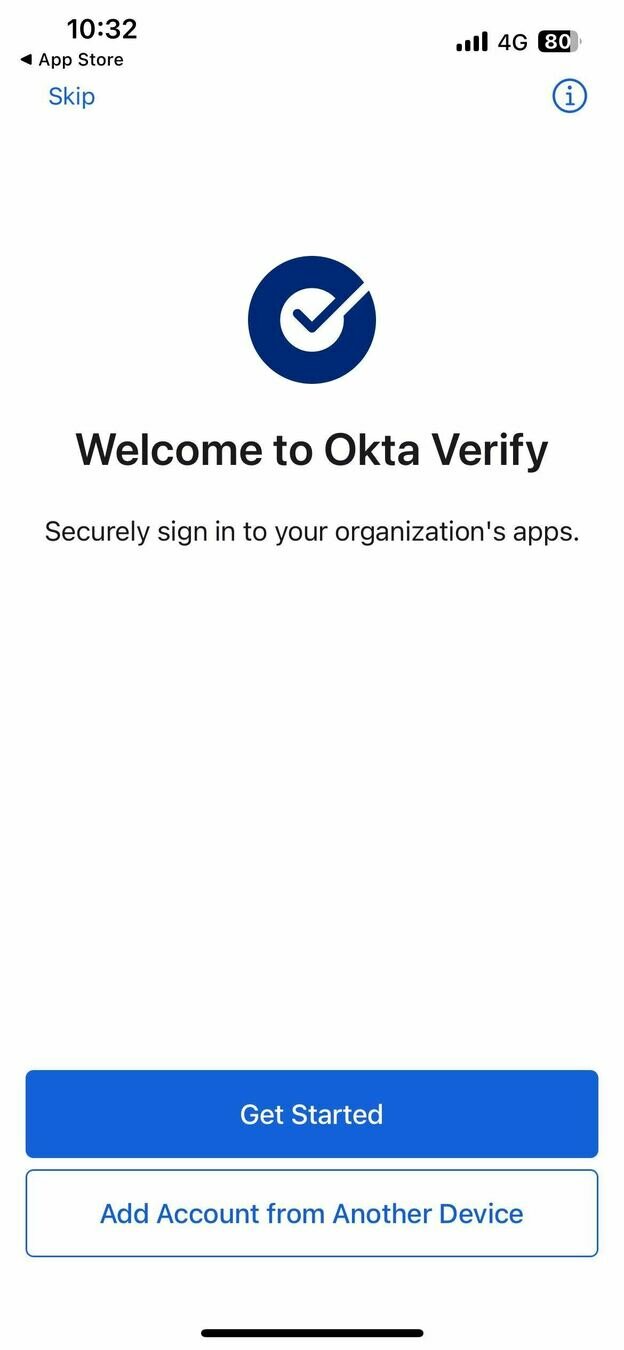
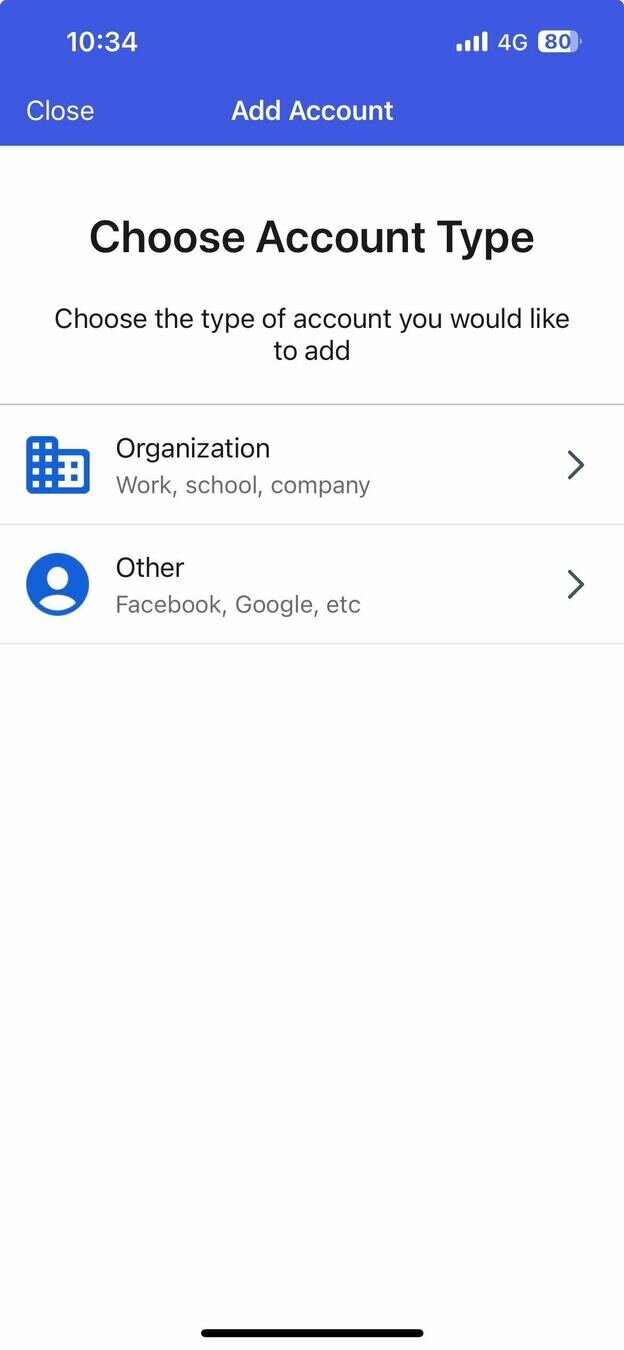
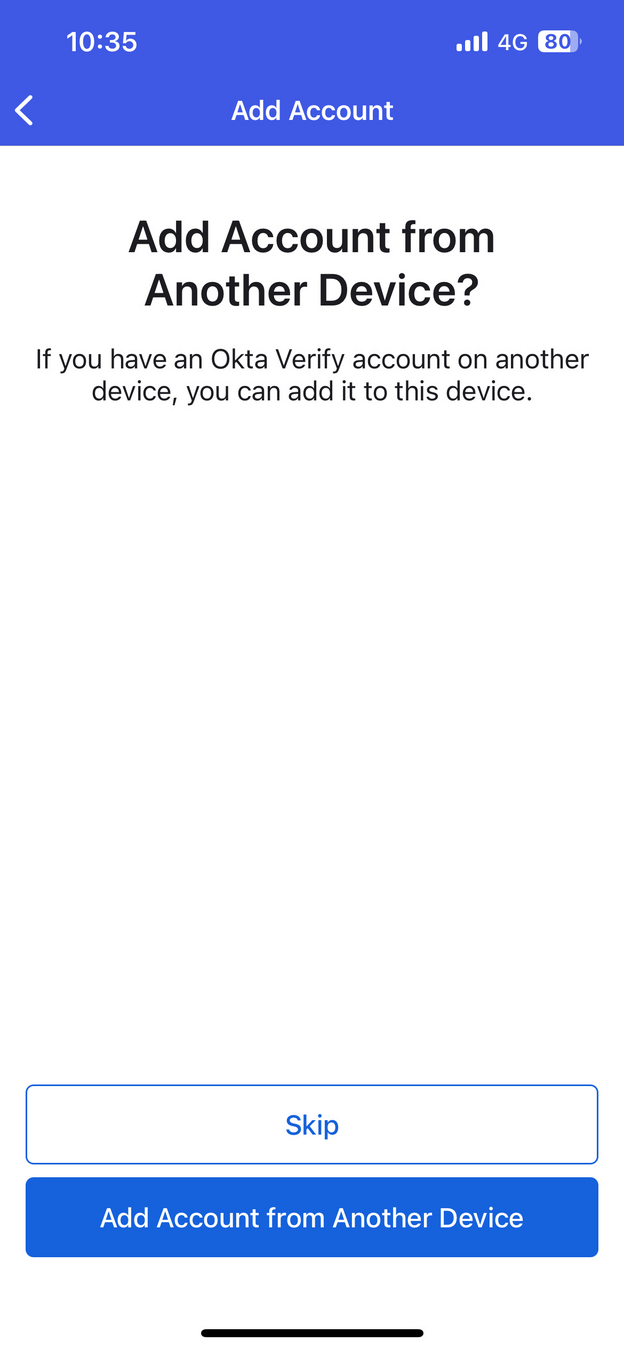
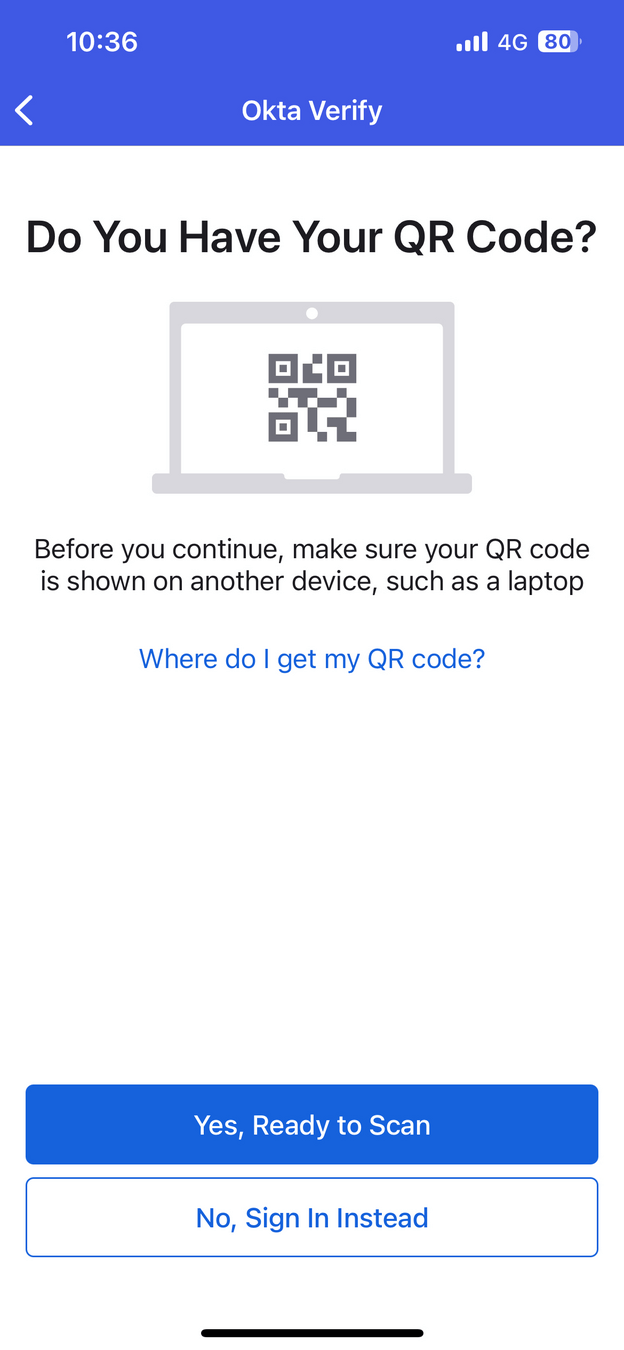
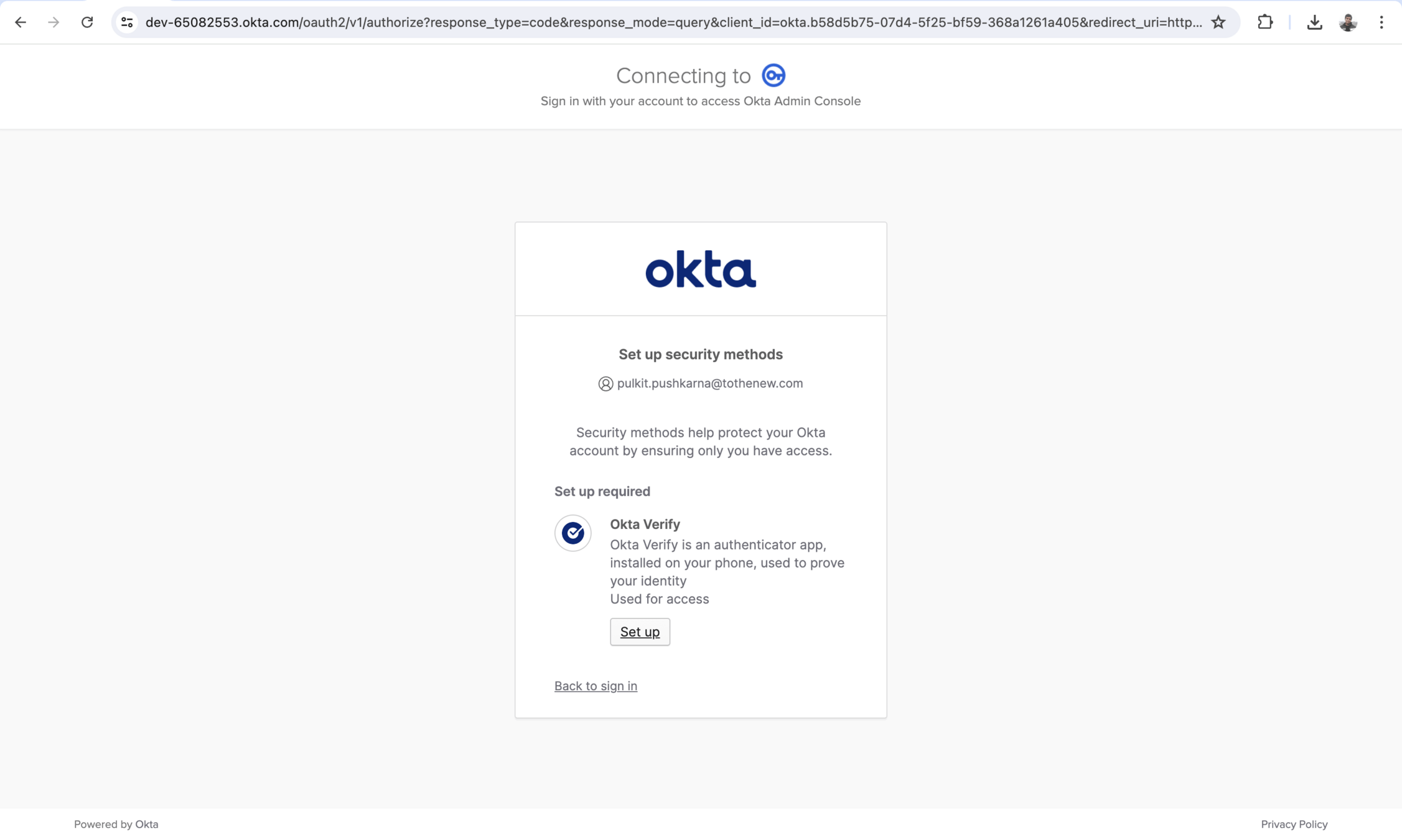
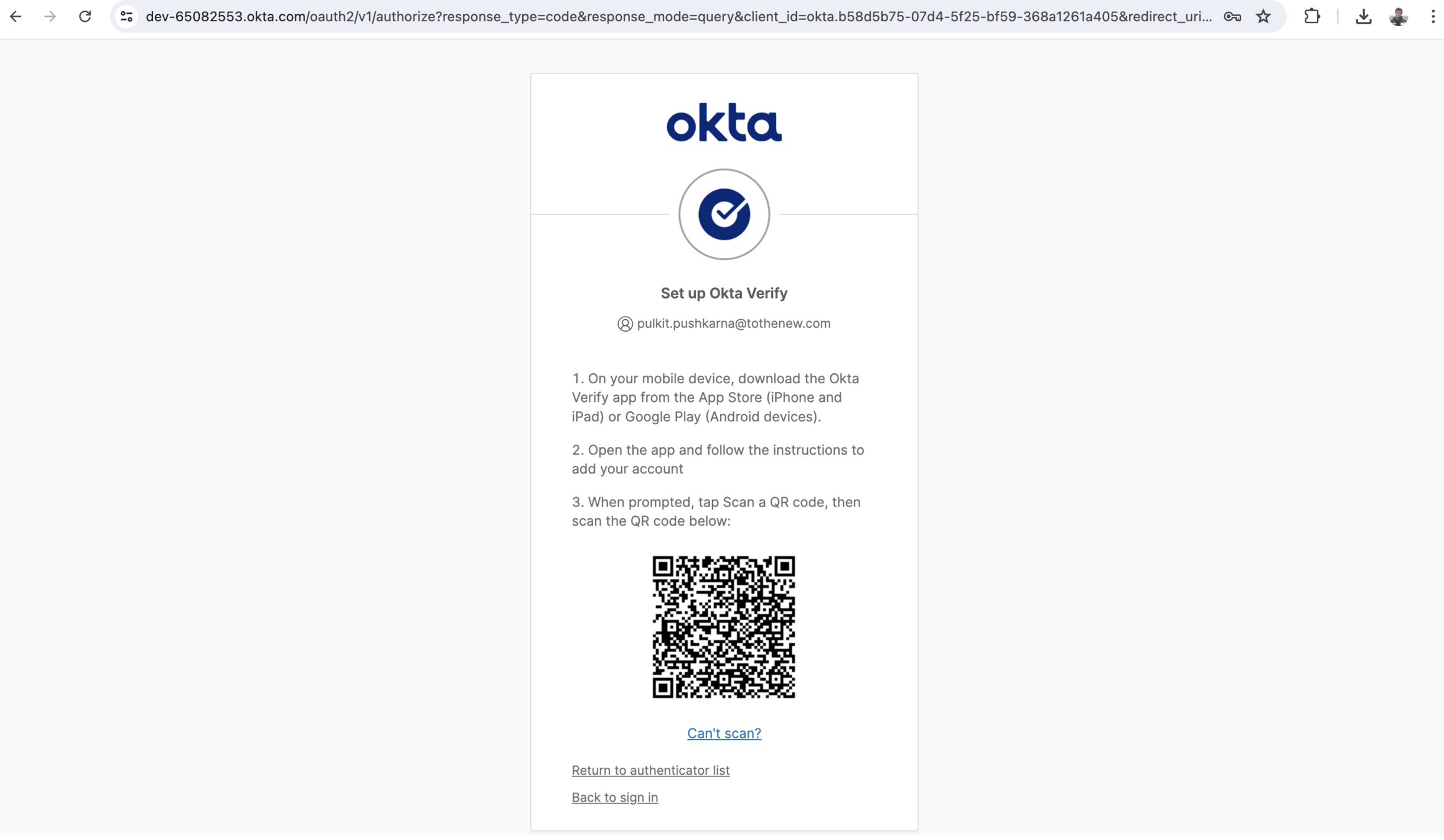
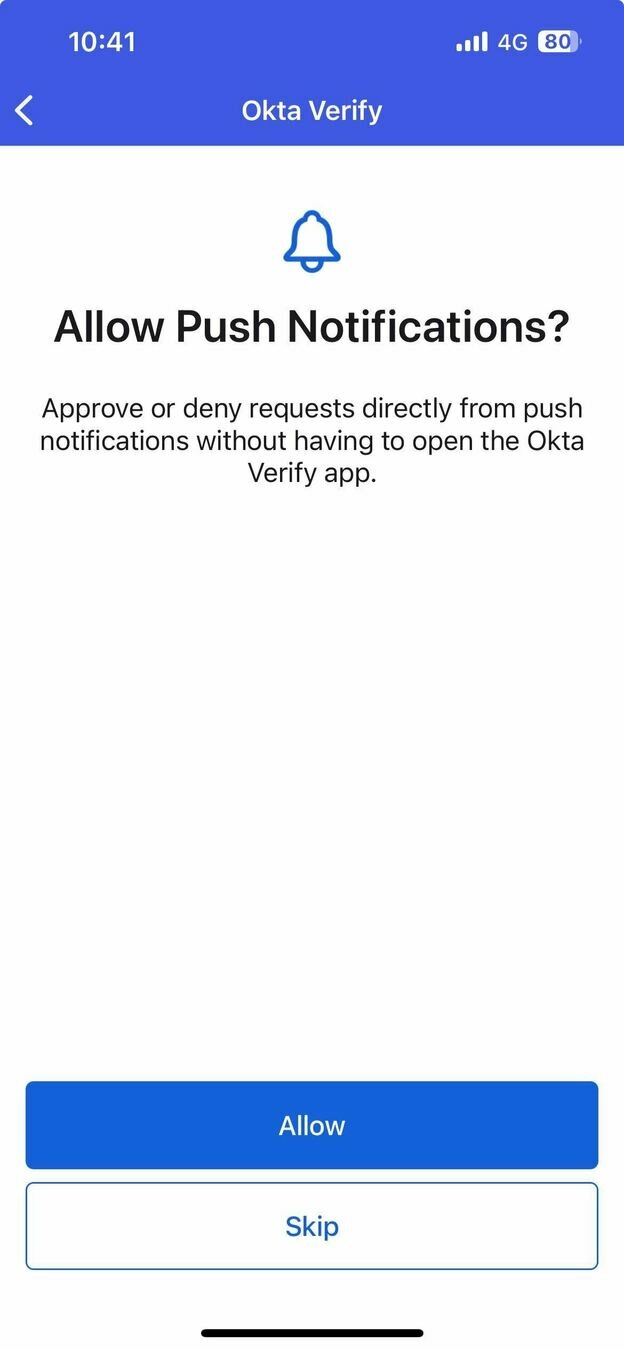
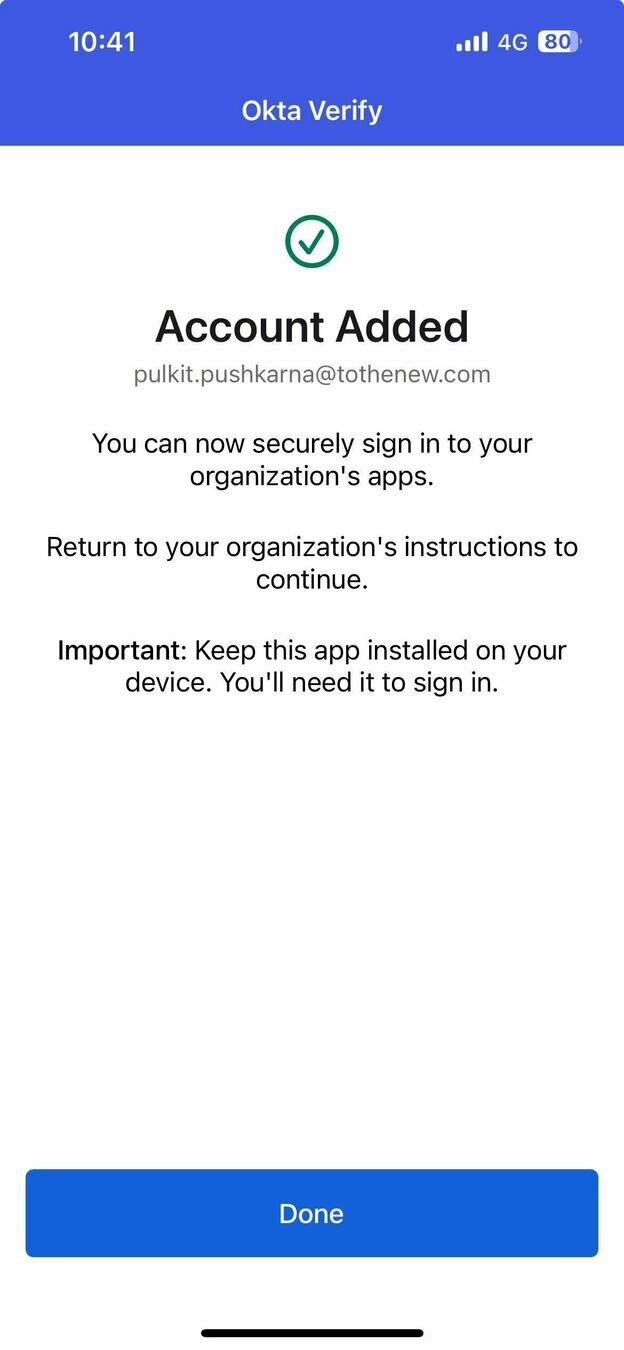
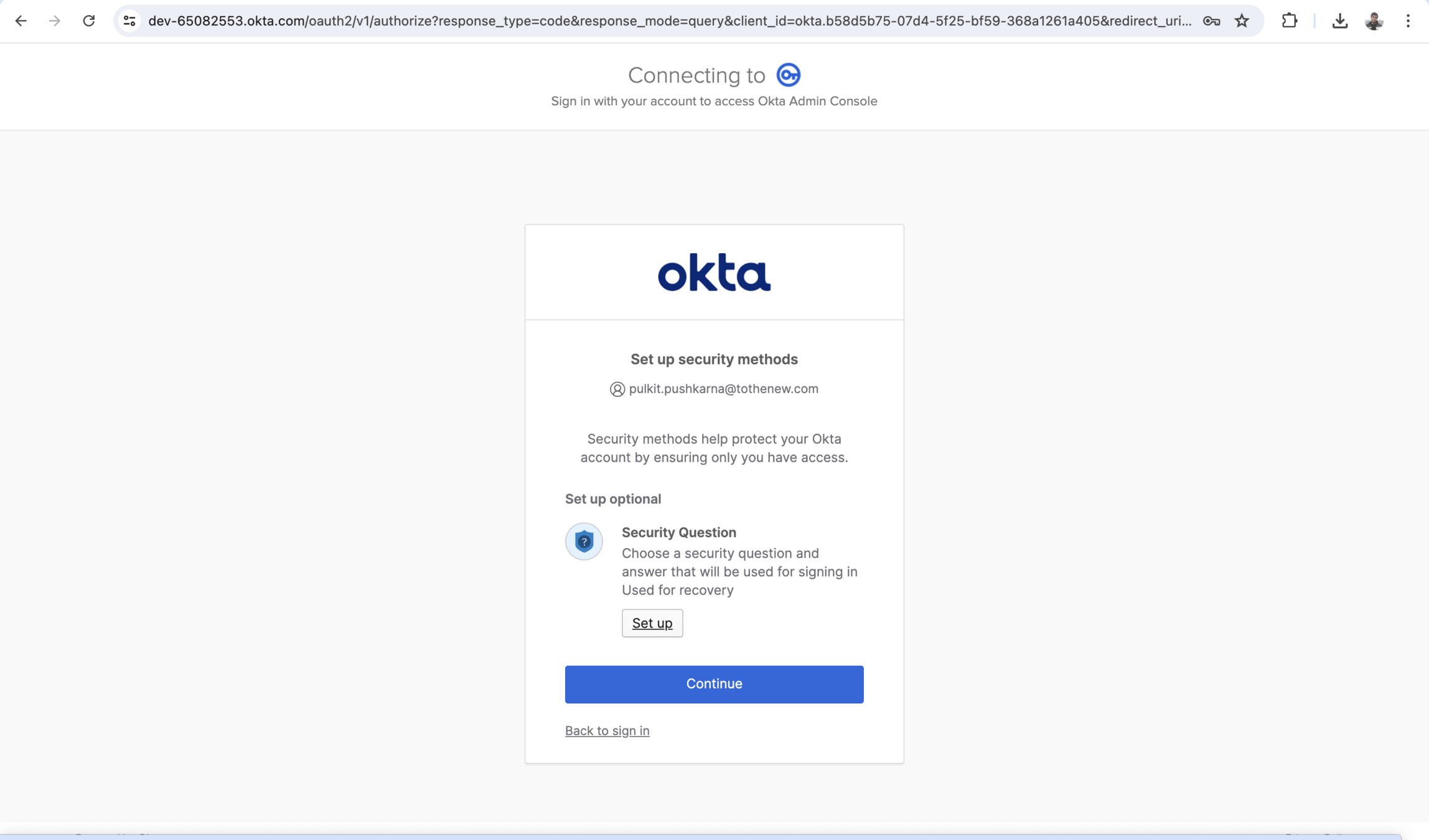
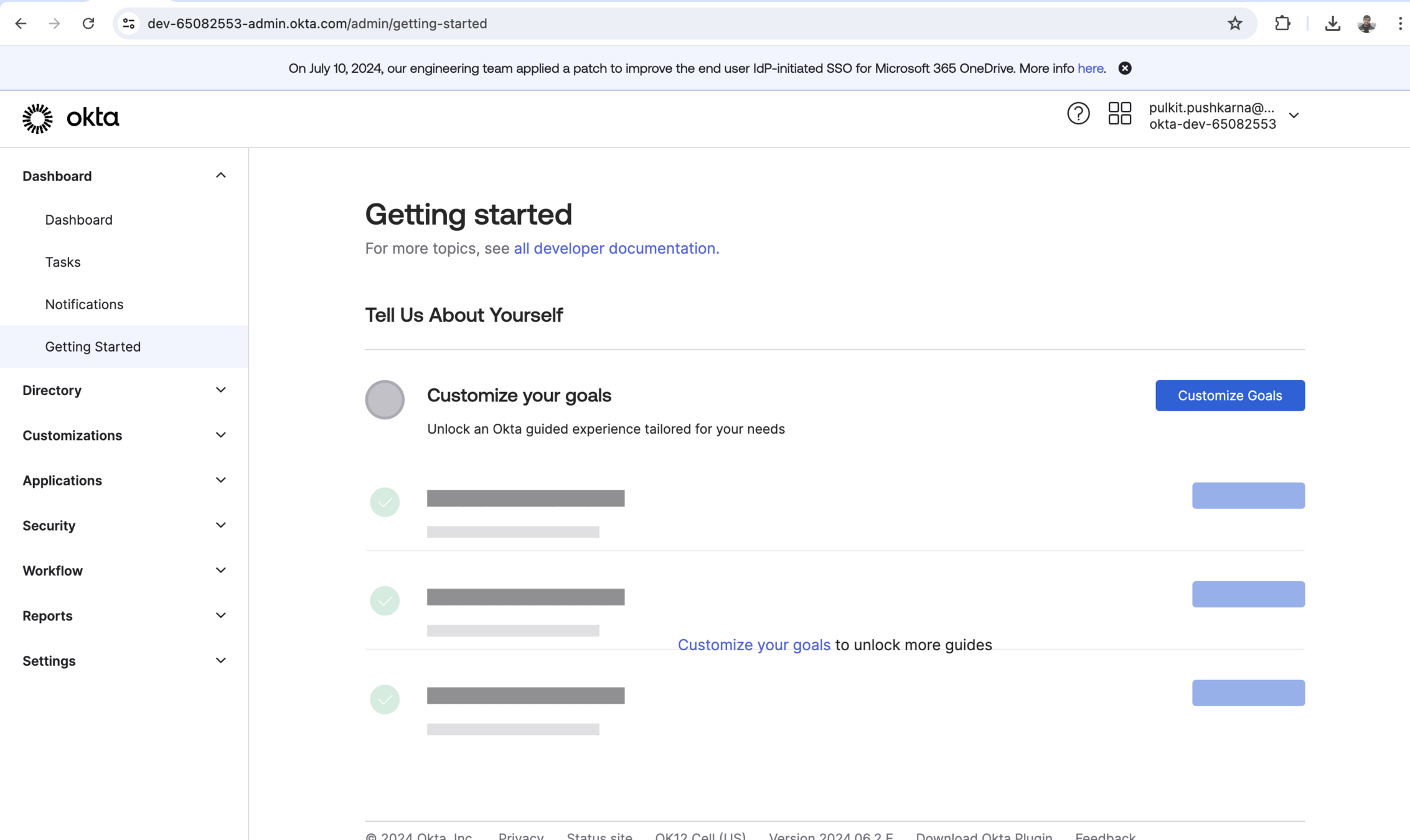
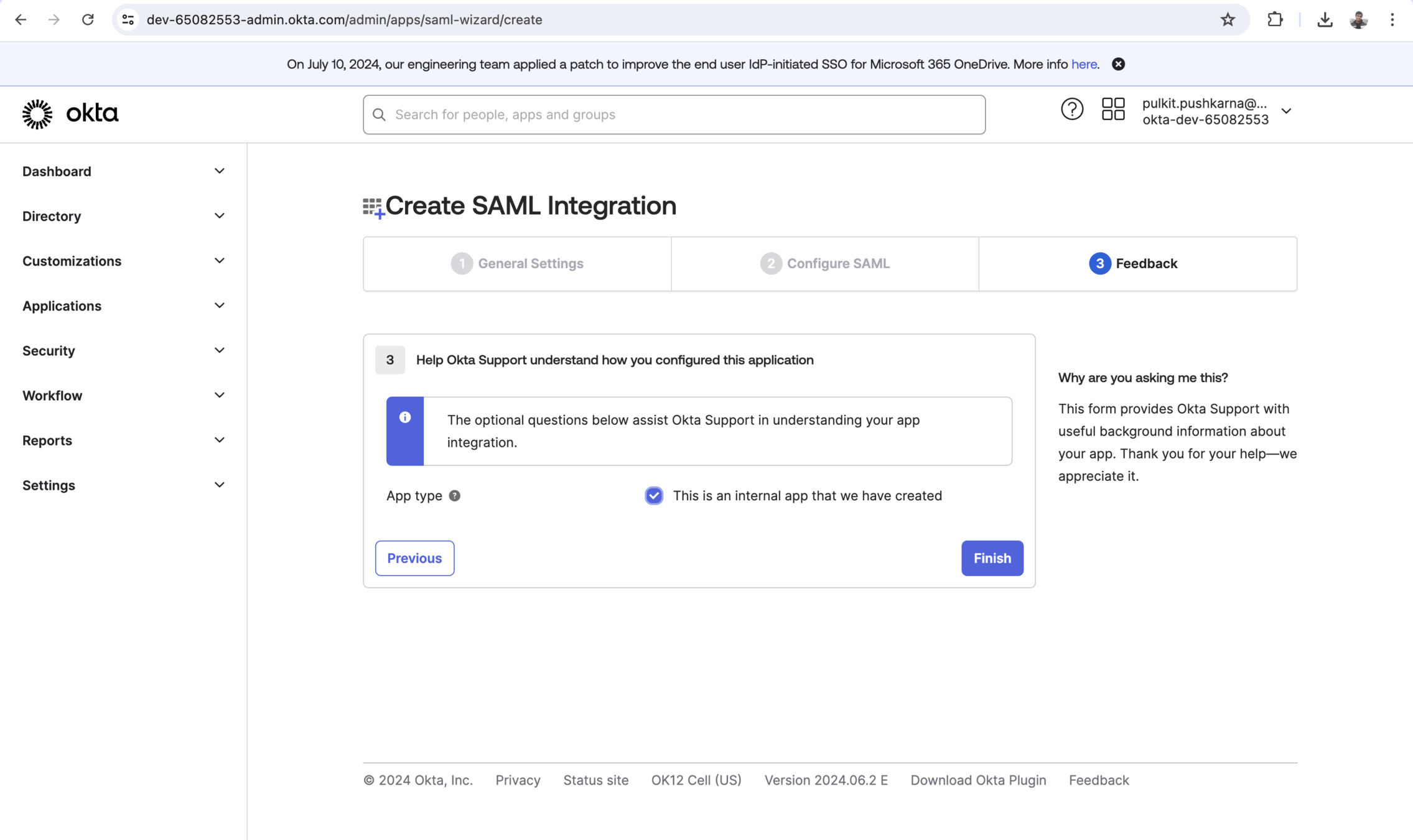
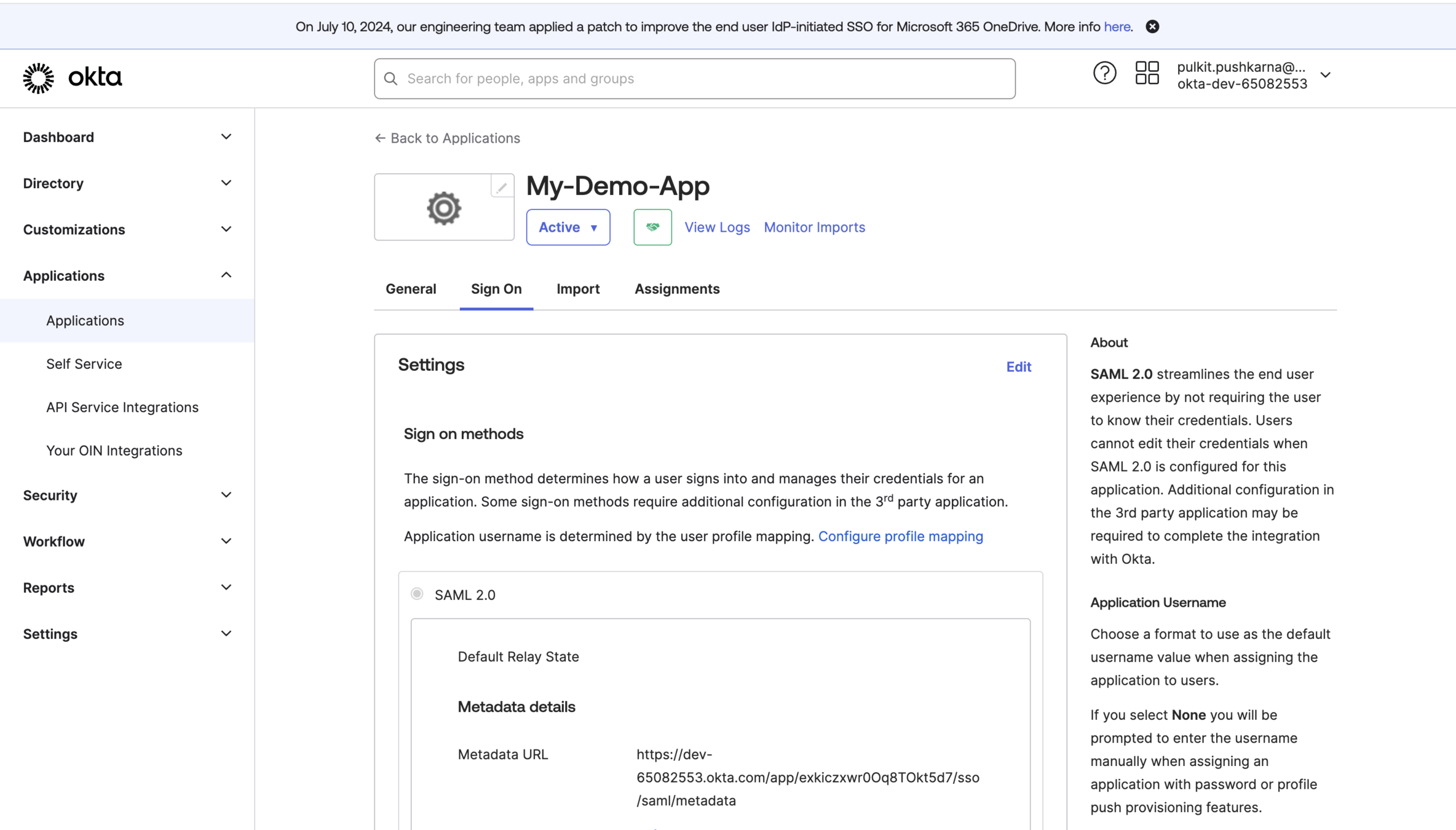
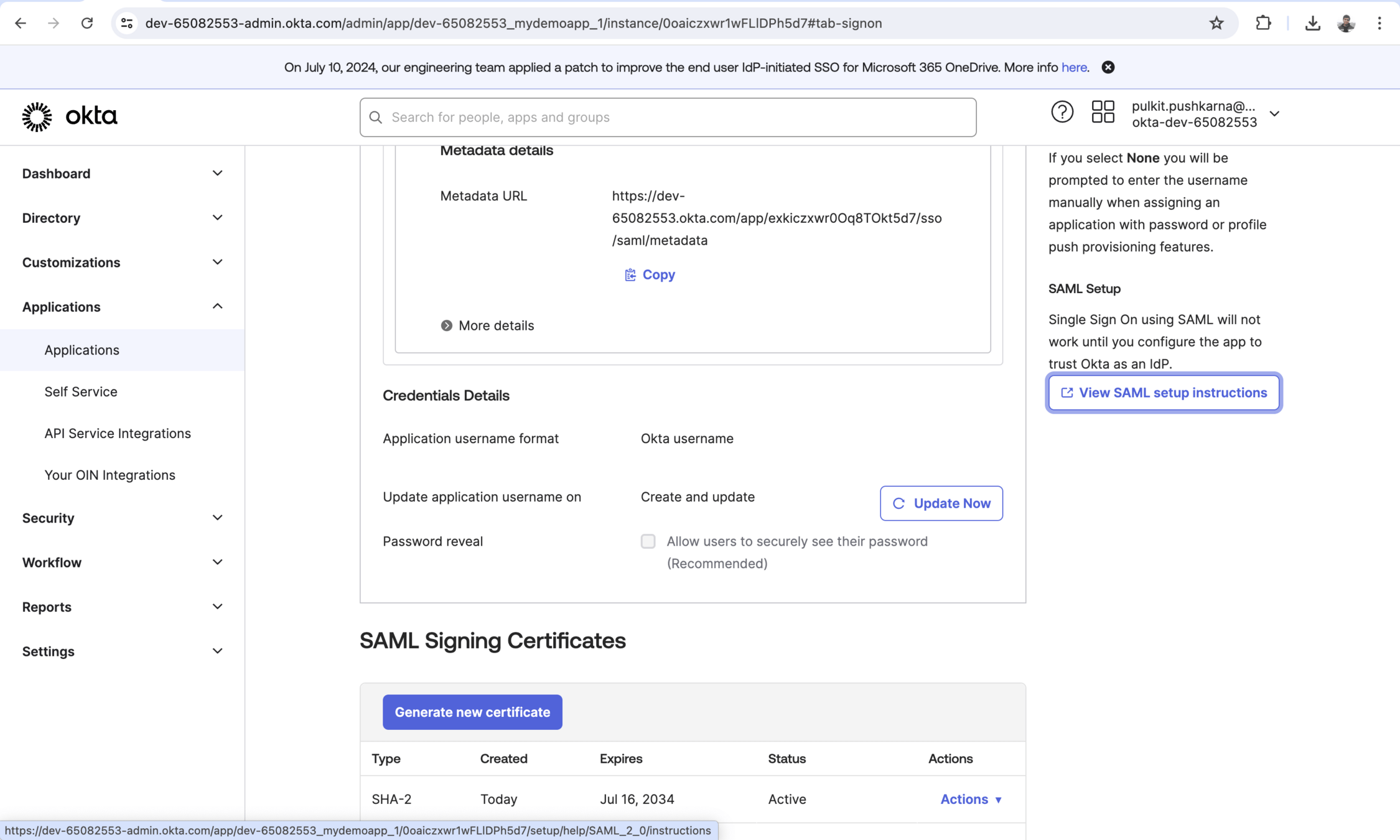
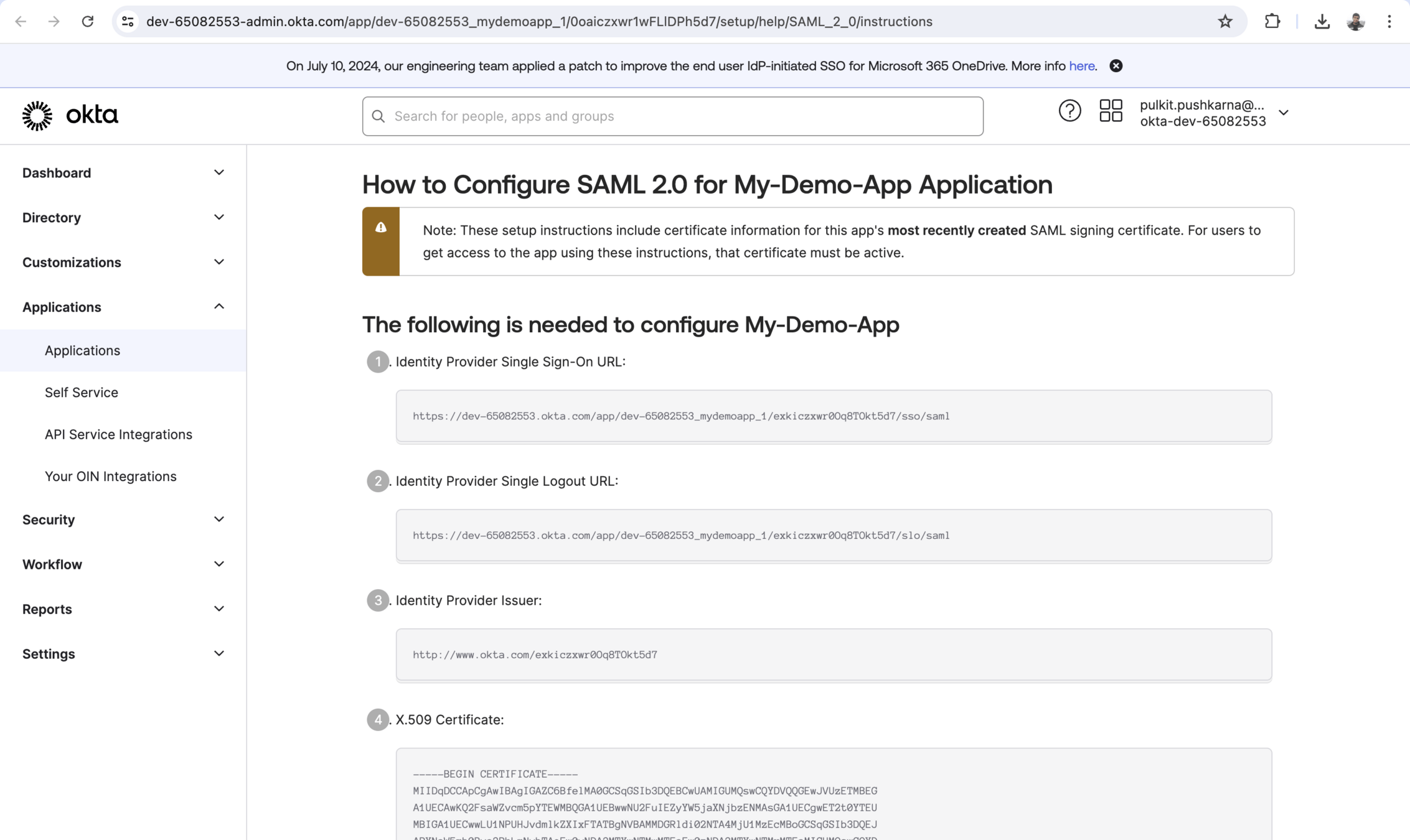
Setting Up the Identity Provider (IdP)
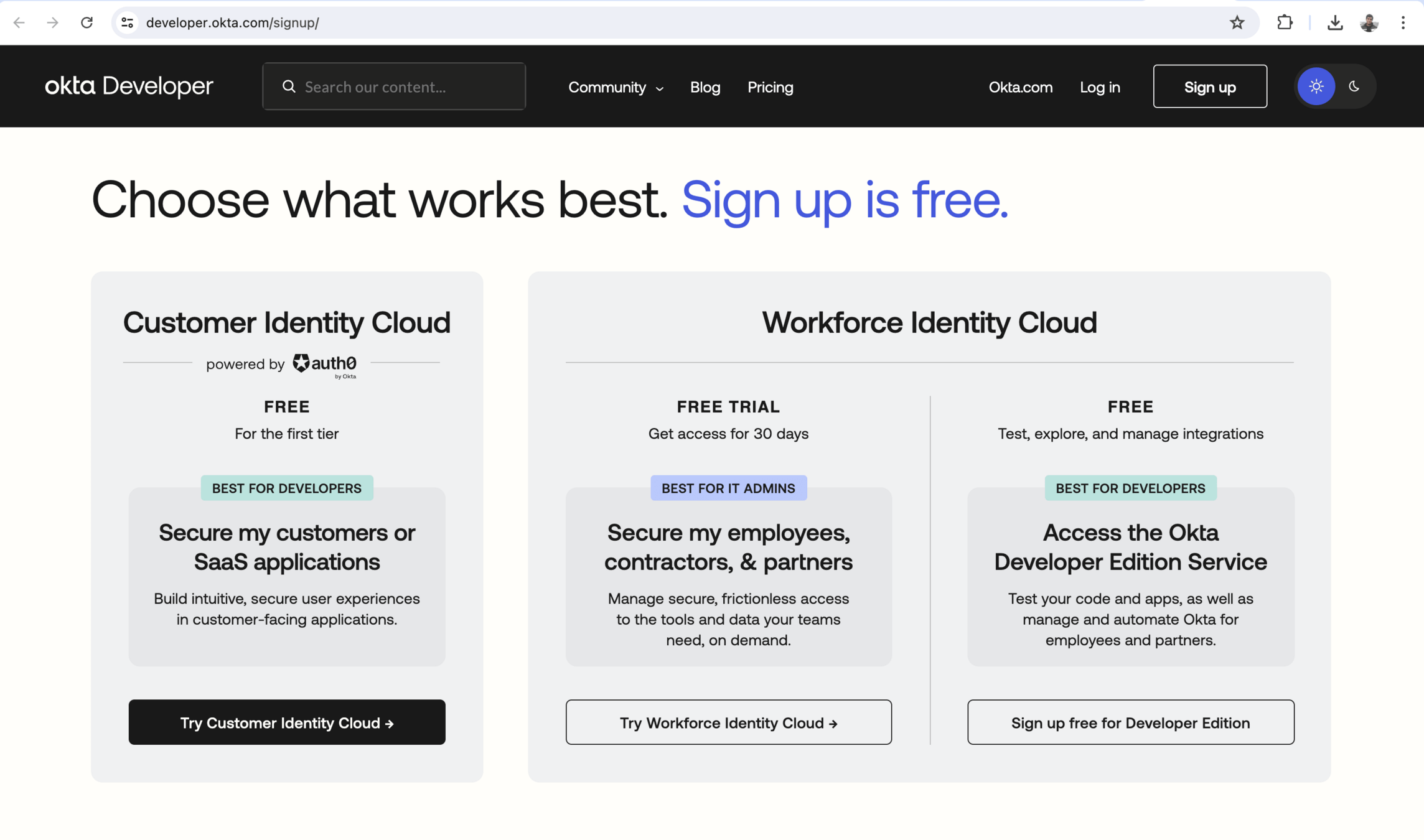

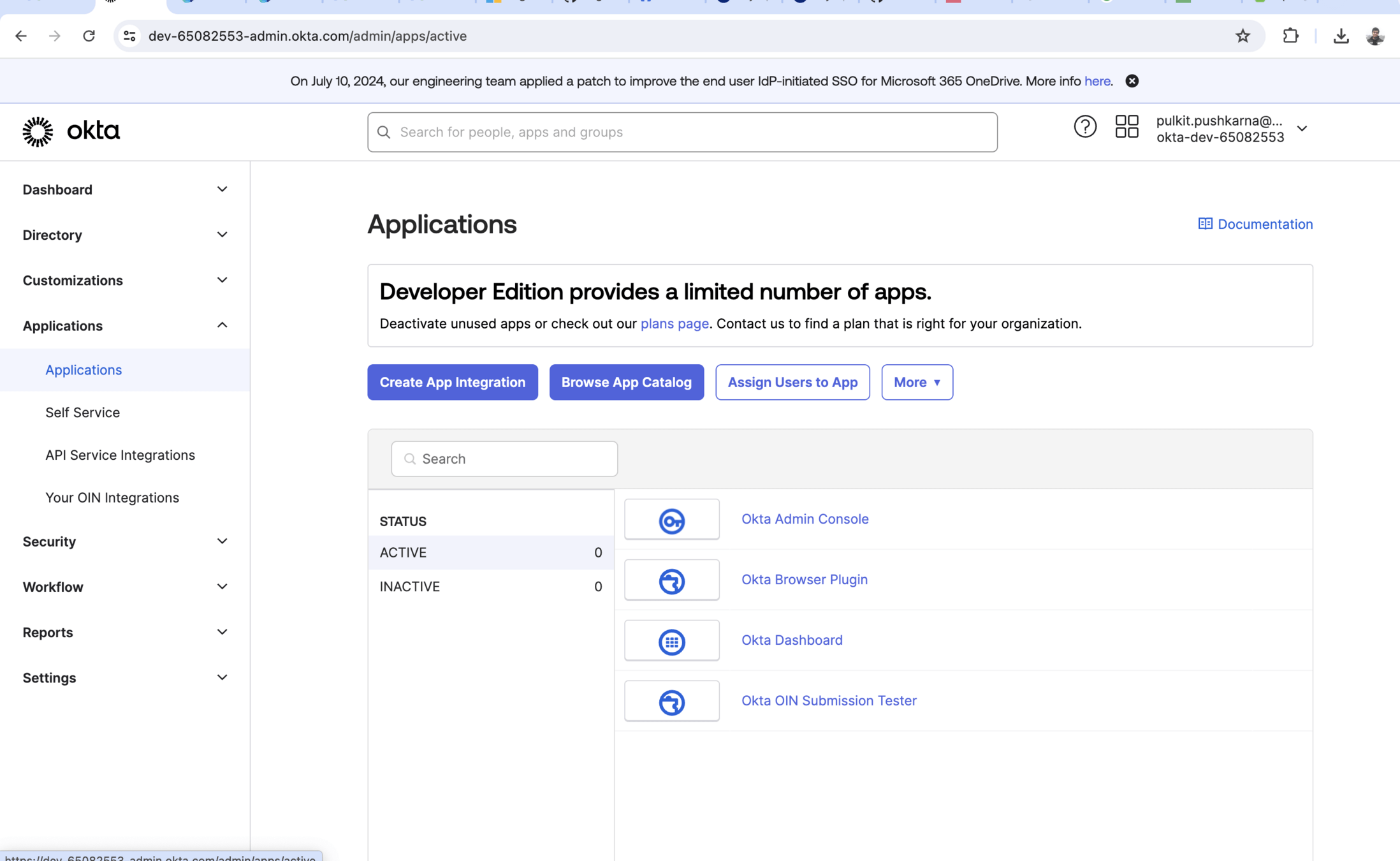
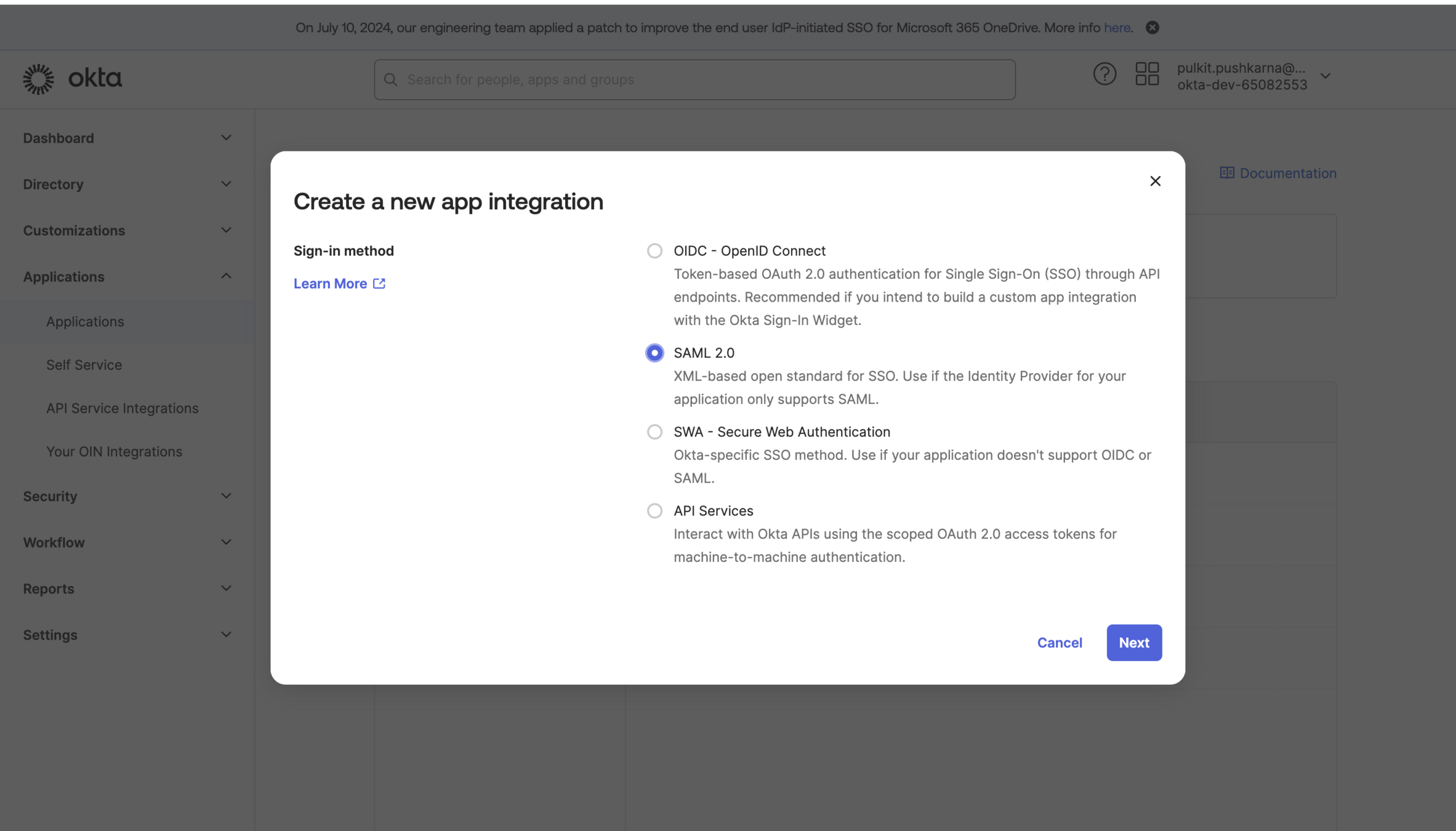
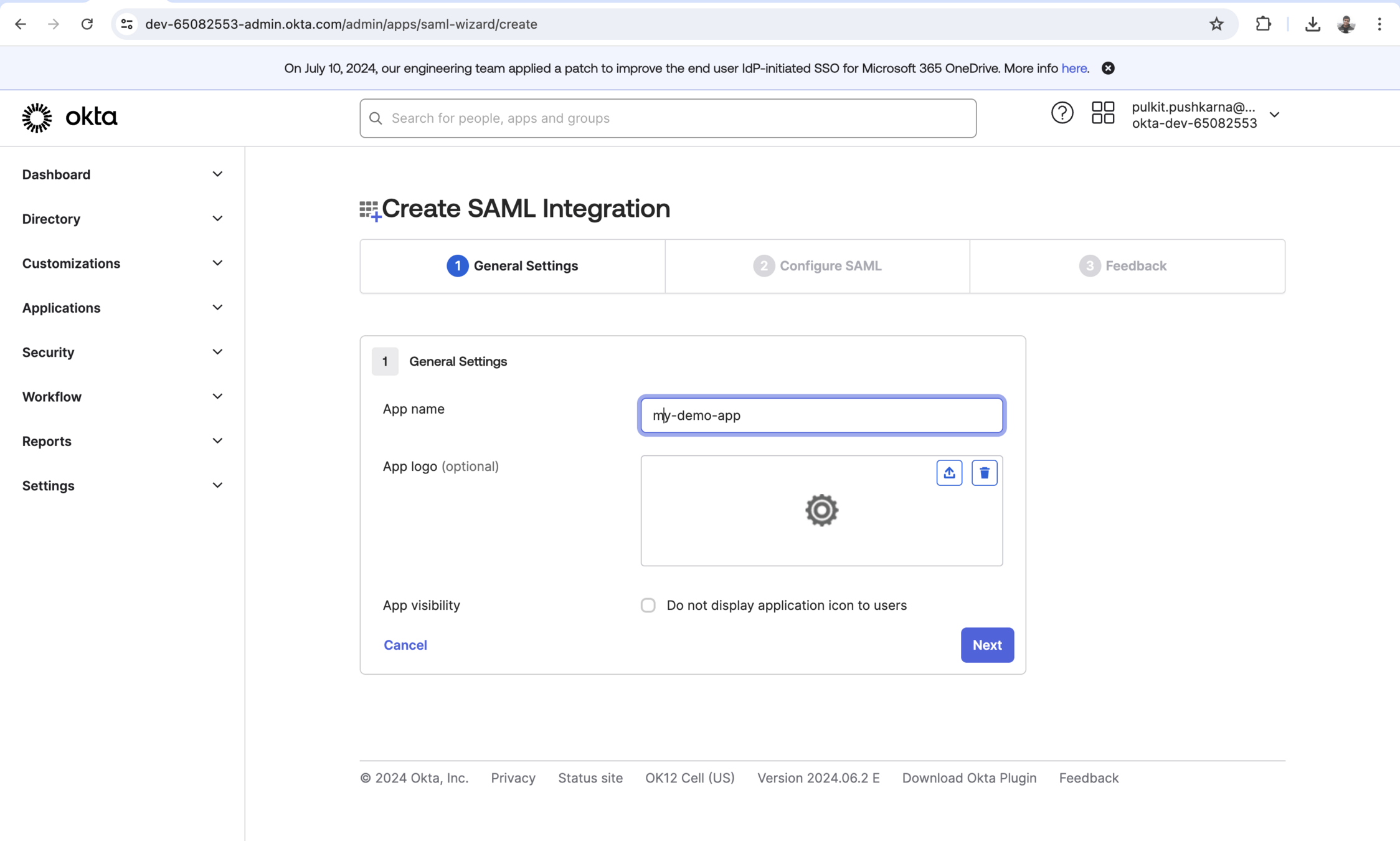
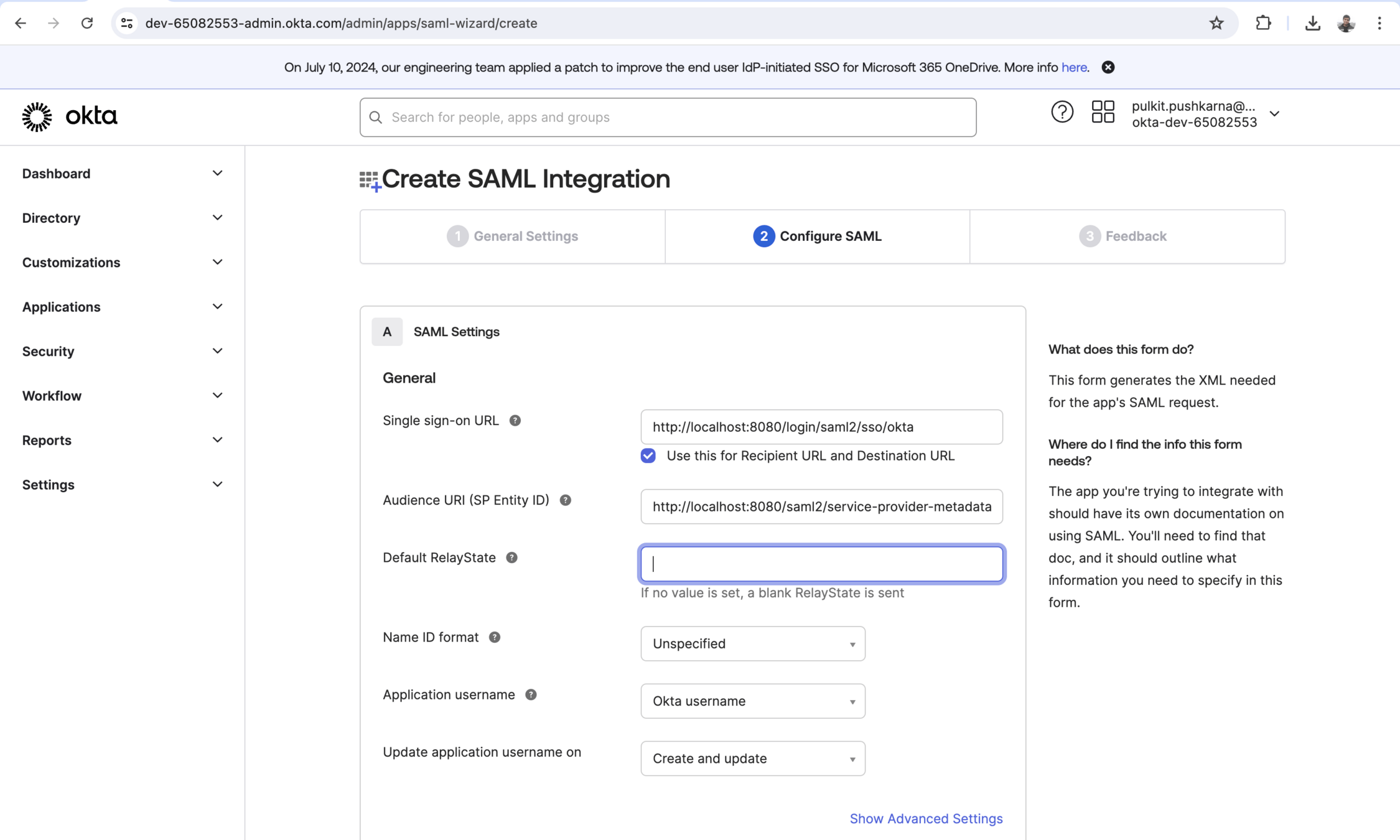
Singke sign-on Url : http://localhost:8082/login/saml2/sso/okta
SP Entity Id :http://localhost:8080/saml2/service-provider-metadata/okta
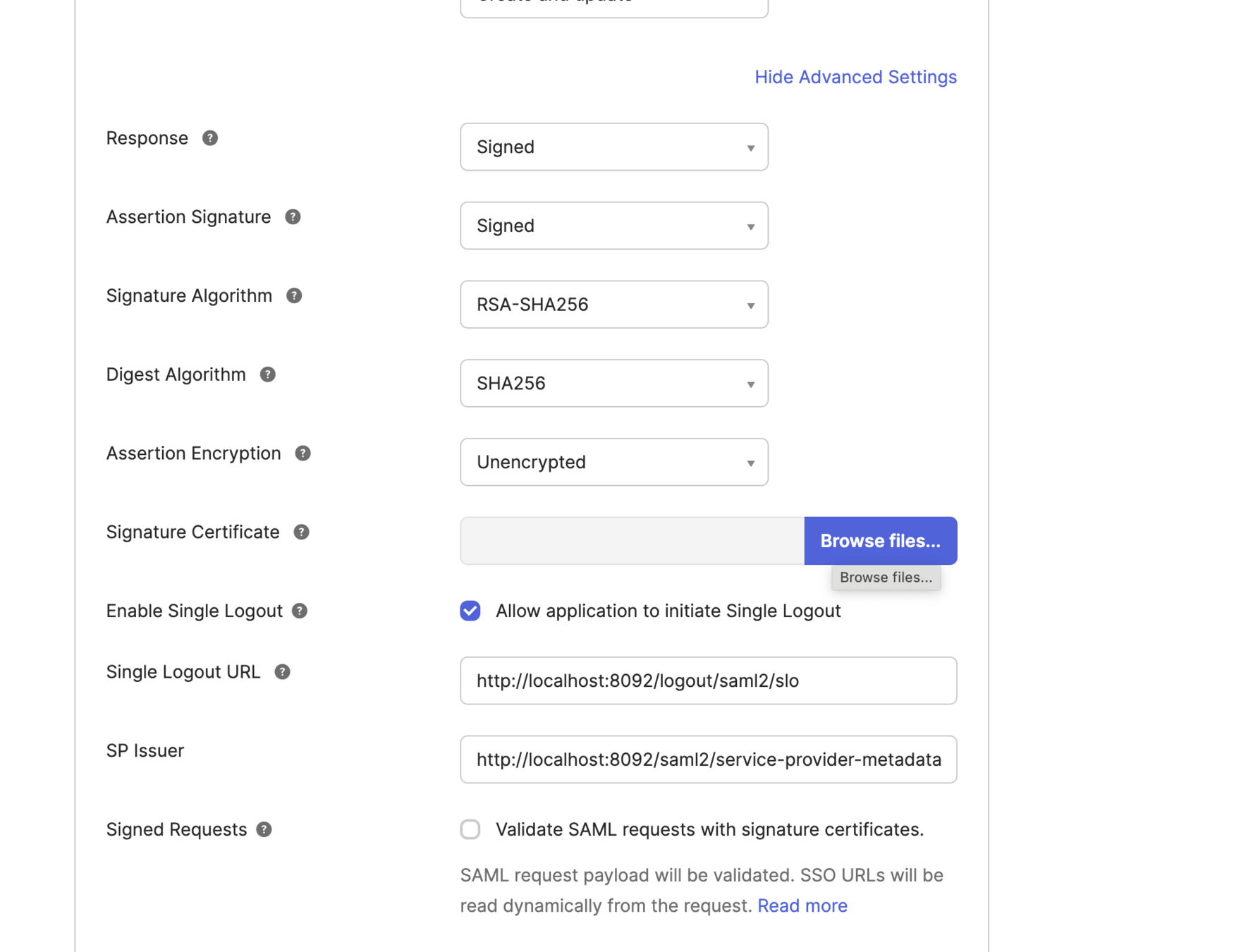
Single Logout Url : http://localhost:8082/logout/saml2/slo
SP issuer : http://localhost:8082/saml2/service-provider-metadata/okta
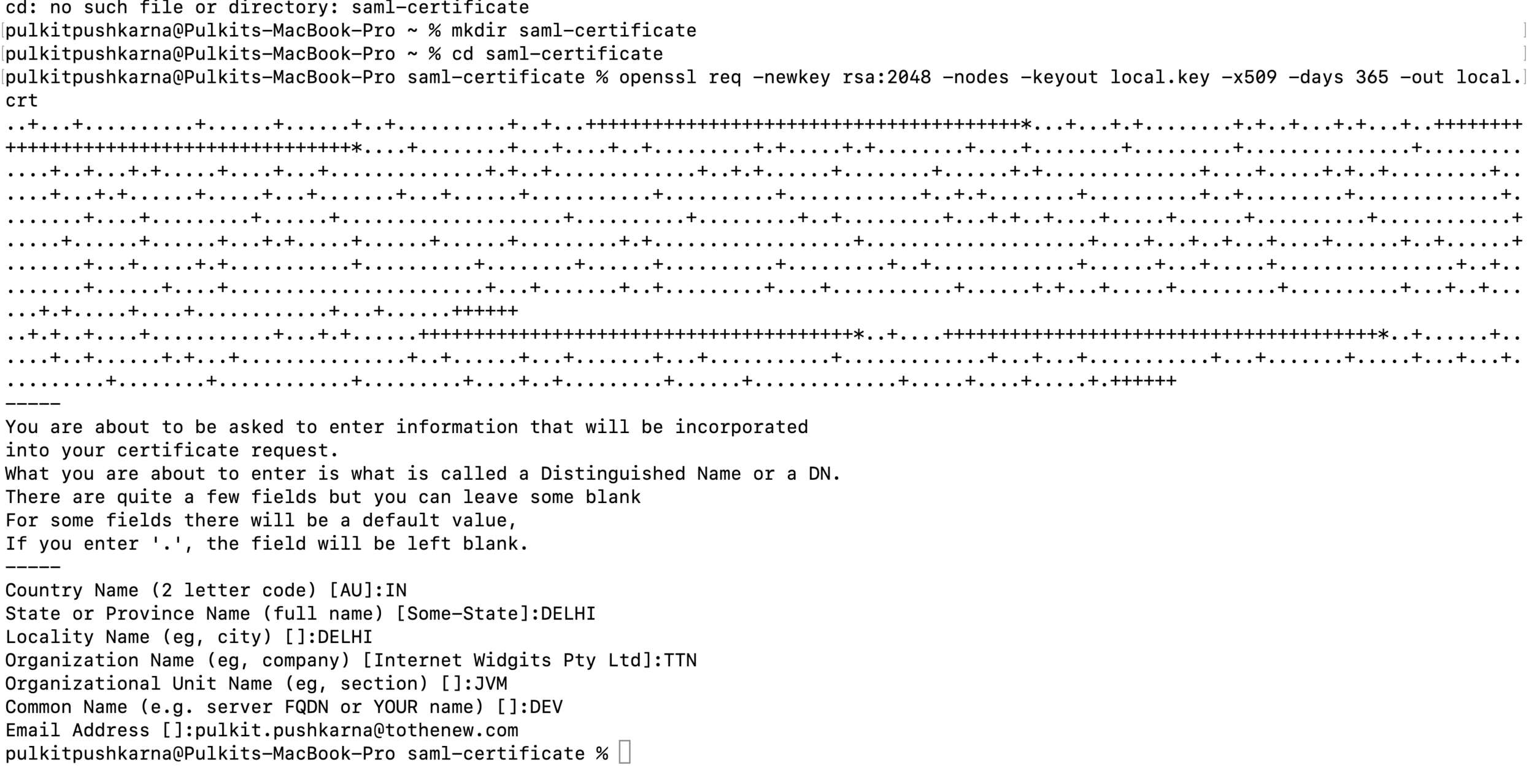
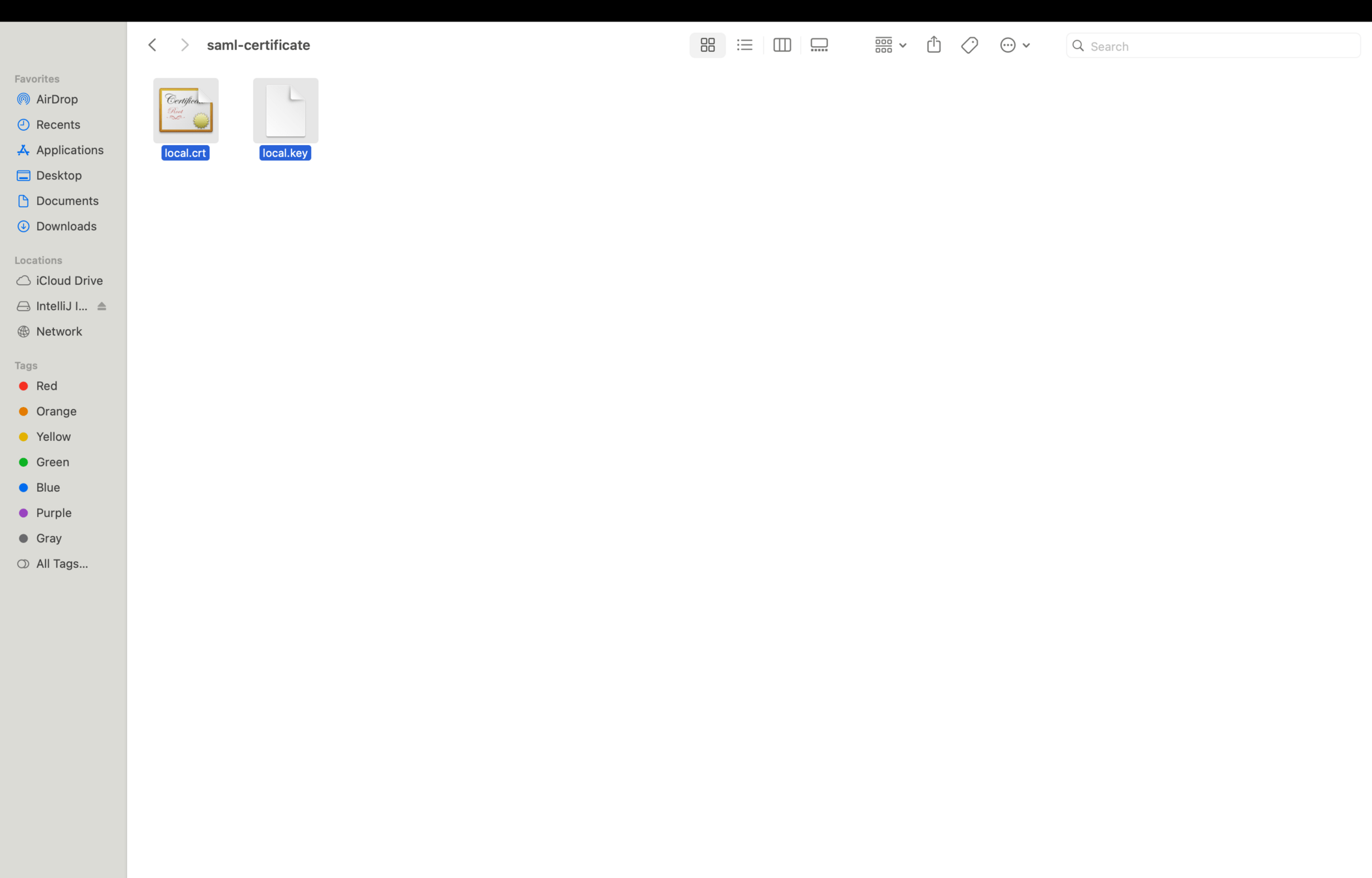
openssl req -newkey rsa:2048 -nodes -keyout local.key -x509 -days 365 -out local.crt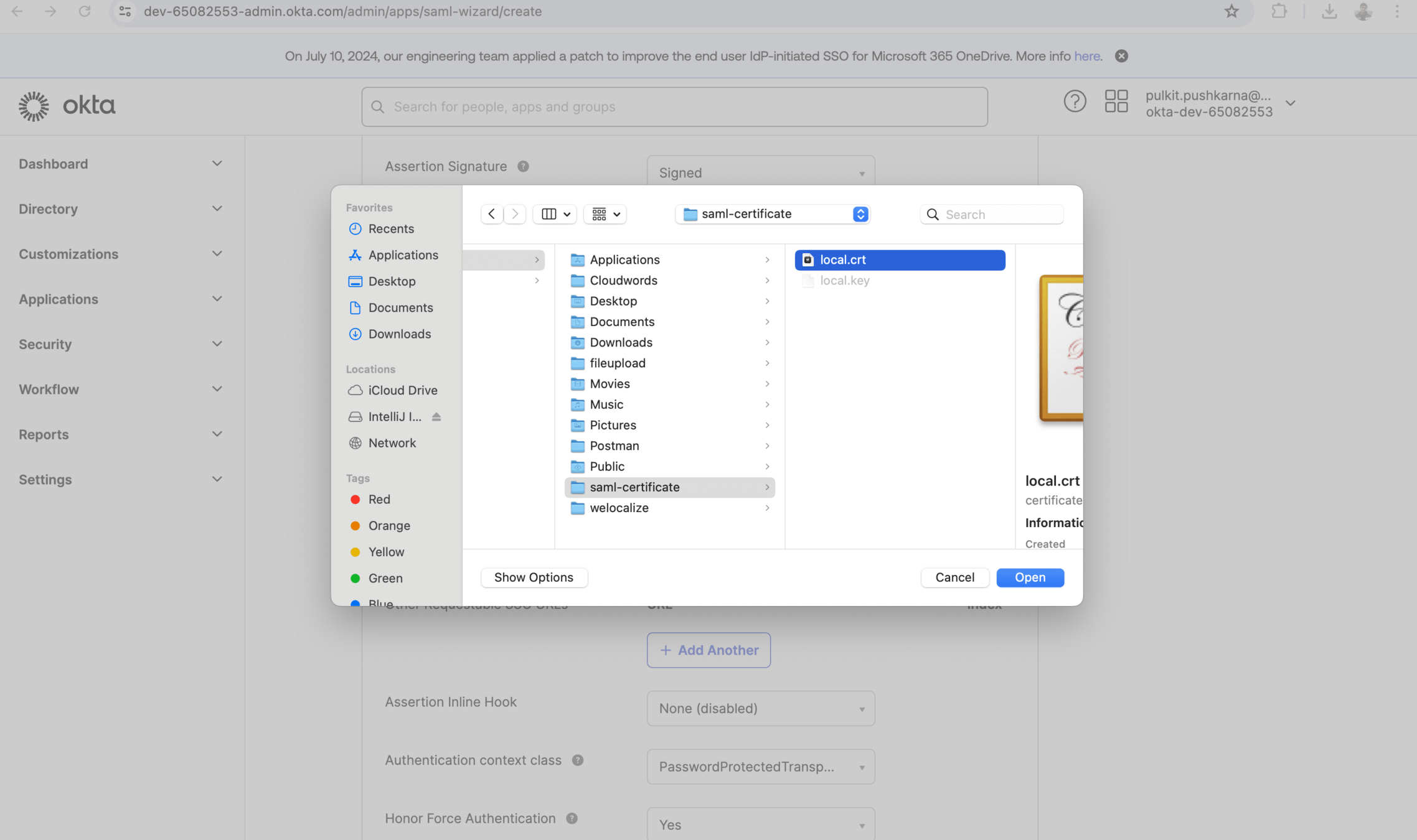
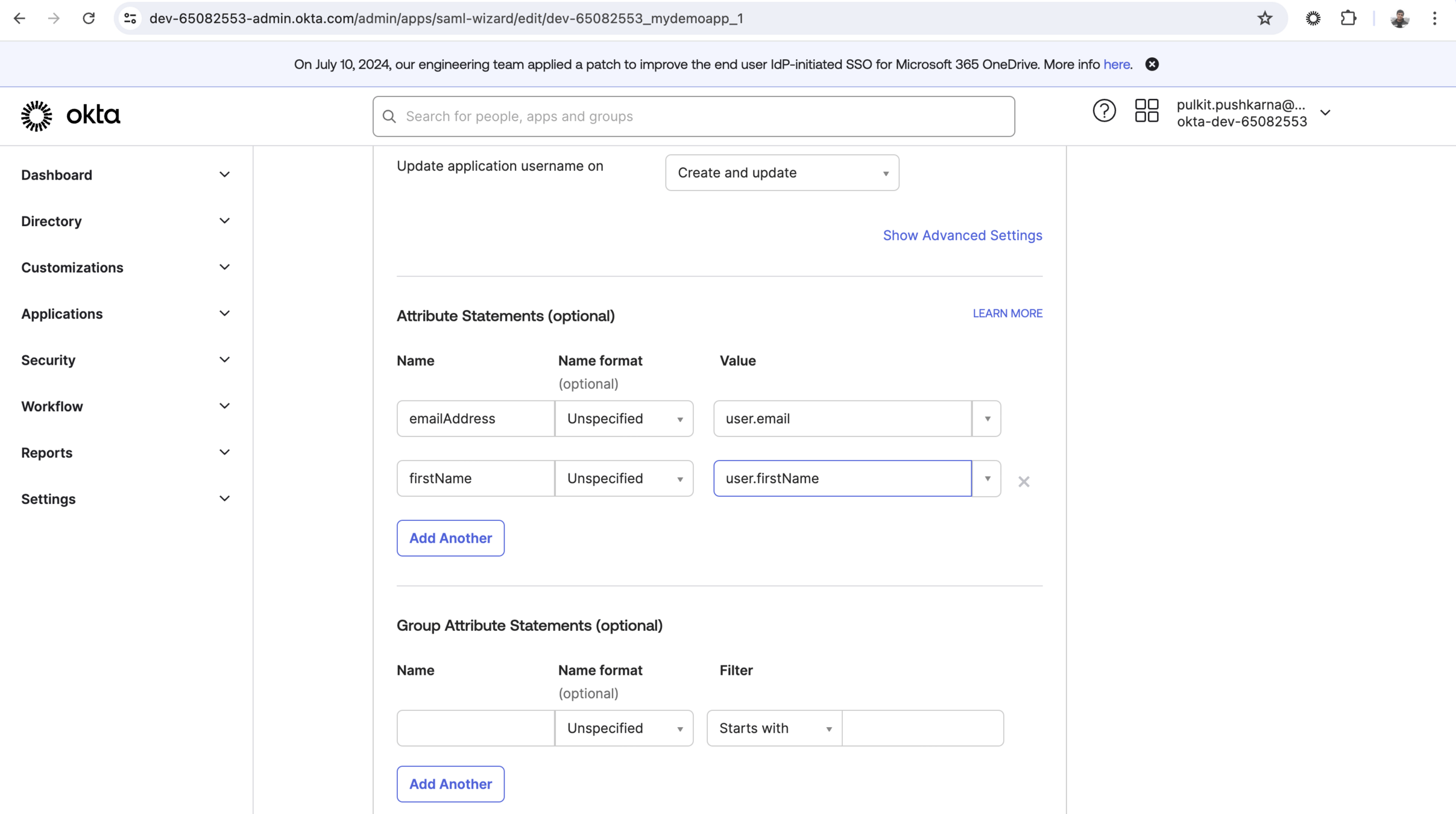
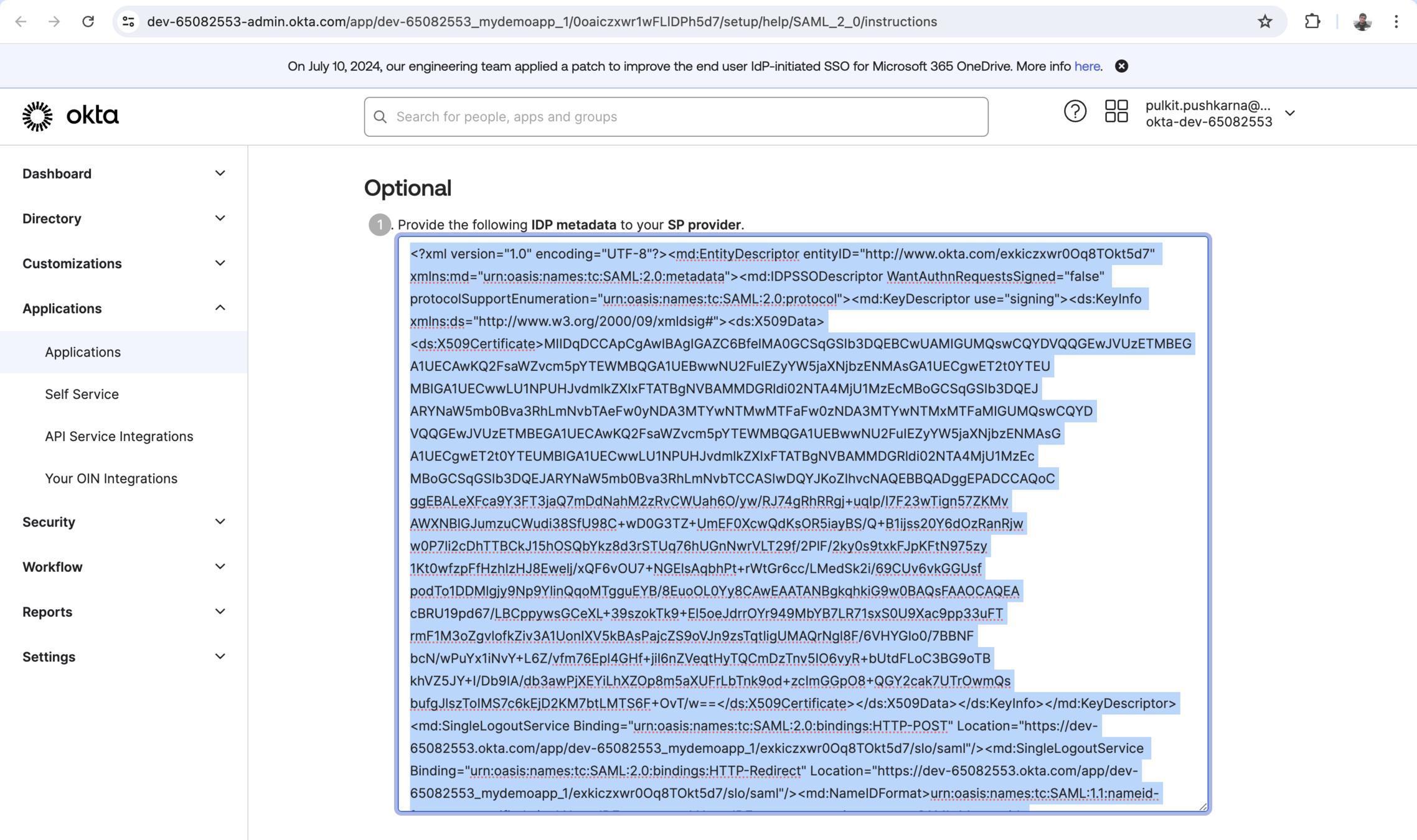
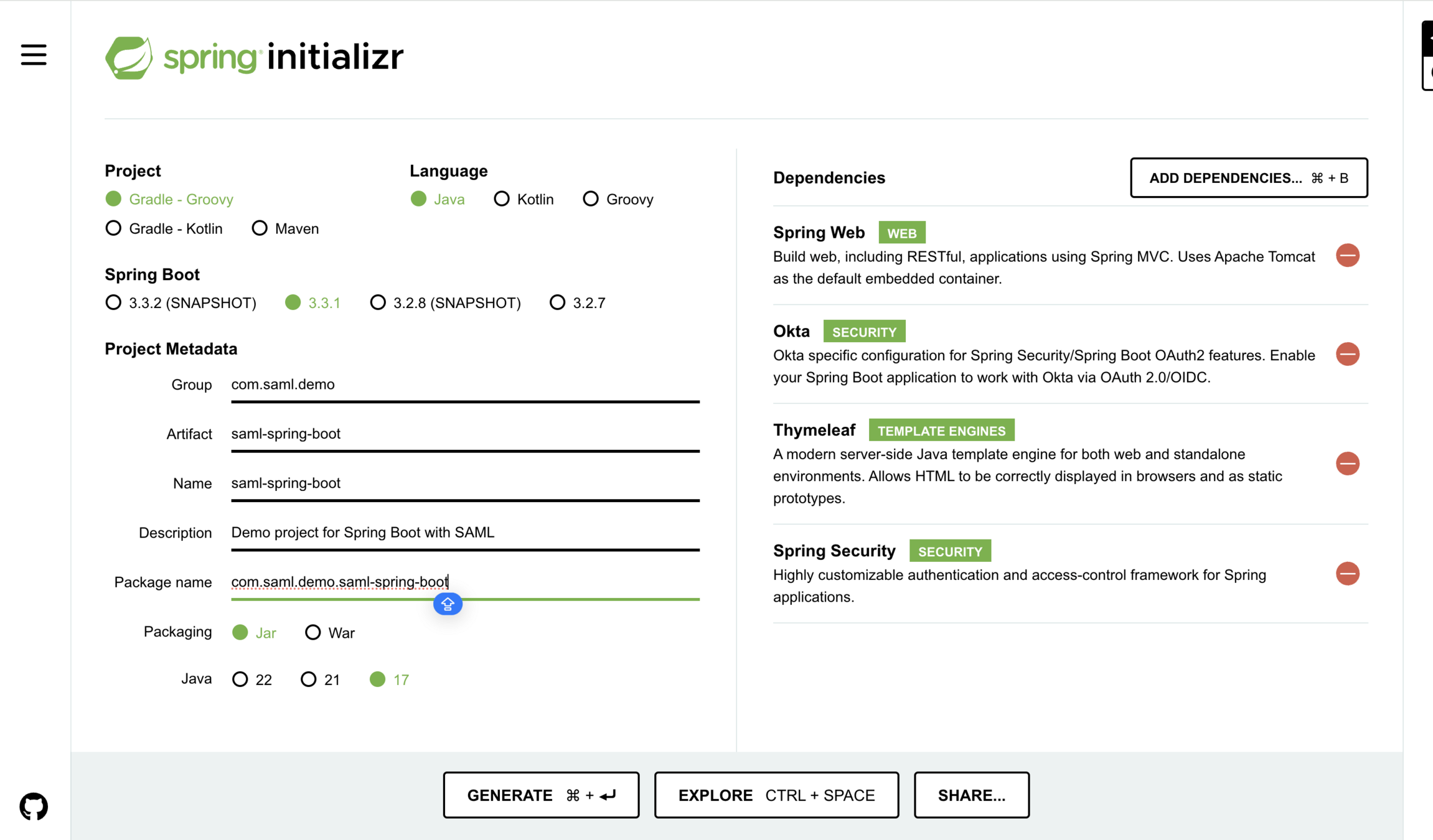
Import the project in intelliJ Idea
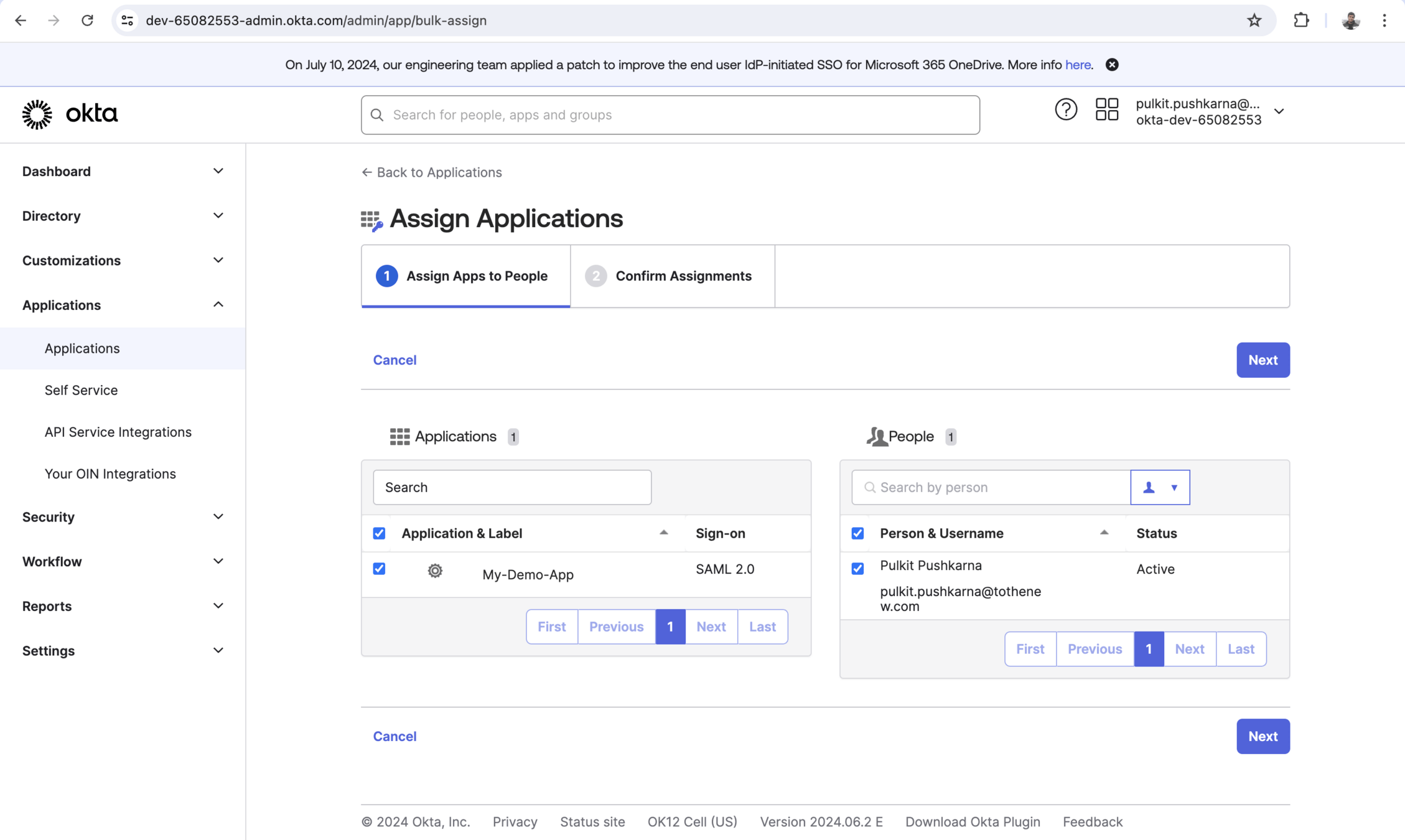
build.gradle
plugins {
	id 'java'
	id 'org.springframework.boot' version '3.3.1'
	id 'io.spring.dependency-management' version '1.1.5'
}

group = 'com.saml.demo'
version = '0.0.1-SNAPSHOT'

java {
	toolchain {
		languageVersion = JavaLanguageVersion.of(17)
	}
}

repositories {
	mavenCentral()
    //addition dsl
	maven { url 'https://build.shibboleth.net/maven/releases' }
}

dependencies {
	implementation 'org.springframework.boot:spring-boot-starter-security'
	implementation 'org.springframework.boot:spring-boot-starter-thymeleaf'
	implementation 'org.springframework.boot:spring-boot-starter-web'
	implementation 'com.okta.spring:okta-spring-boot-starter:3.0.7'
	implementation 'org.thymeleaf.extras:thymeleaf-extras-springsecurity6'
	testImplementation 'org.springframework.boot:spring-boot-starter-test'
	testImplementation 'org.springframework.security:spring-security-test'
	testRuntimeOnly 'org.junit.platform:junit-platform-launcher'
    //addition dependencies
	implementation 'org.springframework.security:spring-security-saml2-service-provider'
	implementation 'org.opensaml:opensaml-core:4.1.1'
	implementation 'org.opensaml:opensaml-saml-api:4.1.1'
	implementation 'org.opensaml:opensaml-saml-impl:4.1.1'
}

tasks.named('test') {
	useJUnitPlatform()
}
application.yaml
spring:
  security:
    saml2:
      relyingparty:
        registration:
          okta:
            signing:
              credentials:
                - private-key-location: classpath:local.key
                  certificate-location: classpath:local.crt
            singlelogout:
              binding: POST
              response-url: "http://localhost:8092/logout/saml2/slo"
            assertingparty:
              metadata-uri: "classpath:metadata/metadata-idp.xml"
server:
  port: 8092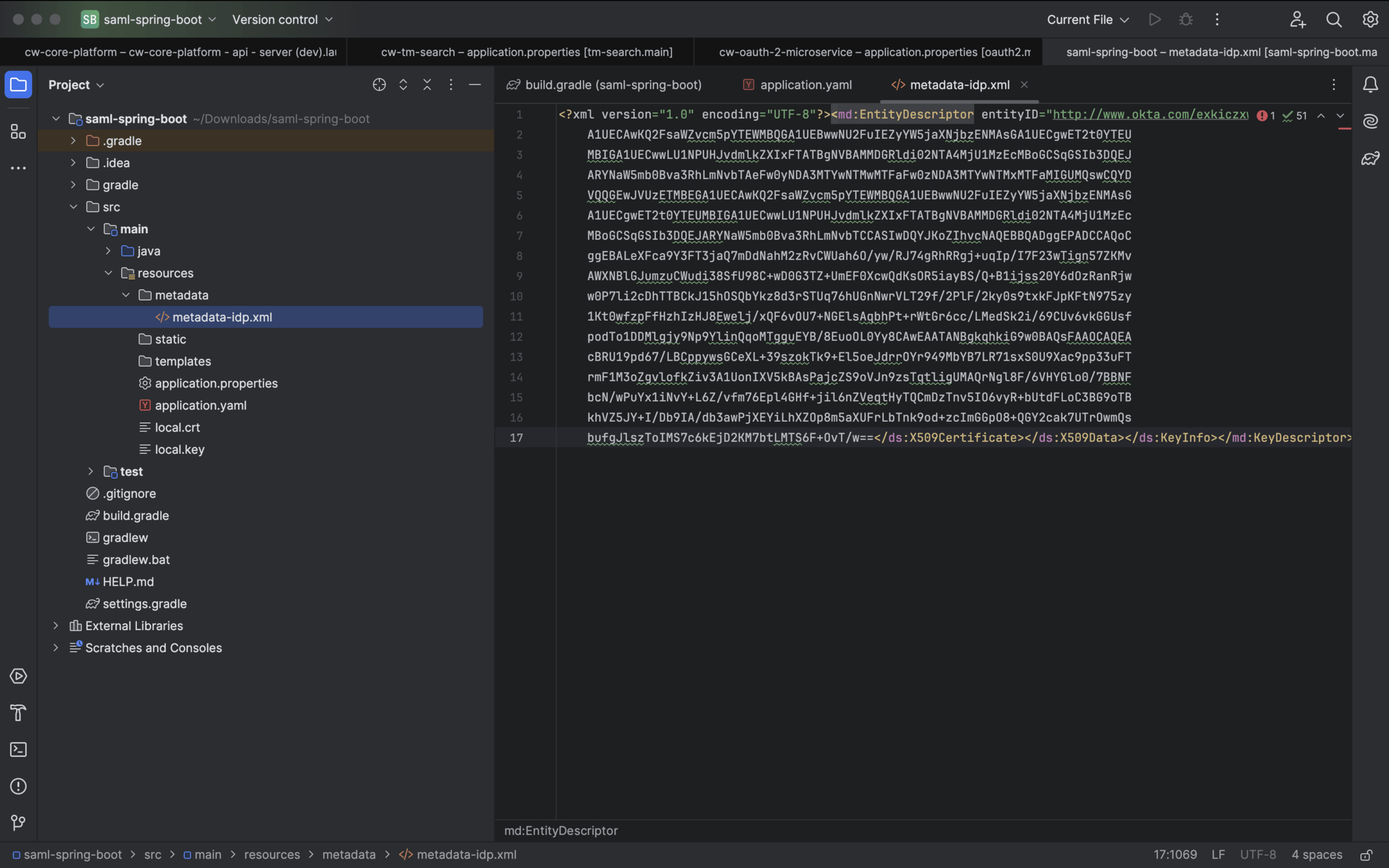
package com.saml.demo.saml_spring_boot.controller;

import org.springframework.security.core.annotation.AuthenticationPrincipal;
import org.springframework.security.saml2.provider.service.authentication.Saml2AuthenticatedPrincipal;
import org.springframework.stereotype.Controller;
import org.springframework.ui.Model;
import org.springframework.web.bind.annotation.GetMapping;

@Controller
public class MainController {

    @GetMapping("/")
    public String index(Model model, @AuthenticationPrincipal Saml2AuthenticatedPrincipal principal) {
        String emailAddress = principal.getName();
        model.addAttribute("emailAddress", emailAddress);
        model.addAttribute("userAttributes", principal.getAttributes());
        return "index";
    }

}
index.html
<!doctype html>
<html xmlns="http://www.w3.org/1999/xhtml" xmlns:th="https://www.thymeleaf.org"
      xmlns:sec="https://www.thymeleaf.org/thymeleaf-extras-springsecurity5">

<head>
    <title>Example for Spring Security - SAML 2.0/Okta integration</title>
    <meta charset="utf-8" />
    <style>
        span,
        dt {
            font-weight: bold;
        }
    </style>
    <link rel="stylesheet" href="https://maxcdn.bootstrapcdn.com/bootstrap/4.0.0/css/bootstrap.min.css"
          integrity="sha384-Gn5384xqQ1aoWXA+058RXPxPg6fy4IWvTNh0E263XmFcJlSAwiGgFAW/dAiS6JXm" crossorigin="anonymous">
</head>

<body>
<div class="container">
    <ul class="nav">
        <li class="nav-item">
            <form th:action="@{/logout}" method="post">
                <button class="btn btn-primary" id="rp_logout_button" type="submit">
                    Logout
                </button>
            </form>
        </li>
    </ul>
</div>
<main role="main" class="container">
    <h1 class="mt-5">Example for Spring Security - SAML 2.0/Okta integration</h1>
    <p class="lead">You are successfully logged in as <span th:text="${emailAddress}"></span></p>
    <h2 class="mt-2">User Identity Attributes</h2>
    <table class='table table-striped'>
        <thead>
        <tr>
            <th>Attribute</th>
            <th>Value</th>
        </tr>
        </thead>
        <tbody>
        <tr th:each="userAttribute : ${userAttributes}">
            <th th:text="${userAttribute.key}"></th>
            <td th:text="${userAttribute.value}"></td>
        </tr>
        </tbody>
    </table>
</main>
</body>

</html>
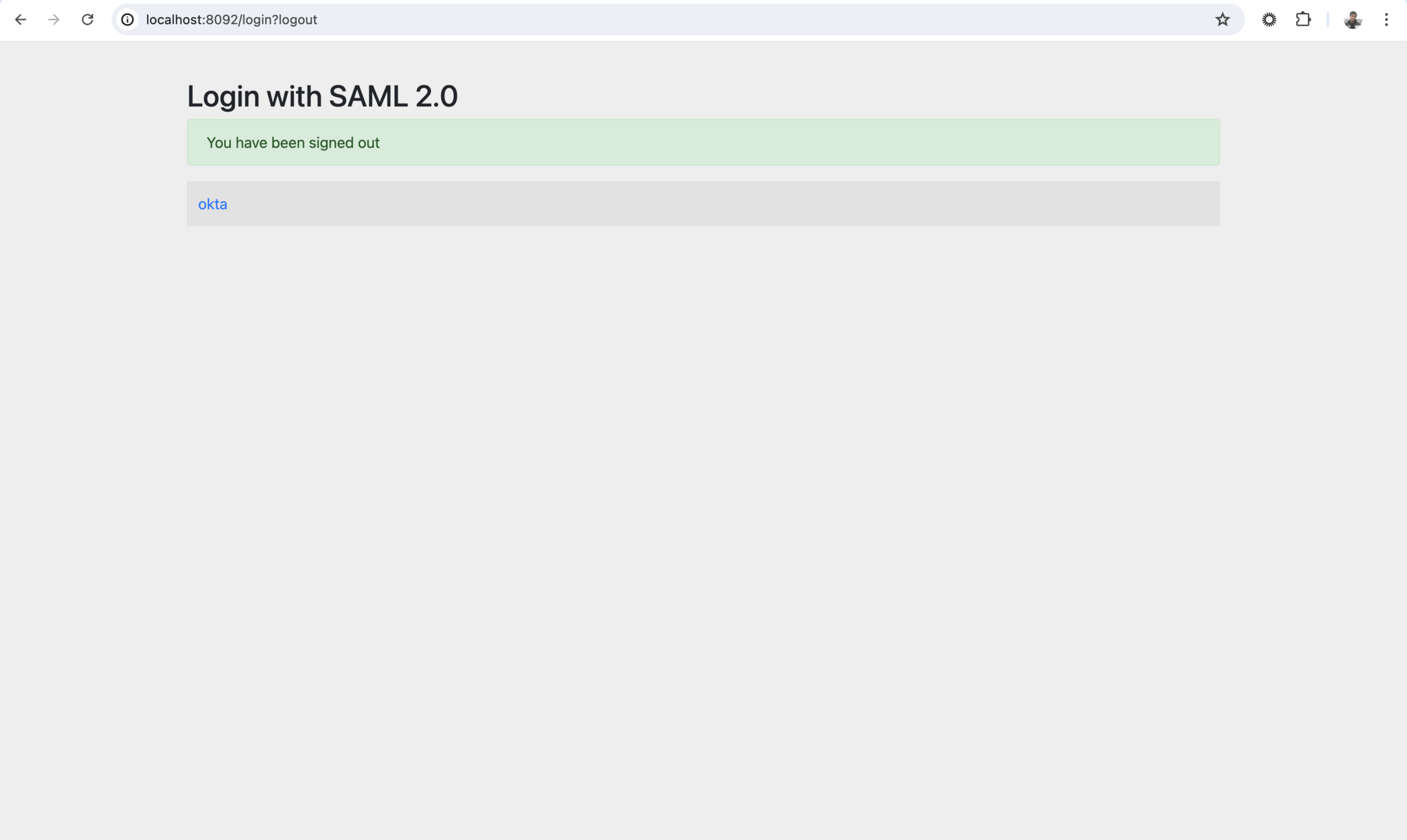
Start the App and hit the url http://localhost:8092/
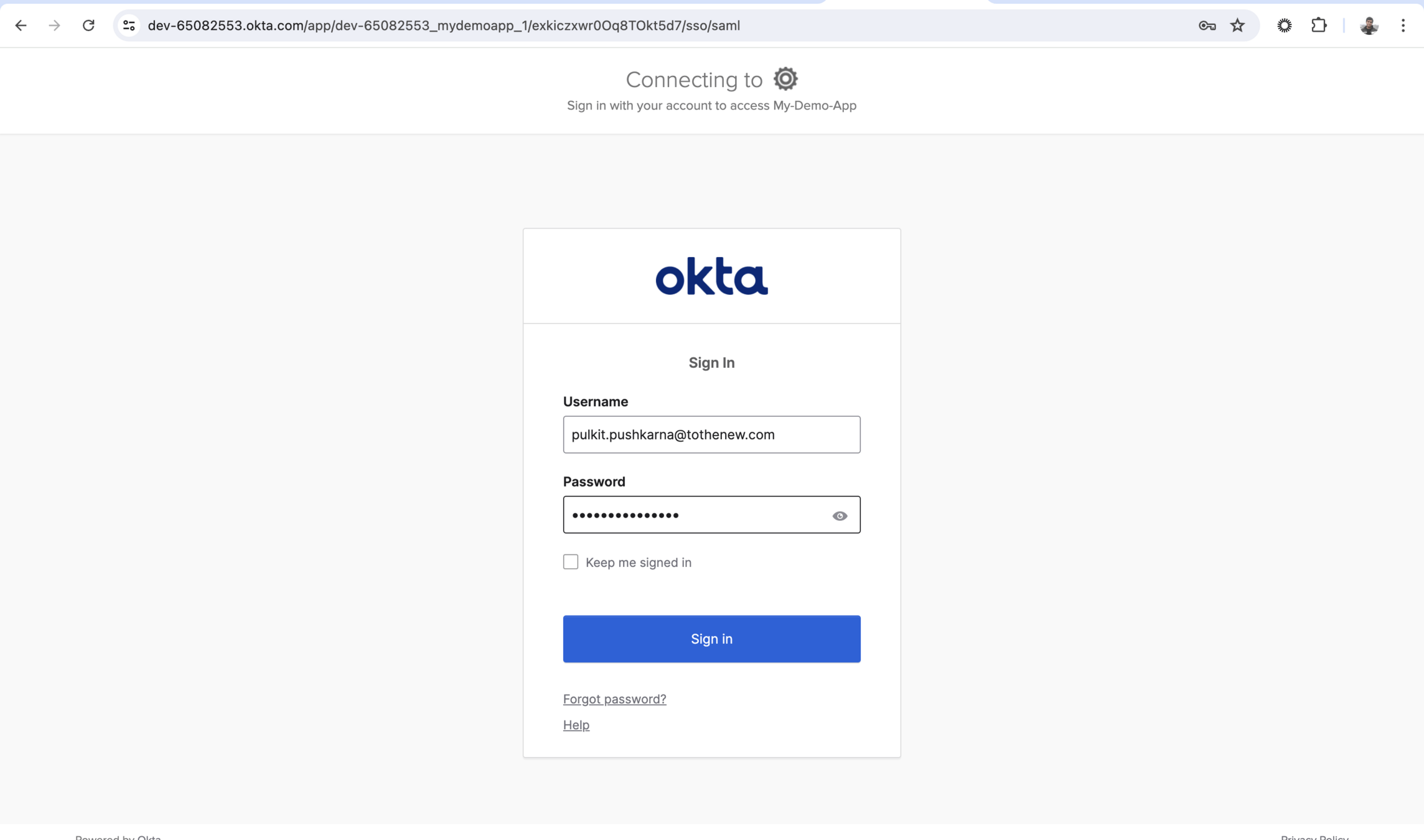
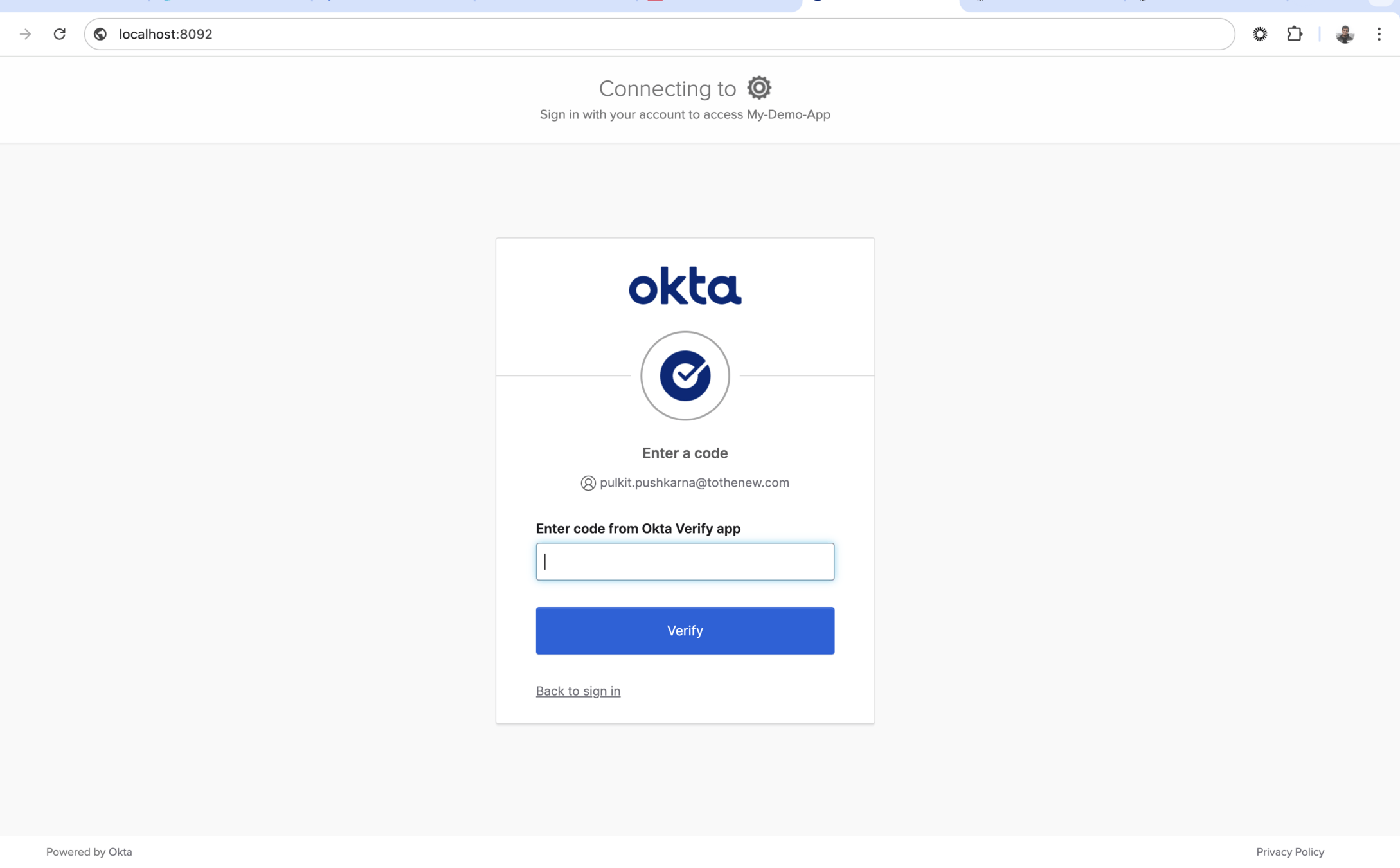
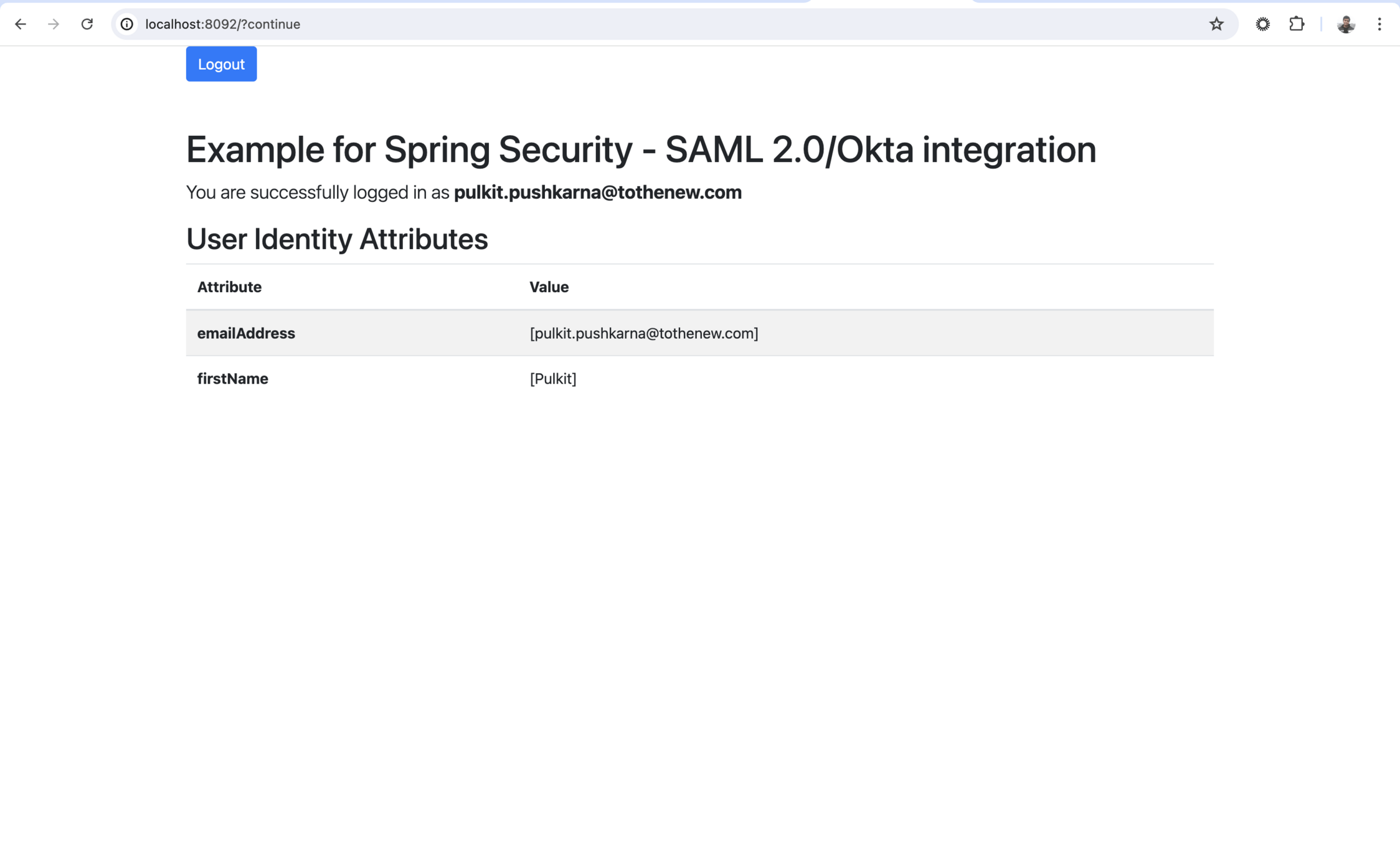
- Create another App for port 8093 in the similar way.
- Build jar with 8092 setting and then with 8093.
- Run the 2 jars parallel
- login from one App . You will see that you are logged in with another App.
- now logout from any App and You will observe that you are logged out from another app.